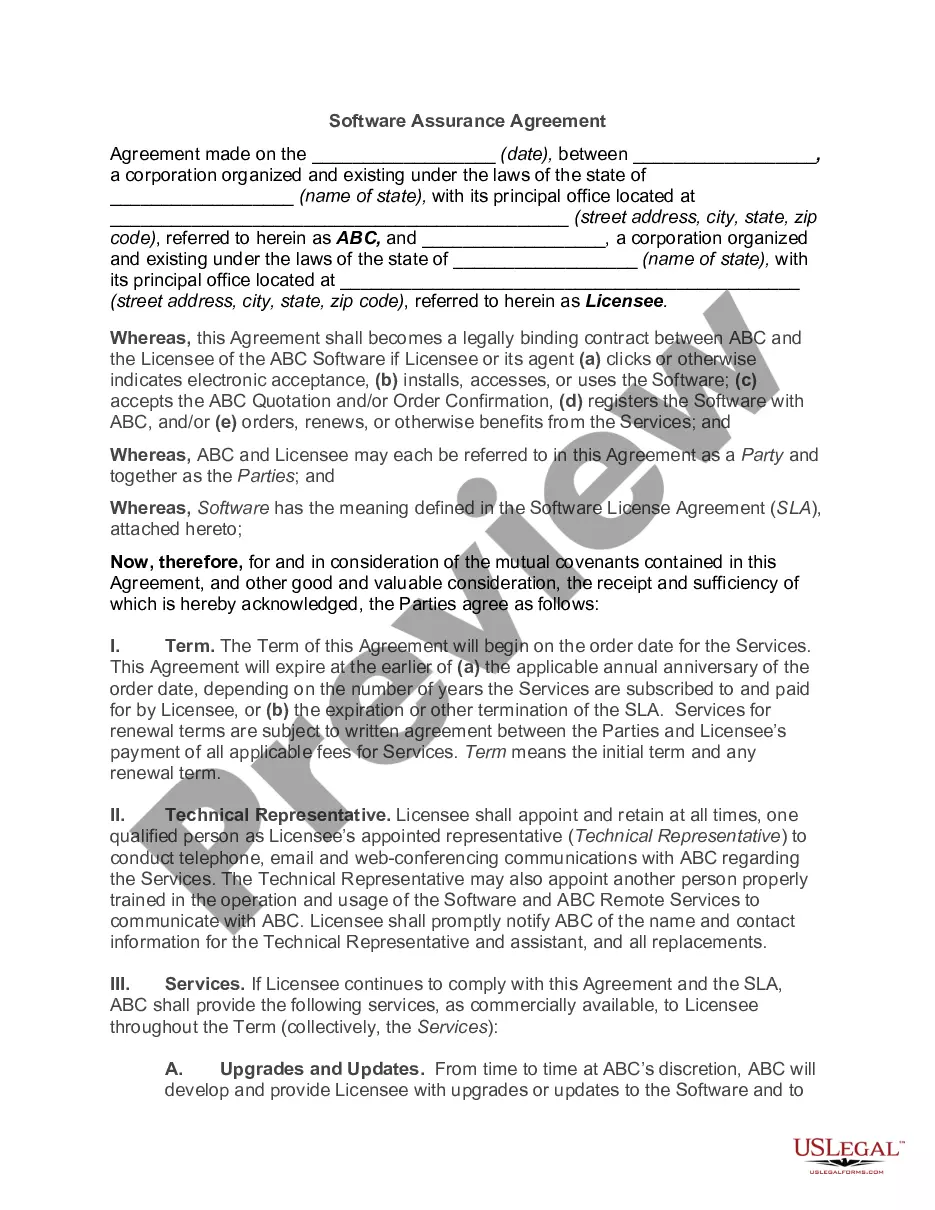
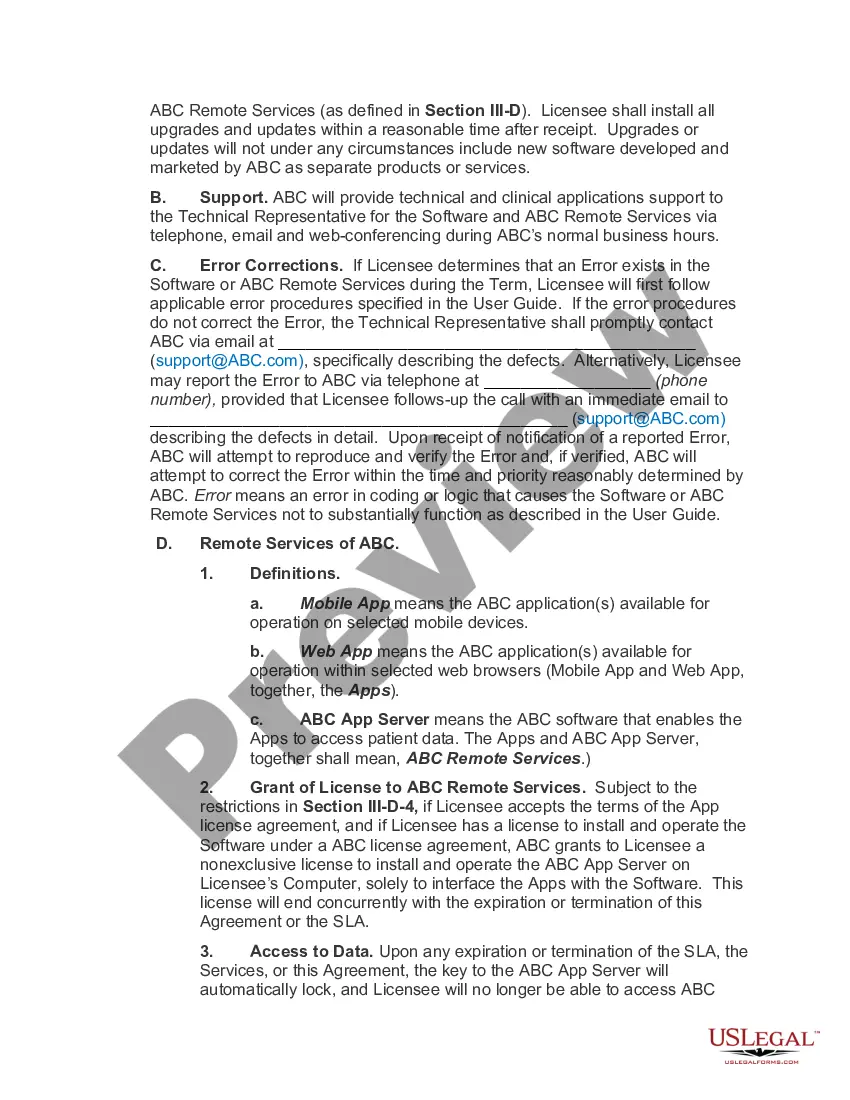
Georgia Software Assurance Agreement
Description
Get your form ready online
Our built-in tools help you complete, sign, share, and store your documents in one place.
Make edits, fill in missing information, and update formatting in US Legal Forms—just like you would in MS Word.
Download a copy, print it, send it by email, or mail it via USPS—whatever works best for your next step.
Sign and collect signatures with our SignNow integration. Send to multiple recipients, set reminders, and more. Go Premium to unlock E-Sign.
If this form requires notarization, complete it online through a secure video call—no need to meet a notary in person or wait for an appointment.
We protect your documents and personal data by following strict security and privacy standards.

Make edits, fill in missing information, and update formatting in US Legal Forms—just like you would in MS Word.

Download a copy, print it, send it by email, or mail it via USPS—whatever works best for your next step.

Sign and collect signatures with our SignNow integration. Send to multiple recipients, set reminders, and more. Go Premium to unlock E-Sign.

If this form requires notarization, complete it online through a secure video call—no need to meet a notary in person or wait for an appointment.

We protect your documents and personal data by following strict security and privacy standards.
Looking for another form?


How to fill out Software Assurance Agreement?
It is feasible to devote time online attempting to locate the legal document template that meets the state and federal requirements you require.
US Legal Forms offers thousands of legal forms that have been evaluated by professionals.
You can easily download or print the Georgia Software Assurance Agreement from our service.
If available, use the Review button to examine the document template as well.
- If you already have a US Legal Forms account, you can Log In and click on the Download button.
- Subsequently, you can complete, modify, print, or sign the Georgia Software Assurance Agreement.
- Every legal document template you purchase is yours permanently.
- To obtain an additional copy of any purchased form, navigate to the My documents section and click on the appropriate button.
- If you are using the US Legal Forms website for the first time, follow the simple instructions below.
- First, ensure that you have selected the correct document template for the area/city of your choice.
- Review the form description to confirm that you have selected the right form.
Form popularity
FAQ
A comprehensive program that includes a unique set of technologies, services, and rights for using Microsoft products efficiently, Software Assurance helps keep your business up to date and ready to respond quickly to change and opportunity.
Can I add Software Assurance to an OEM/Retail product license? Yes, you can attach standalone Software Assurance coverage to an OEM/Retail product license, but you must do so within 90 days of purchasing the OEM/Retail (full packaged product) product license.
Software Assurance benefits expire after two years, though they can be renewed for a fee up to 90 days before the date they expire. There is no grace period after the end of the benefit period to renew.
Can I add Software Assurance to an OEM/Retail product license? Yes, you can attach standalone Software Assurance coverage to an OEM/Retail product license, but you must do so within 90 days of purchasing the OEM/Retail (full packaged product) product license.
An EA provides price protection, discounts, and true-up and true-down rights. The MPSA has more flexible terms, with the ability for organizations to buy what they need. However, neither the EA nor the current MPSA presently lets organizations aggregate their licensing enrollments to get lower pricing.
Sign into the Volume Licensing Service Centre. Choose Software or click View Software Assurance Benefits in the Entitlements section of the VLSC home page to display the Software Assurance Summary page. This page displays links for the Software Assurance benefits available for all your licensing IDs.
Activate through the VLSC Before you can activate your Software Assurance benefits in the VLSC, your organization needs to provide you with Software Assurance Manager permissions. After you are signed in, you'll find a complete list of your available Software Assurance benefits.
The Microsoft Products and Services Agreement (MPSA) is a transactional licensing agreement for commercial, government, and academic organizations with 250 or more users/devices.
1) Go to Microsoft Software Assurance Support page and click on Submit Request 2) Select the product and problem for which you need support. 3) On the Create an incident - select a payment option page, select Use my Software Assurance Agreement.