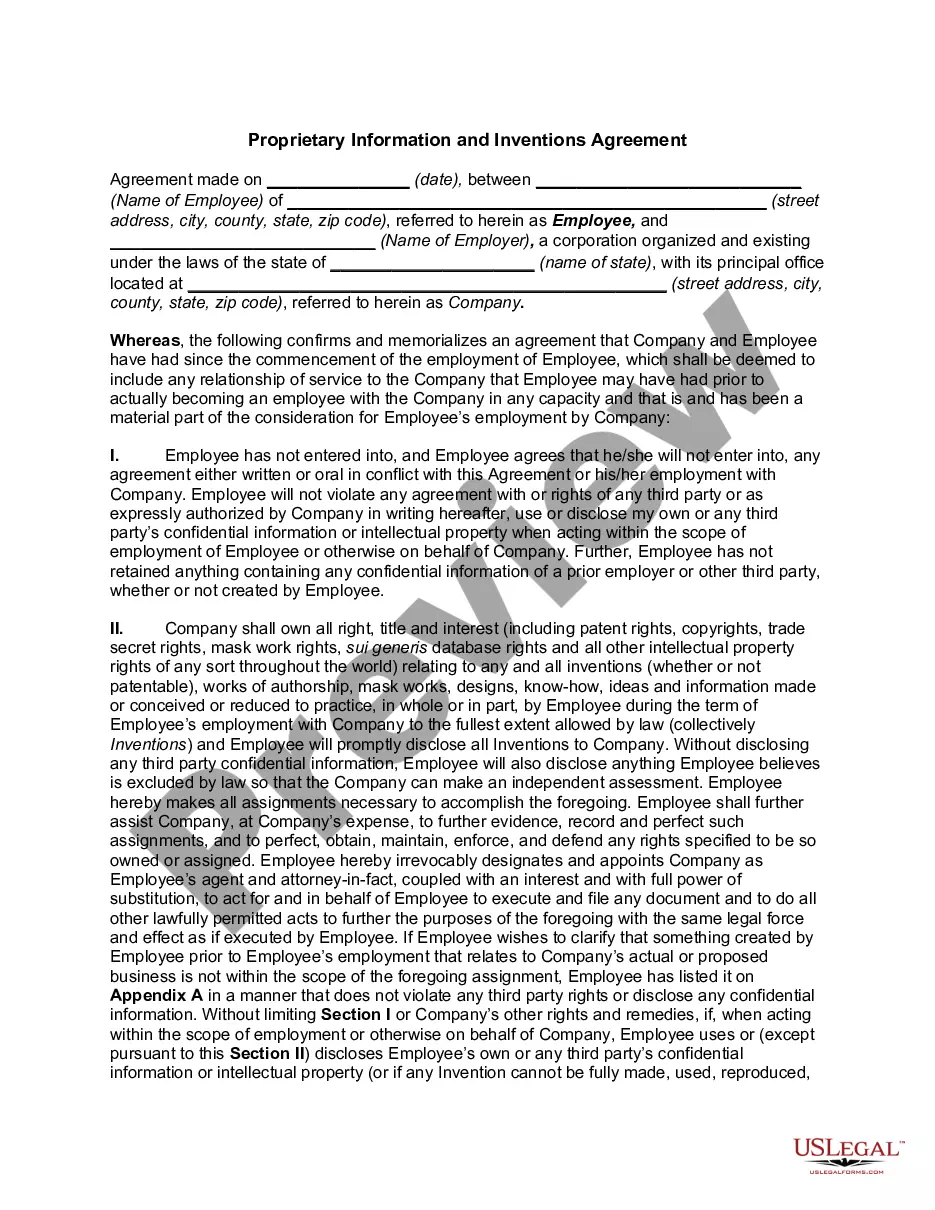
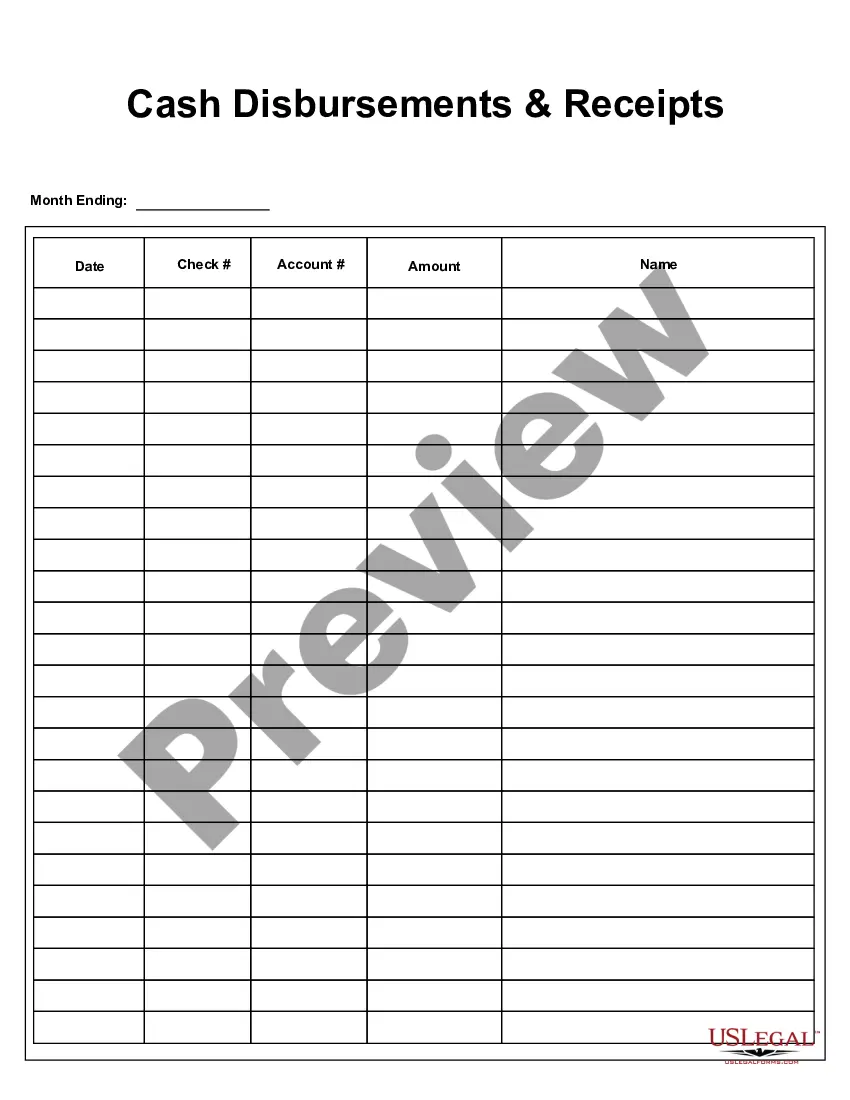
Guam Cash Disbursements and Receipts
Description


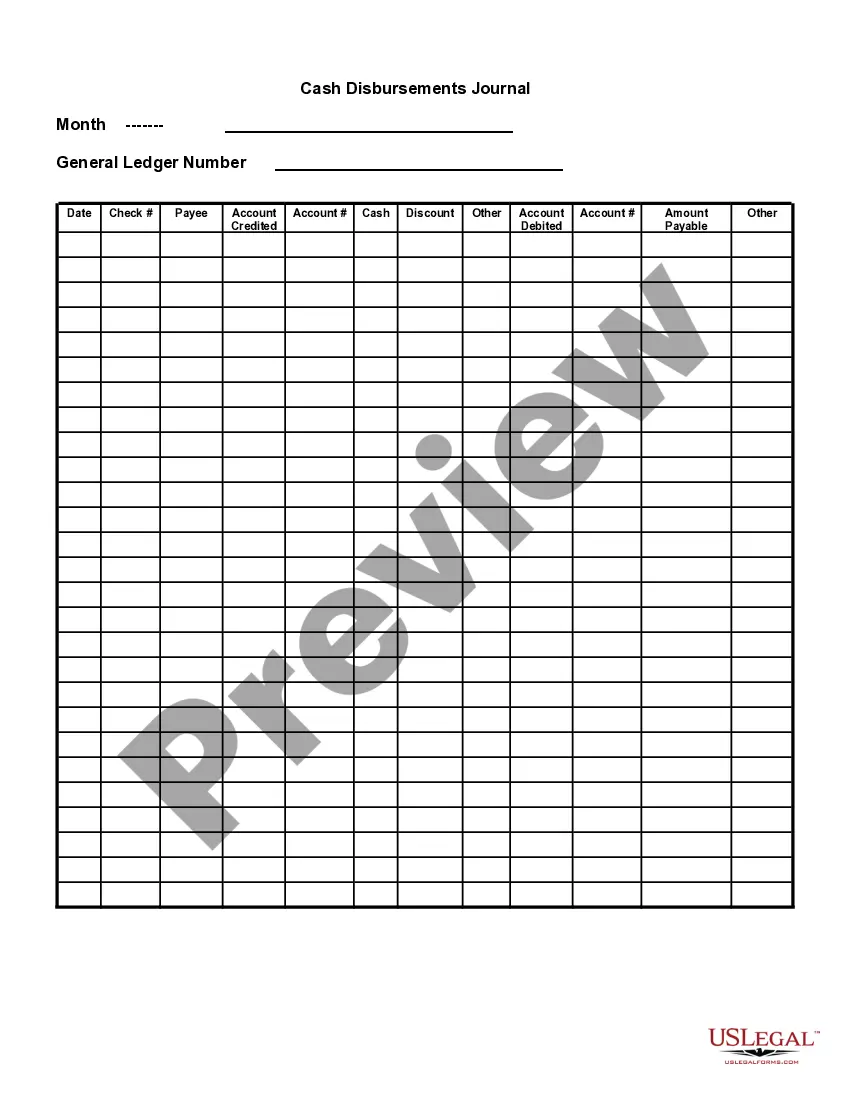
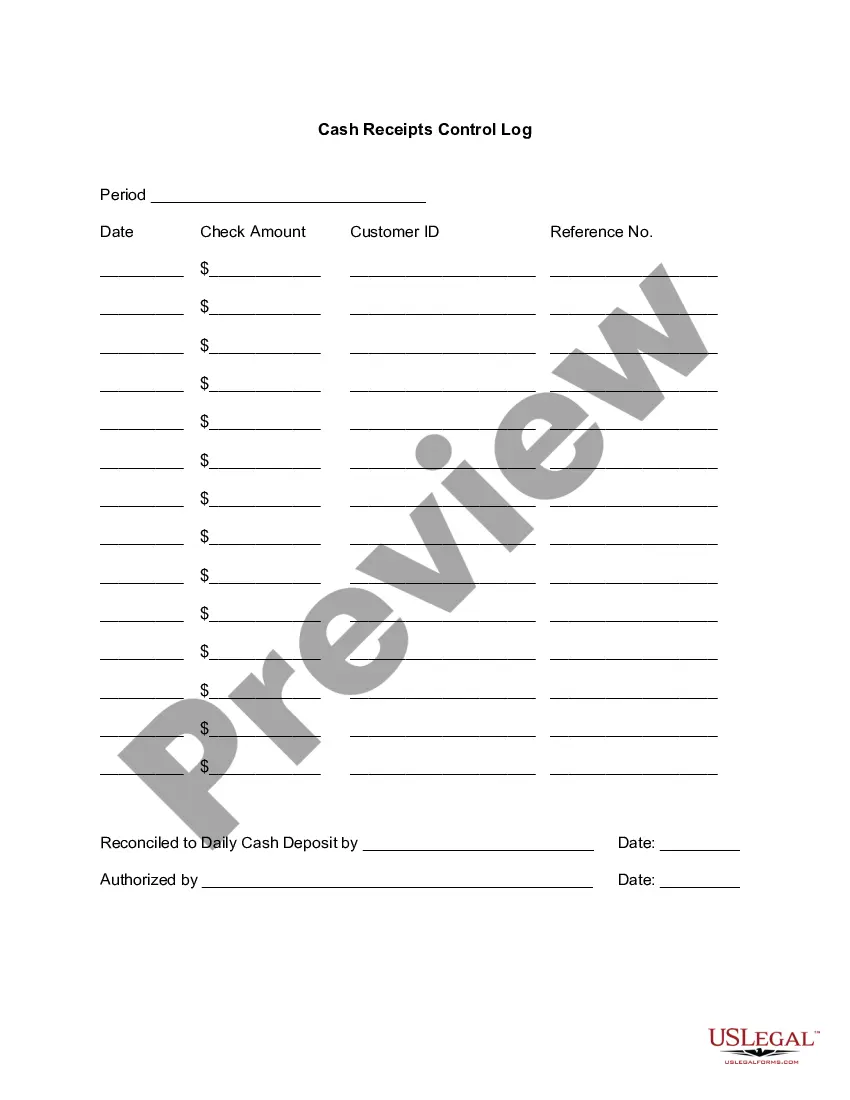

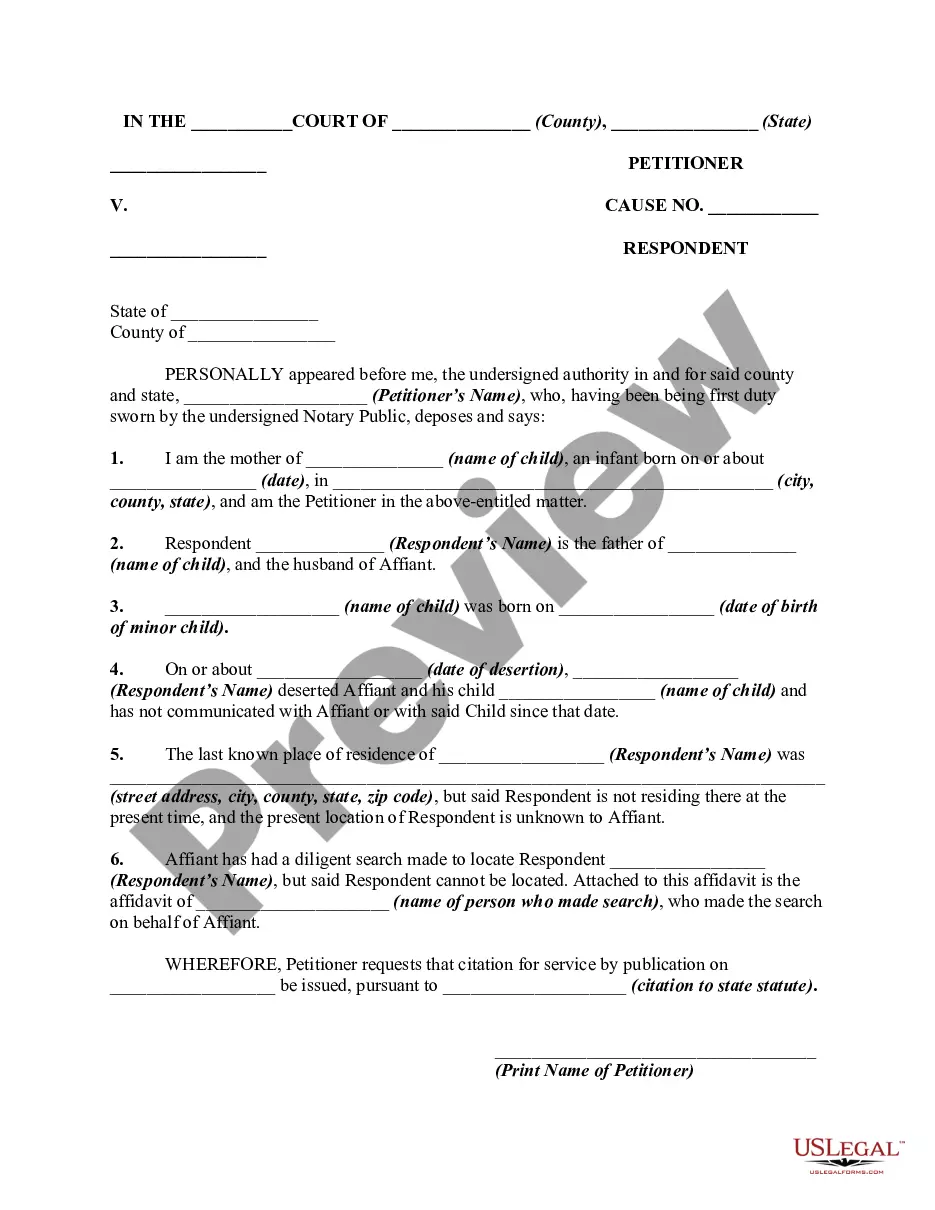
How to fill out Cash Disbursements And Receipts?
US Legal Forms - one of the largest repositories of legal documents in the United States - offers an extensive variety of legal document templates available for download or printing.
By utilizing the website, you can access thousands of forms for both business and personal purposes, organized by categories, states, or keywords. You can obtain the most recent versions of forms like the Guam Cash Disbursements and Receipts in mere seconds.
If you already possess an account, Log In to retrieve the Guam Cash Disbursements and Receipts from your US Legal Forms library. The Download button will appear on each form you encounter. You can access all previously downloaded forms under the My documents tab in your account.
Choose the format and download the form to your device.
Make alterations. Complete, edit, print, and sign the downloaded Guam Cash Disbursements and Receipts. Every template saved in your account has no expiration date and is yours indefinitely. Therefore, if you need to download or print another copy, simply go to the My documents section and click on the required form. Access the Guam Cash Disbursements and Receipts with US Legal Forms, the most extensive collection of legal document templates available. Utilize thousands of professional and state-specific templates that meet your business or personal needs and requirements.
- To use US Legal Forms for the first time, here are some straightforward steps to get started.
- Ensure you have selected the correct form for your city/state.
- Click the Review button to review the contents of the form.
- Examine the form description to confirm you've chosen the correct document.
- If the form does not meet your requirements, utilize the Search field at the top of the page to find a suitable one.
- If you are satisfied with the form, confirm your selection by clicking the Get now button. Then, select your preferred payment plan and provide your details to register for an account.
- Complete the transaction. Use a credit card or PayPal account to finalize the payment.
Form popularity
FAQ
To fill up a payment receipt for Guam Cash Disbursements and Receipts, start by entering the date of the transaction at the top. Next, include the payer's name and the amount received, making sure to specify the payment method used. Don't forget to add a brief description of the transaction to clarify the purpose of the payment. Finally, sign the receipt to validate it, ensuring that both parties have a clear record of the cash disbursements and receipts.
You can contact the Guam Department of Revenue and Taxation by phone or through their official website. They provide various channels for assistance regarding your questions, including those related to Guam Cash Disbursements and Receipts. Additionally, if you prefer in-person communication, visiting their office is a great option. USLegalForms can also guide you toward effective contact strategies to ensure your questions are addressed promptly.
To check the status of your Guam tax refund, visit the Guam Department of Revenue and Taxation website, where you can find the refund inquiry section. You will need to provide your personal information along with details of your Guam Cash Disbursements and Receipts. This process will help you to quickly understand the status of your refund. For a streamlined experience, consider using USLegalForms for help in managing your inquiries.
Yes, if you earn income in Guam, you typically need to file a Guam tax return. This includes reporting any Guam Cash Disbursements and Receipts you’ve received during the tax year. Not filing can lead to penalties, so it’s important to stay compliant. USLegalForms can provide the necessary forms and guidance to assist you in fulfilling this requirement.
Filing the Gross Receipts Tax (GRT) in Guam requires you to complete the appropriate forms and submit them on time. You can do this online through the Department of Revenue and Taxation's website or by visiting their office. Using the right forms ensures accurate reporting of your Guam Cash Disbursements and Receipts. If you need assistance, USLegalForms offers resources to help you navigate the filing process smoothly.
See GRT E-Filing Help.Email grt@revtax.gov.gu.Call 671-635-1835/1836.Write to Department of Revenue and Taxation, BPTB, P.O. Box 23607, GMF, Guam, 96921.
All businesses with sales over $500,000 per year must file monthly GRT reports and pay 4% GRT on all sales to the Treasurer of Guam. All businesses with sales less than or equal to $500,000 per year must file monthly GRT rep01is and pay 4% GRT on all sales over $50,000 to the Treasurer of Guam.
Where can I file my 1040EZ? You can file your 1040EZ online using MyGuamTax.com, an official service of the Guam Department of Revenue and Taxation. You will need to create a separate user account on MyGuamTax to file your 1040EZ online.
You can file your 1040EZ online using MyGuamTax.com, an official service of the Guam Department of Revenue and Taxation. You will need to create a separate user account on MyGuamTax to file your 1040EZ online.
Walk in to the Department of Revenue and Taxation, Collection branch. Make sure to bring a copy of your e-filed return with the watermark "E-Filed" shown across the page. Mail in your payment. Mail your check payable to "Treasurer of Guam" to the Department of Revenue and Taxation, P.O. Box 23607, GMF, Guam 96921.