Hawaii Telecommunications Services Agreement
Description
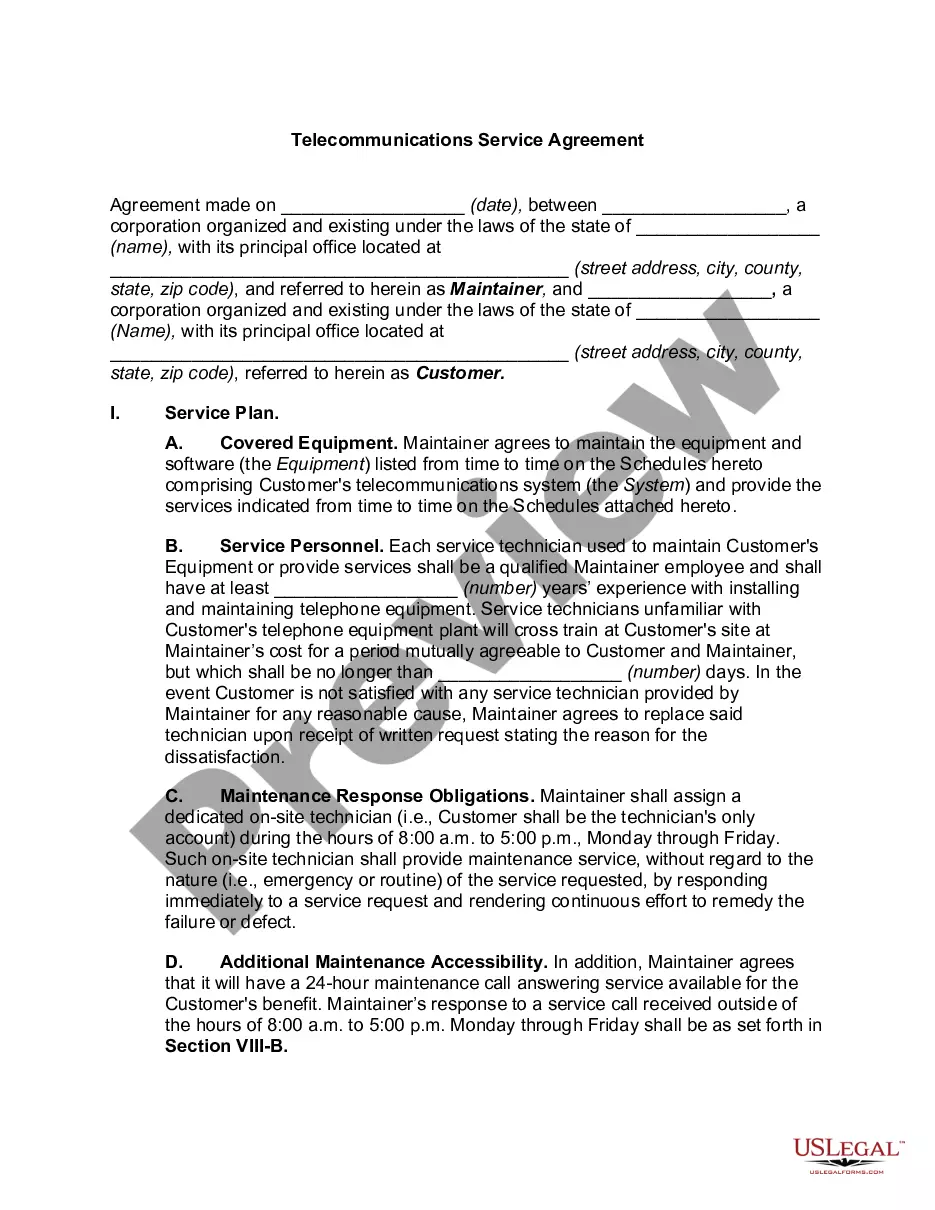
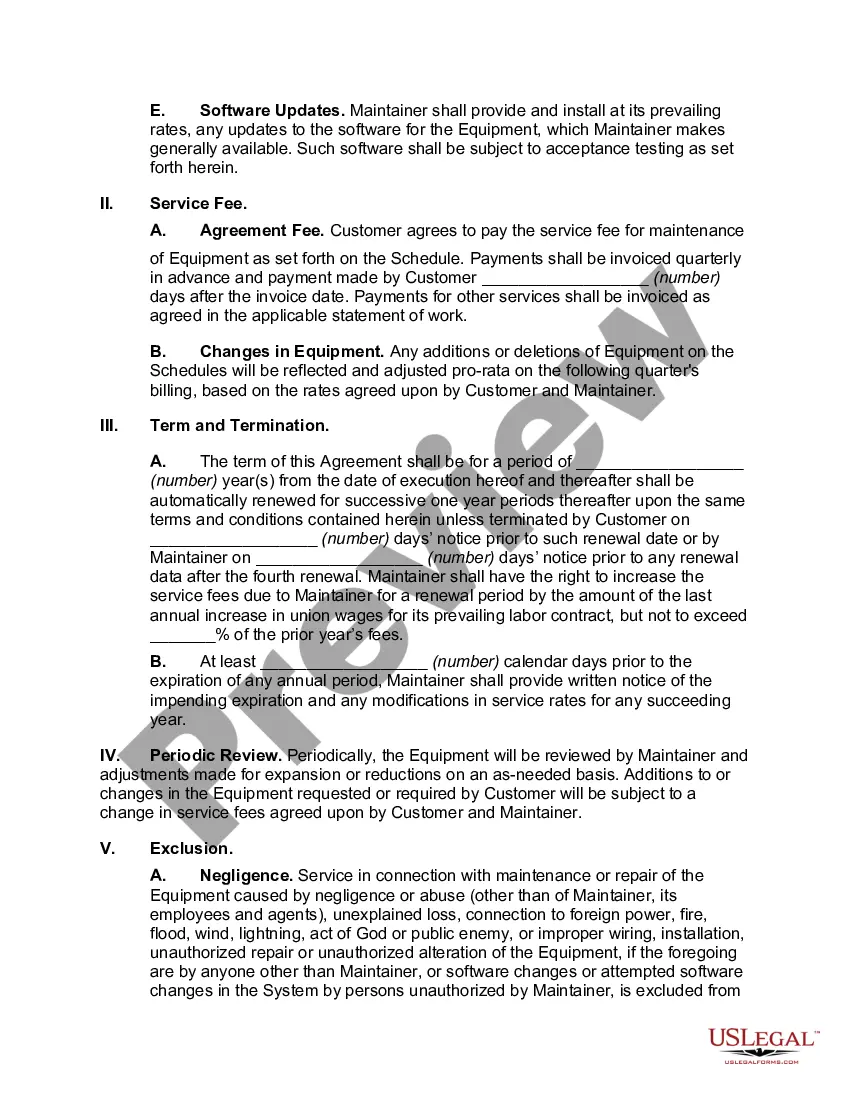
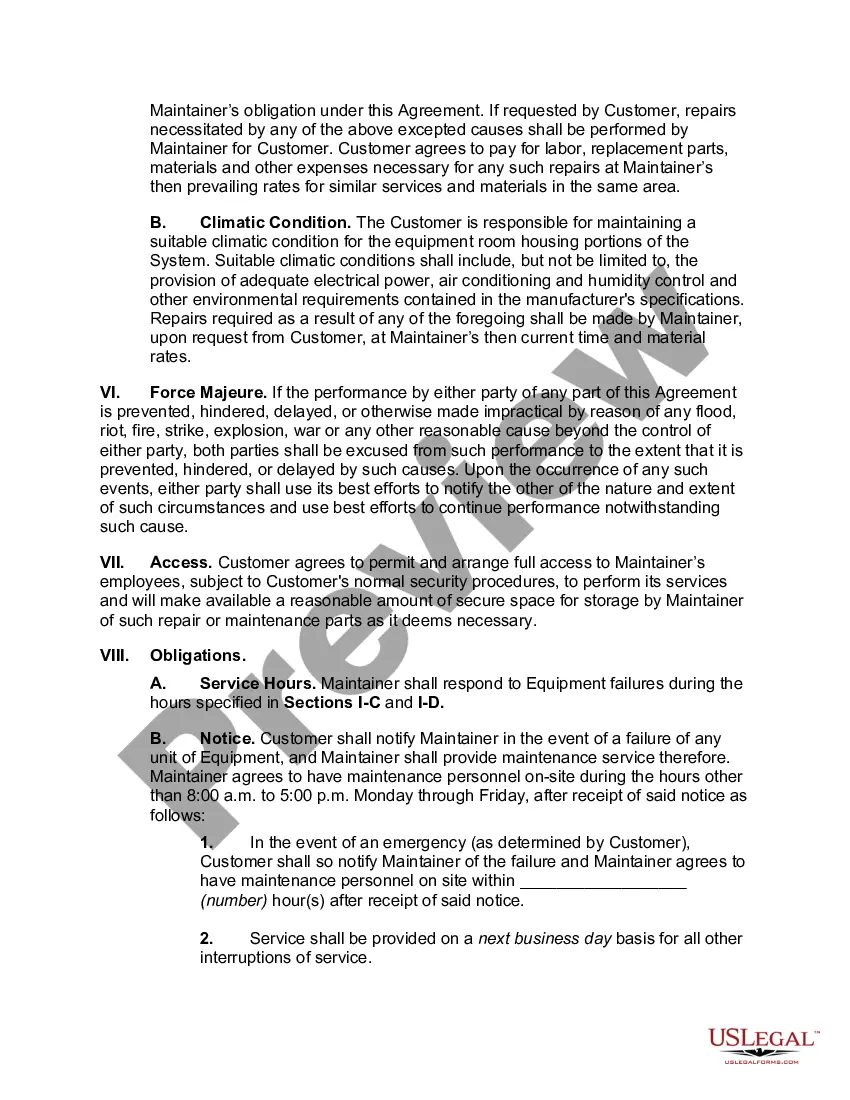
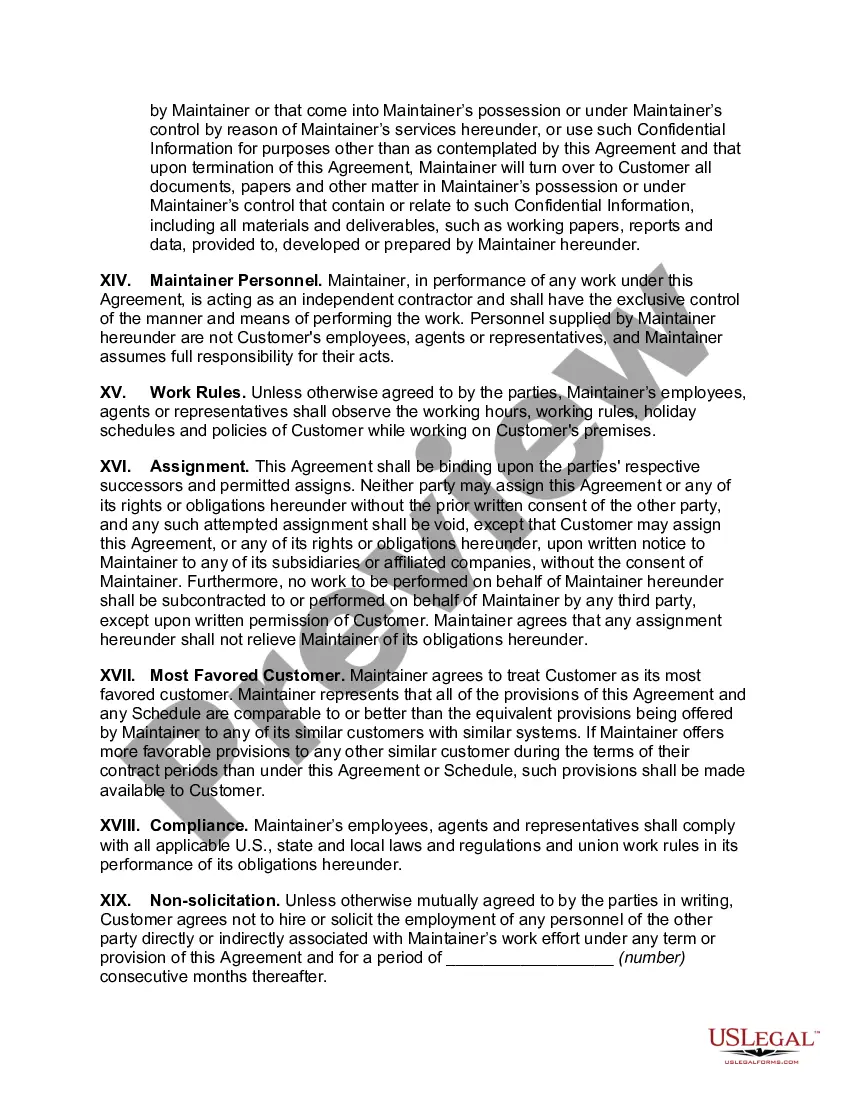
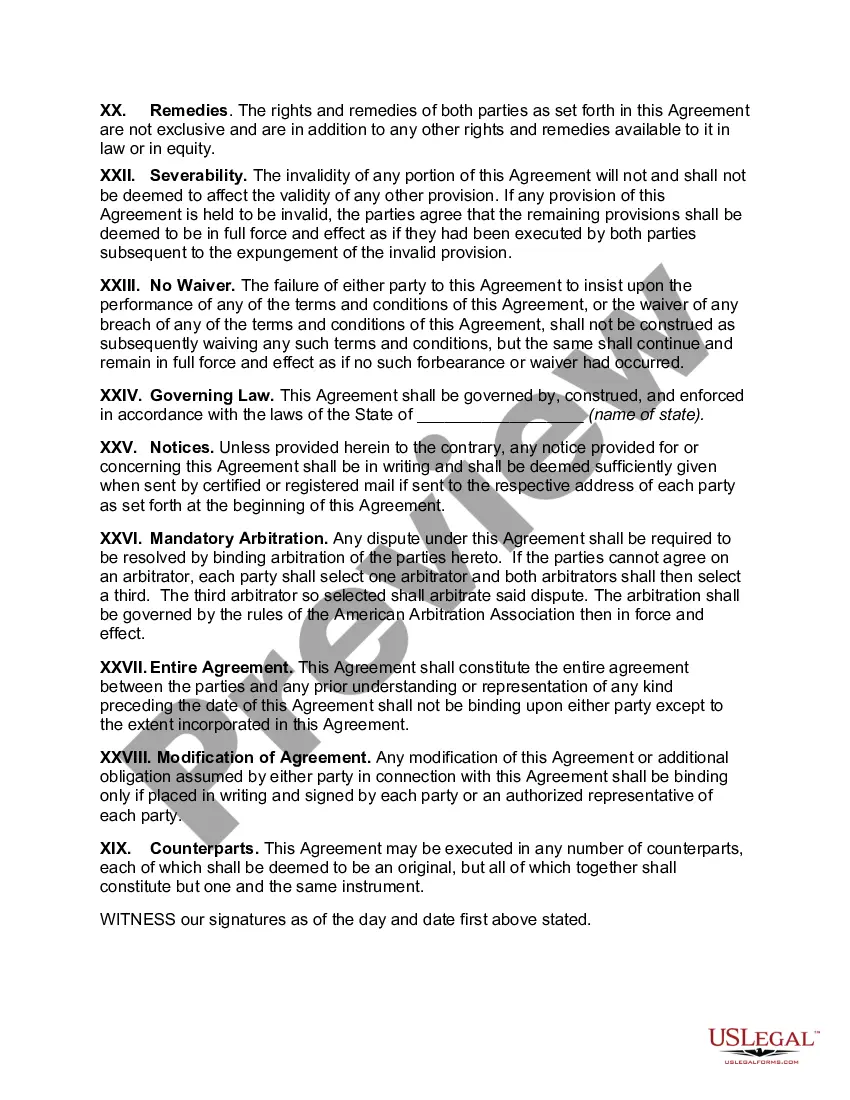
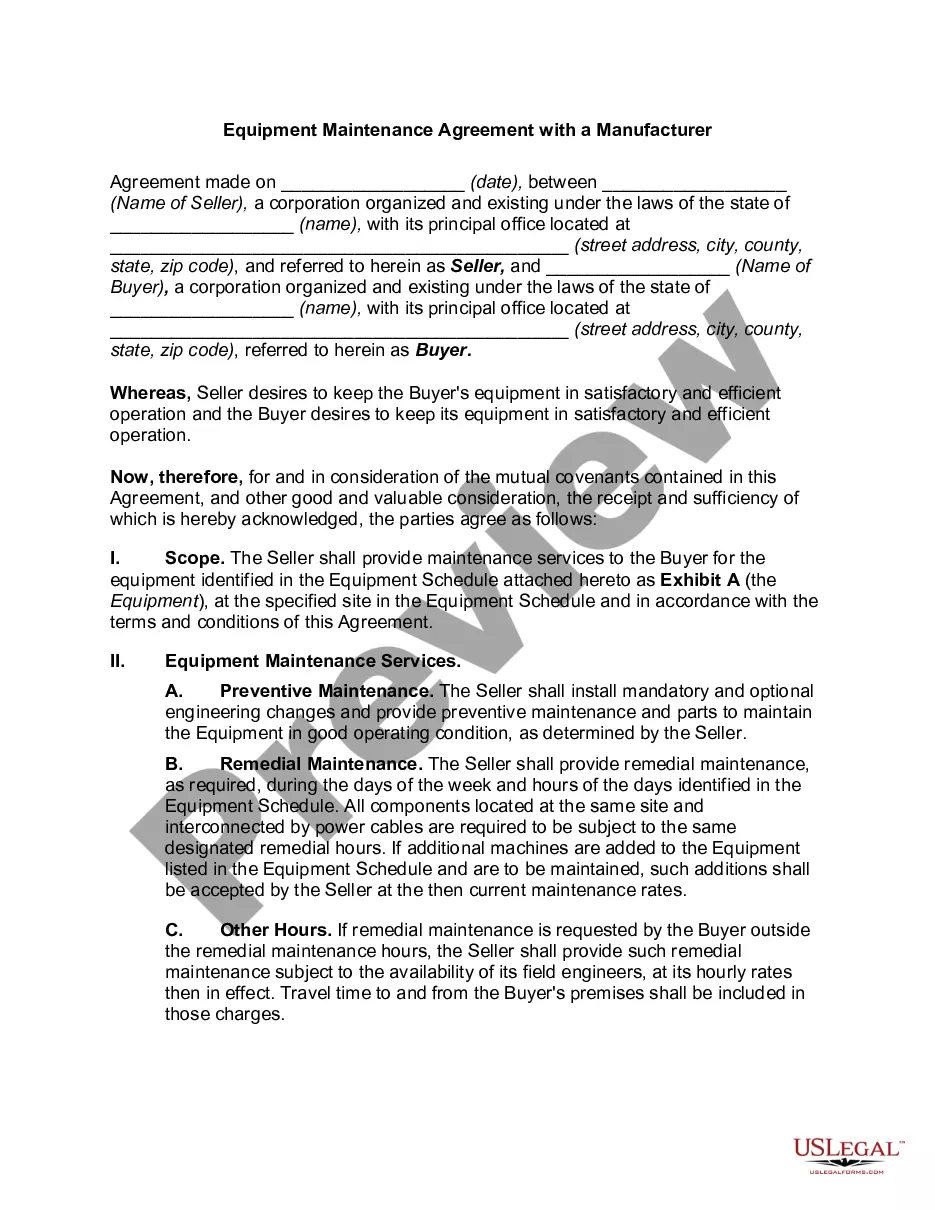
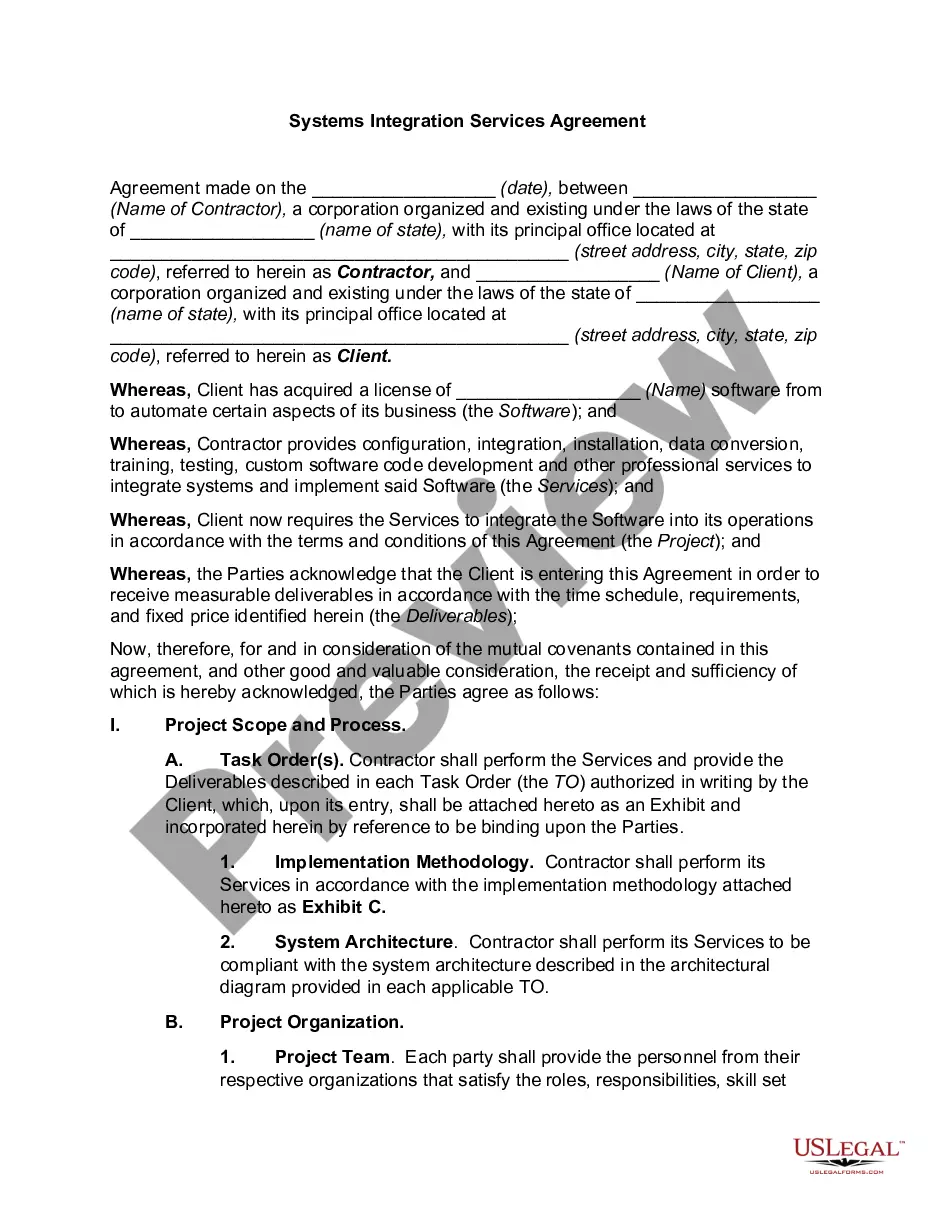
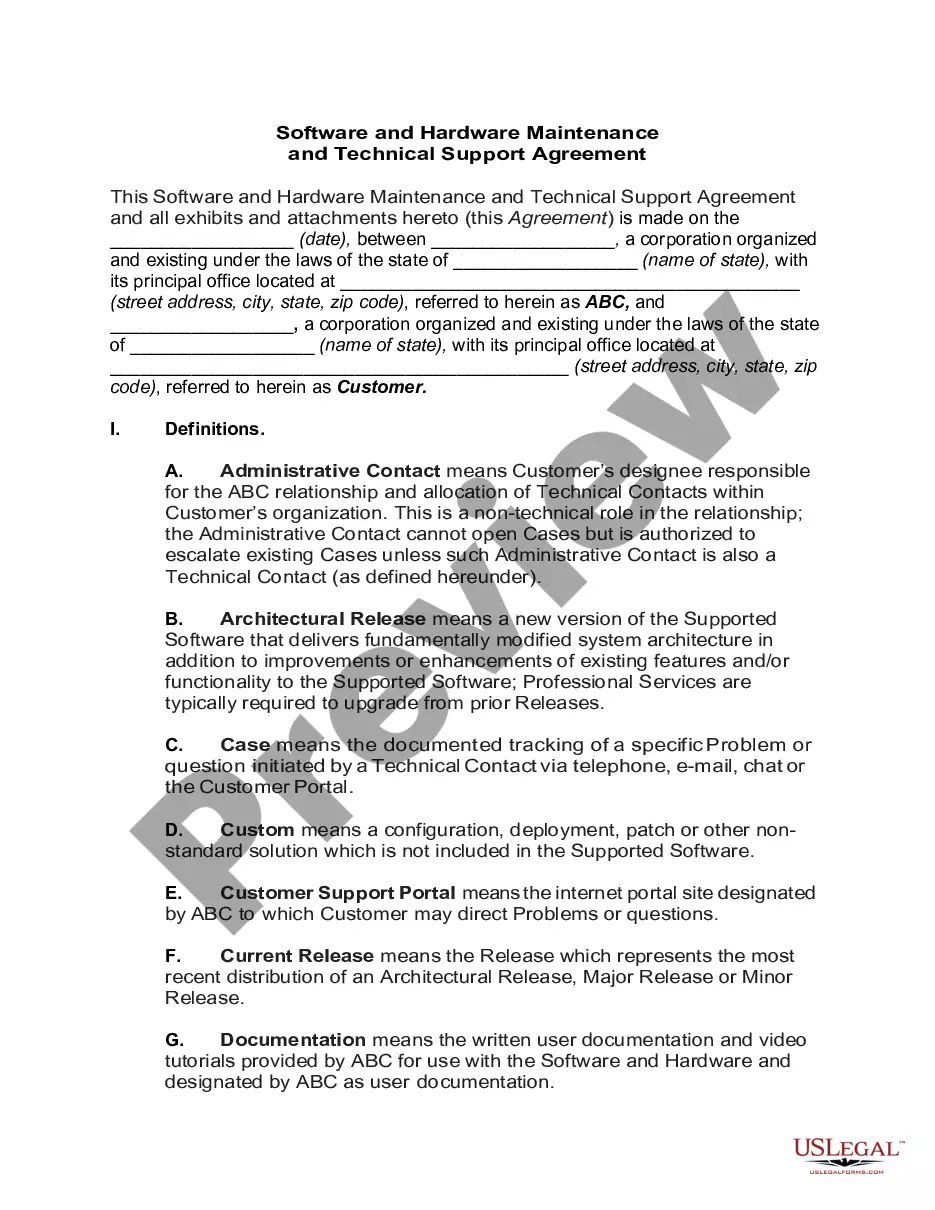
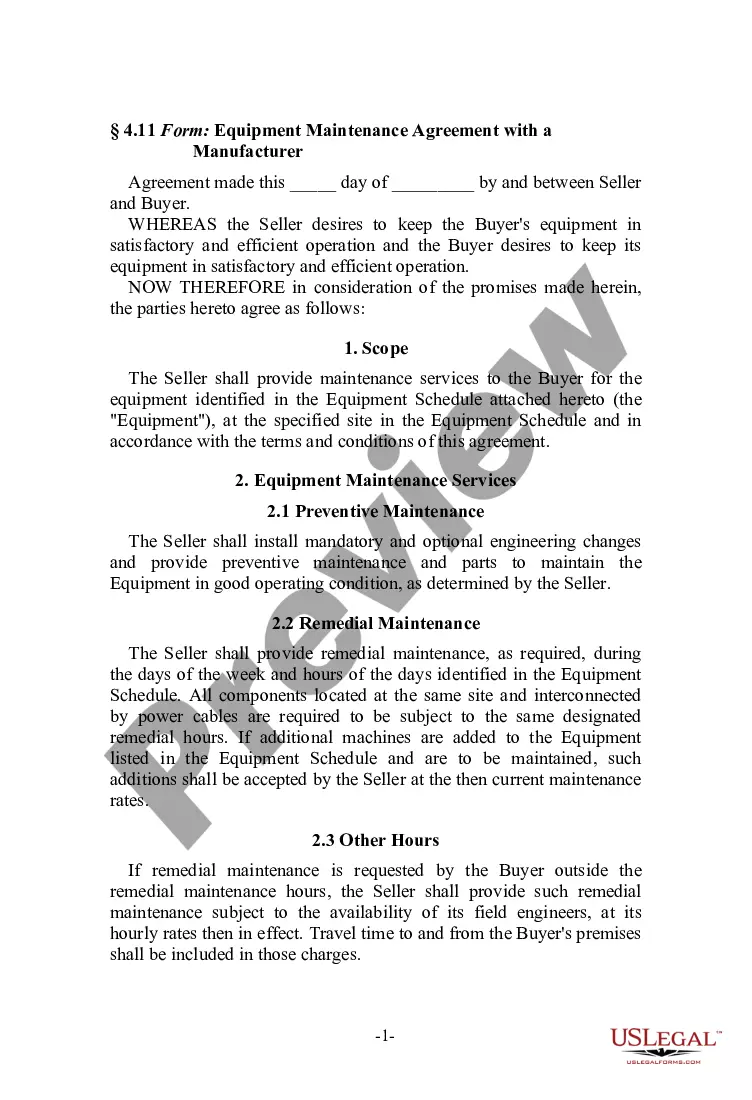
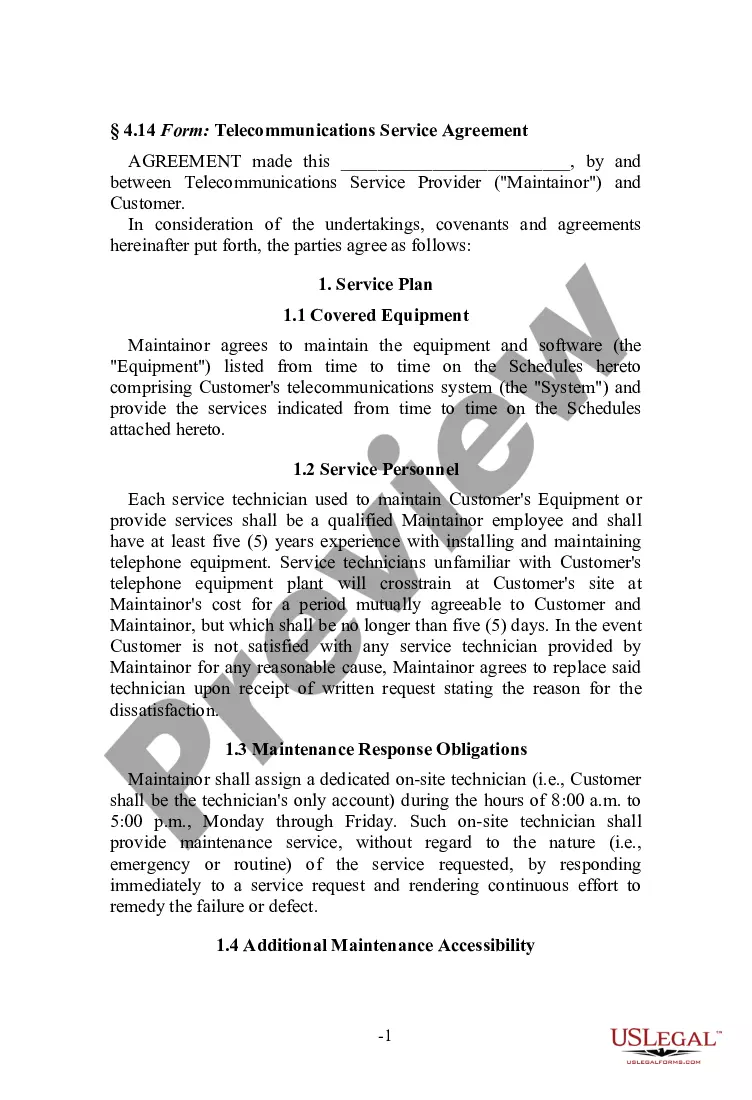

How to fill out Telecommunications Services Agreement?
Are you in a situation where you require documents for either professional or personal purposes almost every day.
There are numerous legal document templates available on the internet, but locating reliable ones isn't easy.
US Legal Forms offers a wide range of form templates, such as the Hawaii Telecommunications Services Agreement, which can be tailored to meet state and federal requirements.
Once you have the correct form, click Buy now.
Select the pricing plan you desire, fill in the required information to create your account, and pay for your order using your PayPal or credit card. Choose a convenient file format and download your version. Find all the document templates you have purchased in the My documents menu. You can obtain an additional copy of the Hawaii Telecommunications Services Agreement at any time if needed. Just select the required form to download or print the document template. Utilize US Legal Forms, the most extensive collection of legal forms, to save time and avoid errors. The service provides professionally crafted legal document templates that you can use for various purposes. Create your account on US Legal Forms and start making your life a bit easier.
- If you are already acquainted with the US Legal Forms website and have an account, simply Log In.
- After that, you can download the Hawaii Telecommunications Services Agreement template.
- If you do not have an account and wish to begin using US Legal Forms, follow these steps.
- Find the form you need and ensure it corresponds to the correct city/county.
- Use the Preview button to view the form.
- Review the description to ensure that you have selected the correct document.
- If the form is not what you are looking for, use the Search feature to find the form that meets your requirements.
Form popularity
FAQ
Former Miss Hawaii USA, Jennifer Fairbank, is the part of the successful, locally produced Hawaiian Telcom advertising and marketing campaign. She is a successful businesswoman, and balances and active career with being an active mother as well.
If you do not consent to be bound by the Agreement, you must not use the Service or register as a subscriber of the Service, and must promptly call the Hawaiian Telcom customer service at (808) 643-3456 or (877)482-2211 to cancel the Service.
You agree to pay the charges applicable to your selected Service plan. In the event you have a Term agreement with us, the prices are valid for initial Term of Service. For any service offered on a month-to-month basis, Hawaiian Telcom will give you at least thirty (30) calendar day's prior notice of a price change.
808-643-6111.
Assets of Verizon Communications. On July 2, 2018, Cincinnati Bell purchased Hawaiian Telcom Holdco, Inc. for $650 Million, Hawaiian Telcom, Inc.
Spectrum and Hawaiian Telcom have the fastest download speeds in Honolulu. Spectrum offers an internet-only plan with download speeds up to 1,000 Mbps (wireless speeds may vary) at a starting price of $109.99 per month. Meanwhile, Hawaiian Telcom has speeds up to 1,000 Mbps for $74.99 per month.
Cincinnati Bell announced its acquisition of Hawaiian Telcom for $650 million in July 2017 and closed the deal in July 2018, paying about 60 percent in cash and 40 percent in stock. In heavy trading today on the New York Stock Exchange, Cincinnati Bell stock jumped $2.73 to $10.45.
The reset button can be found on the back of your Wireless Gateway. Press and hold the reset button for 3 seconds. Wait until the lights restore to their normal configuration. (Power, Wireless, Broadband 1, and Service lights should all be green).