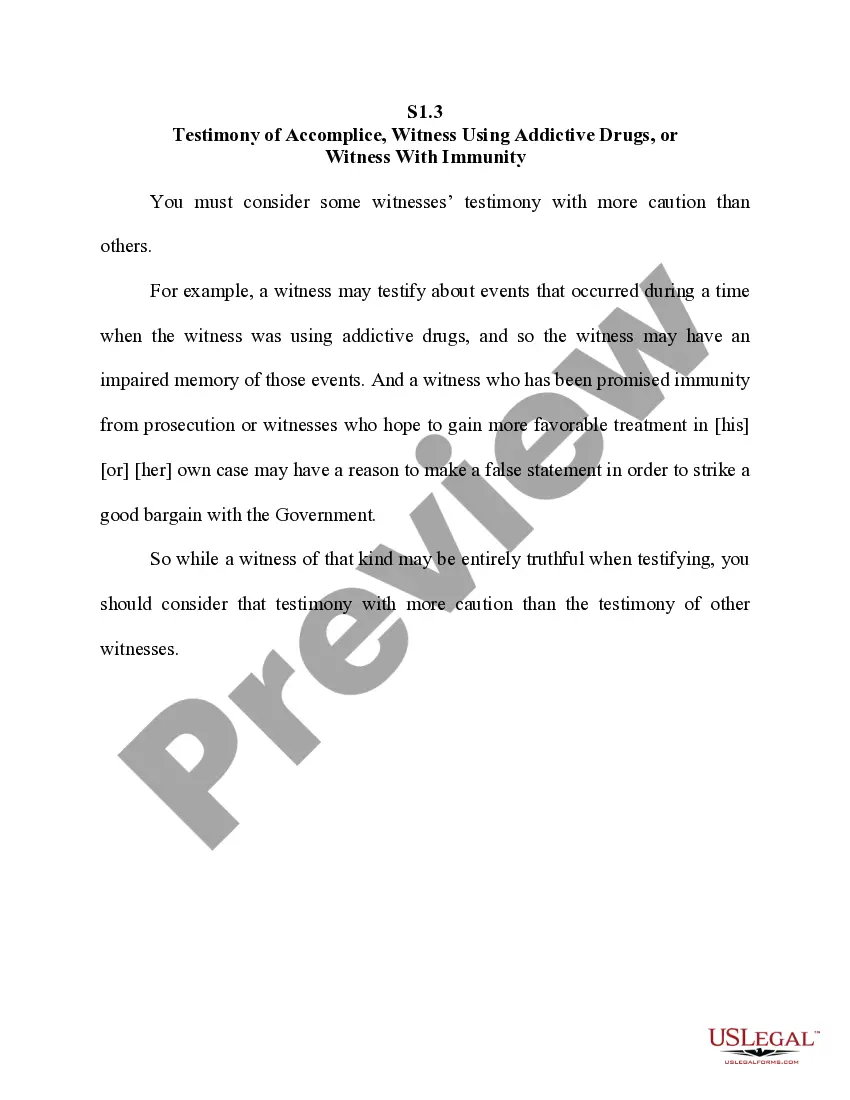
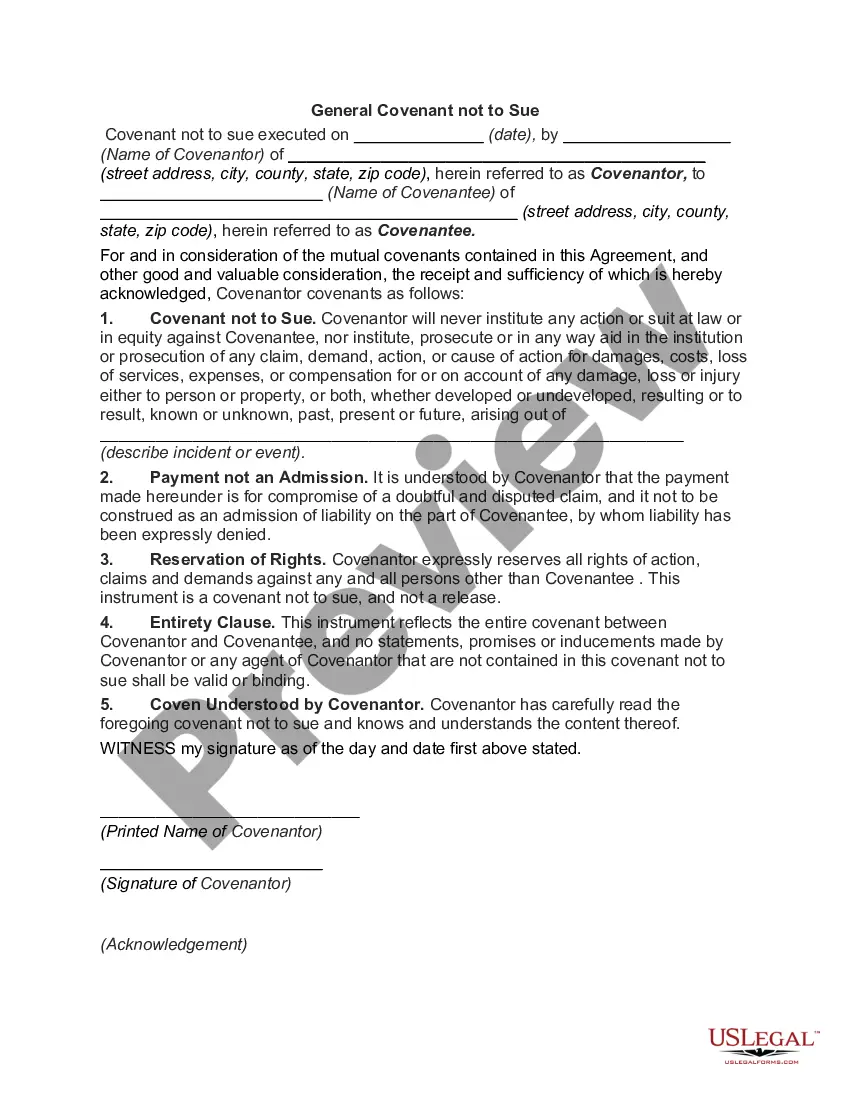
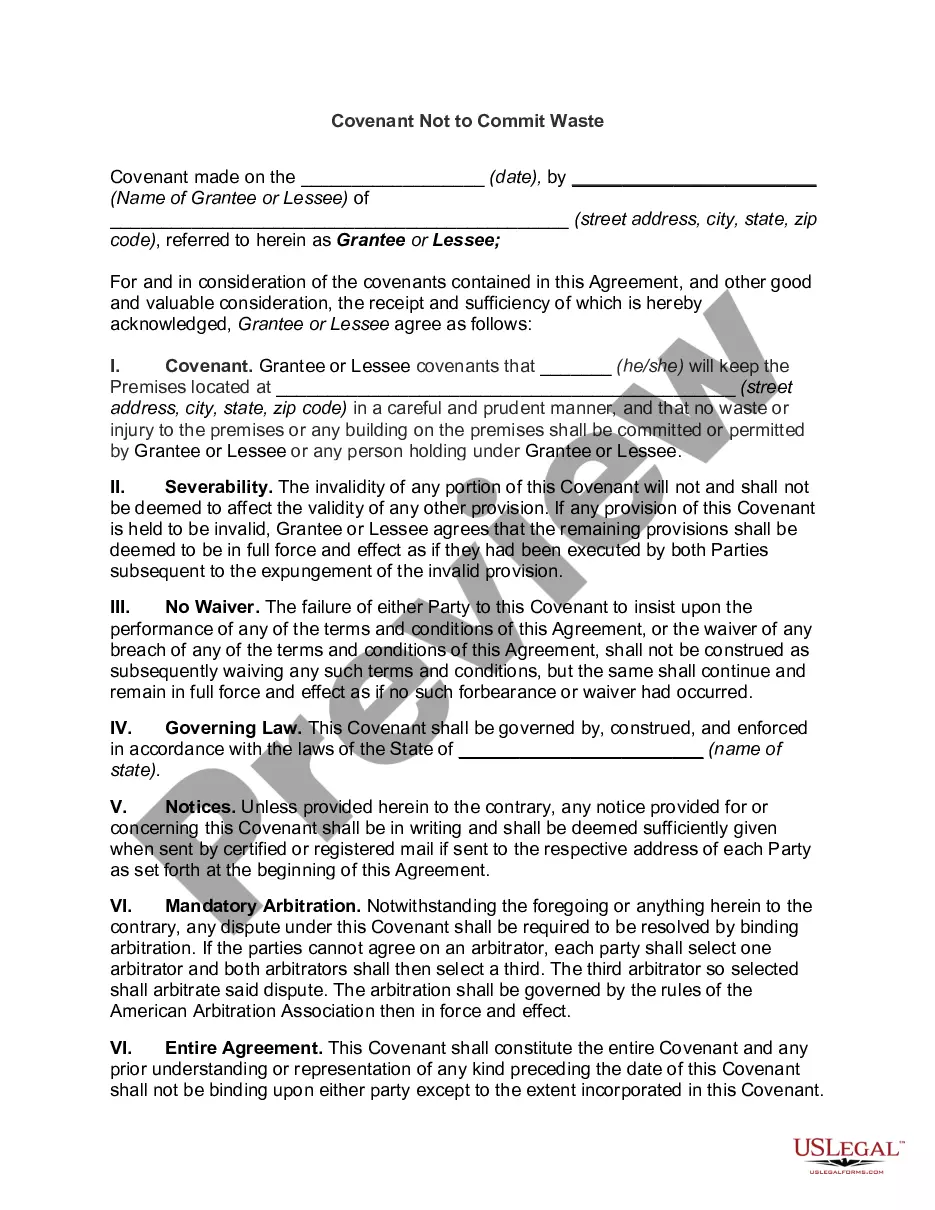
Idaho Covenant Not to Sue
Description
Get your form ready online
Our built-in tools help you complete, sign, share, and store your documents in one place.
Make edits, fill in missing information, and update formatting in US Legal Forms—just like you would in MS Word.
Download a copy, print it, send it by email, or mail it via USPS—whatever works best for your next step.
Sign and collect signatures with our SignNow integration. Send to multiple recipients, set reminders, and more. Go Premium to unlock E-Sign.
If this form requires notarization, complete it online through a secure video call—no need to meet a notary in person or wait for an appointment.
We protect your documents and personal data by following strict security and privacy standards.

Make edits, fill in missing information, and update formatting in US Legal Forms—just like you would in MS Word.

Download a copy, print it, send it by email, or mail it via USPS—whatever works best for your next step.

Sign and collect signatures with our SignNow integration. Send to multiple recipients, set reminders, and more. Go Premium to unlock E-Sign.

If this form requires notarization, complete it online through a secure video call—no need to meet a notary in person or wait for an appointment.

We protect your documents and personal data by following strict security and privacy standards.
Looking for another form?
How to fill out Covenant Not To Sue?
You might spend hours online looking for the approved document format that meets the federal and state criteria you require. US Legal Forms offers thousands of legal templates that are reviewed by experts.
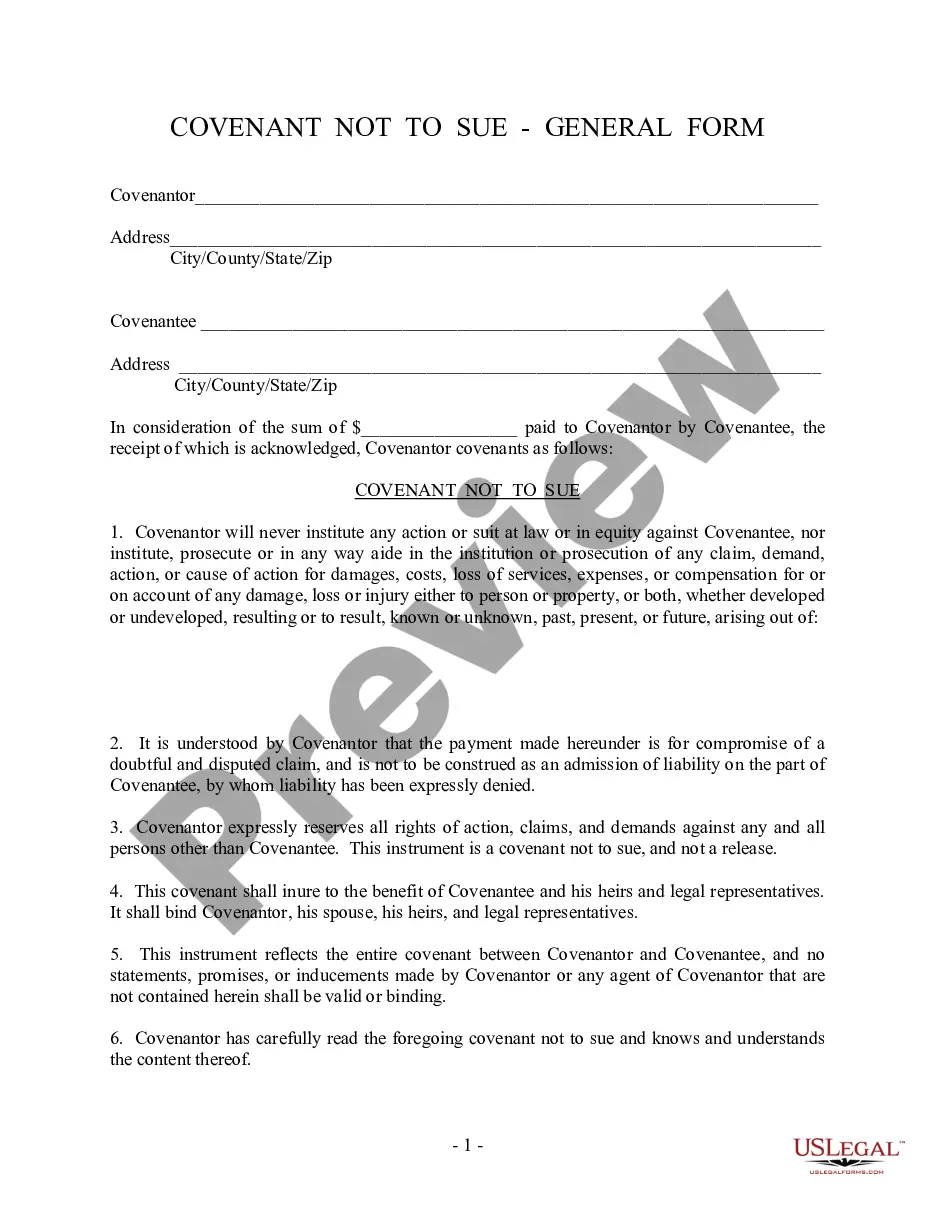
You can download or print the Idaho Covenant Not to Sue from their service. If you possess a US Legal Forms account, you can Log In and select the Obtain option. Subsequently, you can fill out, alter, print, or sign the Idaho Covenant Not to Sue. Every legal document format you acquire is yours indefinitely.
To obtain another copy of a purchased form, navigate to the My documents tab and select the appropriate option. If you are using the US Legal Forms website for the first time, follow the simple instructions below: First, make sure you have selected the correct document format for your chosen county/city. Review the form description to confirm you have picked the right one. If available, utilize the Preview option to review the document format as well.
- If you wish to find another version of the form, use the Search section to locate the format that suits your needs and requirements.
- Once you have found the format you desire, click Acquire now to proceed.
- Select the pricing plan you want, enter your details, and register for your account on US Legal Forms.
- Complete the payment. You can use your credit card or PayPal account to purchase the legal document.
- Choose the format of the document and download it to your device.
- Make changes to your document if necessary. You can fill out, modify, and sign and print the Idaho Covenant Not to Sue.
- Access and print thousands of document templates using the US Legal Forms website, which provides the largest selection of legal forms. Utilize professional and state-specific templates to address your business or personal needs.
Form popularity
FAQ
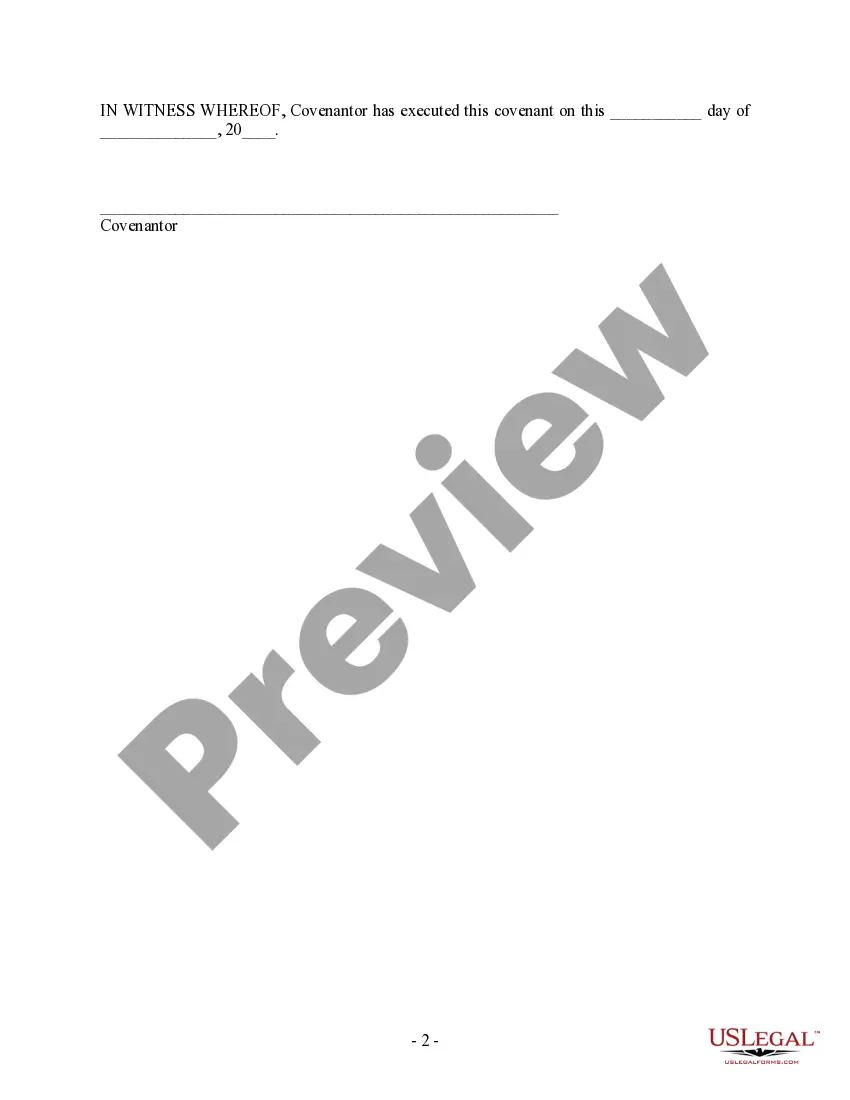
A covenant not to sue typically sets out the patent owner's agreement not to sue the alleged infringer for patent infringement concerning the patent identified. It may also be limited to certain products or processes of the alleged infringer, or to a specific field or territory.
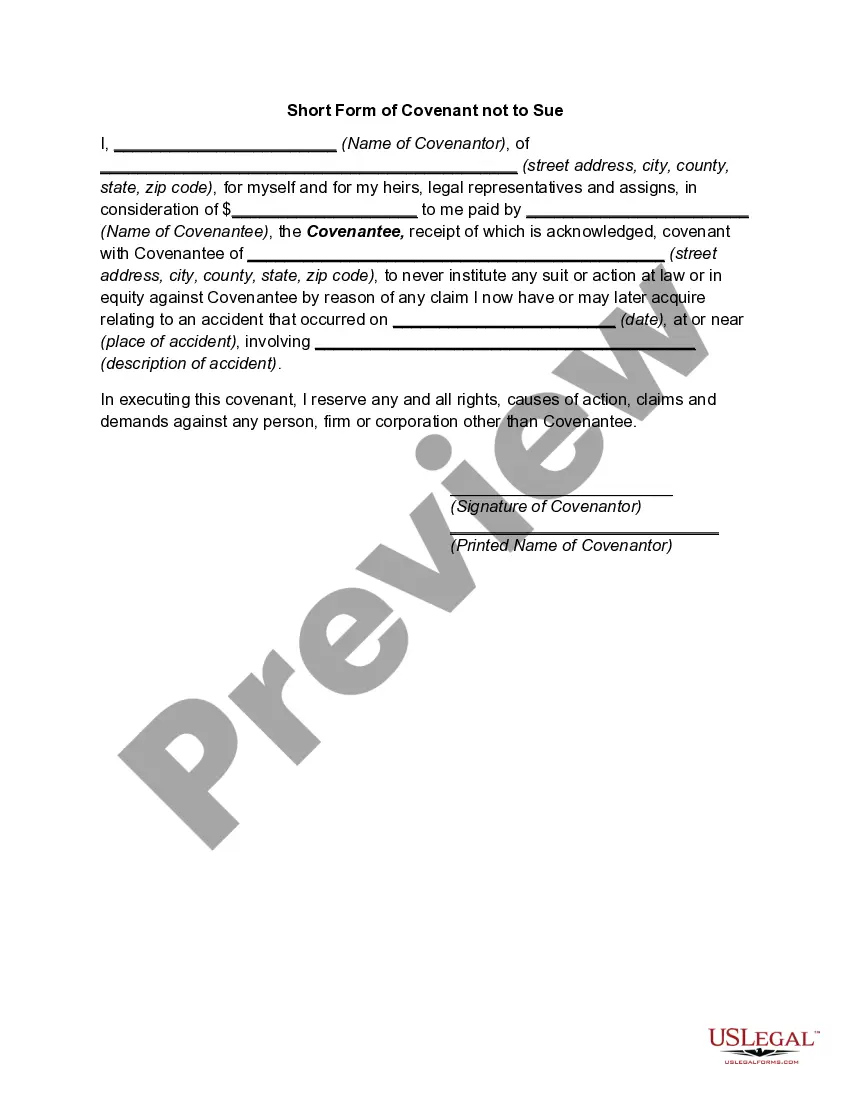
A covenant not to sue is a legal agreement in which the party seeking damages agrees not to sue the party that it has cause against. Covenants not to sue are used to settle specific legal issues outside of the court system.
A ?covenant not to sue? is a legal term that means Executive promises not to file a lawsuit in court. It is different from the General Release of claims contained in Section 4 above.
By executing a covenant not to sue, the plaintiff essentially gives up the right to pursue a lawsuit related to the injury or accident at issue. In other words, once the plaintiff has signed a covenant not to sue, the plaintiff cannot pursue any further legal action against the defendant.
Steps to Creating a Covenant Not to Sue Search for an example of an existing covenant to base yours off of. ... Gather information for your covenant, including documents related to your interests and documents about the other party. ... Format your covenant, so it resembles a traditional contract format.
Agreeing not to sue This includes not suing for loss caused by the clear negligence of another person. In British Columbia, claims against businesses and activity operators are barred as a result of an agreed upon release.
A release is the giving up or abandoning of a claim, right, or cause of action by the person who holds it to the person against whom the claim, right, or cause of action in enforceable. 3 A covenant not to sue is a covenant by which the covenantor agrees not to enforce the right of action he has against the covenantee.