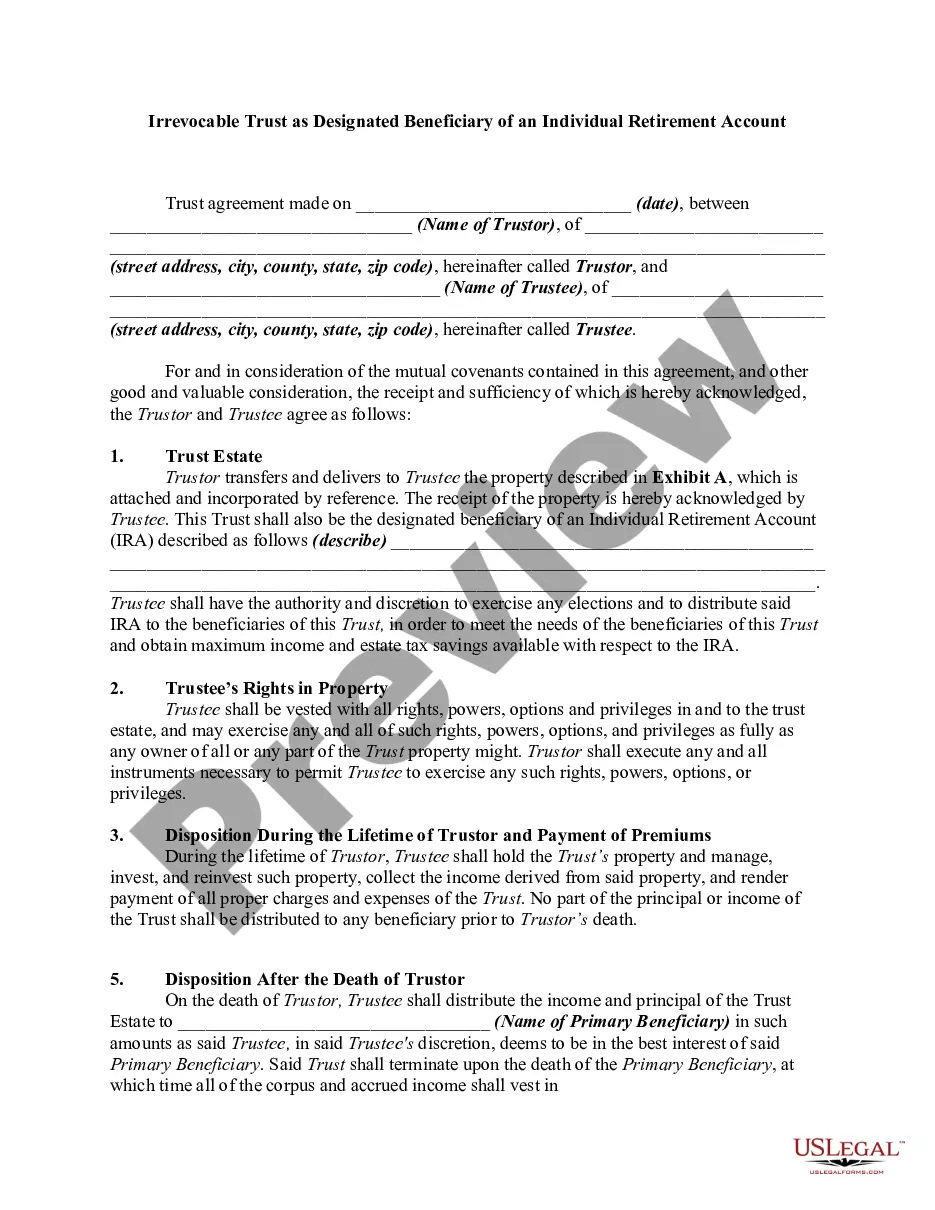
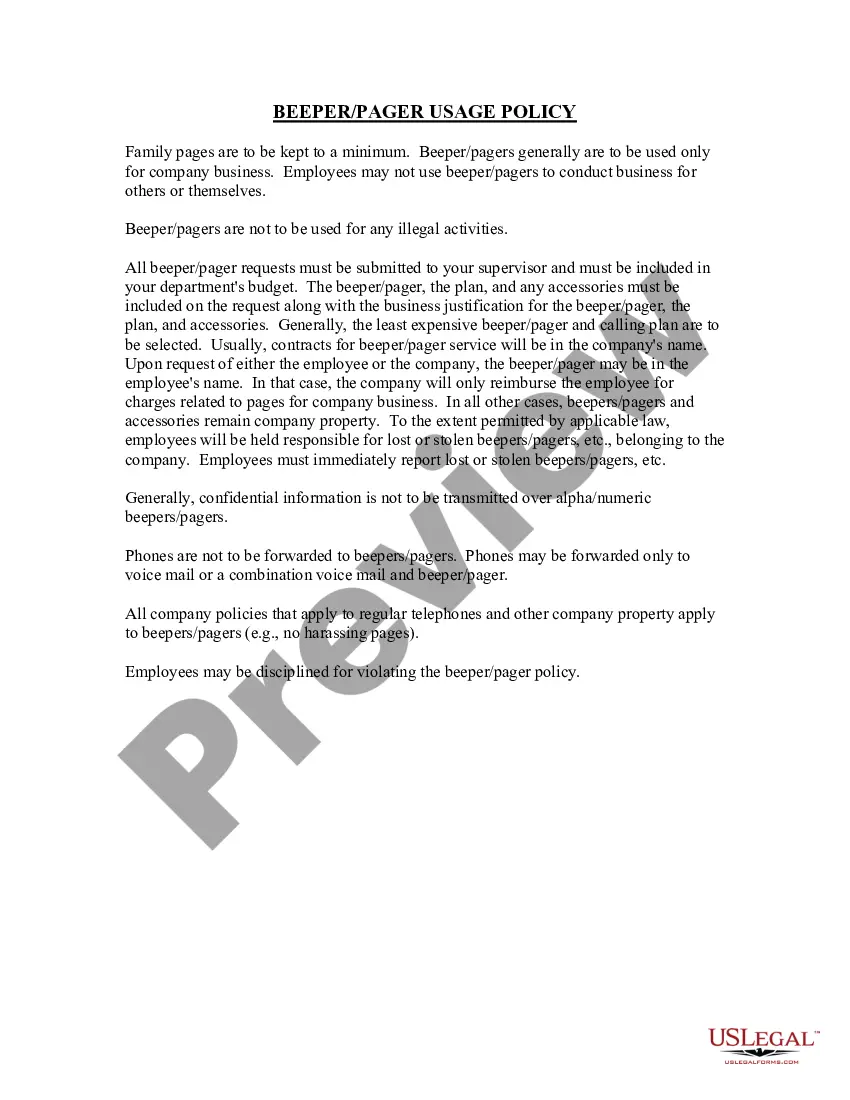
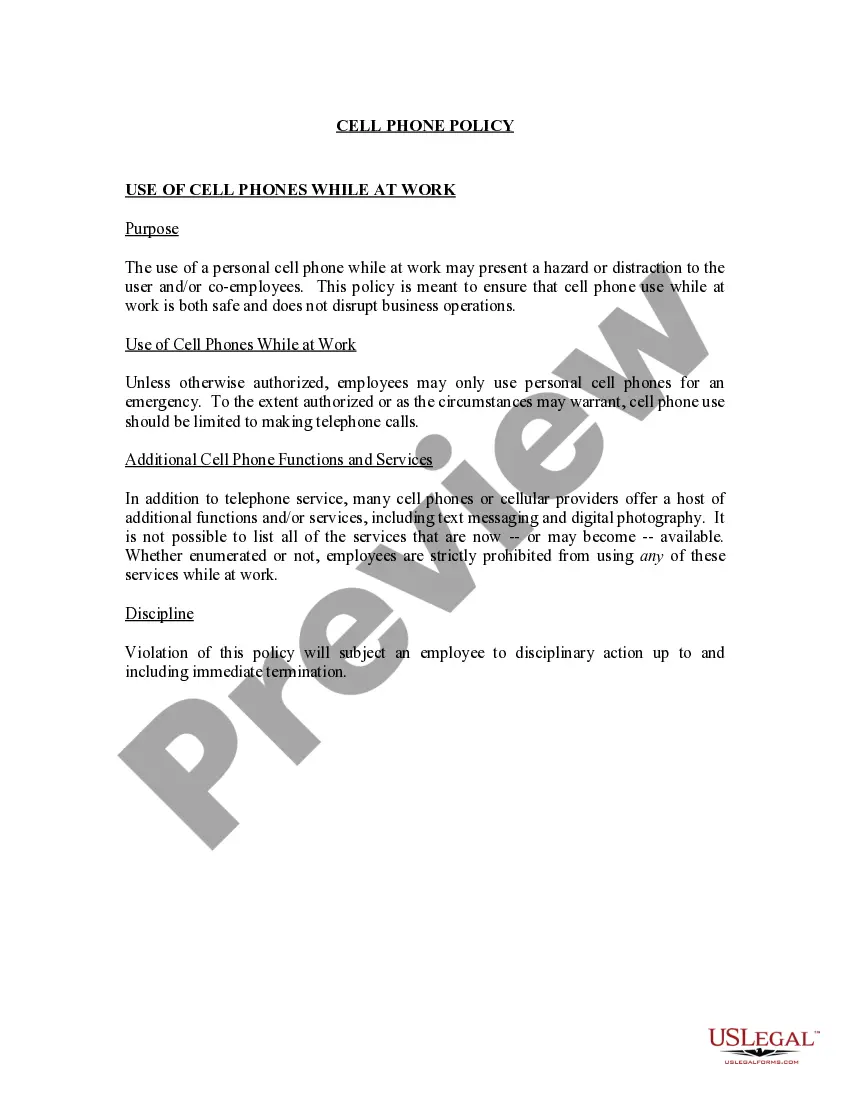
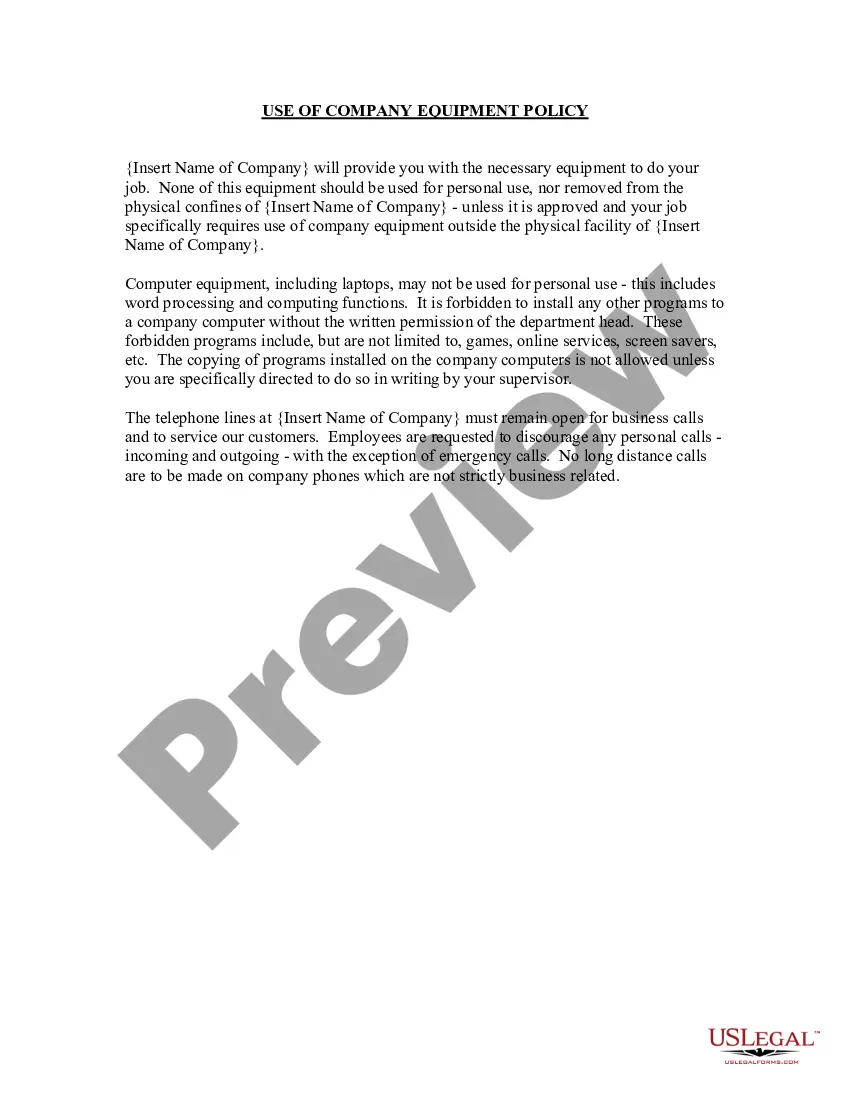
Idaho Beeper Pager Usage Policy
Description
Get your form ready online
Our built-in tools help you complete, sign, share, and store your documents in one place.
Make edits, fill in missing information, and update formatting in US Legal Forms—just like you would in MS Word.
Download a copy, print it, send it by email, or mail it via USPS—whatever works best for your next step.
Sign and collect signatures with our SignNow integration. Send to multiple recipients, set reminders, and more. Go Premium to unlock E-Sign.
If this form requires notarization, complete it online through a secure video call—no need to meet a notary in person or wait for an appointment.
We protect your documents and personal data by following strict security and privacy standards.

Make edits, fill in missing information, and update formatting in US Legal Forms—just like you would in MS Word.

Download a copy, print it, send it by email, or mail it via USPS—whatever works best for your next step.

Sign and collect signatures with our SignNow integration. Send to multiple recipients, set reminders, and more. Go Premium to unlock E-Sign.

If this form requires notarization, complete it online through a secure video call—no need to meet a notary in person or wait for an appointment.

We protect your documents and personal data by following strict security and privacy standards.
Looking for another form?
How to fill out Beeper Pager Usage Policy?
If you require complete, retrieve, or create legal document templates, utilize US Legal Forms, the largest assortment of legal forms that are available online.
Employ the site's simple and user-friendly search to find the documents you need.
A variety of templates for commercial and personal purposes are organized by categories and states, or keywords.
Every legal document template you buy is yours for a long time. You have access to each form you acquired within your account. Check the My documents section and select a form to print or download again.
Be proactive and download, and print the Idaho Beeper Pager Usage Policy with US Legal Forms. There are thousands of professional and state-specific forms available for your business or personal needs.
- Utilize US Legal Forms to obtain the Idaho Beeper Pager Usage Policy with just a few clicks.
- If you are currently a US Legal Forms user, sign in to your account and then click the Download button to obtain the Idaho Beeper Pager Usage Policy.
- You can also access forms you previously purchased within the My documents section of your account.
- If it's your first time using US Legal Forms, follow the steps below.
- Step 1. Ensure you have selected the form for the correct city/state.
- Step 2. Use the Preview option to review the content of the form. Don't forget to read through the description.
- Step 3. If you are not satisfied with the form, utilize the Search area at the top of the screen to find other variations of the legal form template.
- Step 4. Once you find the form you need, click the Purchase now button. Choose the pricing plan you prefer and enter your information to register for an account.
- Step 5. Complete the transaction. You can use your Visa or Mastercard or PayPal account to finalize the purchase.
- Step 6. Select the format of the legal form and download it to your device.
- Step 7. Fill out, modify, and print or sign the Idaho Beeper Pager Usage Policy.
Form popularity
FAQ
TURNING PAGER OFFPress the bu on to display the Func on menu. Press or to move the cursor to show TURN PAGER OFF Press the bu on un l Turn Pager Off? is displayed. Press the bu on again to turn the pager off.
Encrypted pagers are equipped with a display lock feature that requires users to enter a passcode. After five minutes of inactivity, the pager activates the display lock. The user must enter the correct passcode to access the device and read messages.
Spok Mobile allows hospitals to send messages to Spok pager numbers and have them go to the right person's smartphone. Smartphone users simply download an app to connect to the software. All of this is accomplished without changing the way messages are sent or updating pager numbers.
Yes, pagers are still alive today and embraced by the same groups who used the very first versions: public safety and healthcare professionals. Even with the proliferation of smartphones, pagers remain popular in these industries because of the reliability of the paging networks.
With these pagers, each device is programmed with a unique encryption key. Messages are encrypted as they enter the Spok network, sent over the satellite network to the transmitters and then sent over the air to the device, where they are decrypted for display to the user.
Interestingly, pagers are still in use in some countries even now in the hospitals or emergency services, where it is important to have a portable and lightweight device with long battery life.
Choose the Spok Mobile icon on your device.In the Username field, enter your 10-digit pager number.In the Password field, enter the registration password found in the email you received from Spok.Check the box to confirm that you Accept the License Agreement.Tap Sign In to proceed.
How to send a pageDial 7 or 10-digit pager number and enter the call back number after the prompt.Dial overdial #, enter PIN # and enter the call back number after the prompt.Voicemail subscribers can receive numeric and/or voice messages.
A pager dramatically increases the chances of those messages getting through. During emergencies, hospital staff might also need to reach hundreds of people at the same time. Instead of creating massive group texts, pagers can easily send a message to hundreds of people at the same time, says Dr. Ungerleider.
Pagers aren't 100% secure But those messages can be intercepted. A Trend Micro study in September 2016 discovered pagers can be easily hacked, leaking sensitive patient data and potentially putting patients at risk. And it's not difficult. A pager device can be intercepted through a dongle that costs a mere $20.