Illinois Aging Accounts Payable
Description
Get your form ready online
Our built-in tools help you complete, sign, share, and store your documents in one place.
Make edits, fill in missing information, and update formatting in US Legal Forms—just like you would in MS Word.
Download a copy, print it, send it by email, or mail it via USPS—whatever works best for your next step.
Sign and collect signatures with our SignNow integration. Send to multiple recipients, set reminders, and more. Go Premium to unlock E-Sign.
If this form requires notarization, complete it online through a secure video call—no need to meet a notary in person or wait for an appointment.
We protect your documents and personal data by following strict security and privacy standards.

Make edits, fill in missing information, and update formatting in US Legal Forms—just like you would in MS Word.

Download a copy, print it, send it by email, or mail it via USPS—whatever works best for your next step.

Sign and collect signatures with our SignNow integration. Send to multiple recipients, set reminders, and more. Go Premium to unlock E-Sign.

If this form requires notarization, complete it online through a secure video call—no need to meet a notary in person or wait for an appointment.

We protect your documents and personal data by following strict security and privacy standards.
Looking for another form?


How to fill out Aging Accounts Payable?
US Legal Forms - one of the most prominent collections of legal documents in the United States - offers a diverse selection of legal form templates available for purchase or printing.
While navigating the site, you can discover thousands of forms for business and individual purposes, categorized by types, states, or keywords. You can find the latest versions of forms like the Illinois Aging Accounts Payable within moments.
If you already have an account, Log In and obtain the Illinois Aging Accounts Payable from the US Legal Forms library. The Download button will appear on every form you view.
Next, choose your preferred payment plan and provide your credentials to register for an account.
Each template you add to your account is yours to keep permanently, with no expiration. If you want to download or print another copy, simply go to the My documents section and click on the form you need. Gain access to the Illinois Aging Accounts Payable with US Legal Forms—the most extensive collection of legal document templates. Utilize a vast selection of professional and state-specific templates that meet your business or personal needs and requirements.
- Access all previously downloaded forms in the My documents section of your account.
- If you’re using US Legal Forms for the first time, here are simple steps to get started.
- Make sure you have selected the correct form for your state/region.
- Click the Review button to examine the form's details. Read the form description to ensure you have selected the correct document.
- If the form does not match your needs, use the Search box at the top of the screen to find an appropriate one.
- When you're satisfied with the form, confirm your selection by clicking the Download Now button.
Form popularity
FAQ
The community care program in Illinois is typically open to seniors who require assistance with daily living activities. Eligibility often hinges on functional needs and financial status, providing critical support for managing Illinois Aging Accounts Payable. For a comprehensive overview, refer to the Illinois Department of Aging resources.
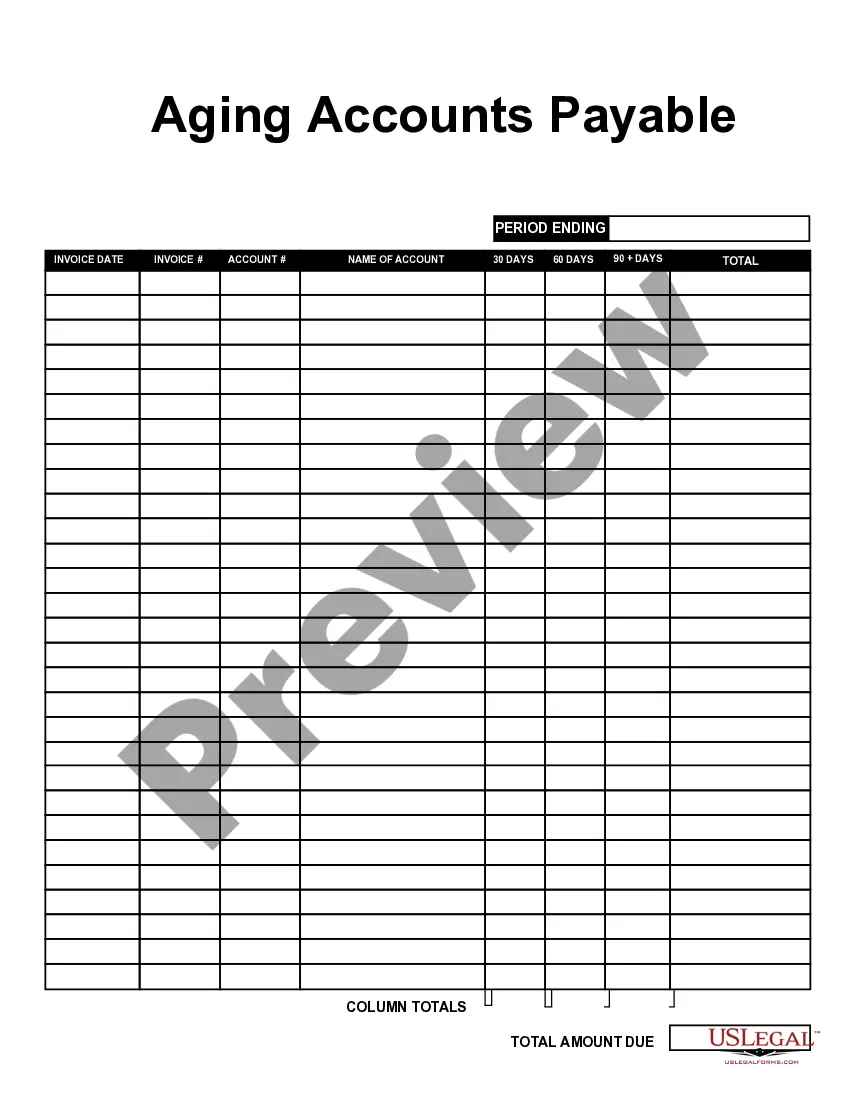
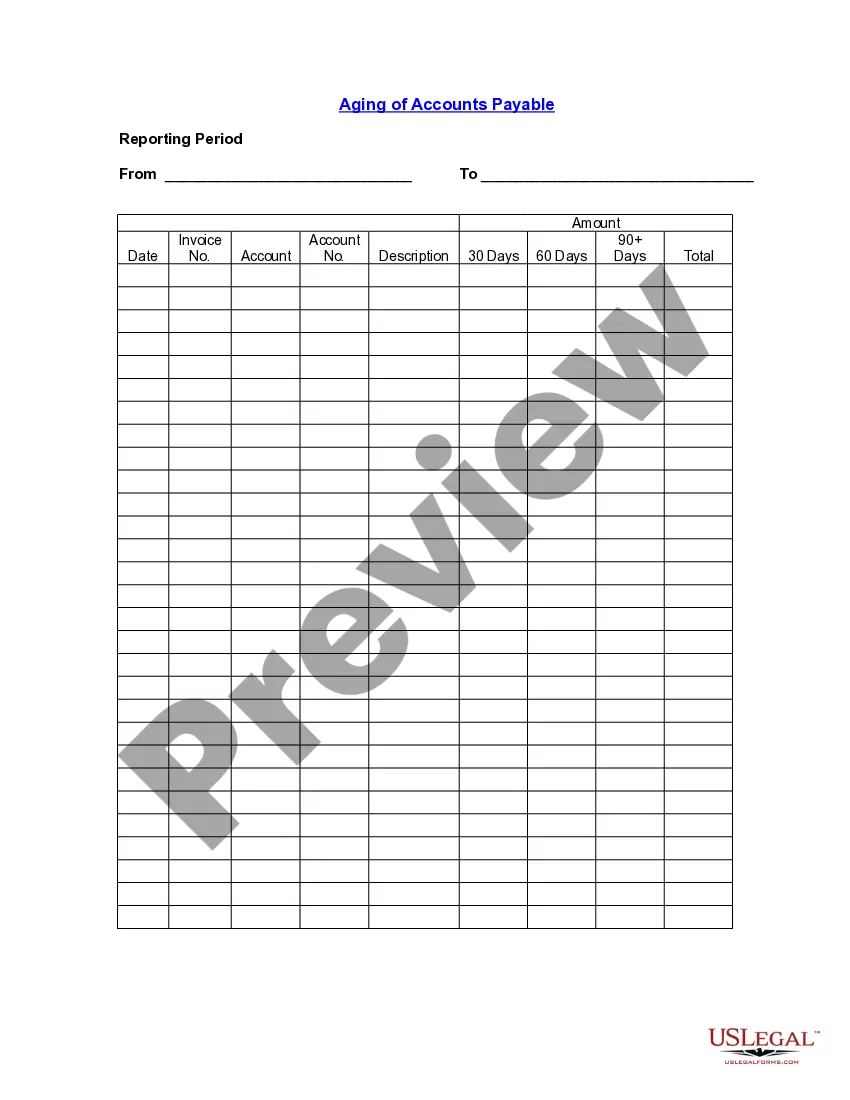
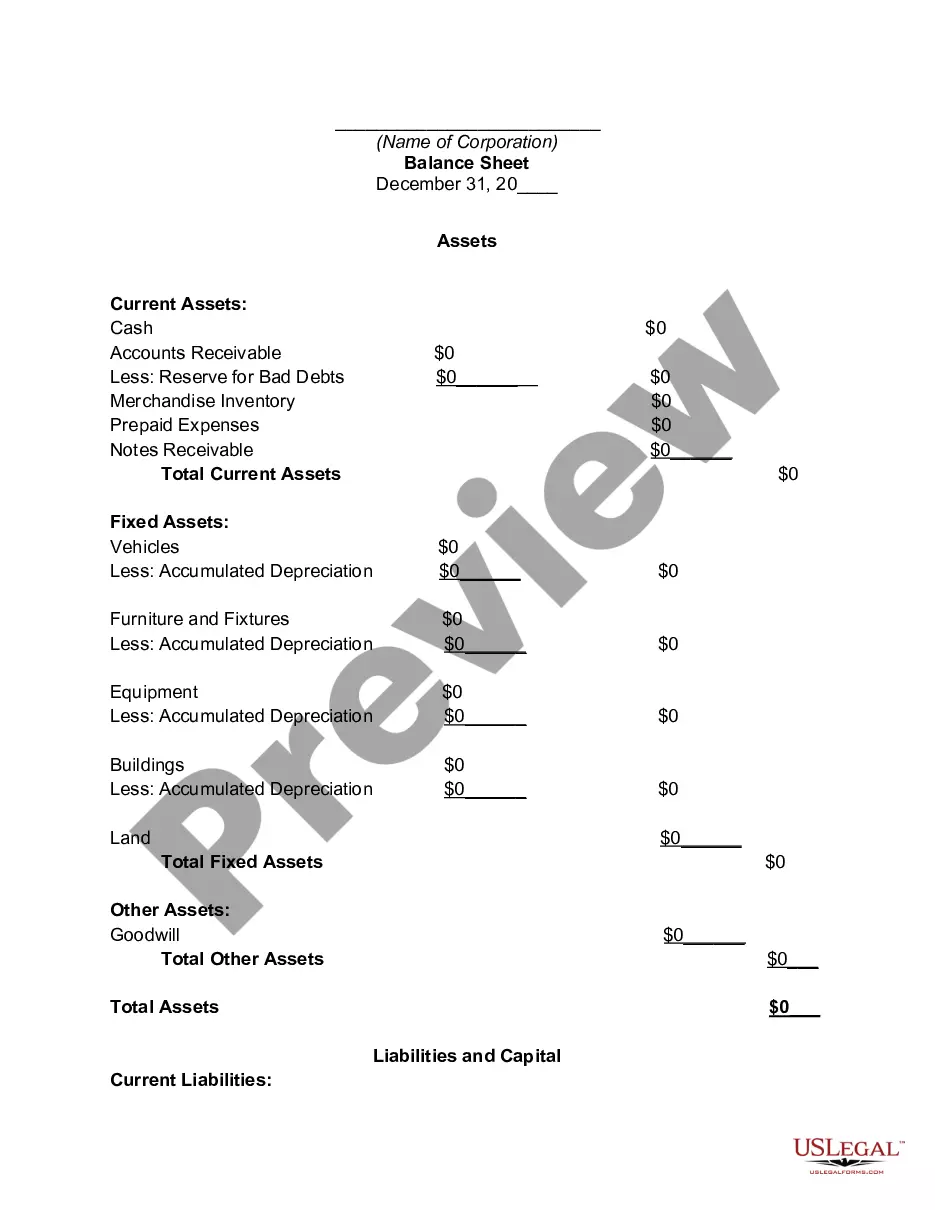
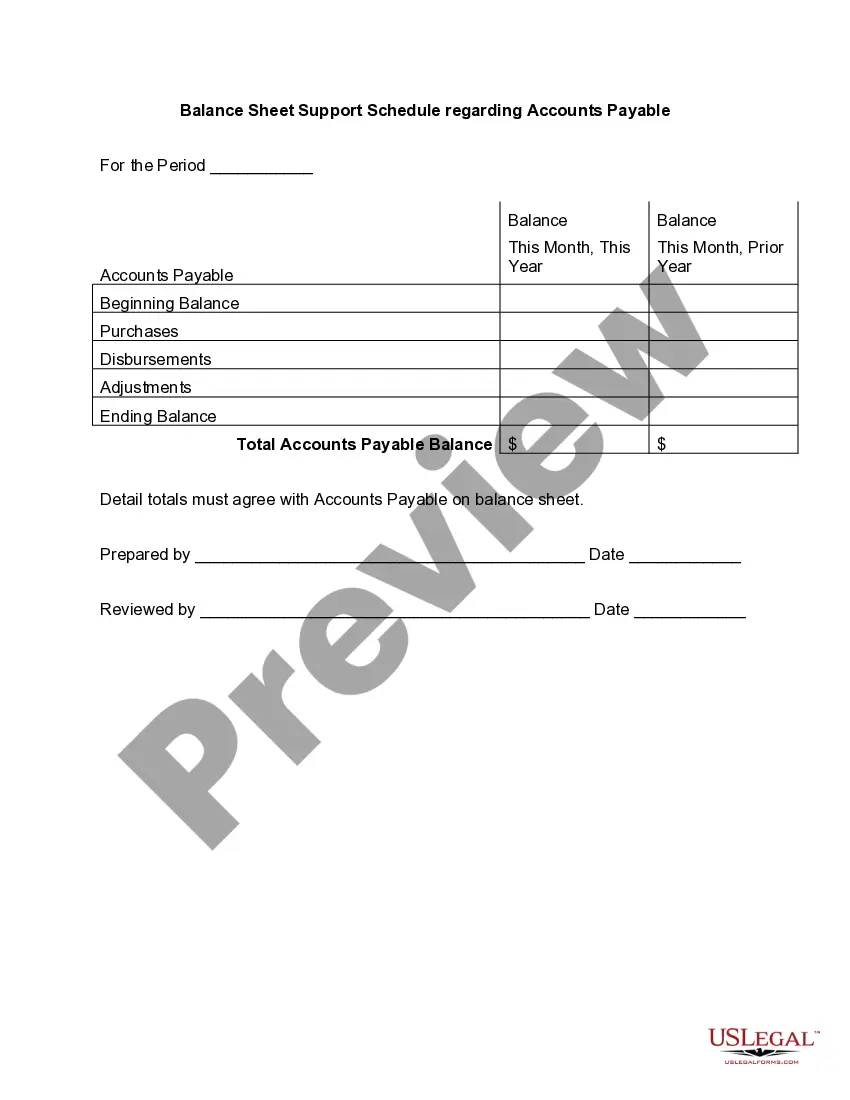
An accounts payable aging report (or AP aging report) is a vital accounting document that outlines the due dates of the bills and invoices a business needs to pay. The opposite of an AP aging report is an accounts receivable aging report, which offers a timeline of when a business can expect to receive payments.
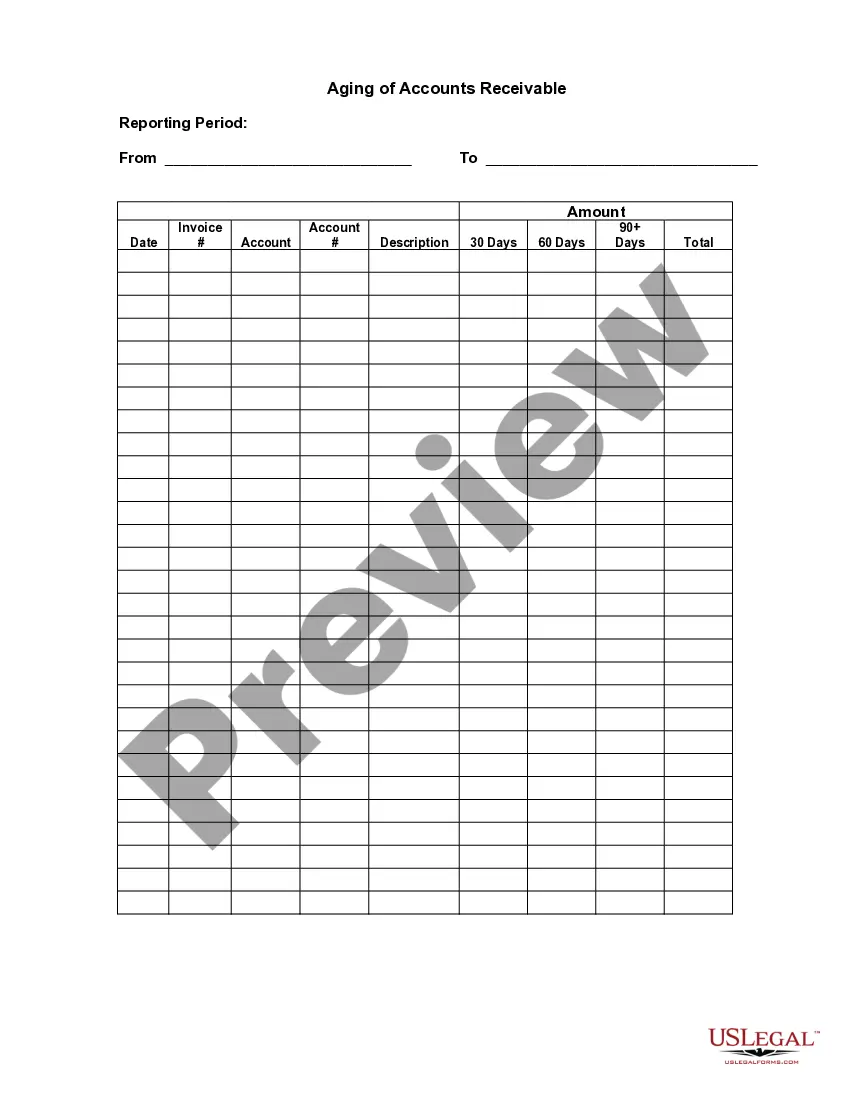
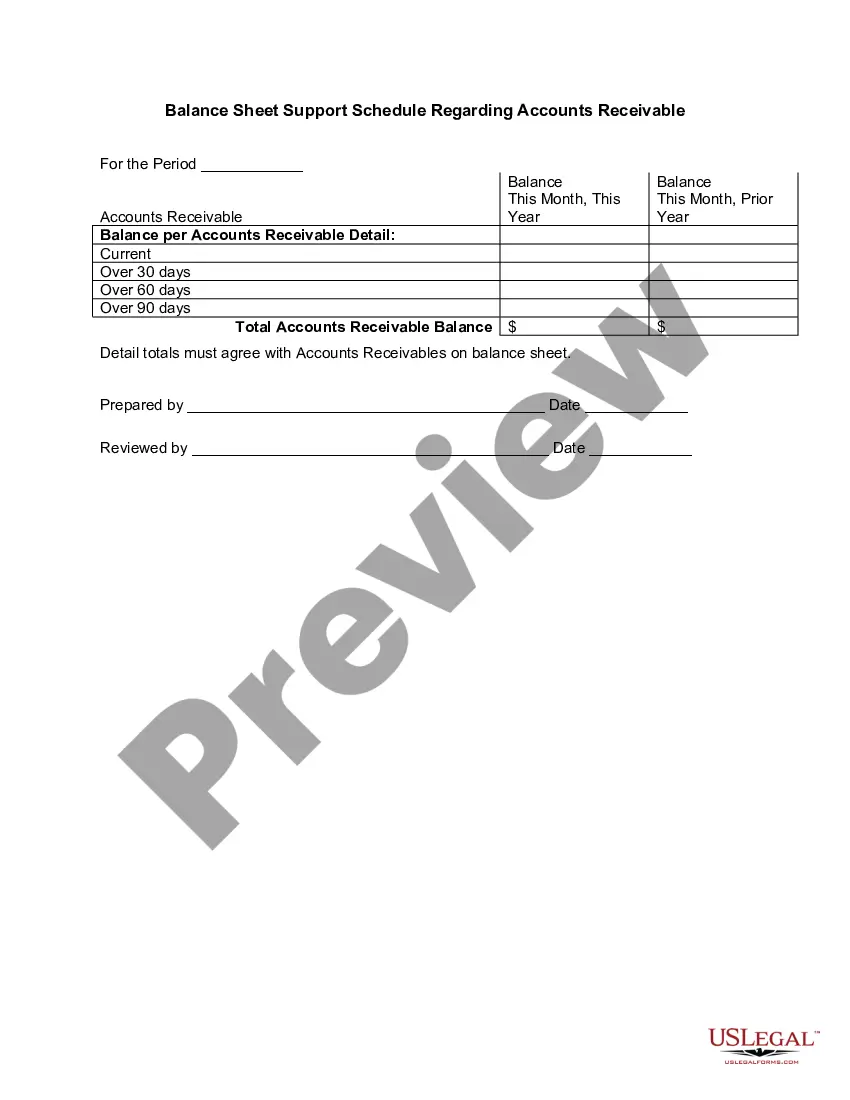
Structure of an Accounts Receivable Aging ReportThe left-most column contains all invoices that are 30 days old or less. The next column contains invoices that are 31-60 days old. The next column contains invoices that are 61-90 days old. The final column contains all older invoices.
How to create an accounts receivable aging reportStep 1: Review open invoices.Step 2: Categorize open invoices according to the aging schedule.Step 3: List the names of customers whose accounts are past due.Step 4: Organize customers based on the number of days outstanding and the total amount due.
When you pay off an invoice, remove the current or past due amount from your report. For example, say you paid off the $100 invoice that's 61 90 days past due for Vendor 3. After you pay Vendor 3 the $100, make sure you change the 61 90 days column to say $0.
AP AgingGo to Reports and then select the Standard tab.Under the What you owe section, then pick Accounts payable aging detail.Click the Customize button.Select the Filter drop-down.Check the Due Date box and then choose Custom from the drop-down list.Enter the range of the specific date.Click Run report.
AP Aging ReportsGo to Reports on the top menu.Choose Vendors and Payables.Select A/P Aging Detail.Tick the Customize Report tab.In the Dates field choose Custom.Enter the date for April in the From and To field.Tap OK.
The Accounts Payable Aging Report lists vendors to which you owe money in the rows. The columns separate your bills by how many days they are overdue, with the first column being bills that are not overdue, and the fifth column being bills that are more than 90 days overdue.
The accounts payable turnover in days shows the average number of days that a payable remains unpaid. To calculate the accounts payable turnover in days, simply divide 365 days by the payable turnover ratio. Therefore, over the fiscal year, the company takes approximately 60.53 days to pay its suppliers.