This form is a contract which is usually required to be executed, acknowledged, and filed for record. Various requirements may exist in a particular jurisdiction concerning acknowledgment and recording, or other formal acts relating to adoption by contract. Contracts to adopt are generally recognized as valid.
Indiana Adoption Agreement Between Married Prospective Adoptive Parents and Pregnant Natural Mother with Prospective Adoptive Parents Agreeing to Pay Medical and Hospital Costs of Pregnant Natural Mother
Instant download
Description
Free preview
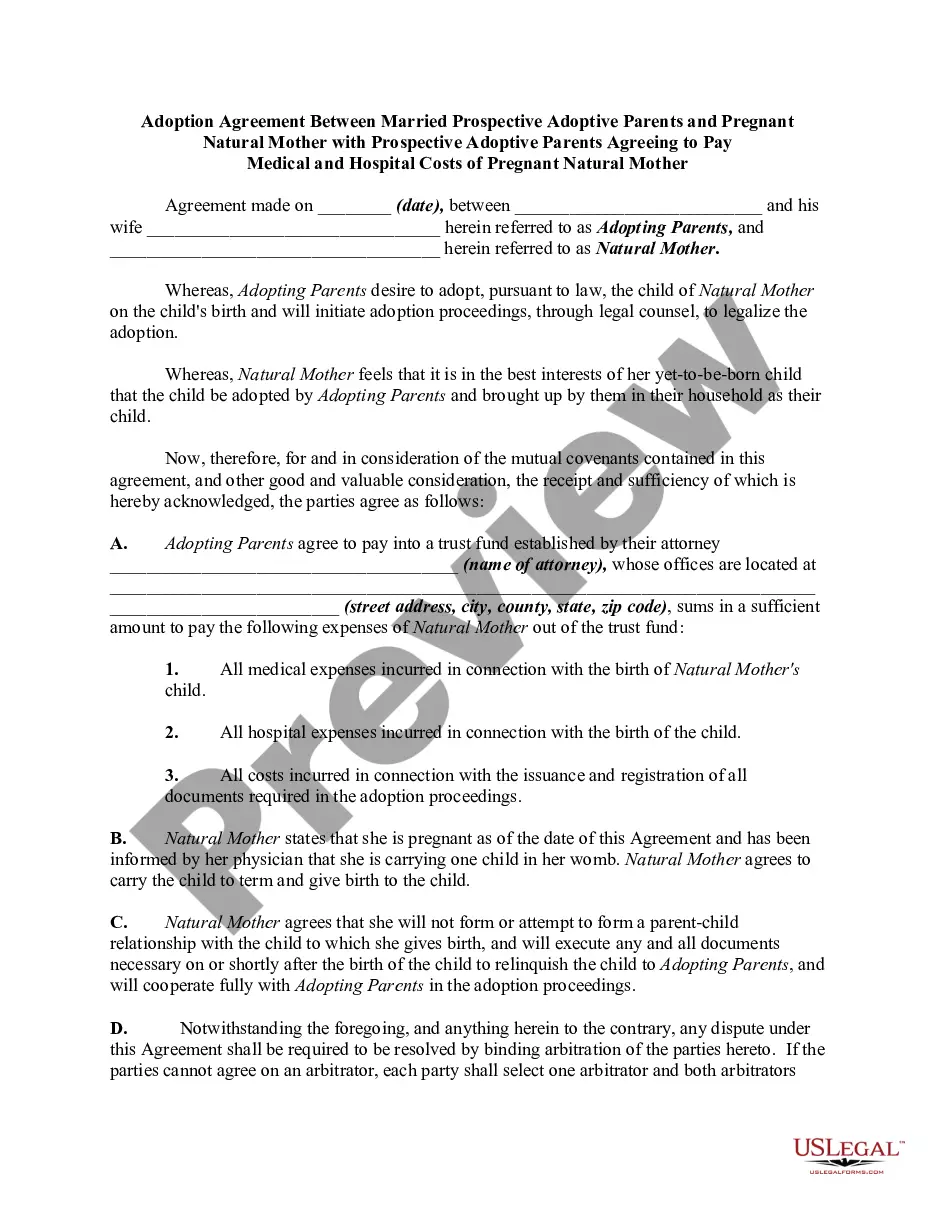
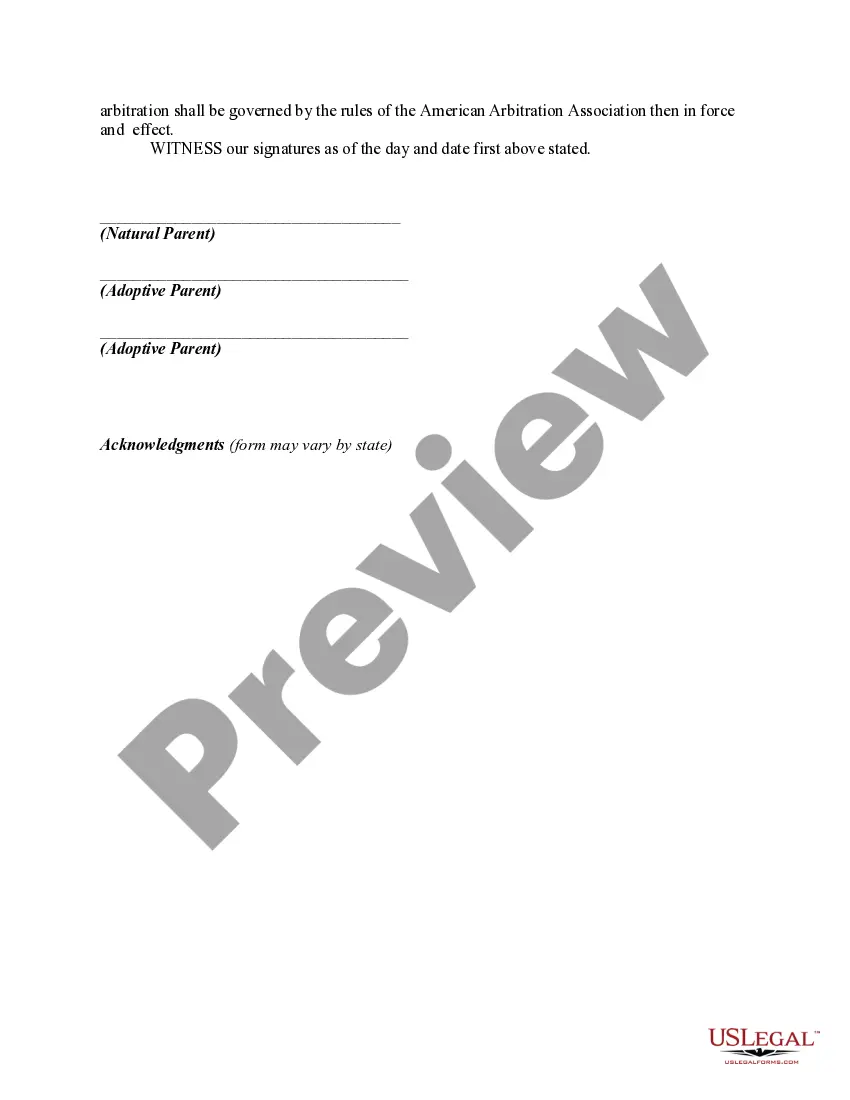
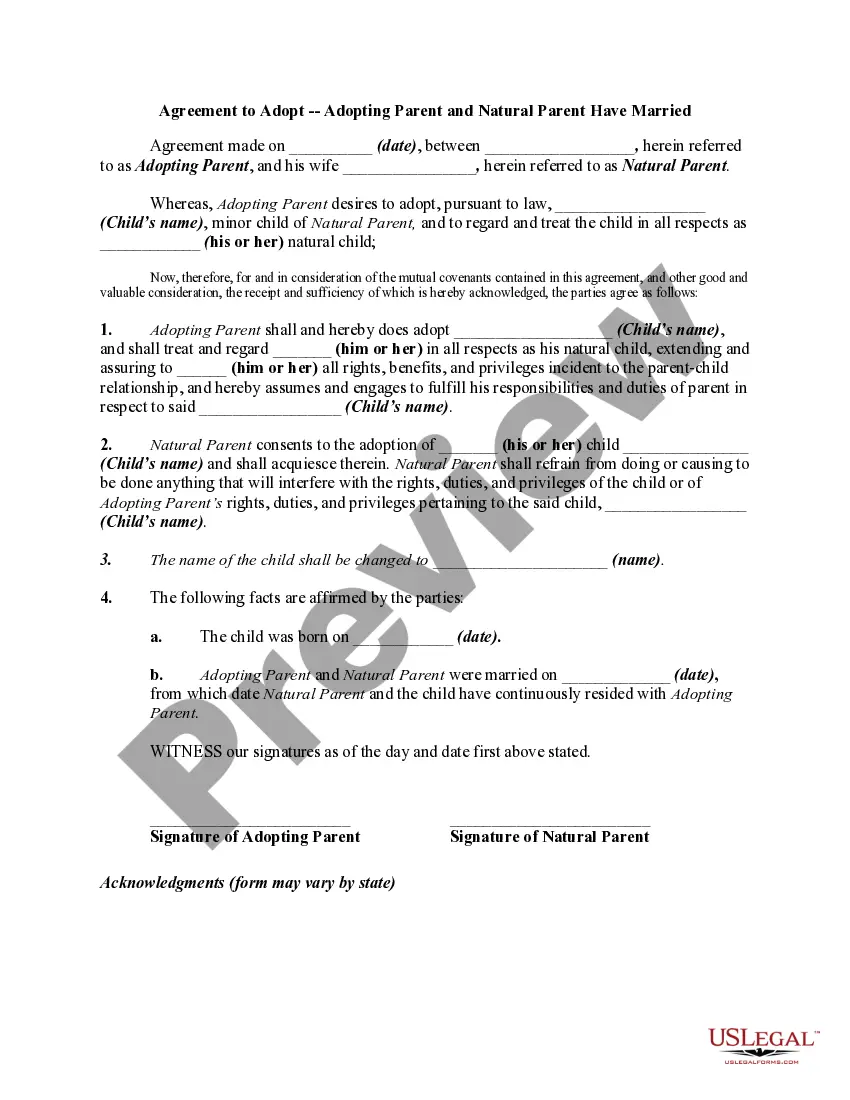
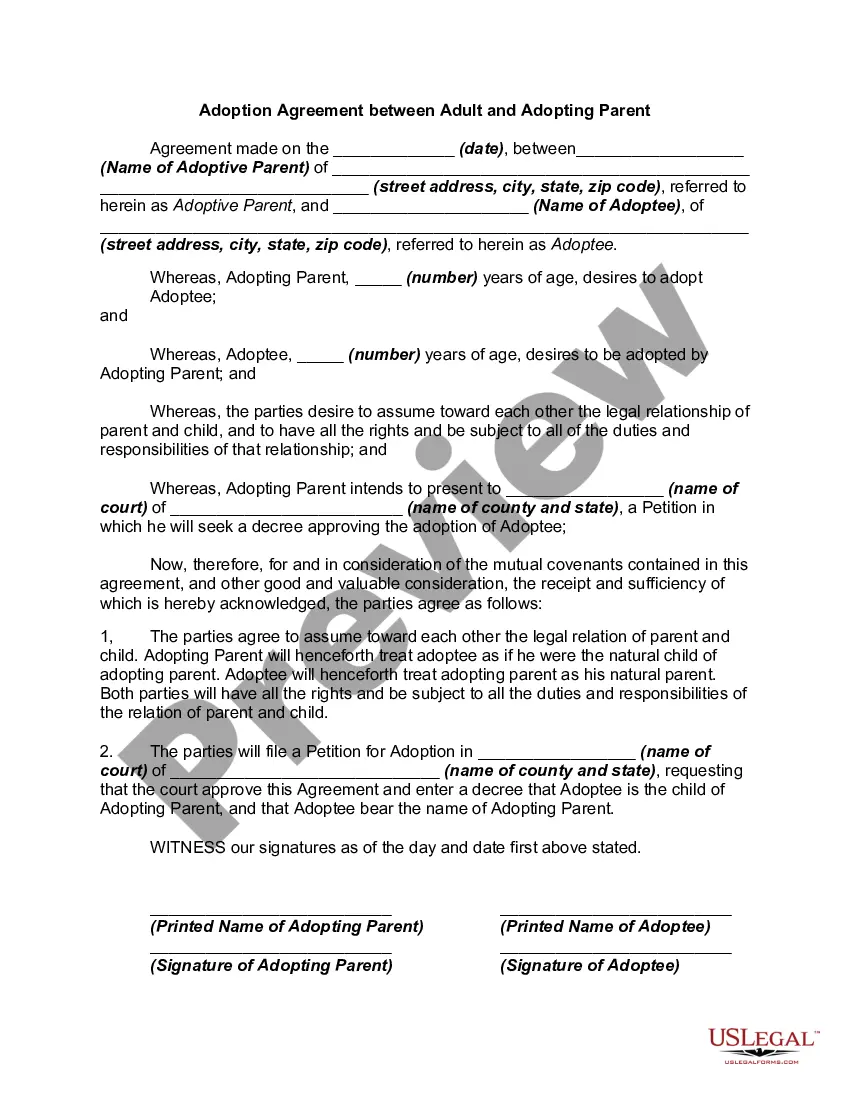
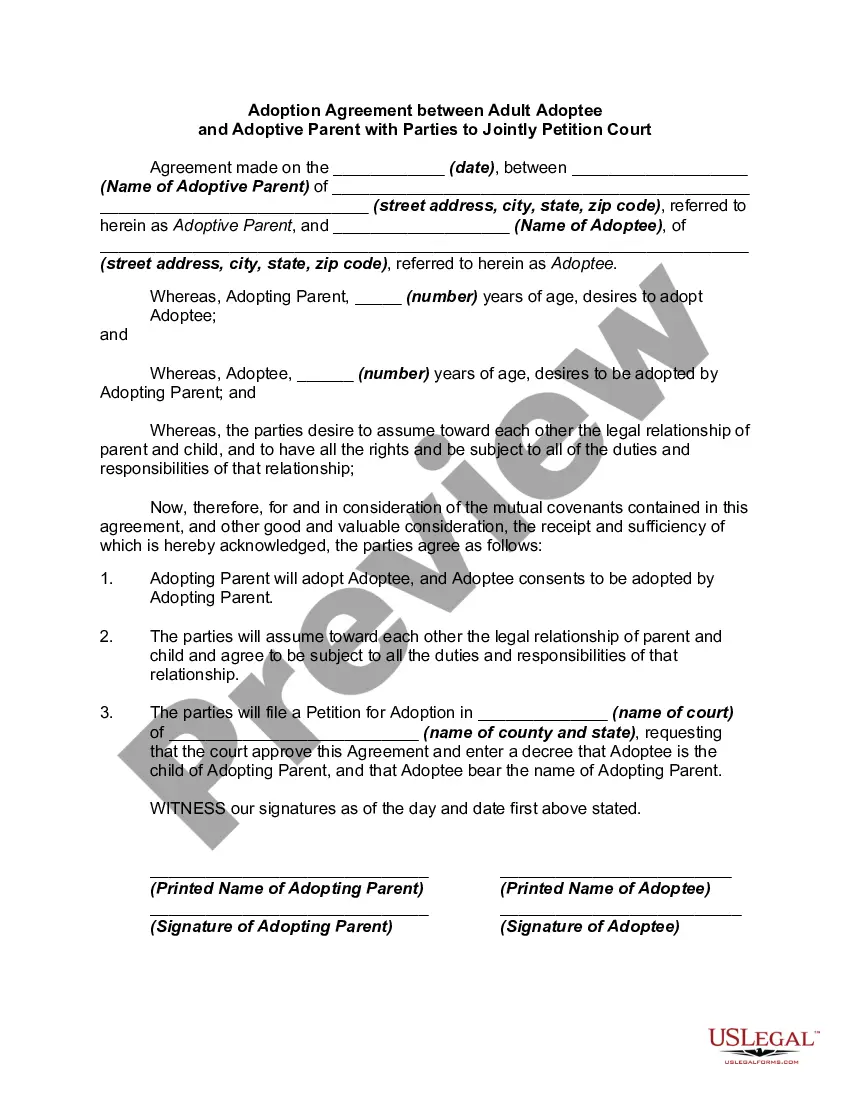
How to fill out Adoption Agreement Between Married Prospective Adoptive Parents And Pregnant Natural Mother With Prospective Adoptive Parents Agreeing To Pay Medical And Hospital Costs Of Pregnant Natural Mother?
US Legal Forms - one of the foremost libraries of legal documents in the United States - offers a broad selection of legal templates that you can download or create.
By using the website, you can access thousands of forms for business and personal purposes, organized by categories, states, or keywords. You can find the latest versions of documents like the Indiana Adoption Agreement Between Married Prospective Adoptive Parents and Pregnant Natural Mother with Prospective Adoptive Parents Agreeing to Cover Medical and Hospital Expenses of the Pregnant Natural Mother in moments.
If you have a monthly subscription, Log In and download the Indiana Adoption Agreement Between Married Prospective Adoptive Parents and Pregnant Natural Mother with Prospective Adoptive Parents Agreeing to Cover Medical and Hospital Expenses of the Pregnant Natural Mother from the US Legal Forms library. The Download button will appear on every document you view. You can access all previously acquired forms in the My documents section of your account.
Process the payment. Use your credit card or PayPal account to complete the transaction.
Select the format and download the form to your device. Make edits. Complete, modify, print, and sign the downloaded Indiana Adoption Agreement Between Married Prospective Adoptive Parents and Pregnant Natural Mother with Prospective Adoptive Parents Agreeing to Cover Medical and Hospital Expenses of the Pregnant Natural Mother. Each template you add to your account has no expiration date and is yours forever. So, if you wish to download or print an additional copy, simply go to the My documents section and click on the form you desire. Gain access to the Indiana Adoption Agreement Between Married Prospective Adoptive Parents and Pregnant Natural Mother with Prospective Adoptive Parents Agreeing to Cover Medical and Hospital Expenses of the Pregnant Natural Mother with US Legal Forms, one of the largest libraries of legal document templates. Utilize thousands of professional and state-specific templates that meet your business or personal needs.
- Ensure you have selected the correct form for your city/state.
- Click on the Preview button to review the form’s details.
- Check the form summary to confirm you have chosen the right form.
- If the form does not meet your requirements, use the Search field at the top of the screen to find one that does.
- If you are satisfied with the form, confirm your selection by clicking the Purchase now button.
- Then, select the payment plan you prefer and provide your information to sign up for the account.
Form popularity
FAQ
Second parent adoptions will require all the steps of a stepparent adoption with one possible addition. In stepparent adoptions, the court may waive the requirement of the full home study and only require the background checks for the adopting stepparent.
Adoptees who are now adults are generally free to seek out their biological parents and often do so. However, the methods they use are not court process but investigation, often by professionals.
Spanking, slapping a child's hand, washing a child's mouth with soap, and other physical acts of discipline are not permitted for foster children and adoptive children.
First, let us assure you that, while it may be difficult for you to imagine, you will absolutely love your future adopted son or daughter just as much as you would a biological child. Once he or she has joined your home, it may seem almost laughable to you that you ever questioned it.
Even in cases where a child's consent is not required, child welfare professionals may ask a child how he or she feels about the adoption and take that into consideration. Ultimately, it comes down to whether or not the adoption is in the child's best interests.
They might label their child's behavior as ?disobedient? or ?defiant.? But for many adoptive children, the trauma is running the show. Trauma experiences impact the neurobiology of our brain. Sometimes it's more a matter of ?can't? than ?won't.? The switch gets flipped and they go into fight, flight, or freeze.
"It needs to be clear to adoptive parents that they need to tell their children they are adopted. It isn't a decision for adoptive parents to make or to take into consideration. Adoptees need to be told," says Jessenia Parmer, an adoptee mental health advocate and consultant.
In regards to step-parent adoption in Indiana, Indiana Code 31-19-9-1 states that a petition to adopt a child (under the age of 18) can only be granted if written consent to adoption has been executed by each living parent of the child and the child if they are over the age of 14.