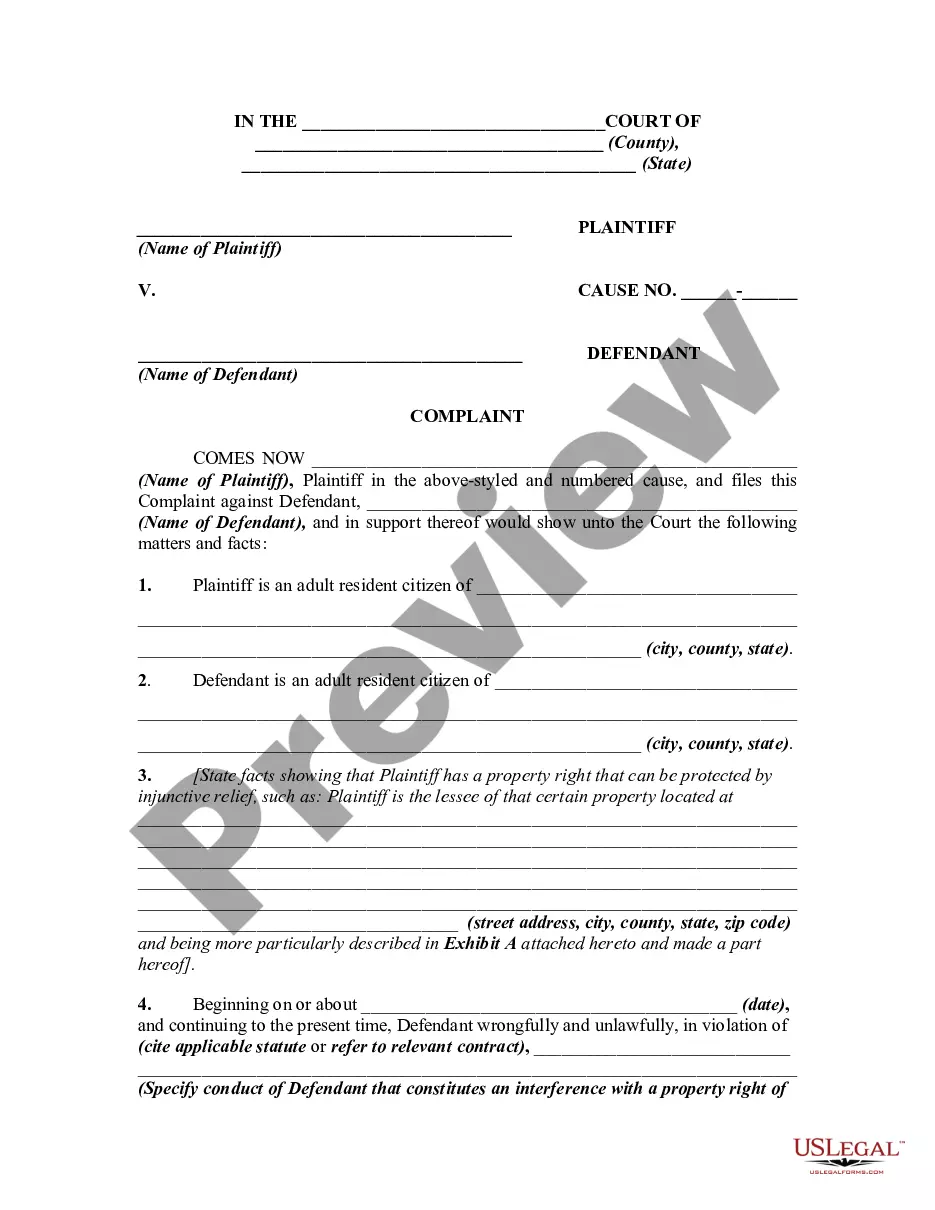
If you need to total, download, or print authentic document templates, utilize US Legal Forms, the largest collection of authentic forms, which can be accessed online.
Employ the site’s simple and user-friendly search to locate the documents you require.
Various templates for business and personal purposes are categorized by types and states, or keywords.
Step 4. Once you have found the form you need, click the Get now button. Choose the pricing plan you prefer and enter your details to register for an account. Step 5. Process the transaction. You can use your credit card or PayPal account to complete the transaction.
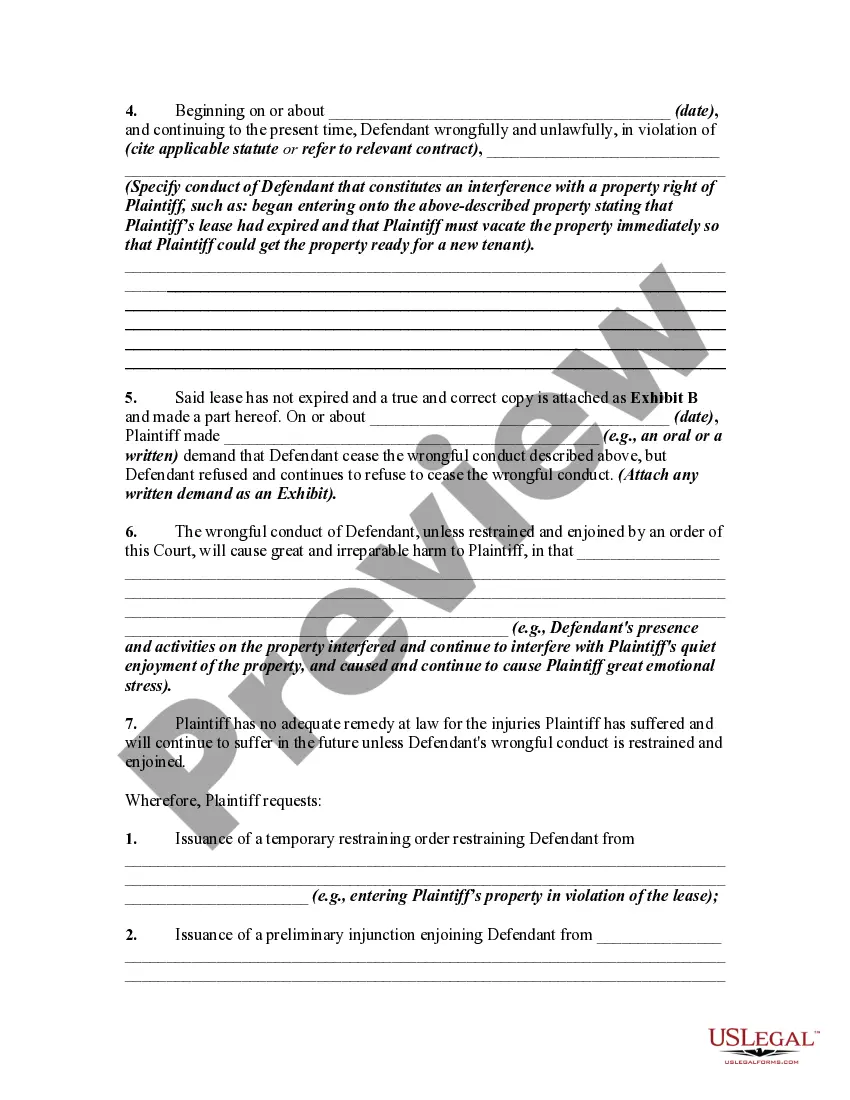
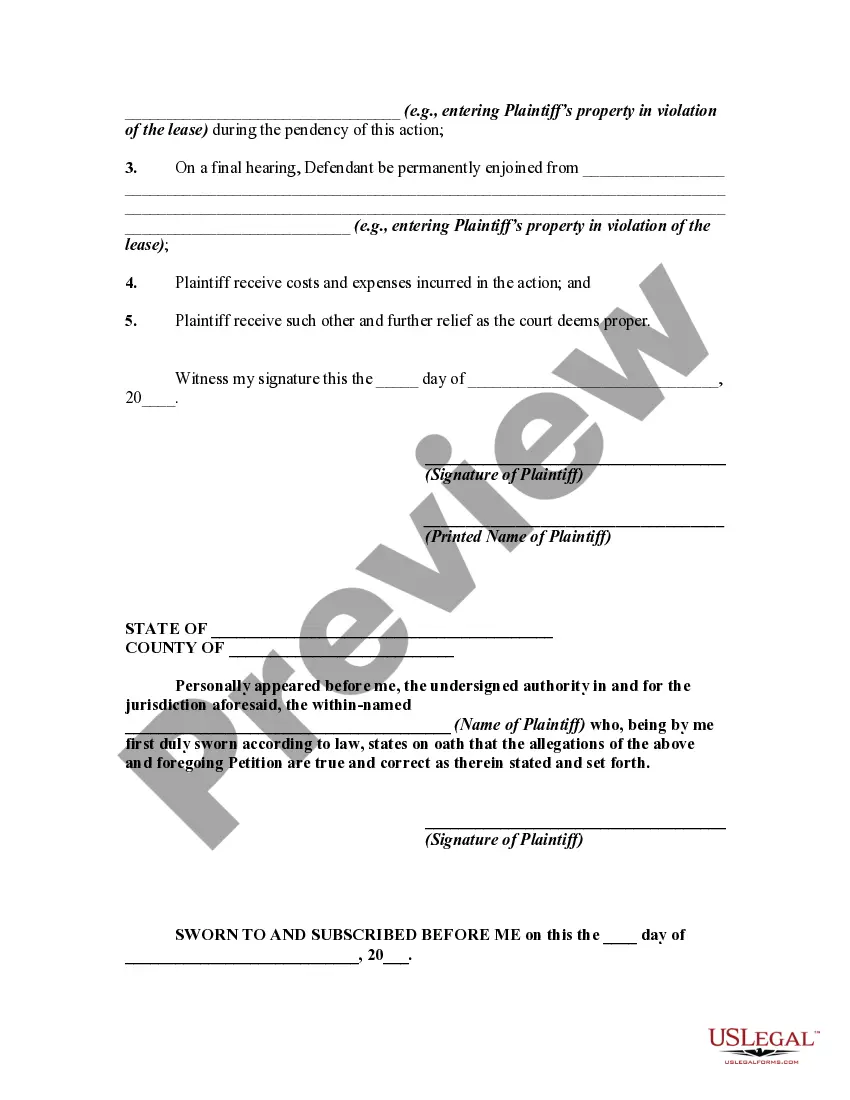
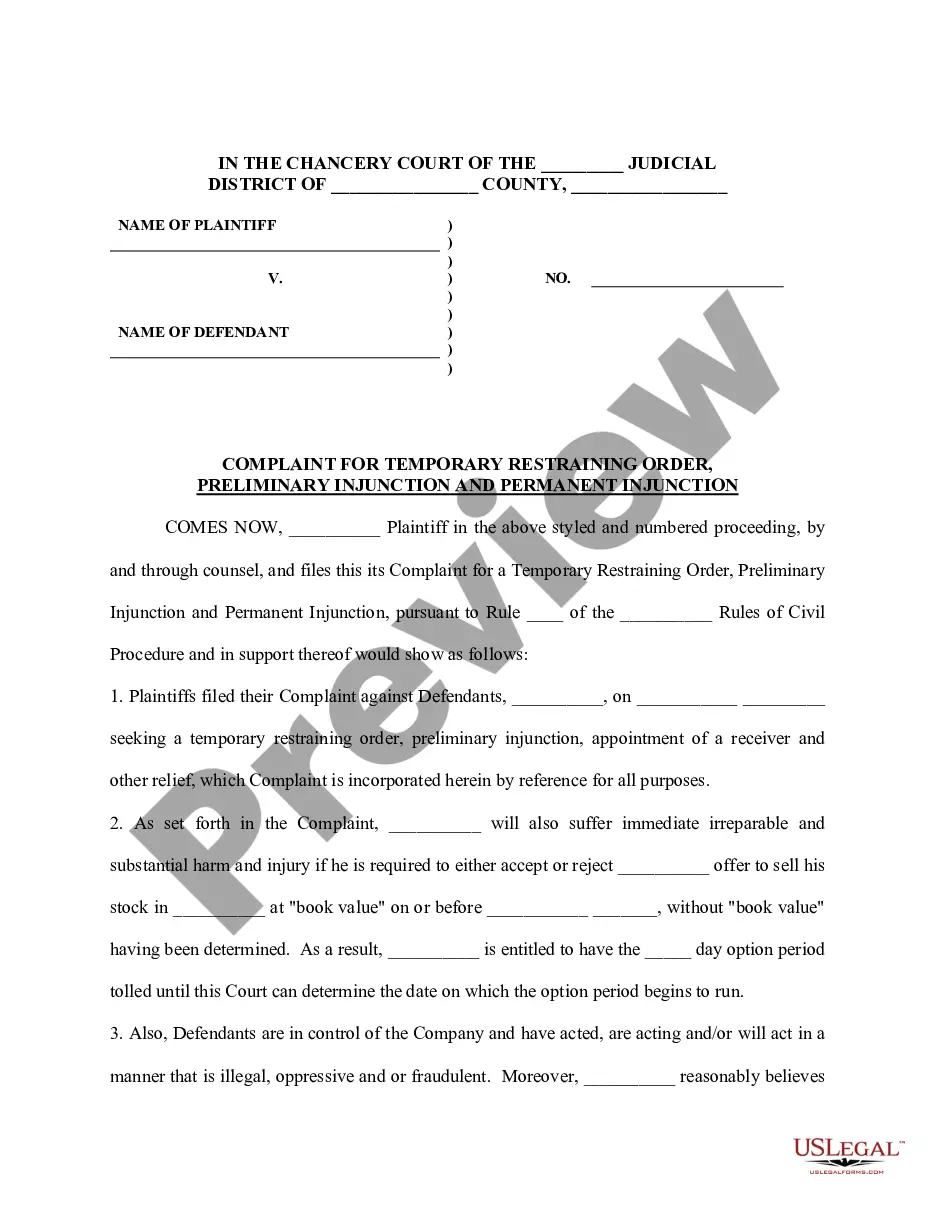
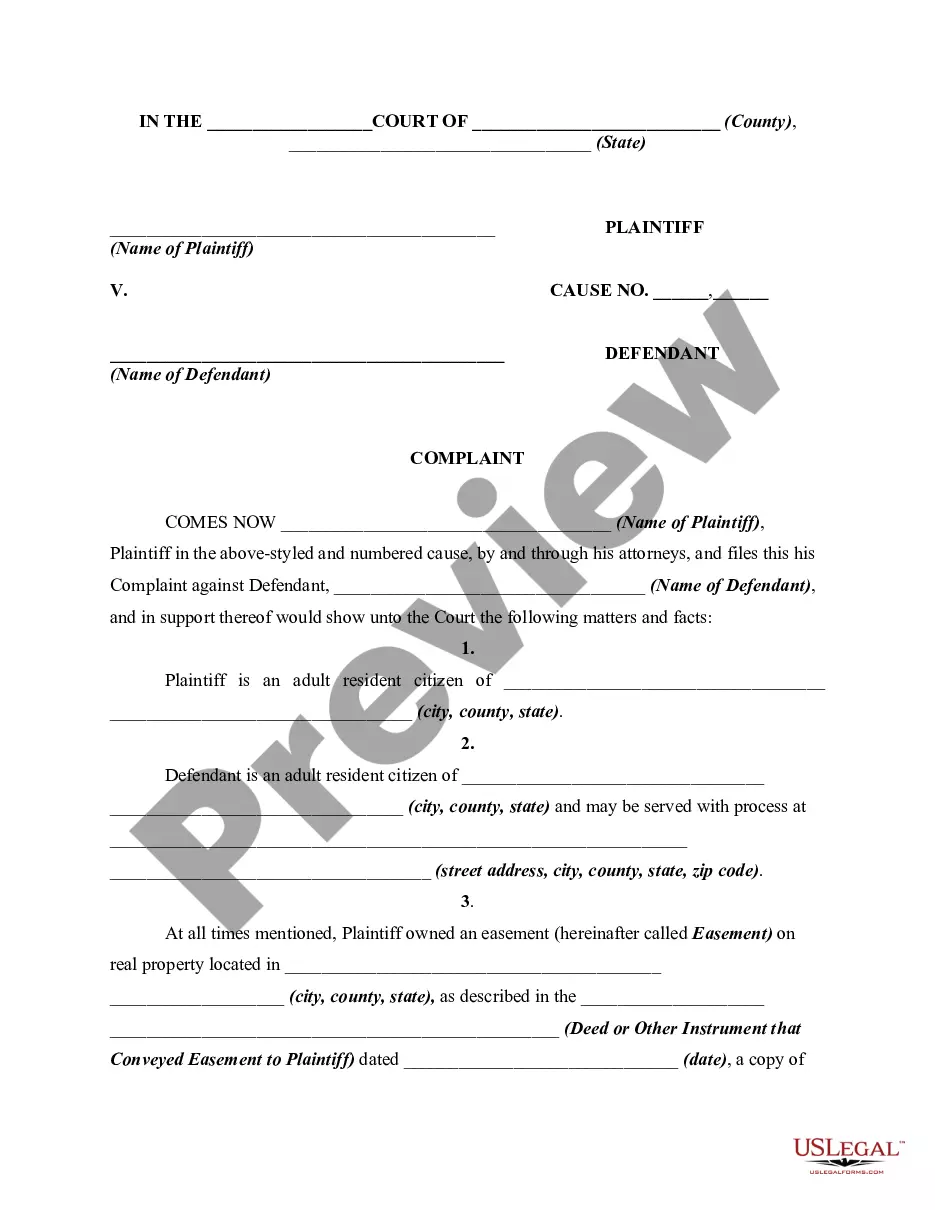
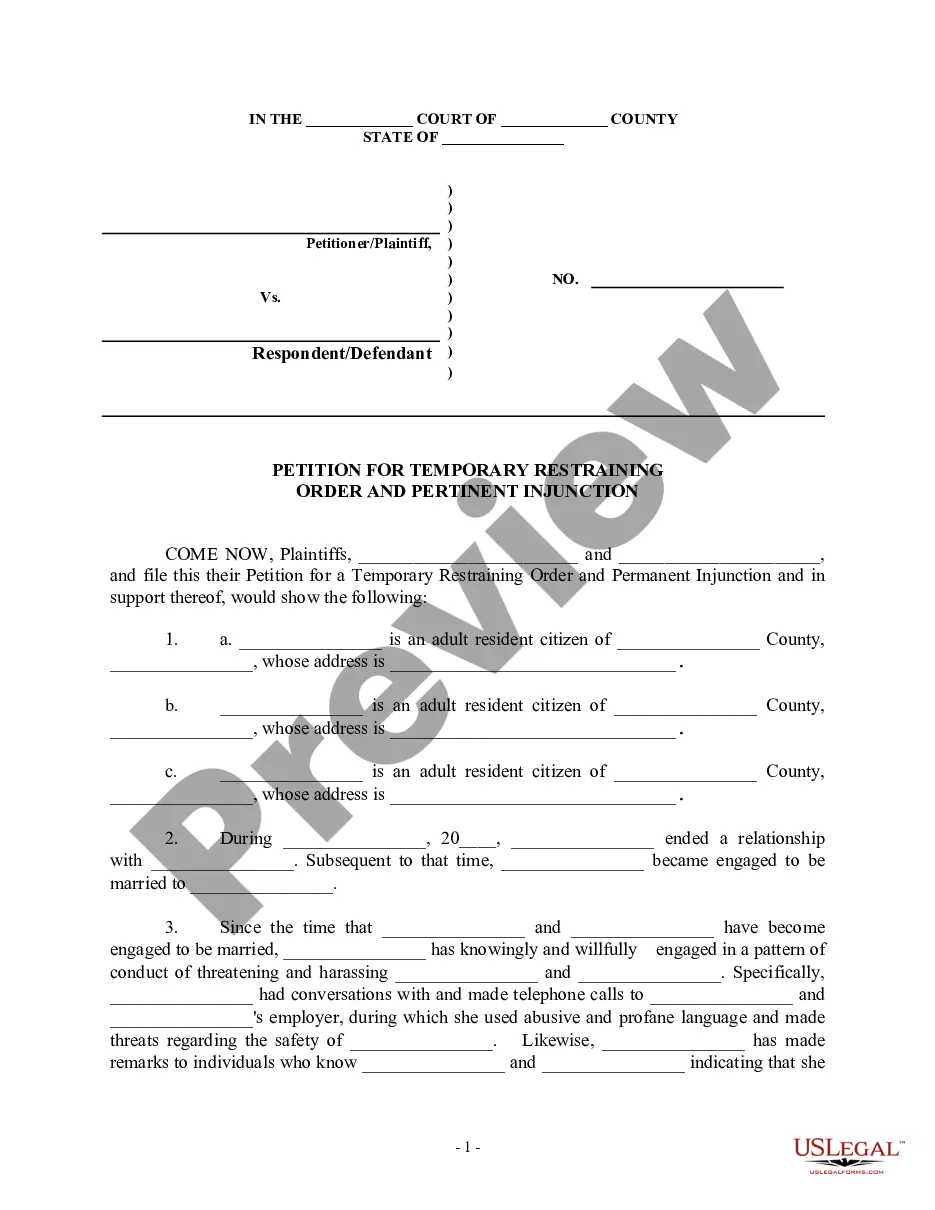
Step 6. Select the format of the legal form and download it to your device. Step 7. Complete, edit, and print or sign the Indiana Complaint or Petition for Temporary Restraining Order and Injunction to Prevent Interference with Property Rights. Every legal document template you purchase is yours permanently. You have access to every form you downloaded in your account. Click on the My documents section and select a form to print or download again. Engage and download, and print the Indiana Complaint or Petition for Temporary Restraining Order and Injunction to Prevent Interference with Property Rights with US Legal Forms. There are thousands of professional and state-specific forms you can use for your business or personal needs.
- Use US Legal Forms to locate the Indiana Complaint or Petition for Temporary Restraining Order and Injunction to Prevent Interference with Property Rights with just a few clicks.
- If you are already a US Legal Forms user, Log In to your account and click on the Download button to obtain the Indiana Complaint or Petition for Temporary Restraining Order and Injunction to Prevent Interference with Property Rights.
- You can also access forms you previously downloaded in the My documents tab of your account.
- If you are using US Legal Forms for the first time, follow the steps outlined below.
- Step 1. Ensure you have selected the form for your correct city/state.
- Step 2. Use the Preview option to review the form's contents. Don't forget to read the information.
- Step 3. If you are not satisfied with the form, use the Search box at the top of the screen to find other versions of the legal form template.