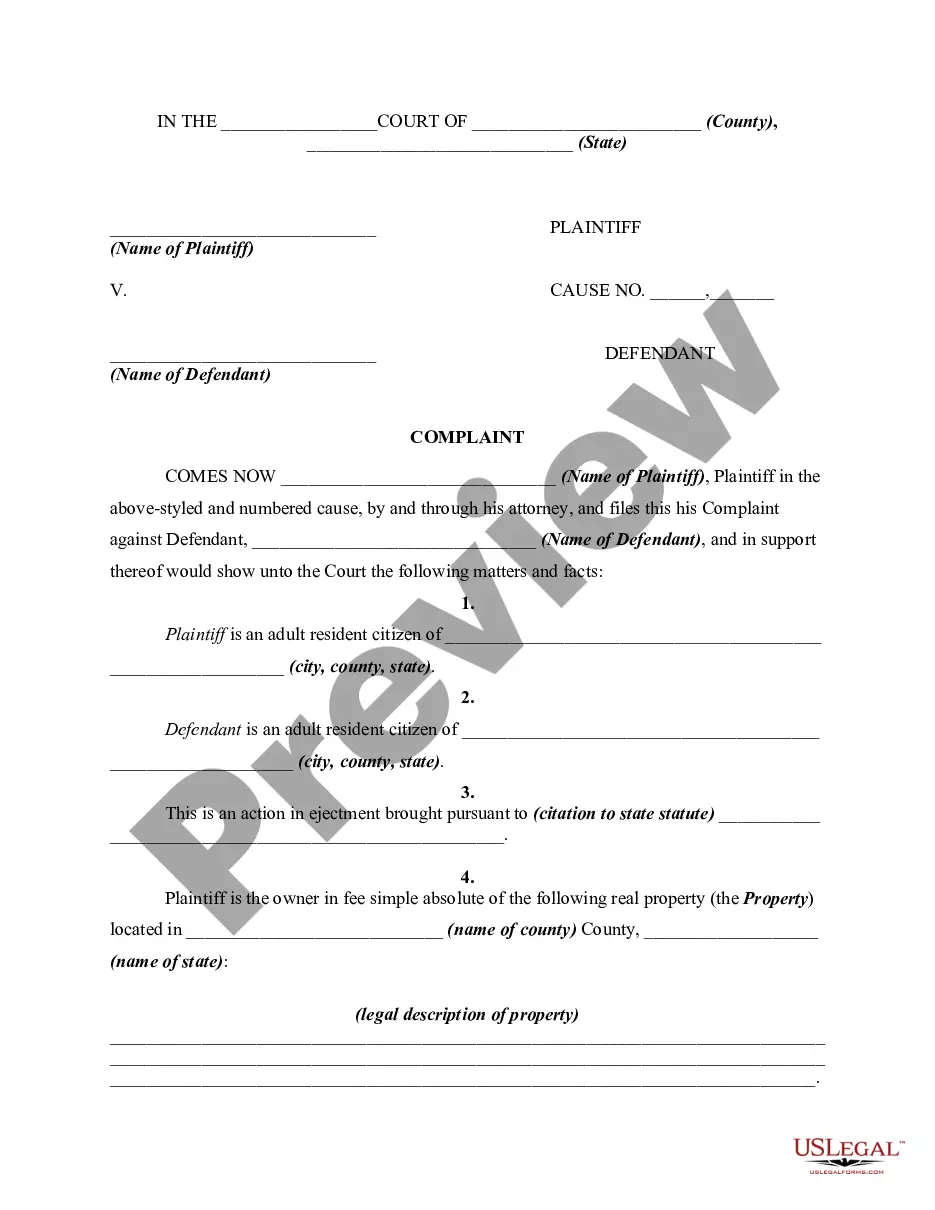
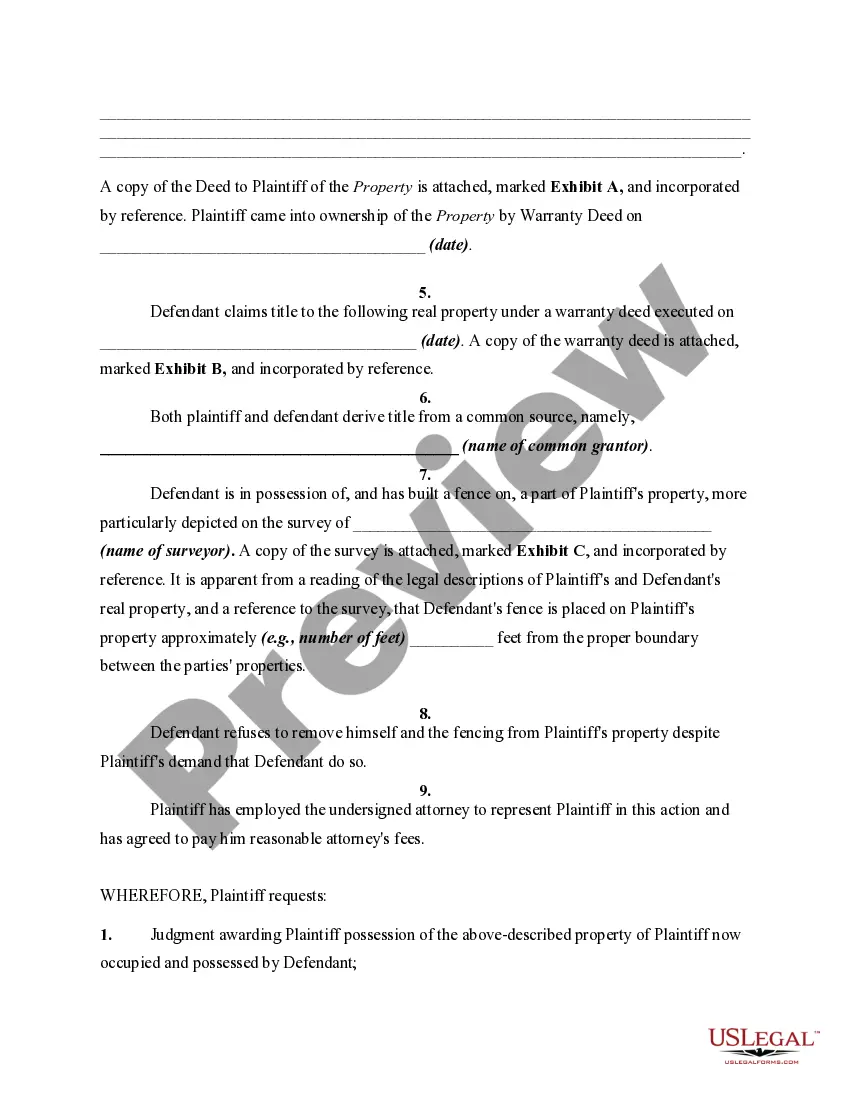
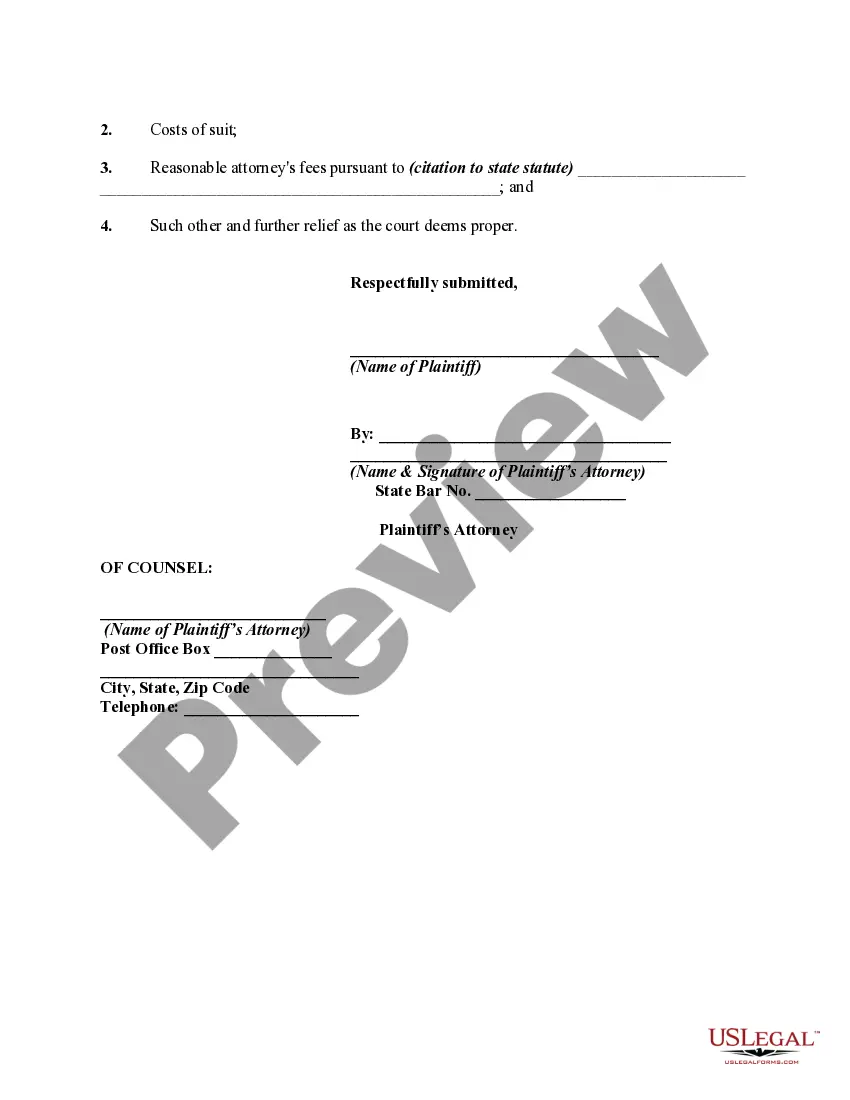
An ejectment proceeding is an action to recover the possession of land, subject to all the regular rules of civil procedure. Statutes may regulate ejectment actions to prescribe the general form of the declaration or complaint. Otherwise, it is generally sufficient for the plaintiff to allege his or her possession of the premises in controversy, the subsequent entry of the defendant, and the defendant's withholding of the premises from the plaintiff. This form is a generic complaint and adopts the notice pleadings format of the Federal Rules of Civil Procedure, which have been adopted by most states in one form or another. This form is for illustrative purposes only. Local laws should be consulted to determine any specific requirements for such a form in a particular jurisdiction.
Indiana Complaint, Petition, or Declaration for Recovery of Possession of Property due to Fence Built by Adjoining Landowner on Plaintiff's Property
Description
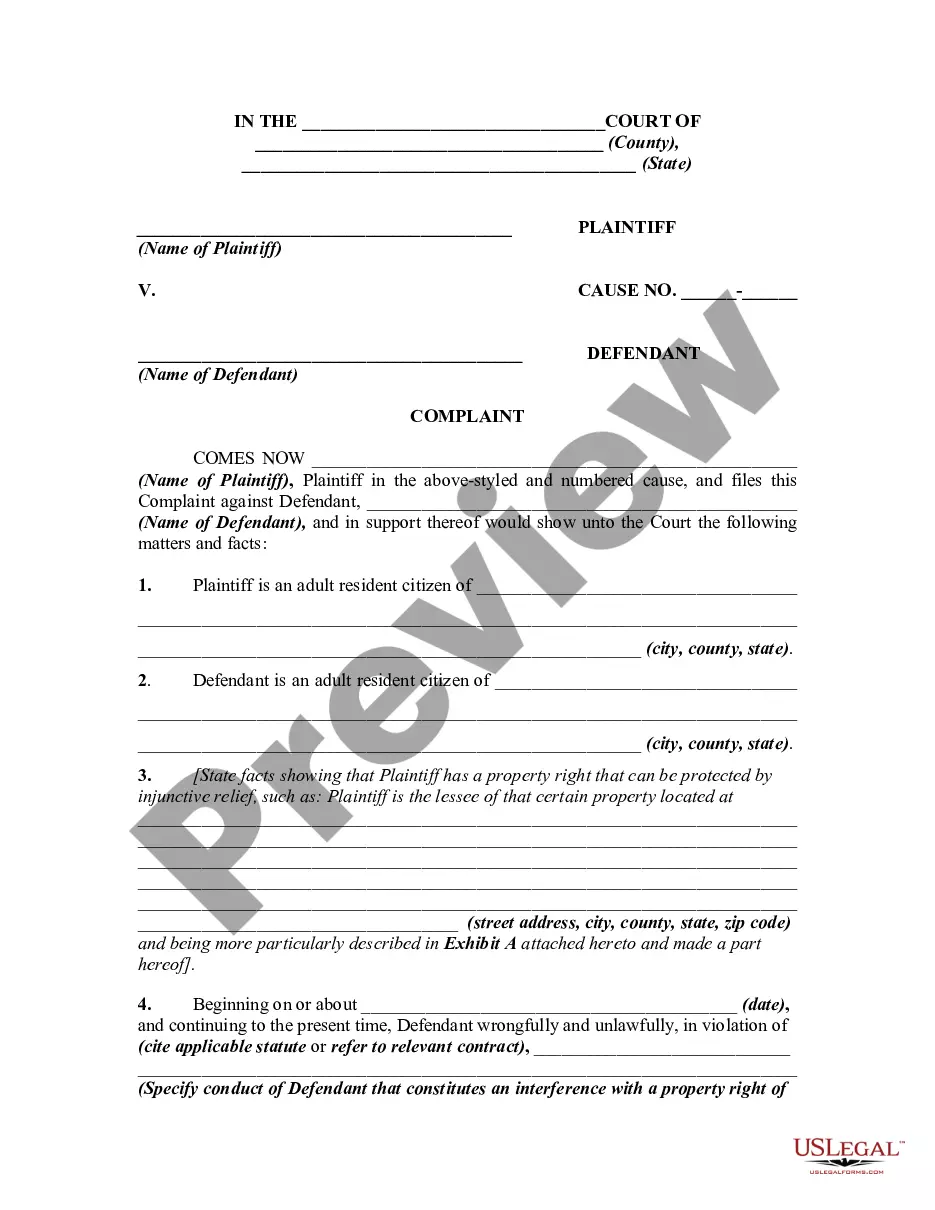
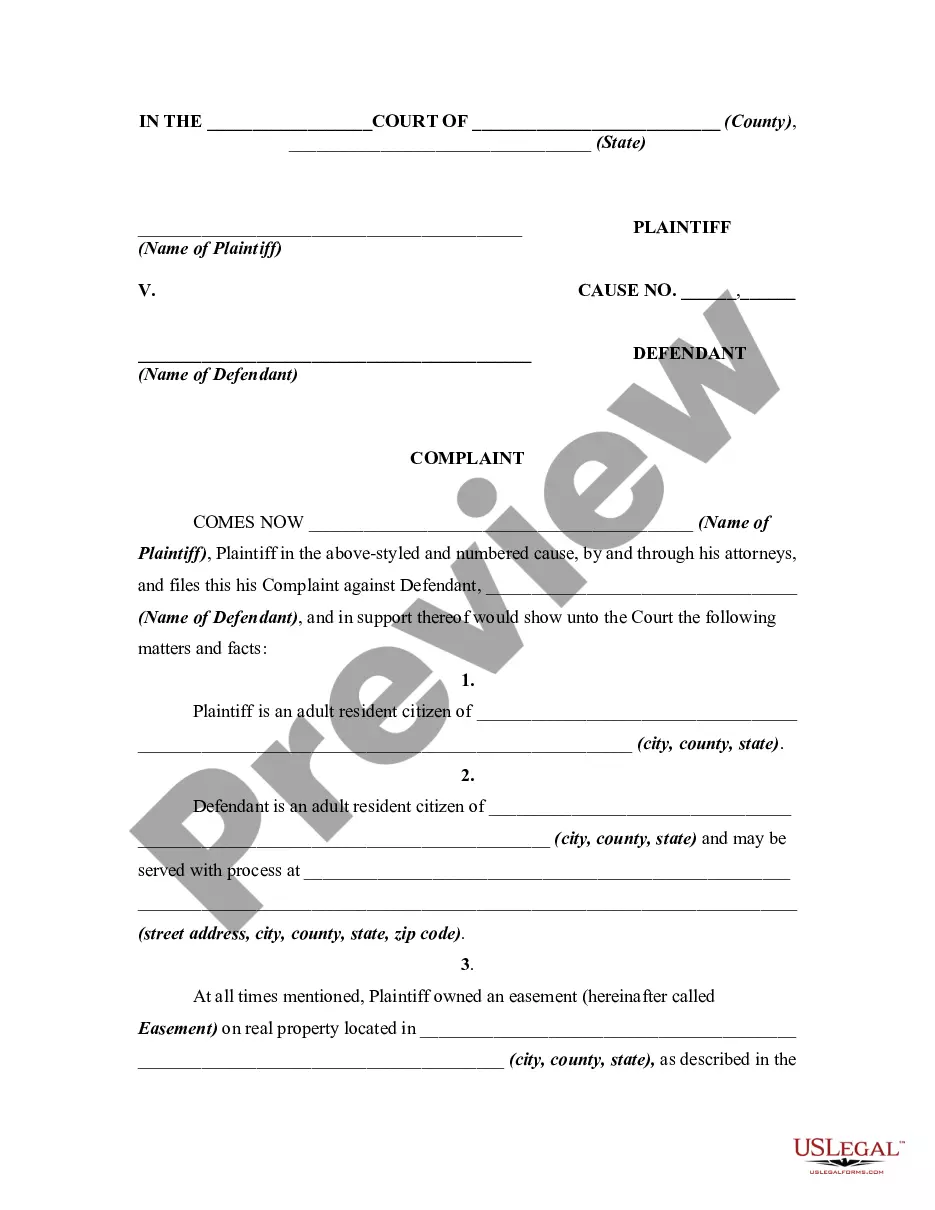
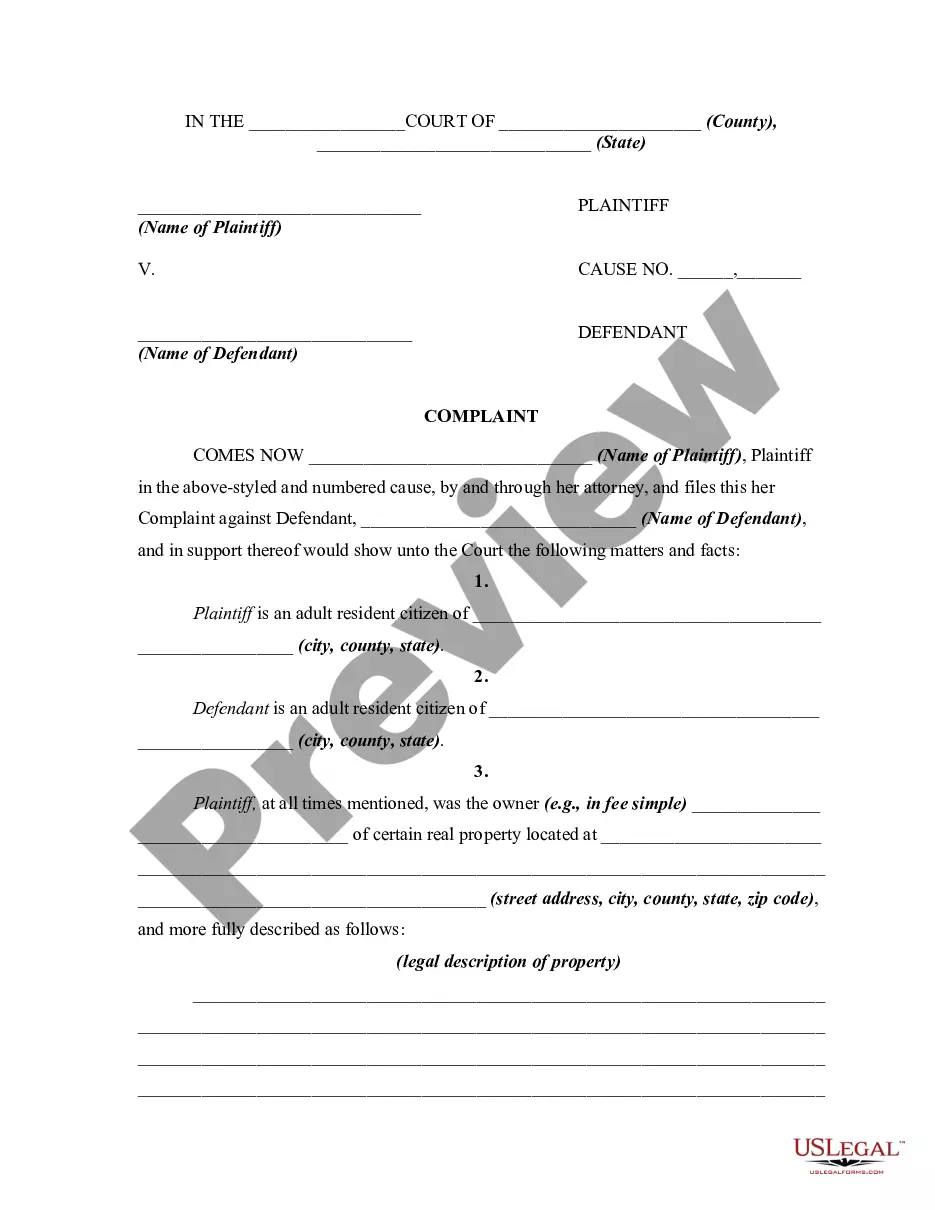
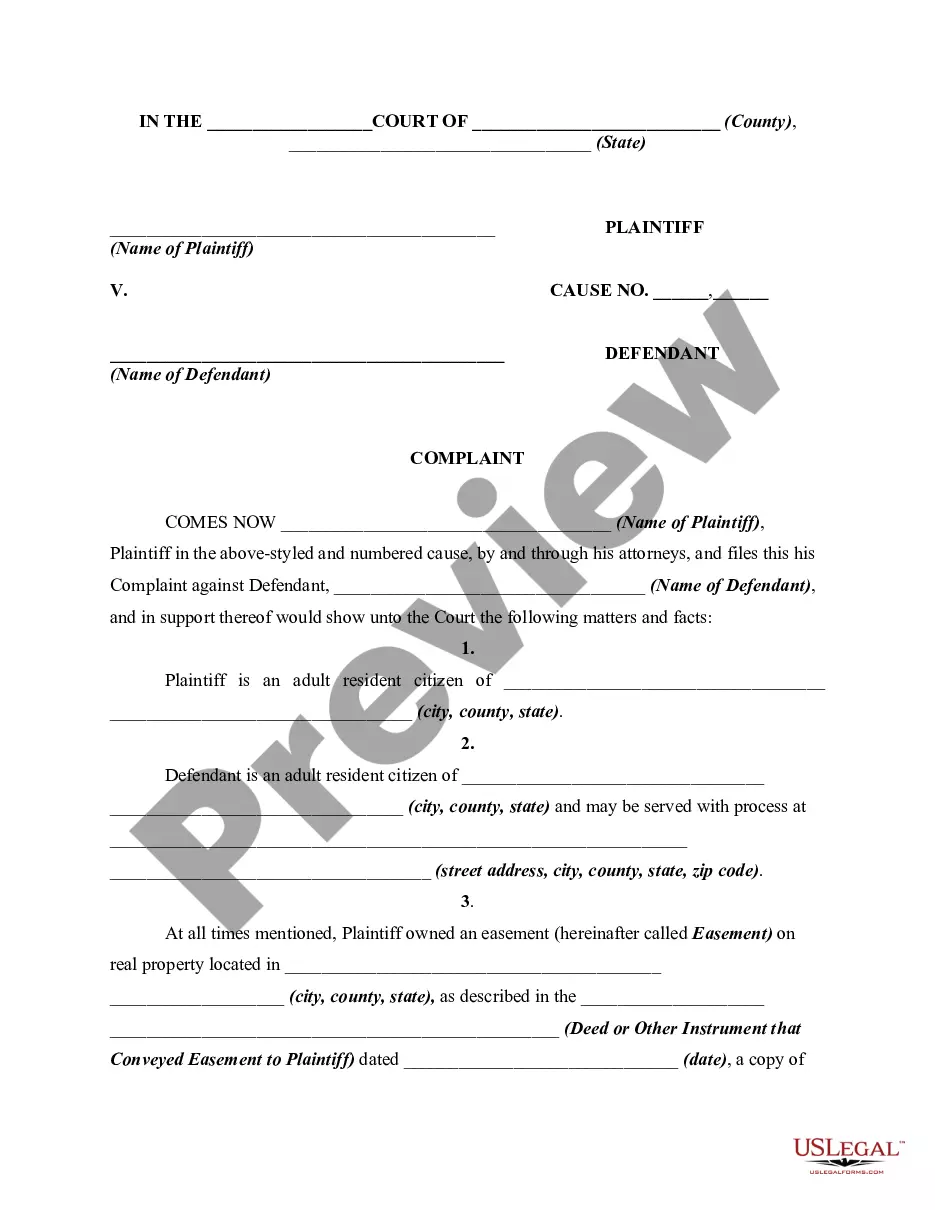







How to fill out Complaint, Petition, Or Declaration For Recovery Of Possession Of Property Due To Fence Built By Adjoining Landowner On Plaintiff's Property?
US Legal Forms - one of the largest collections of legal documents in the United States - offers a vast selection of legal paperwork templates that you can download or print.
While using the website, you will find thousands of forms for business and personal purposes, sorted by categories, states, or keywords. You can locate the latest versions of forms like the Indiana Complaint, Petition, or Declaration for Recovery of Possession of Property due to Fence Built by Adjoining Landowner on Plaintiff's Property in mere seconds.
If you already have an account, Log In and retrieve the Indiana Complaint, Petition, or Declaration for Recovery of Possession of Property due to Fence Built by Adjoining Landowner on Plaintiff's Property from the US Legal Forms library. The Download button will be visible on every document you view. You can access all previously downloaded forms from the My documents section of your account.
Select the format and download the form to your device.
Edit. Fill out, modify, and print and sign the downloaded Indiana Complaint, Petition, or Declaration for Recovery of Possession of Property due to Fence Built by Adjoining Landowner on Plaintiff's Property. Each form you added to your account has no expiration date and is your property forever. Therefore, if you want to download or print another copy, simply visit the My documents section and click on the form you need. Access the Indiana Complaint, Petition, or Declaration for Recovery of Possession of Property due to Fence Built by Adjoining Landowner on Plaintiff's Property with US Legal Forms, the most extensive library of legal document templates. Utilize thousands of professional and state-specific templates that meet your business or personal requirements and specifications.
- Ensure you have selected the correct document for your city/county. Click on the Review button to examine the form’s content.
- Check the form summary to ensure you have selected the right document.
- If the form does not meet your needs, utilize the Search field at the top of the screen to find one that does.
- If you are satisfied with the form, confirm your choice by clicking the Purchase now button.
- Then, select the payment plan you prefer and provide your information to create an account.
- Process the transaction. Use a Visa, Mastercard, or PayPal account to finalize the purchase.
Form popularity
FAQ
Public Intoxication and Disorderly Conduct Laws in Indiana The term ?intoxicated? has a specific definition under the state's laws, and it is interpreted to mean under the influence of alcohol, a controlled substance, or another drug, which causes an impaired condition and the loss of normal control of faculties.
The conveyance, mortgage, memorandum of lease, or lease is fraudulent and void as against any subsequent purchaser, lessee, or mortgagee in good faith and for a valuable consideration if the purchaser's, lessee's, or mortgagee's deed, mortgage, or lease is first recorded.
IC 31-14-7-1 is entitled ?Presumptions; child's biological father? and gives the separate circumstances under which ?a man is presumed to be a child's biological father? as: (1) the child was born during a marriage between the man and the child's biological mother, or no later than three hundred (300) days after its ...
Under I.C. § 32-21-7-1, one additional requirement for Indiana adverse possession is that the adverse possessor, in good faith, needs to pay all taxes due on the land during the period the adverse possessor claims to have possessed the land adversely.
Determining Responsibility for a Partition Fence Under the Indiana Partition Fence Law, adjacent landowners are required to share the burden of building partition fences, so long as one property is agricultural land located outside town or city limit.
A person must occupy a property for at least ten years in Indiana to make an adverse possession claim. During this period, the person must also prove additional continuous actions that meet the other conditions necessary for an adverse possession claim. Exclusive and continuous possession is necessary to show control.