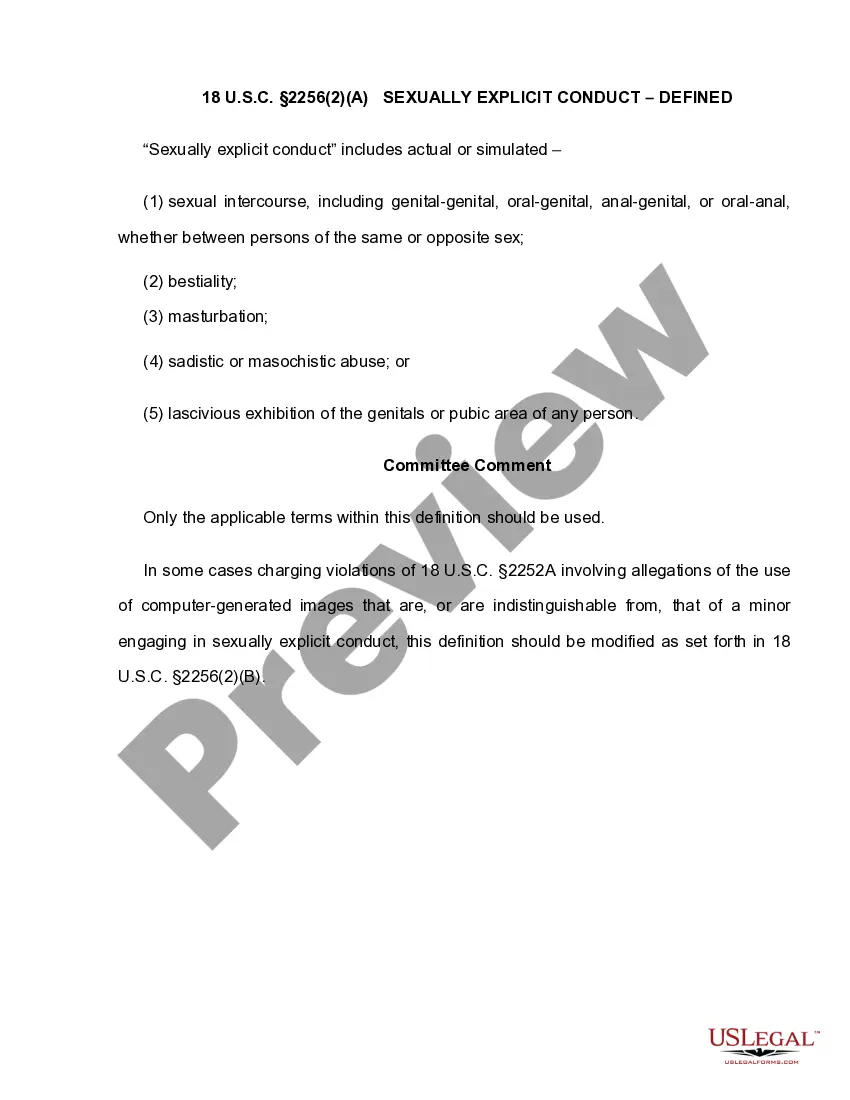
This form is a generic pleading and adopts the "notice pleadings" format of the Federal Rules of Civil Procedure, which have been adopted by most states in one form or another. This form is for illustrative purposes only. Local laws should be consulted to determine any specific requirements for such a form in a particular jurisdiction.
Kansas Petition to Modify or Amend Divorce Decree Stopping Child Support on the Grounds that Respondent Interfered with Visitation Rights and Child is Now an Adult
Category:
State:
Multi-State
Control #:
US-01896BG
Format:
Word;
Rich Text
Instant download
Description
Free preview
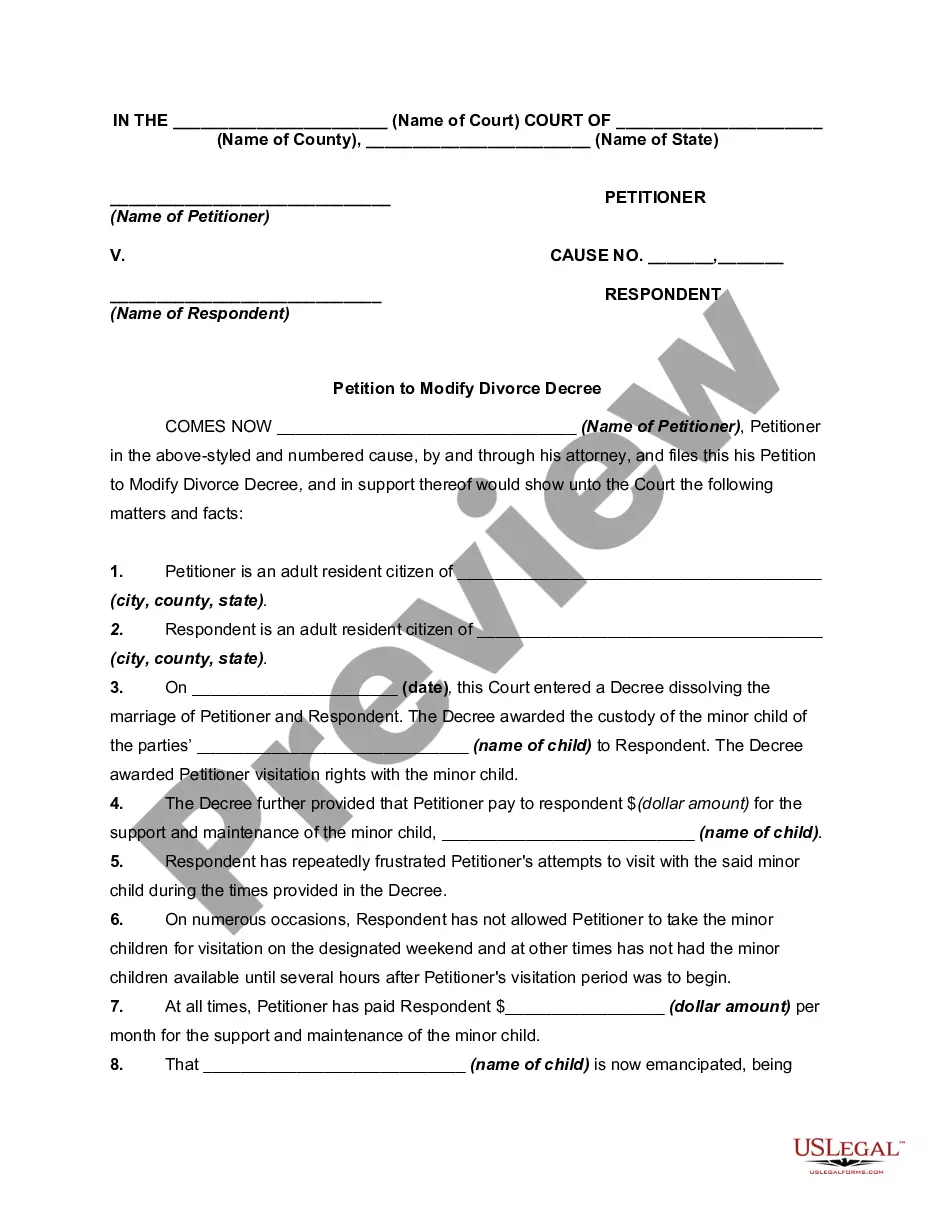
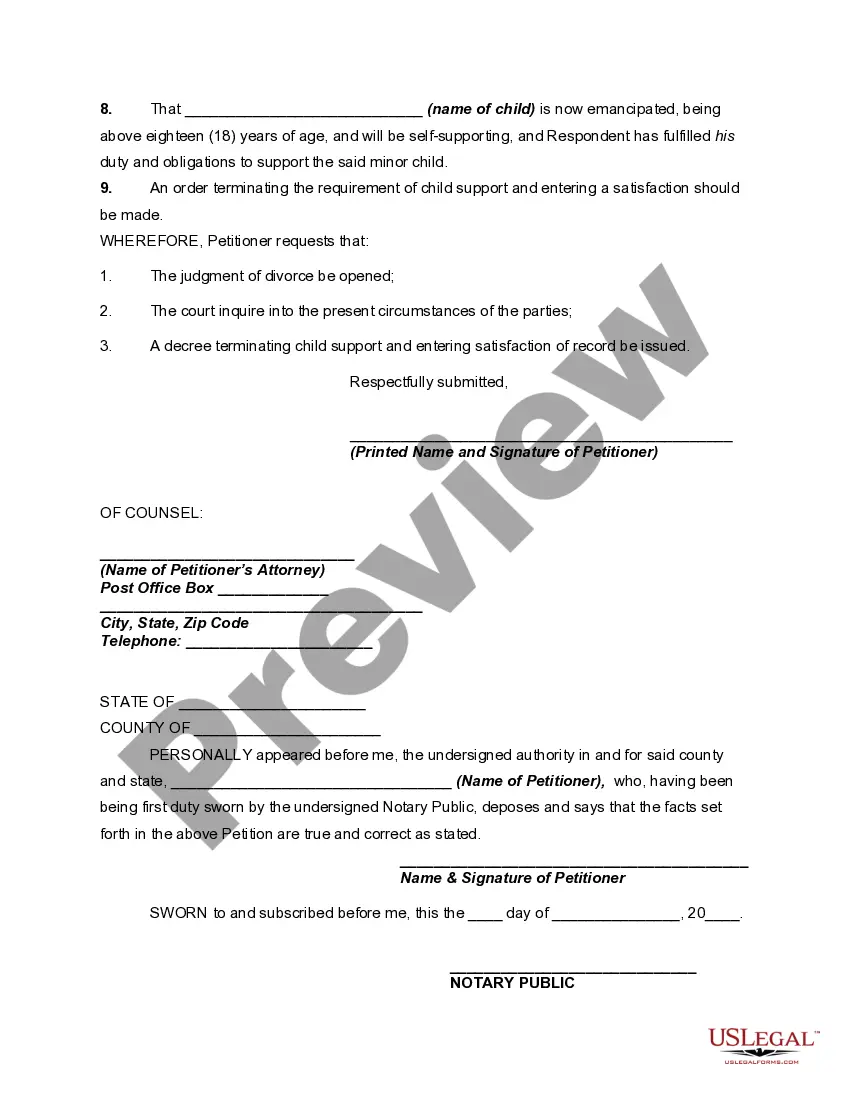

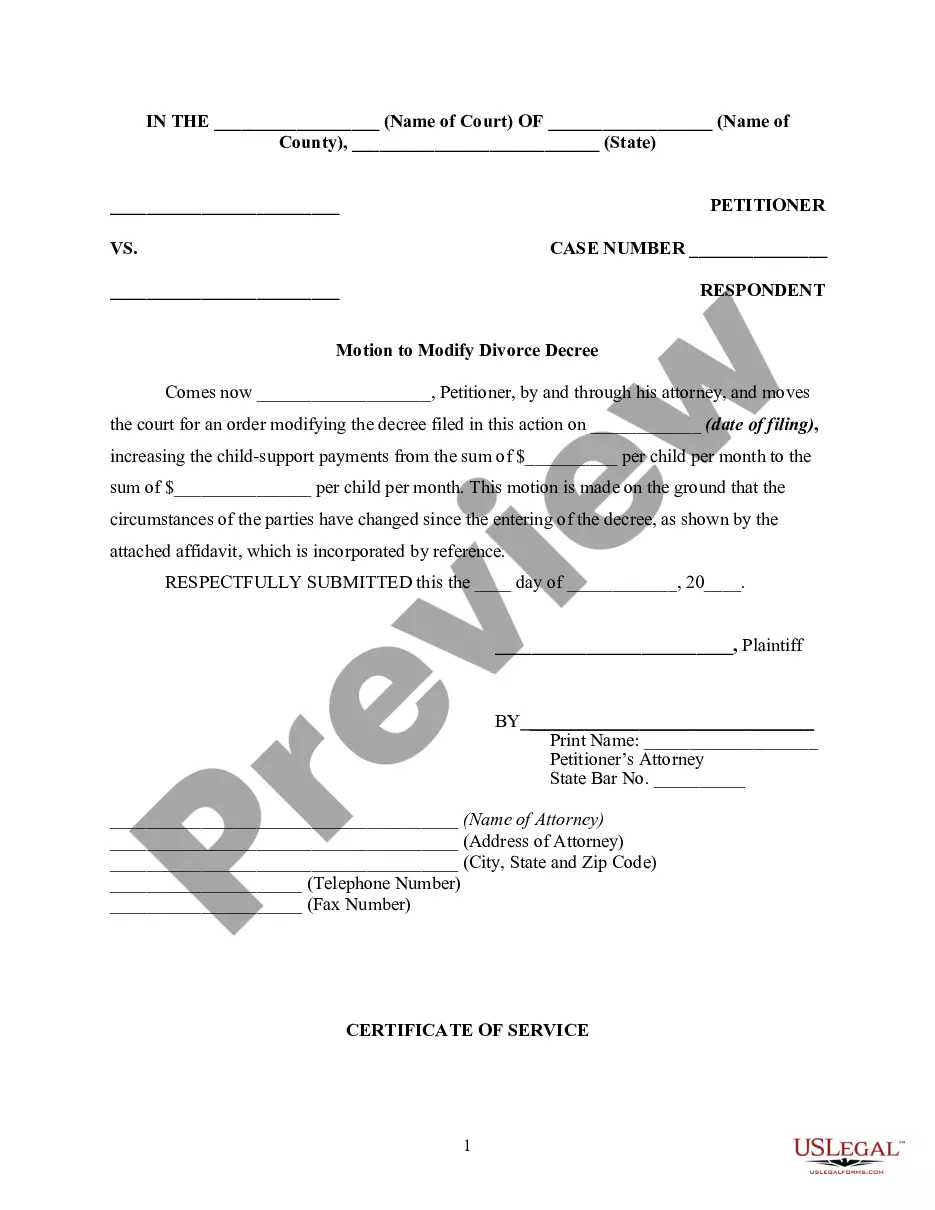
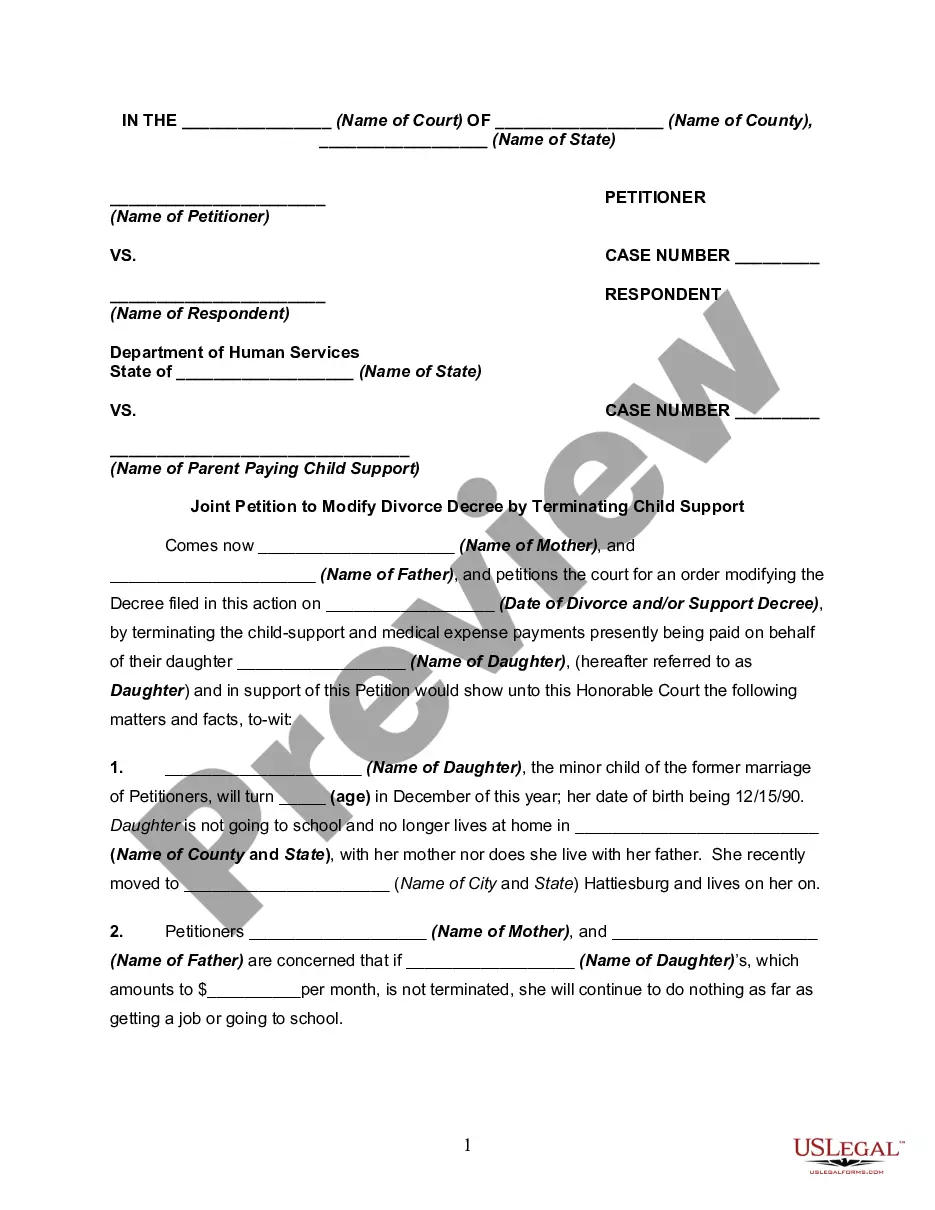



How to fill out Petition To Modify Or Amend Divorce Decree Stopping Child Support On The Grounds That Respondent Interfered With Visitation Rights And Child Is Now An Adult?
If you need to finalize, acquire, or print authentic document templates, utilize US Legal Forms, the most significant variety of official forms, that are available online.
Take advantage of the site’s straightforward and functional search to locate the documents you need.
Various templates for business and personal purposes are categorized by classifications and claims, or keywords and phrases.
Step 4. After you have found the form you need, select the Buy now button. Choose the pricing plan you prefer and enter your credentials to register for an account.
Step 5. Process the purchase. You may use your Visa or MasterCard or PayPal account to complete the transaction. Step 6. Select the format of the official form and download it to your device. Step 7. Complete, modify, and print or sign the Kansas Petition to Modify or Amend Divorce Decree Stopping Child Support on the Grounds that Respondent Interfered with Visitation Rights and Child is Now an Adult.
Every official document format you obtain is yours indefinitely. You have access to every type you downloaded in your account. Click the My documents section and select a form to print or download again. Compete and obtain, and print the Kansas Petition to Modify or Amend Divorce Decree Stopping Child Support on the Grounds that Respondent Interfered with Visitation Rights and Child is Now an Adult with US Legal Forms. There are millions of professional and state-specific forms you can utilize for your personal business or individual needs.
- Use US Legal Forms to find the Kansas Petition to Modify or Amend Divorce Decree Stopping Child Support on the Grounds that Respondent Interfered with Visitation Rights and Child is Now an Adult with just a few clicks.
- If you are already a US Legal Forms user, Log In to your account and click on the Acquire button to get the Kansas Petition to Modify or Amend Divorce Decree Stopping Child Support on the Grounds that Respondent Interfered with Visitation Rights and Child is Now an Adult.
- You can also access forms you previously downloaded within the My documents tab of your account.
- If you are using US Legal Forms for the first time, refer to the instructions listed below.
- Step 1. Make sure you have selected the form for the correct city/country.
- Step 2. Use the Preview option to review the form’s content. Don’t forget to check the description.
- Step 3. If you are not satisfied with the type, utilize the Lookup area at the top of the screen to find other versions of the official form format.
Form popularity
FAQ
Ask for a support modification You could ask the court to modify the support order if you have proof there have been significant changes that impact your ability to pay support. This includes changes in income, expenses and parenting time. Be sure to report any changes in your income immediately.
In Kansas, support installments due after 7/1/1981 are enforceable until 2 years after child is emancipated. With appropriate action, enforcement may be extended indefinitely.
Once child support is set, it continues at the same rate until it is legally changed. Normally, CSS will review a case every three years to see if a modification of the child support order under the Child Support Guidelines is appropriate. A case can be reviewed sooner if there is a substantial change in circumstances.
Motion for Modification of Child Support. Motion for Modification of Child Support. Post-Decree Domestic Relations Affidavit. ( Post DRA) Notice of Hearing and Certificate of Mailing. Filing your Motion and Obtaining a Hearing Date. Serving the Opposing Party. Filing the Return of Service for Certified Mail.
Kansas current support orders automatically go down as each child emancipates. For example, an order for three children will be reduced by one-third when the oldest child becomes an adult. That is usually a good time for the custodial parent to ask CSS to review the order for the younger child(ren).
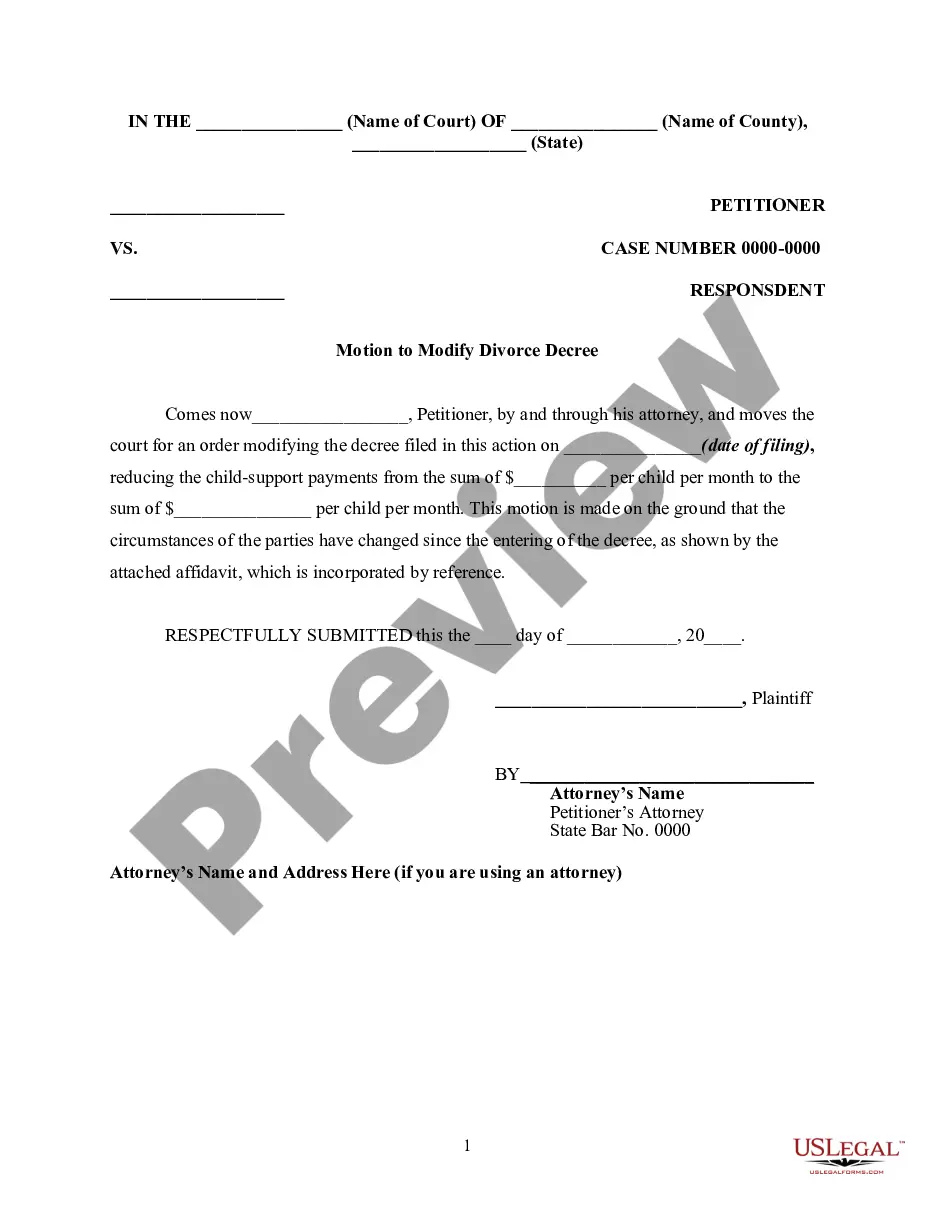
The Court must order a reduction of child support, based on a request of the parent. This request is called a motion, which must be filed with the Clerk of the District Court and set for a hearing. You can use this form, Motion to Modify Child Support, to change or stop the child support order.
Kansas Child Support Guidelines Federal law requires every state's child support guidelines be reviewed every four years, and it takes about two years to conduct the review. The Kansas Child Support Guidelines Advisory Committee oversees this work.
Income Withholding Limit: The Kansas limit for income withholding orders is 50% of disposable income.