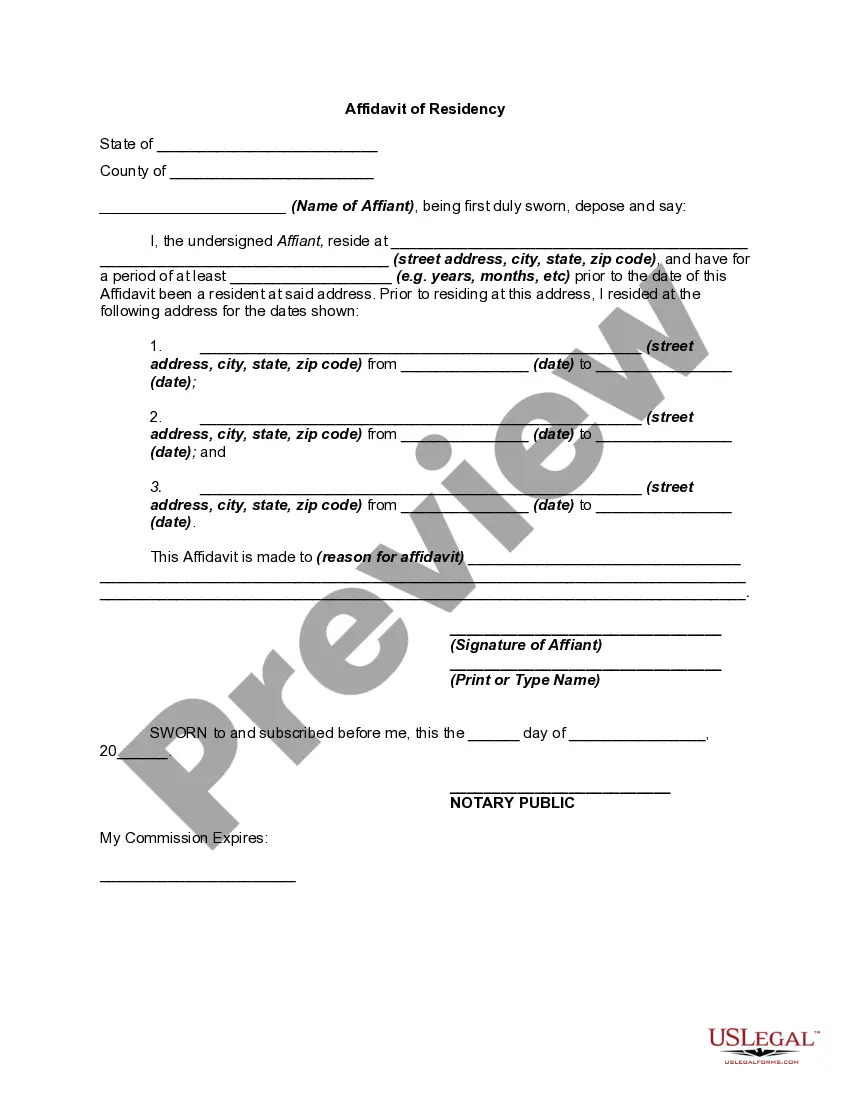
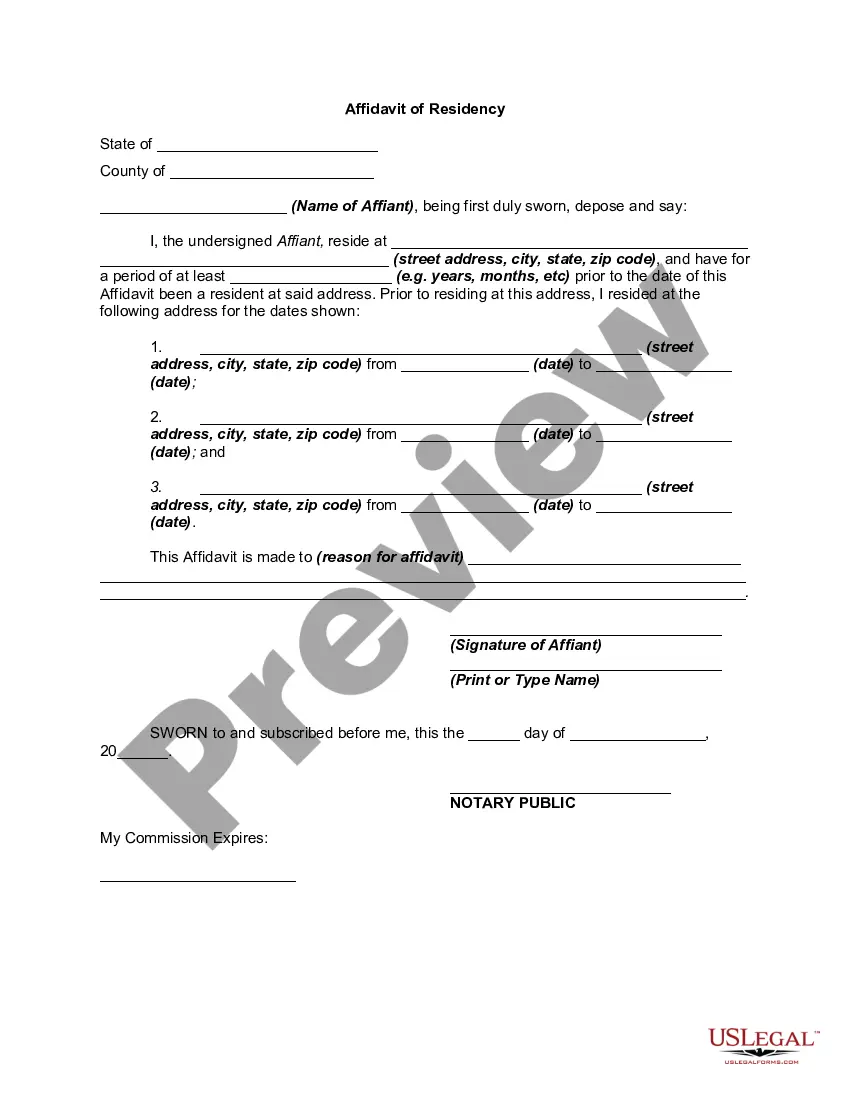
Kentucky Proof of Residency for Child
Description
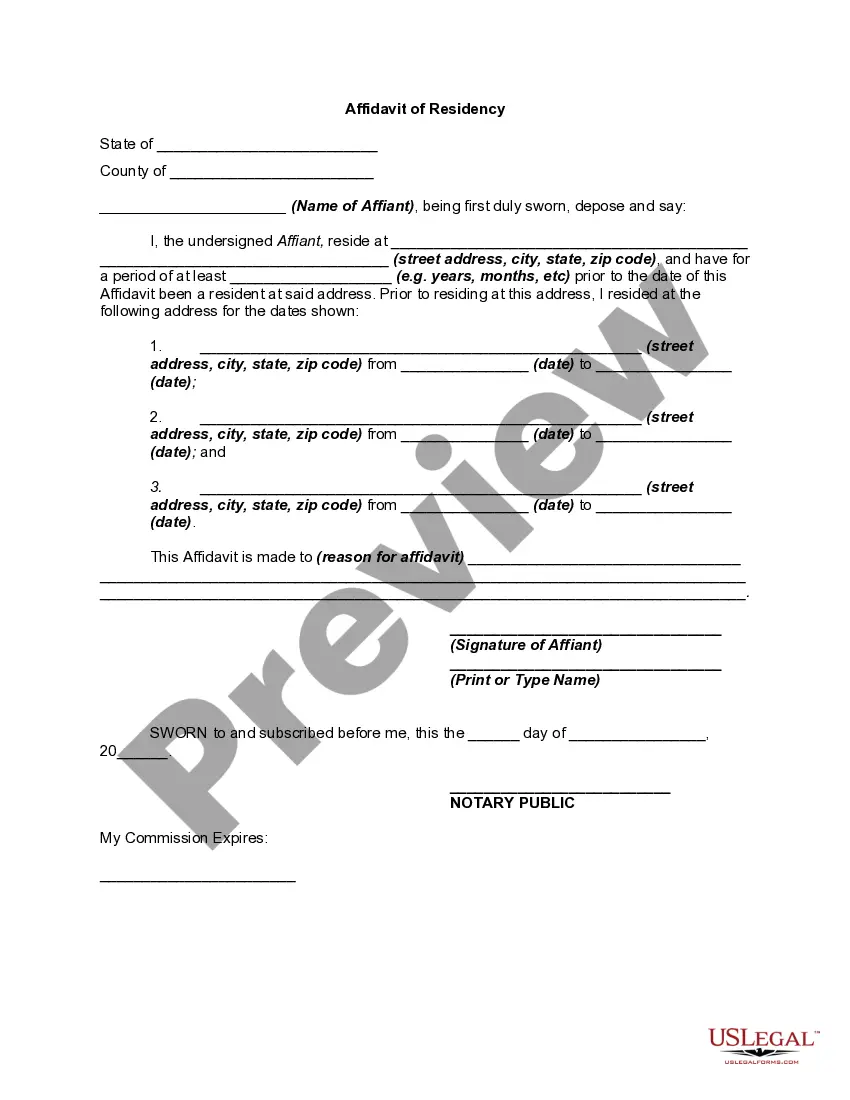
Get your form ready online
Our built-in tools help you complete, sign, share, and store your documents in one place.
Make edits, fill in missing information, and update formatting in US Legal Forms—just like you would in MS Word.
Download a copy, print it, send it by email, or mail it via USPS—whatever works best for your next step.
Sign and collect signatures with our SignNow integration. Send to multiple recipients, set reminders, and more. Go Premium to unlock E-Sign.
If this form requires notarization, complete it online through a secure video call—no need to meet a notary in person or wait for an appointment.
We protect your documents and personal data by following strict security and privacy standards.

Make edits, fill in missing information, and update formatting in US Legal Forms—just like you would in MS Word.

Download a copy, print it, send it by email, or mail it via USPS—whatever works best for your next step.

Sign and collect signatures with our SignNow integration. Send to multiple recipients, set reminders, and more. Go Premium to unlock E-Sign.

If this form requires notarization, complete it online through a secure video call—no need to meet a notary in person or wait for an appointment.

We protect your documents and personal data by following strict security and privacy standards.
Looking for another form?
How to fill out Proof Of Residency For Child?
If you desire to be thorough, download, or print legal document templates, utilize US Legal Forms, the largest collection of legal forms, that can be located online.
Take advantage of the site’s simple and convenient search to find the documents you need.
Various templates for business and personal uses are organized by category and state, or keywords.
Every legal document template you obtain is yours indefinitely. You have access to every form you acquired in your account. Click the My documents section and select a form to print or download again.
Complete and download, and print the Kentucky Proof of Residency for Child with US Legal Forms. There are millions of professional and state-specific forms you can use for your business or personal needs.
- Use US Legal Forms to find the Kentucky Proof of Residency for Child in just a few clicks.
- If you are currently a US Legal Forms customer, Log In to your account and click the Acquire button to obtain the Kentucky Proof of Residency for Child.
- You can also access forms you previously obtained within the My documents section of your account.
- If you are using US Legal Forms for the first time, follow the instructions outlined below.
- Step 1. Ensure you have selected the form for the correct city/region.
- Step 2. Use the Preview option to review the form’s content. Don’t forget to read the description.
- Step 3. If you are unhappy with the form, utilize the Search box at the top of the screen to find alternative versions of the legal form template.
- Step 4. Once you have found the form you need, click the Acquire now button. Choose the pricing plan you prefer and enter your details to register for the account.
- Step 5. Complete the transaction. You can use your Visa or Mastercard or PayPal account to finalize the transaction.
- Step 6. Select the format of the legal form and download it to your device.
- Step 7. Complete, modify, and print or sign the Kentucky Proof of Residency for Child.
Form popularity
FAQ
How do homeschoolers get a driver's permit in Kentucky? Private school students may obtain the form from the school. Home school students may obtain the form from the student's school district of residence after the home school has been registered with the local county Board of Education.
Applicants requesting a new REAL ID or first-time standard driver's license will need to present documentation proving identity (such as a certified birth certificate, U.S. passport or Permanent Resident Card), social security number (such as a social security card or W-2 form), and proof of residency (such as a ...
?You will need to bring the following valid proof documents: Social Security card (must bring your social security card as proof)? Proof of residency document dated less than one year ?(2 proofs are required for a REAL ID issuance). Valid out-of-state license?
WHAT DO I NEED TO APPLY FOR A KY DRIVER'S LICENSE? One (1) proof of identity document. ... One (1) proof of Social Security number (first-time & out-of-state applicants MUST bring their social security card as proof)?? ... One ??(1) proof of the applicant's Kentucky residency dated less than one year.
A utility bill from your home, a tax return, or a signed lease or deed can prove residency.
??Kentucky Child ID Program On January 2, 2003, Kentucky implemented a new "Child ID" Program for applicants 2 to 15 years old.
To apply for Class D driver's license in Kentucky, you must first get an instruction permit, pass vision and knowledge test, then take a driving test. This is your complete plan of action depending on your age.
Examples of acceptable documents include an original or certified copy of your birth certificate, or a passport to prove your identity, while a Social Security card or a W2 can prove your Social Security number. A utility bill from your home, a tax return, or a signed lease or deed can prove residency.