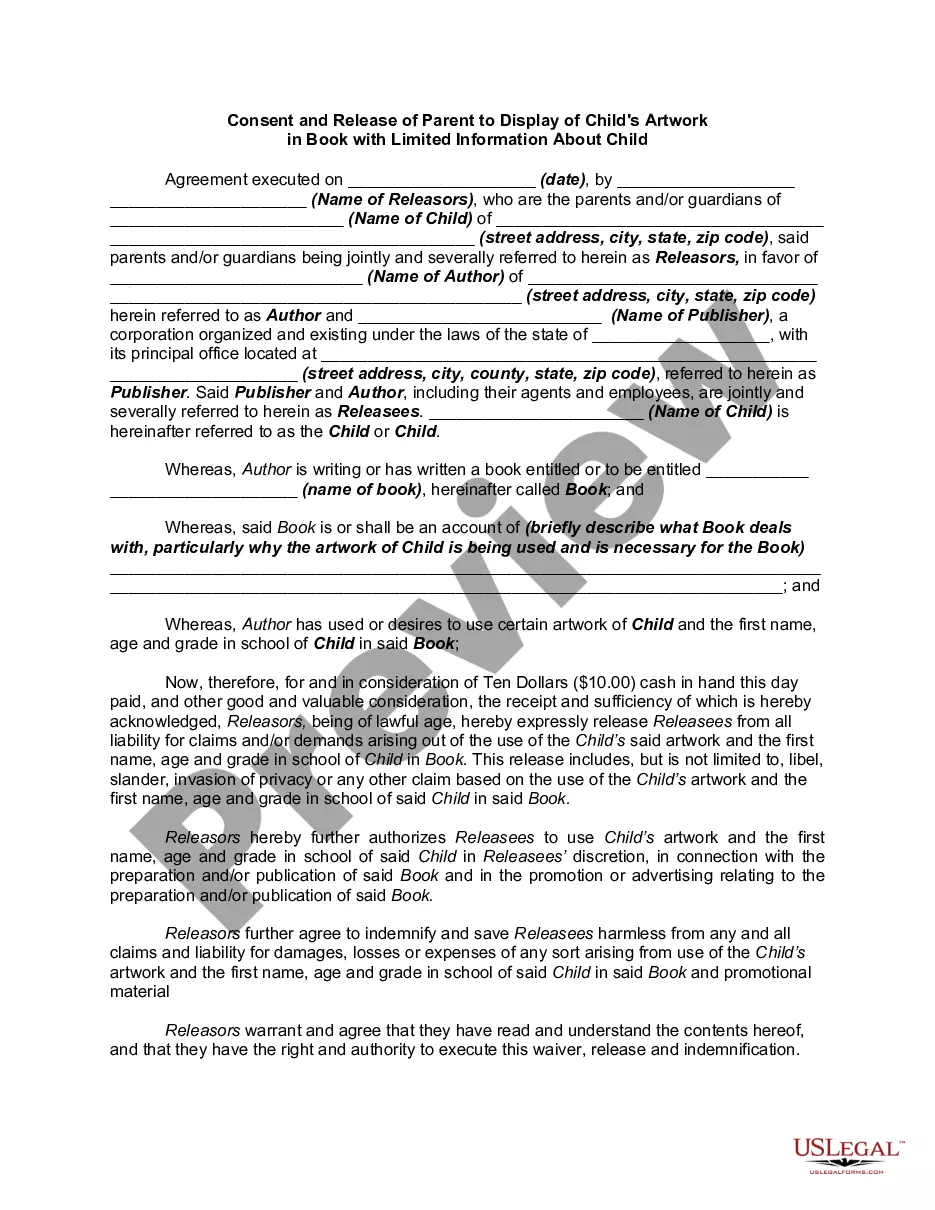
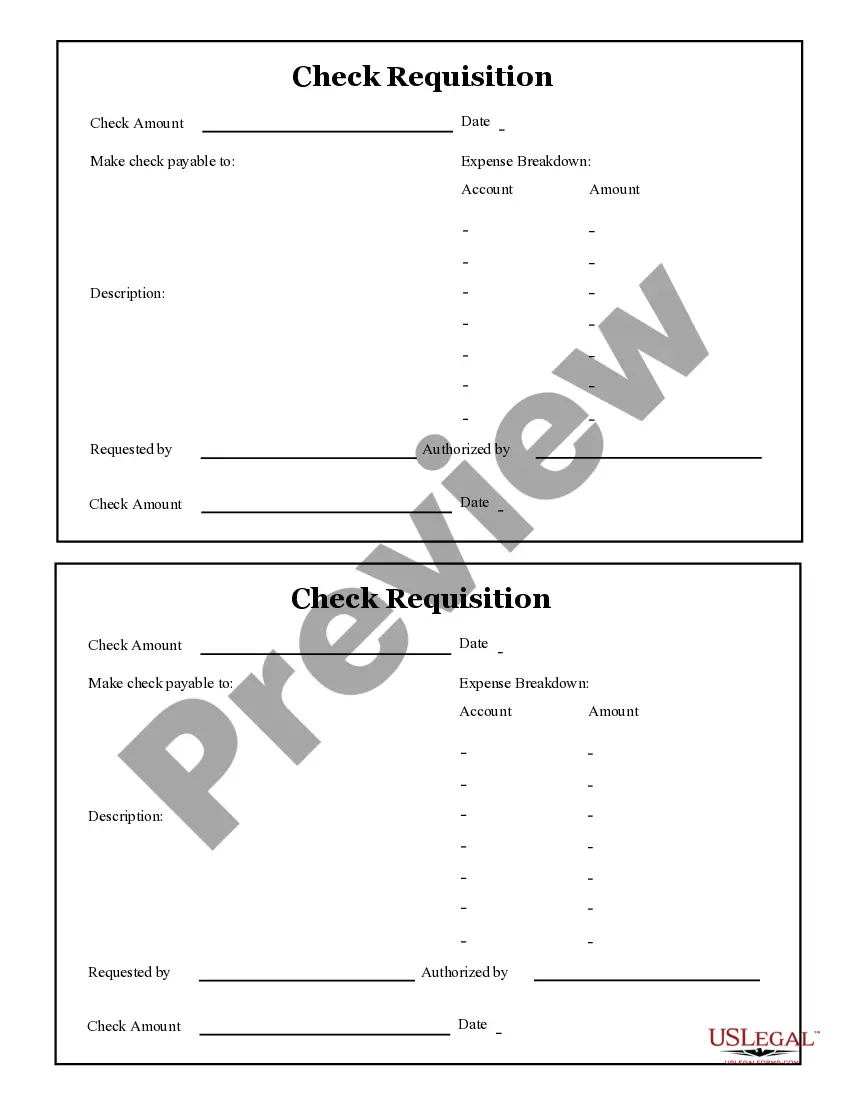
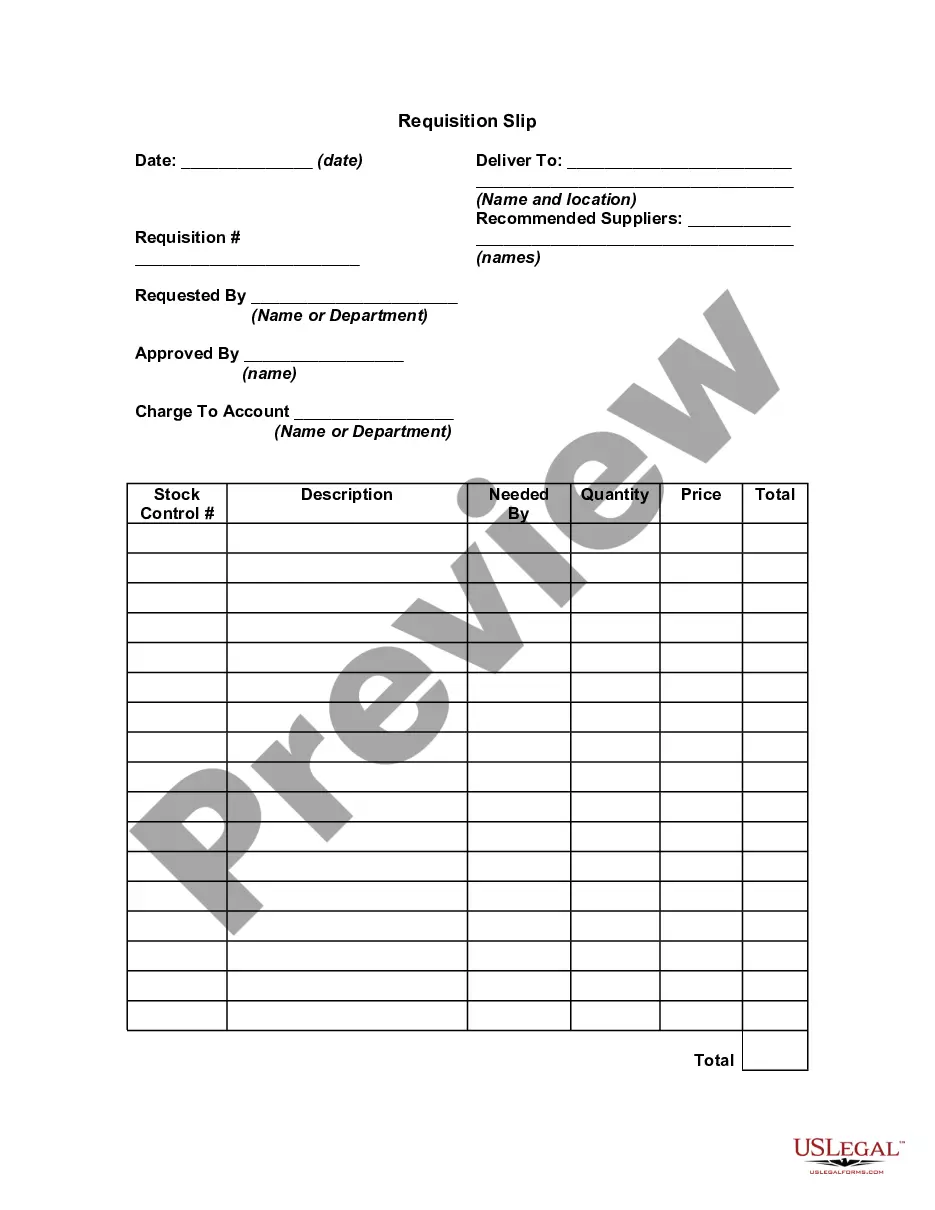
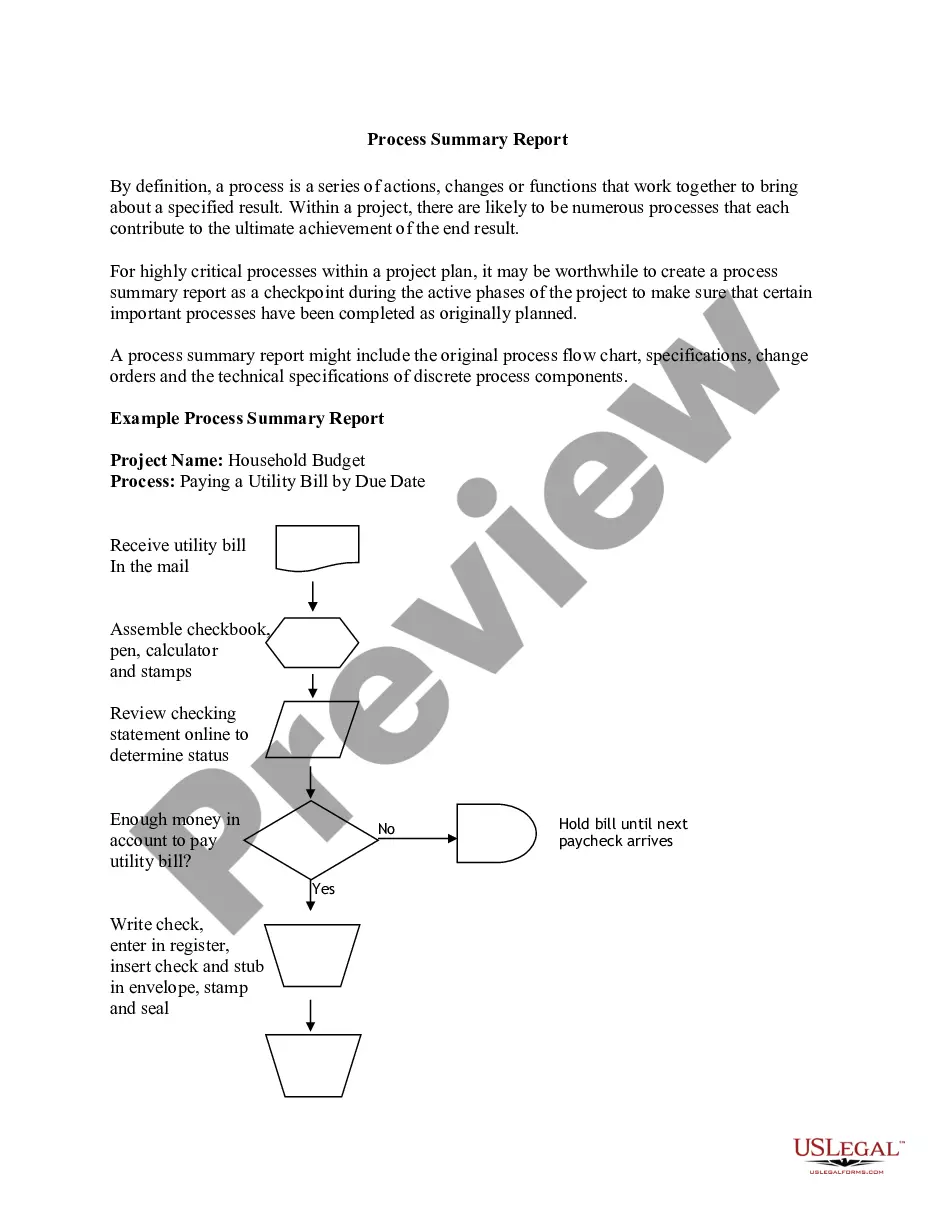
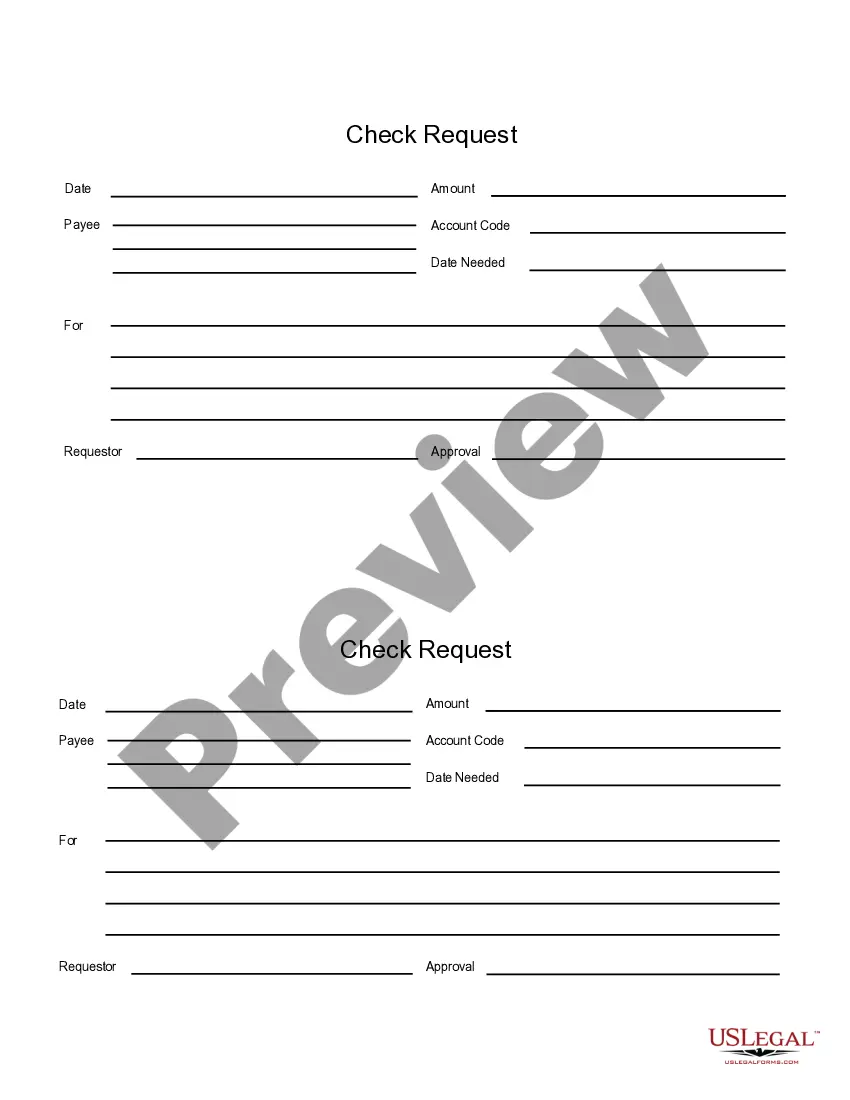
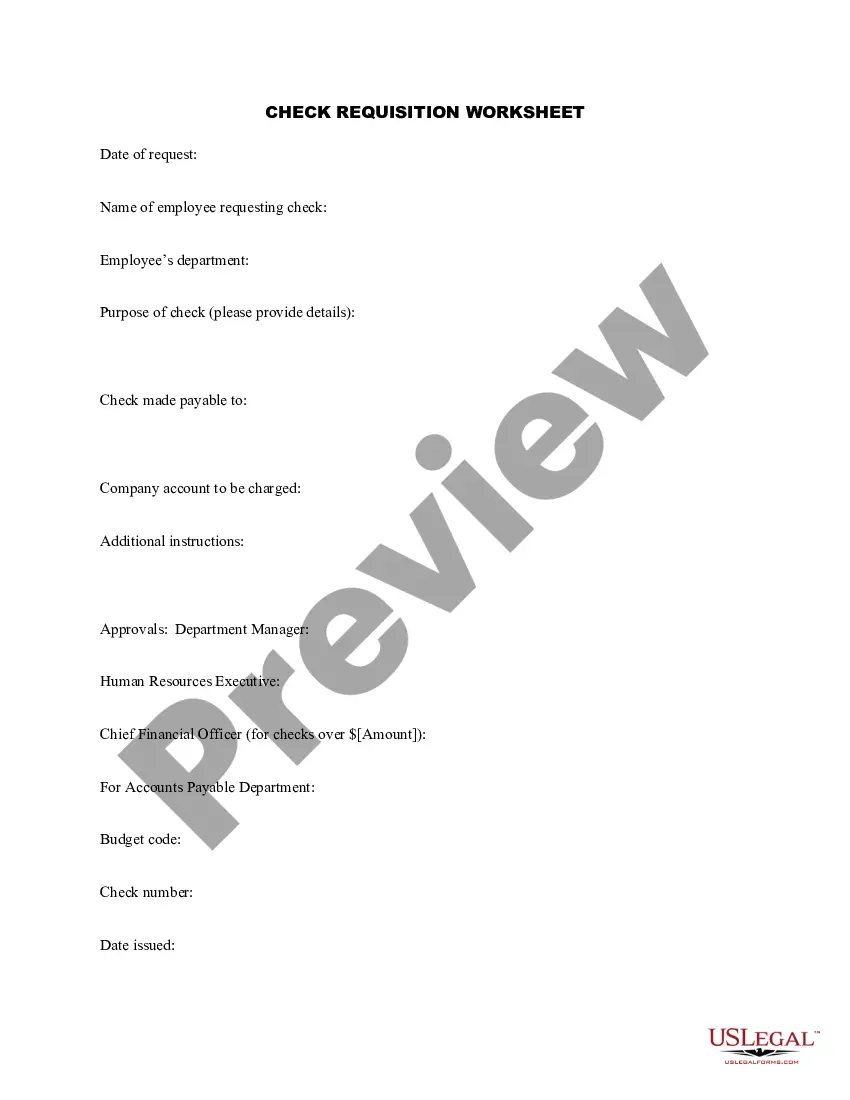
This form is a business type form that is formatted to allow you to complete the form using Adobe Acrobat or Word. The word files have been formatted to allow completion by entry into fields. Some of the forms under this category are rather simple while others are more complex. The formatting is worth the small cost.
Kentucky Check Requisition Report
Category:
State:
Multi-State
Control #:
US-129-AZ
Format:
Word;
PDF;
Rich Text
Instant download
Description
Get your form ready online
Our built-in tools help you complete, sign, share, and store your documents in one place.
Built-in online Word editor
Make edits, fill in missing information, and update formatting in US Legal Forms—just like you would in MS Word.
Export easily
Download a copy, print it, send it by email, or mail it via USPS—whatever works best for your next step.
E-sign your document
Sign and collect signatures with our SignNow integration. Send to multiple recipients, set reminders, and more. Go Premium to unlock E-Sign.
Notarize online 24/7
If this form requires notarization, complete it online through a secure video call—no need to meet a notary in person or wait for an appointment.
Store your document securely
We protect your documents and personal data by following strict security and privacy standards.

Make edits, fill in missing information, and update formatting in US Legal Forms—just like you would in MS Word.

Download a copy, print it, send it by email, or mail it via USPS—whatever works best for your next step.

Sign and collect signatures with our SignNow integration. Send to multiple recipients, set reminders, and more. Go Premium to unlock E-Sign.

If this form requires notarization, complete it online through a secure video call—no need to meet a notary in person or wait for an appointment.

We protect your documents and personal data by following strict security and privacy standards.
Looking for another form?



How to fill out Check Requisition Report?
It is feasible to spend numerous hours online trying to discover the legal document template that complies with the state and federal requirements you seek.
US Legal Forms offers thousands of legal documents that can be reviewed by experts.
It is easy to download or print the Kentucky Check Requisition Report from my services.
If available, utilize the Review button to examine the document template as well.
- If you already have a US Legal Forms account, you may Log In and then click the Download button.
- Subsequently, you may complete, alter, print, or sign the Kentucky Check Requisition Report.
- Every legal document template you obtain is yours forever.
- To secure another copy of any purchased document, visit the My documents section and click the relevant button.
- If you are using the US Legal Forms website for the first time, follow the simple guidelines below.
- First, ensure that you have chosen the correct document template for the county/city you select.
- Check the document description to confirm you have selected the right document.
Form popularity
FAQ
Filling out an application for a Kentucky certificate of title or registration requires specific details about your vehicle, including its make, model, and Vehicle Identification Number. You must provide proof of ownership and payment of relevant fees as part of the application. It’s important to ensure that all information is accurate to avoid delays. Additionally, you can use the Kentucky Check Requisition Report to gather all necessary documentation for the application process.
Visit Ask EDD to request to backdate your claim if you think it has the wrong start date. Select Unemployment Insurance Benefits, then Claims Questions, then Backdate the Effective Date of my UI Claim Due to COVID-19. In your UI Online account, select Contact Us to request a change.
If there are no disqualifying factors, we will generate the payment by either direct deposit or a debit card within 2 to 5 days. If you continue to be unemployed you can request your second benefit payment online at kcc.ky.gov or calling 877-369-5984.
There's also an Unemployment Insurance Assistance line if you want to check on the status of your claim by phone. That number is 502-564-2900.
To check the status of your claim, go to ui.ok.gov. You will find information regarding the status of your application, recent activity, monetary entitlement, and determinations of eligibility.
If successful, you will receive a letter outlining your payment amount and schedule. You will then need to request your payments online on the KEWES website. You can choose to receive your benefits via direct deposit or check, and the entire process should take around 15 days from your application date.
Criminal records are government documents and are therefore accessible by the public. Kentucky put the Open Records Act into place in the 1970s to allow full disclosure of government records concerning citizens. You can request a criminal record through any local government agency that has them because of this act.
The waiting week will always be your first payable week on your initial claim. You will request benefits for two weeks. If you are otherwise eligible, the amount of your first benefit payment will be for one week.
Claim your weeks or check your payment by telephone at 1-877-3my-kyui or 1-877-369-5984. By using Voice Response Unit (VRU) and a touchtone phone, you may claim your weeks or request the status of your last week claimed.
If your claim shows a determination of 0-0 while it is pending, this means we are still processing your claim, and there is nothing more you need to do. If you received a confirmation number, rest assured your claim is in process, and you will receive the full amount to which you are entitled.