A mandamus is an order to a public agency or governmental body to perform an act required by law when it has neglected or refused to do so. A person may petition for a writ of mandamus when an official has refused to fulfill a legal obligation, such as ordering an agency to release public records.
Maryland Petition or Application to Compel Approval of Matters Submitted After Arbitrary Disapproval by Administrative Agency
Instant download
Description
Free preview
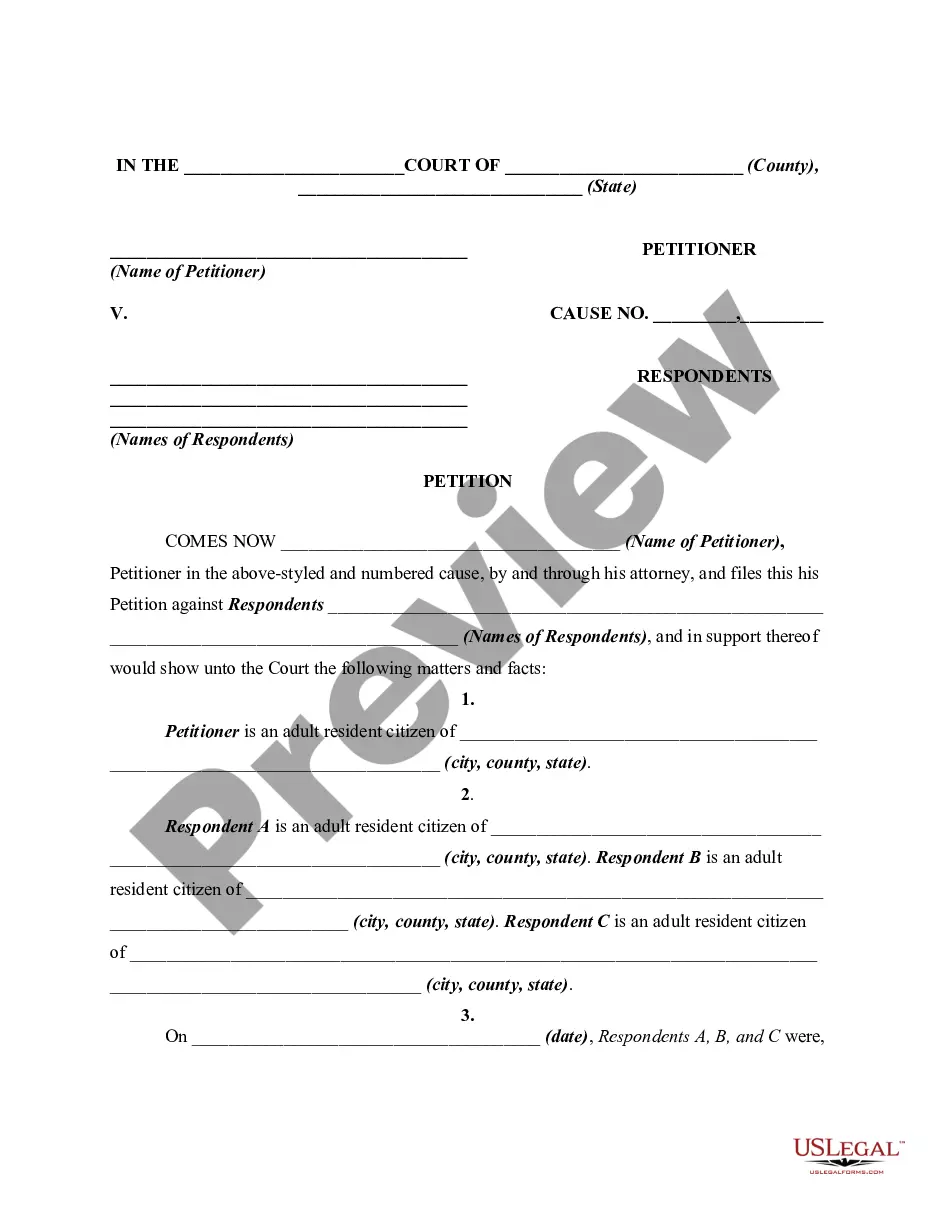
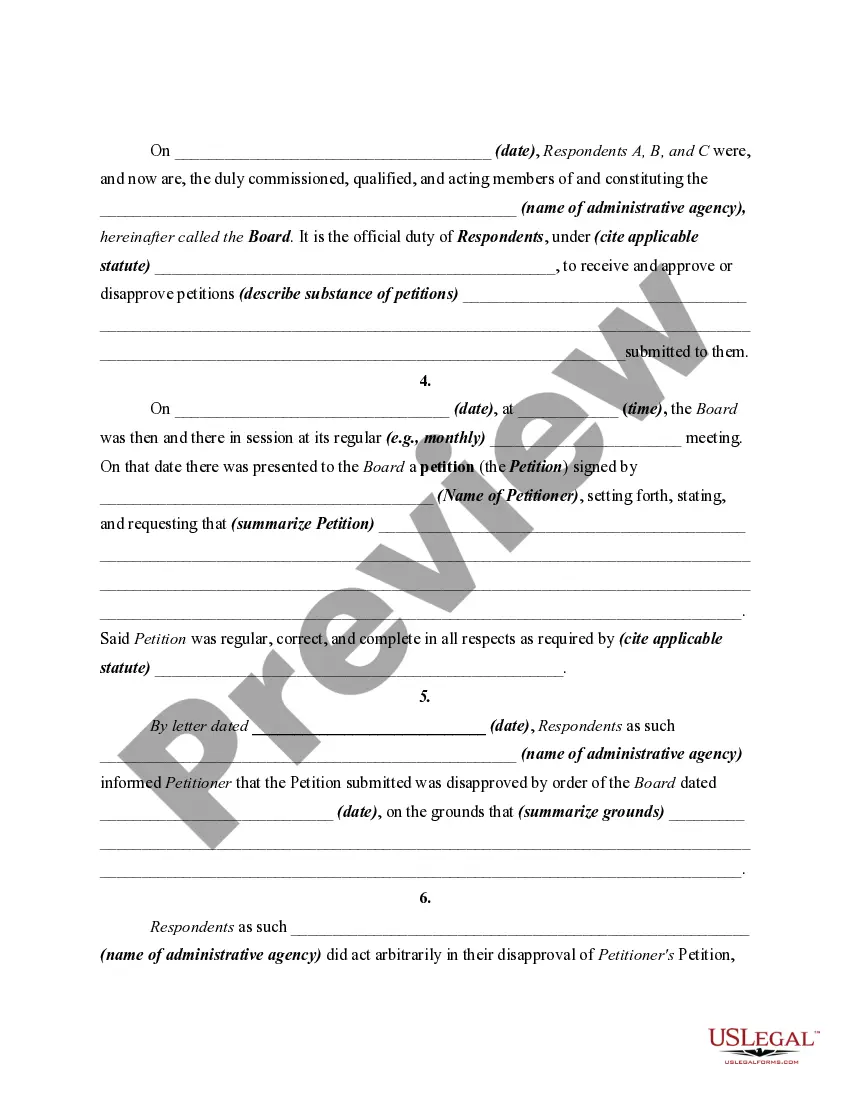
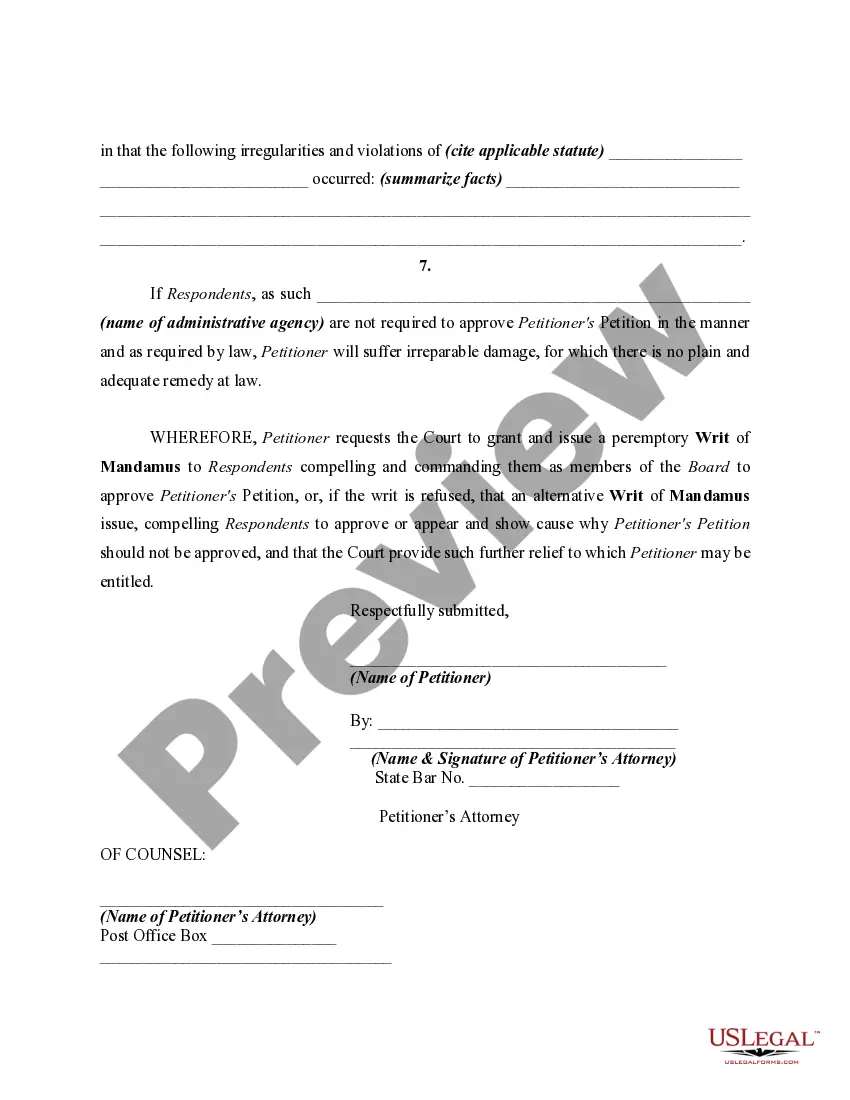
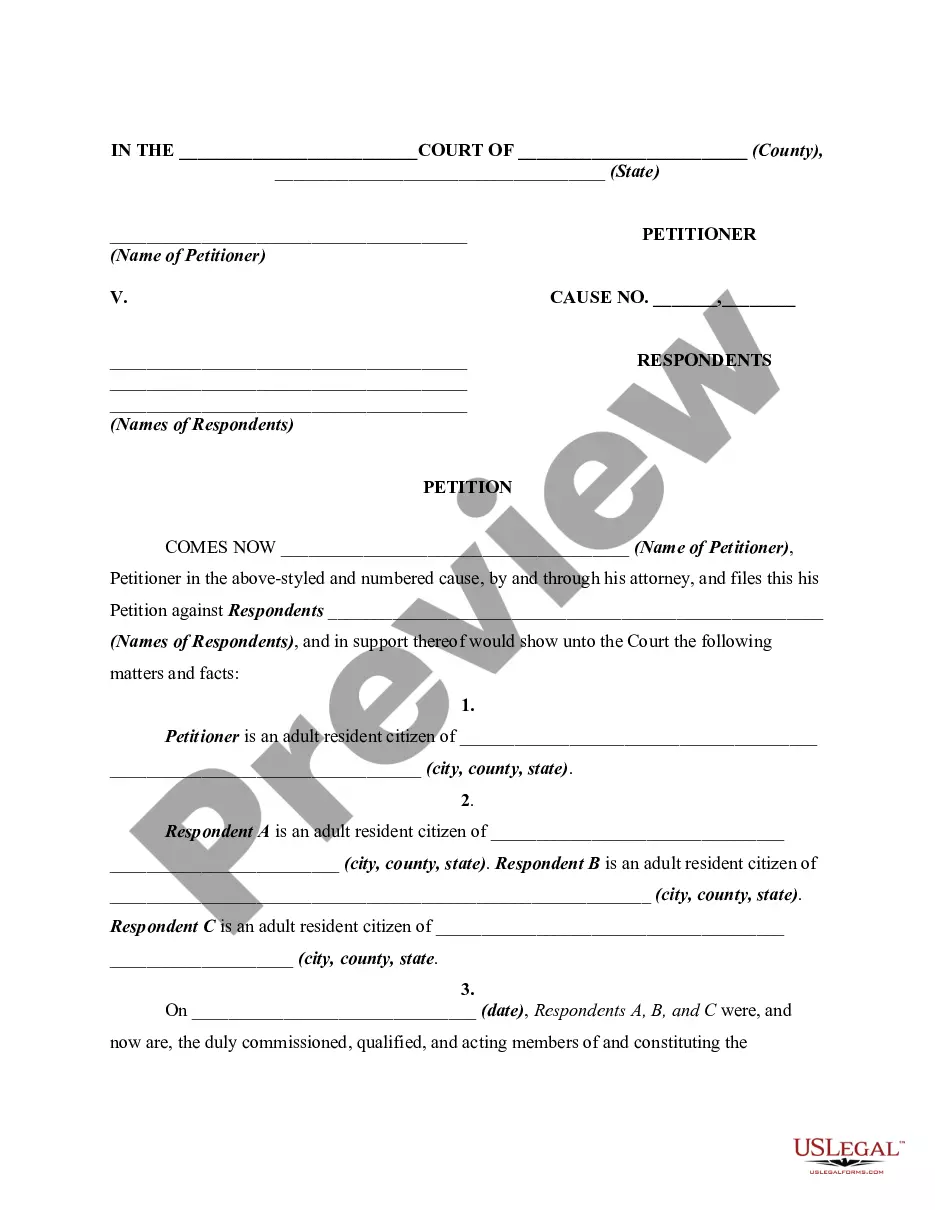
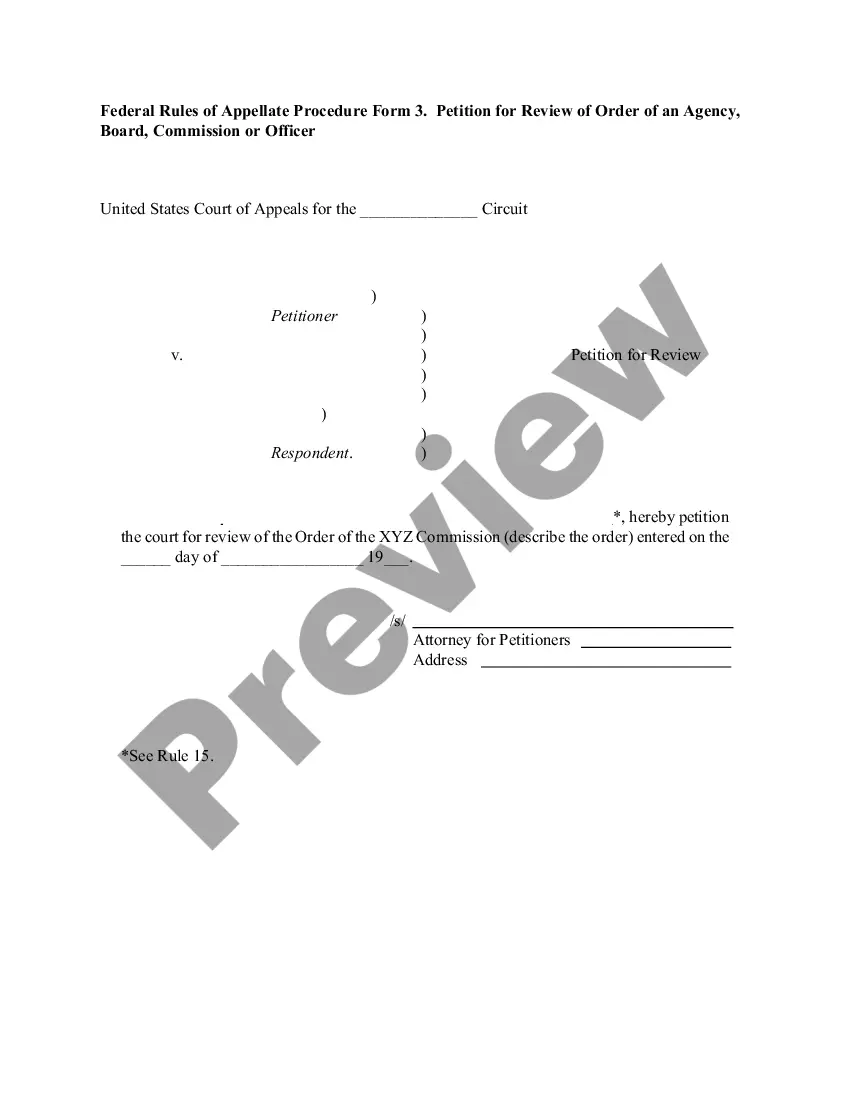
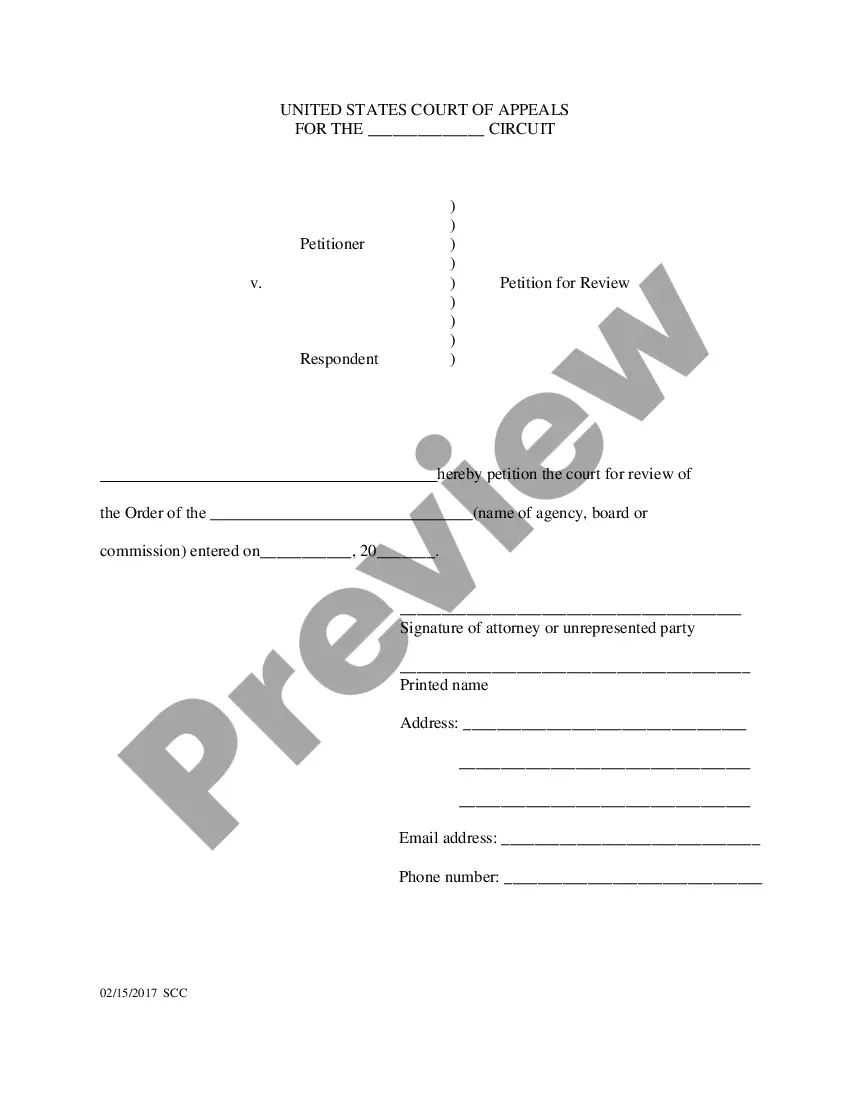
How to fill out Petition Or Application To Compel Approval Of Matters Submitted After Arbitrary Disapproval By Administrative Agency?
US Legal Forms - one of the largest collections of legal documents in the USA - offers a variety of legal document templates you can download or print.
Using the website, you can find thousands of forms for business and personal purposes, organized by categories, states, or keywords. You can access the latest versions of forms like the Maryland Petition or Application to Compel Approval of Matters Submitted After Arbitrary Disapproval by Administrative Agency in seconds.
If you already have a monthly subscription, Log In and download the Maryland Petition or Application to Compel Approval of Matters Submitted After Arbitrary Disapproval by Administrative Agency from the US Legal Forms library. The Download button will appear on every form you view. You have access to all previously downloaded forms within the My documents tab of your account.
Complete the transaction. Use your credit card or PayPal account to finalize the purchase.
Select the format and download the form to your device. Make edits. Fill out, modify, and print and sign the downloaded Maryland Petition or Application to Compel Approval of Matters Submitted After Arbitrary Disapproval by Administrative Agency. Every template you add to your account has no expiration date and is yours indefinitely. Therefore, if you need to download or print another copy, simply go to the My documents section and click on the form you need. Access the Maryland Petition or Application to Compel Approval of Matters Submitted After Arbitrary Disapproval by Administrative Agency with US Legal Forms, the most extensive library of legal document templates. Utilize thousands of professional and state-specific templates that meet your business or personal needs.
- If you are using US Legal Forms for the first time, here are simple steps to get started.
- Ensure you have selected the correct form for your city/area.
- Click the Review button to examine the form's content.
- Read the form details to verify you have chosen the right form.
- If the form does not meet your needs, use the Search field at the top of the screen to find one that does.
- When you are satisfied with the form, confirm your choice by clicking the Purchase now button.
- Then, select the pricing plan you prefer and provide your information to create an account.
Form popularity
FAQ
Maryland Rule of Procedure 7-207 contains the requirements for a memorandum. The memorandum must include three sections: (1) what you would like the court to review (presented as a question), (2) a summary of the facts relevant to that review, and (3) your arguments as to why the court should agree with you.
The losing party usually has the right to appeal a federal trial court decision to a court of appeals. Similarly, decisions made by most federal administrative agencies are subject to review by a court of appeals.
Rule 7-201 - General Provisions (a) Applicability. The rules in this Chapter govern actions for judicial review of (1) an order or action of an administrative agency, where judicial review is authorized by statute, and (2) a final determination of the trustees of the Client Protection Fund of the Bar of Maryland.
Appeals are decided by panels of three judges working together. The appellant presents legal arguments to the panel, in writing, in a document called a "brief." In the brief, the appellant tries to persuade the judges that the trial court made an error, and that its decision should be reversed.
Step 1: File the Notice of Appeal. Step 2: Pay the filing fee. Step 3: Determine if/when additional information must be provided to the appeals court as part of opening your case. Step 4: Order the trial transcripts.
You can only request the court to review an agency decision that is final. This means there are no more actions for the agency to take, and you do not have the option to appeal further at the OAH or within the agency. To request a court to review the agency decision, file a petition with the circuit court.
In California, when an individual or business disagrees with a government agency's action, that action can be challenged. This is done by asking the agency for an administrative hearing. Administrative law hearings are less formal than court-room trials. Administrative law judges (ALJs) run the hearings.
If you don't agree with the ALJ's decision, you may appeal it to the CUIAB Appeal Board with a simple letter at no cost to you, but you have to mail it or deliver it in person to the local CUIAB office no later than 20 days from the mailing date stamped at the bottom of the decision.