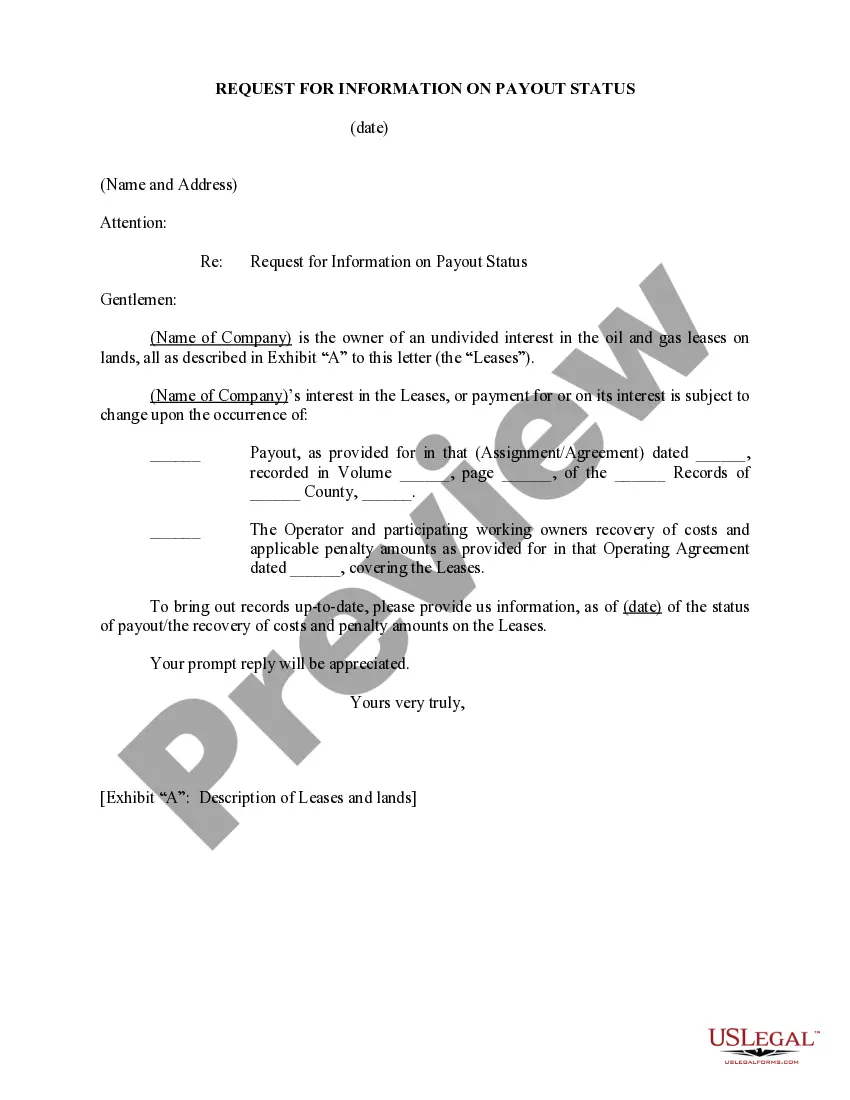
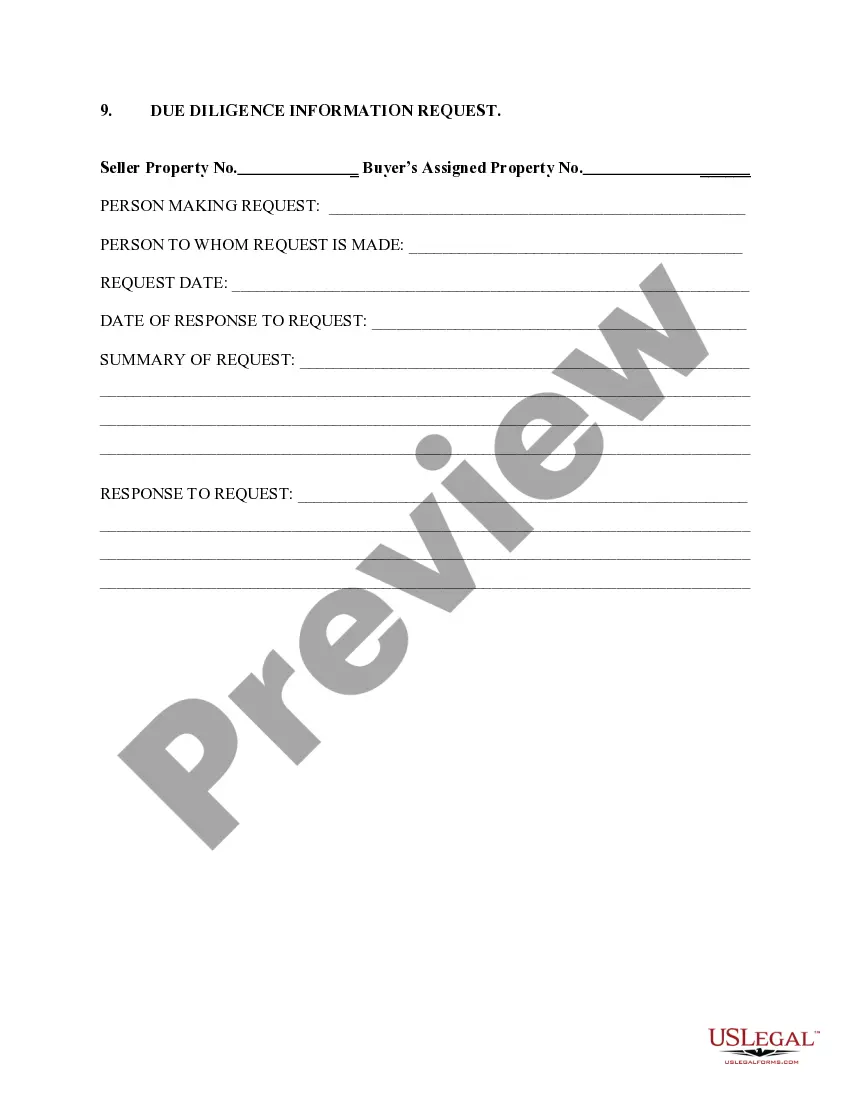
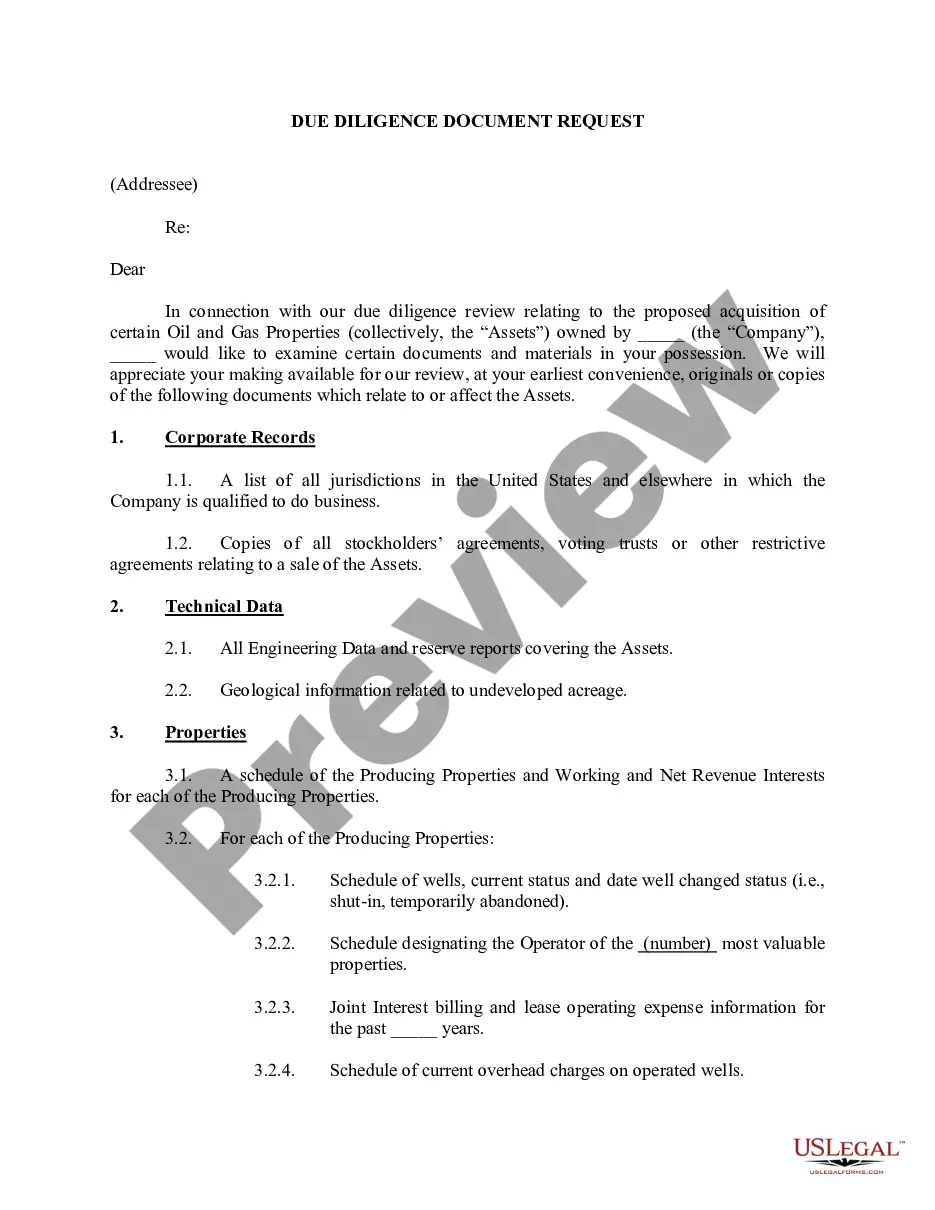
Michigan Request For Information on Payout Status
Description
Get your form ready online
Our built-in tools help you complete, sign, share, and store your documents in one place.
Make edits, fill in missing information, and update formatting in US Legal Forms—just like you would in MS Word.
Download a copy, print it, send it by email, or mail it via USPS—whatever works best for your next step.
Sign and collect signatures with our SignNow integration. Send to multiple recipients, set reminders, and more. Go Premium to unlock E-Sign.
If this form requires notarization, complete it online through a secure video call—no need to meet a notary in person or wait for an appointment.
We protect your documents and personal data by following strict security and privacy standards.

Make edits, fill in missing information, and update formatting in US Legal Forms—just like you would in MS Word.

Download a copy, print it, send it by email, or mail it via USPS—whatever works best for your next step.

Sign and collect signatures with our SignNow integration. Send to multiple recipients, set reminders, and more. Go Premium to unlock E-Sign.

If this form requires notarization, complete it online through a secure video call—no need to meet a notary in person or wait for an appointment.

We protect your documents and personal data by following strict security and privacy standards.
Looking for another form?

How to fill out Request For Information On Payout Status?
US Legal Forms - one of many biggest libraries of authorized forms in the USA - gives a wide range of authorized file templates it is possible to down load or produce. Utilizing the website, you can get a large number of forms for business and person reasons, categorized by classes, says, or search phrases.You can find the most up-to-date models of forms much like the Michigan Request For Information on Payout Status in seconds.
If you currently have a registration, log in and down load Michigan Request For Information on Payout Status through the US Legal Forms collection. The Obtain option will appear on each and every type you perspective. You get access to all earlier downloaded forms in the My Forms tab of your respective profile.
If you would like use US Legal Forms for the first time, here are straightforward guidelines to help you get started off:
- Be sure you have selected the proper type for your personal town/county. Select the Review option to check the form`s content material. Browse the type explanation to actually have chosen the proper type.
- When the type doesn`t suit your requirements, take advantage of the Look for discipline at the top of the screen to discover the the one that does.
- Should you be content with the shape, affirm your choice by clicking the Get now option. Then, pick the pricing program you like and give your credentials to register for an profile.
- Process the deal. Utilize your charge card or PayPal profile to finish the deal.
- Choose the format and down load the shape in your product.
- Make modifications. Fill out, edit and produce and signal the downloaded Michigan Request For Information on Payout Status.
Each and every web template you added to your bank account does not have an expiry particular date and is your own property eternally. So, if you wish to down load or produce one more copy, just visit the My Forms section and then click around the type you need.
Obtain access to the Michigan Request For Information on Payout Status with US Legal Forms, by far the most substantial collection of authorized file templates. Use a large number of skilled and express-particular templates that meet up with your business or person needs and requirements.
Form popularity
FAQ
Step 1: Go to the e-Filing portal homepage. Step 2: Enter the user ID and password. Step 3: Go to e-File tab > Income Tax Returns > View Filed Returns. Step 4: Now you can check the refund status for the desired Assessment year. Status 1: When refund is issued: Status 2: When refund is partially adjusted:
You may check the status of your refund using self-service. There are two options to access your account information: Account Services or Guest Services. 1. If you use Account Services, select ?My Return Status? once you have logged in.
You must wait at least 24 hours after you get the acknowledgment e-mail that your tax return was received by the IRS. Your e-filed return was accepted (received) by the IRS less than 24 hours ago. Wait at least 24 hours after acceptance before using WMR. Your return is still pending.
You may check the status of your refund using self-service. There are two options to access your account information: Account Services or Guest Services. 1. If you use Account Services, select ?My Return Status? once you have logged in.
When will I receive my Michigan income tax refund? "For refunds, eFile returns take about 14 days and paper returns take about eight weeks," said Ron Leix, a Treasury spokesperson. If there is an error on the return, you could expect your refund to be delayed.
We will send a letter/notice if: We have a question about your tax return. We need to verify your identity. We need additional information. We adjusted your return.
"For refunds, eFile returns take about 14 days and paper returns take about eight weeks," said Ron Leix, a Treasury spokesperson. If there is an error on the return, you could expect your refund to be delayed. He noted that about 90% of Michigan taxpayers use the state eFile system. About 90% of taxpayers eFile.