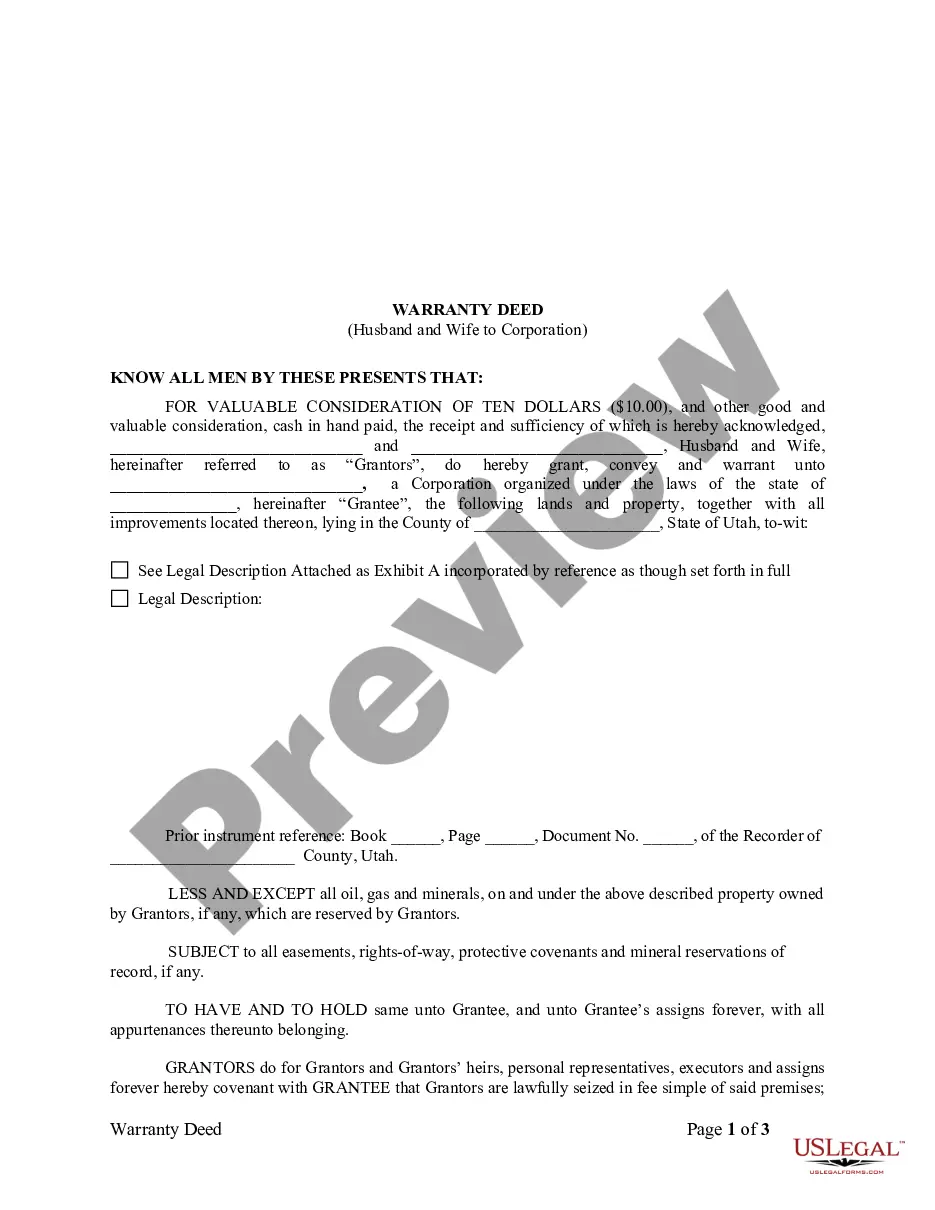
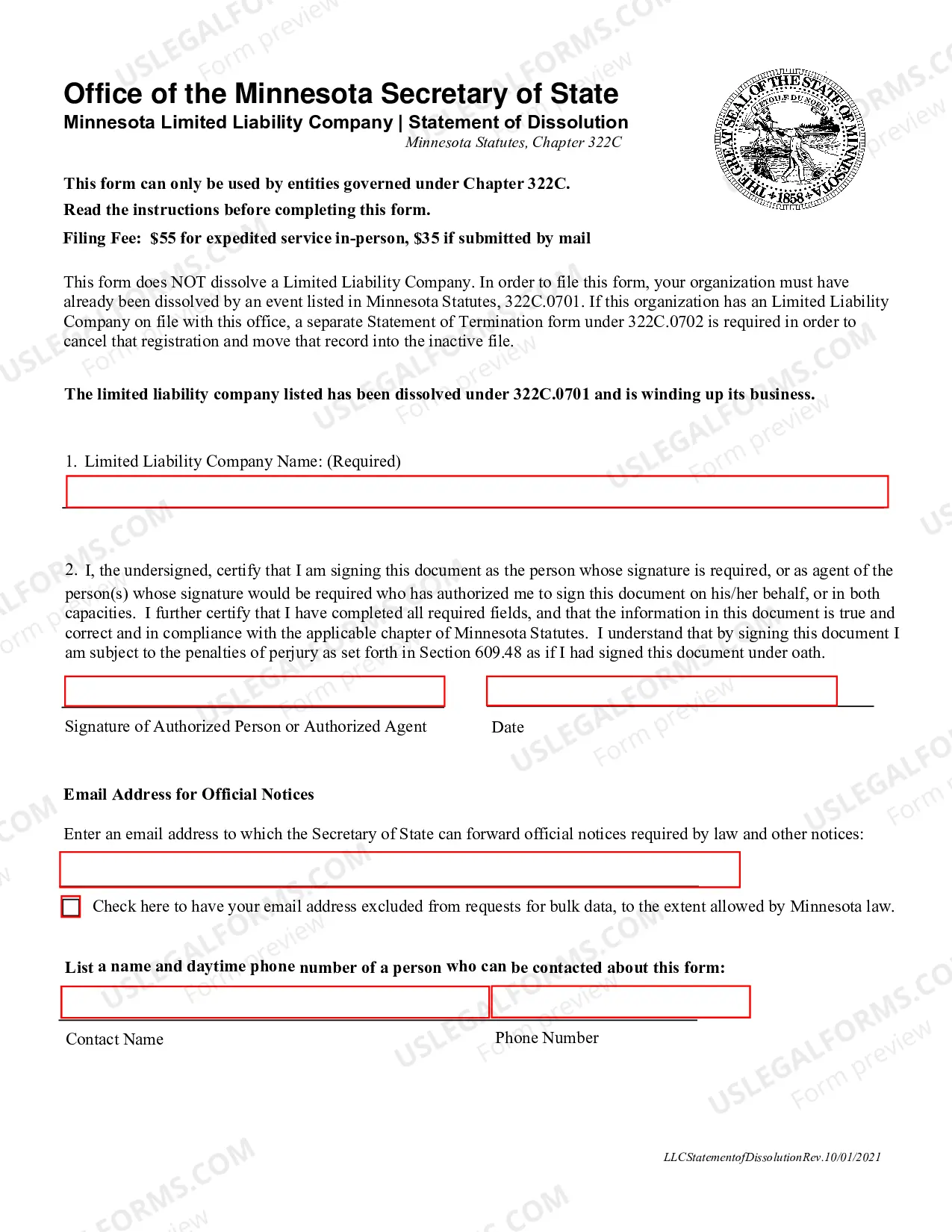
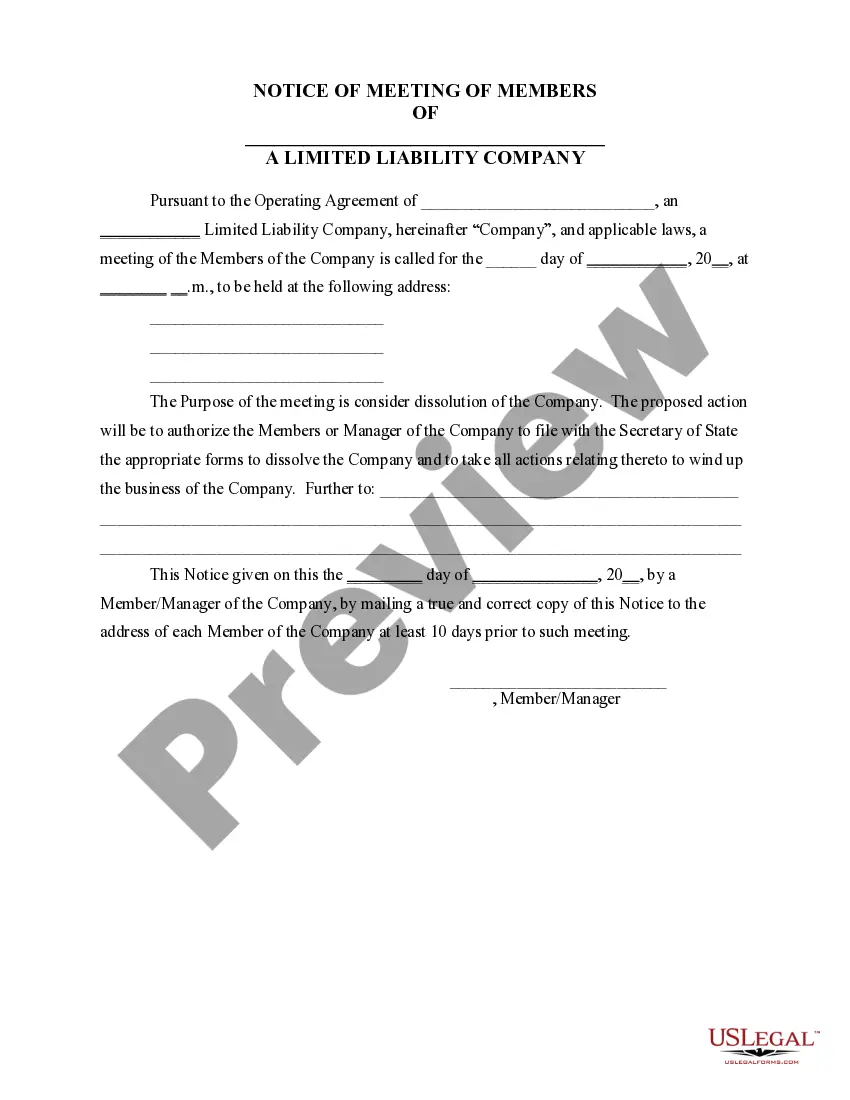
The Minnesota Notice of Dissolution is a document used to officially close a business that was previously registered with the Minnesota Secretary of State. The Notice of Dissolution is also known as Certificate of Dissolution or Articles of Dissolution. The document must be signed by all the business owners and filed with the Minnesota Secretary of State. The notice must include the business name, the business address, the purpose of the dissolution, the business’s registered agent, and the name and address of each of the owners. Once filed, the business is officially dissolved and no longer exists in the state of Minnesota. There are two main types of Minnesota Notice of Dissolution: voluntary dissolution and involuntary dissolution. Voluntary dissolution occurs when the owners of a business decide to close it and file the necessary paperwork with the Secretary of State. Involuntary dissolution occurs when the Secretary of State chooses to dissolve the business due to non-compliance with state laws or regulations.
Minnesota Notice of Dissolution
Description
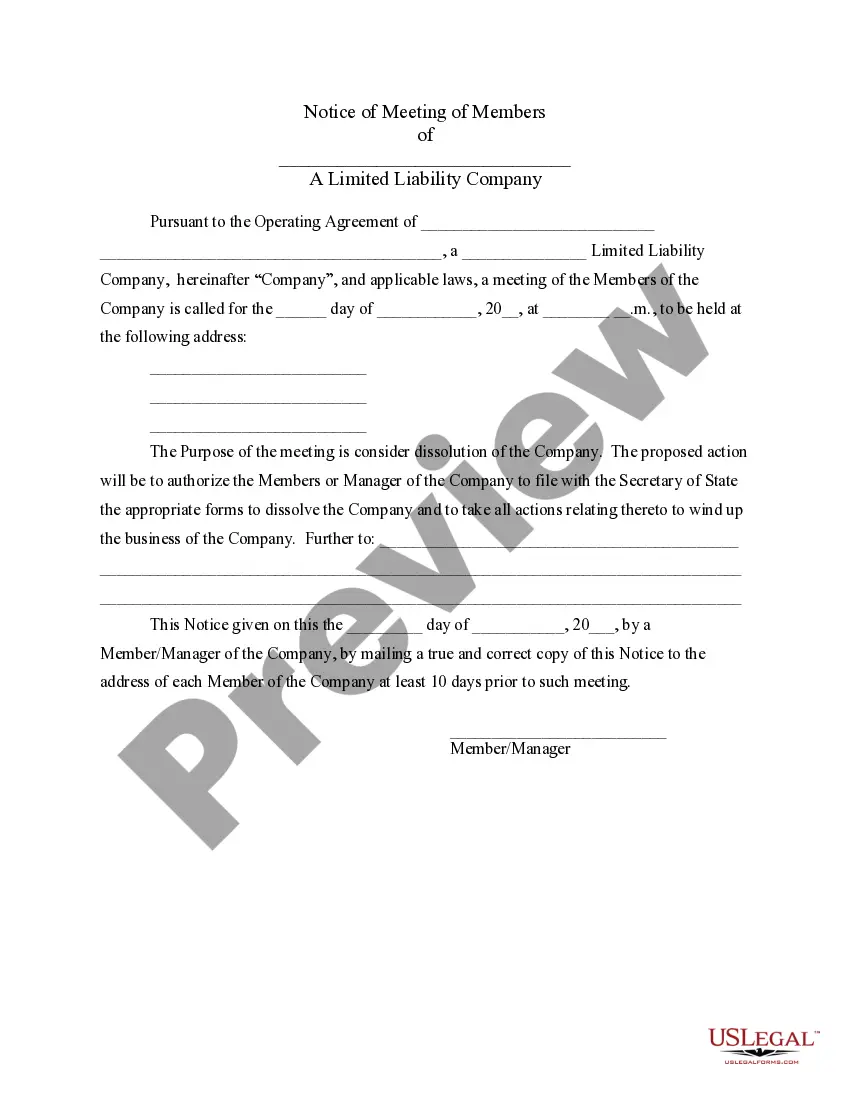
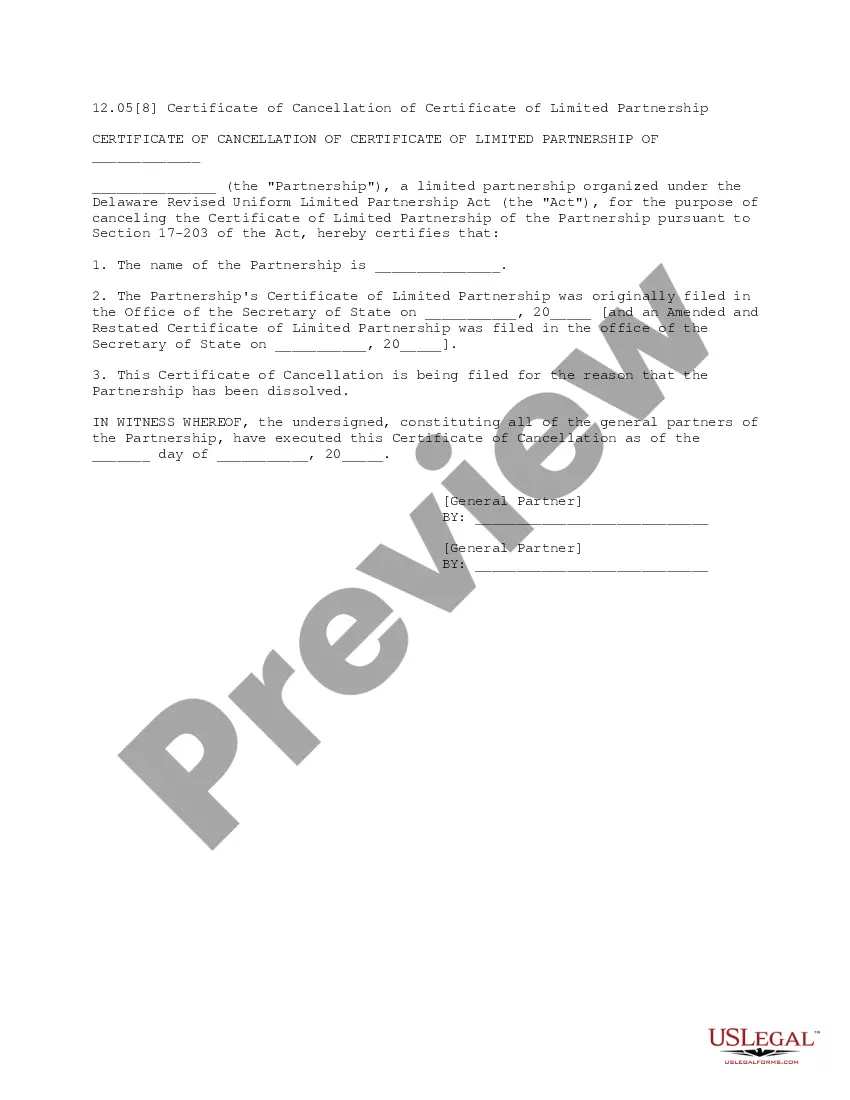
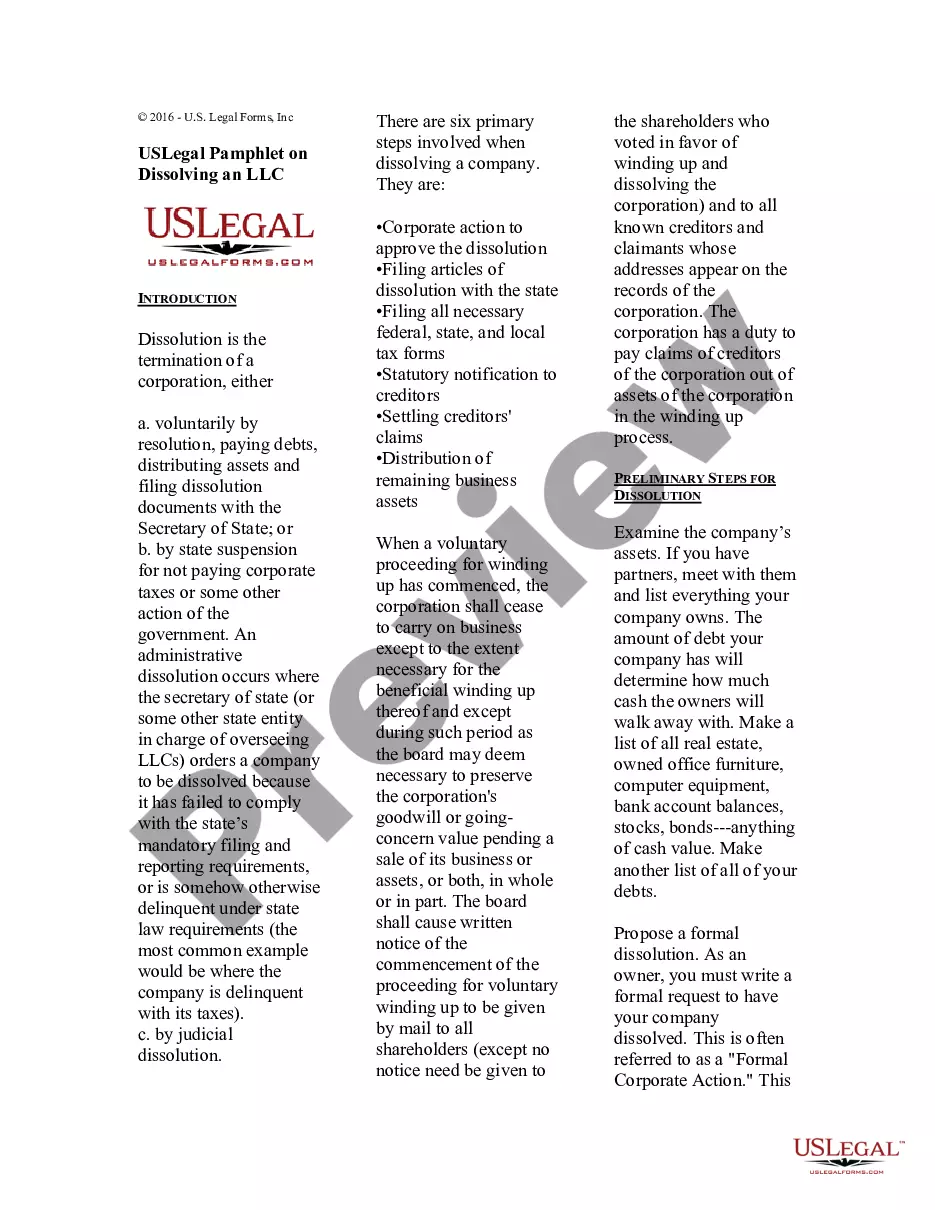
Get your form ready online
Our built-in tools help you complete, sign, share, and store your documents in one place.
Make edits, fill in missing information, and update formatting in US Legal Forms—just like you would in MS Word.
Download a copy, print it, send it by email, or mail it via USPS—whatever works best for your next step.
Sign and collect signatures with our SignNow integration. Send to multiple recipients, set reminders, and more. Go Premium to unlock E-Sign.
If this form requires notarization, complete it online through a secure video call—no need to meet a notary in person or wait for an appointment.
We protect your documents and personal data by following strict security and privacy standards.

Make edits, fill in missing information, and update formatting in US Legal Forms—just like you would in MS Word.

Download a copy, print it, send it by email, or mail it via USPS—whatever works best for your next step.

Sign and collect signatures with our SignNow integration. Send to multiple recipients, set reminders, and more. Go Premium to unlock E-Sign.

If this form requires notarization, complete it online through a secure video call—no need to meet a notary in person or wait for an appointment.

We protect your documents and personal data by following strict security and privacy standards.
Looking for another form?
How to fill out Minnesota Notice Of Dissolution?
US Legal Forms is the most uncomplicated and budget-friendly method to discover appropriate formal templates.
It’s the most comprehensive online collection of business and personal legal documents created and verified by legal experts.
Here, you can locate printable and fillable templates that adhere to federal and local regulations - just like your Minnesota Notice of Dissolution.
Examine the form description or preview the document to ensure you’ve found the one that meets your needs, or search for another one using the search tab above.
Click Buy now when you’re confident of its suitability with all the stipulations, and select the subscription plan that appeals to you the most.
- Acquiring your template involves just a few easy steps.
- Users who already possess an account with an active subscription only need to Log In to the online service and download the document onto their device.
- Afterwards, they can find it in their profile in the My documents section.
- And here’s how you can obtain a professionally prepared Minnesota Notice of Dissolution if you are utilizing US Legal Forms for the first time.
Form popularity
FAQ
In the dissolution process, any partner may dissolve the partnership at any time by providing a notice of dissolution. The partnership is then required to wind up its business activities and distribute its assets.
To close their business account, partnerships need to send the IRS a letter that includes the complete legal name of their business, the EIN, the business address and the reason they wish to close their account.
How do I close a business? To close your business and all of your tax accounts through e-Services, you must be an e-Services Master for the business. You can also email business.registration@state.mn.us, or call 651-282-5225 or 1-800-657-3605 (toll-free). Note: If your business closed more than a year ago, contact us.
NOTE: To cancel your Limited Liability Partnership registration, you must write ?Cancellation? on the form in box four. A signature of at least 2 partners or authorized agent is required. Use this form to file your annual renewal once every calendar year.
It is common for general partnerships to dissolve if any partner withdraws, dies, or becomes otherwise unable to continue their duties as a business partner.
A document informing the secretary of state that your corporation will be dissolving.
Administrative dissolution is an action taken by the Secretary of State that results in the loss of a business entity's rights, powers and authority. Reinstatement is the action taken that restores an administratively dissolved business entity's rights, powers, and authority.
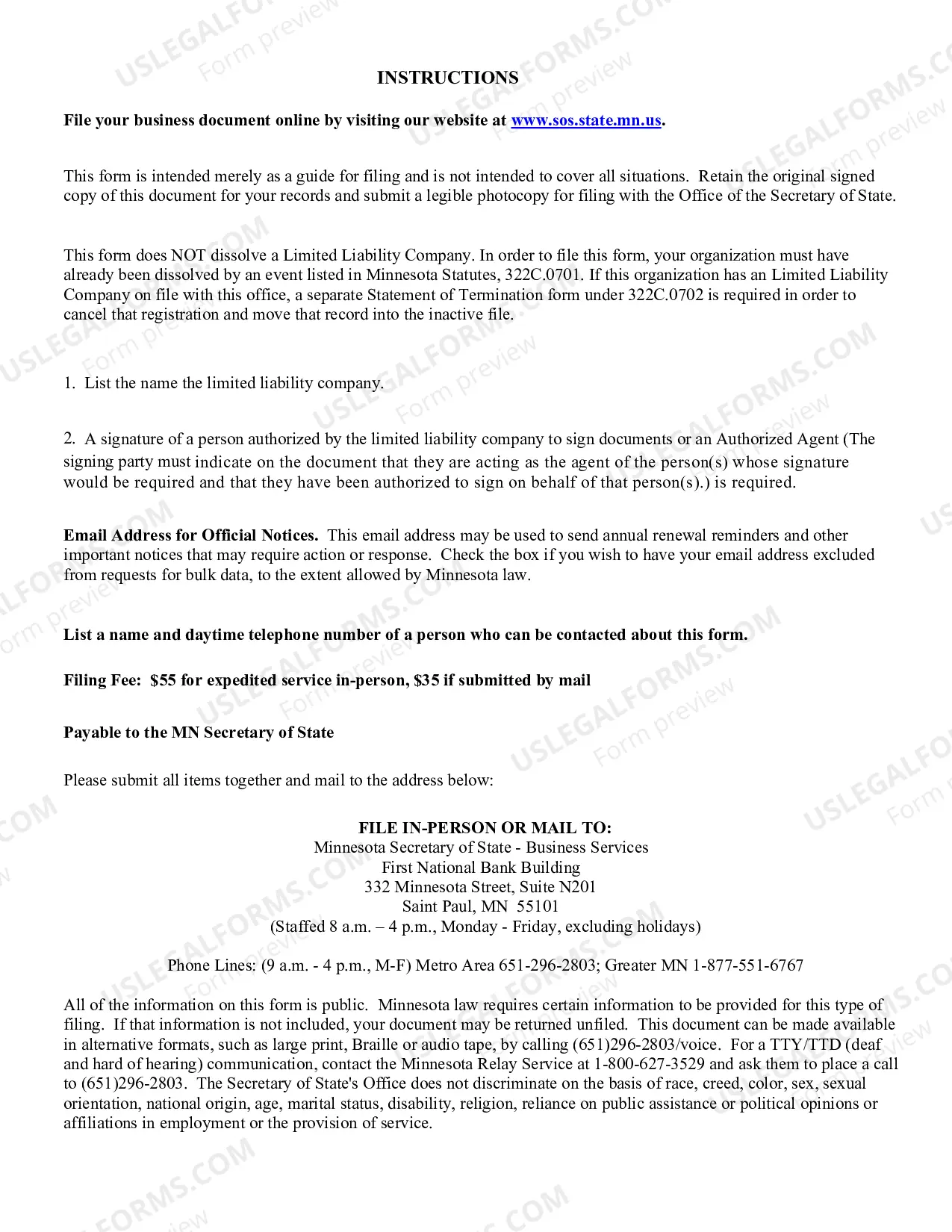
In Minnesota, you must first file a Statement of Dissolution stating that you are in the process of winding up your business. Then, once you wind up your LLC, you must file the Statement of Termination. Minnesota requires business owners to submit their Statement of Termination by mail, online, or in-person.