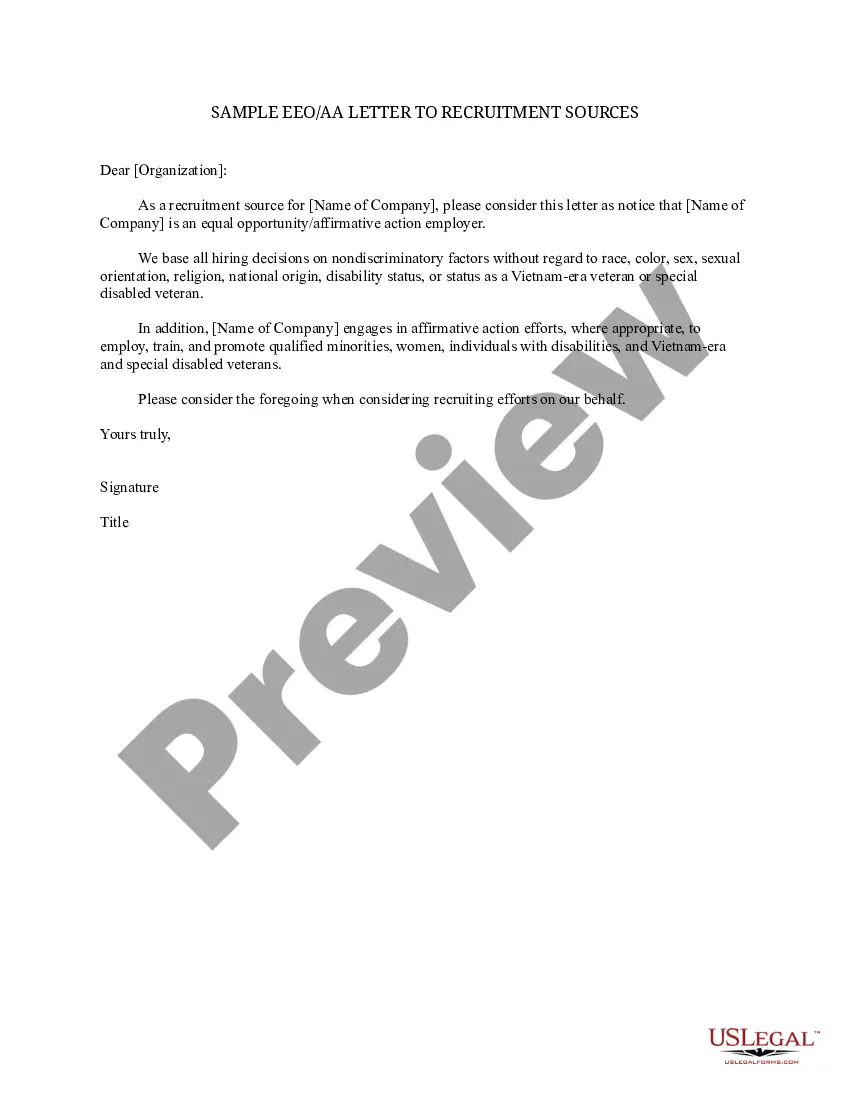
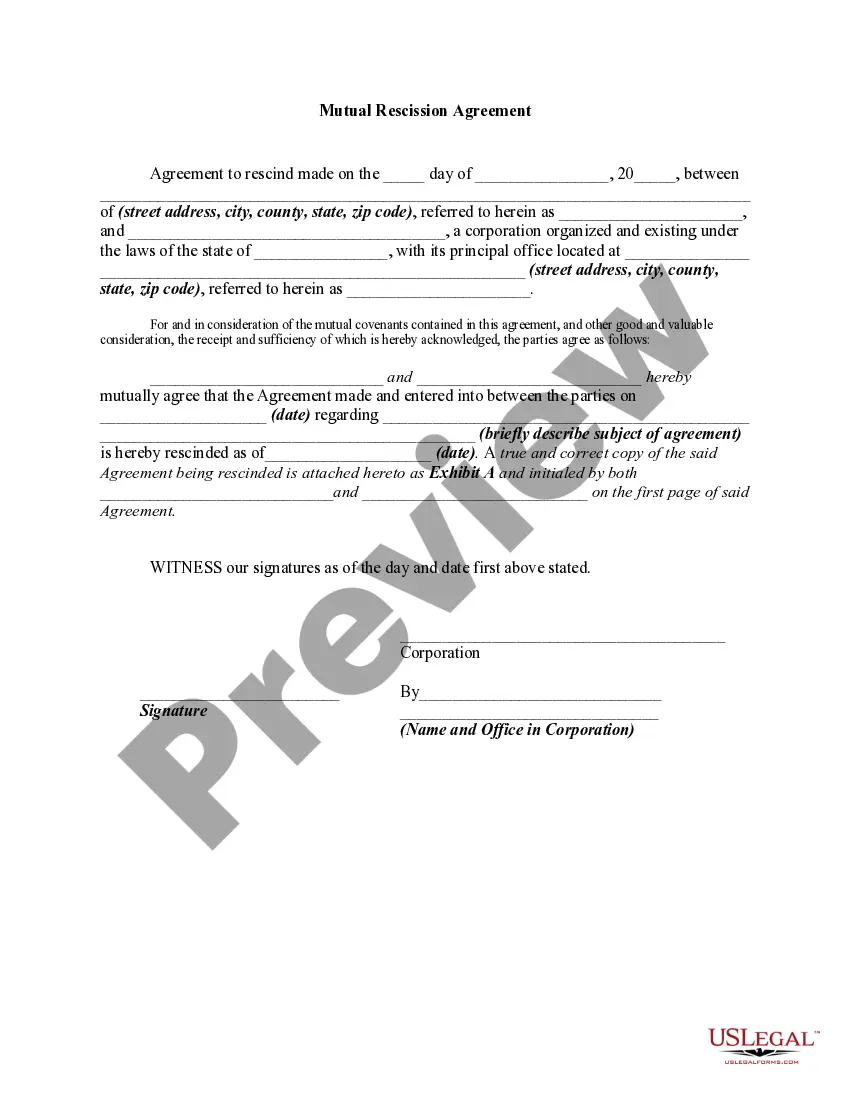
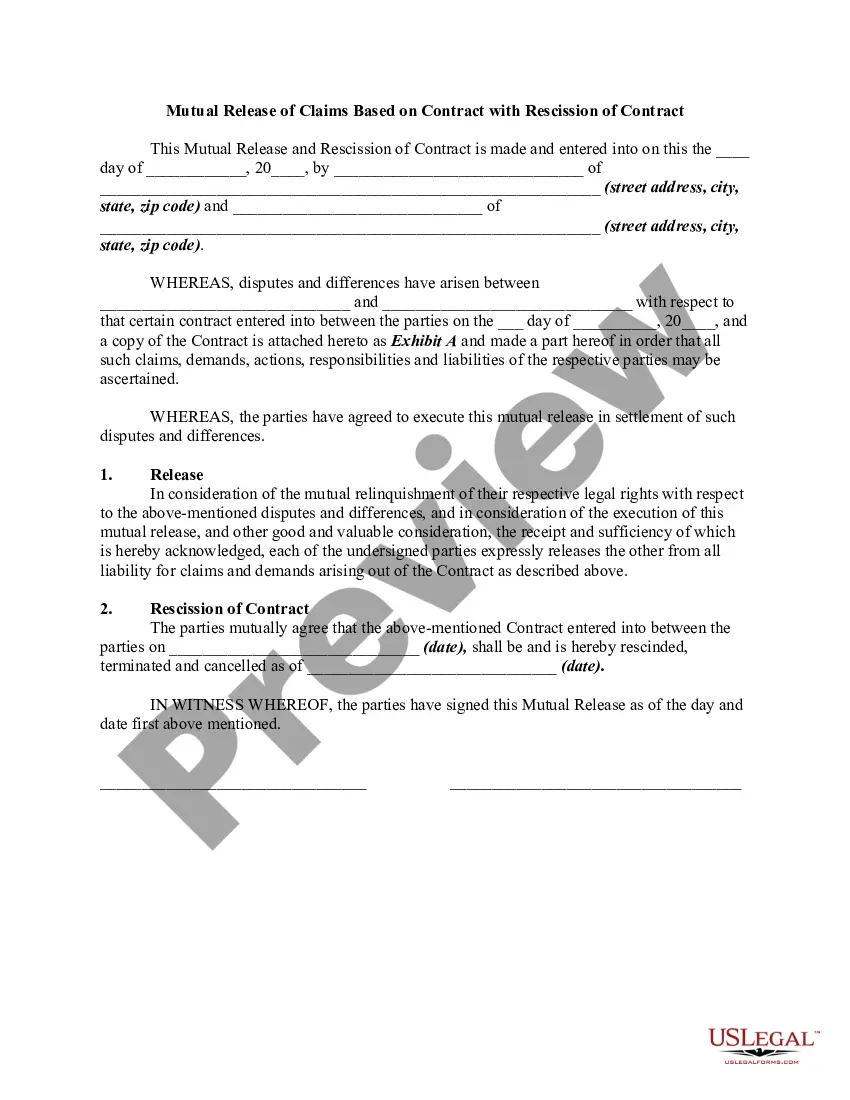
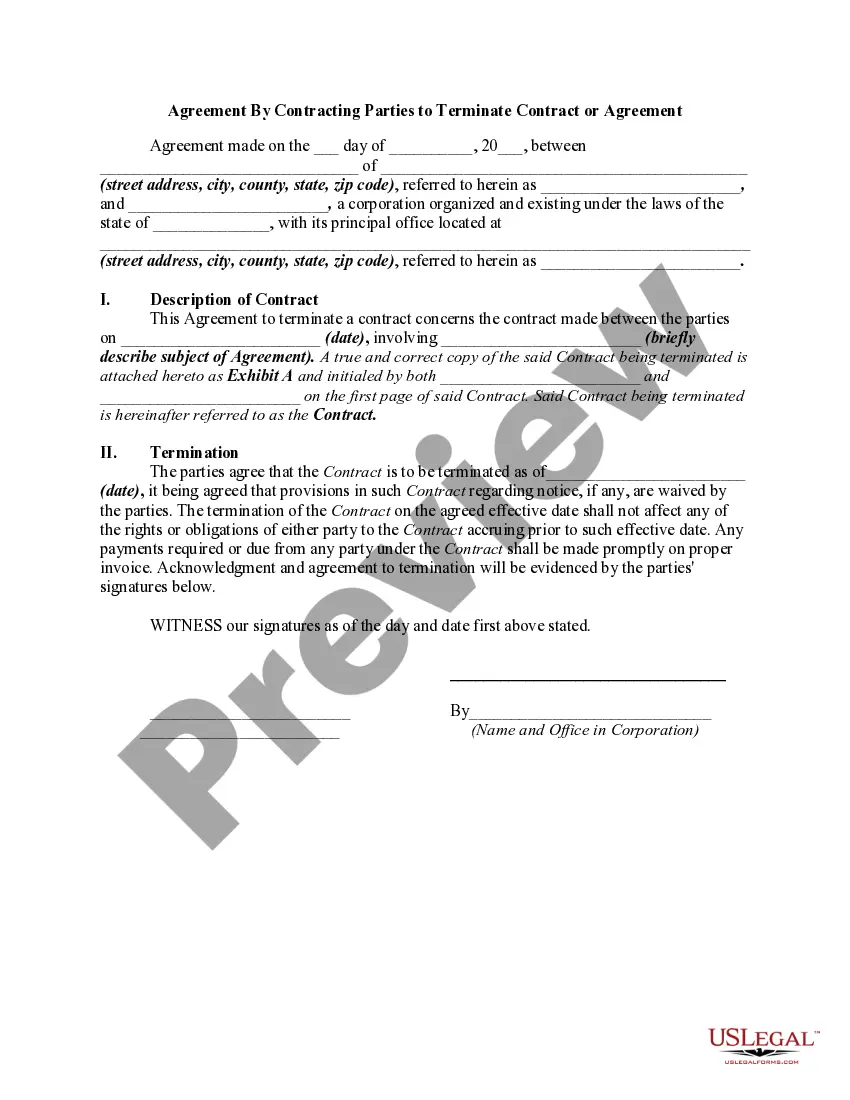
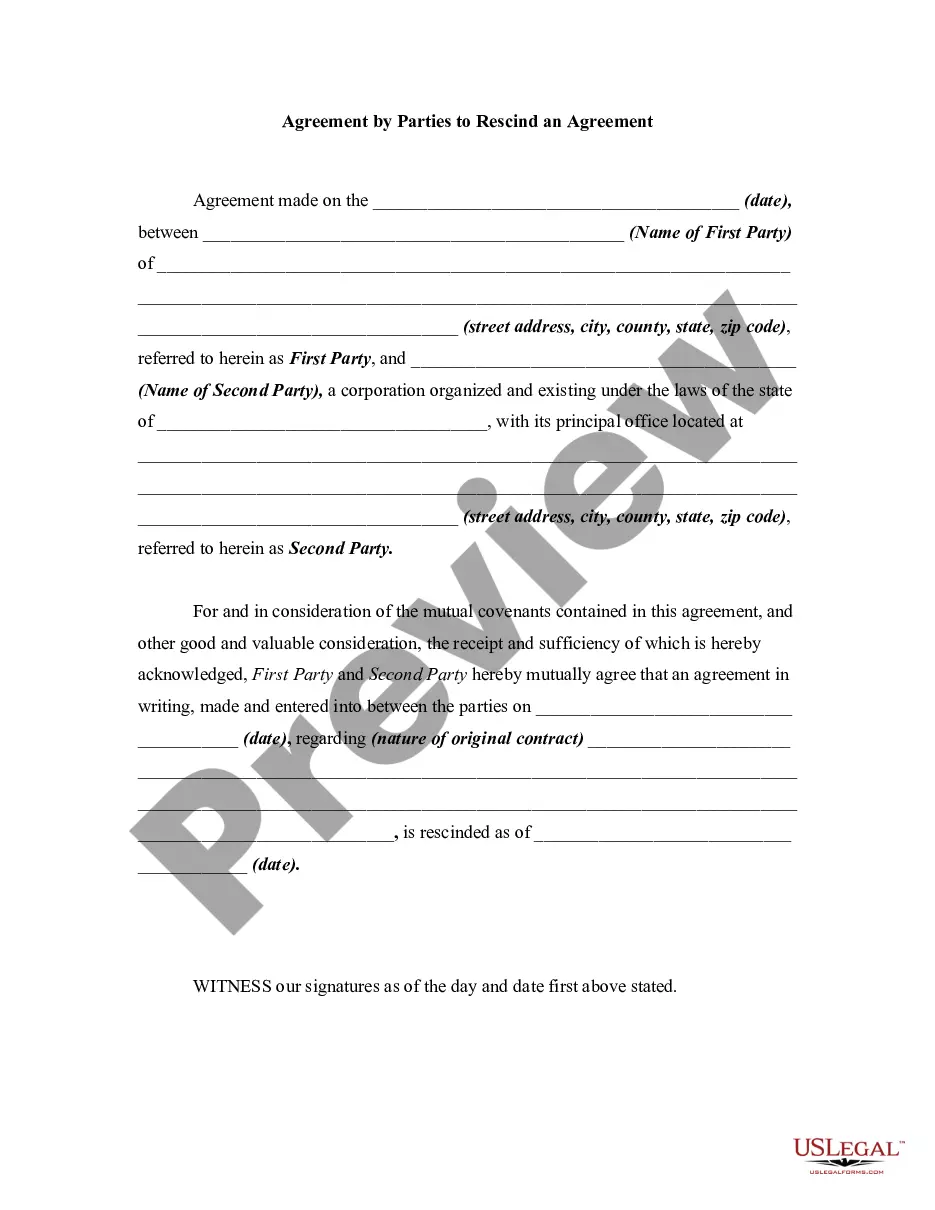
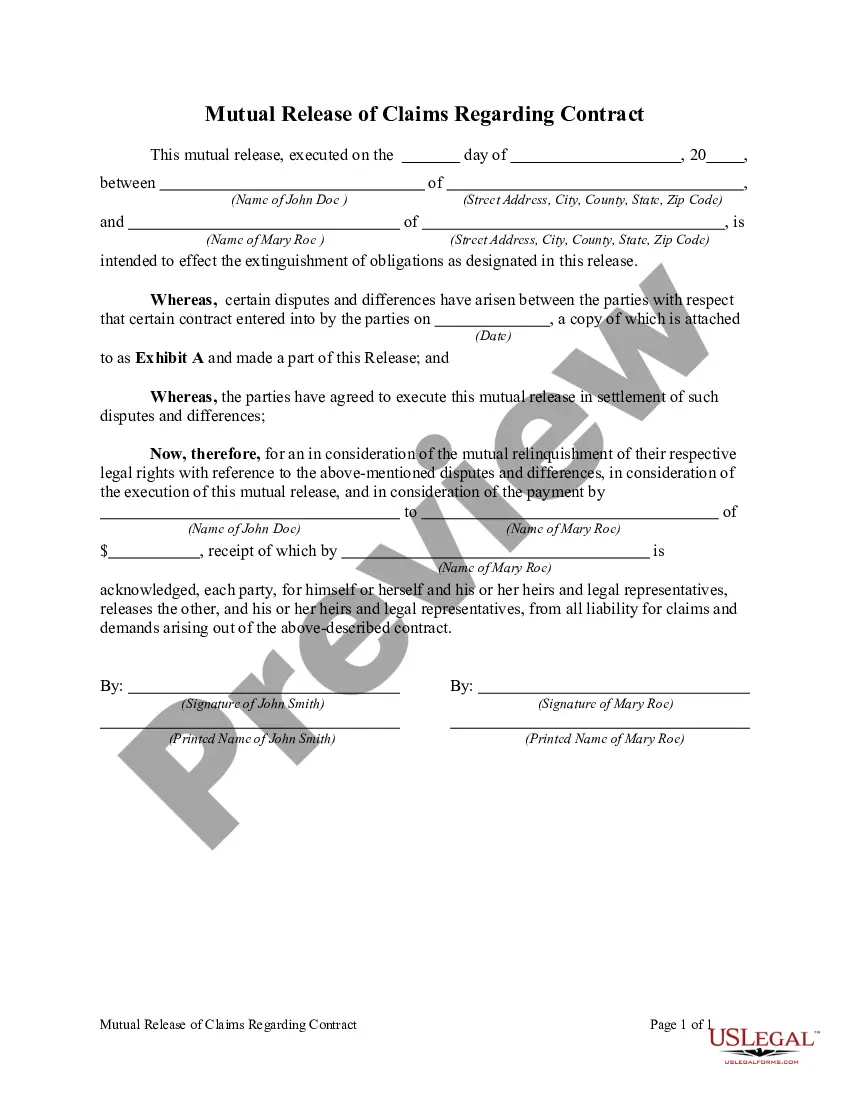
A rescission of a contract generally places the parties in the position they would have been had the contract never been entered into by the parties. For example, money is returned to a buyer and a buyer returns merchandise to the seller. In this form, the parties mutually agree to rescind an earlier agreement between the parties.
Minnesota Mutual Rescission Agreement
Category:
State:
Multi-State
Control #:
US-00935BG
Format:
Word;
Rich Text
Instant download
Description
How to fill out Mutual Rescission Agreement?
US Legal Forms - one of the finest collections of legal forms in the United States - provides a selection of legal document templates that you can download or print.
Through the website, you can access thousands of forms for business and personal purposes, categorized by types, states, or keywords. You can find the latest forms like the Minnesota Mutual Rescission Agreement in moments.
If you already have a monthly subscription, Log In and download the Minnesota Mutual Rescission Agreement from the US Legal Forms library. The Download option will appear on every form you view. You have access to all previously downloaded forms in the My documents tab of your account.
Process the payment. Use your Visa, Mastercard, or PayPal account to finalize the transaction.
Select the format and download the form onto your device. Make modifications. Fill out, edit, print, and sign the downloaded Minnesota Mutual Rescission Agreement.
- If you are using US Legal Forms for the first time, here are some straightforward instructions to help you get started.
- Ensure you have chosen the correct form for your city/state. Select the Preview option to review the contents of the form.
- Examine the form description to confirm that you have selected the appropriate template.
- If the form does not suit your needs, utilize the Search section at the top of the screen to locate the one that does.
- Once you are satisfied with the form, confirm your choice by clicking the Buy now option.
- Then, select your preferred payment plan and provide your credentials to create an account.
Form popularity
FAQ
To terminate by mutual agreement, you should draft a Minnesota Mutual Rescission Agreement that outlines the decision to dissolve the contract. Begin by clearly stating the intention to cancel the agreement, then both parties should sign the document to affirm their consent. It is vital to ensure that the terms of the original contract are taken into account. For assistance, consider using uslegalforms to access templates and guidance for this process.
Yes, you can terminate a contract by mutual agreement, which is often formalized in a Minnesota Mutual Rescission Agreement. This agreement serves as a mutual acknowledgment that both parties no longer wish to uphold the contract. The clear documentation of such a decision adds legal certainty and can prevent future disputes. Therefore, it is a useful tool for anyone looking to navigate contract termination smoothly.
Yes, you can cancel an agreement that you signed, but the method depends on the terms of the contract and applicable laws. A Minnesota Mutual Rescission Agreement may be used to both cancel and legally document the decision to terminate the agreement. It is crucial to consult the agreement’s provisions, as they may specify how to proceed with cancellation. Understanding these terms helps protect your interests.
A contract can be discharged by mutual consent through a Minnesota Mutual Rescission Agreement. This agreement signifies that both parties willingly agree to cancel the contract, thereby releasing each other from any further obligations. This process emphasizes the collaborative nature of decision-making in legal agreements. Individuals often find clarity and peace of mind by utilizing this approach.
The three-day rule for cancelling a contract in Minnesota usually applies to certain types of transactions, such as door-to-door sales. Under this rule, you can cancel the contract within three days from the date you signed it. However, if your situation requires a more formal approach, using a Minnesota Mutual Rescission Agreement can be beneficial. Always read the fine print and consult resources like USLegalForms to understand your options.
The return policy in Minnesota generally varies by retailer and type of product. Contracts typically govern these return policies; thus, learning about your rights under a Minnesota Mutual Rescission Agreement can be vital. It's also recommended to check with the retailer about their specific policies on returns and cancellations. Familiarizing yourself with these policies can save you headaches down the line.
Minnesota does not explicitly have a buyer's remorse law that allows for automatic cancellation of purchases. Certain consumer rights may allow for contract cancellation under specific circumstances, often covered under Minnesota Mutual Rescission Agreement guidelines. Understanding your rights and the specific situation can help you make informed decisions. If you are unsure, platforms like USLegalForms offer valuable information and resources.
The rescission period in Minnesota varies based on the nature of the transaction and can be as short as three days for specific types of sales, like door-to-door sales. However, other contracts may not have a rescission period unless stated. If you find yourself needing a Minnesota Mutual Rescission Agreement, being aware of the rescission period can guide your decision-making process. Legal resources, such as USLegalForms, can provide helpful insights into your rights.
In Minnesota, the cancellation period depends on the type of contract you are dealing with. For many consumer contracts, you may have up to three days to cancel under certain circumstances, often referred to as the cooling-off period. However, if you are considering a Minnesota Mutual Rescission Agreement, it is vital to act quickly and understand the specific terms involved. Always read your contract and consult legal experts for clarity.
A mutual rescission agreement is a contract where both parties agree to cancel an existing contract. This agreement ensures that neither party has further obligations under the original contract, including any Minnesota Mutual Rescission Agreement. Using this type of agreement can provide a clear resolution and help avoid disputes in the future. When drafting such an agreement, consulting with a legal expert or platforms like USLegalForms can help ensure its validity.