Mississippi Answer
Description
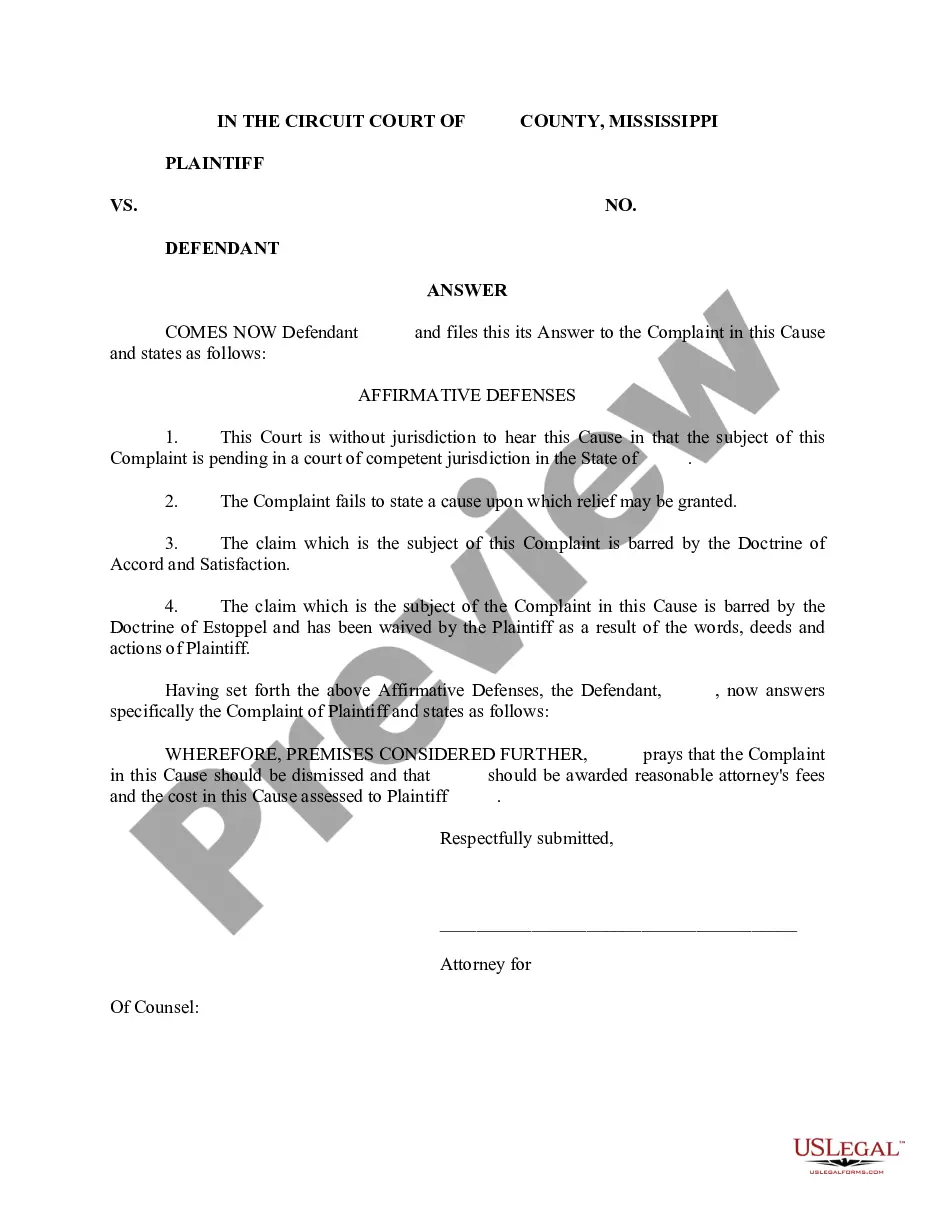
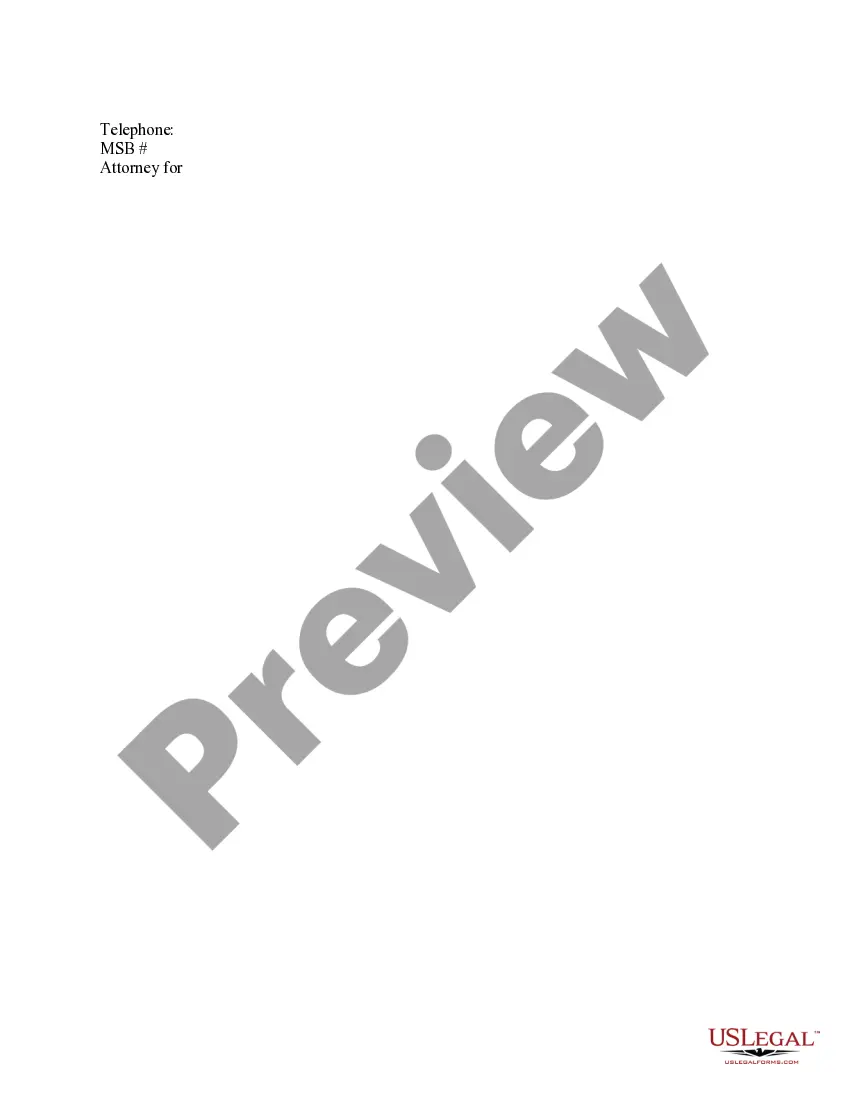
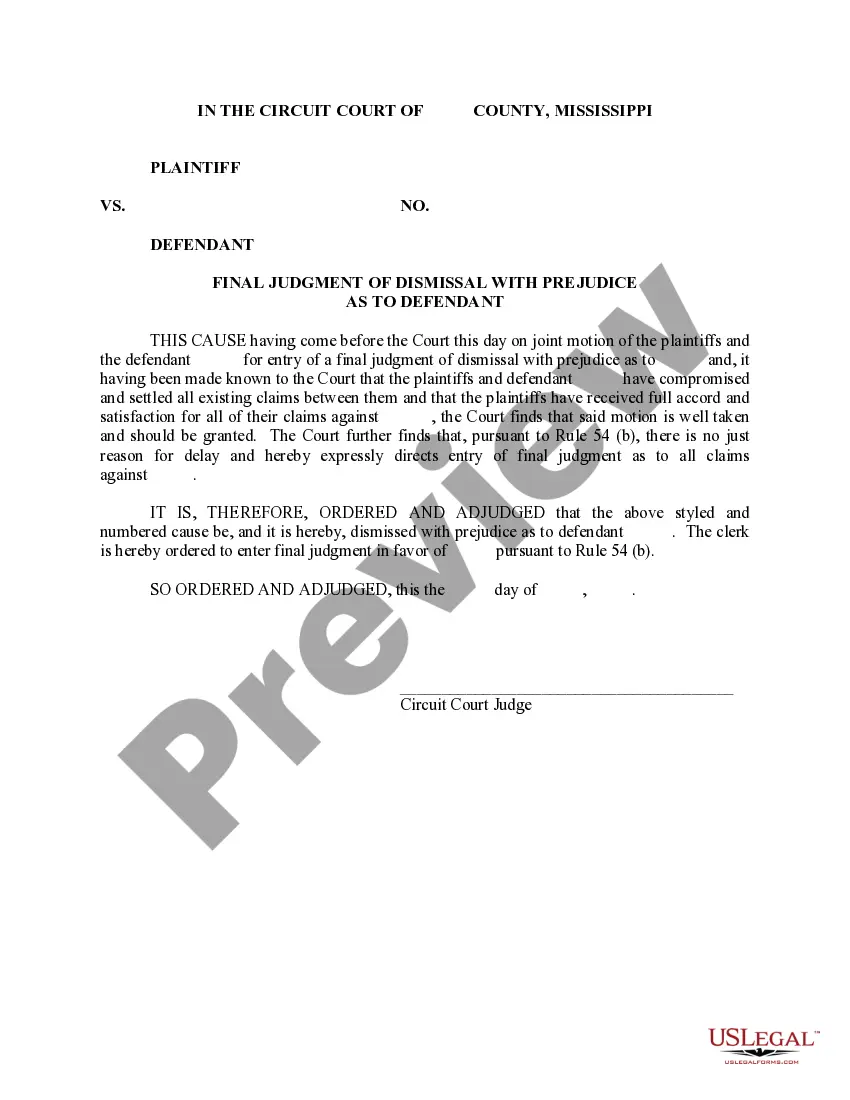
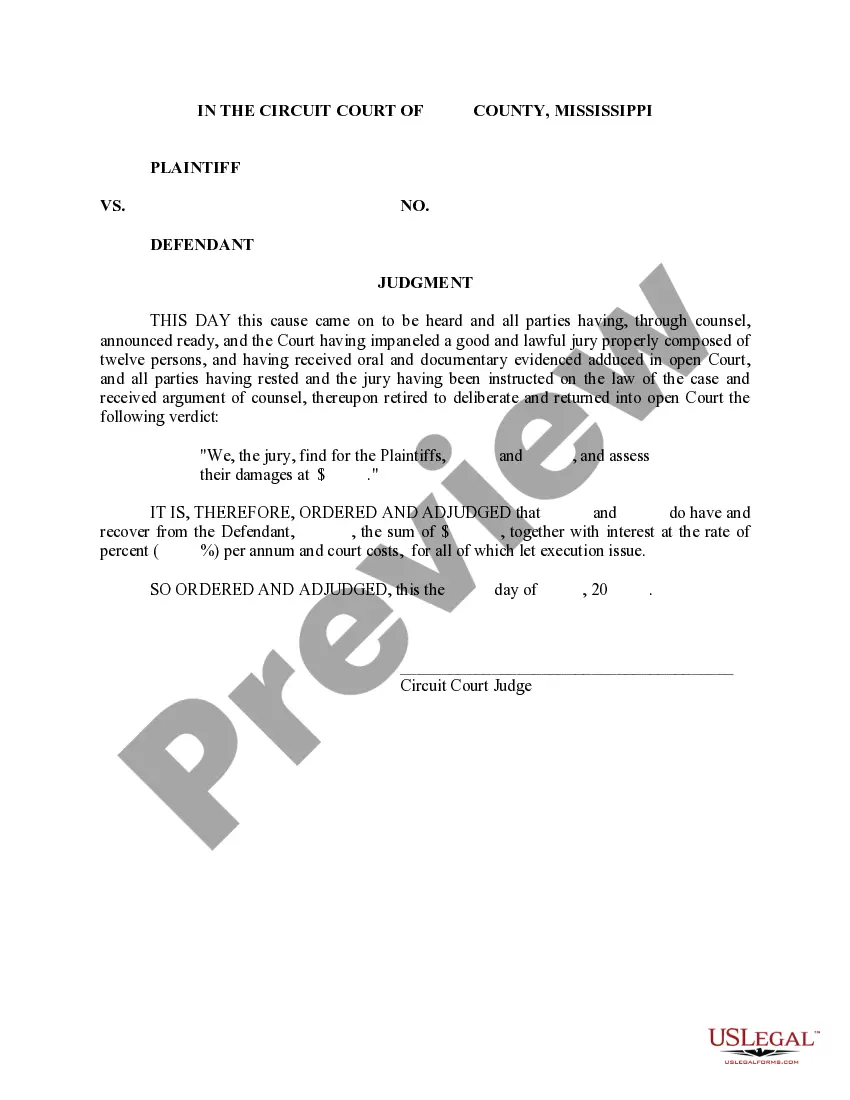
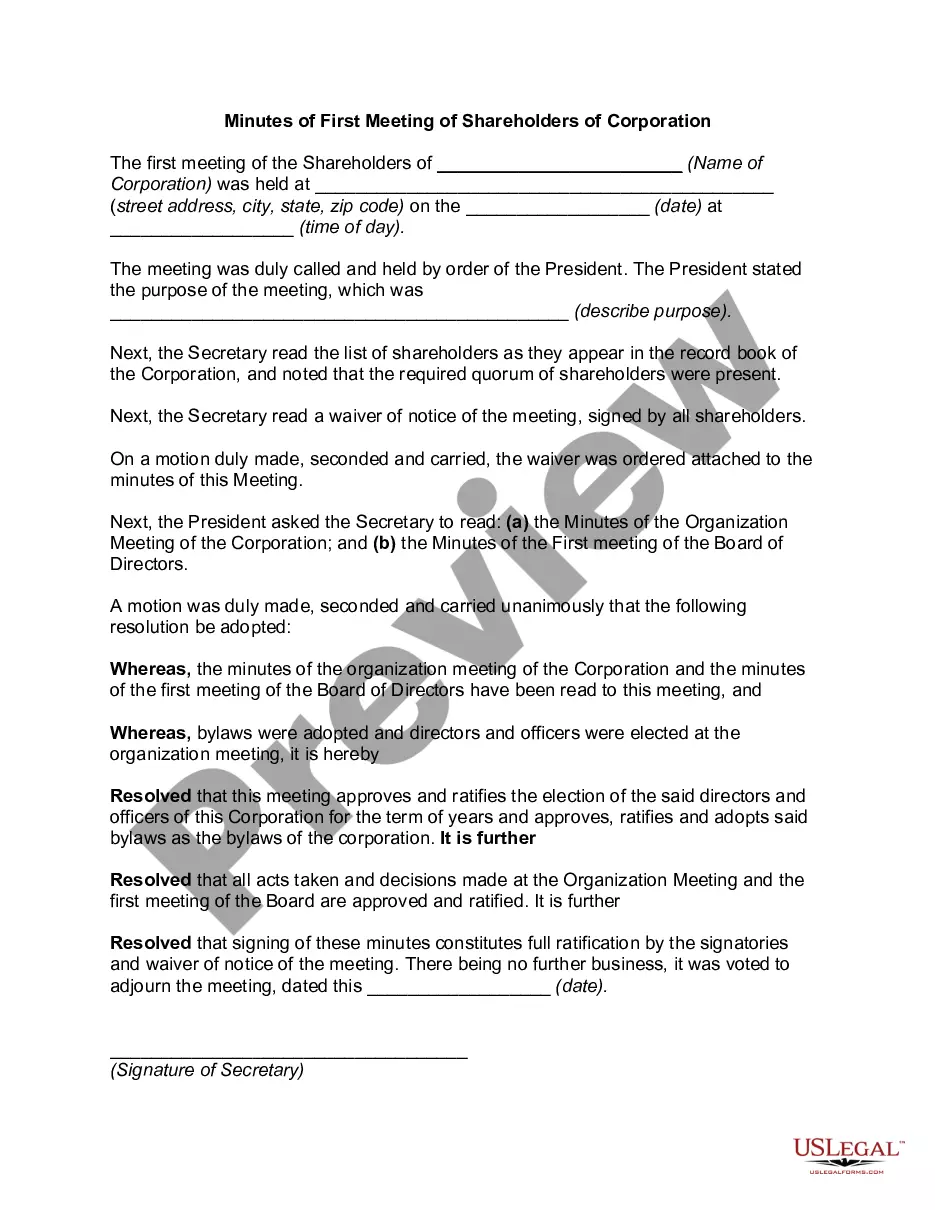
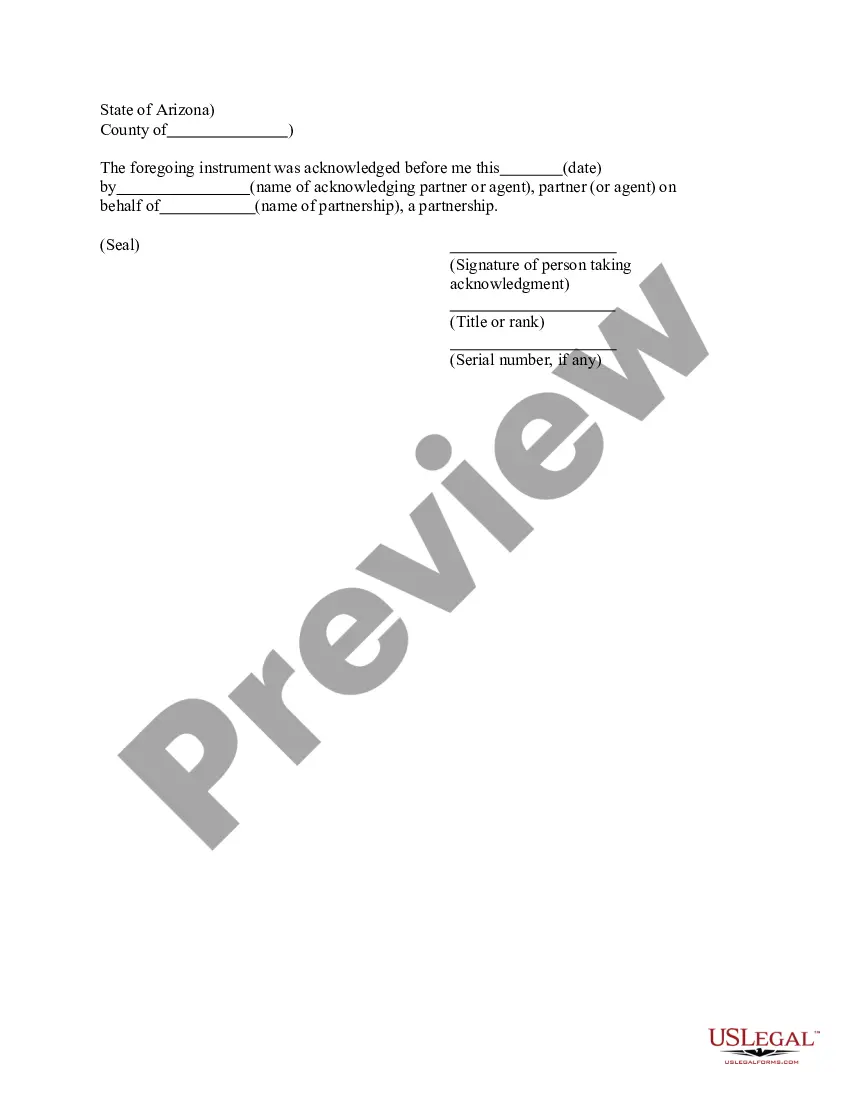
How to fill out Mississippi Answer?
Obtain a printable Mississippi Response in just a few clicks from the most extensive collection of legal e-documents. Discover, download, and print expertly prepared and verified examples on the US Legal Forms site. US Legal Forms has remained the leading source of economical legal and tax documents for US citizens and residents online since 1997.
Clients who hold a subscription should Log In directly to their US Legal Forms account, download the Mississippi Response, and find it saved in the My documents section. Users without a subscription must adhere to the following steps.
After you have downloaded your Mississippi Response, you can fill it out in any online editor or print it to complete it manually. Utilize US Legal Forms to access 85,000 professionally drafted, state-specific documents.
- Ensure your template complies with your state's regulations.
- If available, review the form's details for additional information.
- If possible, preview the form to view more content.
- Once you are confident the template fulfills your needs, click on Buy Now.
- Establish a personal account.
- Choose a subscription plan.
- Make payment via PayPal or credit card.
- Download the document in Word or PDF format.
Form popularity
FAQ
If you worked and earned wages in Mississippi, you may file a claim for unemployment insurance benefits online or by calling 601-493-9427. Your claim for benefits will be effective the Sunday of the week the claim is filed.
You may file your current weekly claim certification online through MDES' Online Unemployment Services. You must login with your user id and password or establish a new user id and password if you are not a current user. You may file online outside normal business hours.
Call: 601-855-3133 for the following services. The MDES Contact Center is open Monday through Friday from 7 a.m. until 7 p.m. For more information, please visit https://mdes.ms.gov.
Click the green Verify with ID.me button. Follow the prompts to either log in to your existing ID.me account, or create a new one. Confirm your email address. Select and set up the multi-factor authentication option of your choice.
Benefitpay@mdes.ms.gov. For questions regarding. Unemployment Tax: tax@mdes.ms.gov. For questions regarding. Unemployment Benefits Overpayments: bpc@mdes.ms.gov. For questions regarding. Appeals: appeals@mdes.ms.gov.
Contact the clerk's office of the court where the lawsuit was filed. You'll find a phone number and address for the clerk's office on your summons. The clerk will be able to tell you exactly what documents you should file with your answer and whether any filing fee is required.
Senate Bill 2988 of the 2008 Legislative Session, known as the Mississippi Employment Protection Act (MEPA), requires all Mississippi employers to register with and use the Federal Government's E-Verify System to determine that individuals hired as employees are legal citizens or legally authorized to work in the
Provide the name of the court at the top of the Answer. You can find the information on the summons. List the name of the plaintiff on the left side. Write the case number on the right side of the Answer. Address the Judge and discuss your side of the case. Ask the judge to dismiss the case.
Read the summons and make sure you know the date you must answer by. Read the complaint carefully. Write your answer. Sign and date the answer. Make copies for the plaintiff and yourself. Mail a copy to the plaintiff. File your answer with the court by the date on the summons.
If you meet all the eligibility requirements, then you can apply for unemployment insurance. To file by phone, call 601-855-3133 or 1-888-844-3577, Monday through Friday between 8 am and pm. To file online, you can do so anytime by setting up an account on the MDES online employment services website.