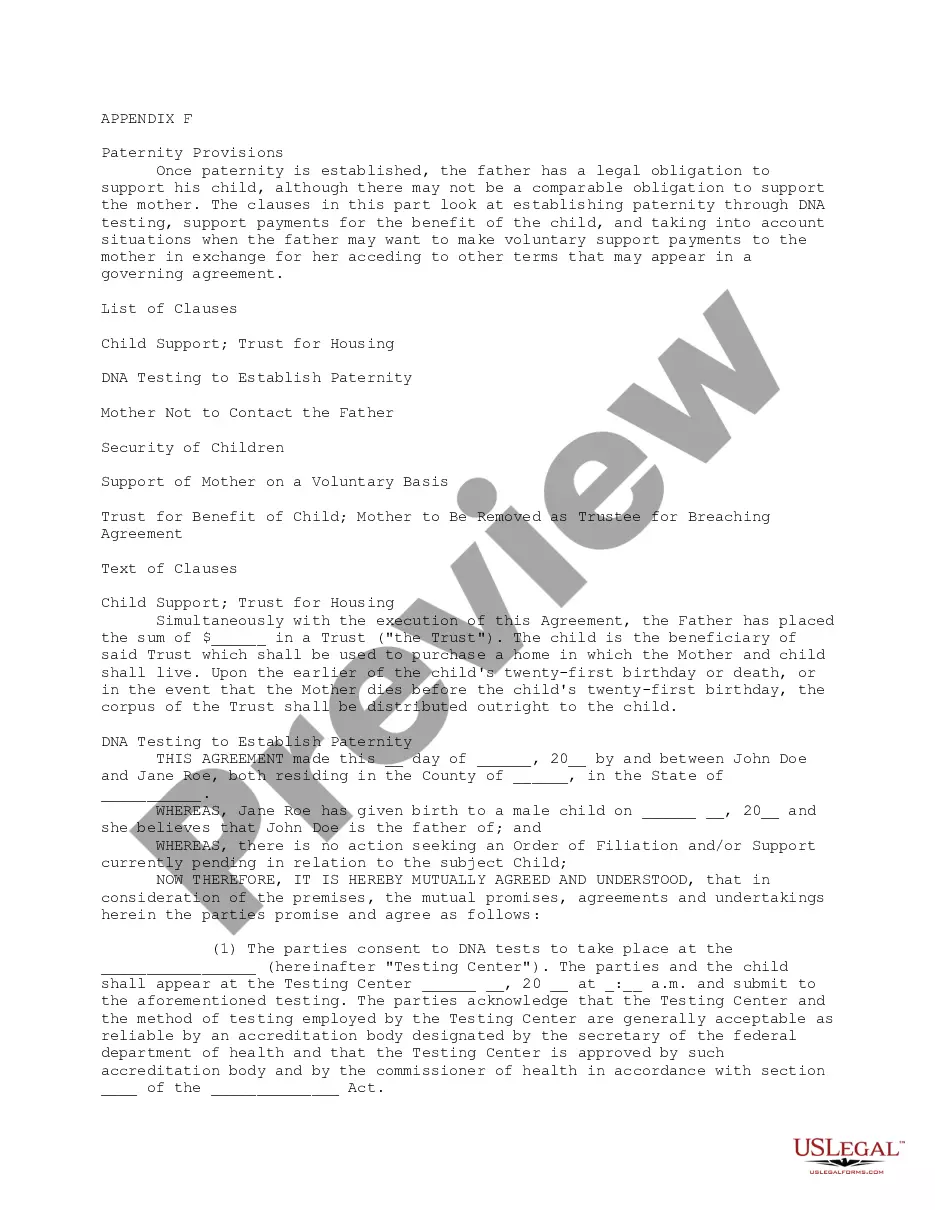
The act by which illegitimate children are given the same legal standing of legitimate children is a matter of local legislation, and therefore depends on the law of each particular jurisdiction. Although some statutes provide for the legitimation of children by conduct amounting to recognition, other statutes require that the recognition of an illegitimate child be in writing. Note that this form is an acknowledgment and not an affidavit.
Mississippi Acknowledgment of Paternity
Category:
State:
Multi-State
Control #:
US-01484BG
Format:
Word;
Rich Text
Instant download
This website is not affiliated with any governmental entity
Public form
Description


How to fill out Acknowledgment Of Paternity?
US Legal Forms - one of the largest collections of legal documents in the United States - offers a vast selection of legal document templates that you can download or print.
By using the website, you can access thousands of templates for business and personal purposes, categorized by types, states, or keywords. You can obtain the latest versions of documents such as the Mississippi Acknowledgment of Paternity in moments.
If you have a monthly subscription, Log In and download the Mississippi Acknowledgment of Paternity from the US Legal Forms library. The Download button will appear on every form you view. You have access to all previously saved documents from the My documents tab of your account.
Process the transaction. Use your credit card or PayPal account to complete the transaction.
Choose the format and download the form to your device. Edit. Complete, modify, print, and sign the saved Mississippi Acknowledgment of Paternity. Each format you added to your account does not have an expiration date and is yours permanently. So, if you wish to download or print another copy, simply go to the My documents section and click on the form you need. Access the Mississippi Acknowledgment of Paternity with US Legal Forms, the most extensive library of legal document templates. Utilize thousands of professional and state-specific templates that meet your business or personal needs and requirements.
- If you want to use US Legal Forms for the first time, here are simple instructions to help you get started.
- Ensure you have selected the correct form for your city/state. Click on the Preview button to review the form's content.
- Check the form details to confirm that you have chosen the right form.
- If the form does not meet your requirements, use the Search field at the top of the screen to find one that does.
- If you are satisfied with the form, confirm your choice by clicking on the Get now button.
- Then, select the payment plan you prefer and provide your information to register for the account.
Form popularity
FAQ
Court: If an unmarried couple does not complete an ASAP, a court will have to establish paternity. The Child Support program does not represent either parent, but is here to assist either parent in completing the necessary steps, including DNA tests if there is a question about the identity of the child's father.
The simple answer is 'No' ? no one can force another party directly to undertake a test. The only way to do so to get the test mandated by a court of law.
Sometimes, one of the parties does not want to participate in the paternity test. In that case, all of the three parties involved ? mother, alleged father or child ? have the right to file a complaint with the court in order to establish possible paternity.
Mississippi law presumes that a child born to a husband and wife is the natural offspring of the couple. Paternity is presumed until proven otherwise in court.
Acknowledgement of Paternity affidavit must be signed by both the mother and natural father, contain a notary seal for both signatures, indicate the date signed, and be filed with the office of vital records.
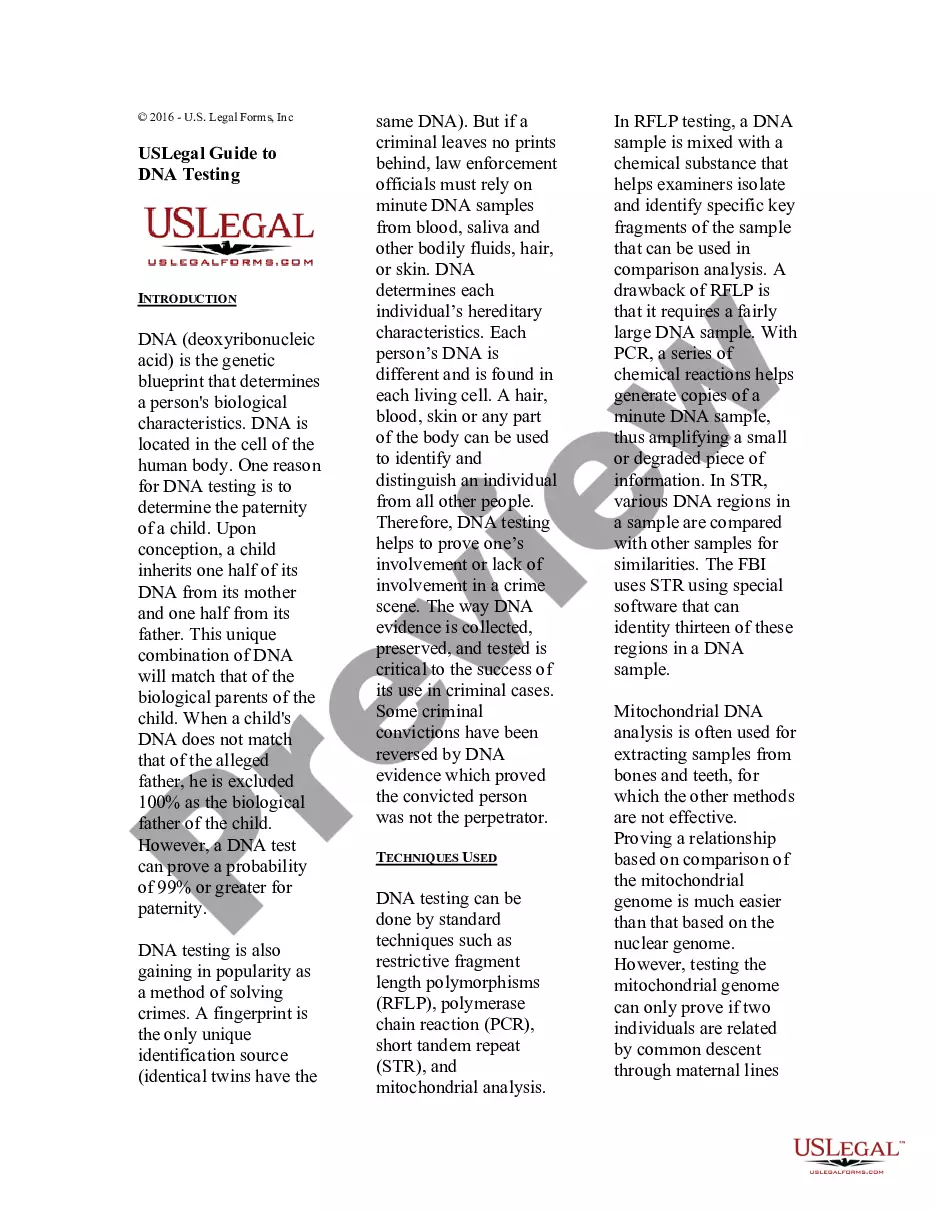
Mississippi law does allow the use of blood or genetic testing to determine the probability of paternity. While the test does not provide definite answers, if the calculation that the probability of fatherhood is at least 98 percent, the court will presume paternity.
Establishing paternity must be done through a court order, which will also determine custody and/or visitation rights, as well as additional parental responsibilities, based on what's in the best interest of the child. If an unwed father is not listed on the birth certificate, he has no legal rights to the child.
However, if a judge orders a paternity test, the mother is legally obligated to comply. Refusing to comply with a court order can result in the mother being held in contempt of court. It's important to seek legal counsel in these situations to understand your rights and obligations.