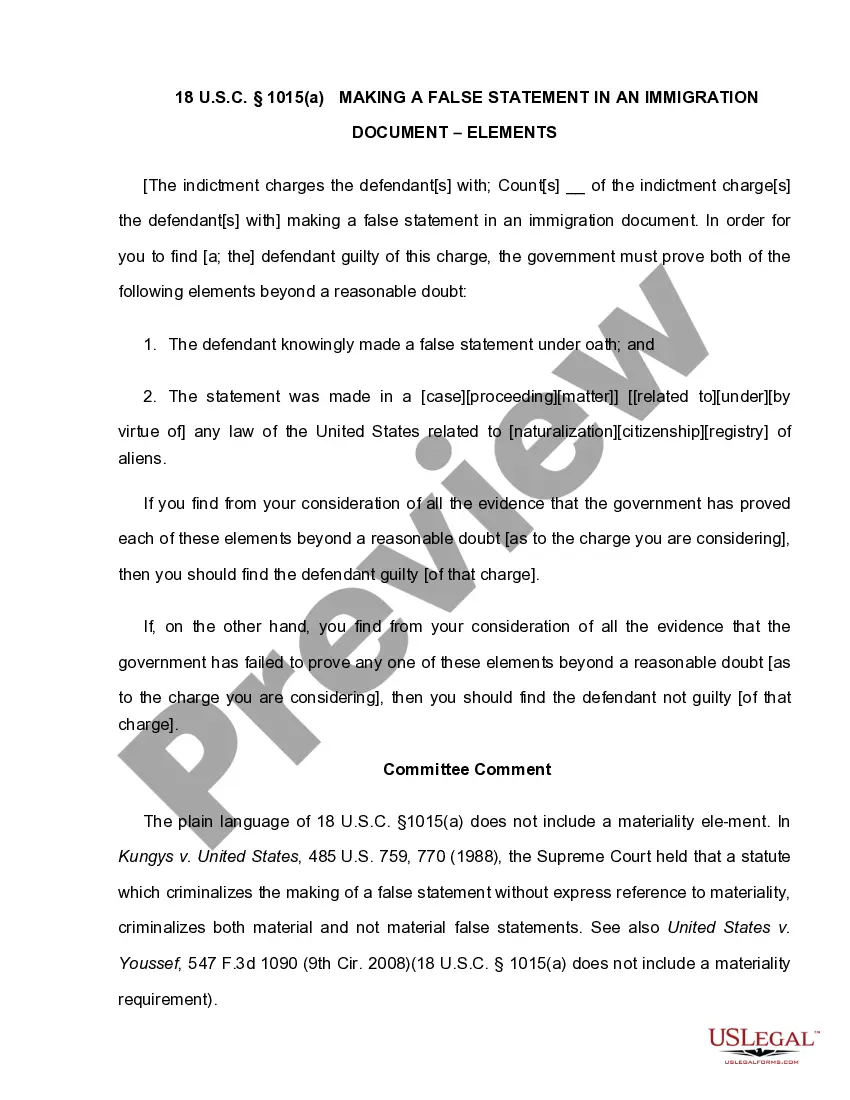
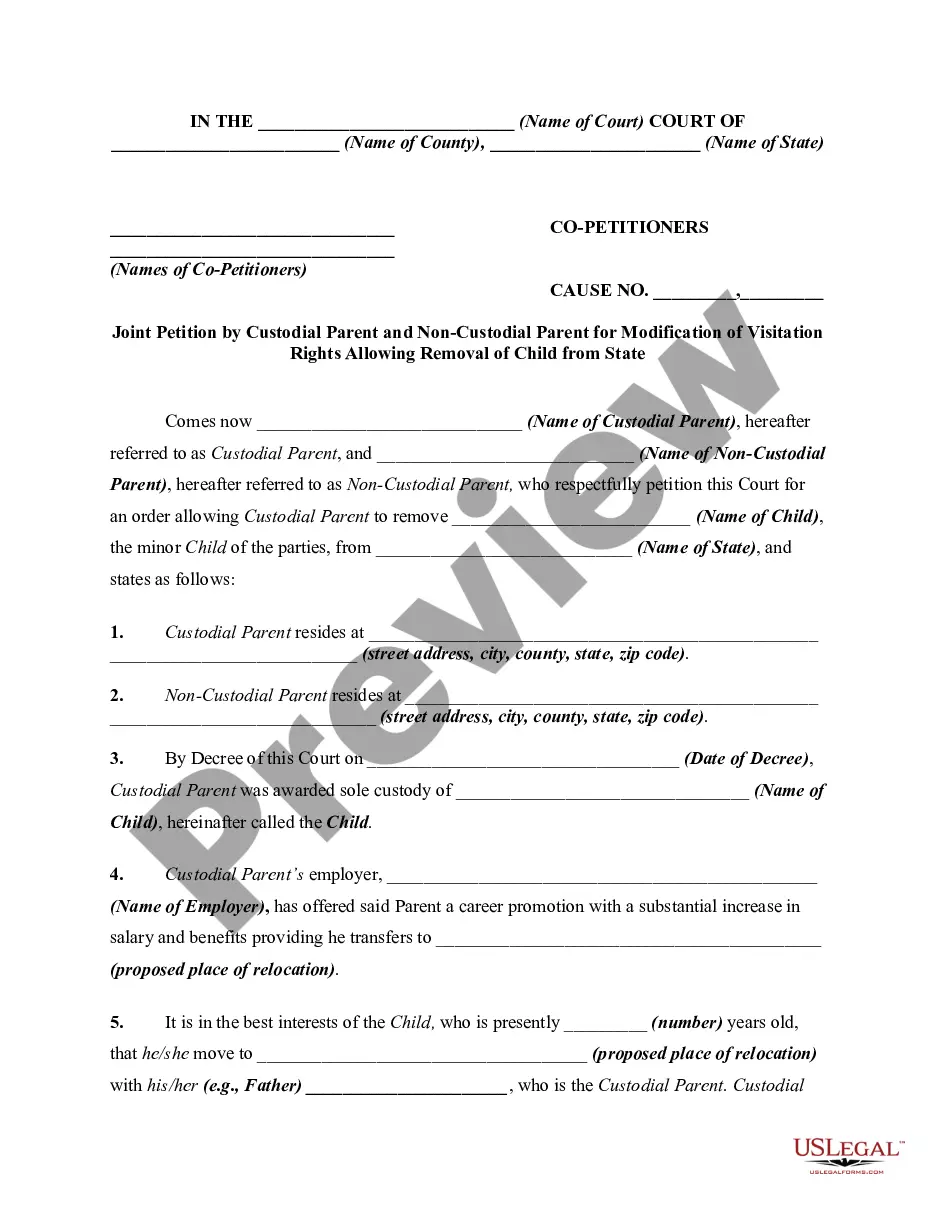
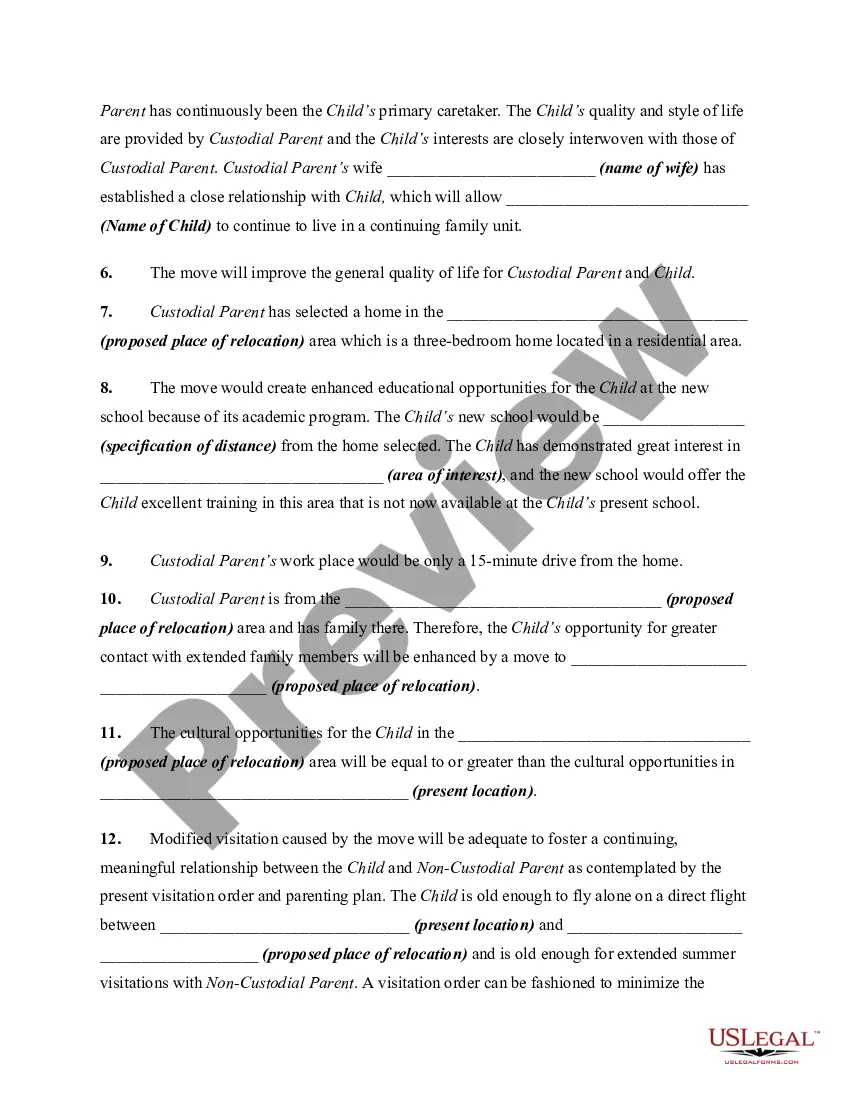
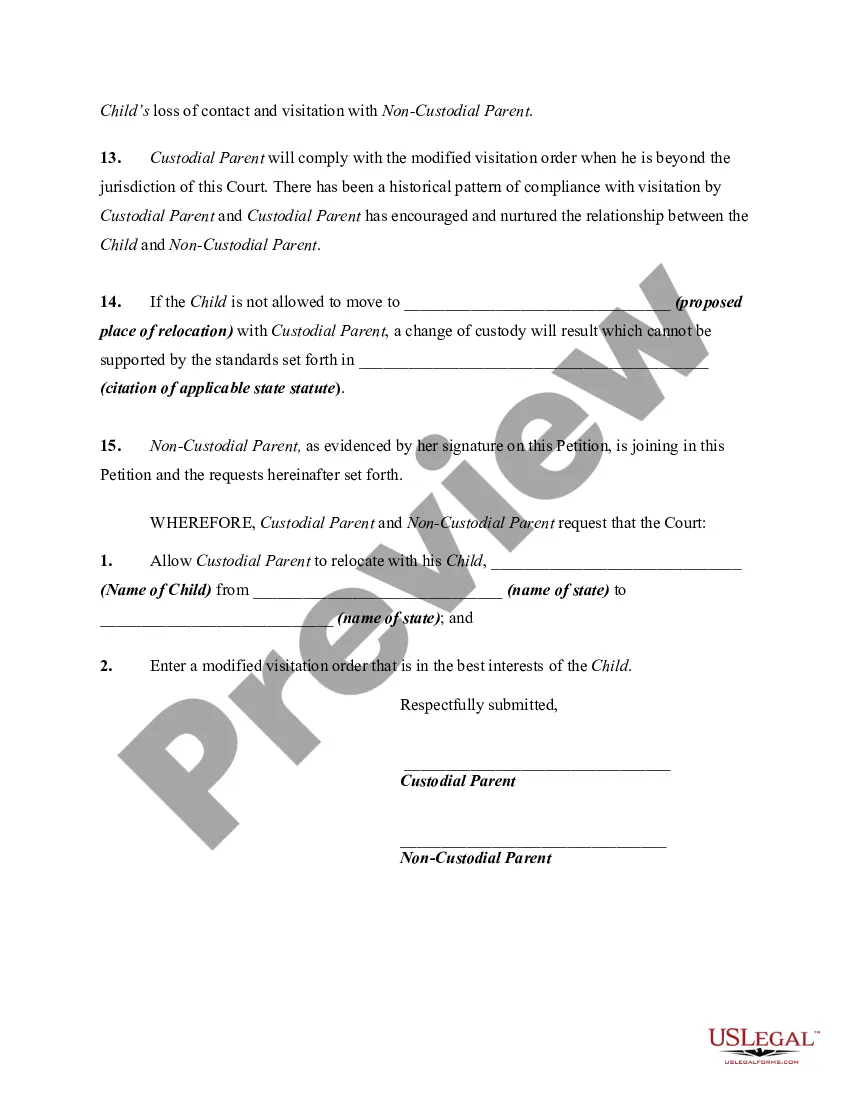
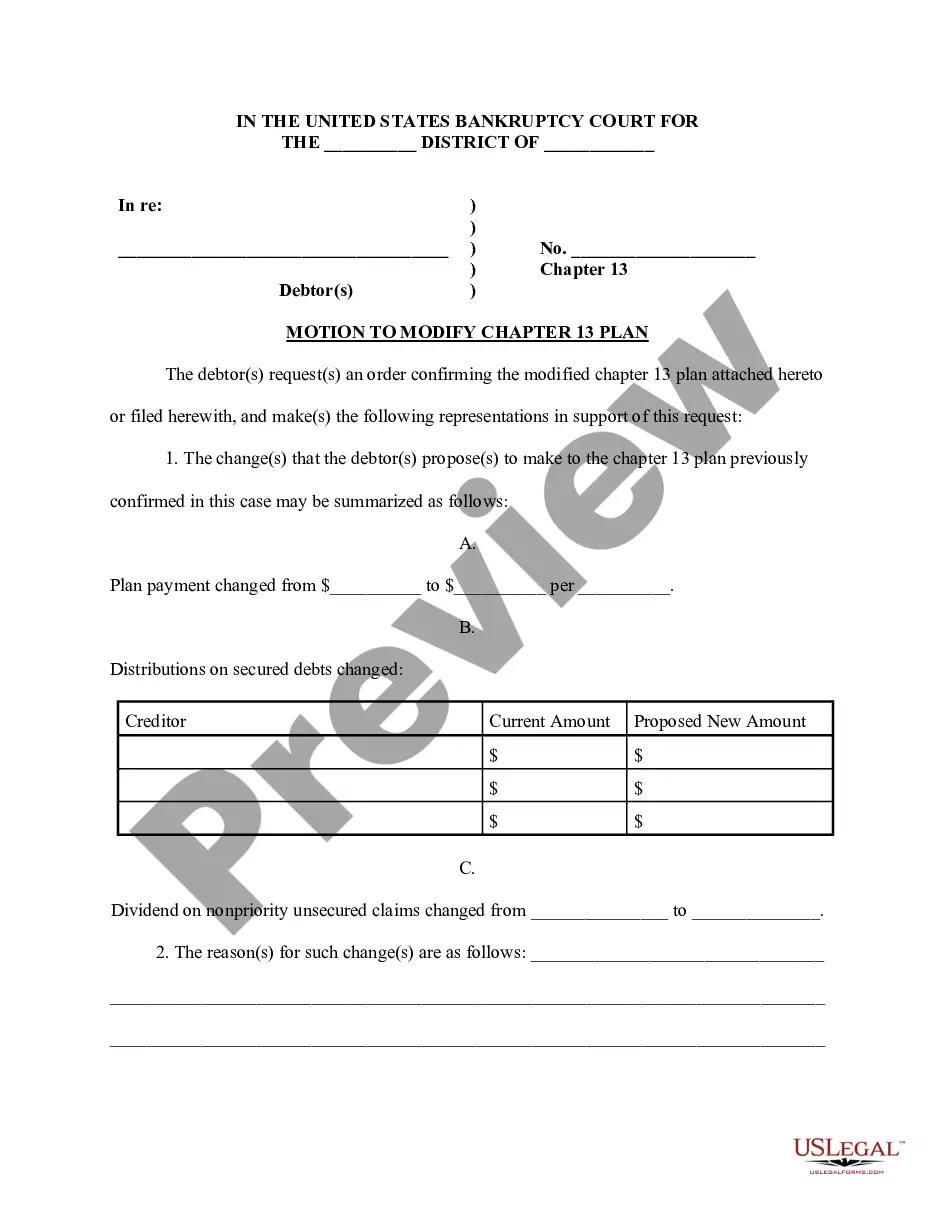
This form is a generic petition and adopts the "notice pleadings" format of the Federal Rules of Civil Procedure, which have been adopted by most states in one form or another. This form is for illustrative purposes only. Local laws should be consulted to determine any specific requirements for such a form in a particular jurisdiction.
Montana Joint Petition By Custodial Parent and Non-Custodial Parent for Modification of Visitation Rights Allowing Removal of Child from State
State:
Multi-State
Control #:
US-01814BG
Format:
Word;
Rich Text
Instant download
Description
Free preview

How to fill out Joint Petition By Custodial Parent And Non-Custodial Parent For Modification Of Visitation Rights Allowing Removal Of Child From State?
US Legal Forms - one of the largest collections of legal documents in the United States - offers a range of legal document templates that you can download or print.
While using the website, you can find thousands of forms for business and personal use, organized by categories, states, or keywords. You can discover the latest versions of forms such as the Montana Joint Petition By Custodial Parent and Non-Custodial Parent for Modification of Visitation Rights Allowing Removal of Child from State in just a few minutes.
If you already have a membership, Log In and download the Montana Joint Petition By Custodial Parent and Non-Custodial Parent for Modification of Visitation Rights Allowing Removal of Child from State from your US Legal Forms library. The Download button will appear on every form you view. You can access all previously downloaded forms from the My documents section of your account.
Process the purchase. Use your Visa or Mastercard or PayPal account to complete the transaction.
Choose the file format and download the form to your device. Make changes. Fill out, edit, print, and sign the downloaded Montana Joint Petition By Custodial Parent and Non-Custodial Parent for Modification of Visitation Rights Allowing Removal of Child from State. Each template you add to your account does not expire and is yours indefinitely. So, if you wish to download or print another copy, simply go to the My documents section and click on the form you need. Access the Montana Joint Petition By Custodial Parent and Non-Custodial Parent for Modification of Visitation Rights Allowing Removal of Child from State with US Legal Forms, one of the most extensive libraries of legal document templates. Utilize thousands of professional and state-specific templates that meet your business or personal needs and requirements.
- If you are using US Legal Forms for the first time, here are simple steps to get started.
- Make sure you have selected the correct form for your city/state.
- Click the Review button to check the content of the form.
- Read the form details to confirm that you have chosen the correct form.
- If the form does not meet your requirements, use the Search field at the top of the screen to find the one that does.
- If you are satisfied with the form, confirm your selection by clicking the Acquire now button.
- Then, select the pricing plan you want and provide your details to create an account.
Form popularity
FAQ
Most of the time, children benefit from having good relationships with both parents. But if your child wants to live with their other parent full time, give your child space to express how they feel, and listen openly. But don't allow them to be rude?if they need help, guide them through rephrasing some statements.
If a child doesn't want to live with a parent, it might be a safety issue. If your child is old enough, ask what is happening there that makes him or her not want to go. For small children, ask them to draw a picture of life at Daddy's house. A professional counselor and lawyers might need to be involved.
What happens if a parent wants to relocate with the children? A parent is always free to move alone, but a court may become involved if a parent wants to move away with the children over the other parent's objection. The moving parent must provide the non-moving parent written notice of the proposed move.
A question that comes up over and over is about moving with kids. In Montana, just because a child lives primarily with one parent, does not give that primary parent an automatic to move. The parent who desires to move with the child must seek permission from the Court.
Key Takeaways: Understanding Manipulative Co-Parents and Their Tactics. ... Establishing Healthy Boundaries. ... Prioritizing Communication and Cooperation. ... Documenting Interactions and Keeping Records. Seeking Support from Professionals and Third Parties. Focusing on the Well-Being of the Child.
Co-parenting harassment can include such things as excessive and repeated text messages or calls, name-calling, and threatening or condescending behavior. It may occur when parents cannot agree about the care of the child or about decisions they must make on behalf of the child.
You can legally stop your ex-spouse from moving by seeking a court order, and your lawyers can help you. Besides, your ex-spouse should at least consult you before moving because it concerns the child.
Read on to learn five effective ways to deal with your co-parent so you can thrive after divorce. Accept that you cannot change your co-parent. ... Set boundaries. ... Develop a low-conflict communication style. ... Don't take what your co-parent says personally. ... Talk to your children in age-appropriate ways. ... Read More: