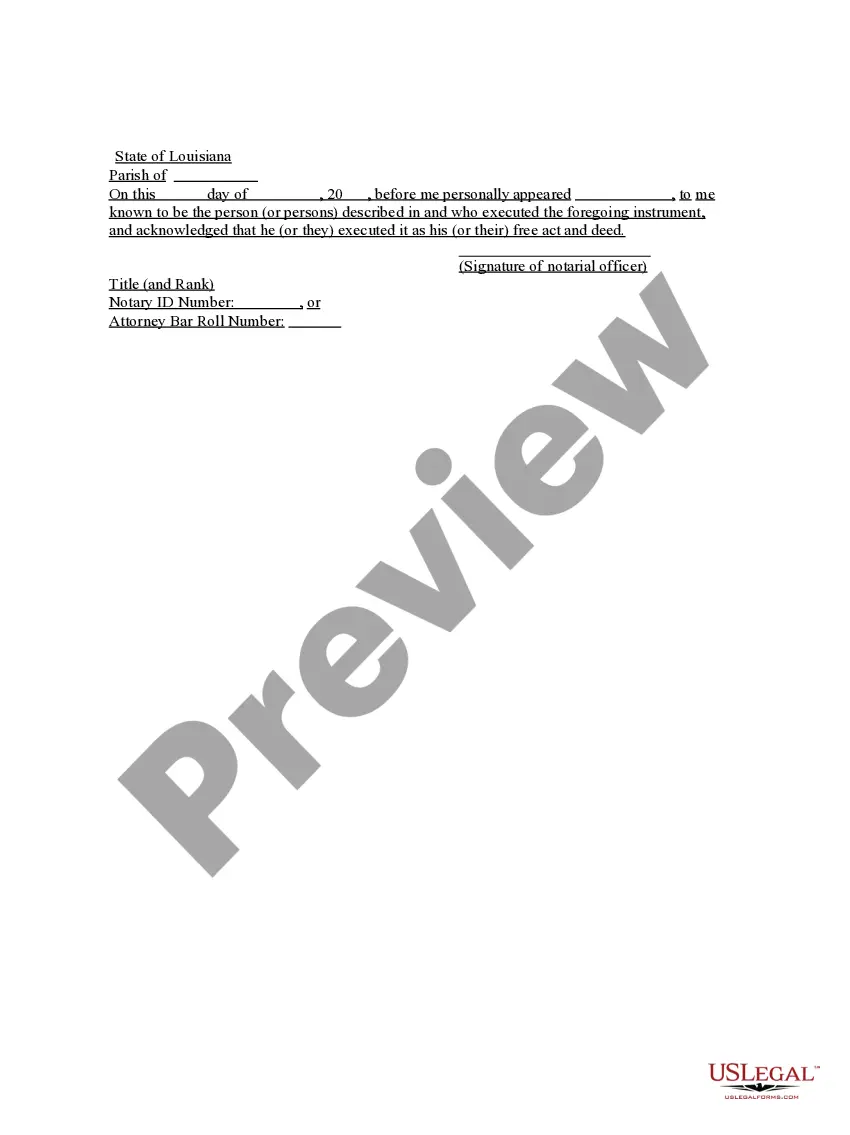
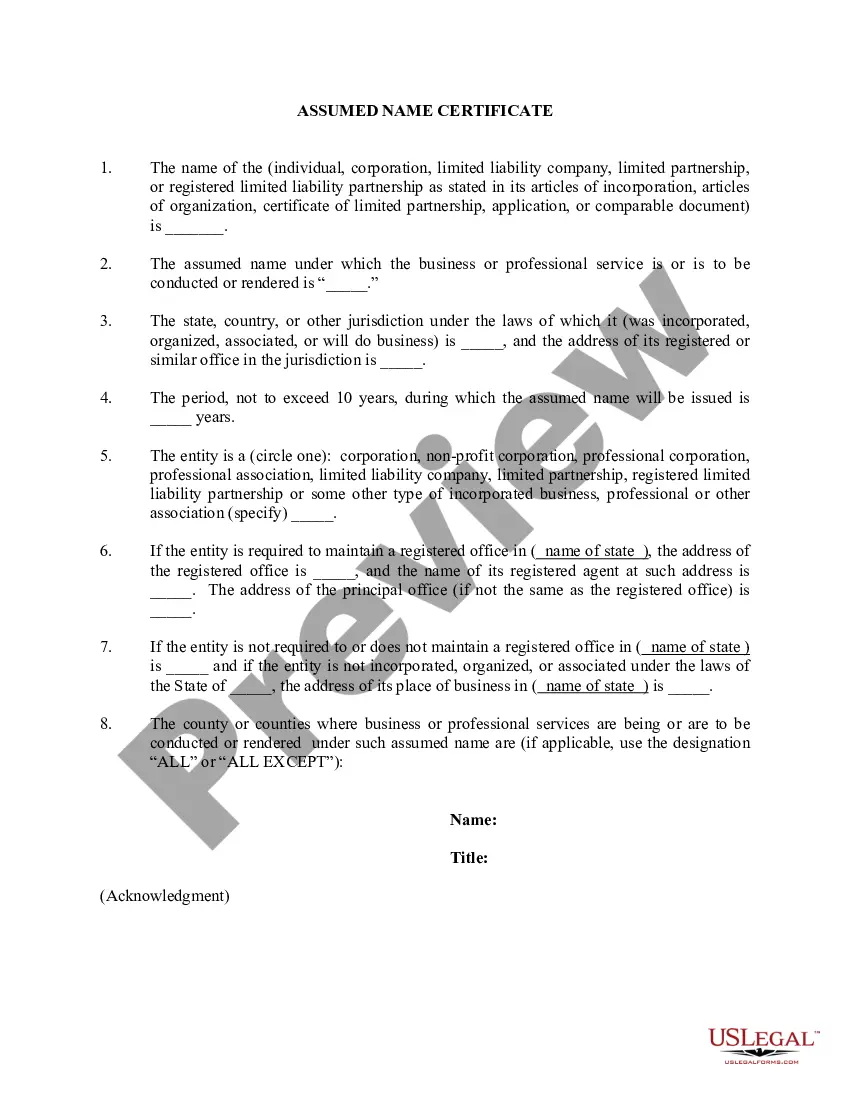
North Carolina Certificate of Assumed Name For Corporation
Description
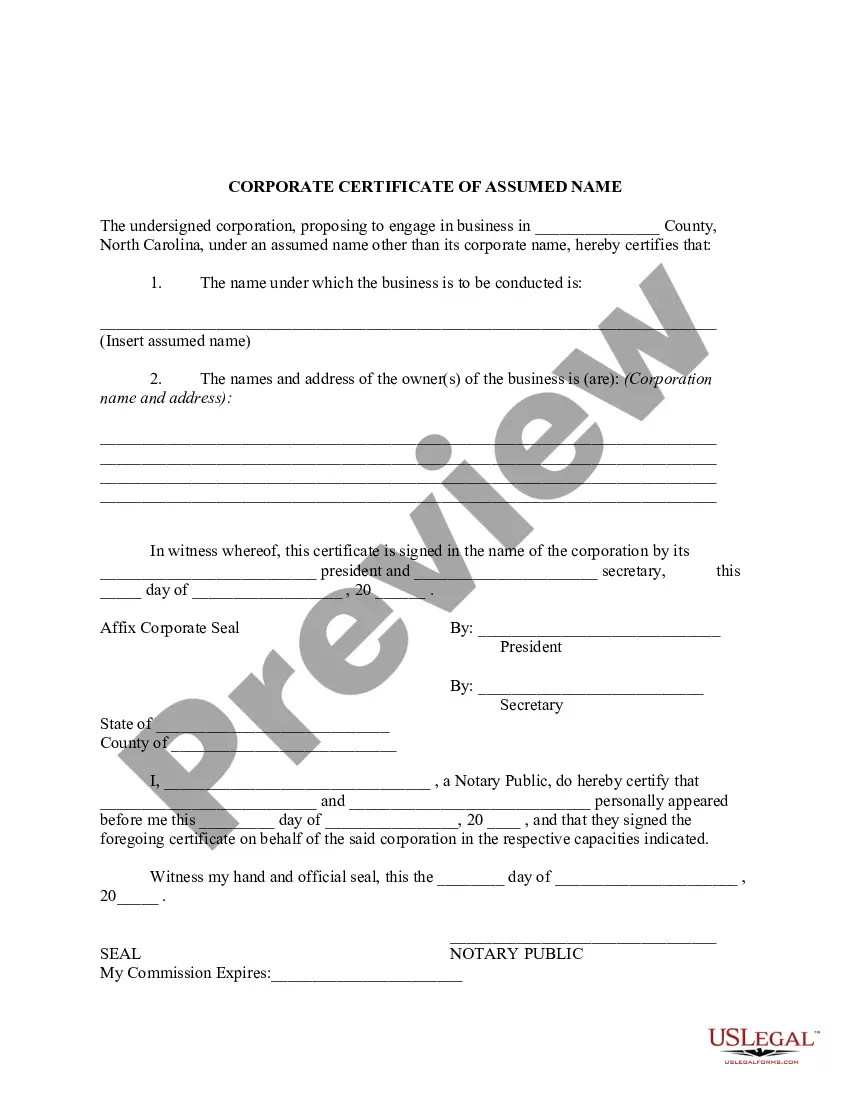
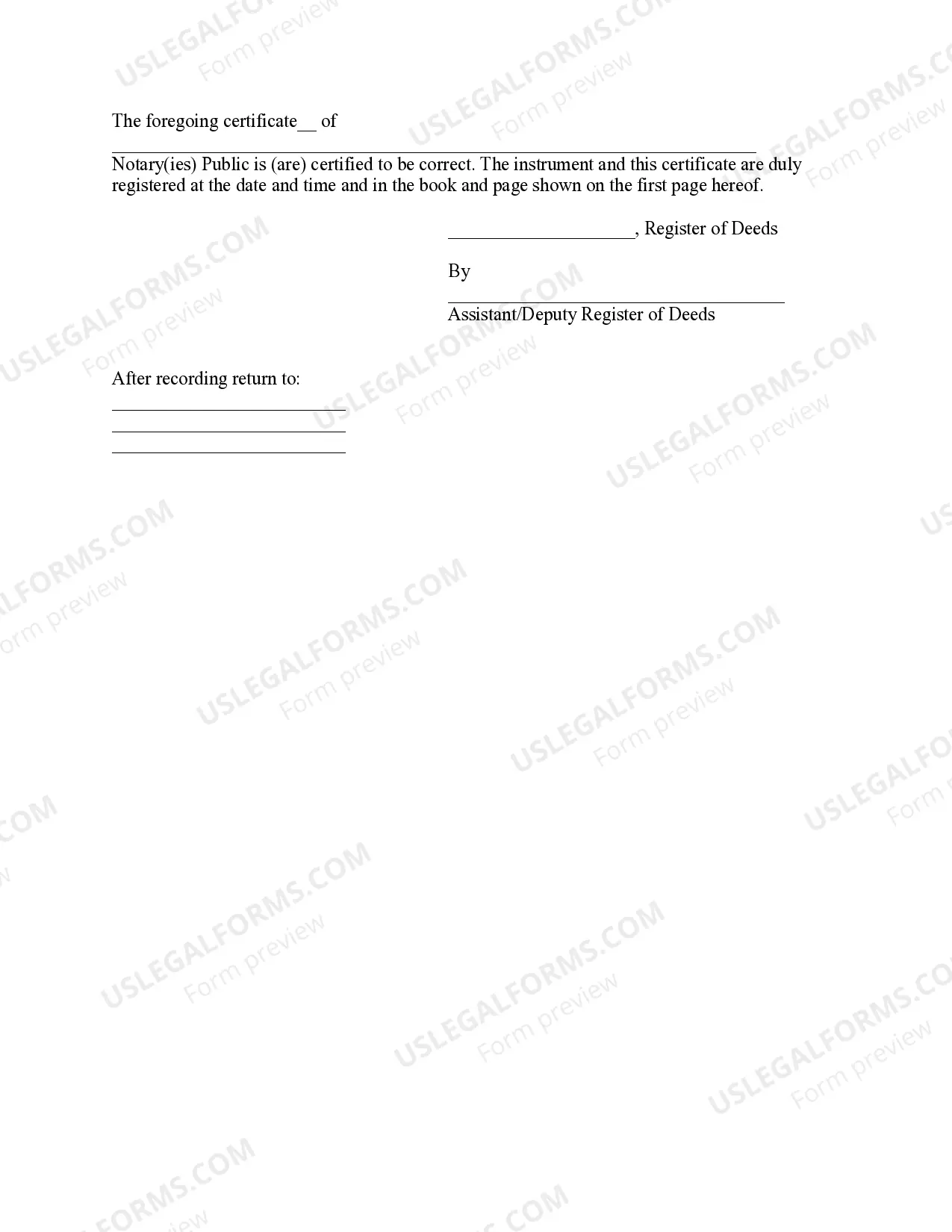
Get your form ready online
Our built-in tools help you complete, sign, share, and store your documents in one place.
Make edits, fill in missing information, and update formatting in US Legal Forms—just like you would in MS Word.
Download a copy, print it, send it by email, or mail it via USPS—whatever works best for your next step.
Sign and collect signatures with our SignNow integration. Send to multiple recipients, set reminders, and more. Go Premium to unlock E-Sign.
If this form requires notarization, complete it online through a secure video call—no need to meet a notary in person or wait for an appointment.
We protect your documents and personal data by following strict security and privacy standards.

Make edits, fill in missing information, and update formatting in US Legal Forms—just like you would in MS Word.

Download a copy, print it, send it by email, or mail it via USPS—whatever works best for your next step.

Sign and collect signatures with our SignNow integration. Send to multiple recipients, set reminders, and more. Go Premium to unlock E-Sign.

If this form requires notarization, complete it online through a secure video call—no need to meet a notary in person or wait for an appointment.

We protect your documents and personal data by following strict security and privacy standards.
Looking for another form?
How to fill out North Carolina Certificate Of Assumed Name For Corporation?
Steer clear of expensive attorneys and discover the North Carolina Certificate of Assumed Name for Corporation you require at an affordable rate on the US Legal Forms platform.
Utilize our straightforward grouping feature to search for and obtain legal and tax documents. Review their details and preview them prior to acquisition.
Opt to receive the document in PDF or DOCX format. Click on Download and locate your document in the My documents tab. You are welcome to save the form to your device or print it. Once downloaded, you can fill out the North Carolina Certificate of Assumed Name for Corporation manually or with editing software. Print it and reuse the document multiple times. Achieve more for less with US Legal Forms!
- Additionally, US Legal Forms provides users with detailed guidance on how to download and fill out each document.
- Clients of US Legal Forms simply need to Log Into their account and retrieve the specific form they require in their My documents section.
- Those who have not yet acquired a subscription should follow the instructions below.
- Ensure that the North Carolina Certificate of Assumed Name for Corporation is suitable for use in your location.
- If possible, review the details and utilize the Preview feature before downloading the template.
- If you are certain that the document meets your requirements, select Buy Now.
- If the form is incorrect, employ the search tool to locate the appropriate one.
- After that, set up your account and select a subscription package.
- Make a payment via credit card or PayPal.
Form popularity
FAQ
A corporation that wishes to use a different name from the company's legal name must file a DBA. Corporations typically use a DBA when the company operates businesses in multiple industries.Using a DBA for business does not affect a corporation's limited liability status.
An assumed name is also called a DBA (doing business as) name.Regardless of your form of businesscorporation, limited liability company, partnership or sole proprietorshipyou need to comply with your state's assumed name statutes if you do business using any name other than your legal name.
If you're operating your business as a sole proprietor, you'll need to file for a DBA if your business has a different name than your own name.But, if it's just his first name, (i.e., Gordon's Gardening Service), then a DBA is required because it's not his full, legal name.
Registering a DBA is a simple matter of completing a short application form and filing it with the county clerk's office for the county where the business is located. You can often download the form from the website of the secretary of state or the county clerk.
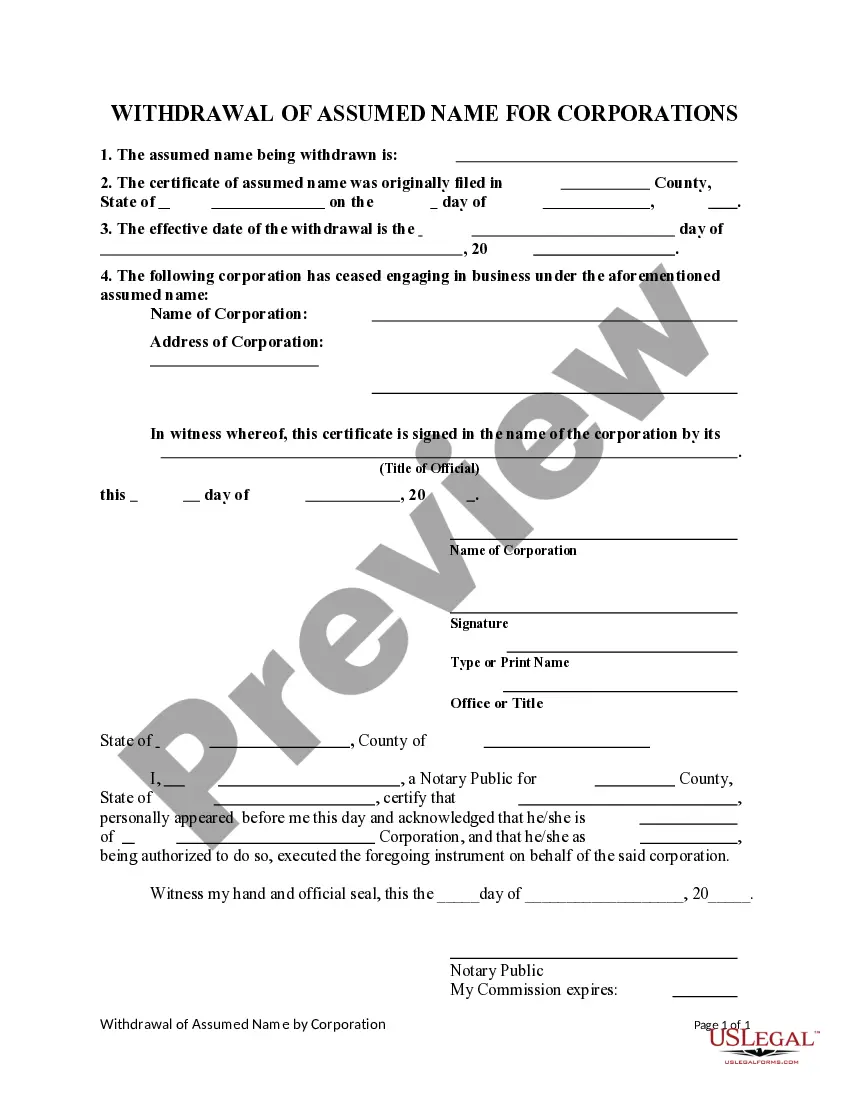
The filing fee is $26. To cancel your assumed name, complete the withdrawal form and return it to the Register of Deeds office. The filing fee is $26.
The biggest difference between a DBA and an LLC is liability protection.On the other hand, an LLC provides limited liability protection. The business owners' personal property remains completely separate from the business. In addition, a DBA does not provide any tax benefits.
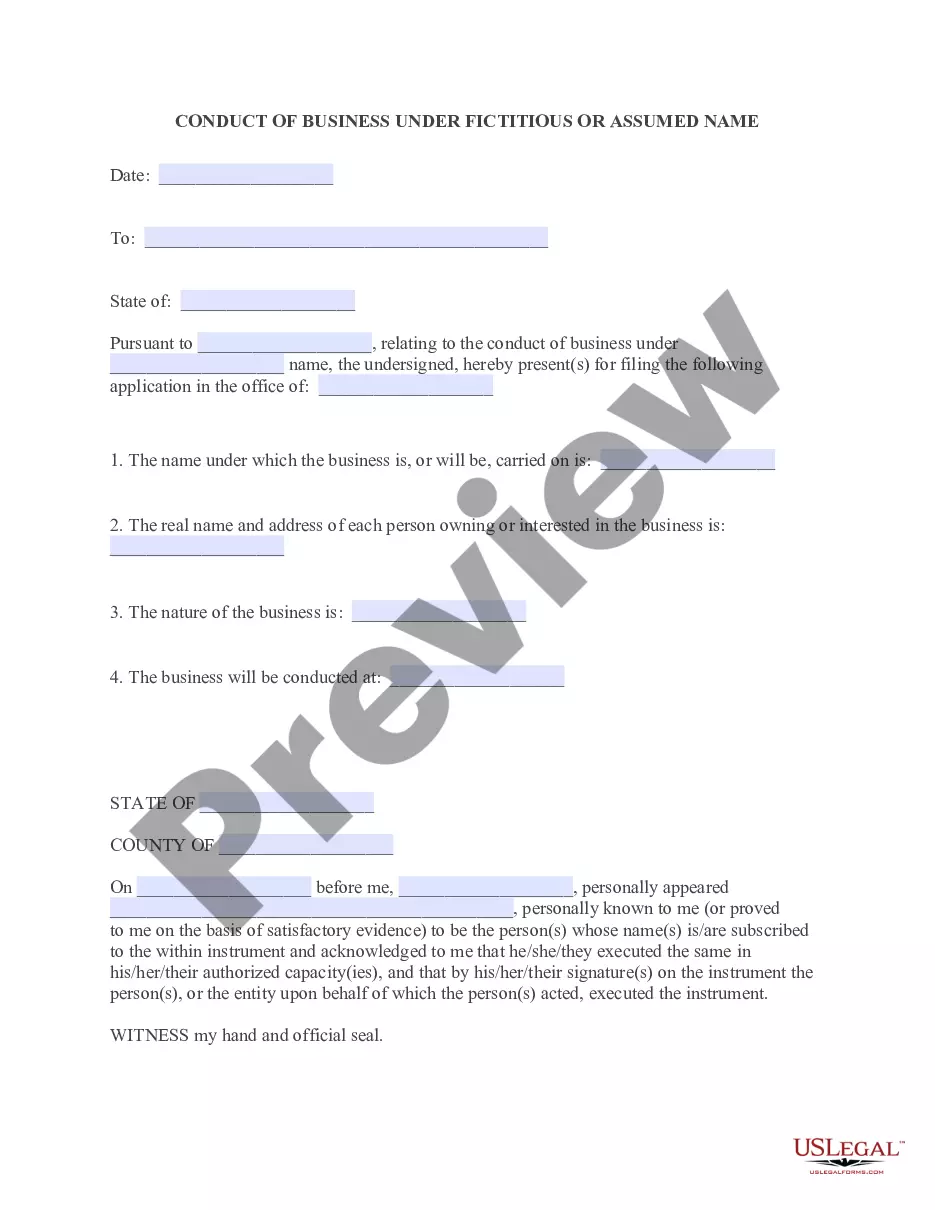
Under North Carolina law, any business that seeks to use a name other than the name of its owners, or other than the name under which it was formed must file for a DBA. Specifically, such businesses will need to file official paperwork in the office of the register of deeds of such county where the business is located.
In North Carolina, you register your DBA with the Register of Deeds office in your business' home county. You must complete the Assumed Business Name Certificate form and return it to your local office.