An easement gives one party the right to go onto another party's property. That property may be owned by a private person, a business entity, or a group of owners. Utilities often get easements that allow them to run pipes or phone lines beneath private property. Easements may be obtained for access to another property, called "access and egress", use of spring water, entry to make repairs on a fence or slide area, drive cattle across and other uses. The easement is a real property interest, but separate from the legal title of the owner of the underlying land.
North Carolina General Right-of-Way Instrument
State:
Multi-State
Control #:
US-00497
Format:
Word;
Rich Text
Instant download
Description
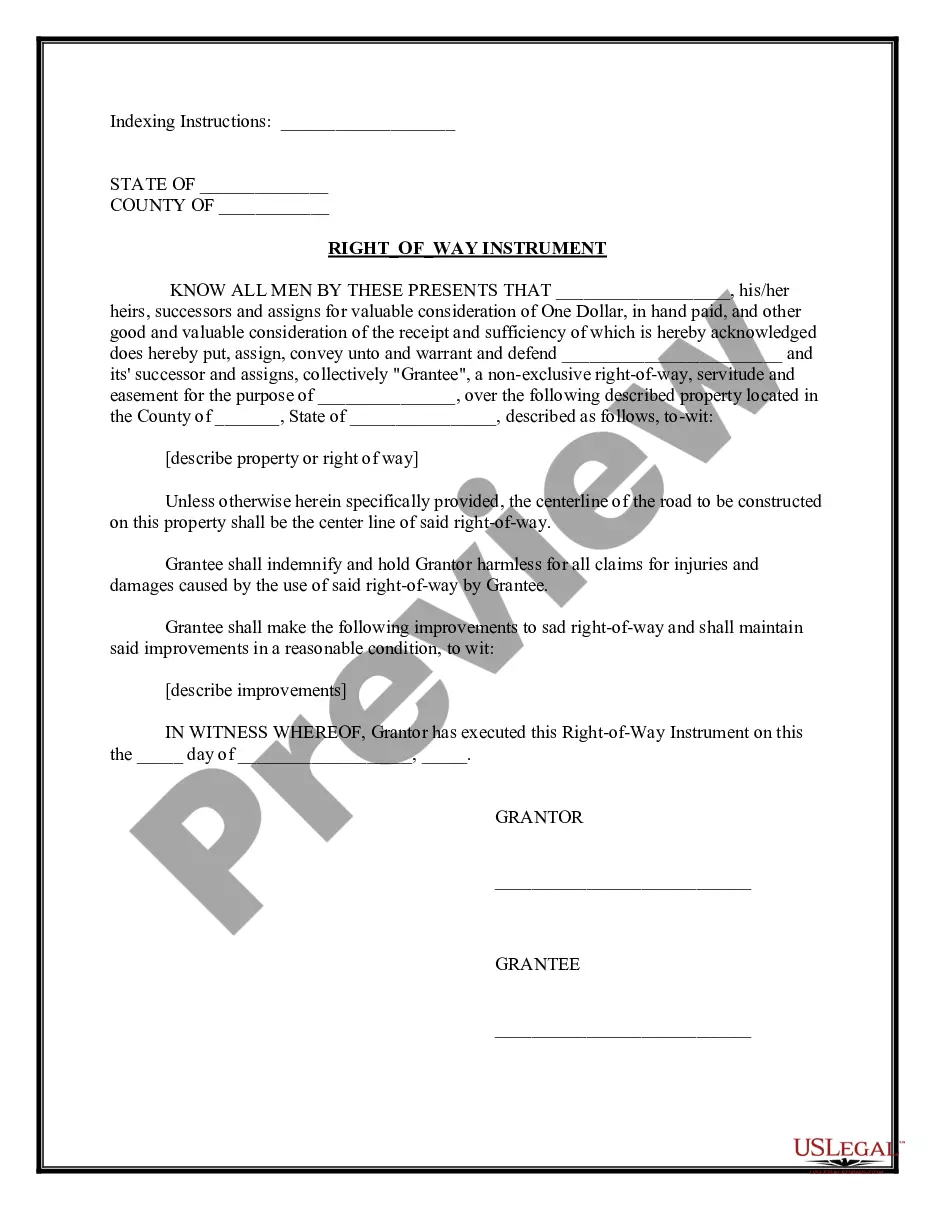
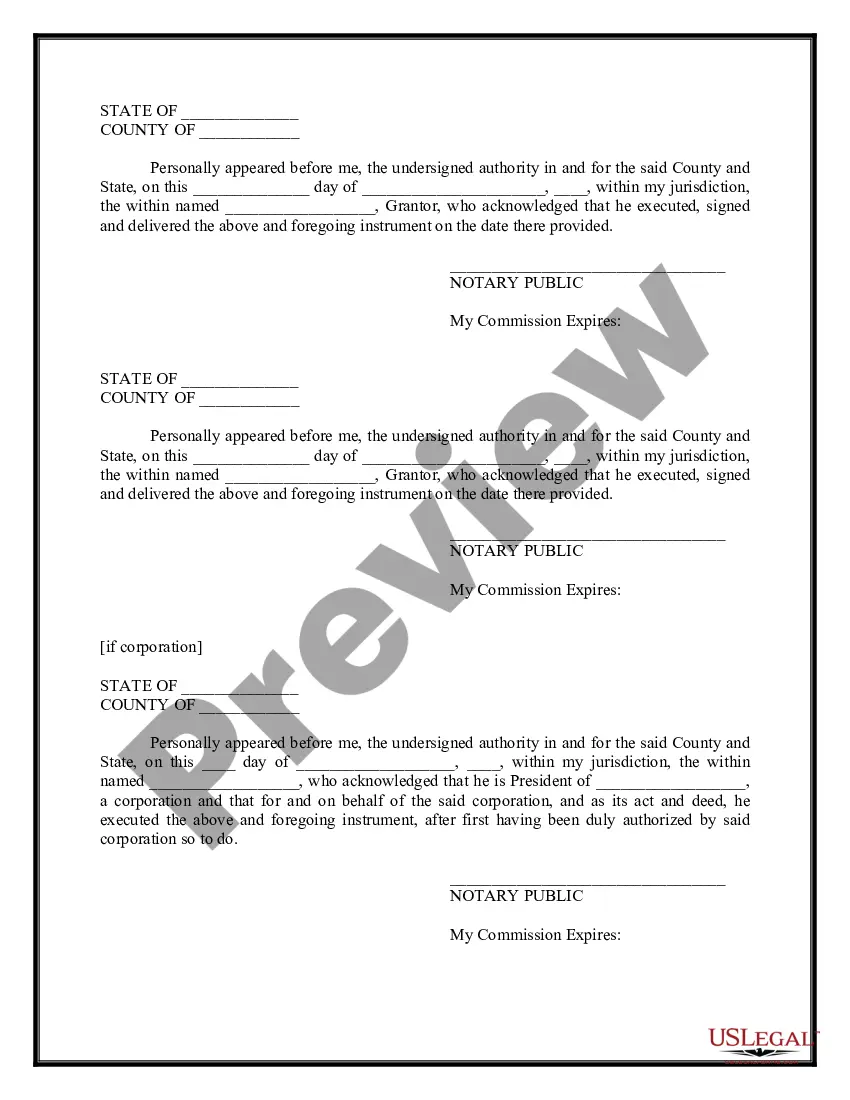
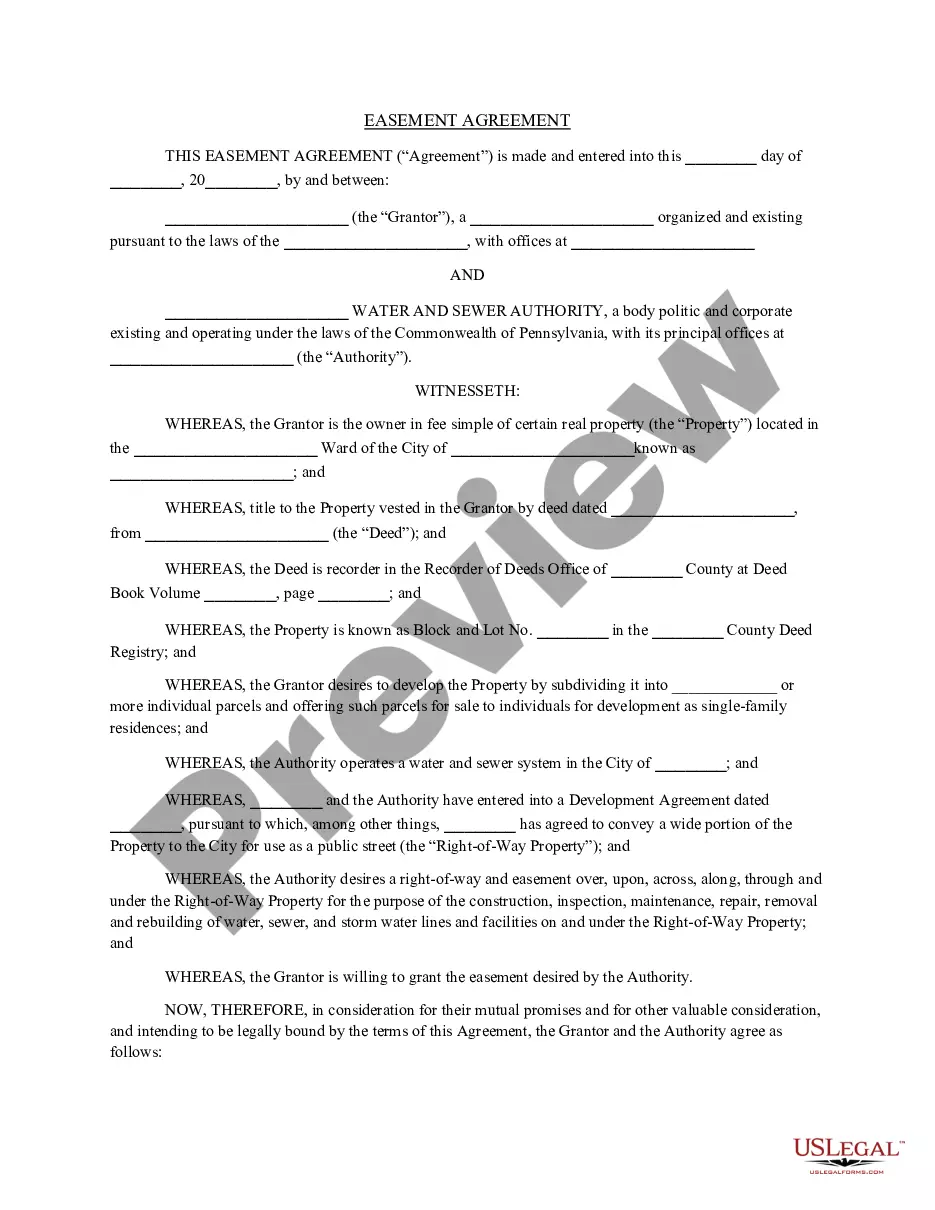
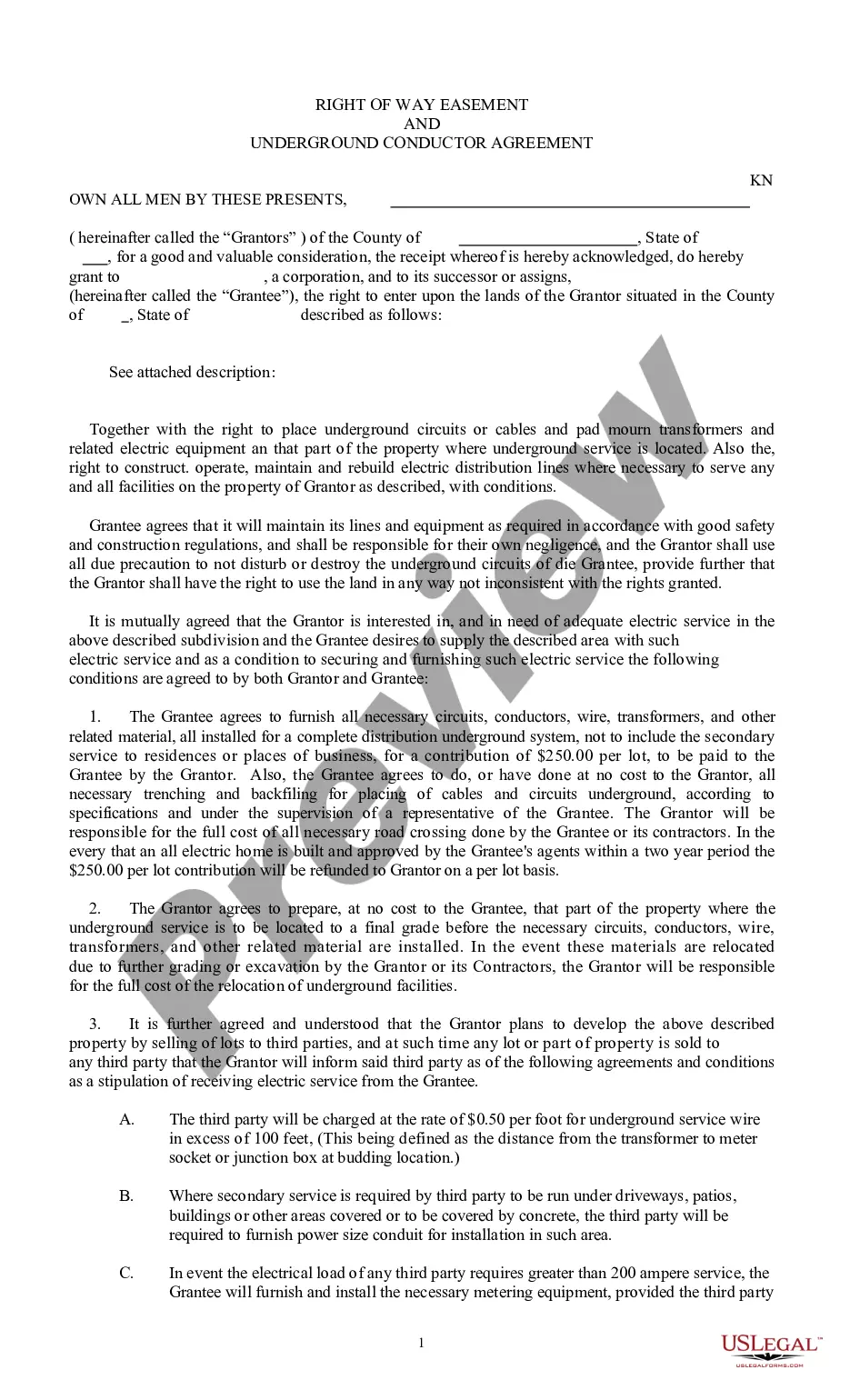
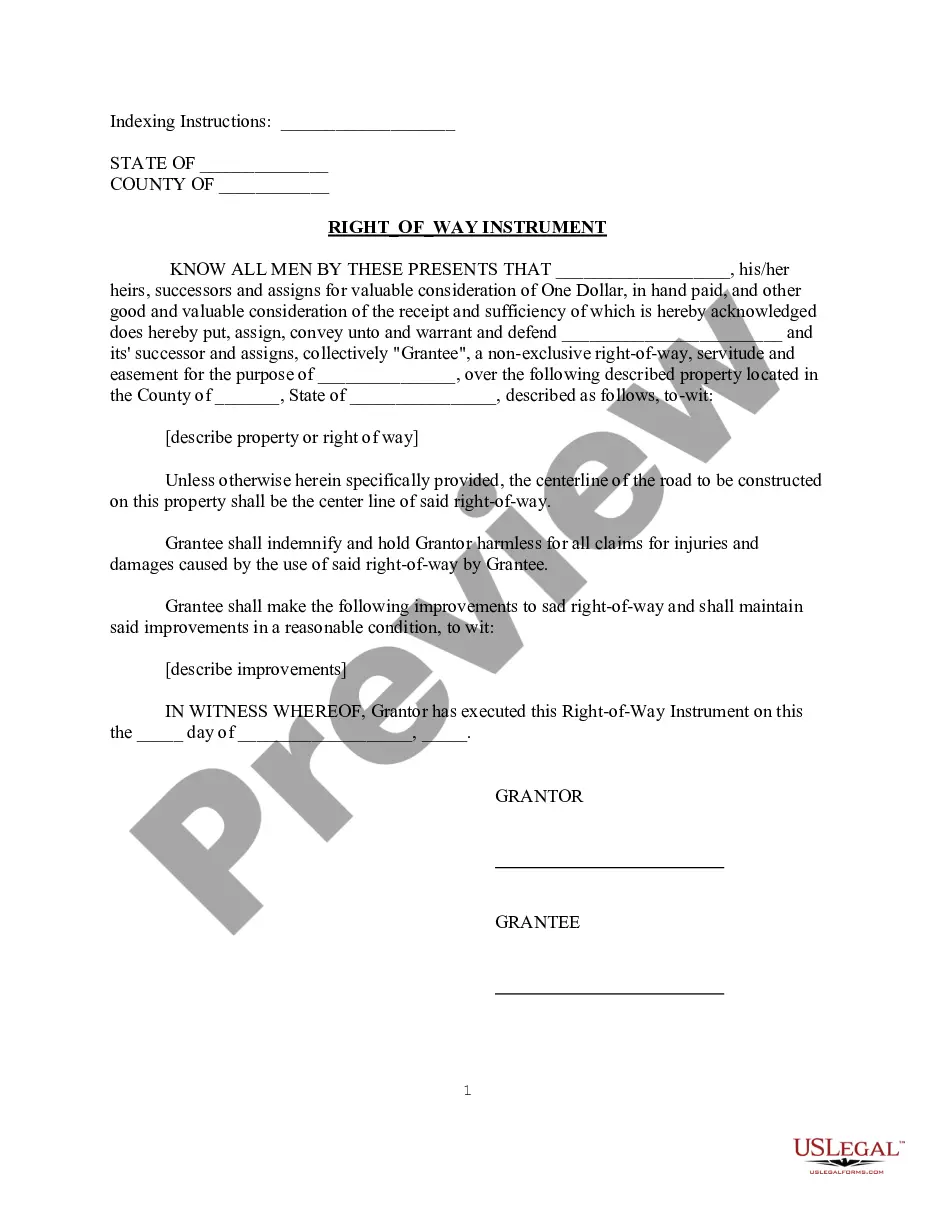
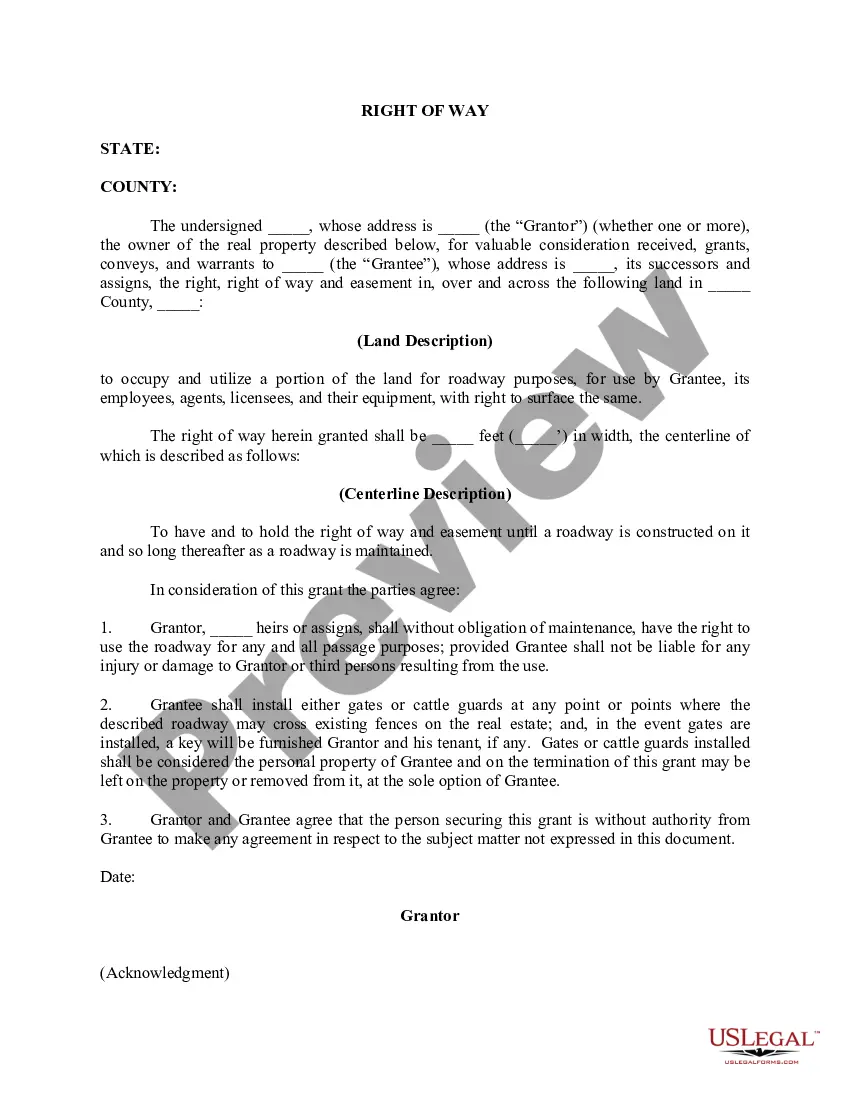
This Easement for Right-of-Way is between the Grantor and Grantee for a non-exclusive right-of-way, servitude and easement for the purpose for the purpose as is described in the agreement over the property described in the agreement. This is a contract that can be used in all states.
Free preview

How to fill out General Right-of-Way Instrument?
US Legal Forms - one of the most important collections of legal documents in the USA - provides a broad array of legal form templates you can download or create.
By utilizing the website, you can access thousands of forms for business and personal purposes, organized by categories, states, or keywords. You can find the latest versions of forms such as the North Carolina General Right-of-Way Instrument in just moments.
If you possess a subscription, Log In and download the North Carolina General Right-of-Way Instrument from the US Legal Forms library. The Download button will appear on every form you view. You can access all previously saved forms in the My documents section of your account.
Process the transaction. Use a credit card or PayPal account to complete the transaction.
Select the format and download the form to your device. Make modifications. Complete, edit, print, and sign the saved North Carolina General Right-of-Way Instrument. Every template you added to your account does not expire and is yours indefinitely. Therefore, to download or print another version, simply go to the My documents section and click on the form you desire. Access the North Carolina General Right-of-Way Instrument with US Legal Forms, the largest library of legal document templates. Utilize thousands of professional and state-specific templates that fulfill your business or personal requirements.
- If you are using US Legal Forms for the first time, here are simple tips to help you get started.
- Ensure you have selected the correct form for your area/region. Click the Review button to examine the form’s content.
- Check the form description to confirm you have selected the right form.
- If the form does not suit your requirements, utilize the Search field at the top of the page to find the one that fits.
- If you are satisfied with the form, confirm your selection by clicking the Buy now button.
- Then, choose the pricing plan you prefer and provide your information to register for an account.
Form popularity
FAQ
What is the State's minimum right-of-way width? The NCDOT requires 45 feet for local subdivision roads. Collector roads require 50 feet; five lane highways require 80 feet and cul-de-sacs must have a 50 foot right of way radius. 10.
Right-of-way. (a) When two vehicles approach or enter an intersection from different highways at approximately the same time, the driver of the vehicle on the left shall yield the right-of-way to the vehicle on the right.
A right of way is a type of easement that establishes the freedom to use a pathway or road on another's property without conferring ownership. A right of way easement is very common.
The North Carolina courts have defined an easement as ?a non-possessory right to make limited use of land owned by another without taking a part thereof.?
Right of Way Right of Way is responsible for acquisition of all necessary lands and improvements of all roads and highways.
(a) When two vehicles approach or enter an intersection from different highways at approximately the same time, the driver of the vehicle on the left shall yield the right-of-way to the vehicle on the right.
The North Carolina courts have defined an easement as ?a non-possessory right to make limited use of land owned by another without taking a part thereof.?
Adverse possession allows owners to prove title through possession for a certain period of time. Obtaining title to property through adverse possession is similar to obtaining an easement by prescription. There is no exchange of document of title and no closing or deed conveyance under adverse possession.