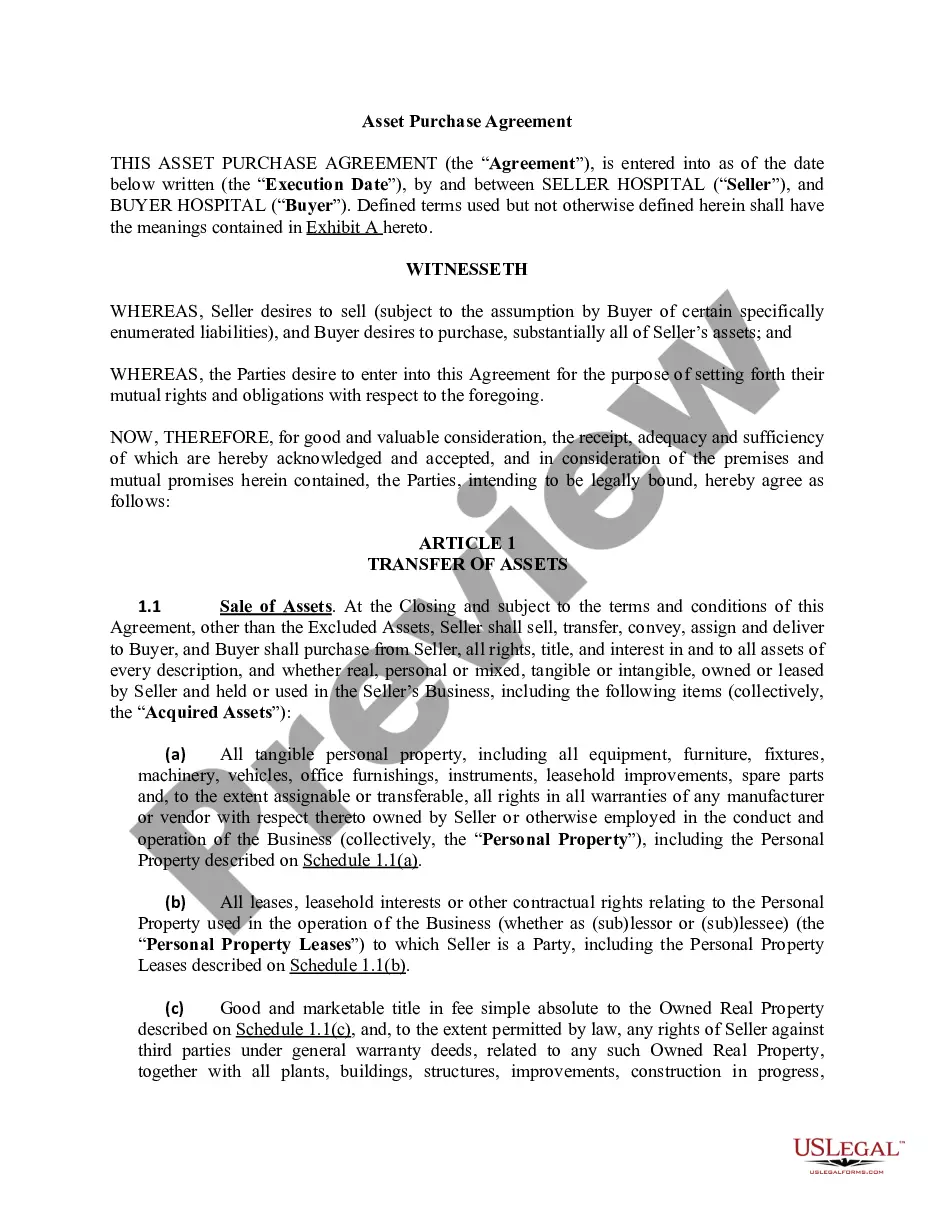
The act by which illegitimate children are given the same legal standing of legitimate children is a matter of local legislation, and therefore depends on the law of each particular jurisdiction. Although some statutes provide for the legitimation of children by conduct amounting to recognition, other statutes require that the recognition of an illegitimate child be in writing. Note that this form is an acknowledgment and not an affidavit.
North Carolina Acknowledgment of Paternity
Category:
State:
Multi-State
Control #:
US-01484BG
Format:
Word;
Rich Text
Instant download
This website is not affiliated with any governmental entity
Public form
Description

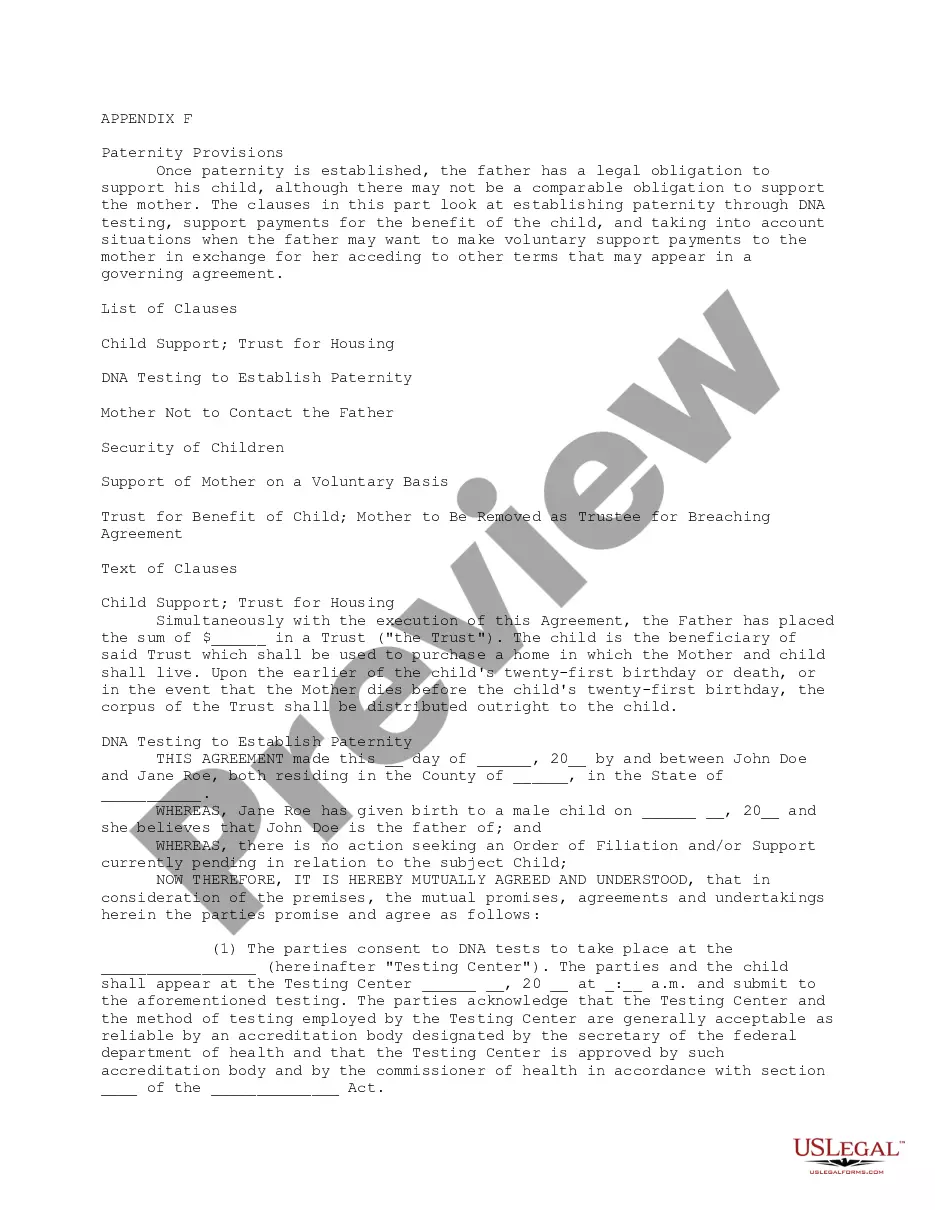
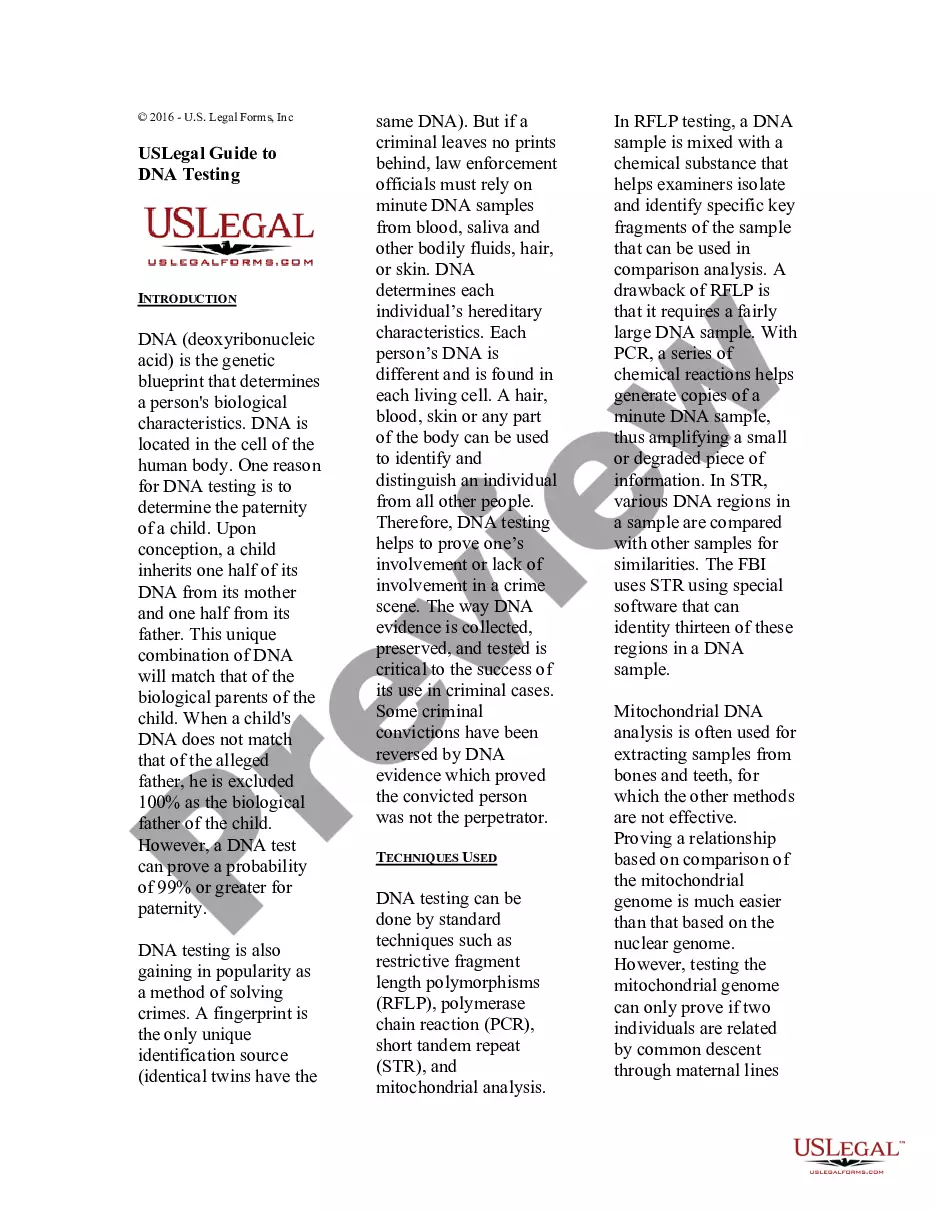

How to fill out Acknowledgment Of Paternity?
If you wish to be thorough, acquire, or print official document templates, utilize US Legal Forms, the largest repository of legal forms, accessible online.
Employ the website's straightforward and user-friendly search to locate the documents you need.
A variety of templates for commercial and personal purposes are organized by categories and states, or keywords.
Step 4. Once you have found the form you need, click the Purchase now button. Choose your preferred payment option and enter your details to register for the account.
Step 5. Process the transaction. You can use your credit card or PayPal account to complete the purchase. Step 6. Choose the format of the legal document and download it to your device. Step 7. Complete, edit, and print or sign the North Carolina Acknowledgment of Paternity.
Every legal document template you purchase is yours indefinitely. You will have access to each document you acquired in your account. Select the My documents section and choose a document to print or download again. Be proactive and acquire, and print the North Carolina Acknowledgment of Paternity with US Legal Forms. There are thousands of professional and state-specific forms you can use for your business or personal needs.
- Use US Legal Forms to obtain the North Carolina Acknowledgment of Paternity with just a few clicks.
- If you are already a US Legal Forms customer, Log In to your account and click the Download button to get the North Carolina Acknowledgment of Paternity.
- You can also access forms you previously acquired in the My documents tab of your account.
- If this is your first time using US Legal Forms, follow the instructions below.
- Step 1. Ensure you have selected the form for your specific city/state.
- Step 2. Utilize the Preview option to review the form’s details. Remember to read the description.
- Step 3. If you are not satisfied with the document, use the Search field at the top of the screen to find other variations of the legal document template.
Form popularity
FAQ
A child support order cannot be established for a child who is born to unmarried parents unless the alleged father acknowledges paternity or is proven to be the father. Paternity can be established by voluntary acknowledgment of paternity or by court order.
A biological father does not have legal rights to a child if he is not listed on the birth certificate. However, if the father has established paternity through a legal process, such as by signing an acknowledgement of paternity or through a court order, he will have legal rights to the child.
However, if a judge orders a paternity test, the mother is legally obligated to comply. Refusing to comply with a court order can result in the mother being held in contempt of court. It's important to seek legal counsel in these situations to understand your rights and obligations.
The general rule: Establish paternity by 23 The statute of limitations is thus 23 years from the birth of the child. Any interested party, including the mother, presumed father, putative biological father, or the child, can bring an action for paternity.
An AOP is a voluntary admission of paternity made by the parents of a child. Upon signing an AOP, a person is declared a child's natural father and is listed on the child's birth certificate (exceptions may apply).
If there is a disagreement in terms of paternity, the court may order DNA testing. If the paternity test is court-ordered, neither the mother nor the presumed father can refuse to test.
Establishing paternity identifies the legal parents of a child and determines the parents listed on the birth certificate. When a child is born to a couple that is married, North Carolina law presumes the spouse of the mother/birthing parent to be the father or second parent.
To voluntarily add a father's name to a Birth Certificate, both the Mother and Father complete a form known as an Affidavit of Parentage at the Clerk of Court's office (704-832-6600). Once completed, the document is then submitted to the State Department of Vital Records to amend the Birth Certificate.