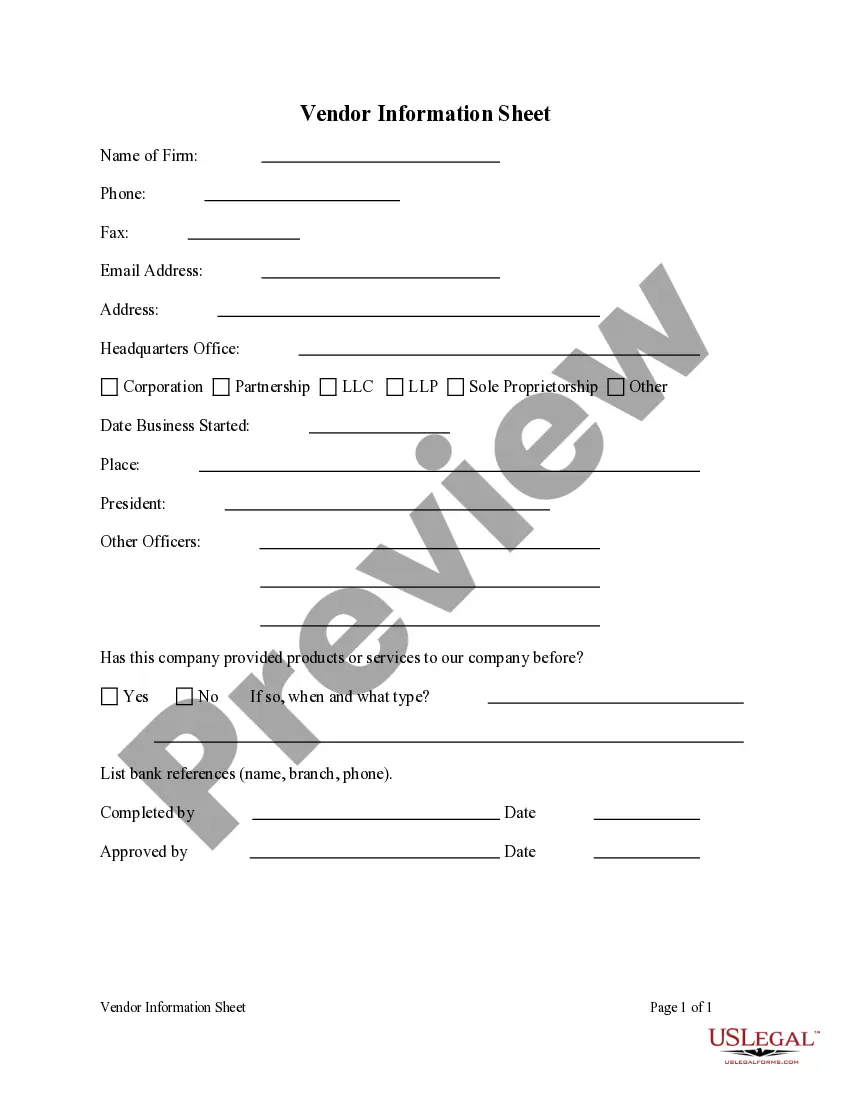
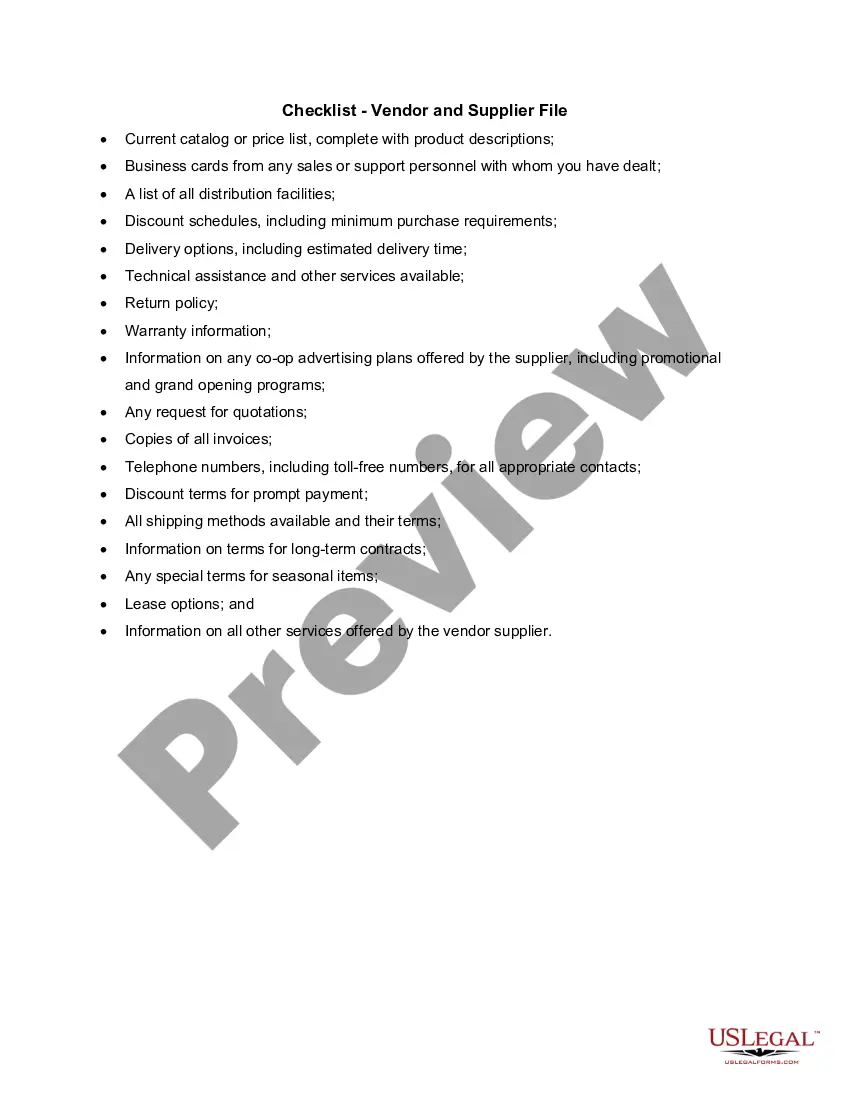
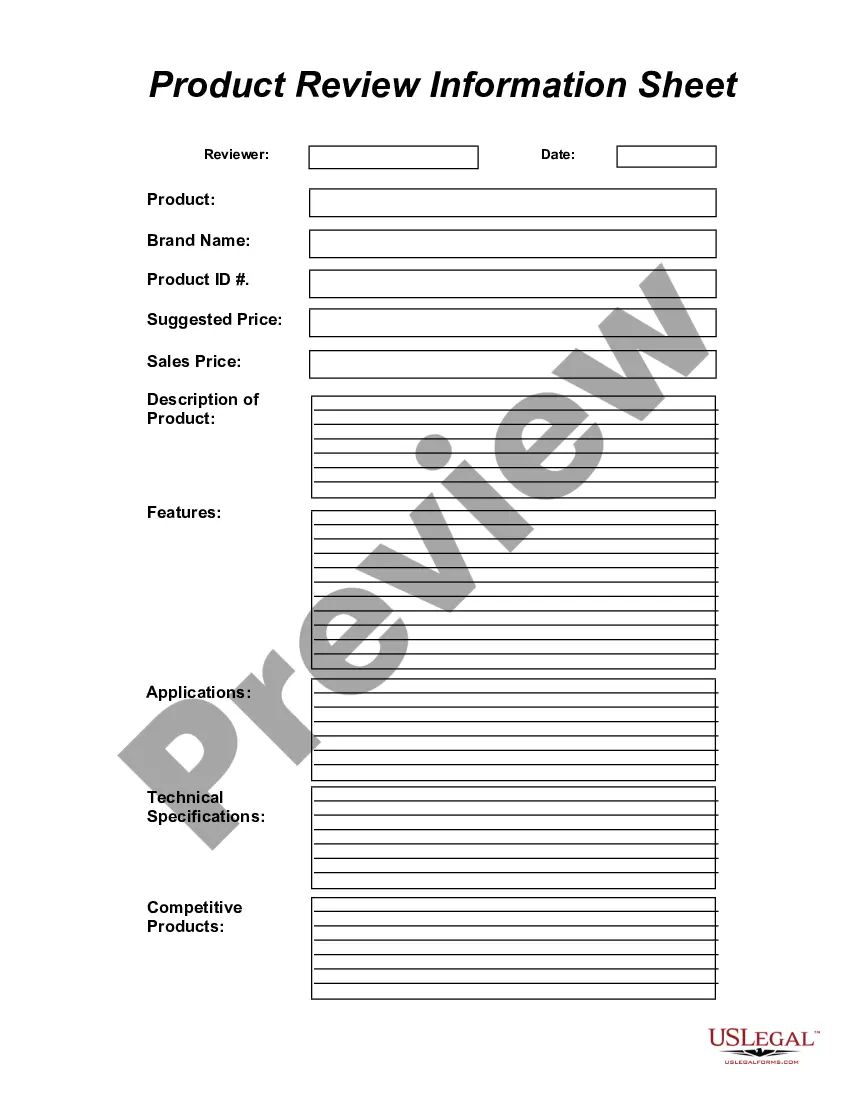
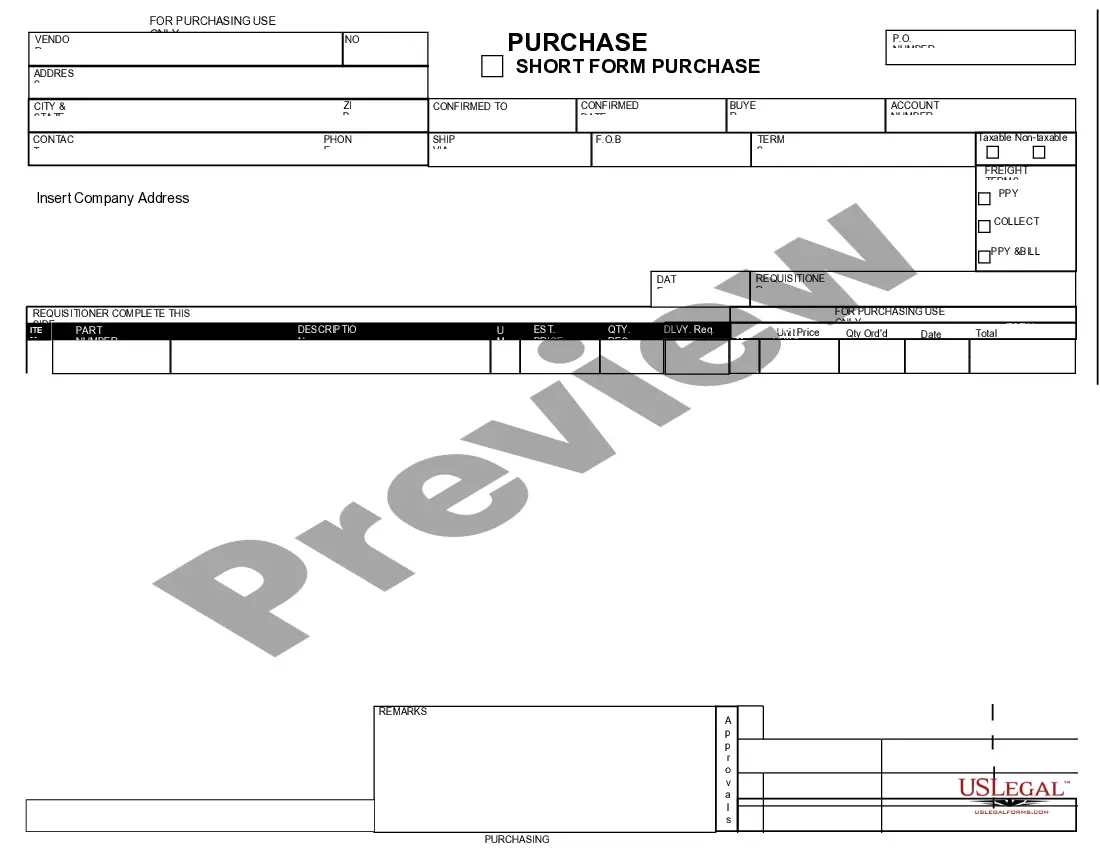
North Carolina Vendor Information Sheet
Description
Get your form ready online
Our built-in tools help you complete, sign, share, and store your documents in one place.
Make edits, fill in missing information, and update formatting in US Legal Forms—just like you would in MS Word.
Download a copy, print it, send it by email, or mail it via USPS—whatever works best for your next step.
Sign and collect signatures with our SignNow integration. Send to multiple recipients, set reminders, and more. Go Premium to unlock E-Sign.
If this form requires notarization, complete it online through a secure video call—no need to meet a notary in person or wait for an appointment.
We protect your documents and personal data by following strict security and privacy standards.

Make edits, fill in missing information, and update formatting in US Legal Forms—just like you would in MS Word.

Download a copy, print it, send it by email, or mail it via USPS—whatever works best for your next step.

Sign and collect signatures with our SignNow integration. Send to multiple recipients, set reminders, and more. Go Premium to unlock E-Sign.

If this form requires notarization, complete it online through a secure video call—no need to meet a notary in person or wait for an appointment.

We protect your documents and personal data by following strict security and privacy standards.
Looking for another form?



How to fill out Vendor Information Sheet?
If you wish to accumulate, retrieve, or create authentic document templates, utilize US Legal Forms, the largest collection of legal documentation that is accessible online.
Make use of the site's straightforward and efficient search to locate the documents you require.
Numerous templates for business and personal purposes are categorized by types, states, or keywords.
Every legal document format you obtain is yours indefinitely. You have access to every document you downloaded within your account.
Be proactive and download, and print the North Carolina Vendor Information Sheet with US Legal Forms. There are countless professional and state-specific forms available for your business or personal needs.
- Use US Legal Forms to acquire the North Carolina Vendor Information Sheet in just a few clicks.
- If you are already a US Legal Forms customer, Log Into your account and click the Download button to retrieve the North Carolina Vendor Information Sheet.
- You can also access forms you previously downloaded within the My documents section of your account.
- If you are using US Legal Forms for the first time, refer to the guidelines below.
- Step 1. Ensure you have selected the form for your specific city/region.
- Step 2. Utilize the Review option to examine the form's content. Don't forget to read the description.
- Step 3. If you are not satisfied with the document, use the Search area at the top of the screen to find other versions of the legal document template.
- Step 4. Once you have located the form you need, click the Buy now button. Select the pricing plan you prefer and enter your details to register for an account.
- Step 5. Complete the transaction. You can use your credit card or PayPal account to finalize the transaction.
- Step 6. Choose the format of your legal document and download it to your device.
- Step 7. Fill out, modify, and print or sign the North Carolina Vendor Information Sheet.
Form popularity
FAQ
What is NC eProcurement? NC eProcurement provides an innovative, cost-saving, and efficient method of purchasing to state agencies, community colleges, school systems, and local governments. NC eProcurement allows government entities to aggregate their purchasing data in order to obtain better prices from suppliers.
Registered Vendors List means a list of potential bidders who have successfully completed the Institution's vendor registration process.
How to Become a Retail Vendor: a Simple Guide FundThroughWhat is a Retail Vendor?The Most Important Skills Of A Vendor.Familiarize Yourself With The Industry.Determine Your Business Goals.Make you sure You're Ready to Become a Retail Vendor.Connect with Purchasing Managers.Learn to use the Vendor Portal.More items...
Open solicitation means a procurement process conducted by the City which is open for participation by any interested vendors.
Find Electronics Wholesalers with Search EnginesSearch Specifically! Look for long-tail variations of the electronics of your choice.Check the age of the website. Good distributors update often.Look for product guarantees.Scale your searches.Look for manufacturers.
Welcome to the North Carolina Interactive Purchasing System (IPS). IPS is a free, electronic system for Vendors to view and search for bids opportunities with just a simple click of a button. Use the above tabs to search for open bids, and look up specific bids by category, department and/or bid number.
The first step for companies interested in doing business with the City is registering your company through the City's Raleigh Supplier connection self-service portal. The Raleigh Supplier connection self-service portal is the single source of information for companies looking to do business with the City of Raleigh.
1. A retailer selling products or services via the Internet.
How do I register as a vendor? Vendors wishing to register to receive purchase orders, get public bidding invitations, or become a HUB Certified vendor for the state of North Carolina should complete the registration process through the NC electronic Vendor Portal (eVP).