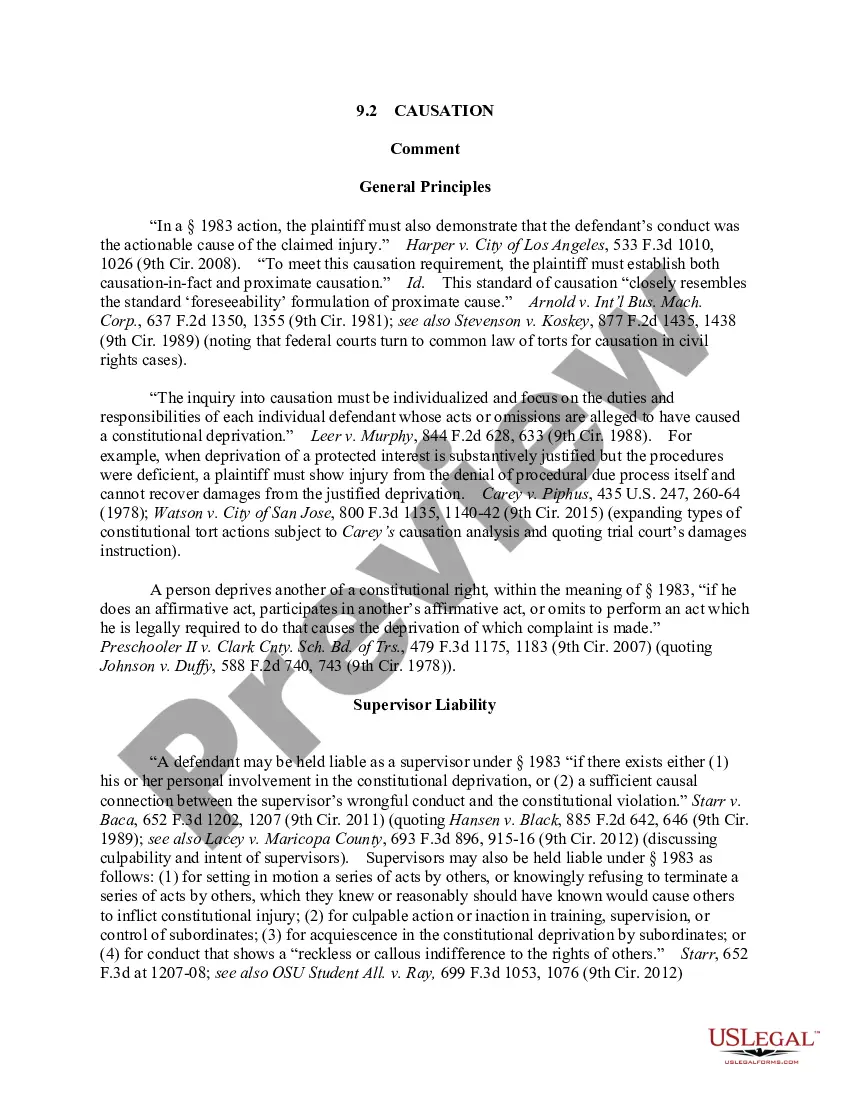
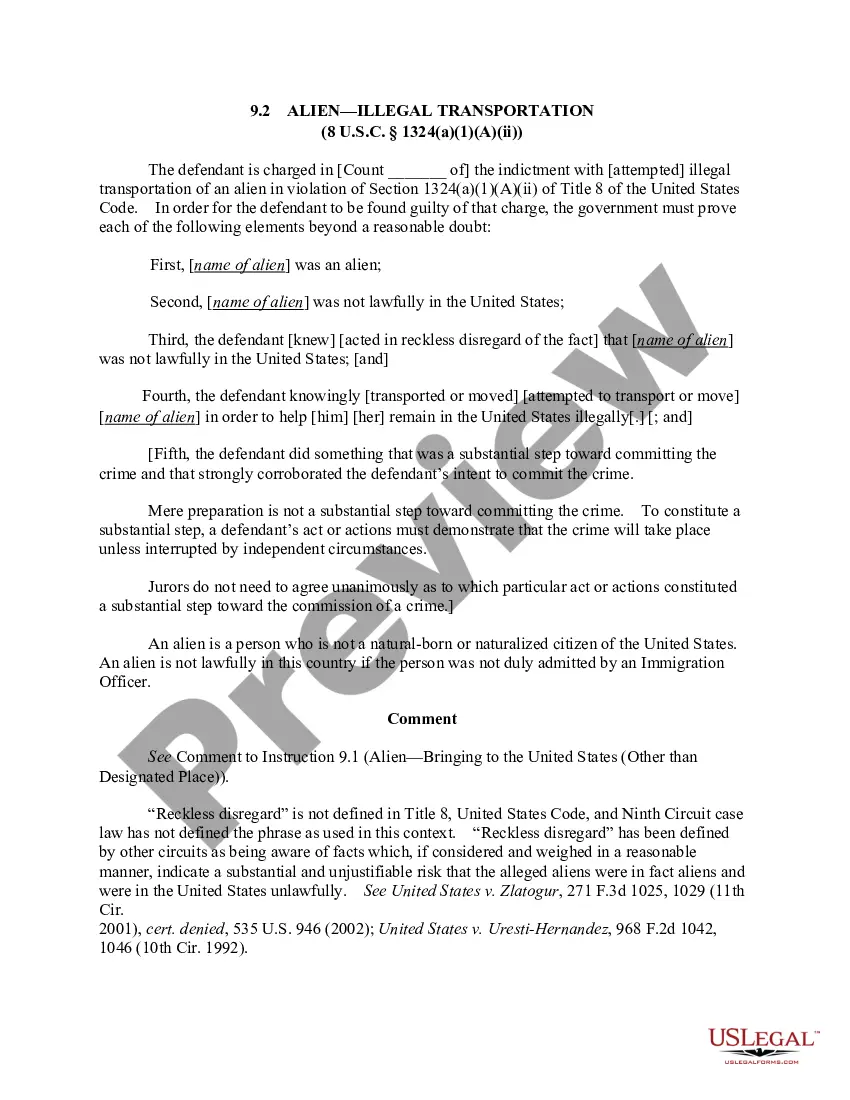
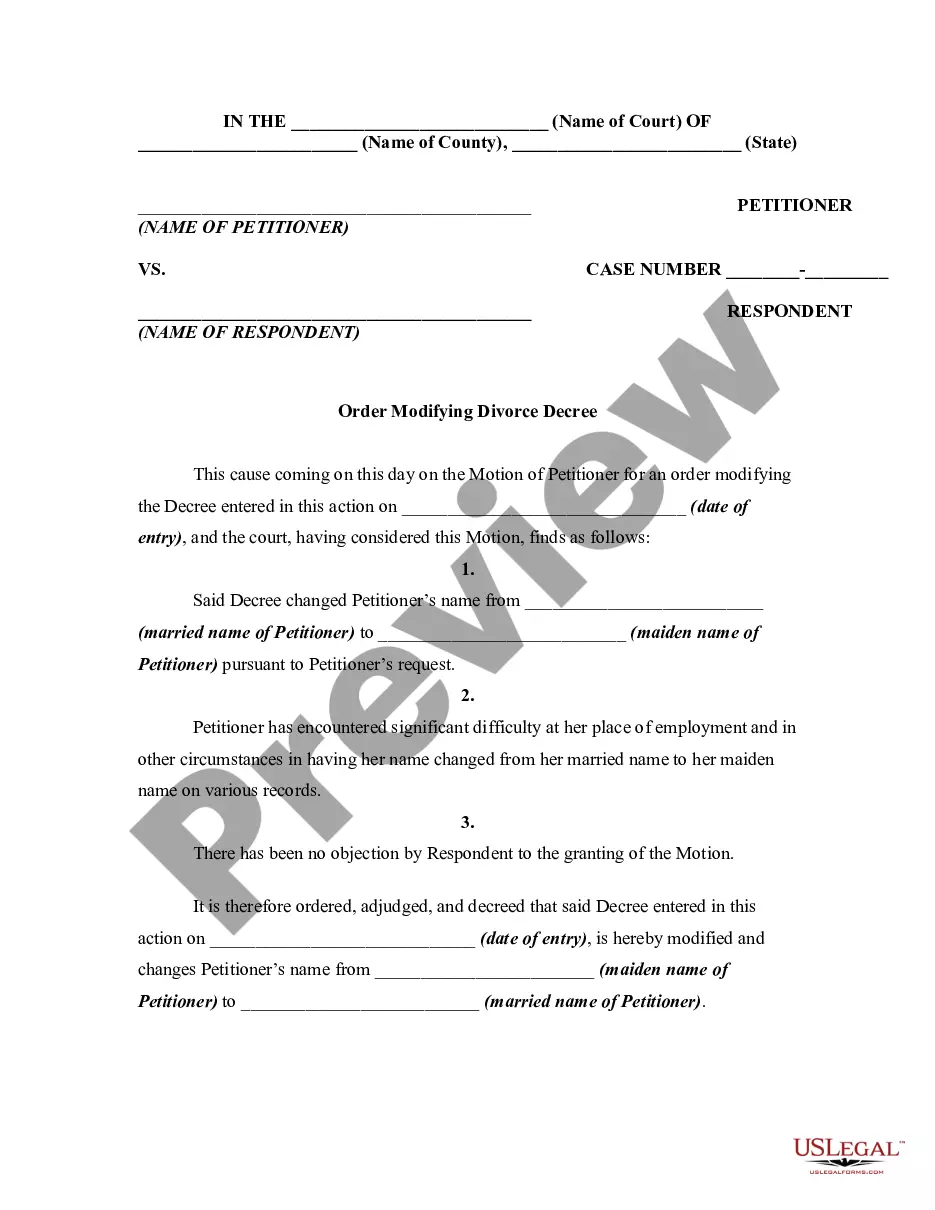
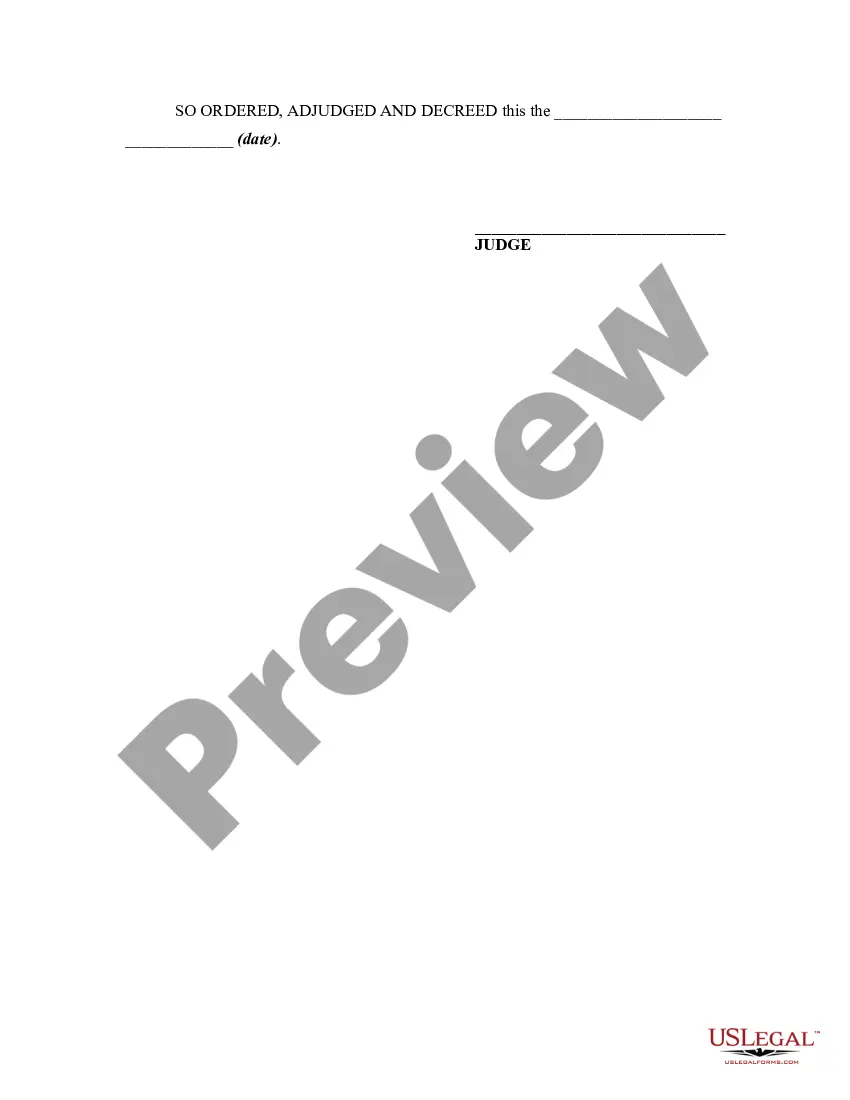
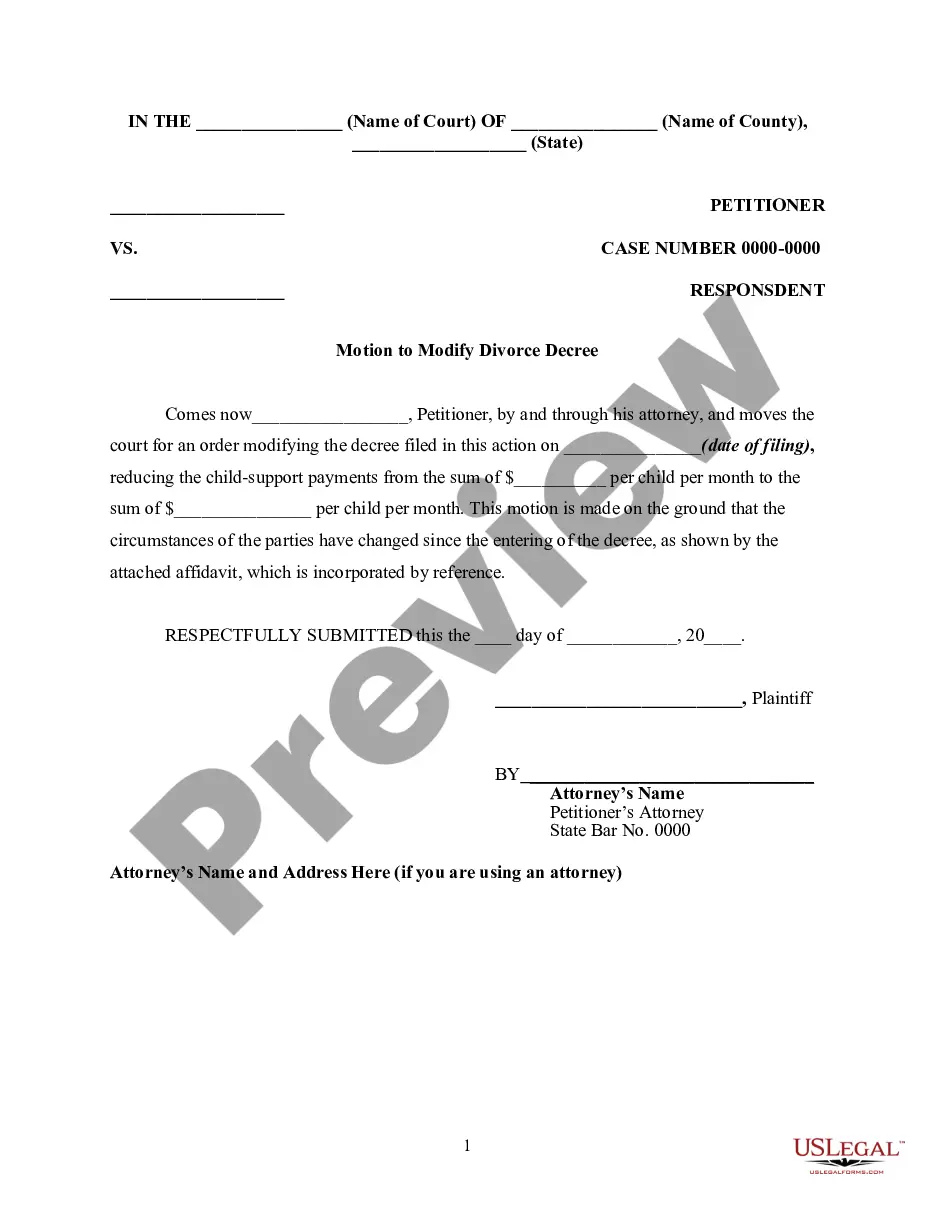
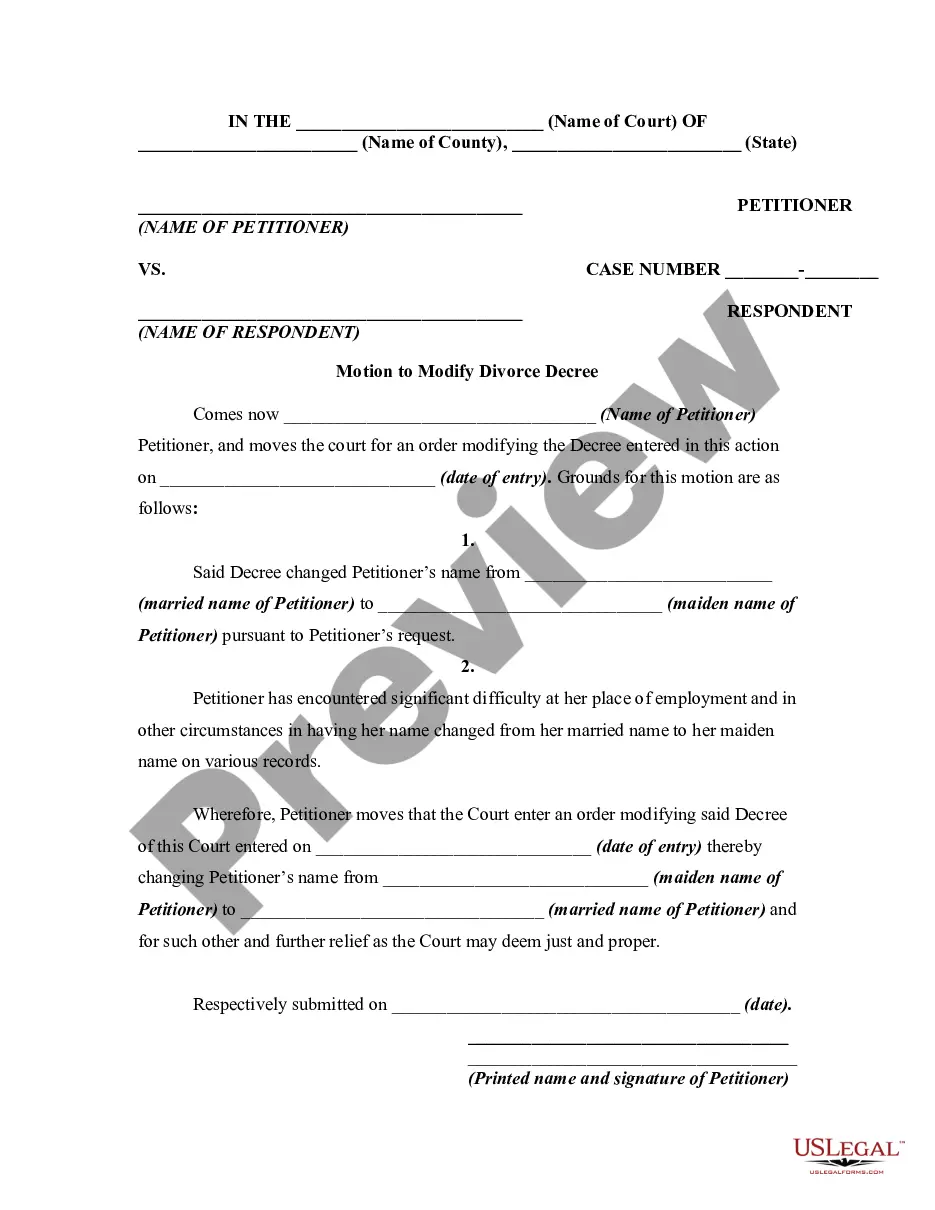
A judgment or decree in a divorce case may be modified for sufficient cause. This form is a sample of an order granting a motion of the petitioner in a divorce action seeking to modify a divorce decree and have her name change back to her married name from her maiden name. This form is generic and for illustrative purposes only. Local laws should be consulted to determine any specific requirements for such a form in a particular jurisdiction.
North Dakota Order Modifying or Amending Divorce Decree to Change Name Back to Married Name
Category:
State:
Multi-State
Control #:
US-01386BG
Format:
Word;
Rich Text
Instant download
Description
Free preview
Get your form ready online
Our built-in tools help you complete, sign, share, and store your documents in one place.
Built-in online Word editor
Make edits, fill in missing information, and update formatting in US Legal Forms—just like you would in MS Word.
Export easily
Download a copy, print it, send it by email, or mail it via USPS—whatever works best for your next step.
E-sign your document
Sign and collect signatures with our SignNow integration. Send to multiple recipients, set reminders, and more. Go Premium to unlock E-Sign.
Notarize online 24/7
If this form requires notarization, complete it online through a secure video call—no need to meet a notary in person or wait for an appointment.
Store your document securely
We protect your documents and personal data by following strict security and privacy standards.

Make edits, fill in missing information, and update formatting in US Legal Forms—just like you would in MS Word.

Download a copy, print it, send it by email, or mail it via USPS—whatever works best for your next step.

Sign and collect signatures with our SignNow integration. Send to multiple recipients, set reminders, and more. Go Premium to unlock E-Sign.

If this form requires notarization, complete it online through a secure video call—no need to meet a notary in person or wait for an appointment.

We protect your documents and personal data by following strict security and privacy standards.
Looking for another form?
How to fill out Order Modifying Or Amending Divorce Decree To Change Name Back To Married Name?
Locating the appropriate legal document format can be a challenge. Of course, there are numerous online templates available on the web, but how can you find the legal form you require? Take advantage of the US Legal Forms website. The service provides thousands of templates, including the North Dakota Order Modifying or Amending Divorce Decree to Change Name Back to Married Name, which can be utilized for both business and personal purposes. All forms are reviewed by experts and comply with state and federal regulations.
If you are already registered, Log In to your account and click the Download button to obtain the North Dakota Order Modifying or Amending Divorce Decree to Change Name Back to Married Name. Use your account to review the legal forms you have purchased previously. Visit the My documents section of your account to retrieve another copy of the document you need.
If you are a new user of US Legal Forms, here are simple steps you should follow: First, ensure you have chosen the correct form for your region/area. You can review the form by using the Preview button and reading the form description to verify it is the right one for you. If the form does not meet your requirements, use the Search field to find the suitable form. Once you are confident that the form is correct, click the Acquire now button to obtain the form. Choose the pricing plan you prefer and input the necessary information. Create your account and pay for the order using your PayPal account or credit card. Select the file format and download the legal document format to your device. Complete, edit, print, and sign the received North Dakota Order Modifying or Amending Divorce Decree to Change Name Back to Married Name.
US Legal Forms provides a comprehensive resource for accessing the legal documents you need efficiently.
- US Legal Forms is the largest collection of legal documents available where you can find a variety of document templates.
- Utilize the service to download professionally crafted documents that adhere to state requirements.
- Choose the correct form for your area.
- Review the form using the Preview button.
- Use the Search feature if the form doesn't meet your needs.
- Create an account to manage your documents.
Form popularity
FAQ
Name change costs in general range from around $50 to over $500, depending on where you live.
Self-Prepared Adult Name Change$29.95Minor Name Change$29.95
North Dakota court rules require that spouses pay $80 of a filing fee to start a divorce. Additional costs may include the service of process by the sheriff's department of divorce papers to the defendant. If a plaintiff cannot afford the court fees, they can request a fee waiver.
Adultery is one of the seven fault grounds for divorce in North Dakota. Adultery is the unfaithfulness of one spouse to the other.
If you divorce or dissolve a civil partnership you can simply go back to using your previous surname without having to officially record the change. If you were married you can simply let everyone know you are reverting to your previous name (such as a Birth name or maiden name).
Contact information for clerks of district court is available at ndcourts.gov/court-locations. File your completed name change documents with the Clerk of District Court in the North Dakota county where you have resided for at least 6 months before filing the Petition. Note: You'll be asked to pay an $80.00 filing fee.
Children under 16 The child will normally need to get permission from the court before they can make such an application.
No. Both spouses are entitled to keep their married names after divorce. If you took your spouse's name, you may wish to reclaim your ?maiden name,? after divorce, but your spouse cannot force you to do this. In fact, no one can force you to change your name.