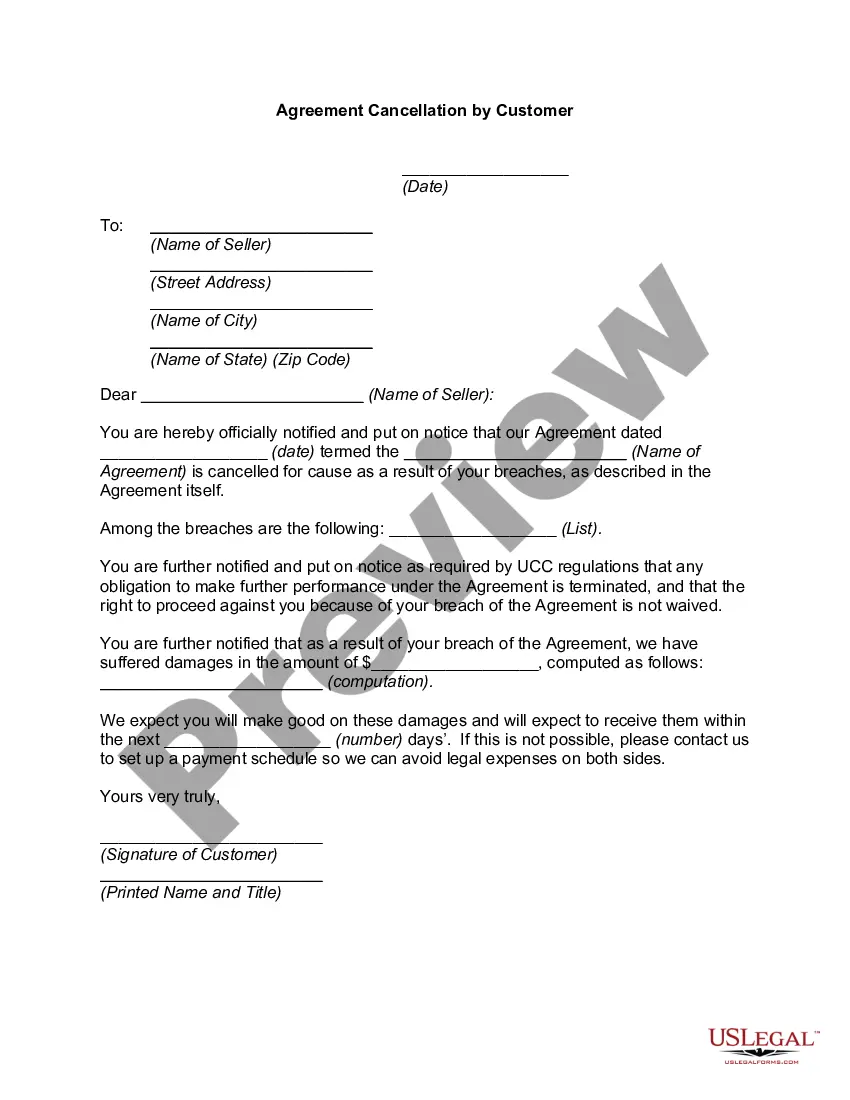
Nebraska Agreement Cancellation by Customer
Description
Get your form ready online
Our built-in tools help you complete, sign, share, and store your documents in one place.
Make edits, fill in missing information, and update formatting in US Legal Forms—just like you would in MS Word.
Download a copy, print it, send it by email, or mail it via USPS—whatever works best for your next step.
Sign and collect signatures with our SignNow integration. Send to multiple recipients, set reminders, and more. Go Premium to unlock E-Sign.
If this form requires notarization, complete it online through a secure video call—no need to meet a notary in person or wait for an appointment.
We protect your documents and personal data by following strict security and privacy standards.

Make edits, fill in missing information, and update formatting in US Legal Forms—just like you would in MS Word.

Download a copy, print it, send it by email, or mail it via USPS—whatever works best for your next step.

Sign and collect signatures with our SignNow integration. Send to multiple recipients, set reminders, and more. Go Premium to unlock E-Sign.

If this form requires notarization, complete it online through a secure video call—no need to meet a notary in person or wait for an appointment.

We protect your documents and personal data by following strict security and privacy standards.
Looking for another form?
How to fill out Agreement Cancellation By Customer?
Are you currently in a situation where you require documents for either business or personal purposes almost all the time.
There are numerous legitimate document templates accessible online, but finding ones you can rely on isn't easy.
US Legal Forms offers thousands of form templates, such as the Nebraska Agreement Cancellation by Customer, which are designed to meet federal and state regulations.
If you locate the right form, click Purchase now.
Select a payment plan you prefer, provide the necessary information to create your account, and purchase the order using your PayPal or credit card.
- If you are already acquainted with the US Legal Forms website and have an account, just Log In.
- After that, you can download the Nebraska Agreement Cancellation by Customer template.
- If you do not possess an account and want to begin using US Legal Forms, follow these steps.
- Obtain the form you need and ensure it is for the correct city/state.
- Use the Review button to check the document.
- Read the description to confirm you have selected the correct form.
- If the form isn't what you are looking for, use the Search field to find the form that matches your needs and specifications.
Form popularity
FAQ
Be Firm. No matter the reason, you need to let your client know that breaking the contract will not work for your company.Pick Up The Phone.Come Up With A Plan To Fix Their Issues.Remind Them Of The Terms Of Your Agreement.Don't Get Emotional.Consider Restructuring Or Changing The Agreement.
Federal and state consumer laws allow people to cancel certain contracts or sales of goods for any reason, such as buyer's remorse, or for no reason at all. The Federal Trade Commission (FTC) requires sellers of goods in certain circumstances to allow consumers a cooling off period.
The General Rule: Contracts Are Effective When Signed Unless a contract contains a specific rescission clause that grants the right for a party to cancel the contract within a certain amount of time, a party cannot back out of a contract once they have agreed and signed it.
Updated November 2, 2020: The 72-hour contract law allows consumers the right to cancel a contract during what is referred to as a "cooling off" period. The timeframe for canceling is usually 72 hours, which means a consumer has until midnight after the third day the contract is signed.
Many states, like California, grant consumers a statutory "cooling off" period, typically three to five days, during which a consumer can cancel a contract for any reason by sending the seller a written cancellation notice.
There is a federal law (and similar laws in every state) allowing consumers to cancel contracts made with a door-to-door salesperson within three days of signing. The three-day period is called a "cooling off" period.
To cancel a contract, take the following steps:Make sure you send the cancellation notice within the time allowed.Always cancel in writing. You can use the cancellation form or send a letter.Keep a copy of your cancellation notice or letter.Send your cancellation notice by certified mail, return receipt.
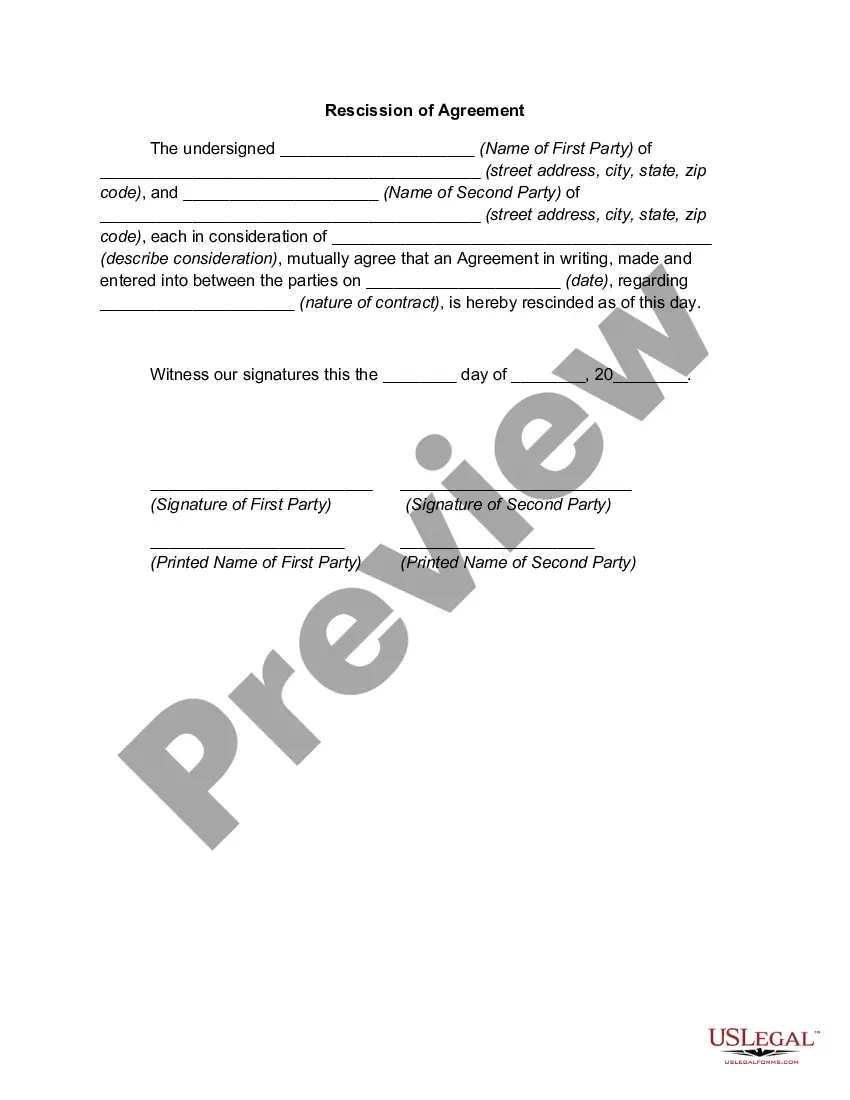
Ask for a mutual rescission. Once you form a valid contract, the contract binds you to its terms. You can, however, ask the other party to the contract whether you can both discharge your performance under the contract. You can mutually rescind the contract only if both parties expressly agree to do so.