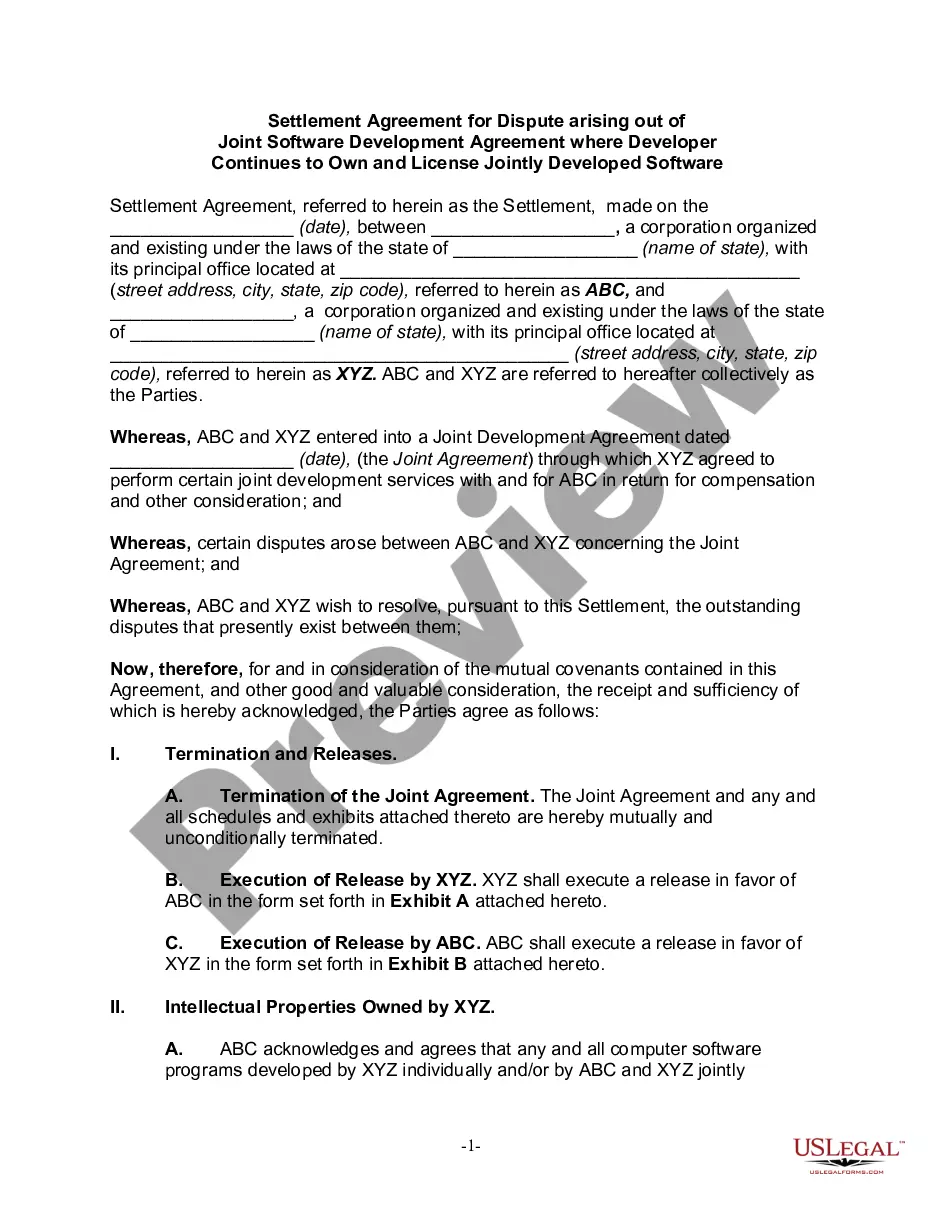
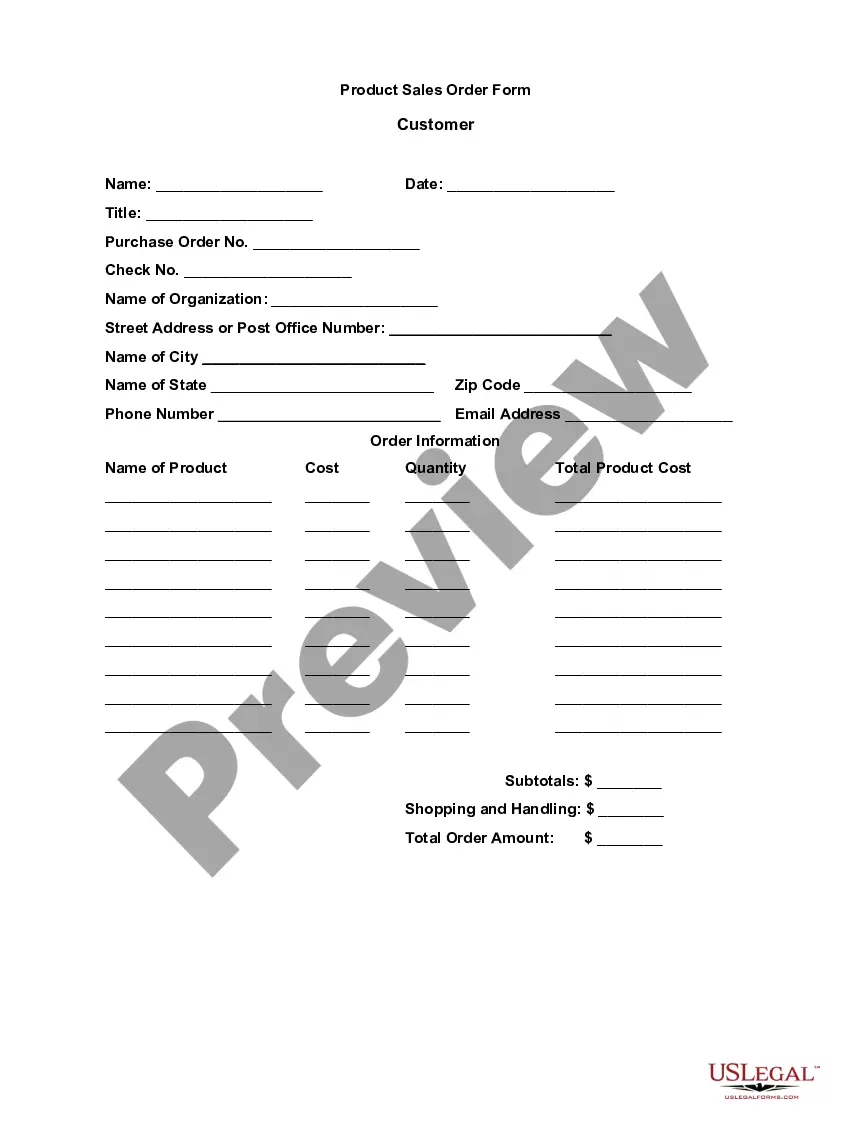
New Hampshire Product Sales Order Form
Description
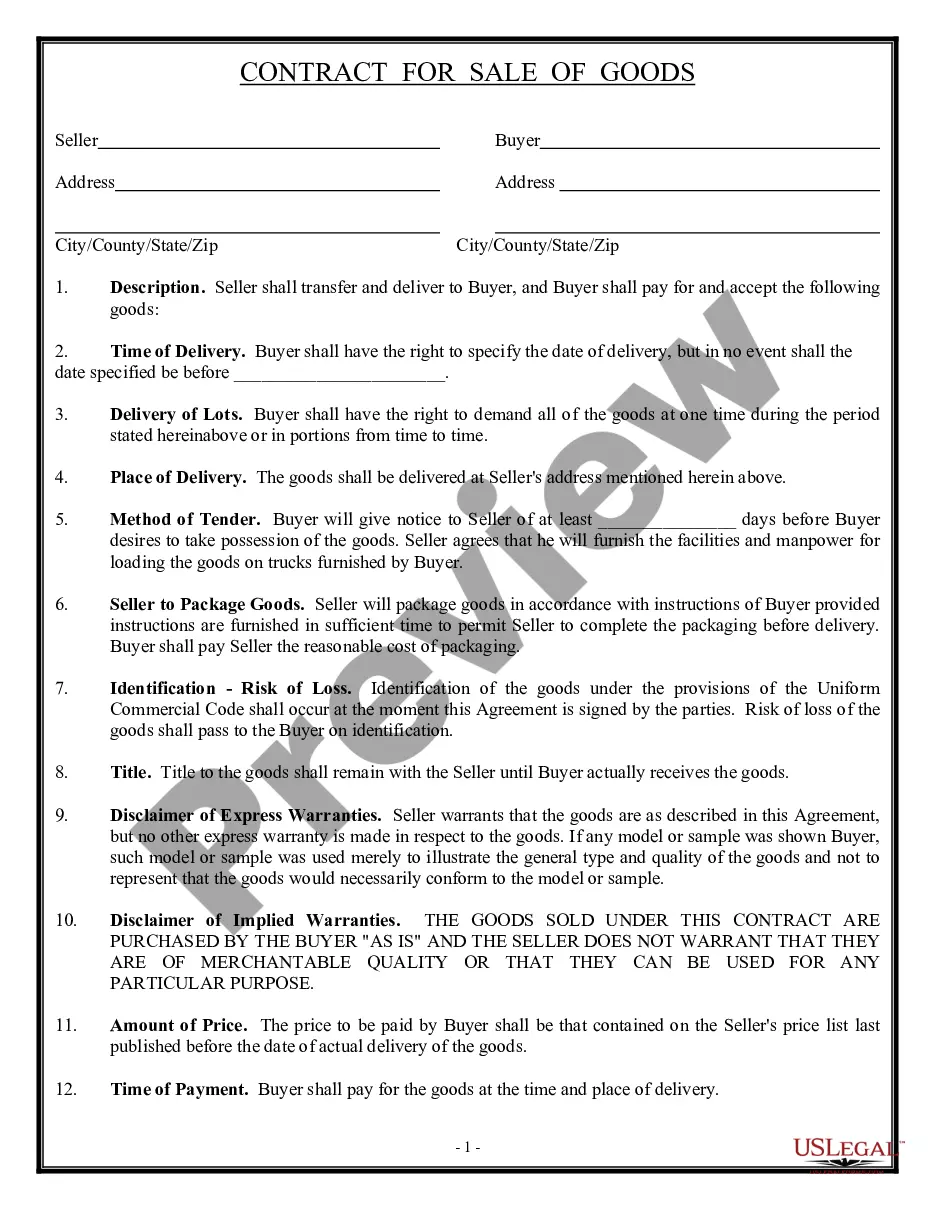
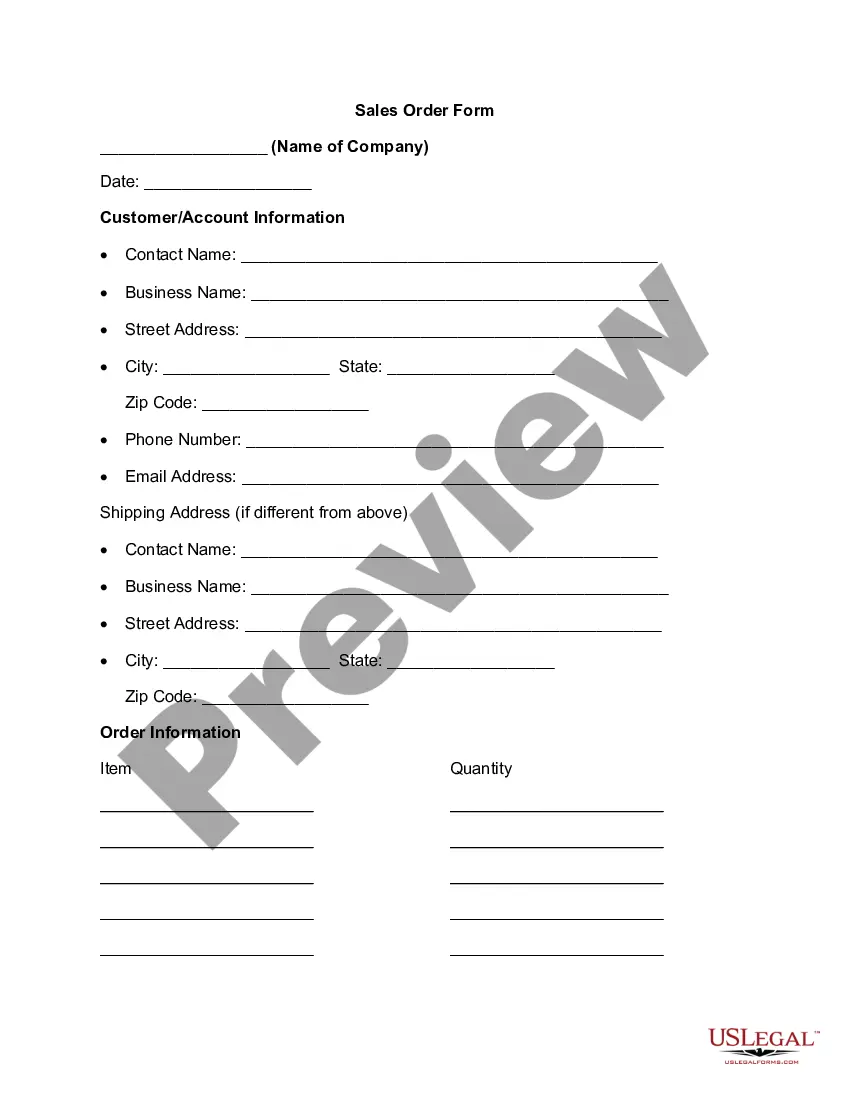
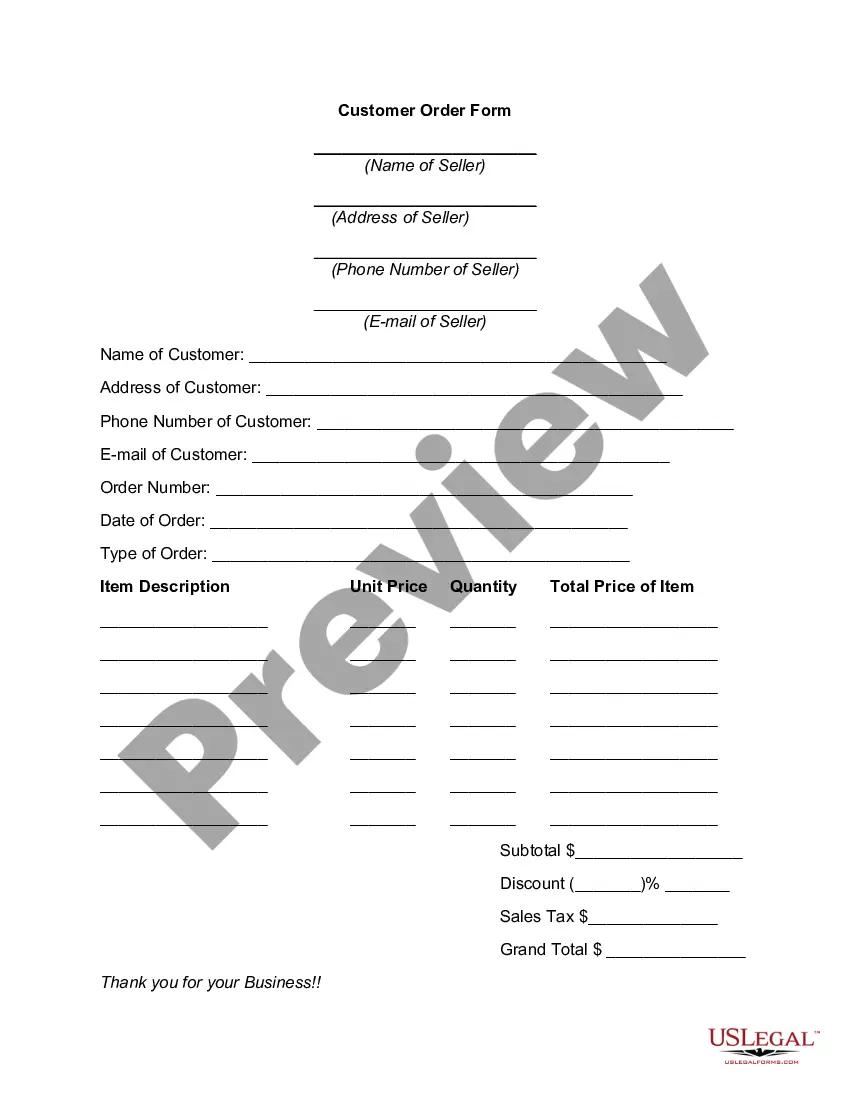
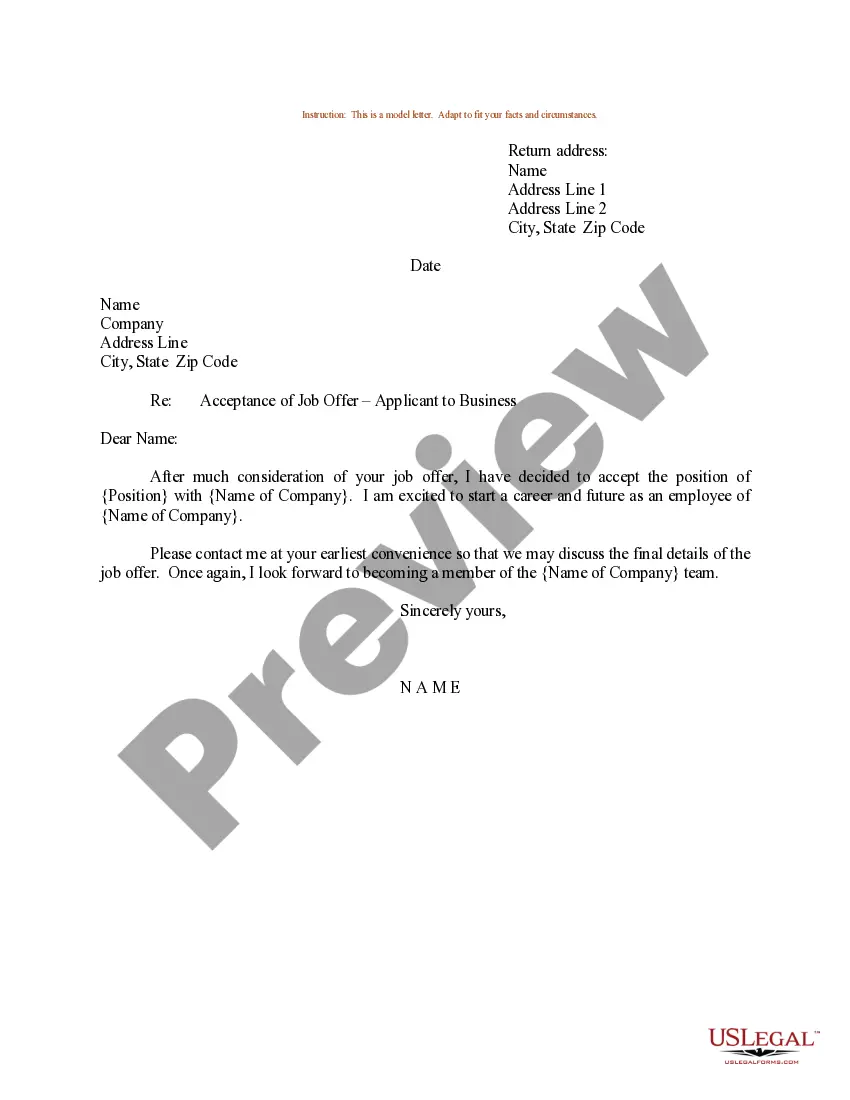
How to fill out Product Sales Order Form?
Locating the appropriate legal document template can be challenging.
It goes without saying that there are numerous templates accessible online, but how do you identify the legal format you need.
Make use of the US Legal Forms website. This service provides a vast array of templates, including the New Hampshire Product Sales Order Form, suitable for both commercial and personal use.
If the form does not meet your needs, use the Search field to find the correct form.
- All templates are reviewed by experts and comply with state and federal regulations.
- If you are already registered, Log In to your account and click the Download button to obtain the New Hampshire Product Sales Order Form.
- Utilize your account to browse the legal templates you have previously purchased.
- Go to the My documents section of your account and download another copy of the form you need.
- If you are a new user of US Legal Forms, here are some straightforward tips to follow.
- First, ensure you have selected the correct form for your city/state. You can preview the form using the Review button and read the form details to confirm it is suitable for you.
Form popularity
FAQ
An order form is a document buyers use to request merchandise from a wholesaler, manufacturer or retailer. It's mostly used by businesses that buy products in higher amounts. You'll never have to complete an order form in a store as a person unless the store-clerk has to make an order for you from a vendor.
Key Parts Of An Order FormYour company's name and business address.Customer's name and billing address.Customer's shipping address.Date of Purchase Order.Sales Order Number.Customer number.Purchase order number.Name of the salesperson.More items...
A sales order form is used by a company to list purchased products. No matter what you sell, manage orders more efficiently with this free Sales Order Form.
Sales Order ProcessThe customer considers the quote reasonable and sends back a purchase order. The vendor receives the purchase order and uses its details to generate a sales order. The vendor sends the sales order to the customer to confirm the terms of the sale.
Sales orders are issued by the vendor to let the customer receive the acknowledgment of the PO. Moreover, it also lets the customer know that the vendor confirms the terms and conditions associated with the delivery of the products and goods.
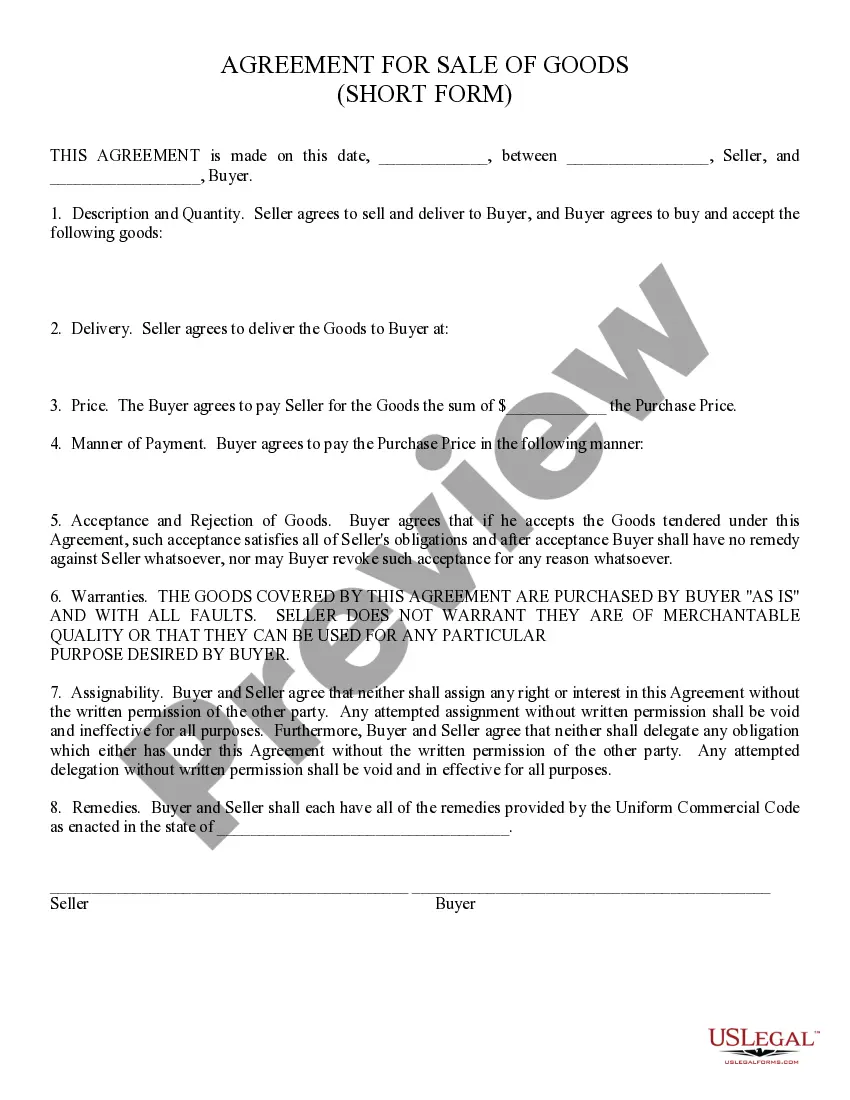
The document contains details about the sale, including the quantity, quality, and price of any goods or services exchanged. It should also cover things like delivery date, delivery address, payment method, and any other information relevant to the terms and logistics of the sale itself.
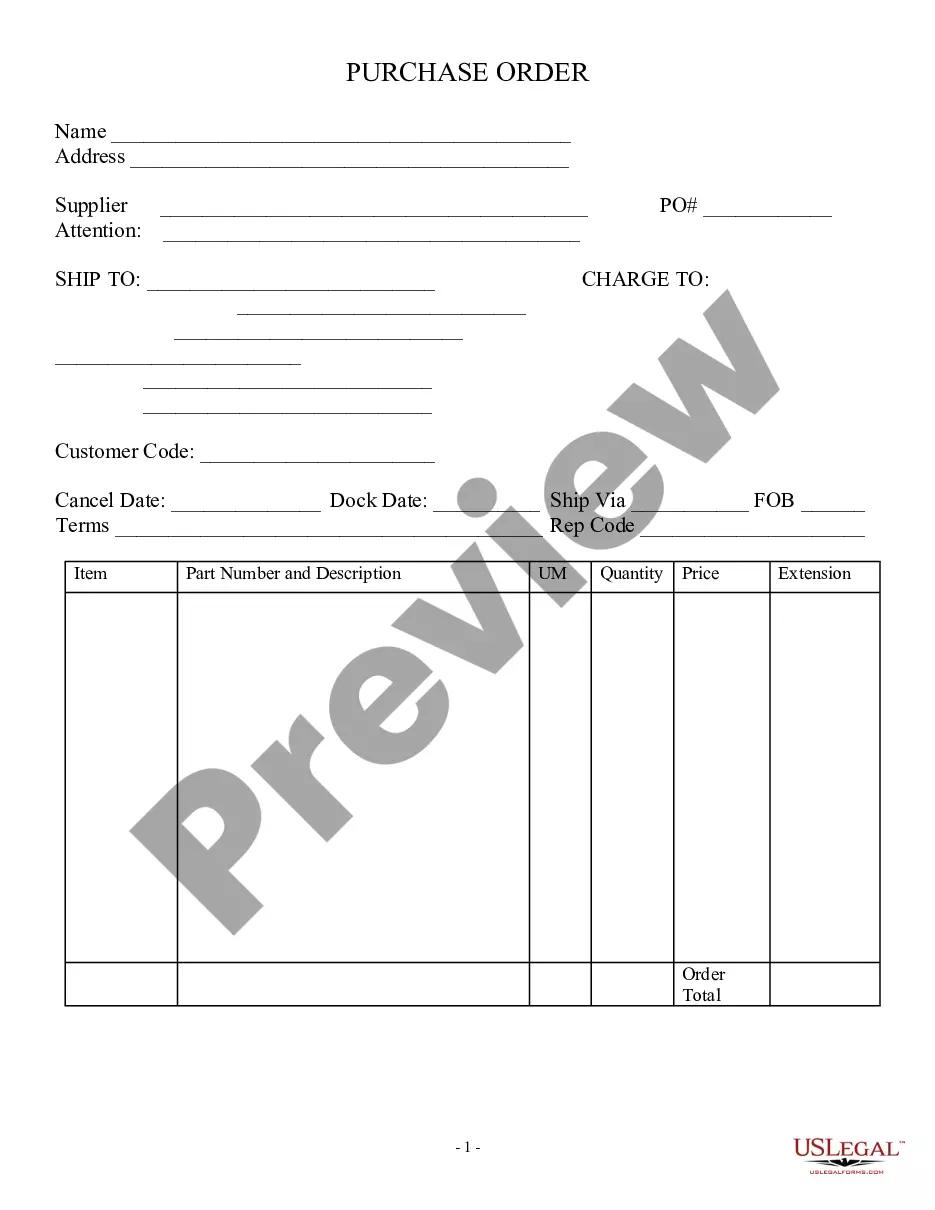
An order form, also known as a purchase order, is a document that buyers submit to sellers when requesting products or services. They are typically used for all service businesses and on high-priced products. An order form also shows a quoted price for products or services to be rendered by the seller.
Open a Microsoft Word document and click on the MS Office icon on the top left corner of the screen. From the drop down list that appears choose the option new. Under new, a list of template options will appear. Choose Purchase Orders.
What should be included in your purchase order formYour company's legal name and physical address.Your company's delivery address.A purchaser section.Billing information for suppliers to send invoices.A space for agreed-upon pricing, quantities and specific order details.Requested delivery date.Payment terms.
How to Create a Simple Order Form With Online PaymentsStep 1: Create a Simple Order Form in WordPress.Step 2: Customize Your Form Notifications.Step 3: Configure Your Form Confirmations.Step 4: Set Up the Payment Settings.Step 5: Add Your Simple Order Form to Your Site.