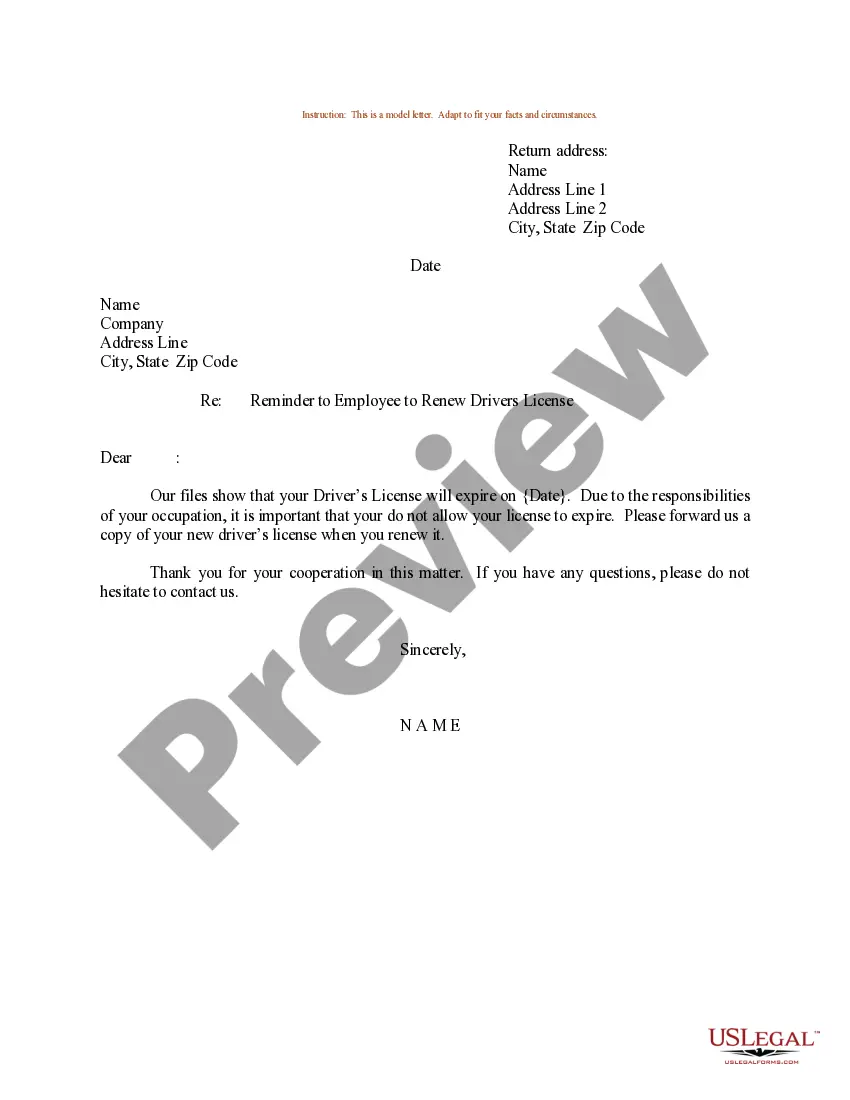
New Jersey Insurance Organizer
Description
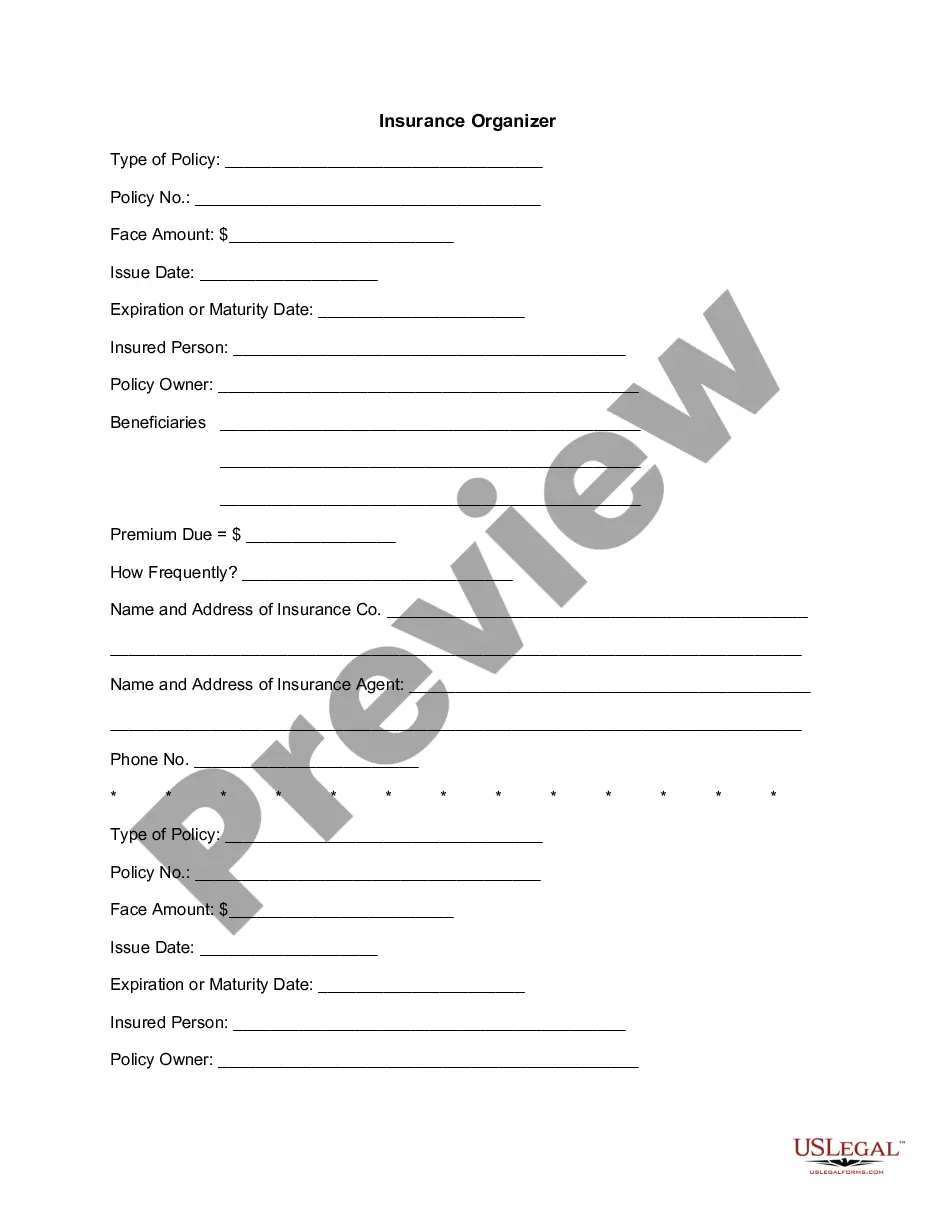


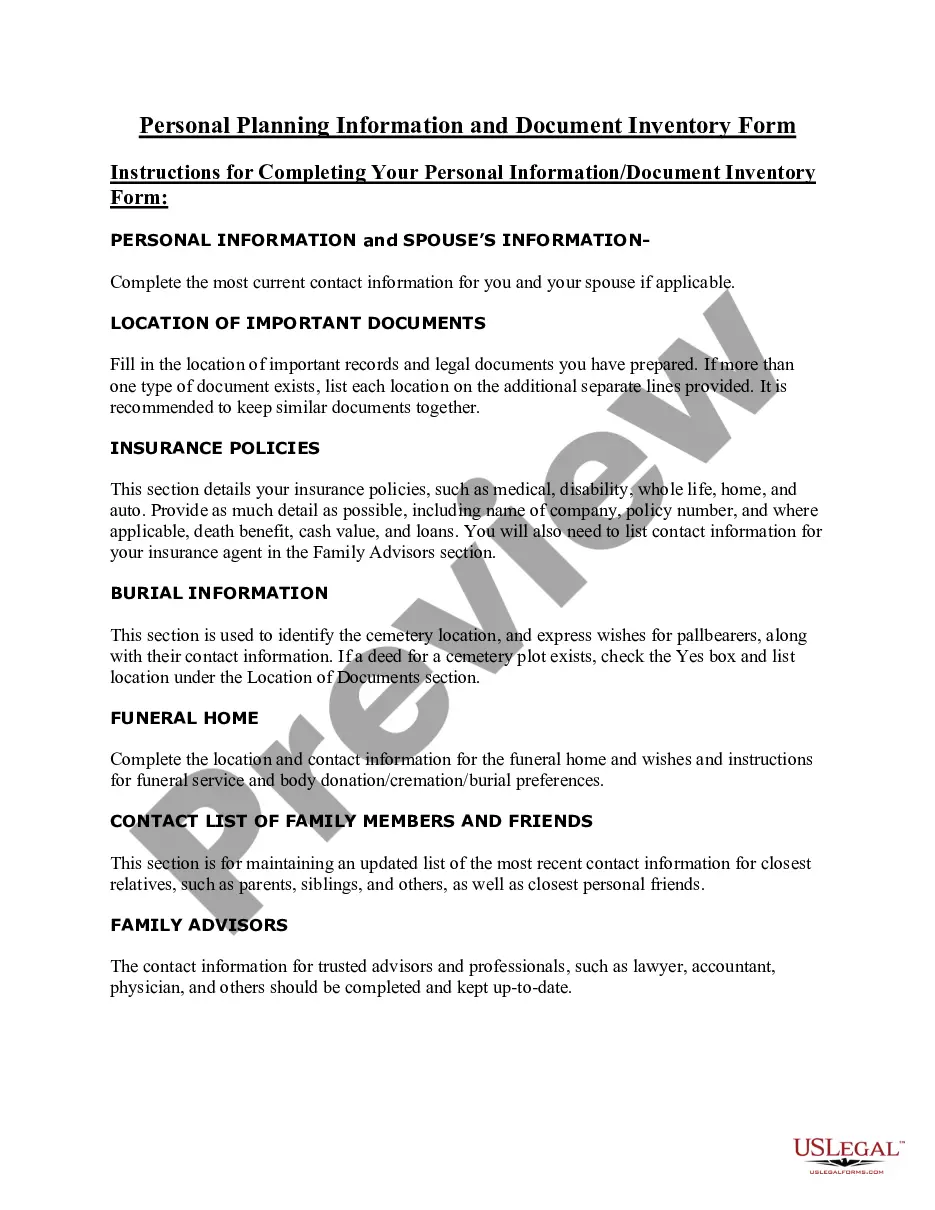
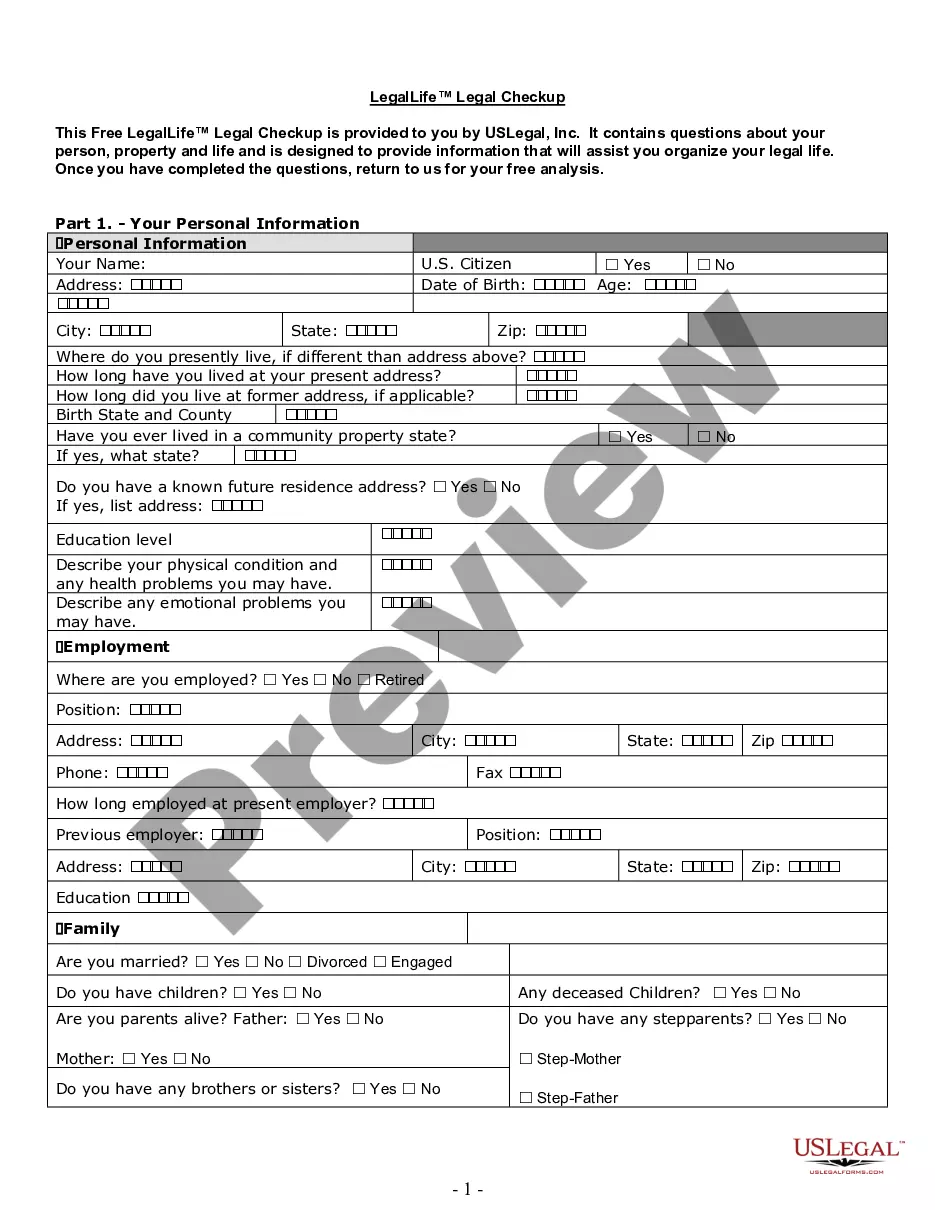
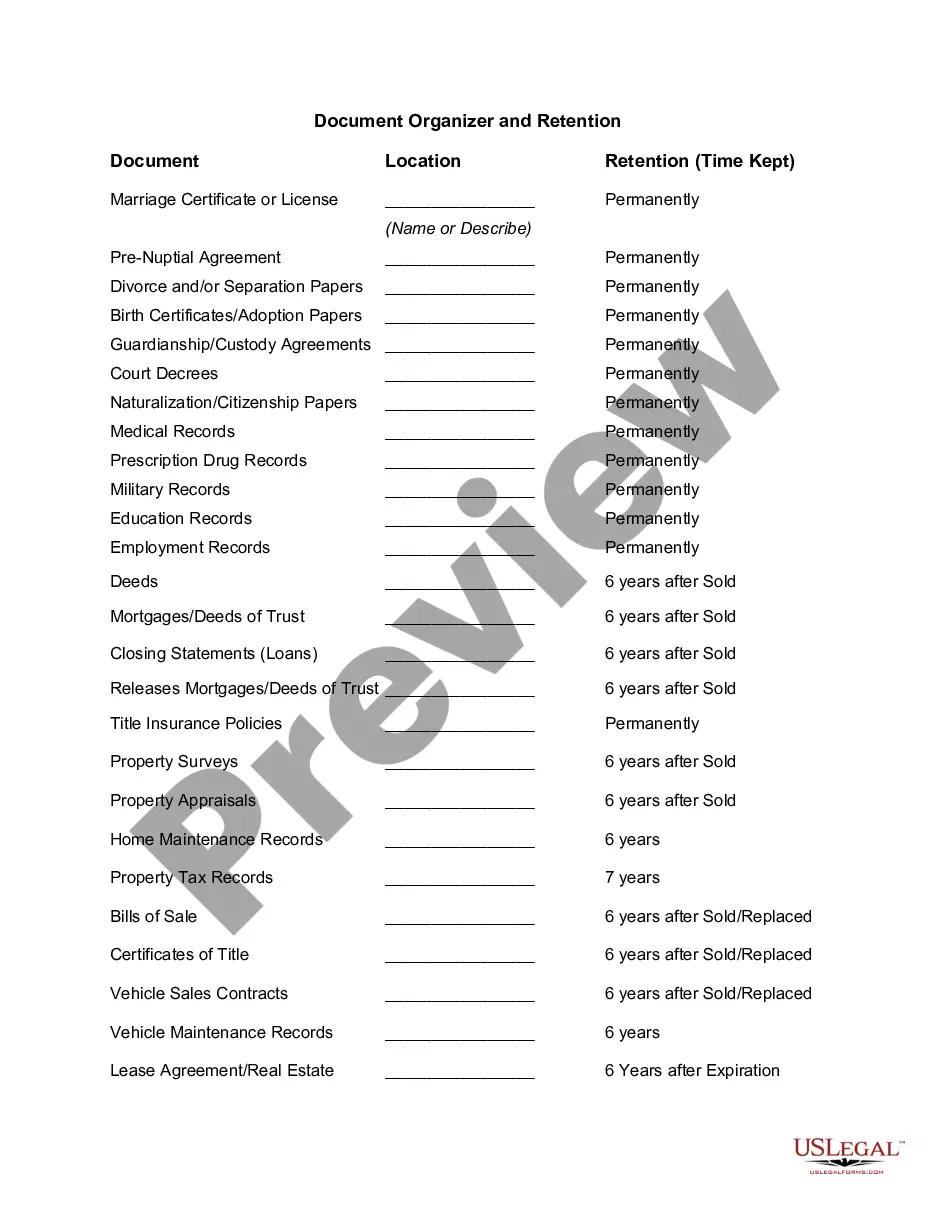
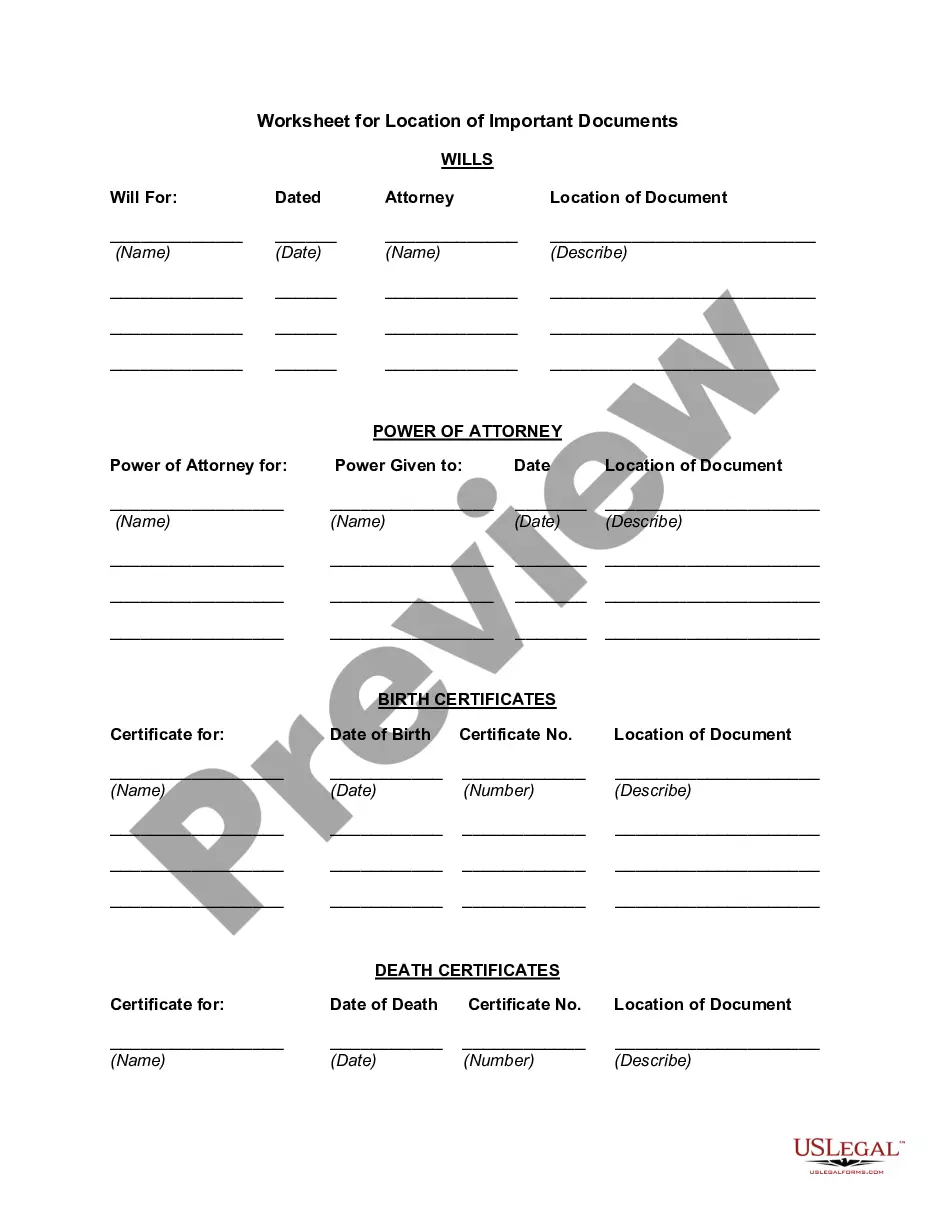
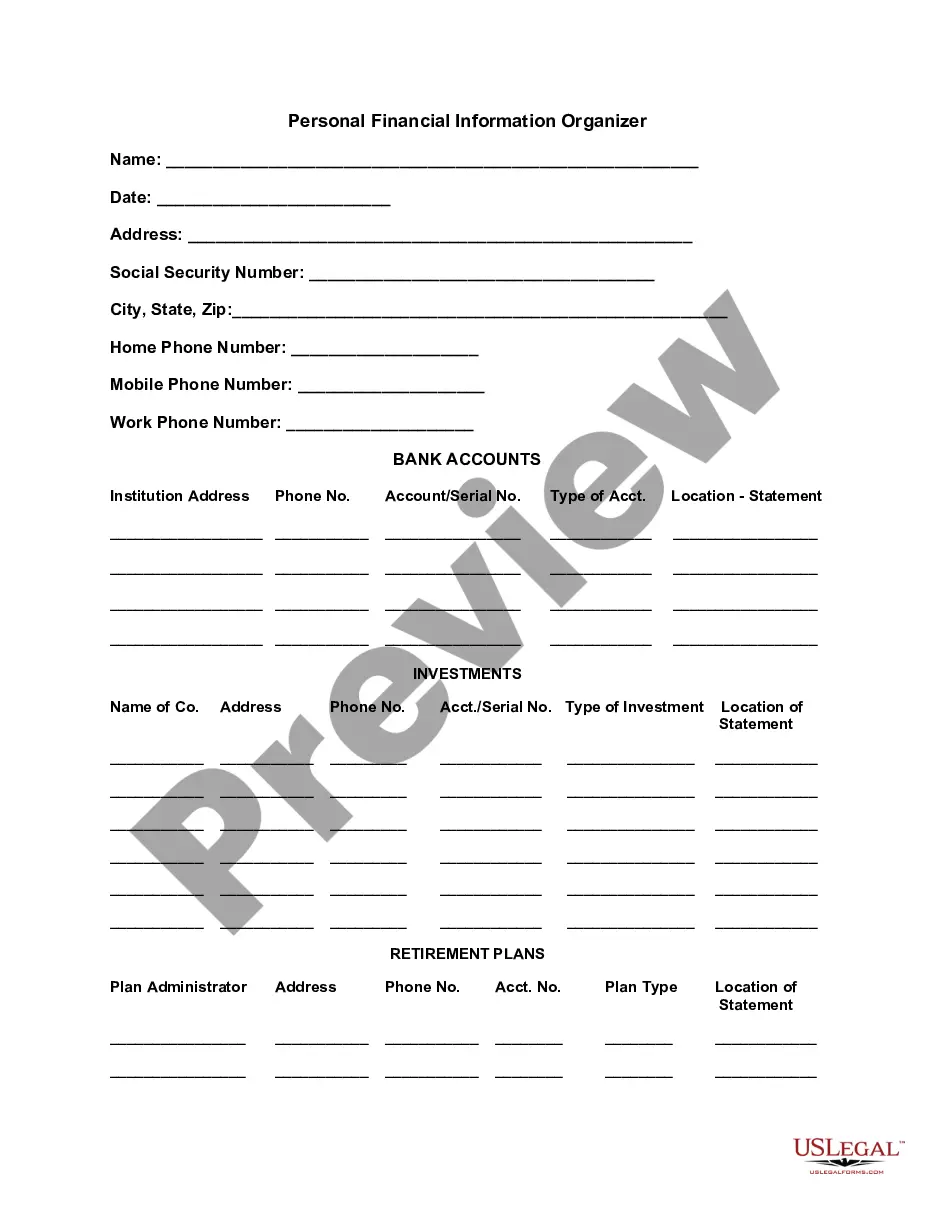

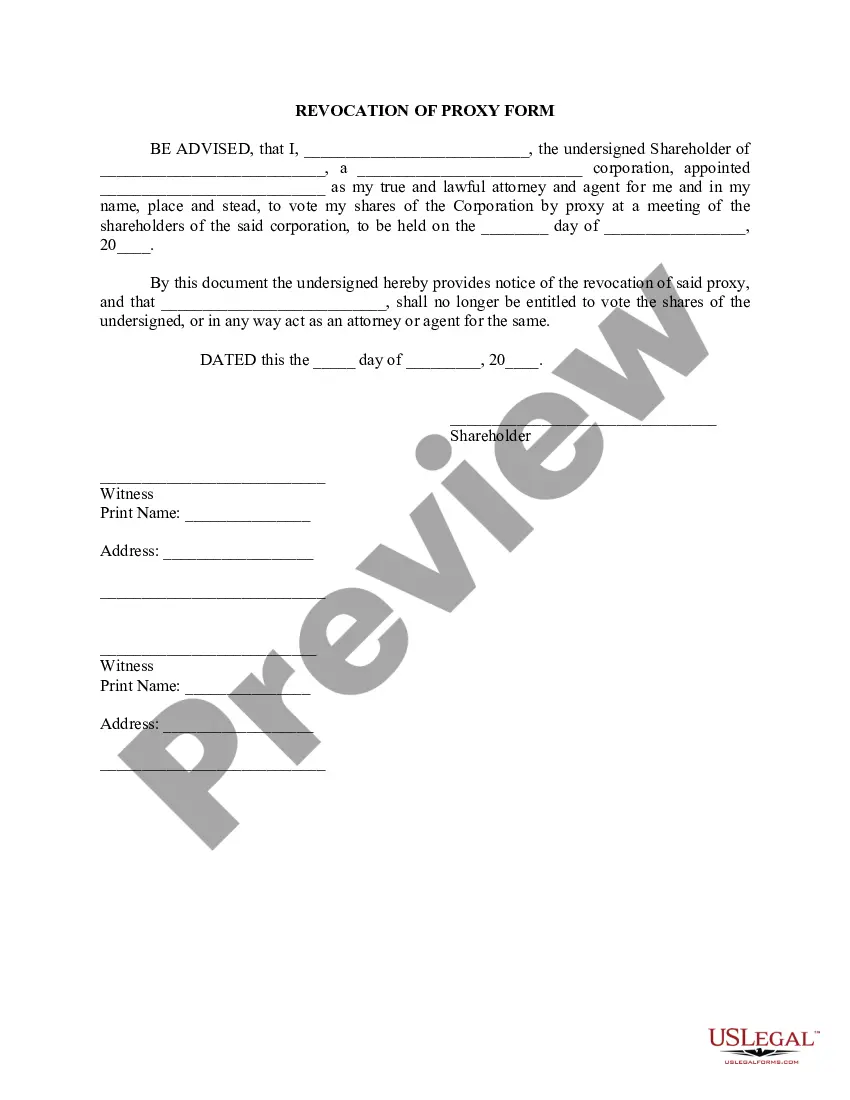

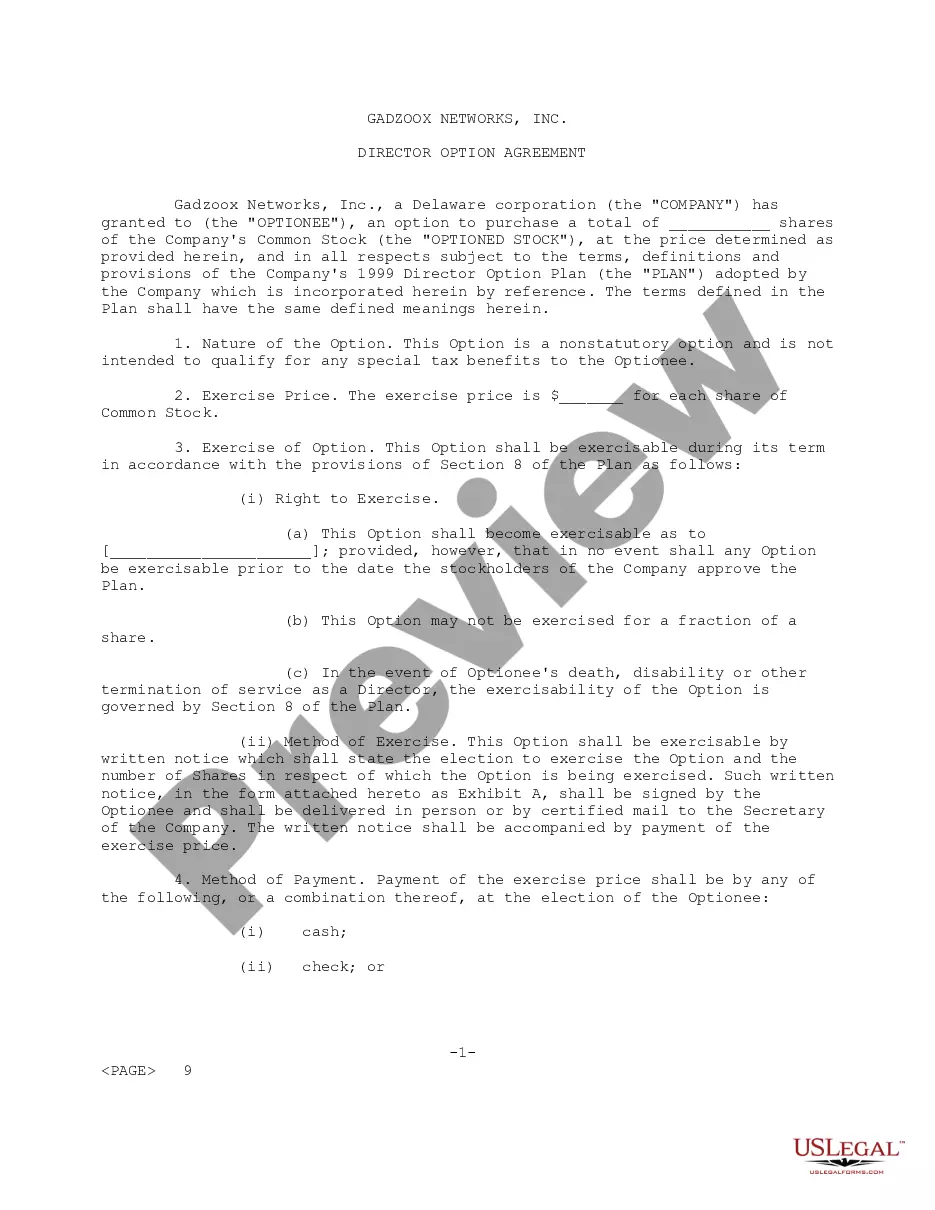
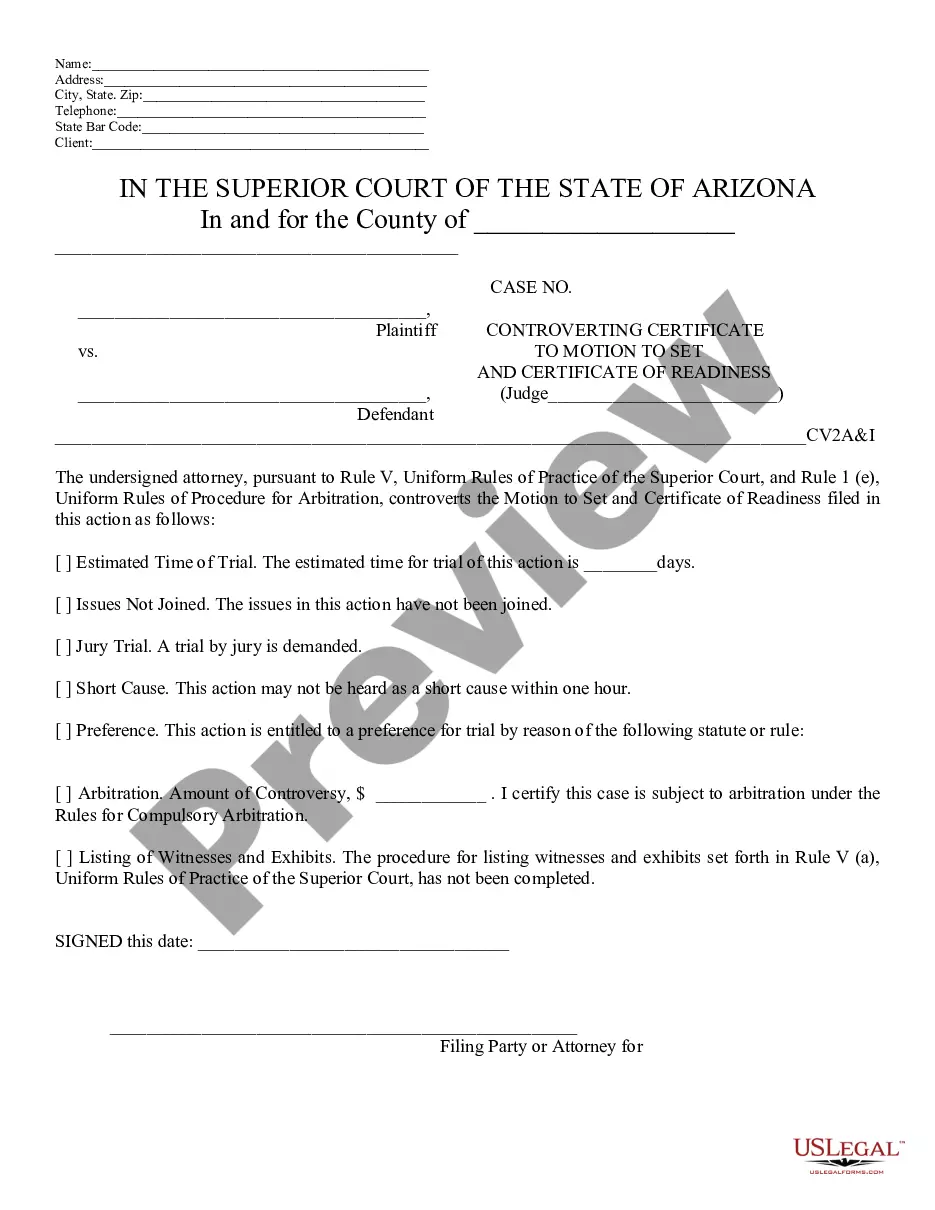




How to fill out Insurance Organizer?
If you seek thorough, obtain, or producing authorized document formats, utilize US Legal Forms, the largest collection of legal templates, accessible online.
Leverage the site’s simple and user-friendly search to find the documents you need.
Various templates for business and personal purposes are organized by categories and states, or keywords. Employ US Legal Forms to procure the New Jersey Insurance Organizer in just a few clicks.
Every legal document template you download is yours indefinitely.
You will have access to each form you saved in your account. Click on the My documents section and select a form to print or download again.
- If you are currently a US Legal Forms user, Log In to your account and hit the Download button to get the New Jersey Insurance Organizer.
- You can also access documents you previously saved in the My documents section of your account.
- If you are using US Legal Forms for the first time, follow the instructions below.
- Step 1. Ensure you have selected the form for the correct area/region.
- Step 2. Use the Review feature to examine the form's details. Remember to read the information carefully.
- Step 3. If you are unsatisfied with the form, use the Search field at the top of the screen to find other versions of the legal document template.
- Step 4. Once you have located the form you need, click the Download now button. Choose your preferred pricing plan and enter your details to create an account.
- Step 5. Process the payment. You can use your Visa or Mastercard or PayPal account to complete the transaction.
- Step 6. Select the format of the legal document and download it to your device.
- Step 7. Complete, modify, and print or sign the New Jersey Insurance Organizer.
Form popularity
FAQ
Visit the NJ REALTORS® Academy of Continuing Education to find CE courses to complete your requirement. Visit the PSI online CE tracking system to see your complete CE record.
CE Course Approvals expire five years from the original date of approval on December 30 of the fifth year.
How to check your CE hours or download a copy of your CE transcriptGo to Lookup, enter the information requested and click Search. (Scroll across the page and click on the License Manager link.Enter the last 4 digits of your SS# and click Search.More items...
To appoint a producer as its agent, the appointing insurer must file a notice of appointment within 15 days from the date the agency contract is executed.
New Jersey Insurance Continuing Education Courses and Requirements. New Jersey licensed Producers are required to take 24 hours of CE, including 3 hours of ethics/fraud prevention, every 2-year license term.
(1) An insurer or authorized representative of the insurer that terminates the appointment, employment, contract, or other insurance business relationship with an insurance producer or title insurance agent shall notify the commissioner within thirty days following the effective date of the termination, using a format
A 10-day notice of hearing is issued and after the hearing is conducted, the producer is found guilty.
How to Get Your New Jersey Insurance LicenseComplete an Insurance Prelicensing Course.Pass Your New Jersey Licensing Exam.Apply for a New Jersey Insurance License.Plan to Complete Required Insurance Continuing Education (CE) Credits.
A licensee may surrender a current producer license by returning it to the Department for cancelation at any time. The Department may refuse to accept a request for canceling a business entity's license unless all current officers or partners agree to the request.
You may check your CE credits by going to NJ Real Estate CE Tracking System. Please read the following instructions carefully to log in for the first time. If you have trouble logging in you must contact PSI Tech Support at 1-877-526-6833. Click here to get your license reference number.