A mandamus is an order to a public agency or governmental body to perform an act required by law when it has neglected or refused to do so. A person may petition for a writ of mandamus when an official has refused to fulfill a legal obligation, such as ordering an agency to release public records.
Oklahoma Petition or Application to Compel Approval of Matters Submitted After Arbitrary Disapproval by Administrative Agency
Instant download
Description
Free preview
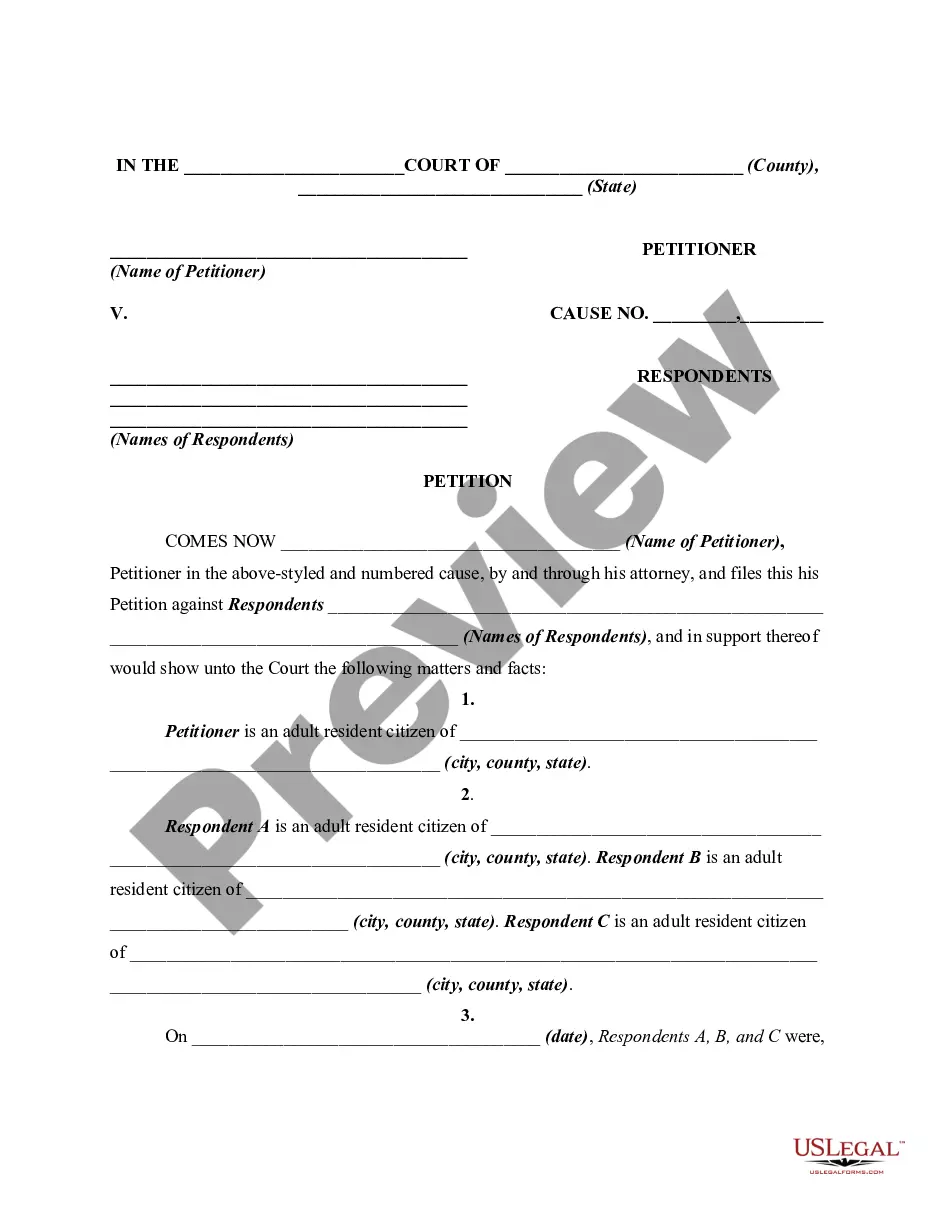
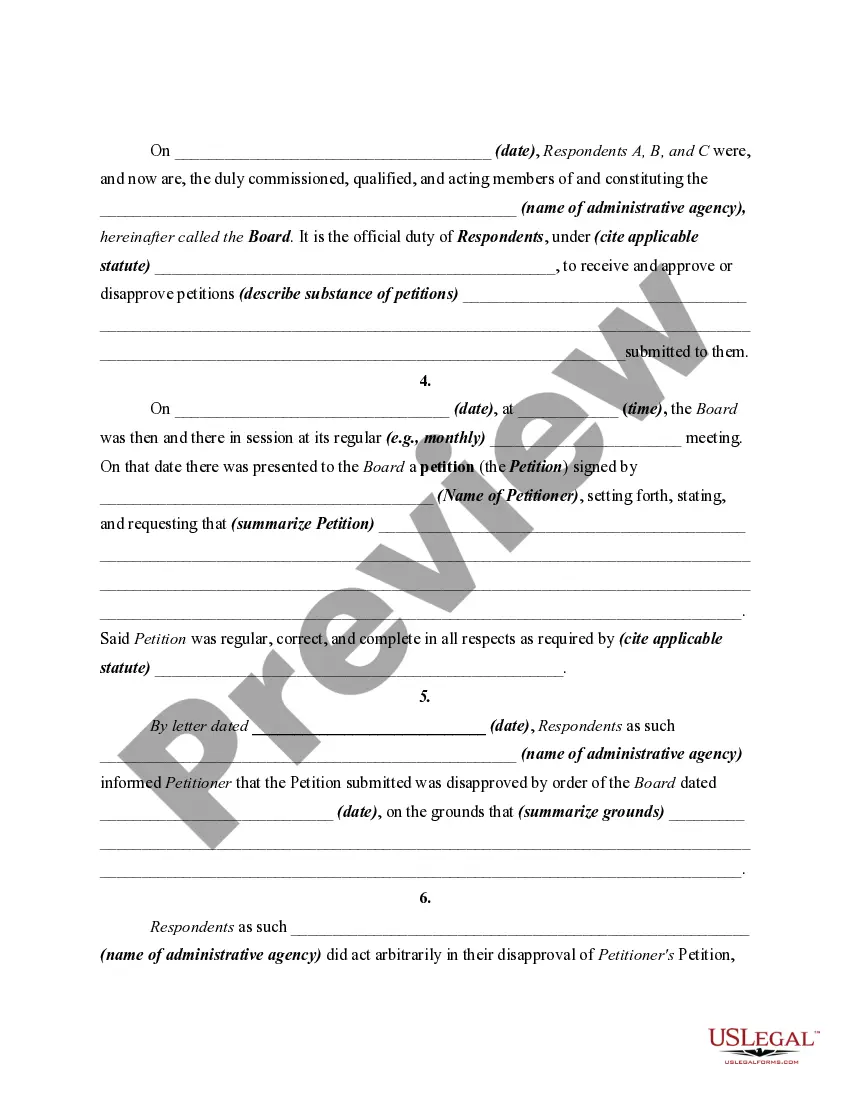
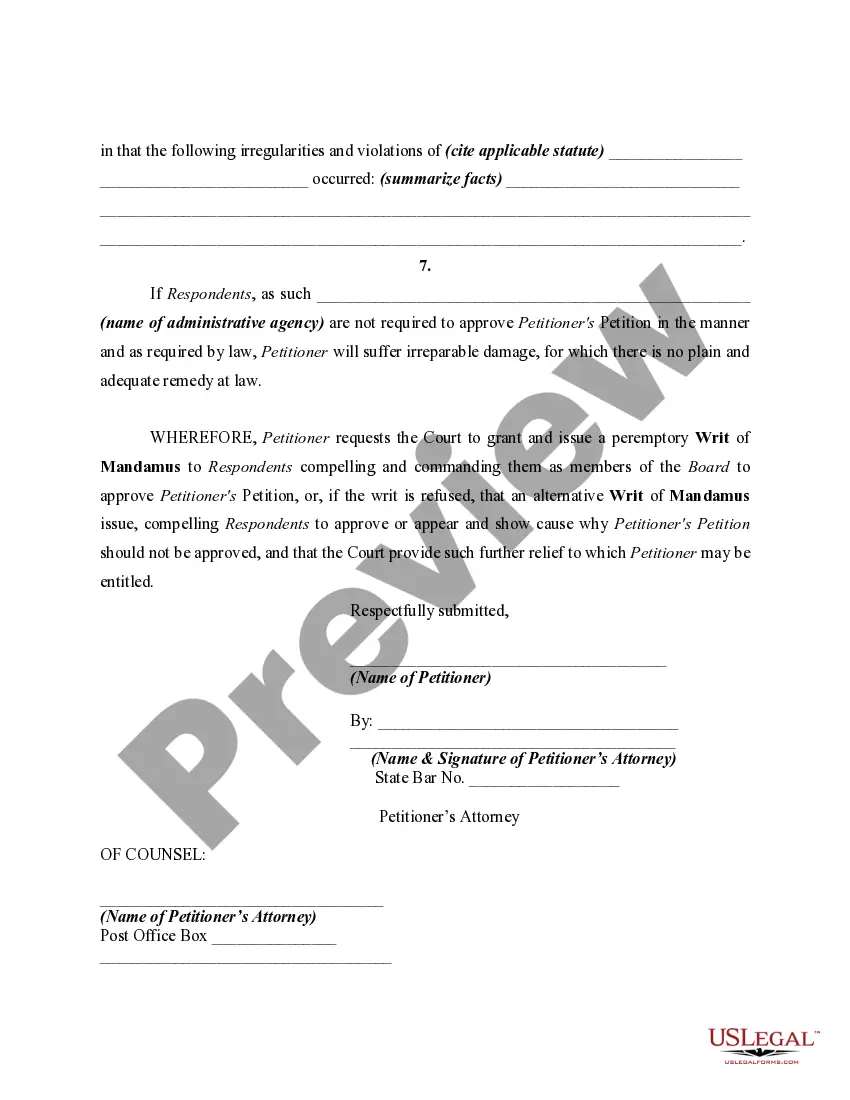
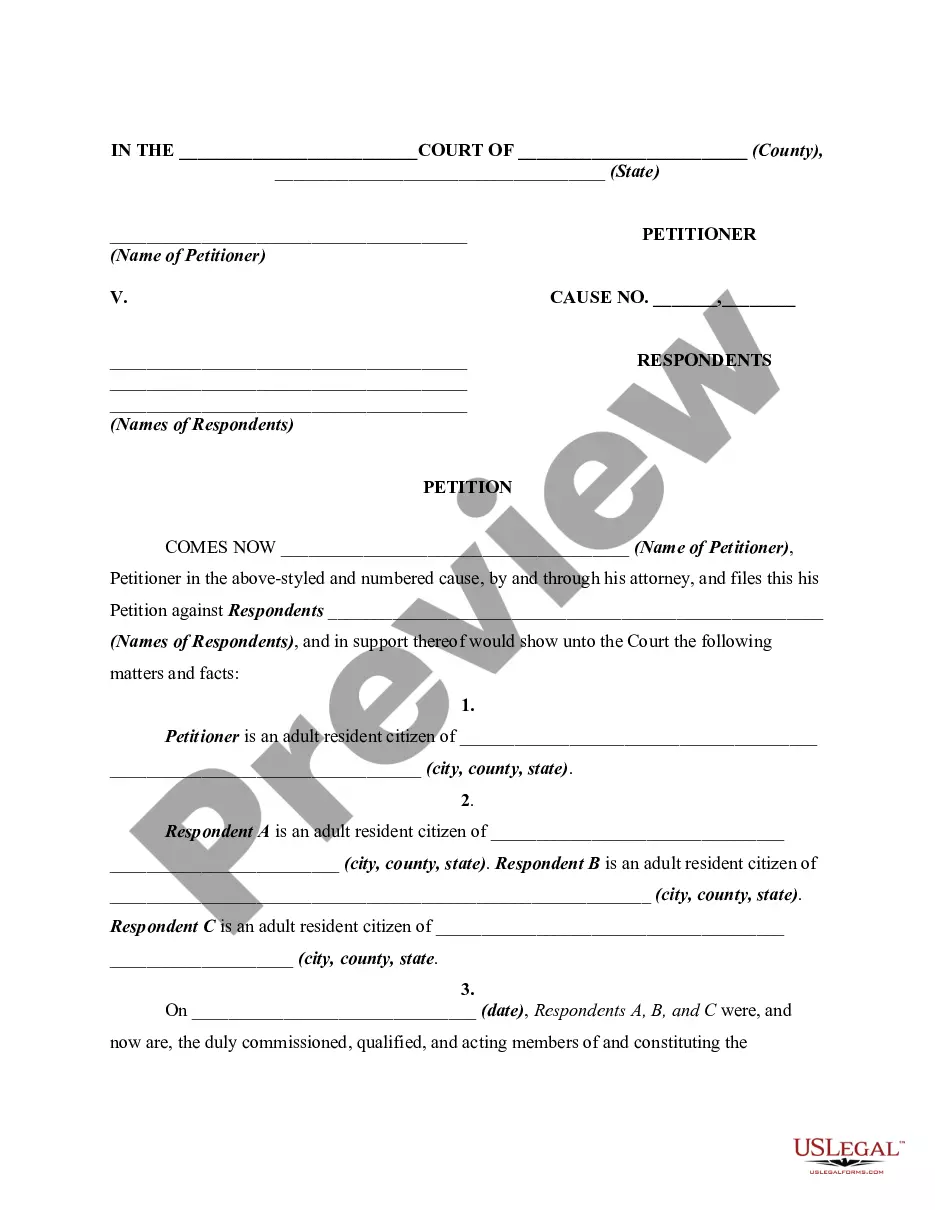
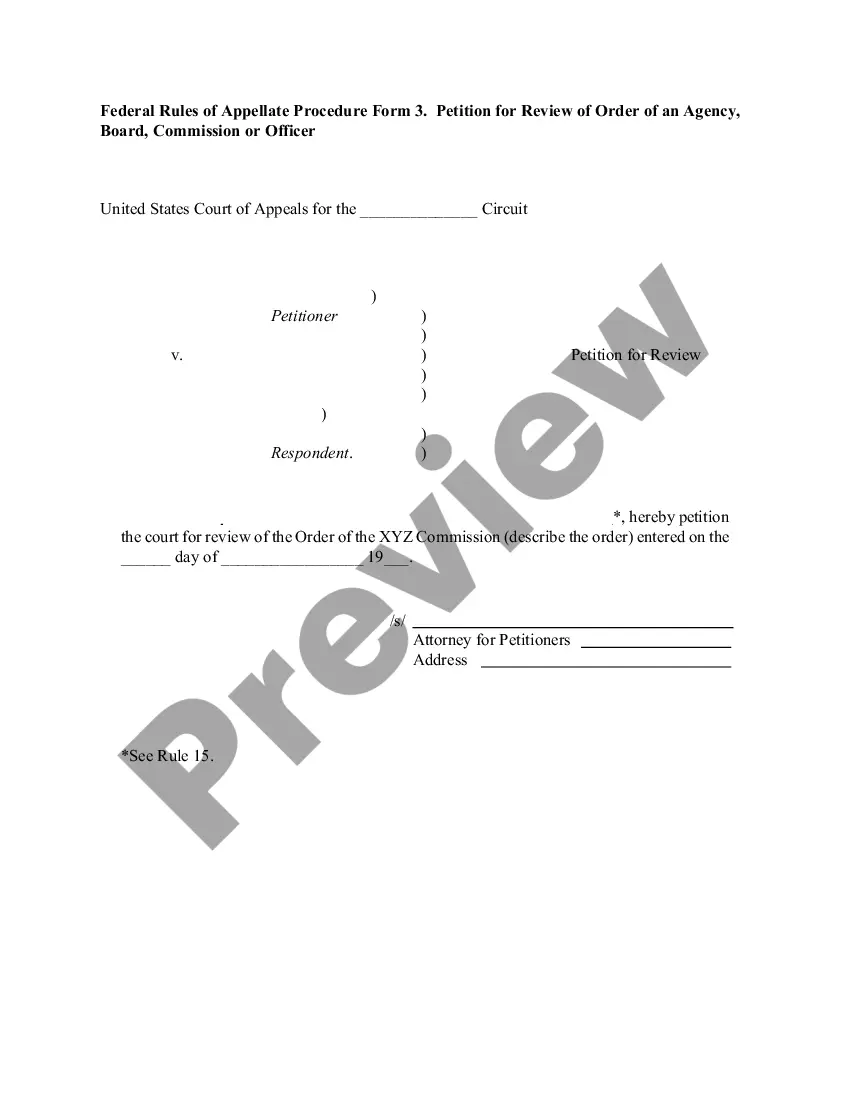
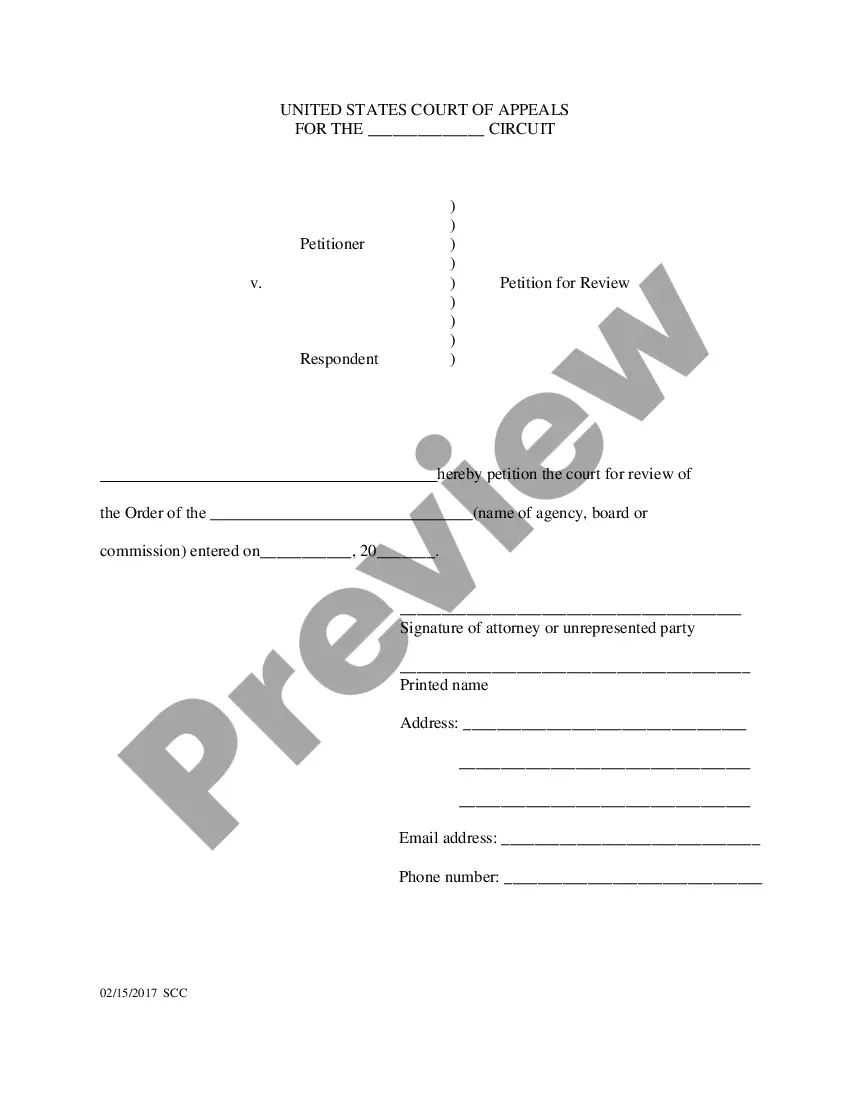

How to fill out Petition Or Application To Compel Approval Of Matters Submitted After Arbitrary Disapproval By Administrative Agency?
US Legal Forms - one of the several most important collections of legal documents in the country - provides a variety of legal form templates that you can download or print.
By using the website, you can access thousands of forms for business and personal purposes, organized by categories, states, or keywords. You can obtain the most recent versions of forms such as the Oklahoma Petition or Application to Compel Approval of Matters Submitted After Arbitrary Disapproval by Administrative Agency in moments.
If you already have an account, Log In and download the Oklahoma Petition or Application to Compel Approval of Matters Submitted After Arbitrary Disapproval by Administrative Agency from the US Legal Forms library. The Download button will appear on every form you view. You can access all previously saved forms in the My documents section of your account.
Complete the payment. Use your credit card or PayPal account to finalize the transaction.
Select the format and download the form to your device. Make changes. Fill in, modify, print, and sign the downloaded Oklahoma Petition or Application to Compel Approval of Matters Submitted After Arbitrary Disapproval by Administrative Agency. Each template you have added to your account does not have an expiration date and is yours indefinitely. So, to download or print another copy, simply navigate to the My documents section and click on the form you need. Access the Oklahoma Petition or Application to Compel Approval of Matters Submitted After Arbitrary Disapproval by Administrative Agency with US Legal Forms, one of the most comprehensive collections of legal document templates. Utilize thousands of professional and state-specific templates that meet your business or personal needs and requirements.
- If you are using US Legal Forms for the first time, here are simple steps to get started.
- Ensure you have selected the correct form for your region/area.
- Click the Review button to examine the form's content.
- Check the form details to make sure you have chosen the right form.
- If the form does not meet your needs, utilize the Search box at the top of the screen to find the one that does.
- When you are satisfied with the form, confirm your choice by clicking the Get now button.
- Then, choose the pricing plan you prefer and provide your details to create an account.
Form popularity
FAQ
The Administrative Procedure Act (APA) governs the process by which federal agencies develop and issue regulations. It includes requirements for publishing notices of proposed and final rulemaking in the Federal Register, and provides opportunities for the public to comment on notices of proposed rulemaking.
How California Regulations Are Made. Regulations are made through a process called notice-and-comment rulemaking. In California's version of this process: The agency publishes a notice of the proposed regulation in the Notice Register (also nicknamed the Z Register).
Administrative laws at the federal level are typically called rules (or regulations). Rules are promulgated to implement, interpret, or prescribe law or policy.
Administrative rules have the effect of law. Before becoming effective, permanent rules are subject to a comprehensive rulemaking process that includes review and approval by the Oklahoma Legislature. State agencies are required to accept public comment about proposed rules and may also hold hearingss.
The Administrative Procedures Act [75 O.S.,Sections 250 et seq.] sets out a comprehensive process that provides YOU with the opportunity to participate in the rulemaking process.
Rulemaking is the policy-making process for Executive and Independent agencies of the Federal government. Agencies use this process to develop and issue Rules (also referred to as ?regulations?). The process is governed by laws including but not limited to the Administrative Procedure Act (APA) (5 U.S.C.
An Administrative Rule is any regulation, standard, statement, or document of general applicability (that is not a policy) that describes the procedure or practice requirements of an agency; or implements, prescribes, or interprets an enactment of the general assembly or congress or a regulation adopted by a federal ...
The Oklahoma Administrative Procedure Act is the law governing procedures for state administrative agencies to propose and issue regulations and provides for judicial review of agency adjudications and other final decisions in Oklahoma. It can be found in Title 75 of the Oklahoma Statutes.