A Certified Interior Designer is a person who engages in programming, planning, designing, and construction documentation services for interior improvement, alteration, construction or installation of non-structural, (or non-seismic), elements within a building. An Interior Designers may also submit their plans to local building departments for a permit if their plans and your project require a licensed contractor to implement them. Design is the process of communicating visually using text and images to present information. Design practice embraces a range of cognitive skills, aesthetics and crafts, including visual arts and page layout.
Oklahoma Residential Interior Design Services Agreement
Instant download
Description
Free preview
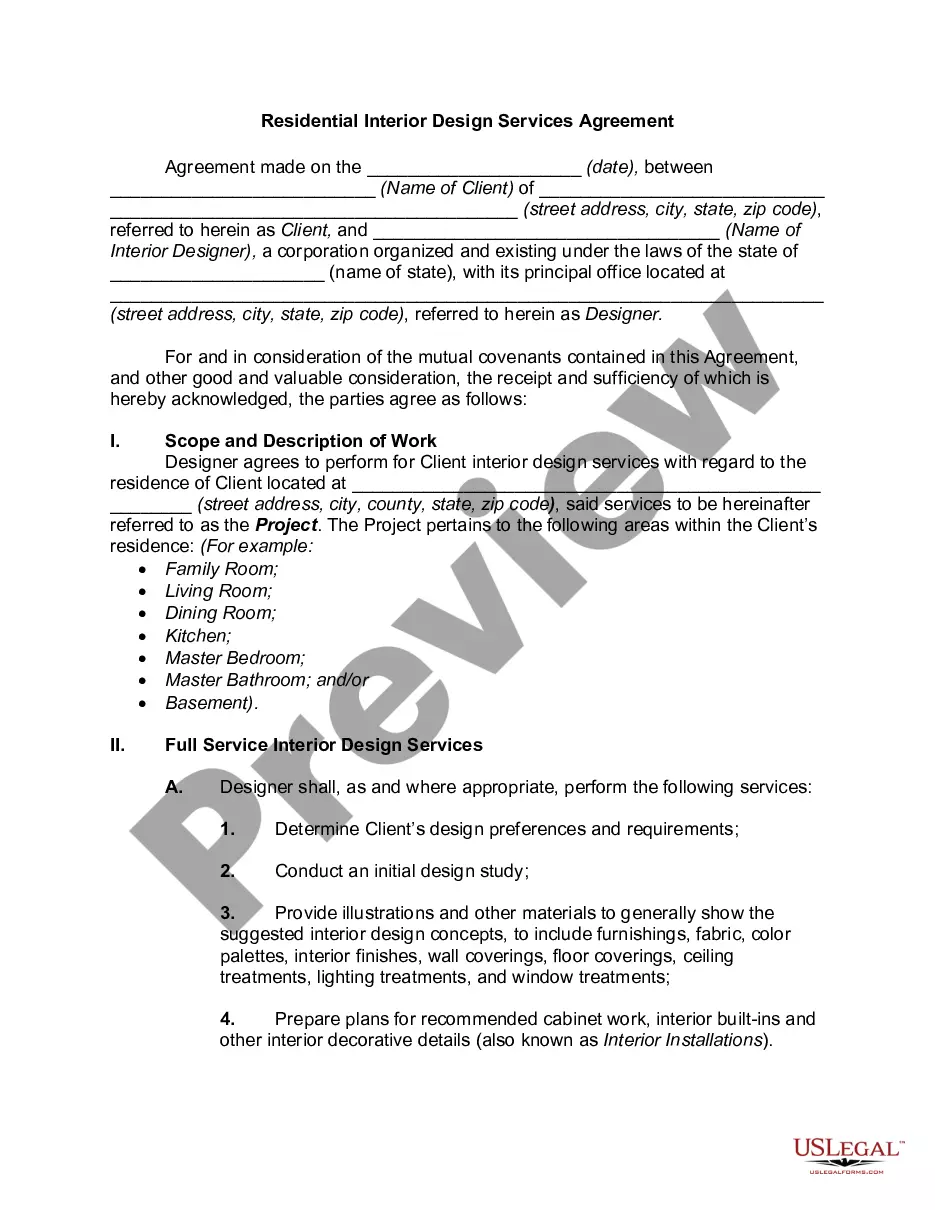
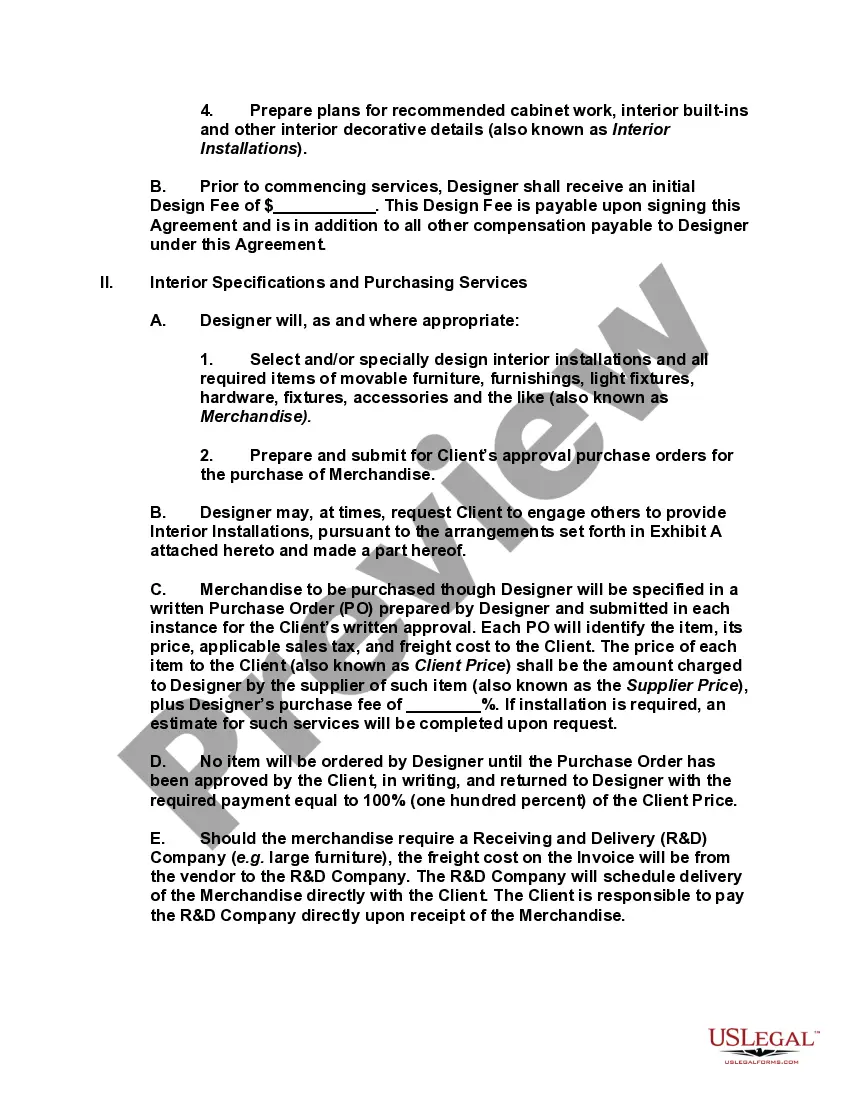
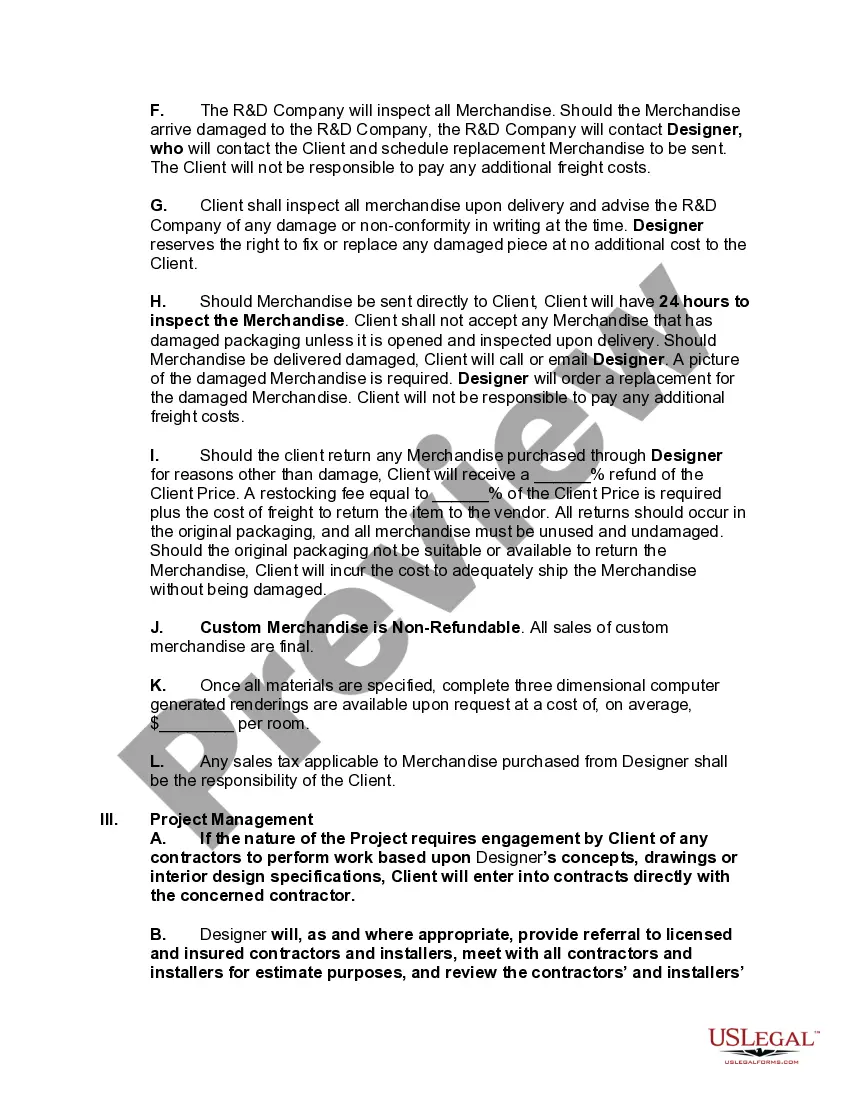
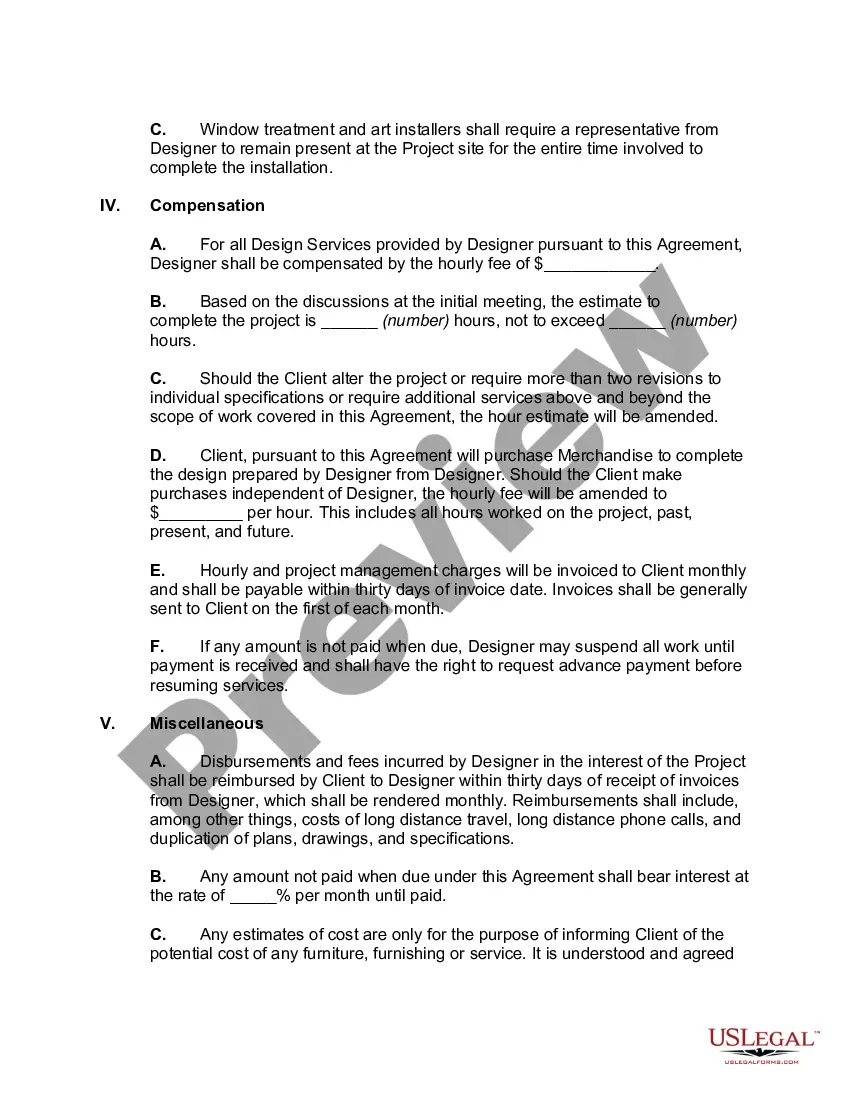
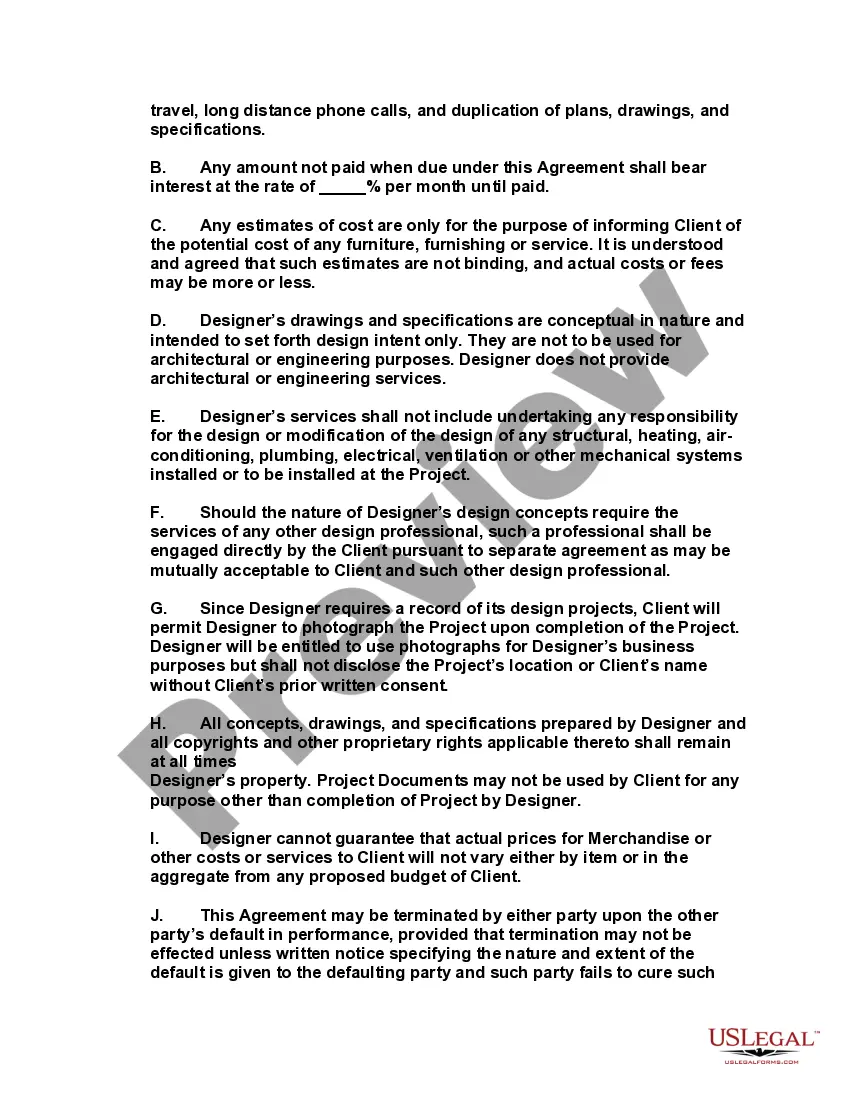
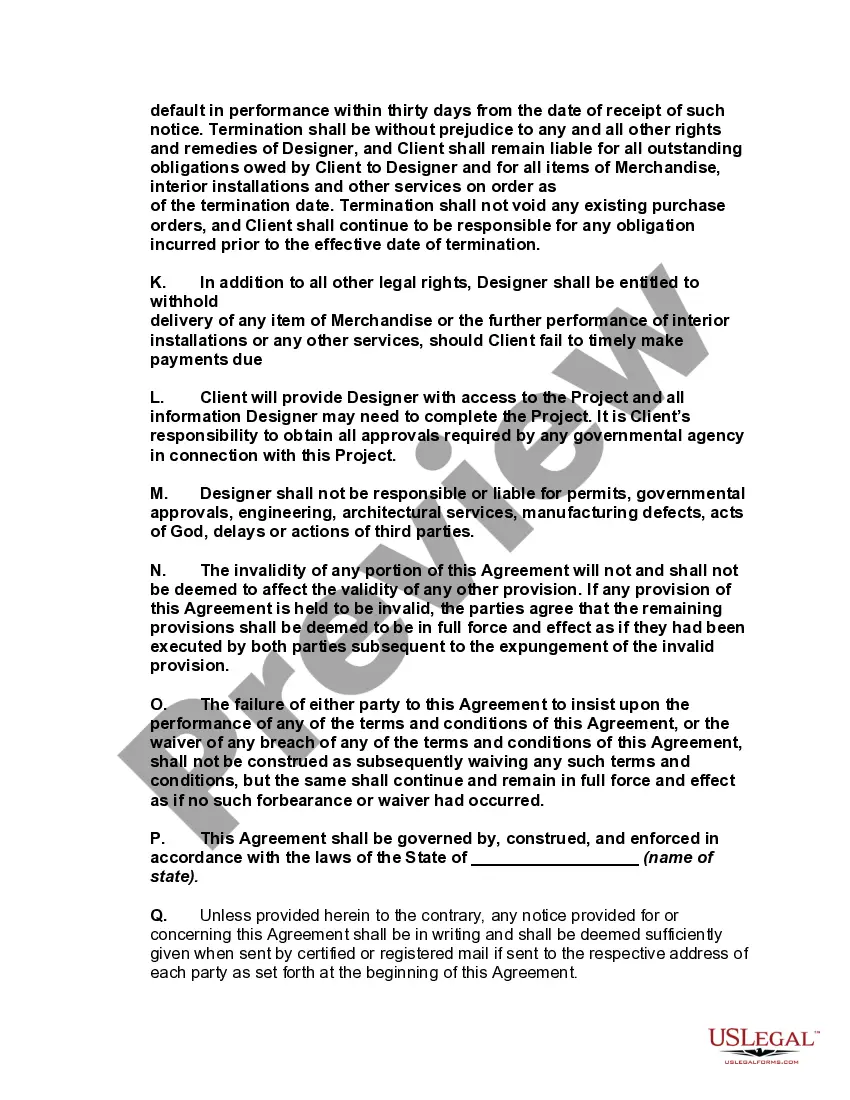
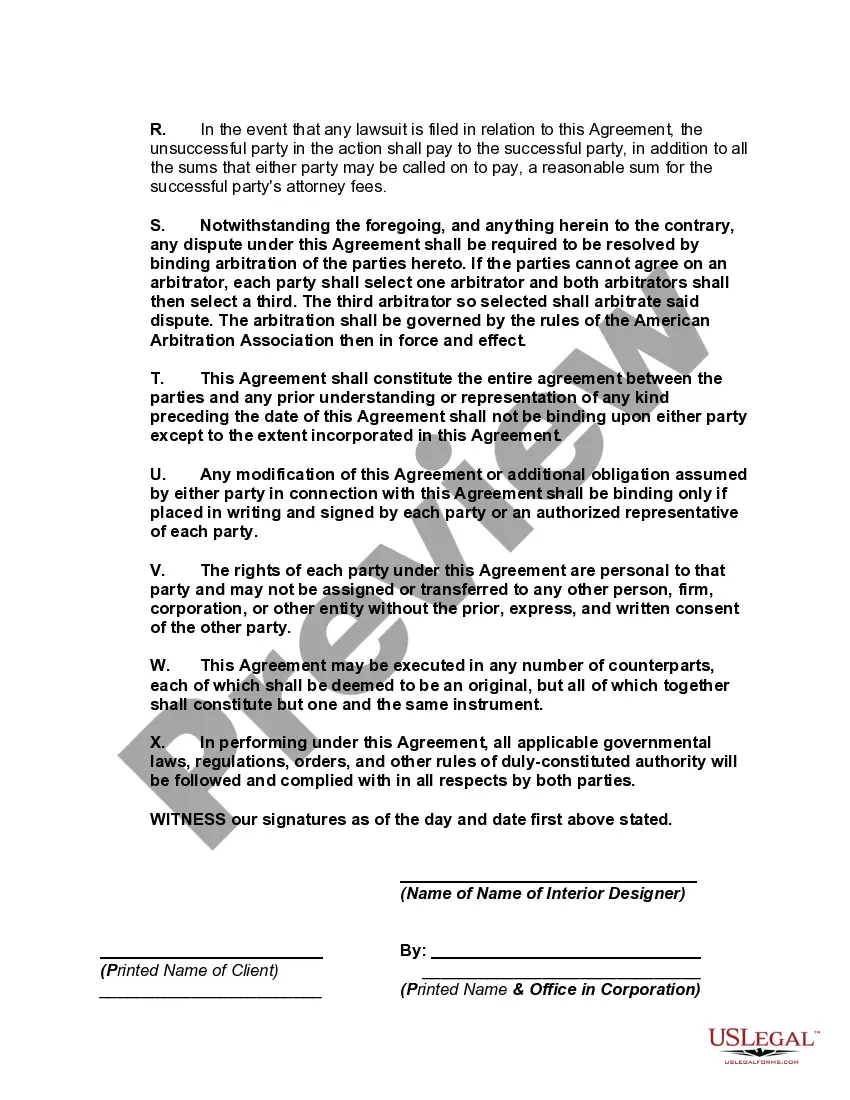

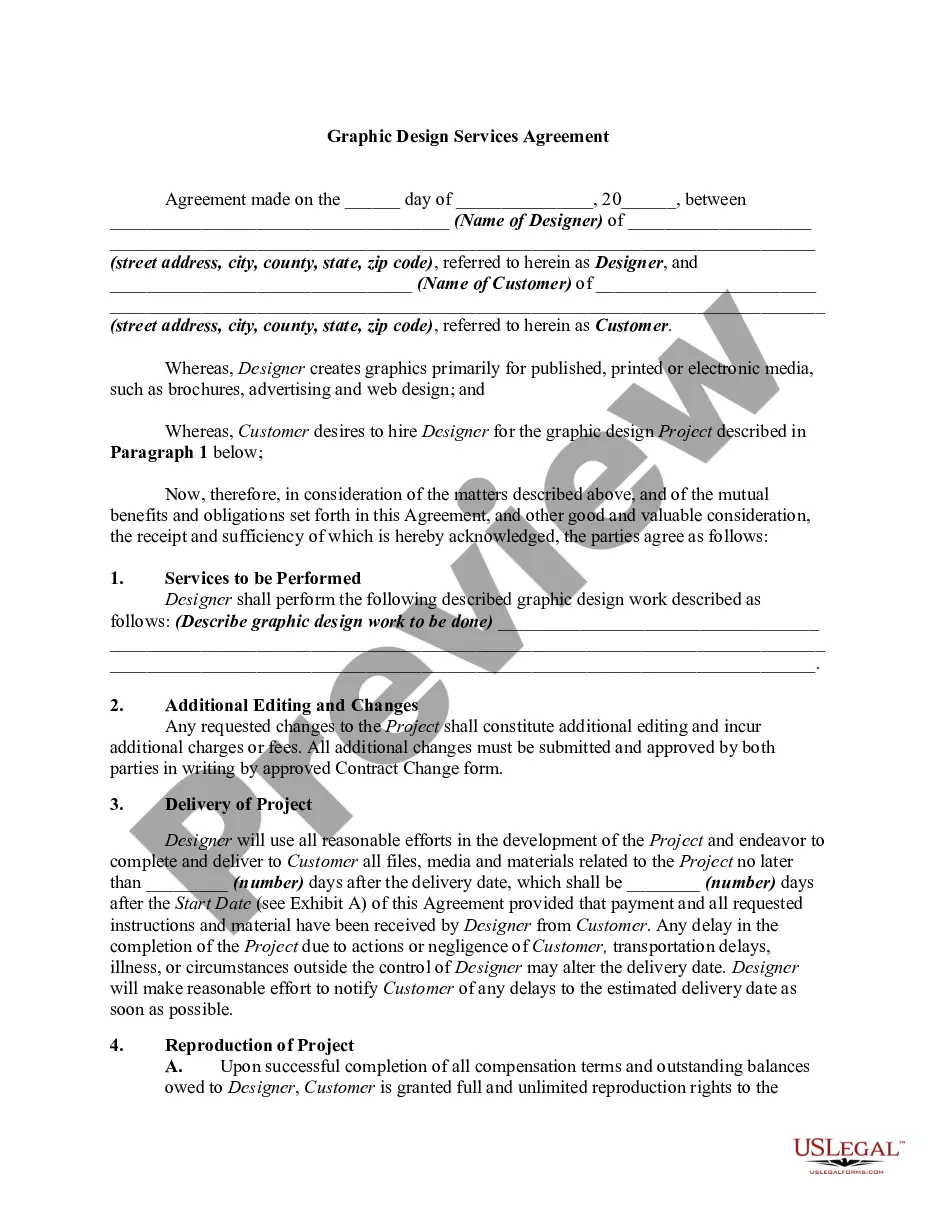
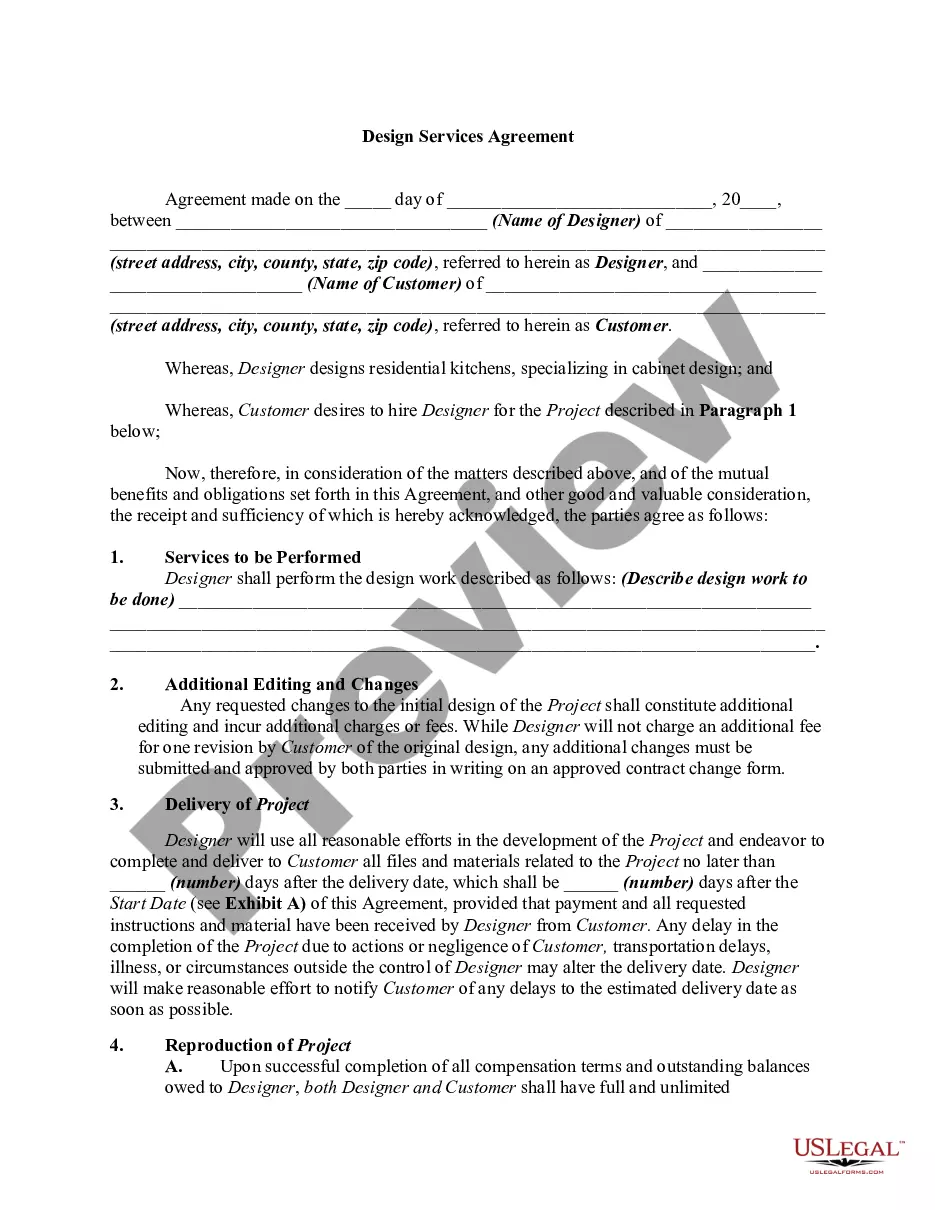
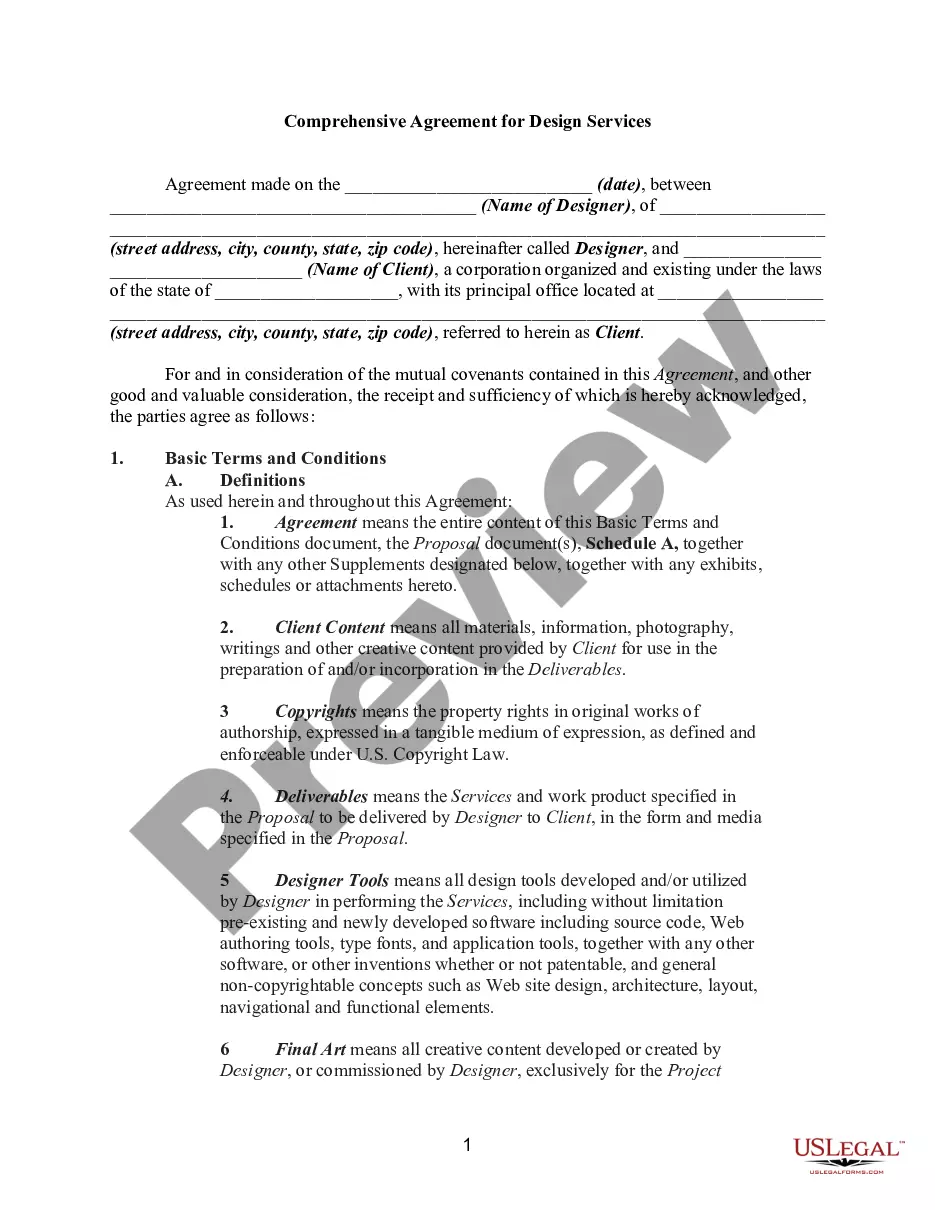
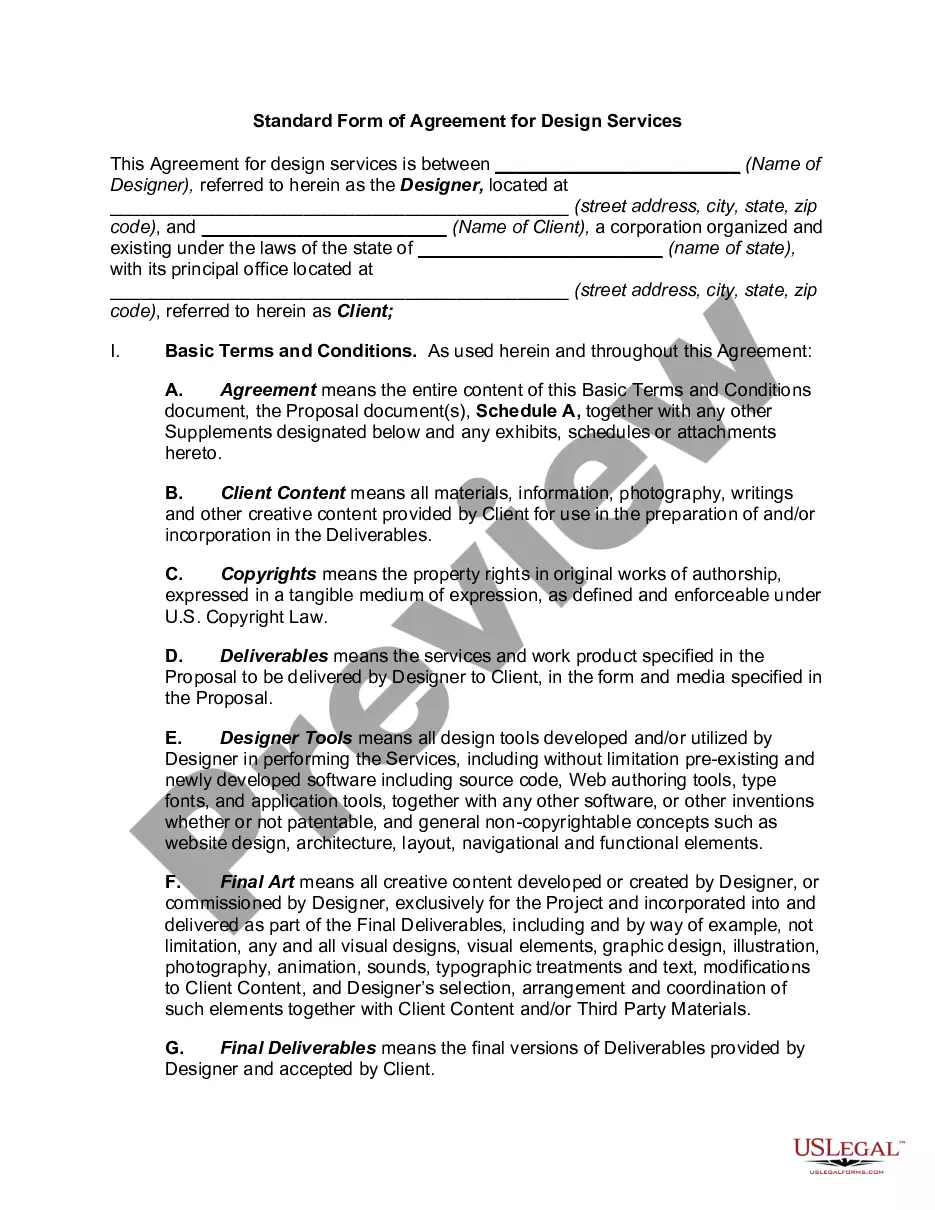
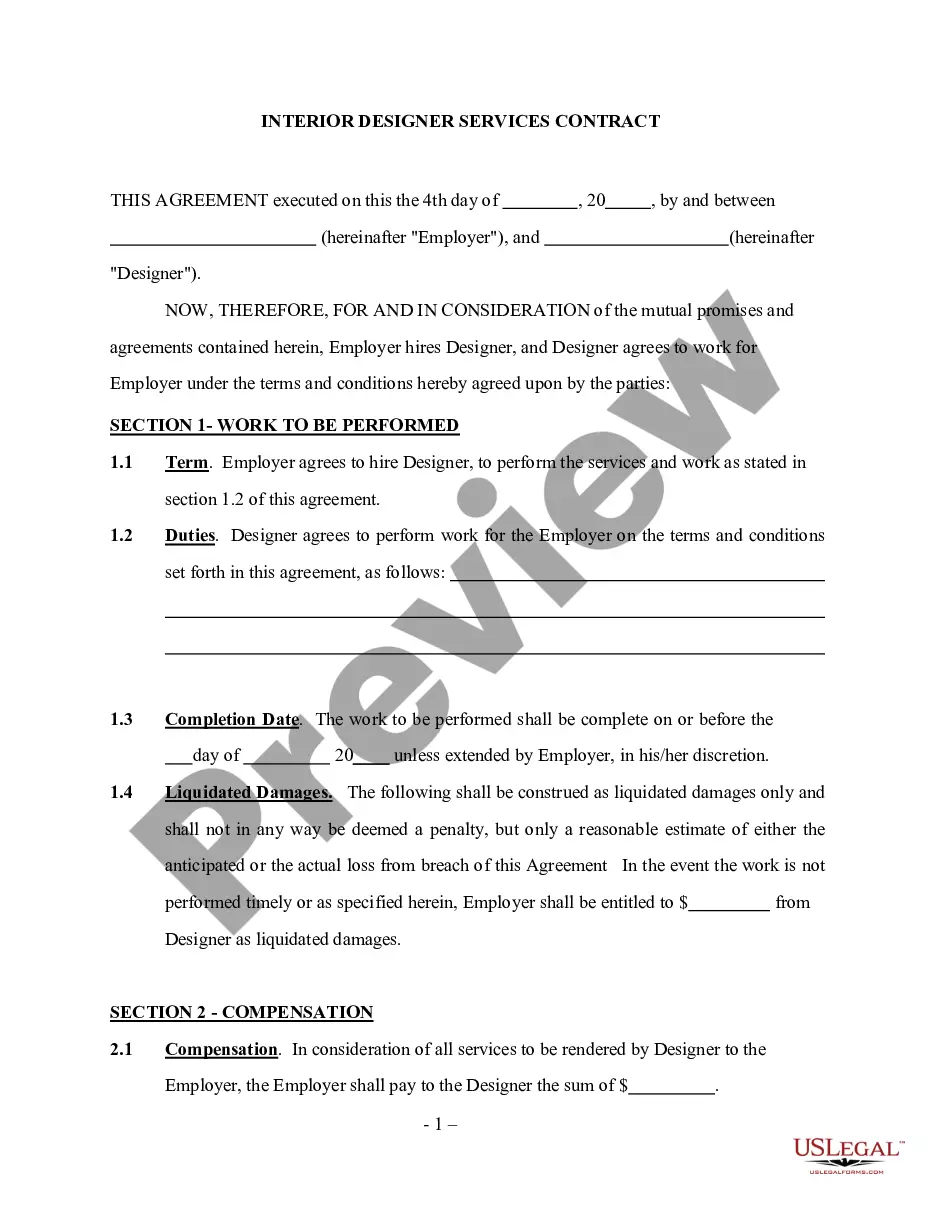



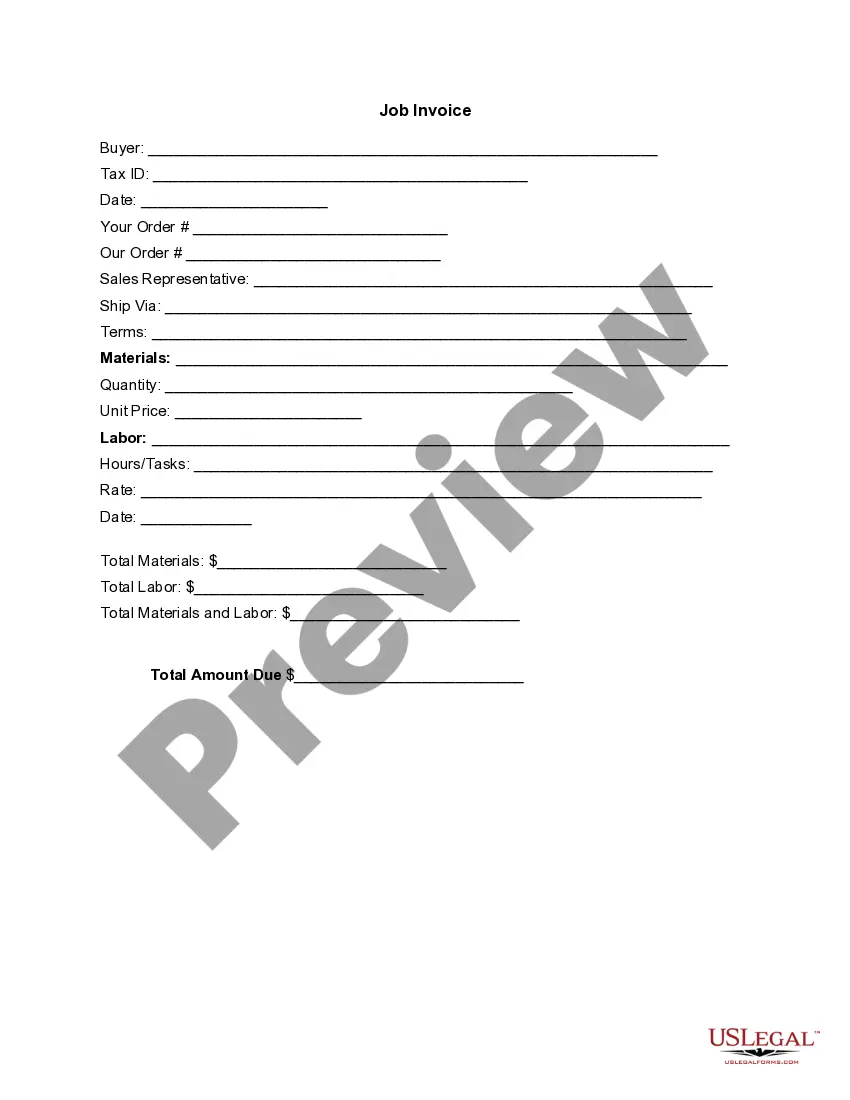
How to fill out Residential Interior Design Services Agreement?
US Legal Forms - one of the largest collections of legal documents in the United States - offers a broad selection of legal document templates that you can download or print.
Through the website, you can access thousands of forms for business and personal needs, organized by type, state, or keywords. You can find the newest versions of documents like the Oklahoma Residential Interior Design Services Agreement in moments.
If you already have a subscription, Log In and download the Oklahoma Residential Interior Design Services Agreement from the US Legal Forms library. The Download button will appear on every form you look at. You can access all previously downloaded forms in the My documents section of your account.
Complete the transaction. Use your credit card or PayPal account to finalize the transaction.
Select the format and download the form to your device. Make modifications. Fill out, modify, print, and sign the downloaded Oklahoma Residential Interior Design Services Agreement. Each document you added to your account does not expire and remains your property permanently. Therefore, to download or print another copy, simply go to the My documents section and click on the document you need. Access the Oklahoma Residential Interior Design Services Agreement with US Legal Forms, the most comprehensive collection of legal document templates. Utilize thousands of professional and state-specific templates that cater to your business or personal needs and requirements.
- If you are using US Legal Forms for the first time, here are simple steps to get started.
- Ensure you have selected the correct form for your city/state. Click the Preview button to review the form's content.
- Check the form summary to ensure you have chosen the right one.
- If the form does not meet your needs, use the Search field at the top of the screen to find the one that does.
- Once you are satisfied with the form, confirm your choice by clicking the Get now button.
- Then, select the pricing plan you wish to use and provide your details to create an account.
Form popularity
FAQ
Some designers charge as little as fifteen dollars an hour and others charge hundreds. The average is around USD forty-five dollars an hour for graphic designers.
An interior design contract is a legal document which spells out the terms of a relationship between an interior designer and a client. Professional organizations of interior designers highly recommend that everyone who embarks on an interior design project obtain a contract and review the contract carefully.
drafted interior design contract will serve as an agreement between you and your clients and will include a detailed list of the scope of work, pricing, payment terms, insurance policy, and more. Signing a formal interior design contract is important for your business.
Most interior designers charge for their time by the hour, anywhere from $50 to $500 depending on their experience. On average you can expect to pay $100 to $200 per hour, typically totaling around $5,200 in design fees, not including the cost of furniture.
Homeowners spend about $786 to $11,794 in interior designing services. An interior designer in Oklahoma City may charge $50 to $200 per hour. Some will charge their client by the cost up method or by marking up the cost value of the decorations, furniture, accessories, and artwork that will be purchased.
Interior Design Letters of Agreement,Contracts & Proposals The LOA acts like a small contract that outlines simple terms and conditions for you and your client to follow. The most important part for any designer is analyzing the Scope of Services when creating your agreement.
Hourly: A client will pay the designer for each hour worked on the project. Rates can range from $50-$300 and is based on location, experience, and talent. It's never smart to choose the cheapest option, though a designer may charge $100 an hour, it may take them half as long as the person who charges $75 an hour.
It's an industry thumb rule that for a 2 BHK interior design cost, you should budget for at least 10% of the cost of your property. So the higher the valuation per square feet area of your 2 BHK, the more your house interior design cost will be.
Design-only Cost: If it's only the design you want, the designer can charge and interior design cost of around 20b920,000-50,000 for just furniture placement and ideas. For a three-dimensional (3D) view, the cost can go upto 20b975,000-20b91.5 lakh.