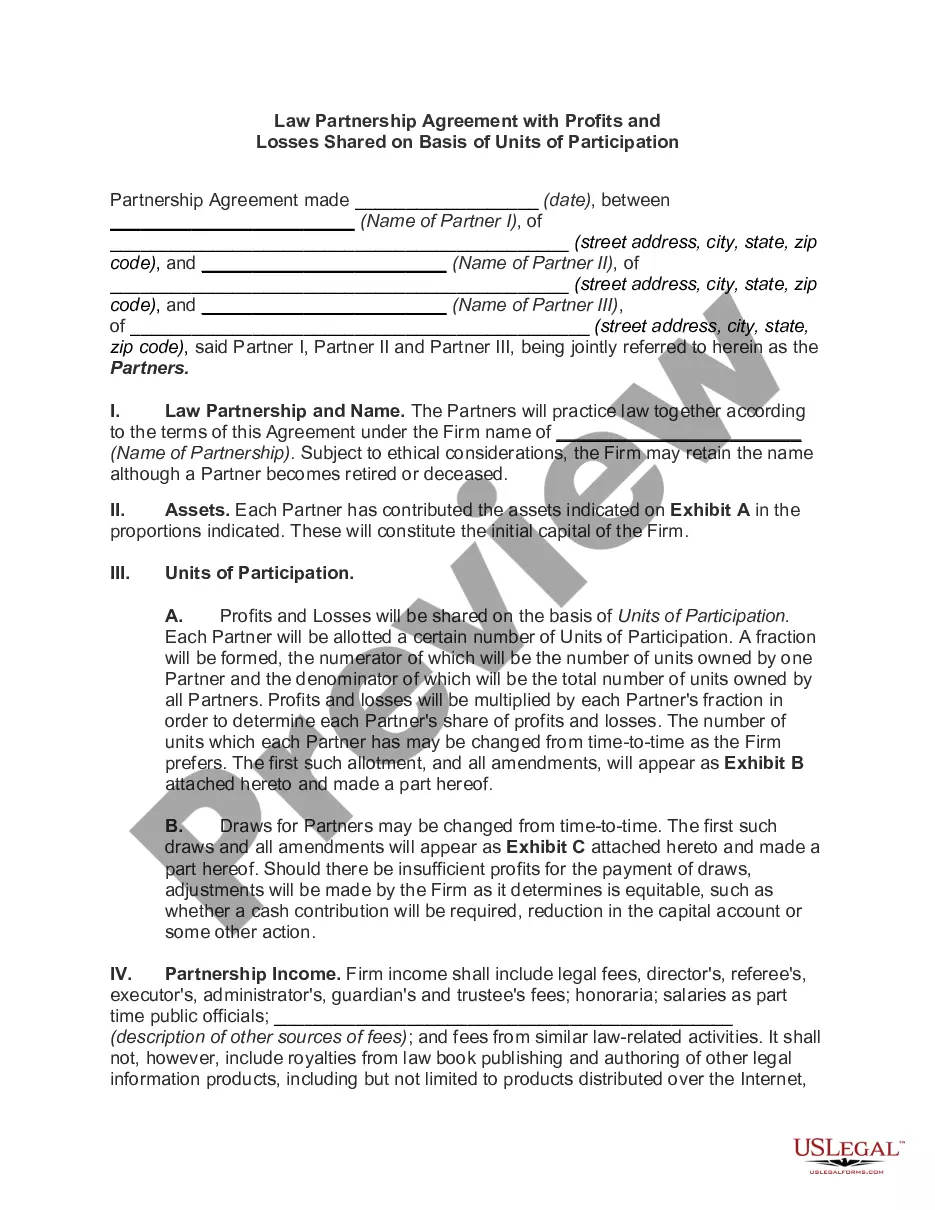
Oklahoma Software Assurance Agreement
Description
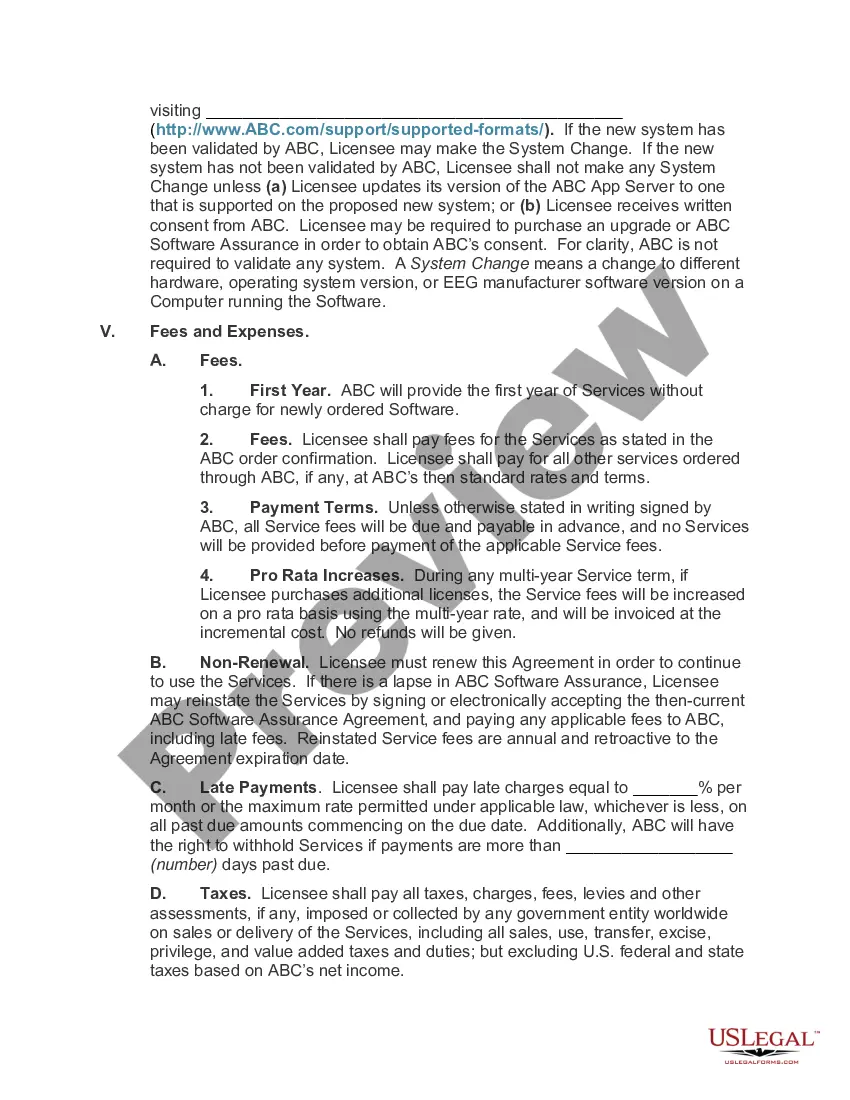
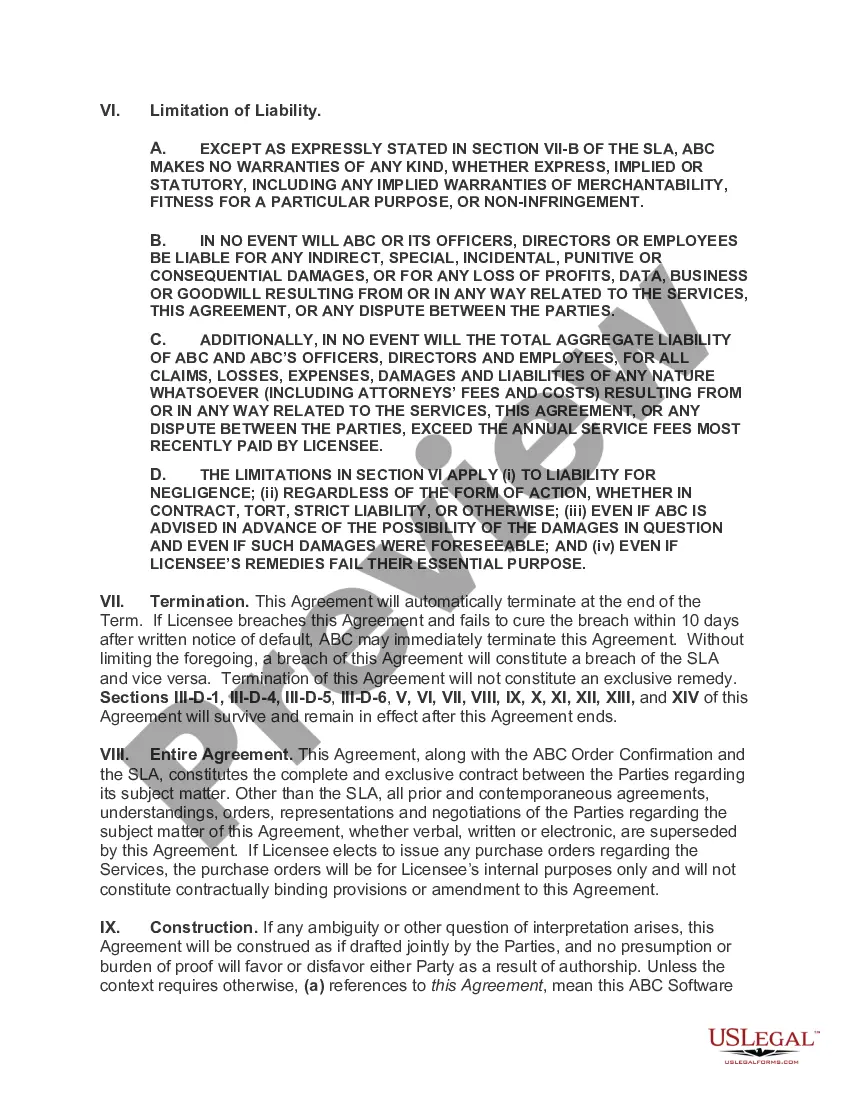
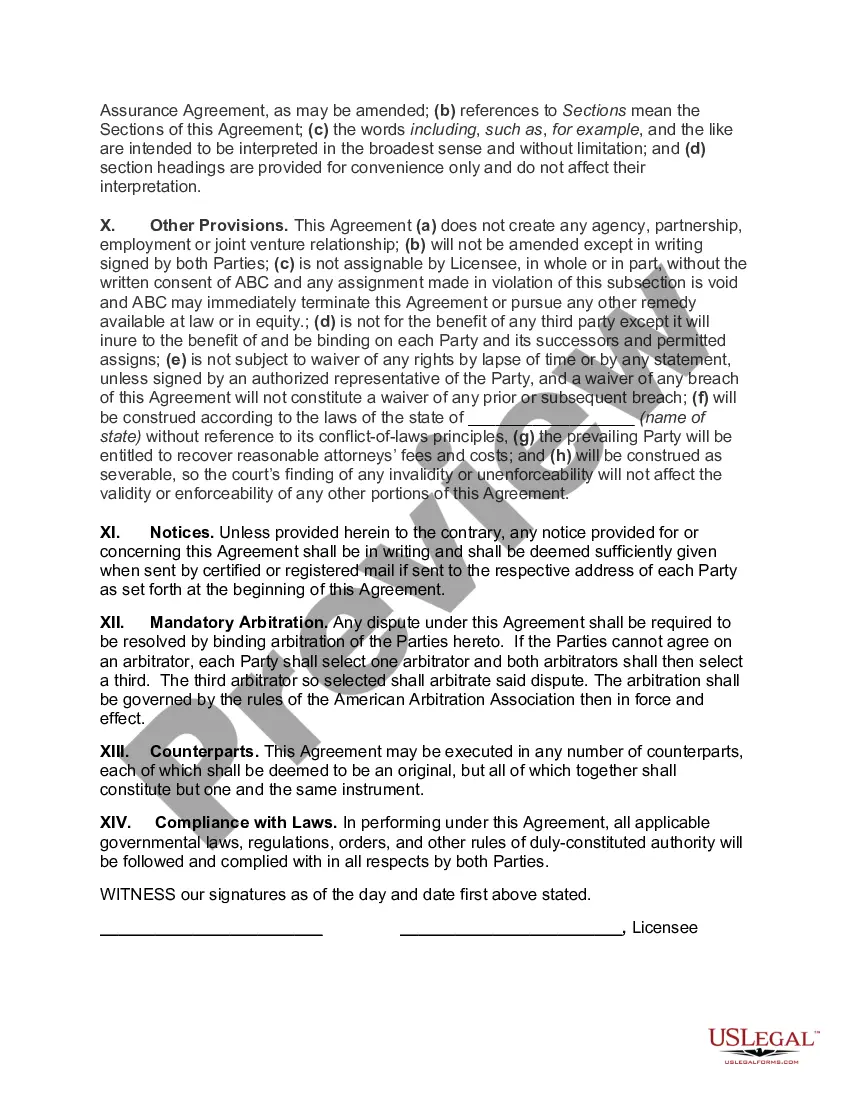
Get your form ready online
Our built-in tools help you complete, sign, share, and store your documents in one place.
Make edits, fill in missing information, and update formatting in US Legal Forms—just like you would in MS Word.
Download a copy, print it, send it by email, or mail it via USPS—whatever works best for your next step.
Sign and collect signatures with our SignNow integration. Send to multiple recipients, set reminders, and more. Go Premium to unlock E-Sign.
If this form requires notarization, complete it online through a secure video call—no need to meet a notary in person or wait for an appointment.
We protect your documents and personal data by following strict security and privacy standards.

Make edits, fill in missing information, and update formatting in US Legal Forms—just like you would in MS Word.

Download a copy, print it, send it by email, or mail it via USPS—whatever works best for your next step.

Sign and collect signatures with our SignNow integration. Send to multiple recipients, set reminders, and more. Go Premium to unlock E-Sign.

If this form requires notarization, complete it online through a secure video call—no need to meet a notary in person or wait for an appointment.

We protect your documents and personal data by following strict security and privacy standards.
Looking for another form?



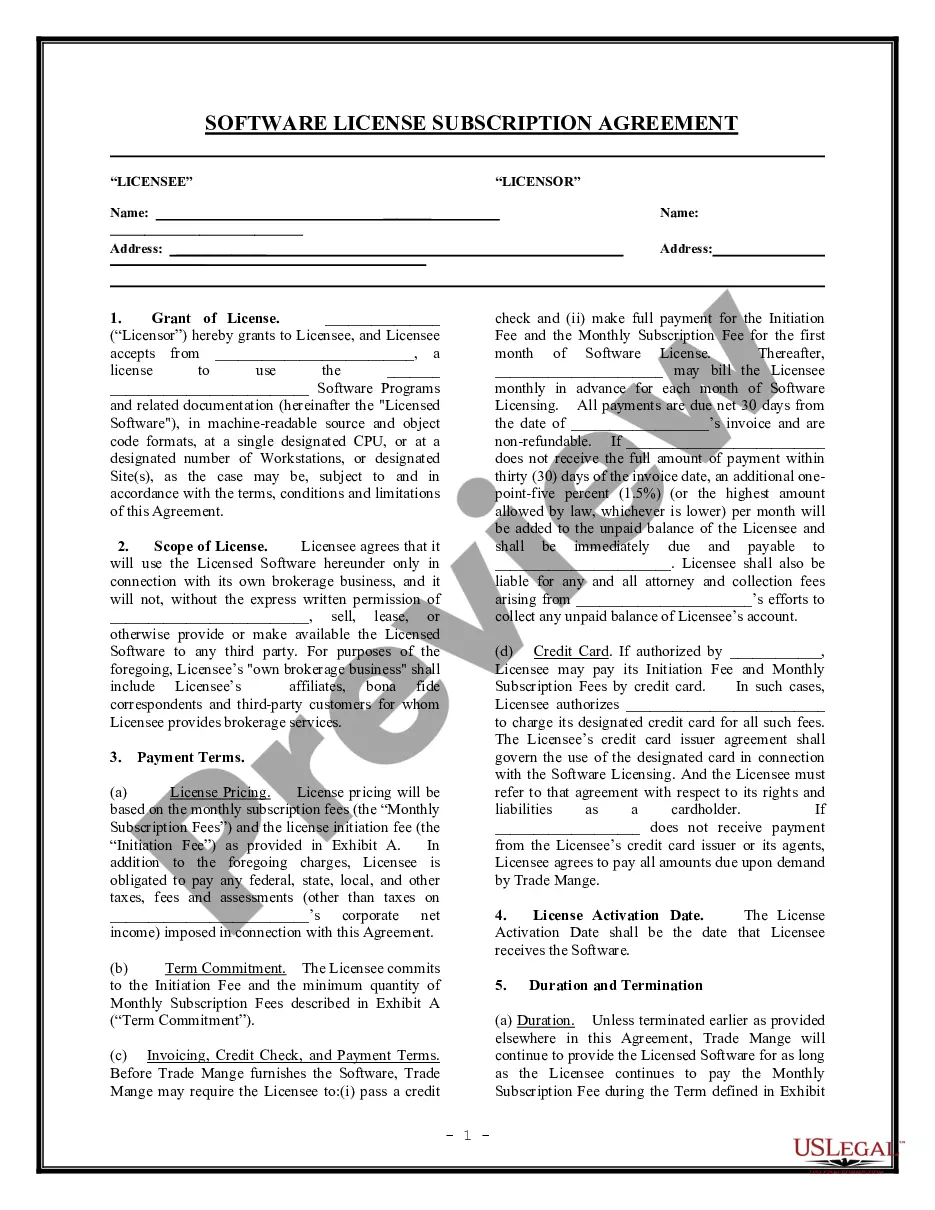
How to fill out Software Assurance Agreement?
Are you currently in a situation where you need documents for either business or personal purposes almost every day.
There are many legal document templates available online, but finding reliable ones isn’t straightforward.
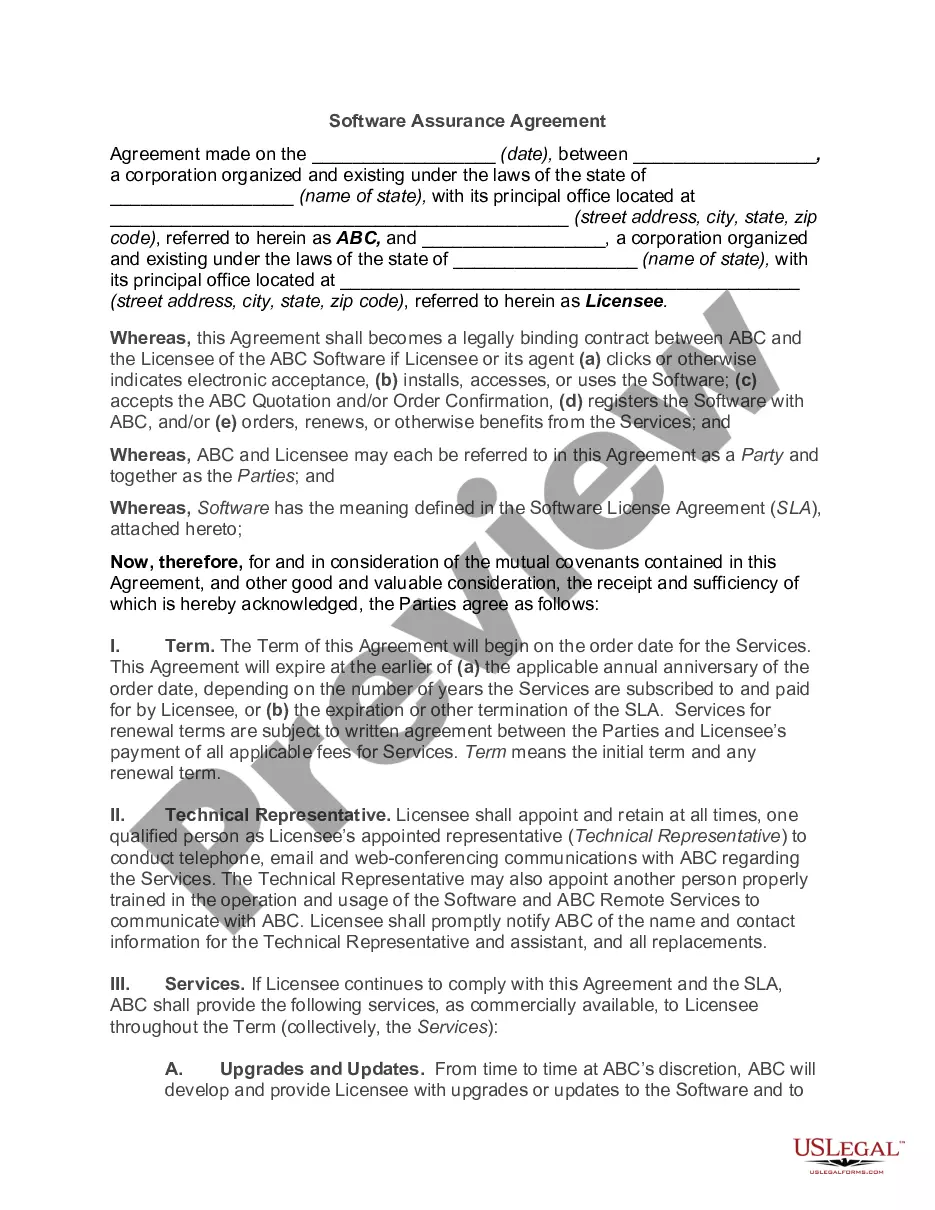
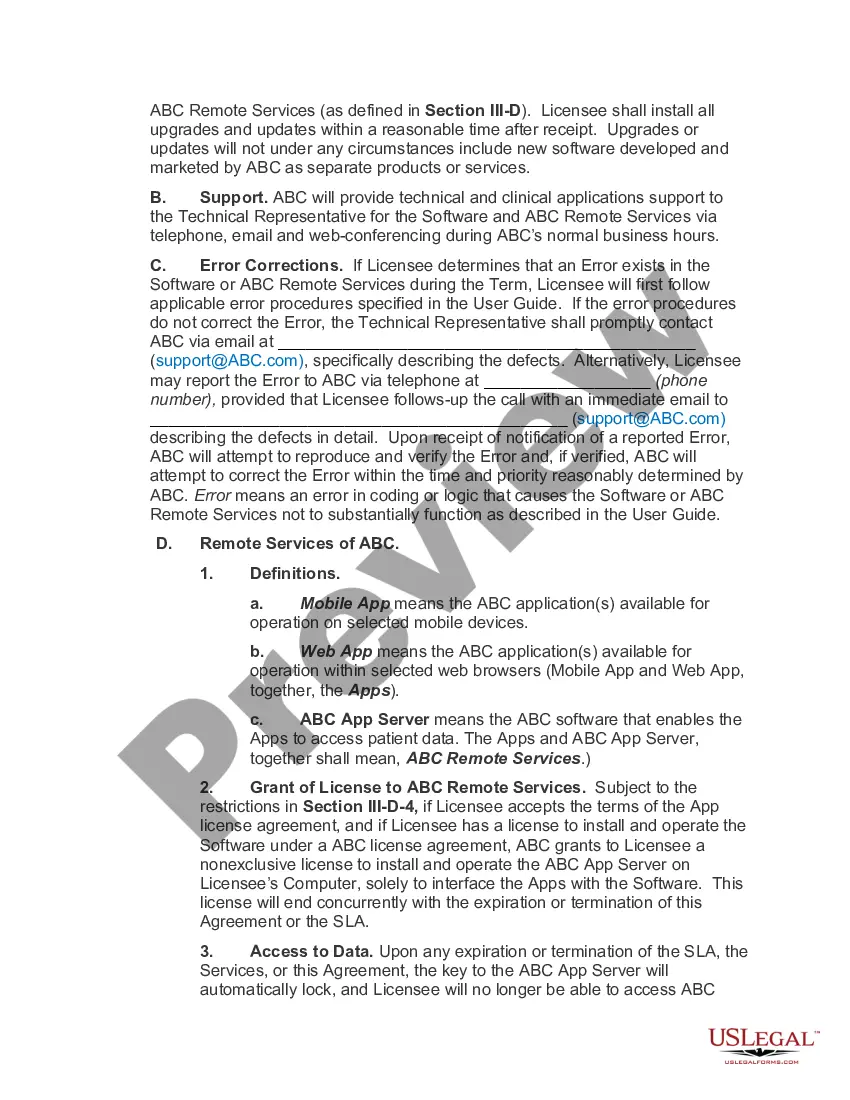
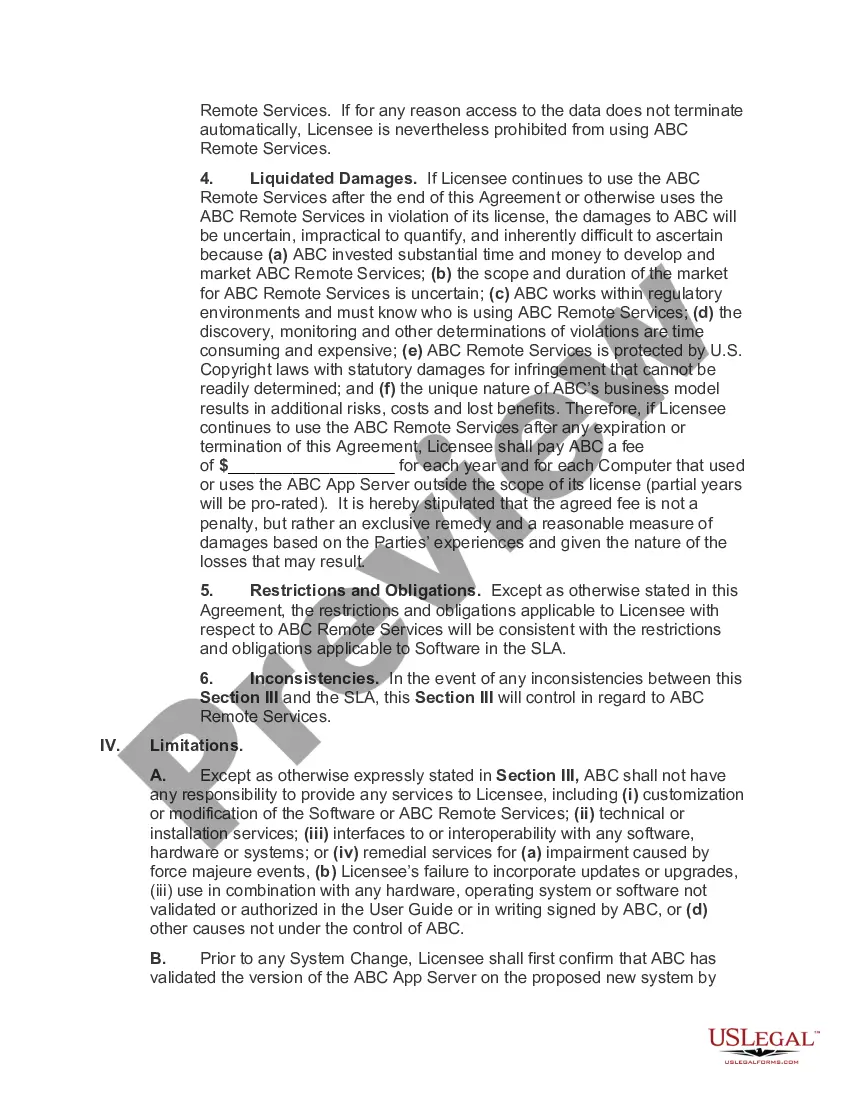
US Legal Forms offers a vast collection of document templates, such as the Oklahoma Software Assurance Agreement, that are designed to comply with federal and state regulations.
Choose a convenient document format and download your copy.
Access all the document templates you have purchased in the My documents menu. You can download an additional copy of the Oklahoma Software Assurance Agreement at any time if needed. Just click on the desired form to download or print the template.
- If you are already familiar with the US Legal Forms site and have an account, simply Log In.
- Then, you can download the Oklahoma Software Assurance Agreement template.
- If you do not have an account and wish to start using US Legal Forms, follow these steps.
- Locate the form you need and ensure it is for the correct city/area.
- Use the Review button to examine the form.
- Check the description to confirm you have selected the correct form.
- If the form isn’t what you’re looking for, use the Search box to find the form that suits you and your needs.
- Once you find the right form, click on Buy now.
- Select the pricing plan you require, complete the necessary details to create your account, and complete the purchase using your PayPal or credit card.
Form popularity
FAQ
What does Software Assurance do? Microsoft Software Assurance provides licenses for version upgrades. Software Assurance customers automatically receive licensing rights that will allow them to deploy new software versions whenever they are released.
An EA provides price protection, discounts, and true-up and true-down rights. The MPSA has more flexible terms, with the ability for organizations to buy what they need. However, neither the EA nor the current MPSA presently lets organizations aggregate their licensing enrollments to get lower pricing.
Software Assurance is only available through Volume Licensing and is purchased when you buy or renew a Volume Licensing agreement. It is included with some agreements and is an optional purchase with others.
The Microsoft Products and Services Agreement (MPSA) is a transactional licensing agreement for commercial, government, and academic organizations with 250 or more users/devices.
Sign into the Volume Licensing Service Centre. Choose Software or click View Software Assurance Benefits in the Entitlements section of the VLSC home page to display the Software Assurance Summary page.
Software Assurance provides you with the tools you need to do more with your Microsoft IT investments. Software Assurance is only available through Volume Licensing and is purchased when you buy or renew a Volume Licensing agreement. It is included with some agreements and is an optional purchase with others.
Steps to find the MS Software Assurance Access ID.Sign into VLSC.Select Software Assurancefrom the top menu.Click on 24×7 Problem Resolution Support.Click on the License ID for which you want to manage 24A7 Problem Resolution Support.Click on 24A7 Problem Resolution Support.More items...a¢
To your agreement expiration date, your Software Assurance benefits will lapse. You will be required to repurchase one or more new licenses, along with new Software Assurance coverage, in order to be eligible for the benefits your company now enjoys.
Software Assurance provides you with the tools you need to do more with your Microsoft IT investments. Software Assurance is only available through Volume Licensing and is purchased when you buy or renew a Volume Licensing agreement. It is included with some agreements and is an optional purchase with others.
Without Software Assurance, licenses can be moved from one server to another only once every 90 days. Benefit from fail-over rights extended to your cloud deployments on Azure or to other public clouds if you use License Mobility through Software Assurance. Apply your license to the Azure Hybrid Benefit for SQL Server.