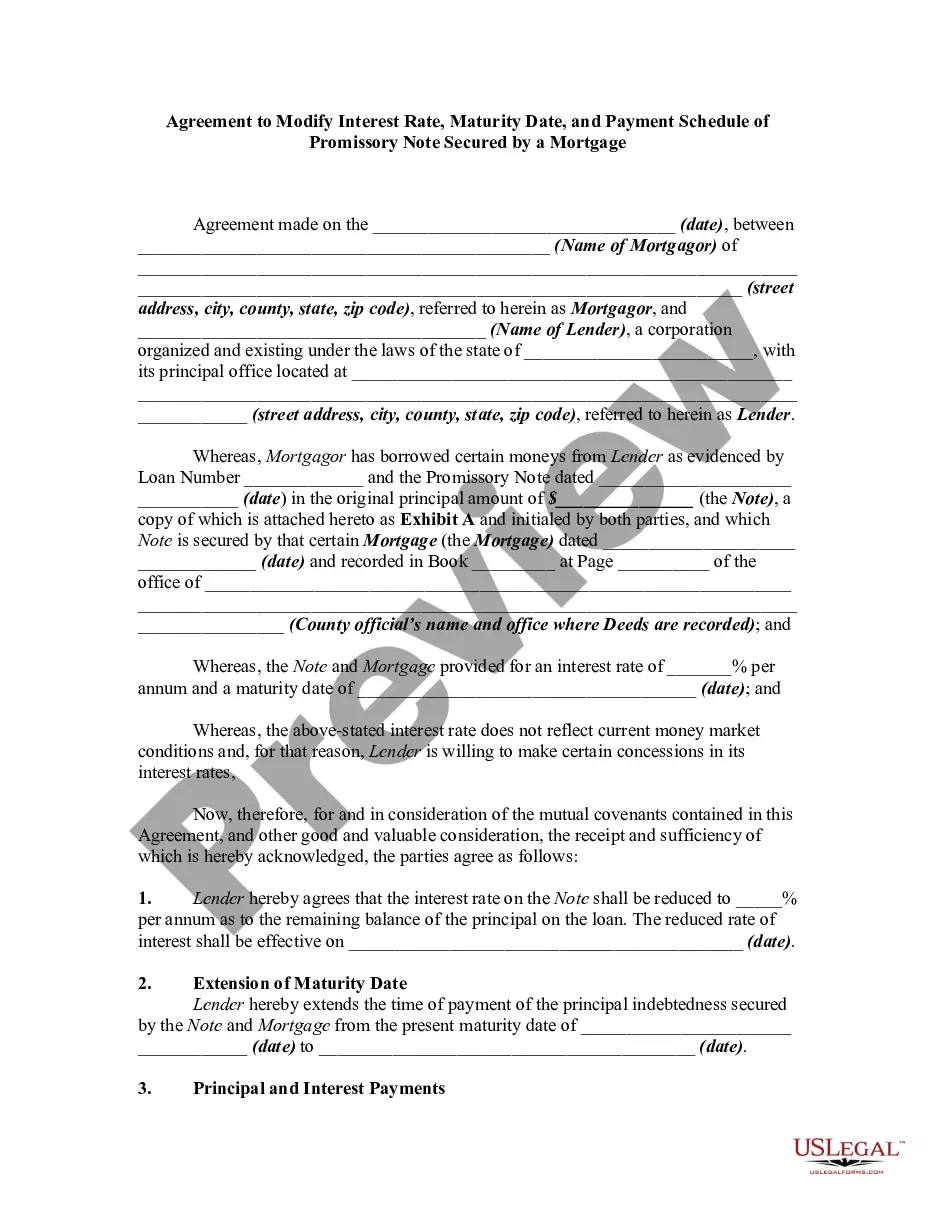
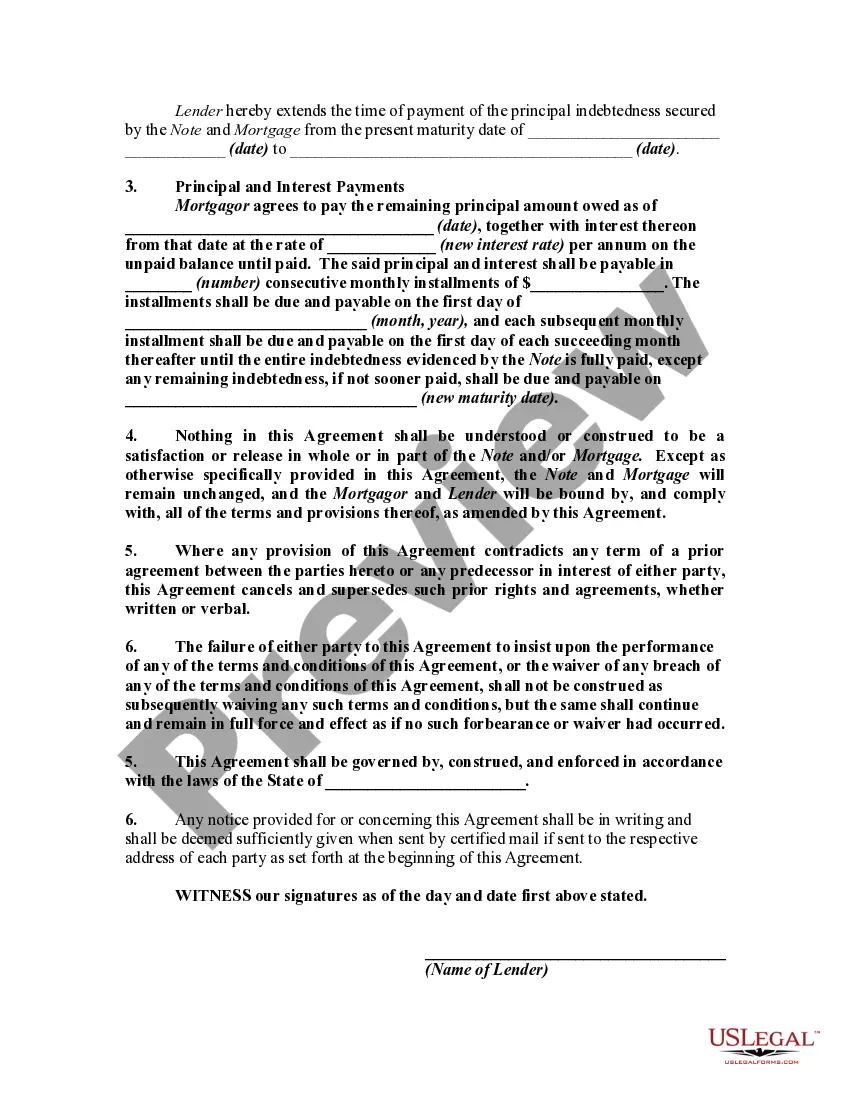
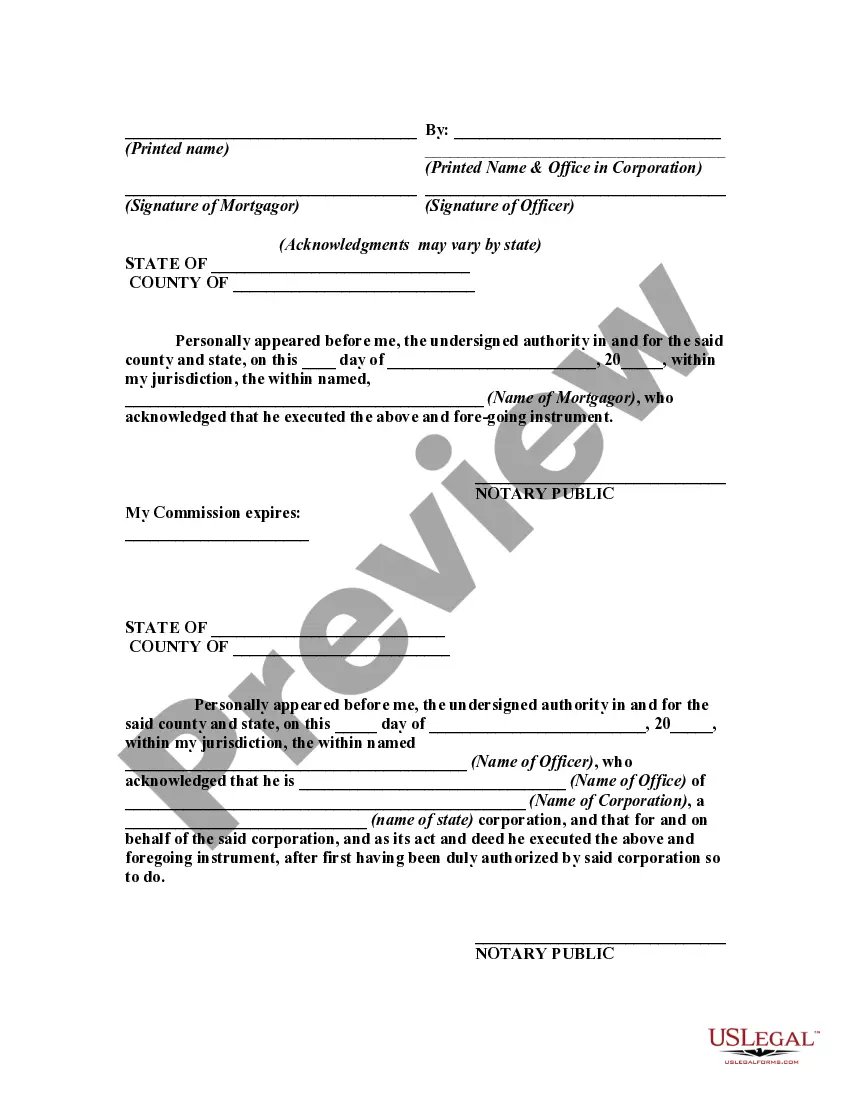
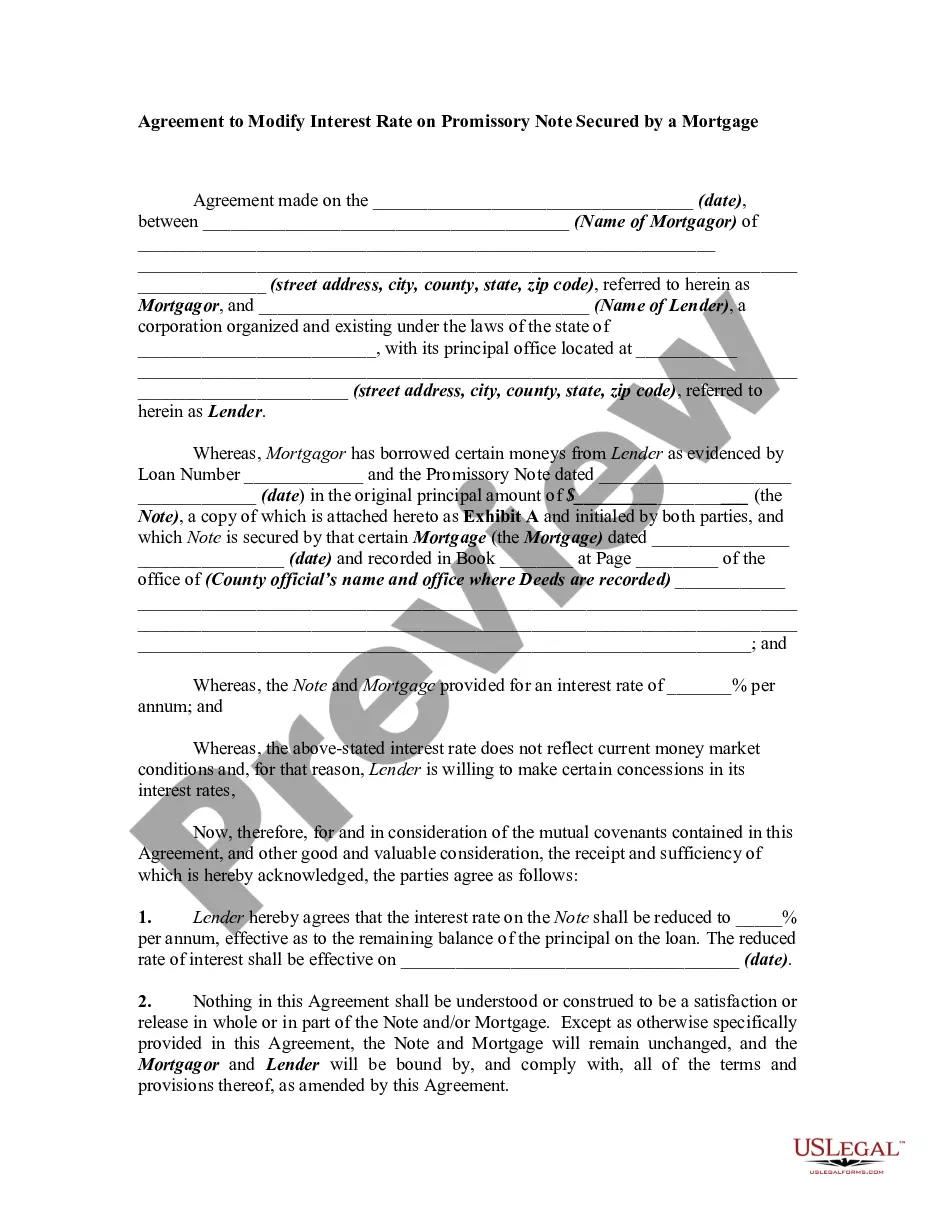
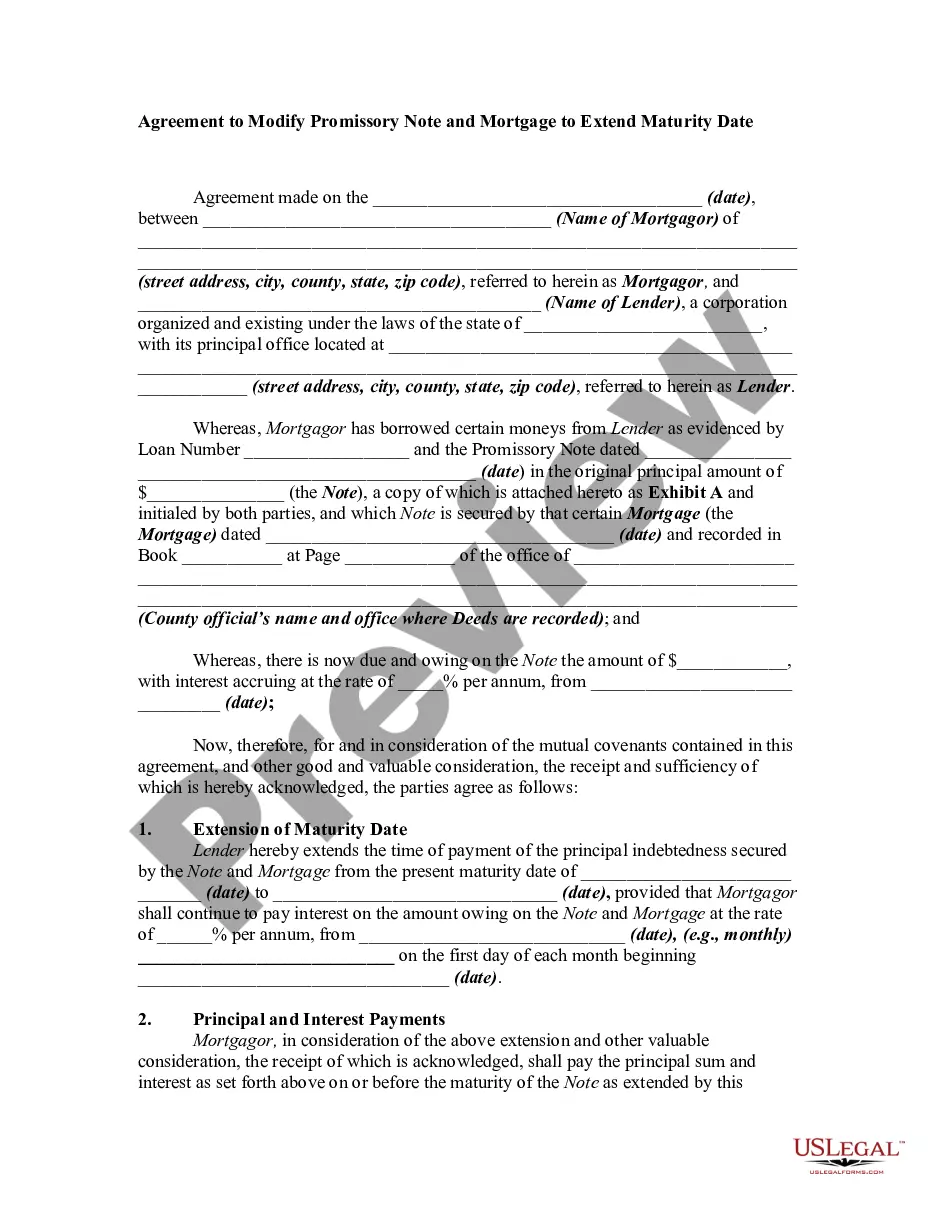
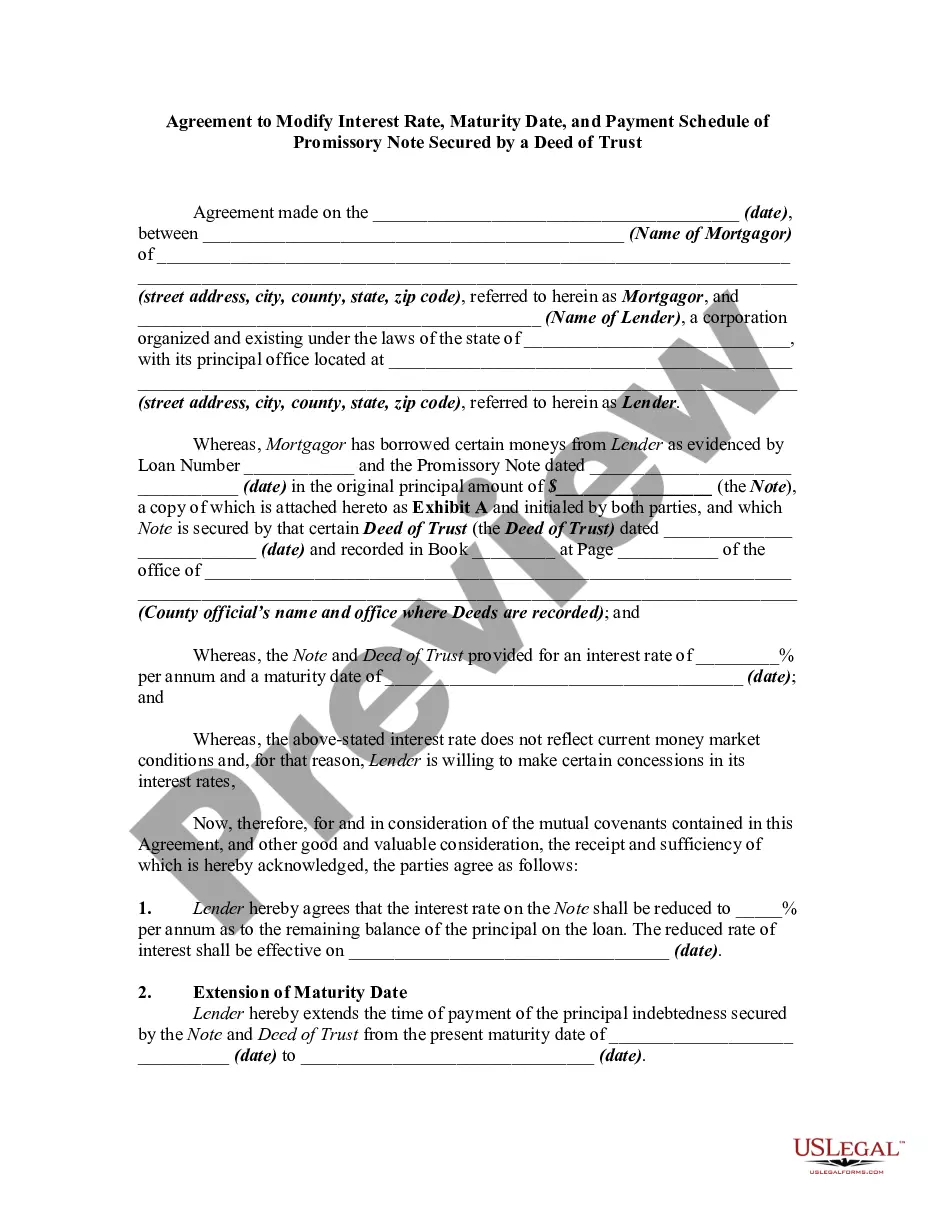
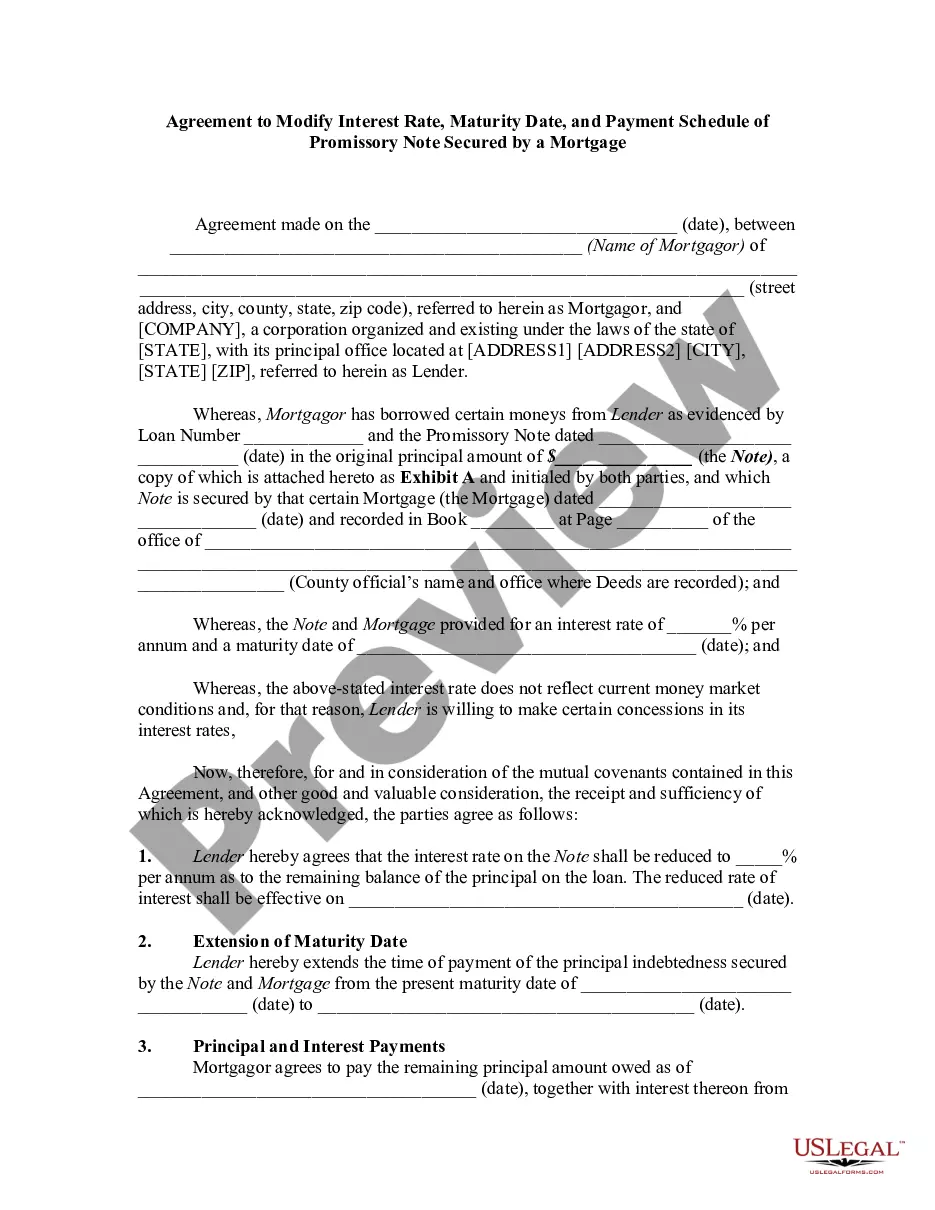
An agreement modifying a loan agreement and mortgage should be signed by both parties to the transaction and recorded in the office of the register of deeds and mortgages where the original mortgage was recorded. This form is a generic example that may be referred to when preparing such a form for your particular state. It is for illustrative purposes only. Local laws should be consulted to determine any specific requirements for such a form in a particular jurisdiction.
Pennsylvania Agreement to Modify Interest Rate, Maturity Date, and Payment Schedule of Promissory Note Secured by a Mortgage
Category:
State:
Multi-State
Control #:
US-01369BG
Format:
Word;
Rich Text
Instant download
Description
Free preview
How to fill out Agreement To Modify Interest Rate, Maturity Date, And Payment Schedule Of Promissory Note Secured By A Mortgage?
US Legal Forms - one of the largest collections of legal documents in the USA - provides a broad selection of legal document templates that you can download or print. By using the website, you can access thousands of forms for business and personal purposes, categorized by type, state, or keywords.
You can quickly find the latest versions of documents such as the Pennsylvania Agreement to Modify Interest Rate, Maturity Date, and Payment Schedule of Promissory Note Secured by a Mortgage.
If you already hold a subscription, Log In and download the Pennsylvania Agreement to Modify Interest Rate, Maturity Date, and Payment Schedule of Promissory Note Secured by a Mortgage from the US Legal Forms library. The Acquire button will appear on every form you view. You can access all previously acquired forms from the My documents section of your account.
Complete the transaction. Use your credit card or PayPal account to finalize the purchase.
Select the format and download the form to your device. Make edits. Fill out, modify, print, and sign the obtained Pennsylvania Agreement to Modify Interest Rate, Maturity Date, and Payment Schedule of Promissory Note Secured by a Mortgage. Every template you add to your account does not have an expiration date and belongs to you indefinitely. Therefore, if you wish to download or print another copy, simply navigate to the My documents section and click on the form you need. Access the Pennsylvania Agreement to Modify Interest Rate, Maturity Date, and Payment Schedule of Promissory Note Secured by a Mortgage with US Legal Forms, the most comprehensive library of legal document templates. Utilize thousands of professional and state-specific templates that fulfill your business or personal needs and requirements.
- If you are using US Legal Forms for the first time, here are simple instructions to assist you in getting started.
- Ensure you have selected the correct form for your city/state.
- Click the Preview button to review the form’s details.
- Examine the form details to confirm that you have selected the right form.
- If the form does not meet your requirements, use the Search field at the top of the screen to find one that does.
- Once you are satisfied with the form, confirm your selection by clicking the Get now button.
- Then, choose the payment option you prefer and provide your information to create an account.
Form popularity
FAQ
If there is a balance due on the loan after the maturity date then the loan company could demand payment of the full balance. If the full balance is not paid then the loan company could repossess the car.
Although it is legally enforceable, a promissory note is less formal than a loan agreement and is suitable where smaller sums of money are involved. However, its terms - which can include a specific date of repayment, interest rate and repayment schedule - are more certain than those of an IOU.
To extend the loan maturity and perfect the lender's lien on a matured loan, you must refinance the loan with a new loan account number and a new set of full loan documents. Be aware that renewing a loan after maturity may cause issues with title insurance.
Loan maturity date refers to the date on which a borrower's final loan payment is due. Once that payment is made and all repayment terms have been met, the promissory note that is a record of the original debt is retired. In the case of a secured loan, the lender no longer has a claim to any of the borrower's assets.
You end up with a collections notice on your credit report or, worse, your car may be repossessed. Because repossessions are costly and complicated, banks try to avoid them if possible. However, if you don't make an arrangement to repay your loan, you could end up with fees that drive your balance higher.
If payment is not made by the agreed-upon maturity date, both parties may be held liable and legal actions could follow which would include any property (office building) that had been put up as collateral for repayment of debt or else even garnishment of wages etc.
A promissory note could become invalid if: It isn't signed by both parties. The note violates laws. One party tries to change the terms of the agreement without notifying the other party.
Loan maturity date refers to the date on which a borrower's final loan payment is due. Once that payment is made and all repayment terms have been met, the promissory note that is a record of the original debt is retired.