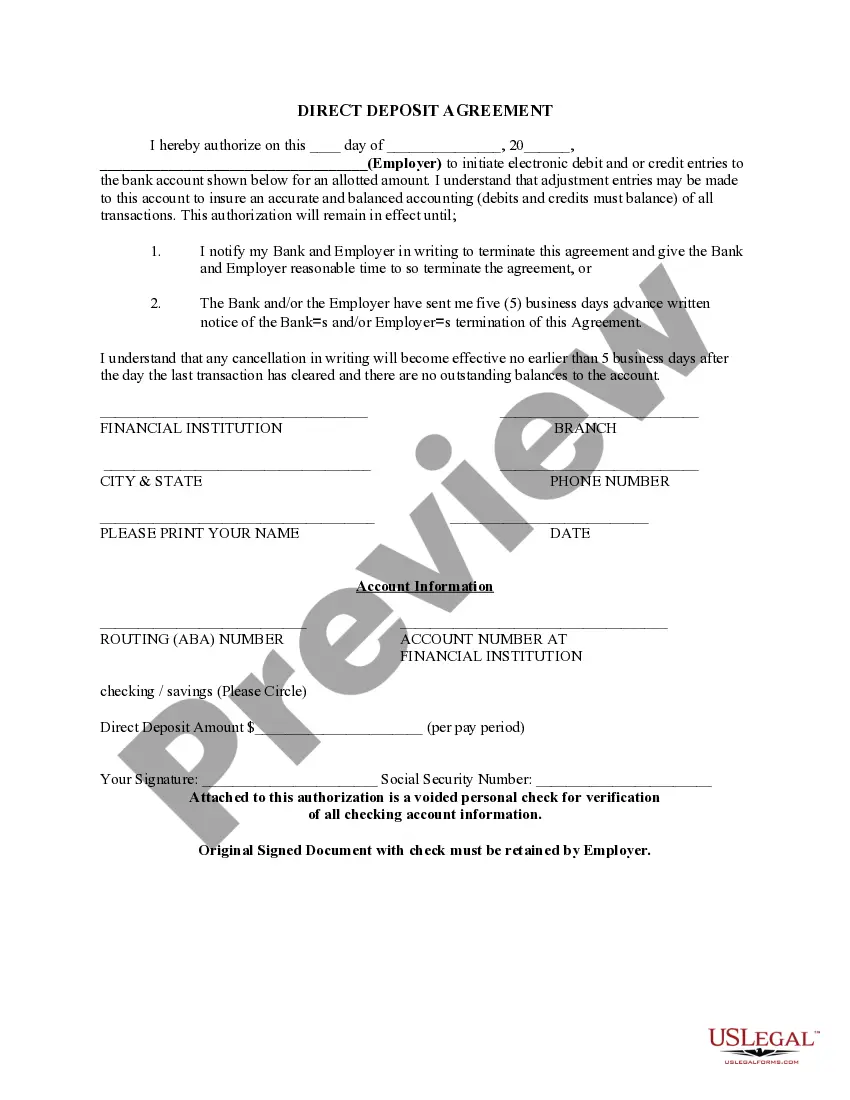
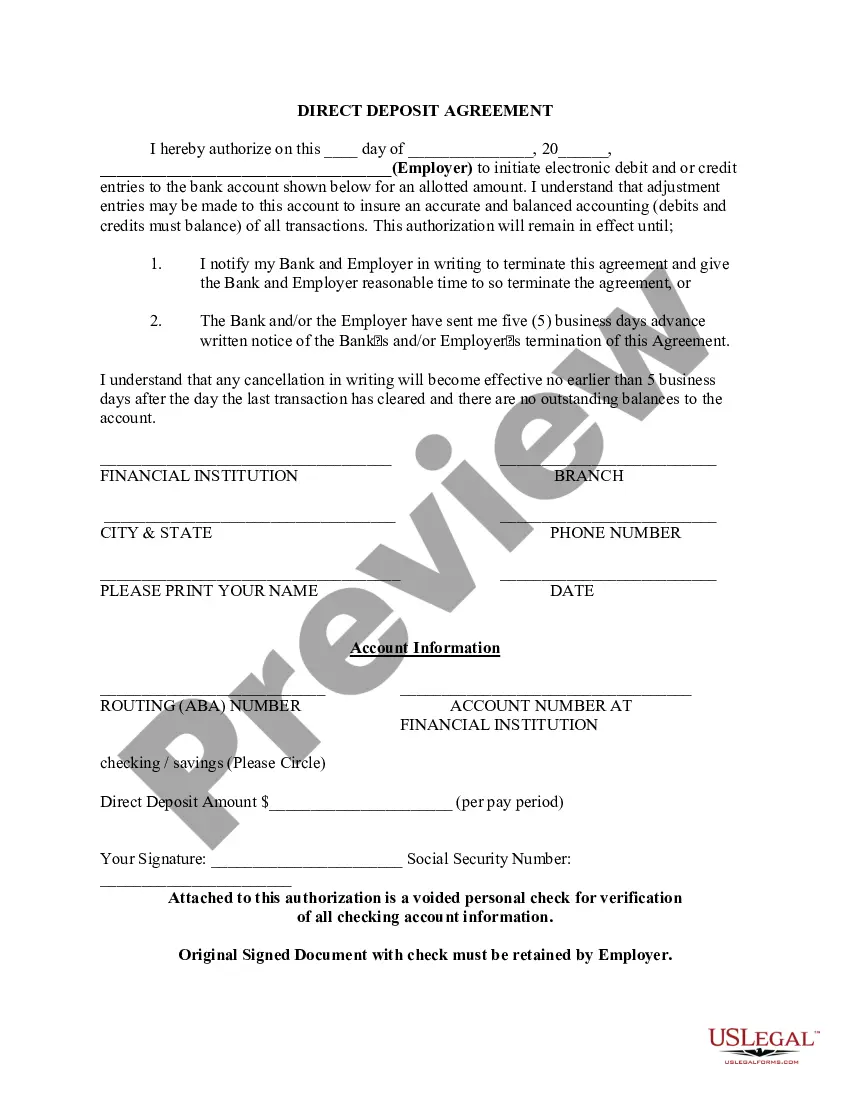
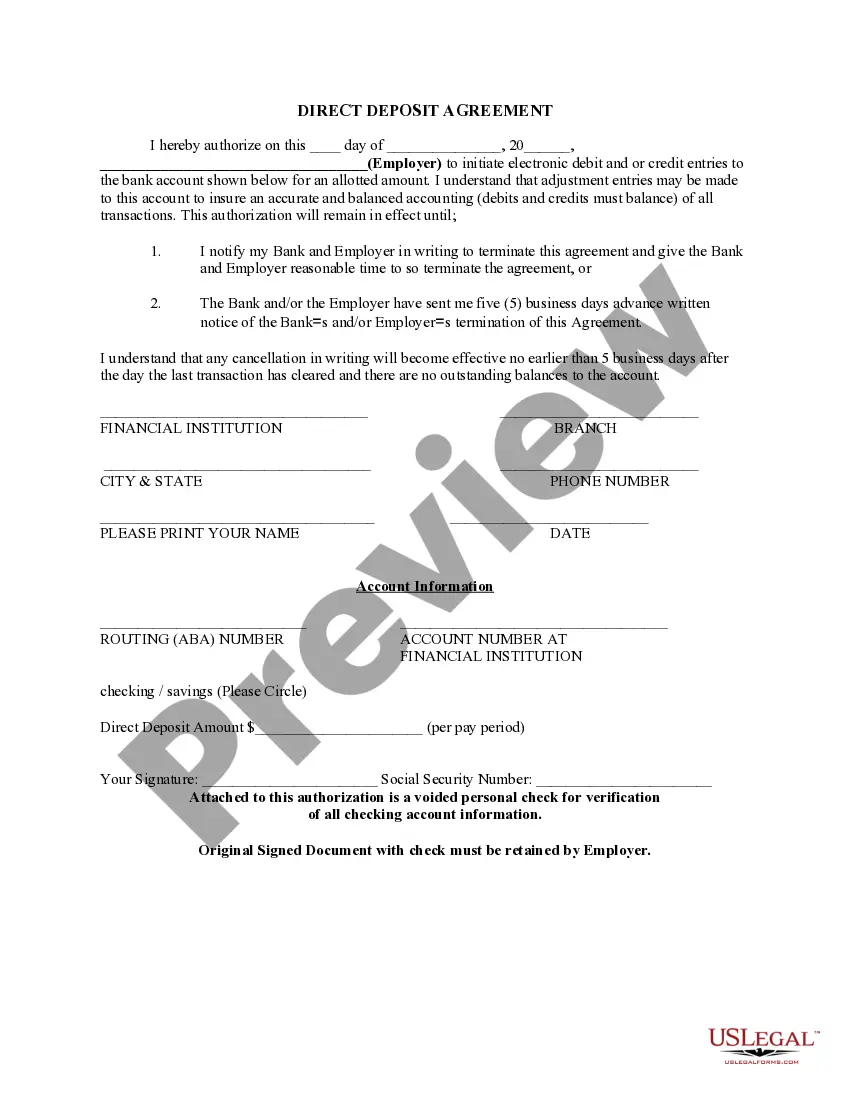
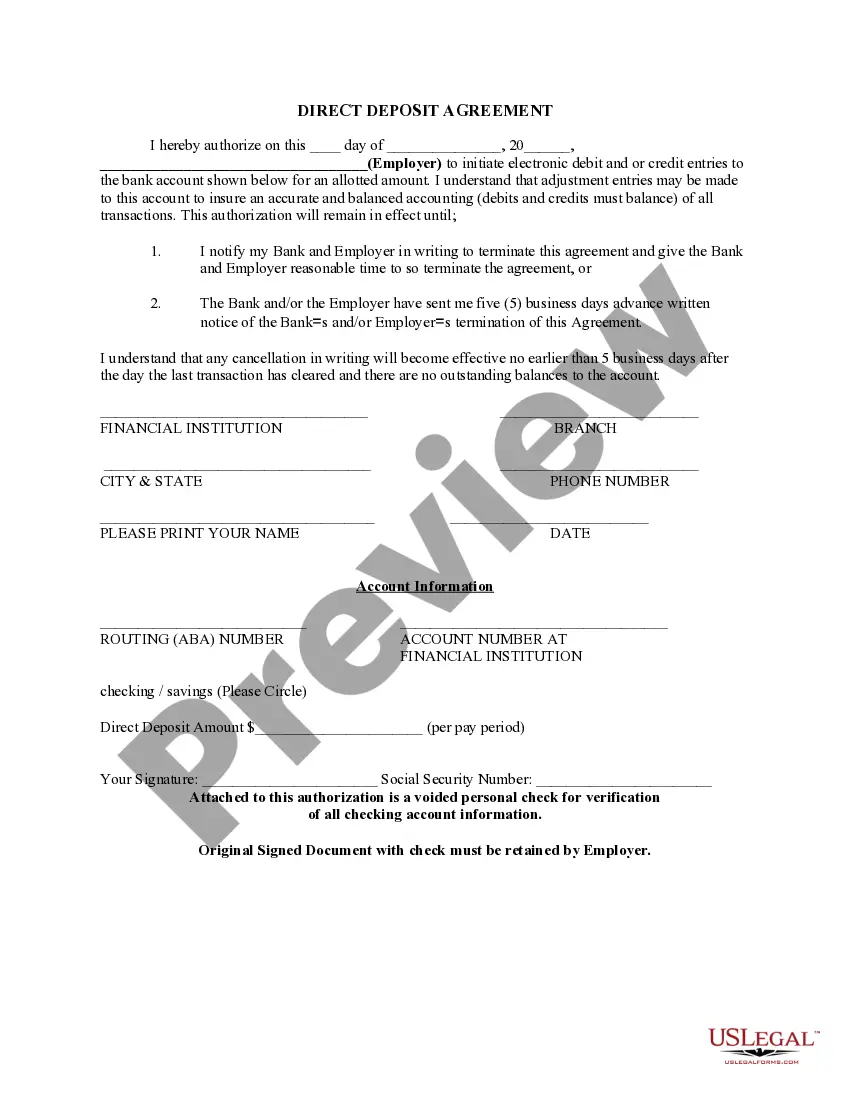
Rhode Island Direct Deposit Form for Employees
Description

Get your form ready online
Our built-in tools help you complete, sign, share, and store your documents in one place.
Make edits, fill in missing information, and update formatting in US Legal Forms—just like you would in MS Word.
Download a copy, print it, send it by email, or mail it via USPS—whatever works best for your next step.
Sign and collect signatures with our SignNow integration. Send to multiple recipients, set reminders, and more. Go Premium to unlock E-Sign.
If this form requires notarization, complete it online through a secure video call—no need to meet a notary in person or wait for an appointment.
We protect your documents and personal data by following strict security and privacy standards.

Make edits, fill in missing information, and update formatting in US Legal Forms—just like you would in MS Word.

Download a copy, print it, send it by email, or mail it via USPS—whatever works best for your next step.

Sign and collect signatures with our SignNow integration. Send to multiple recipients, set reminders, and more. Go Premium to unlock E-Sign.

If this form requires notarization, complete it online through a secure video call—no need to meet a notary in person or wait for an appointment.

We protect your documents and personal data by following strict security and privacy standards.
Looking for another form?
How to fill out Direct Deposit Form For Employees?
Locating the appropriate legal document template can be quite a challenge.
Clearly, there are numerous templates available online, but how can you find the legal form you require.
Utilize the US Legal Forms website. This service offers a vast array of templates, including the Rhode Island Direct Deposit Form for Employees, suitable for both business and personal needs.
You can preview the form by using the Preview button and review the form details to confirm it is the right one for you.
- All forms are reviewed by experts and comply with federal and state regulations.
- If you are already registered, Log In to your account and click the Download button to retrieve the Rhode Island Direct Deposit Form for Employees.
- Use your account to search through the legal forms you have previously purchased.
- Visit the My documents section of your account to download another copy of the document you need.
- If you are a new user of US Legal Forms, here are simple instructions you can follow.
- First, ensure you have selected the correct form for your area/region.
Form popularity
FAQ
How to set up direct deposit for employees: A step-by-step guideStep 1: Decide on a direct deposit provider.Step 2: Initiate the direct deposit setup process.Step 3: Collect information from your employees.Step 4: Enter the employee information into your system.Step 5: Create a direct deposit and payroll schedule.More items...
Your employer (or other payer) will ask you to complete a direct deposit form that will ask for several personal details, including your name, address, Social Security number and signature for authorization of the direct deposit. Include your account information.
If you are collecting TDI/TCI, you can change from direct deposit to EPC by contacting the Temporary Disability Customer Service Center at 401-462-8420 or visit Temporary Disability / Caregiver Insurance. Please call the toll-free KeyBank Customer Service Center, 1-866-295-2955, if your card is lost or stolen.
Table of ContentsCompany Information.Employee Information.Bank Account Information.I hereby authorize2026 Statement.Employee Signature and Date.Space for Attached Physical Check (Optional)
Get a direct deposit form from your employer, fill it in, attach a check or deposit slip, then submit it....You typically need to provide the following personal and bank details:Bank's mailing address.Bank's routing number.Your account number.Type of account.Other.
How to set up direct deposit for employees: A step-by-step guideStep 1: Decide on a direct deposit provider.Step 2: Initiate the direct deposit setup process.Step 3: Collect information from your employees.Step 4: Enter the employee information into your system.Step 5: Create a direct deposit and payroll schedule.More items...
To receive payments, you'll need to provide the details below to the organization that will be paying you.Bank account number.Routing number.Type of account (typically a checking account)Bank name and addressyou can use any branch of the bank or credit union you use.Name(s) of account holders listed on the account.
How to Set Up Direct DepositGet a direct deposit form from your employer.Fill in account information.Confirm the deposit amount.Attach a voided check or deposit slip, if required.Submit the form.
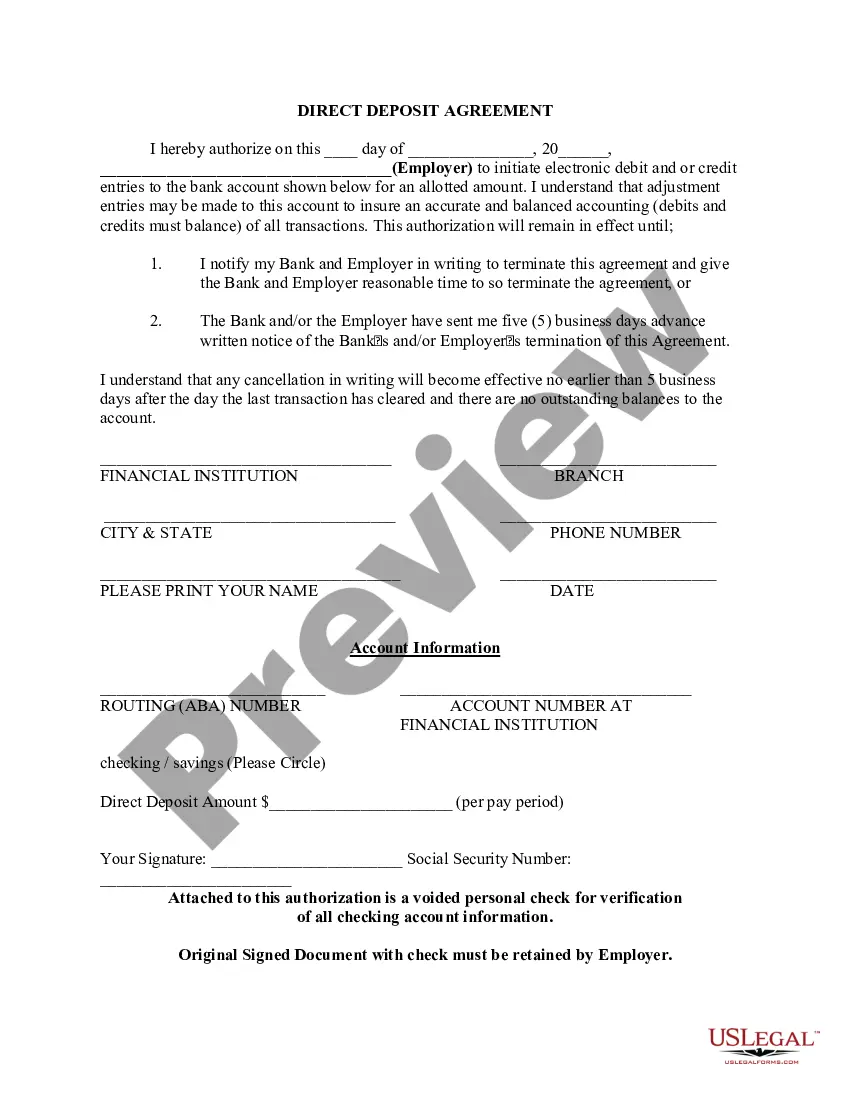
A direct deposit authorization form authorizes a third party, usually an employer for payroll, to send money to a bank account. Commonly, an employer requesting authorization will require a voided check to ensure that the account is valid.