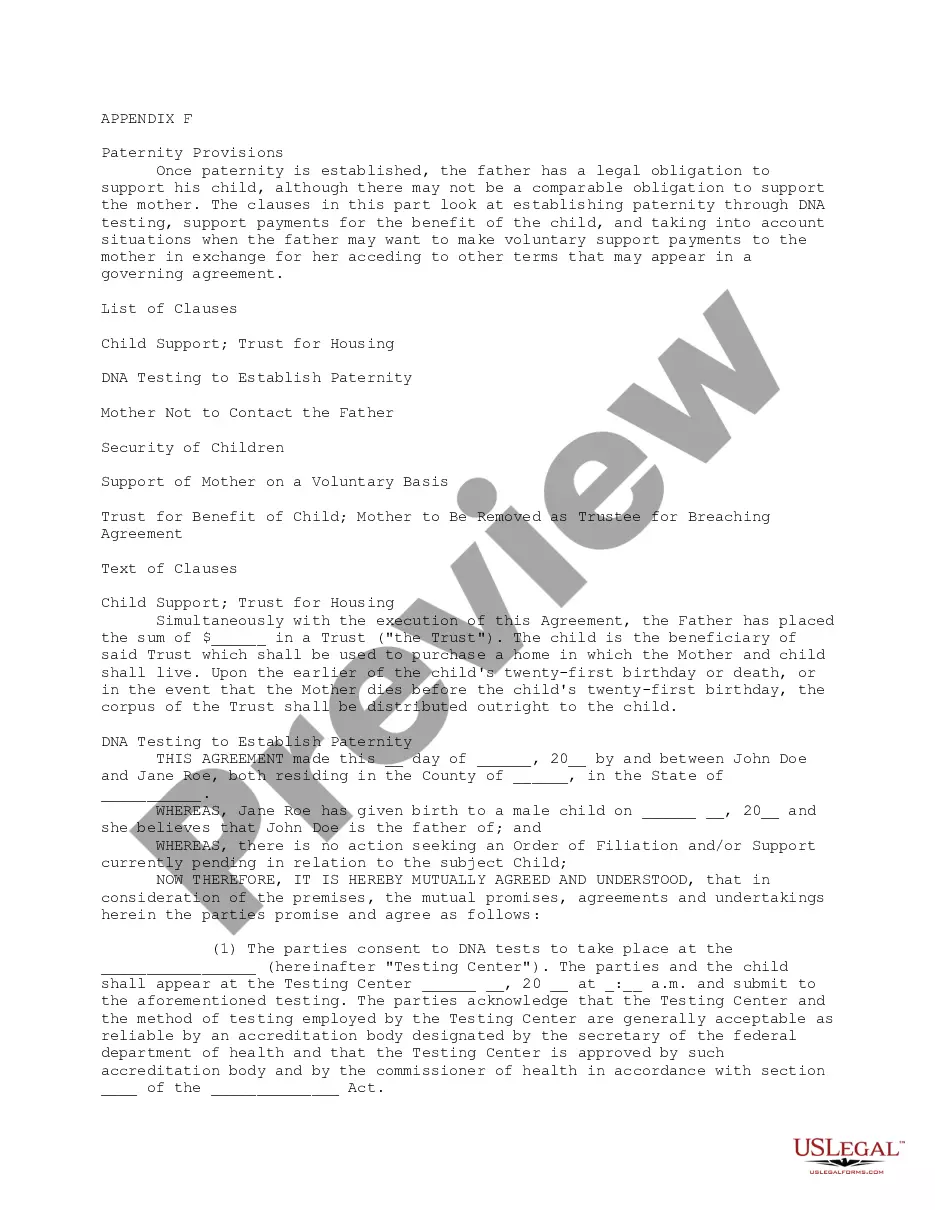
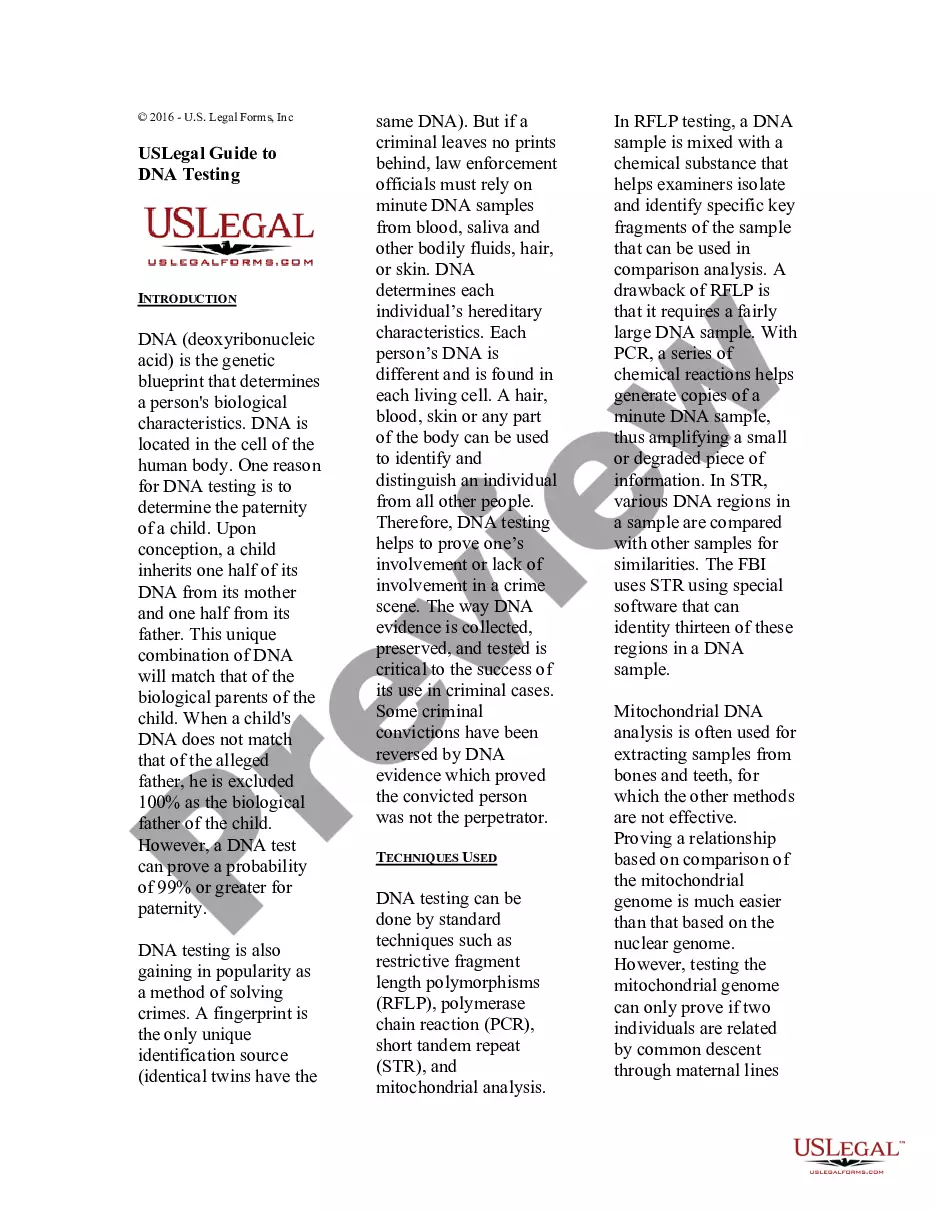
The act by which illegitimate children are given the same legal standing of legitimate children is a matter of local legislation, and therefore depends on the law of each particular jurisdiction. Although some statutes provide for the legitimation of children by conduct amounting to recognition, other statutes require that the recognition of an illegitimate child be in writing. Note that this form is an acknowledgment and not an affidavit.
Rhode Island Acknowledgment of Paternity
Category:
State:
Multi-State
Control #:
US-01484BG
Format:
Word;
Rich Text
Instant download
This website is not affiliated with any governmental entity
Public form
Description



How to fill out Acknowledgment Of Paternity?
If you need to detailed, procure, or create official document formats, utilize US Legal Forms, the largest assortment of legal templates, available online.
Take advantage of the site’s straightforward and user-friendly search to find the documents you need.
A range of templates for business and personal purposes are organized by categories and states, or keywords.
Step 4. Once you have located the form you need, click the Download now button. Choose the pricing plan you prefer and enter your information to register for the account.
Step 5. Complete the purchase. You can use your credit card or PayPal account to finalize the transaction. Step 6. Select the format of the legal form and download it to your device. Step 7. Complete, modify, and print or sign the Rhode Island Acknowledgment of Paternity. Every legal document template you purchase is yours forever. You will have access to every form you acquired in your account. Browse the My documents section and select a form to print or download again. Finish and download, and print the Rhode Island Acknowledgment of Paternity with US Legal Forms. There are millions of professional and state-specific forms you can utilize for your business or personal needs.
- Use US Legal Forms to obtain the Rhode Island Acknowledgment of Paternity in just a few clicks.
- If you are already a US Legal Forms user, sign in to your account and click the Download button to access the Rhode Island Acknowledgment of Paternity.
- You can also find forms you previously obtained from the My documents section of your account.
- If you are using US Legal Forms for the first time, follow the instructions below.
- Step 1. Ensure you have chosen the form for the correct state/region.
- Step 2. Use the Preview option to review the form’s details. Remember to read the description.
- Step 3. If you are not satisfied with the form, use the Search field at the top of the screen to find alternative forms from the legal form template.
Form popularity
FAQ
Order a copy of Marriage, Birth, or Death Certificate Online Walk-in Requests: ?The fee for one certified copy is $22 and $18 for each additional record requested at the same time. Mail Requests: The fee for one certified copy is $25 and $18 for each additional record requested at the same time.
Online: health.ri.gov/records/about/copies. By US mail: 6 Harrington Rd., Cranston 02920. Drop box at Cranston or Providence office (Cranston drop box available May 2) By appointment (Call 401-222-2813).
In Rhode Island, the father must provide physical proof before he can be granted parental rights. Initially, the mother has sole custody and is responsible for making all decisions on behalf of the child, including education, medical care, religion and more. However, a mother's rights may be taken away by the court.
There are extensive resources available online that can help you quickly help find birth records or locate other types of public records. Some examples include: National Vital Records Archives: .
For 25 years, VitalChek has been an official, government-authorized service for citizens to securely order certified birth certificates and other vital records from official government agencies nationwide.
Rhode Island Birth Certificate Cost The fee for an authorized copy of your birth certificate in Rhode Island is $25. If you need to obtain multiple certified copies of a RI birth certificate, you may do so by paying per additional copy you require.
What is an AOP? An AOP is a legal form used to add a second parent to a child's birth certificate. By filing this form, you establish a parent ? child relationship or ?parentage.?
Rhode Island law says that fathers have a right to have parenting time with their kids. However, the father needs to be deemed a fit parent by the court. Furthermore, fathers also have a right to be with their children regularly, frequently and for a duration of time.