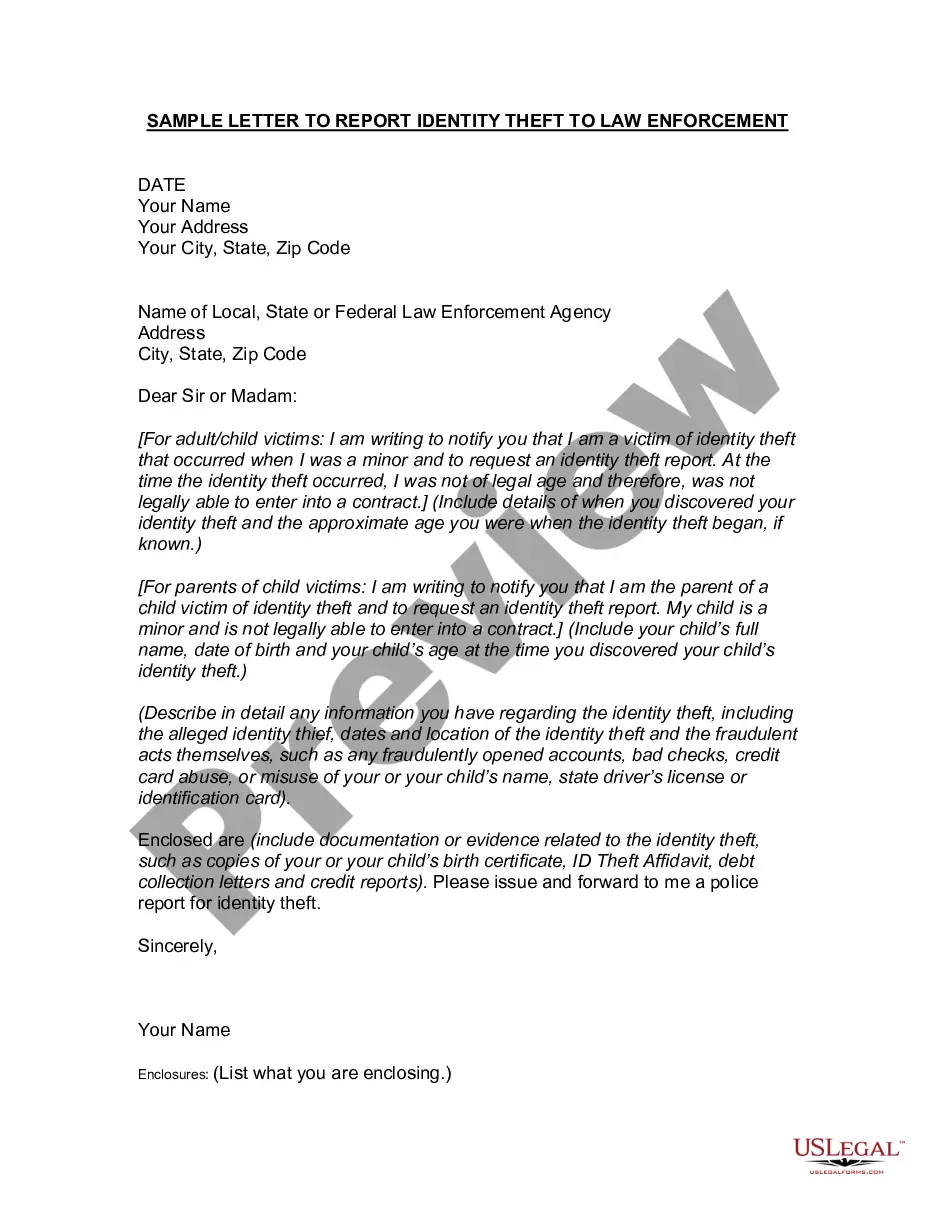
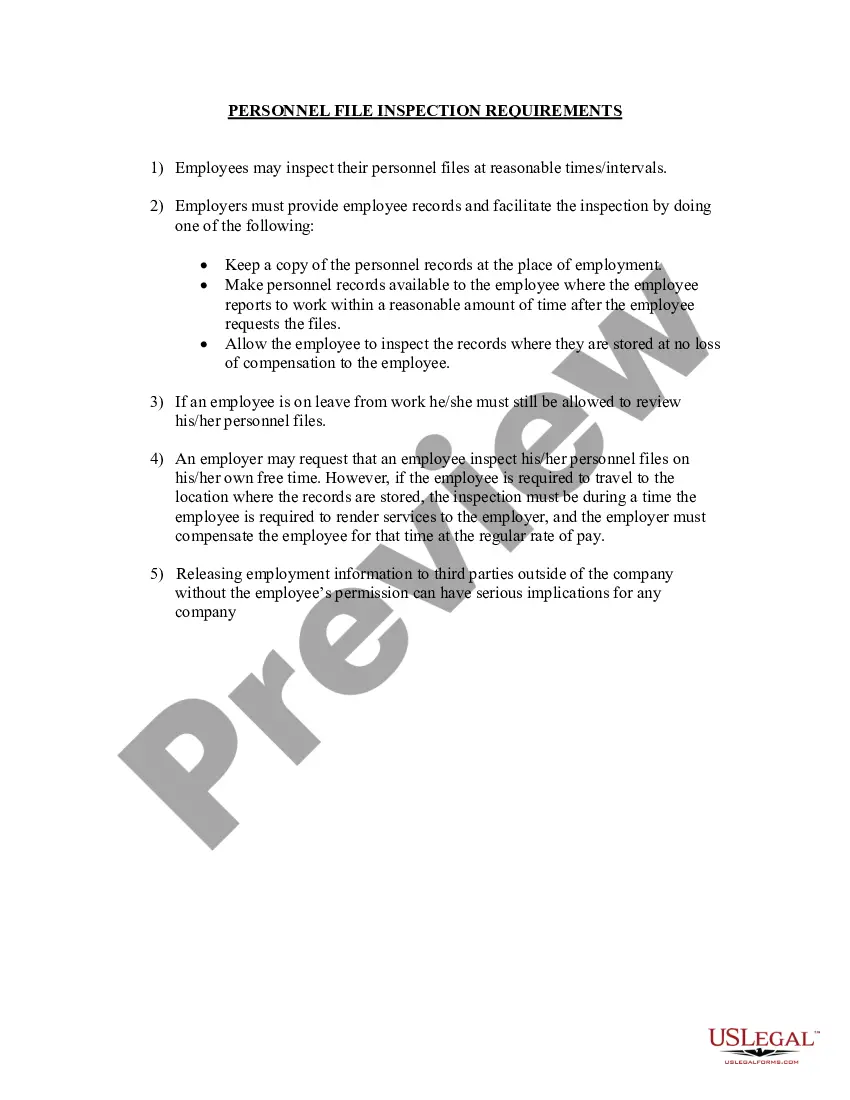
Rhode Island Personnel File Inspection Requirements for Companies
Description

Get your form ready online
Our built-in tools help you complete, sign, share, and store your documents in one place.
Make edits, fill in missing information, and update formatting in US Legal Forms—just like you would in MS Word.
Download a copy, print it, send it by email, or mail it via USPS—whatever works best for your next step.
Sign and collect signatures with our SignNow integration. Send to multiple recipients, set reminders, and more. Go Premium to unlock E-Sign.
If this form requires notarization, complete it online through a secure video call—no need to meet a notary in person or wait for an appointment.
We protect your documents and personal data by following strict security and privacy standards.

Make edits, fill in missing information, and update formatting in US Legal Forms—just like you would in MS Word.

Download a copy, print it, send it by email, or mail it via USPS—whatever works best for your next step.

Sign and collect signatures with our SignNow integration. Send to multiple recipients, set reminders, and more. Go Premium to unlock E-Sign.

If this form requires notarization, complete it online through a secure video call—no need to meet a notary in person or wait for an appointment.

We protect your documents and personal data by following strict security and privacy standards.
Looking for another form?
How to fill out Personnel File Inspection Requirements For Companies?
Locating the suitable legal document format can be challenging. Naturally, there are numerous web templates accessible online, but how do you acquire the legal document you require? Utilize the US Legal Forms website. The platform provides a vast collection of templates, including the Rhode Island Personnel File Inspection Requirements for Companies, which can be utilized for corporate and personal needs. All forms are reviewed by experts and comply with state and federal regulations.
If you are already a member, Log In to your account and then click the Obtain button to access the Rhode Island Personnel File Inspection Requirements for Companies. Use your account to search for the legal forms you have previously purchased. Visit the My documents section of your account and download another copy of the document you need.
If you are a new user of US Legal Forms, here are simple steps for you to follow: First, ensure you have selected the correct document for your city/state. You can review the form using the Preview button and read the form details to confirm it is the appropriate one for you. If the form does not suit your requirements, utilize the Search box to find the correct document. Once you are certain that the form is right, click the Buy now button to obtain the document. Select the pricing plan you wish and provide the necessary information. Create your account and pay for the order using your PayPal account or credit card. Choose the document format and download the legal document to your device. Complete, edit, print, and sign the acquired Rhode Island Personnel File Inspection Requirements for Companies.
US Legal Forms is the largest repository of legal documents where you can find various file templates. Make use of the service to download well-crafted paperwork that adheres to state regulations.
- Ensure you have the correct form for your area.
- Use the Preview button to check the form details.
- Search for the right form if it doesn't meet your needs.
- Click the Buy now button when ready to obtain the form.
- Select a payment plan and provide your details.
- Create your account and complete the payment.
Form popularity
FAQ
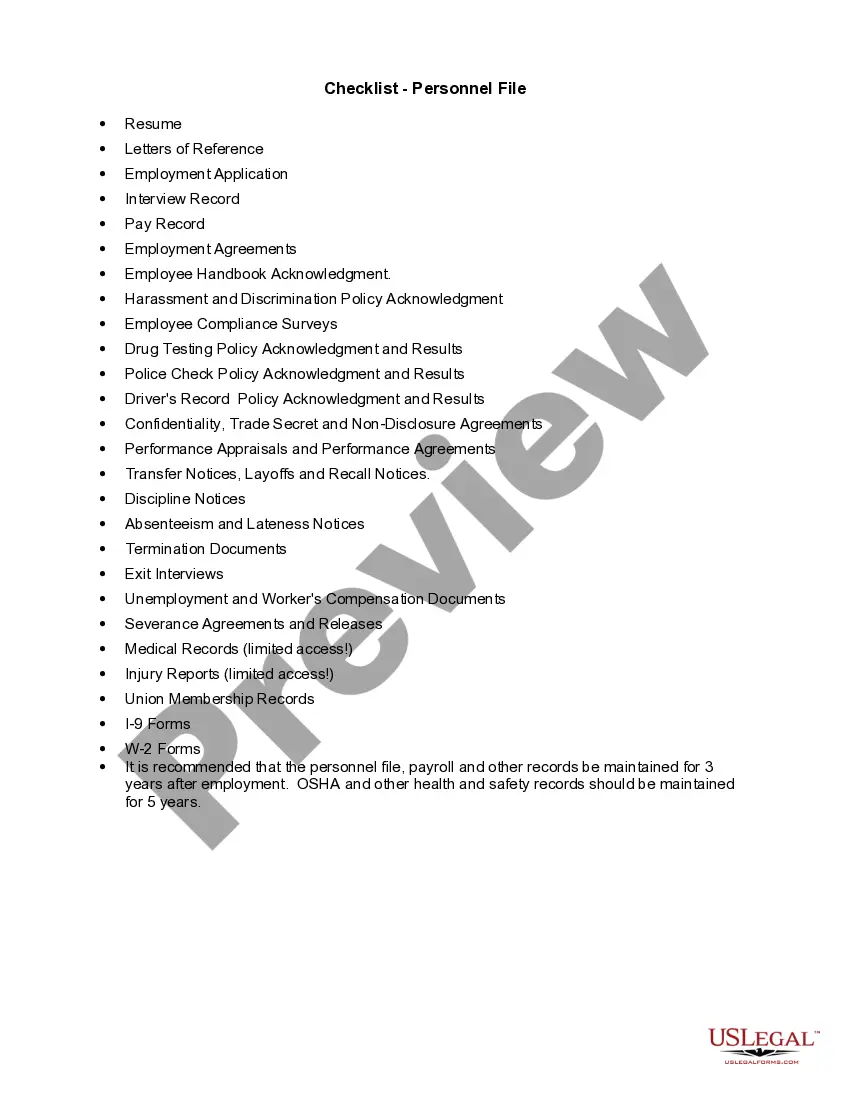
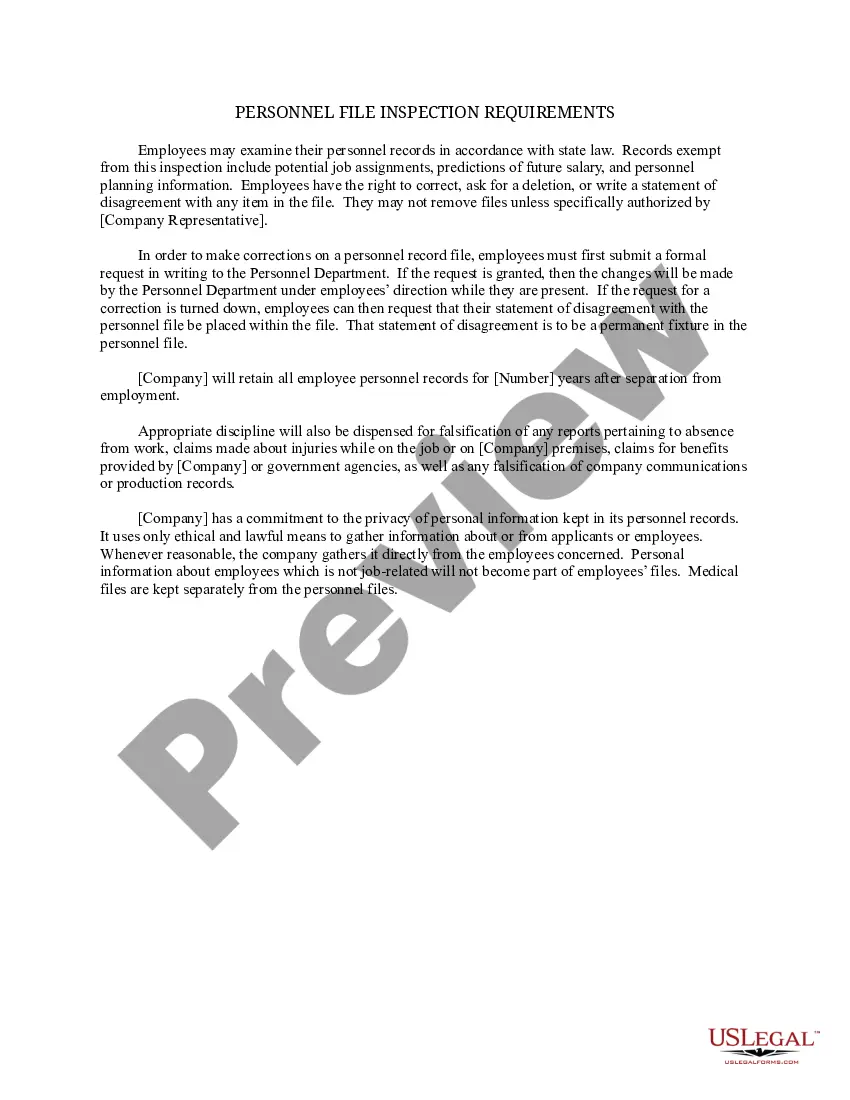
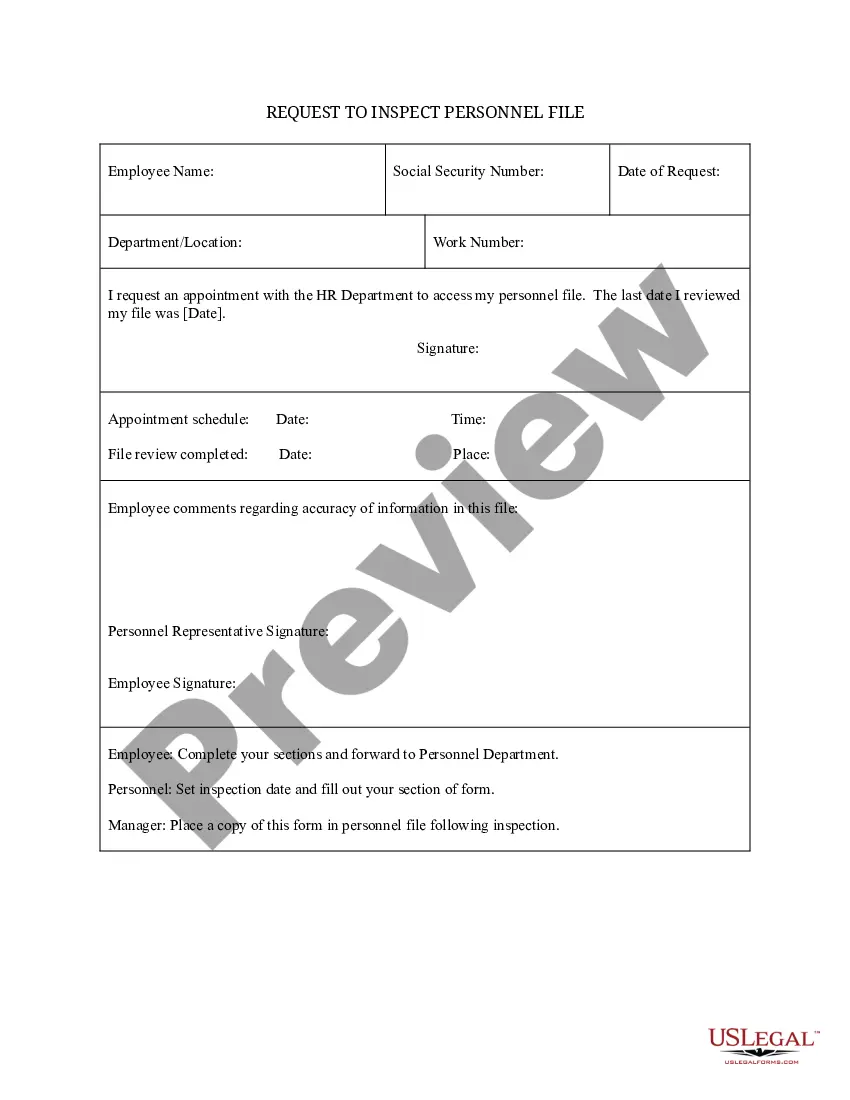
To create a personnel file that complies with Rhode Island Personnel File Inspection Requirements for Companies, start by gathering essential documents such as employment applications, tax forms, and performance evaluations. Ensure that each file includes records of any disciplinary actions, benefits enrollment, and training documentation. It’s important to organize these files securely and maintain confidentiality to protect your employees’ privacy.
Under California Labor Code section 1198.5(a) provides that every current and former employee, or their representative, has the right to inspect and receive a copy of their personnel records.
In many states, employees have the right to view, or request a copy of, their personnel files. Your employer is required by law to document certain information about you, including your wages and hours, workplace injuries and illnesses, and tax withholding, as well as records of accrued vacation and other benefits.
General Records. Whether it's digitally or manually, you must keep employment records that include the following:Wages and Pay Records.Payslip Records.Hours of Work Records.Leave Records.Superannuation Contribution Records.Termination Records.Cloud Payroll Software for 100% Record Keeping Compliance.
The things to include in an employee's personnel file are:Job application, CV and cover letter.Education and past employment info.Role description.Job offer letter and employment contract.Emergency contact information.Training records.Payroll and benefits information (but not bank details)Performance appraisal forms.More items...?16 Sept 2019
Summary: A staff employee's confidential file contains documents not directly related to the employee's job and may contain personal information. The confidential file is part of an employee's personnel record.
Employers should keep all job-related documentation such as hiring records, performance reviews, disciplinary actions and job descriptions in an employee's general personnel file. Consider whether the document would be relevant to a supervisor who may review this file when making employment decisions.
Employment records, also known as personnel files, are records kept by an employer that track an employee's relationship with the company. These records can include basic information collected during the interview process, including: Name. Contact information.
What to Keep in a Personnel Filejob description for the position.job application and/or resume.offer of employment.IRS Form W-4 (the Employee's Withholding Allowance Certificate)receipt or signed acknowledgment of employee handbook.performance evaluations.forms relating to employee benefits.More items...
Act 397 of 1978. AN ACT to permit employees to review personnel records; to provide criteria for the review; to prescribe the information which may be contained in personnel records; and to provide penalties.