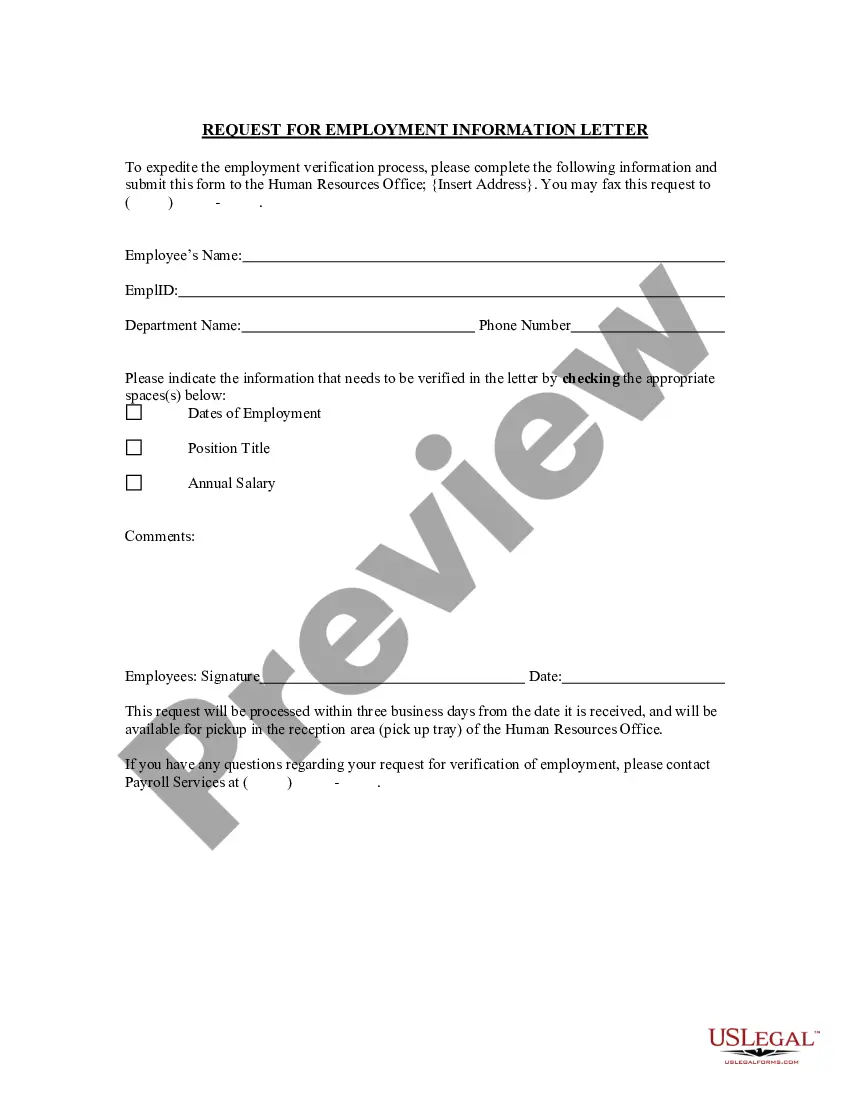
South Carolina Request for Employment Information Letter
Description
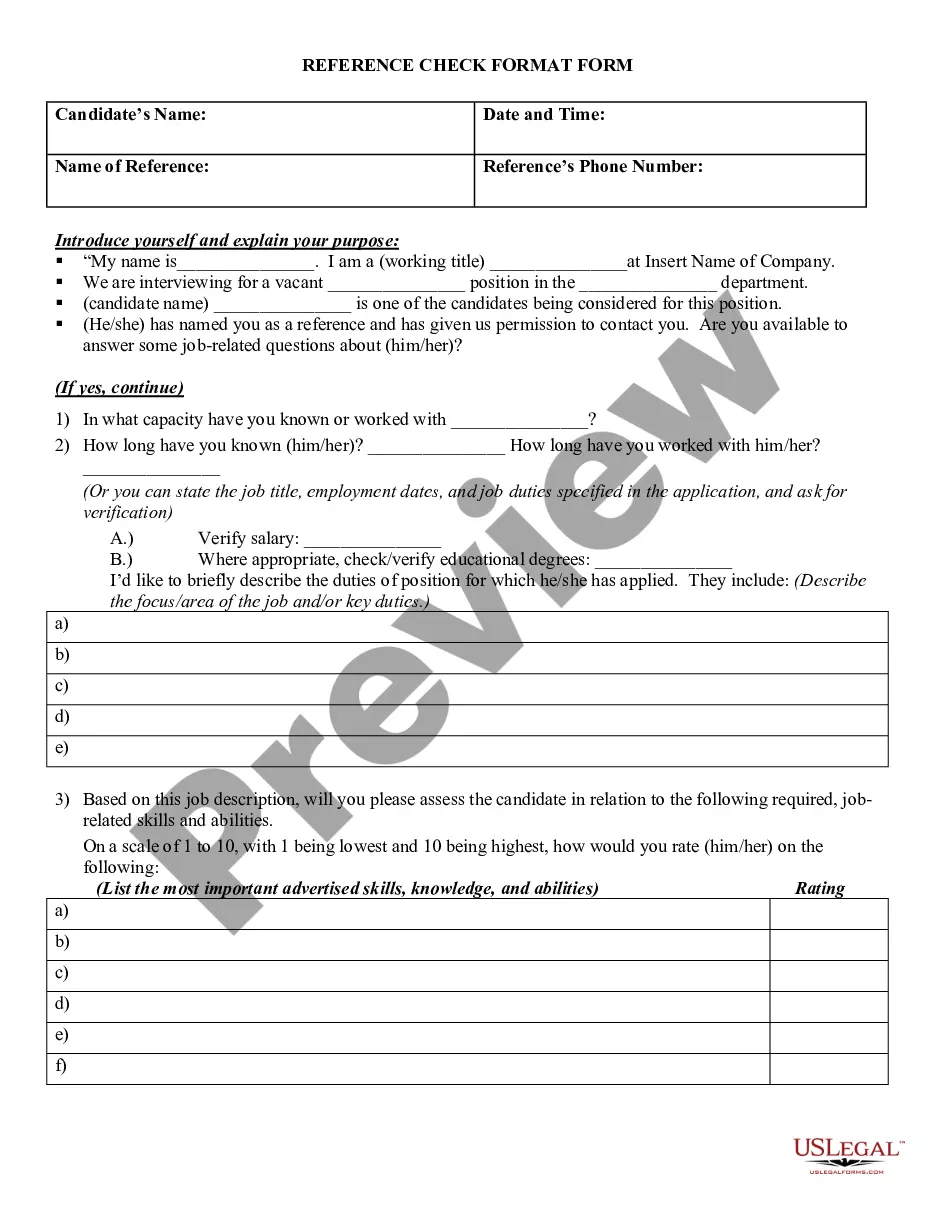
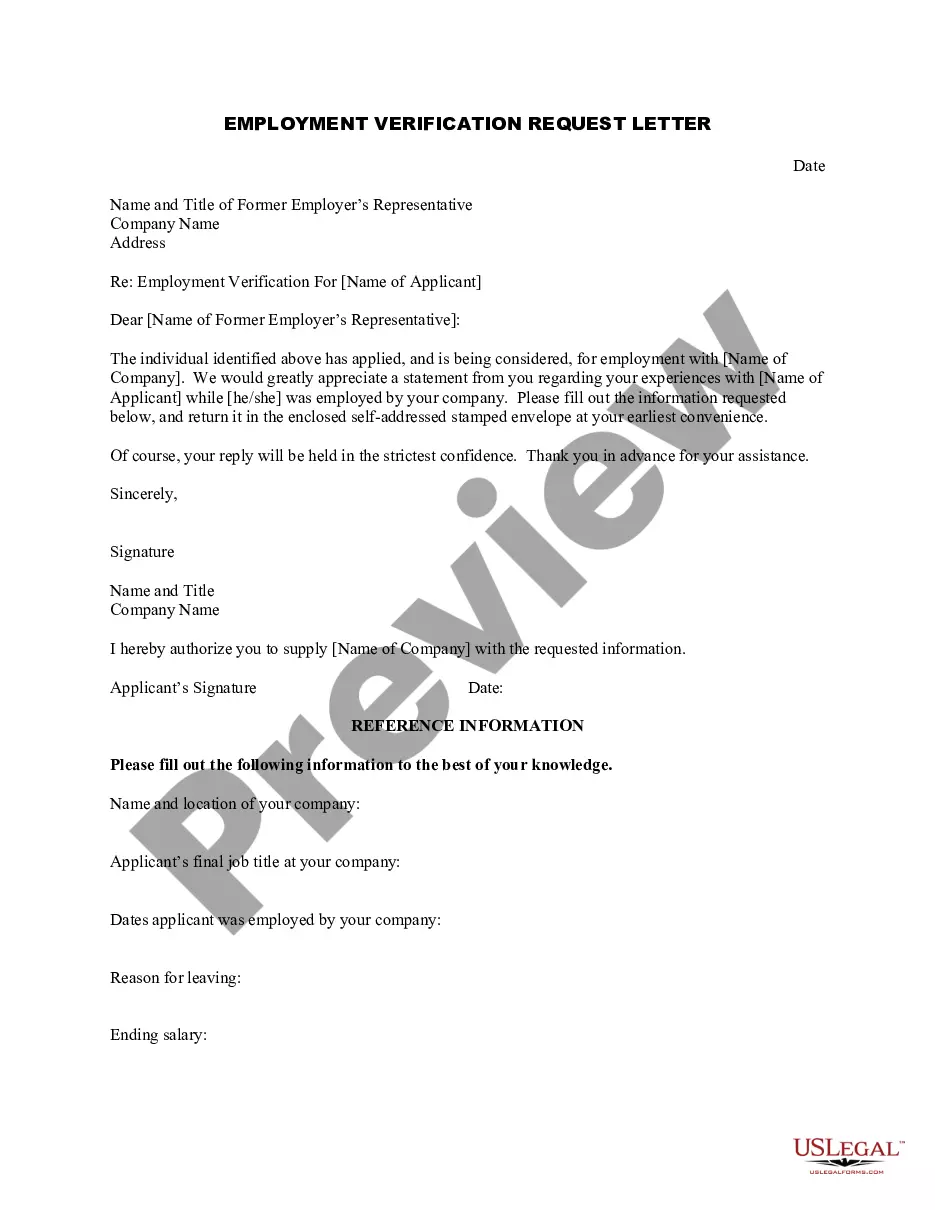



How to fill out Request For Employment Information Letter?
It is feasible to spend time online searching for the sanctioned document template that meets the state and federal requirements you will need.
US Legal Forms offers thousands of legal templates that are reviewed by professionals.
You can obtain or print the South Carolina Request for Employment Information Letter from your service.
If available, utilize the Preview button to review the document template as well.
- If you already possess a US Legal Forms account, you can Log In and then click the Acquire button.
- Next, you can complete, edit, print, or sign the South Carolina Request for Employment Information Letter.
- Every legal document template you obtain is yours permanently.
- To have another copy of any purchased form, go to the My documents tab and click the corresponding button.
- If you are using the US Legal Forms website for the first time, follow the simple instructions below.
- First, make sure you have selected the correct document template for the state/town of your choice.
- Review the form description to confirm you have chosen the appropriate form.
Form popularity
FAQ
To speak with someone at the South Carolina Unemployment Office, you can call their main phone line during business hours. Be prepared to provide specific information, such as your Social Security number and your South Carolina Request for Employment Information Letter, to expedite the process. Additionally, try visiting during off-peak hours for shorter wait times.
INSTRUCTIONS FOR EMPLOYER QUARTERLY WAGE REPORT (Form UCE-120) Every employer must file this report for each calendar quarter showing each employee who was in employment at any time during the quarter.
South Carolina's Department of Employment and Workforce (DEW) issued a notice effective April 16, 2020, requiring all employers to provide employees with a Notification of the Availability of Unemployment Insurance Benefits upon separation of employment.
If the department does not receive a response, then DEW will make a determination based on the information provided by the claimant when they file a claim. An employer that fails to respond to a separation request may experience increased benefit charges and higher unemployment insurance taxes.
The most common proof of employment is an employment verification letter from an employer that includes the employee's dates of employment, job title, and salary. It's also often called a "letter of employment," a "job verification letter," or a "proof of employment letter."
Form UCE-120 "Employer Quarterly Contribution and Wage Reports" - South Carolina.
How to Request the LetterAsk your supervisor or manager. This is often the easiest way to request the letter.Contact Human Resources.Get a template from the company or organization requesting the letter.Use an employment verification service.
Click on the MyBenefits button. Enter your username and password in the appropriate fields to login to your MyBenefits Portal account. The Quick Links section will now be listed on the far left side of your MyBenefits Portal Dashboard. Click on the View my 1099G for 2021 link to view and download your 1099G.
How long does the appeals process take? It could take 60-120 days from the date you send in your appeal request to receive a decision on your appeal.
Your 1099-G will be sent to your mailing address on record the last week of January. You can also download your 1099-G income statement from your unemployment benefits portal. Remember, even if you were unemployed, you still have to file income taxes.