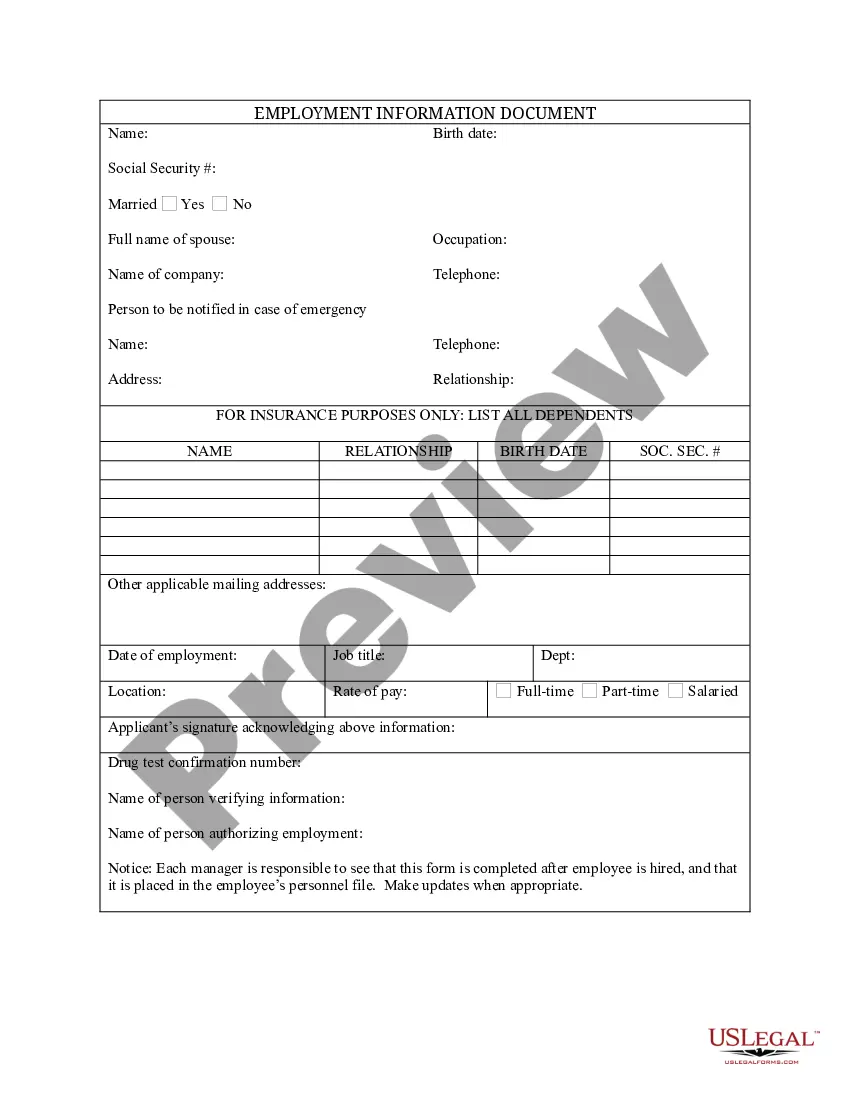
South Carolina Employment Information Document with Insurance Information
Description
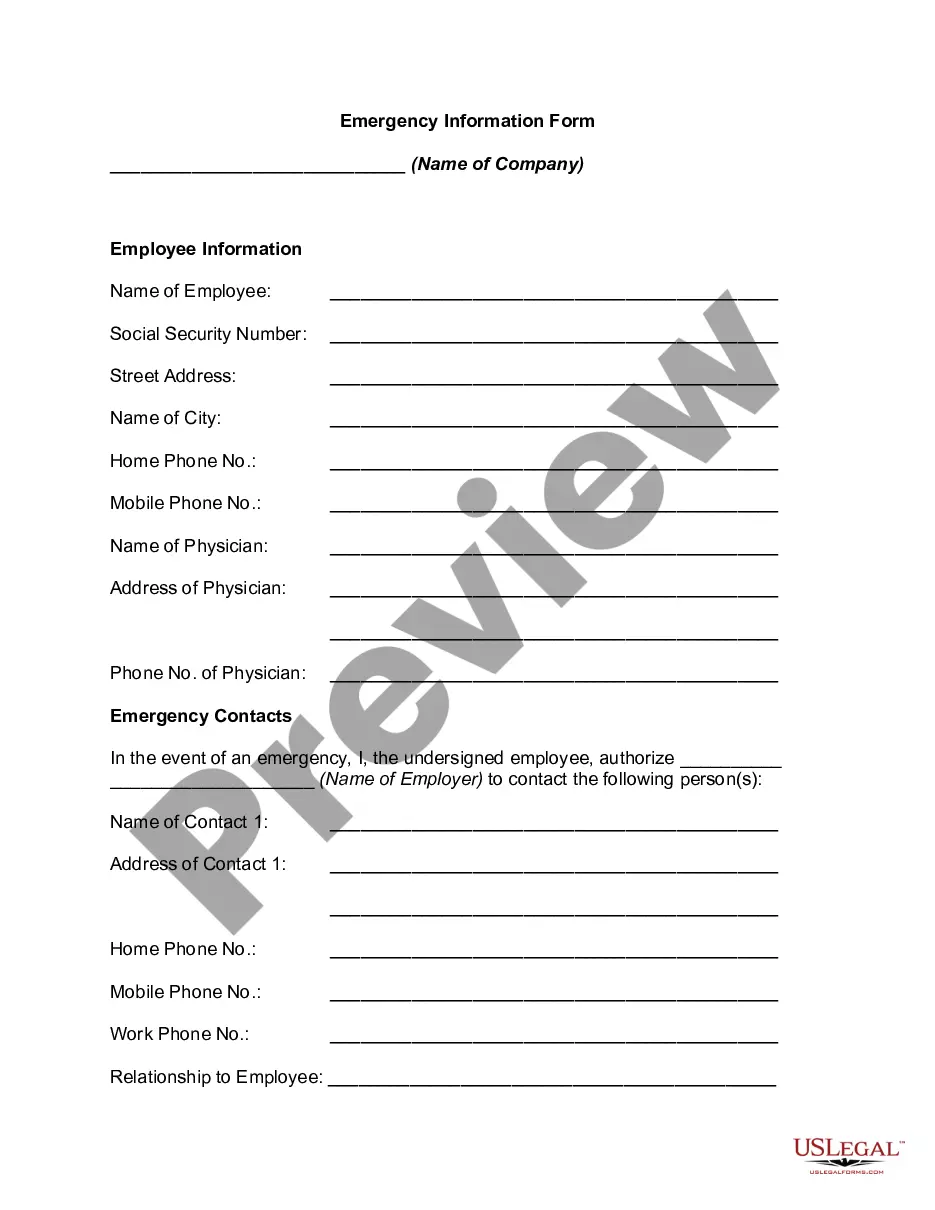



How to fill out Employment Information Document With Insurance Information?
Selecting the appropriate authorized document template can be a challenge.
Certainly, there are numerous templates accessible online, but how can you locate the legal form you require? Make use of the US Legal Forms website.
The service provides thousands of templates, such as the South Carolina Employment Information Document with Insurance Information, which can be utilized for business and personal purposes. All the documents are reviewed by professionals and comply with federal and state regulations.
If the form does not satisfy your requirements, use the Search area to find the suitable form. Once you are certain the form is appropriate, click the Purchase now button to obtain the form. Select the pricing plan you want and enter the necessary details. Create your account and pay for an order using your PayPal account or a credit card. Choose the file format and download the legal document template to your device. Complete, edit, print, and sign the acquired South Carolina Employment Information Document with Insurance Information. US Legal Forms is the premier repository of legal forms where you will find numerous document templates. Utilize the service to download professionally crafted documents that adhere to state regulations.
- If you are already an authorized user, Log In to your account and click the Download button to get the South Carolina Employment Information Document with Insurance Information.
- Use your account to browse the legal forms you have previously purchased.
- Go to the My documents tab in your account and retrieve another copy of the document you need.
- If you are a new user of US Legal Forms, here are some simple steps for you to follow.
- First, ensure you have chosen the correct form for the state/region.
- You can review the form using the Preview button and check the form description to confirm it's the right one for you.
Form popularity
FAQ
INSTRUCTIONS FOR STATEMENT TO CORRECT INFORMATION (FORM UCE-120-C) This form is used to correct errors on previously filed "Employer Quarterly Contribution and Wage Reports" (Form UCE-101 and UCE-120). The completed form should be mailed to: One form should be submitted for each quarter to be corrected.
To verify your work search for the week, first select from the upper left-hand menu, select My Portfolio under Quick Menu. Then click Search History Profile, which will be displayed under My Individual Profile. All job searches completed will be listed here.
INSTRUCTIONS FOR EMPLOYER QUARTERLY WAGE REPORT (Form UCE-120) Every employer must file this report for each calendar quarter showing each employee who was in employment at any time during the quarter.
Uploading Files to a PortalIf you have access to multiple portals, verify that you are logged in to the correct portal.Select the folder you want to upload the file to.Click or tap Upload or the button.Navigate to and select the files to upload.Click or tap Upload All in the Upload Queue.
After logging into your MyBenefits portal, click on the My Documents tab on the Customer Menu. On the My Documents screen, click the Upload Document button. Click the 'Choose File' button and select the file you wish to upload from your device (PC, cell phone, tablet, etc.) and click Open.
Acceptable 2019 or 2020 income documents, depending on the year you filed your claim, may include one or more of the following:Federal tax return (IRS Form 1040, Schedule C or F).State tax return (CA Form 540).W-2.Paycheck stubs.Payroll history.Bank receipts.Business records.Contracts.More items...?
Steps to verify your identity:Access the MyBenefits portal from the South Carolina DEW website.Select the green Verify with ID.me button to begin the identity verification process.Sign in to your existing ID.me account, or create a new one.Confirm your email address.Select a multi-factor authentication option.More items...
You can also download your 1099-G income statement from your unemployment benefits portal. Remember, even if you were unemployed, you still have to file income taxes. The most common use of the 1099-G is to report unemployment compensation, as well as any state or local income tax refunds you received that year.
Submit Your Documents Recommended: Log in to your UI Online account and go to the Upload Income Documents for PUA section on the homepage to provide the required documents. If you prefer to mail your documents, write your 10-digit EDD Customer Account Number (EDDCAN) clearly at the top of each page.