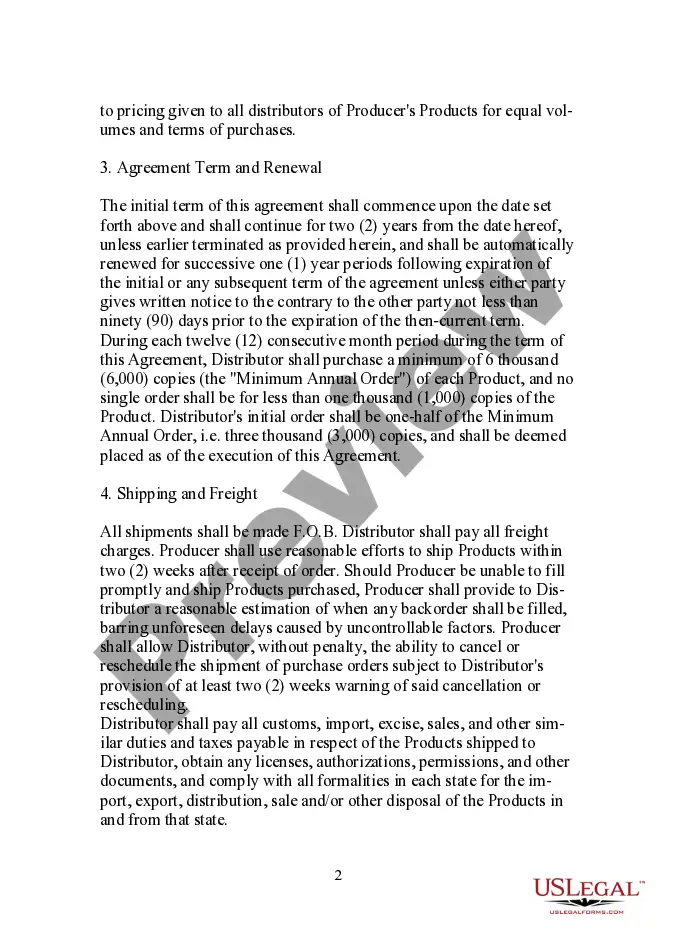
South Carolina Form - Large Quantity Sales Distribution Agreement
Description
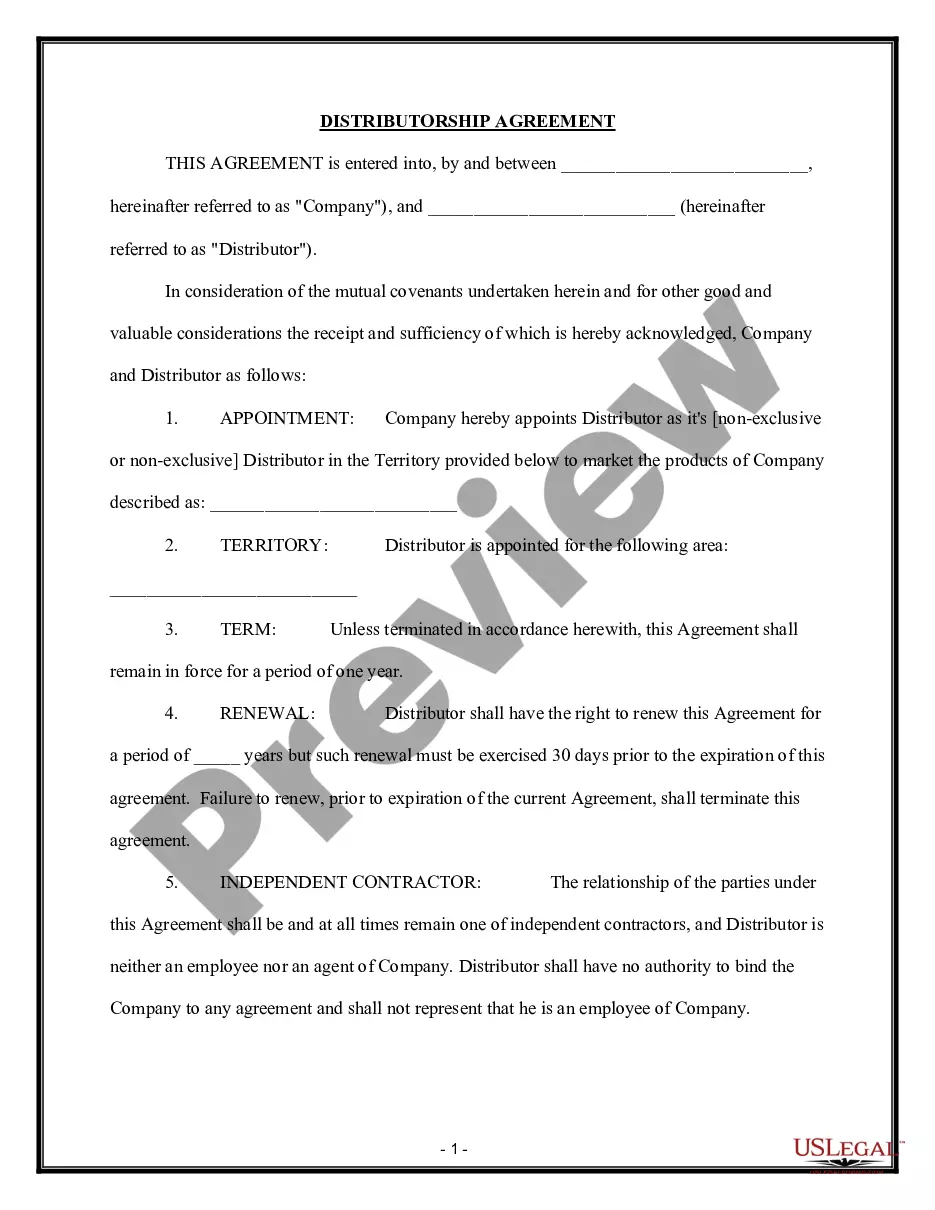
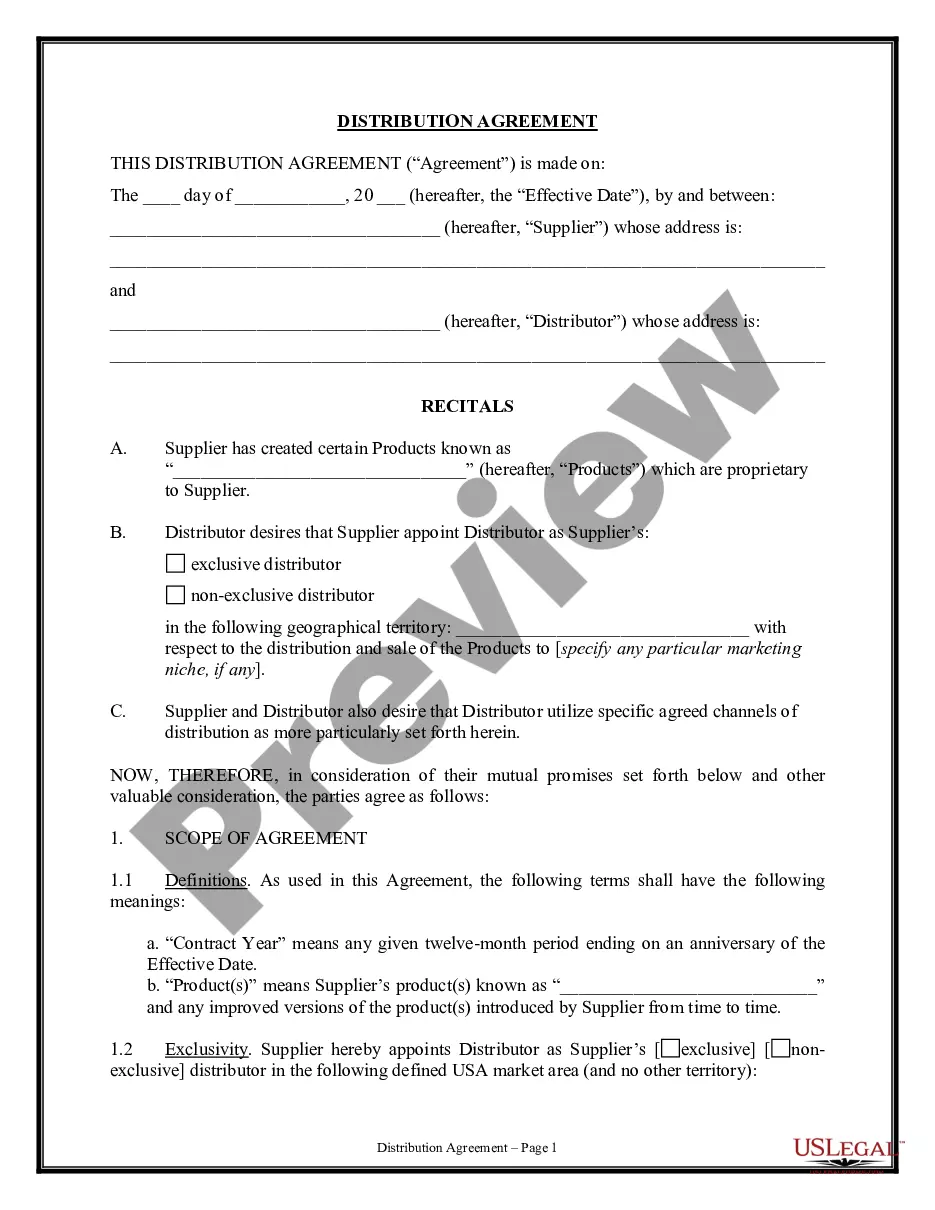
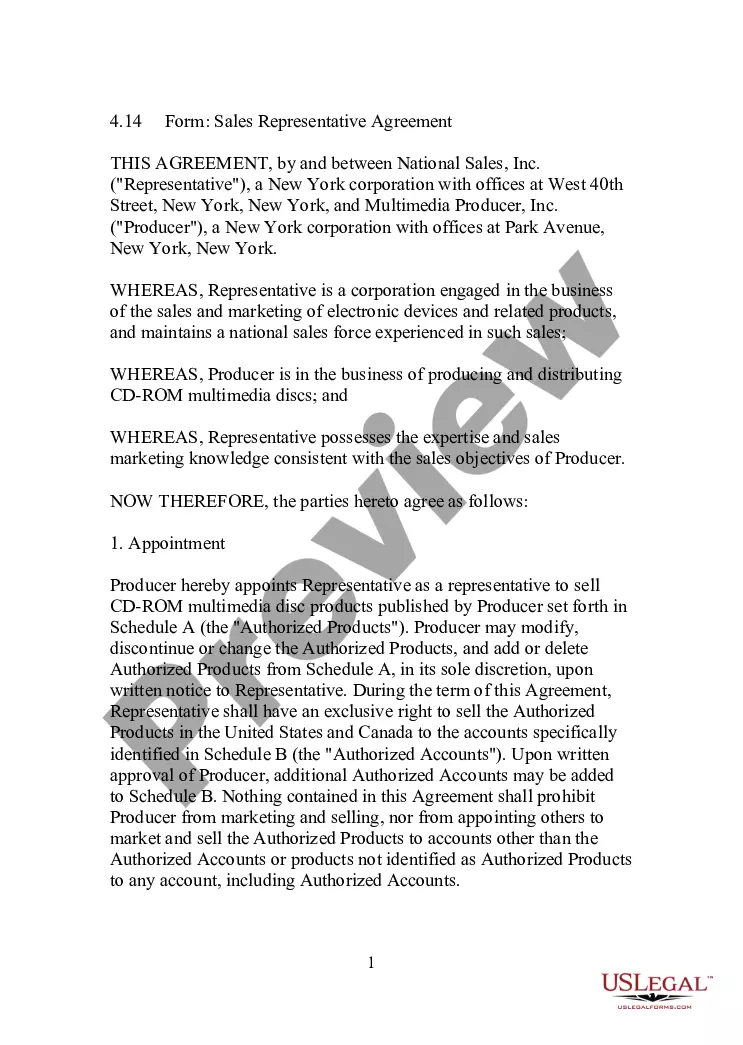
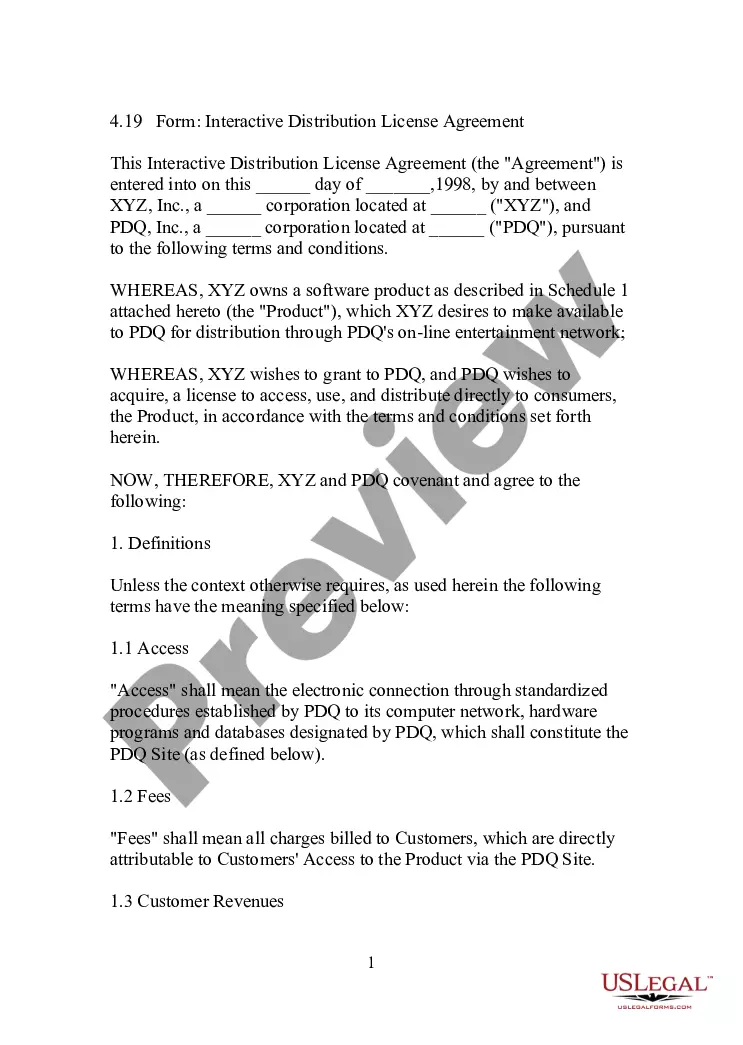
Get your form ready online
Our built-in tools help you complete, sign, share, and store your documents in one place.
Make edits, fill in missing information, and update formatting in US Legal Forms—just like you would in MS Word.
Download a copy, print it, send it by email, or mail it via USPS—whatever works best for your next step.
Sign and collect signatures with our SignNow integration. Send to multiple recipients, set reminders, and more. Go Premium to unlock E-Sign.
If this form requires notarization, complete it online through a secure video call—no need to meet a notary in person or wait for an appointment.
We protect your documents and personal data by following strict security and privacy standards.

Make edits, fill in missing information, and update formatting in US Legal Forms—just like you would in MS Word.

Download a copy, print it, send it by email, or mail it via USPS—whatever works best for your next step.

Sign and collect signatures with our SignNow integration. Send to multiple recipients, set reminders, and more. Go Premium to unlock E-Sign.

If this form requires notarization, complete it online through a secure video call—no need to meet a notary in person or wait for an appointment.

We protect your documents and personal data by following strict security and privacy standards.
Looking for another form?

How to fill out Form - Large Quantity Sales Distribution Agreement?
You can commit time online attempting to find the authorized papers web template which fits the state and federal specifications you need. US Legal Forms provides thousands of authorized varieties which are examined by experts. It is simple to down load or print out the South Carolina Form - Large Quantity Sales Distribution Agreement from my support.
If you currently have a US Legal Forms profile, it is possible to log in and click on the Down load button. Afterward, it is possible to complete, edit, print out, or indicator the South Carolina Form - Large Quantity Sales Distribution Agreement. Every single authorized papers web template you acquire is your own property eternally. To get an additional version of the acquired form, proceed to the My Forms tab and click on the related button.
Should you use the US Legal Forms website for the first time, follow the straightforward guidelines beneath:
- Initial, make certain you have chosen the right papers web template for the area/city of your choosing. Read the form information to make sure you have picked the appropriate form. If offered, take advantage of the Review button to look from the papers web template also.
- If you would like locate an additional variation of the form, take advantage of the Research industry to get the web template that meets your requirements and specifications.
- After you have discovered the web template you would like, click on Acquire now to proceed.
- Choose the prices prepare you would like, key in your accreditations, and sign up for a merchant account on US Legal Forms.
- Comprehensive the purchase. You should use your credit card or PayPal profile to cover the authorized form.
- Choose the formatting of the papers and down load it in your product.
- Make adjustments in your papers if needed. You can complete, edit and indicator and print out South Carolina Form - Large Quantity Sales Distribution Agreement.
Down load and print out thousands of papers layouts making use of the US Legal Forms web site, which provides the most important selection of authorized varieties. Use professional and status-certain layouts to tackle your company or personal requirements.
Form popularity
FAQ
Child deductions Dependent exemptions in South Carolina have been increased to $4,430 from $4,300 for each eligible dependent, including qualifying children and relatives. More than 718,000 returns claimed independent deductions last year, including more than 240,000 returns for children under 6 years old.
Ing to South Carolina Instructions for Form SC 1040, you must file a South Carolina income tax return if: You are a RESIDENT and: You filed a federal return with income that was taxable by South Carolina. You had South Carolina income taxes withheld from your wages.
In South Carolina, a remote seller whose gross revenue from sales of tangible personal property, products transferred electronically, and services delivered into South Carolina exceeds $100,000 in the previous or current calendar year has economic nexus (substantial nexus) with South Carolina and is responsible for ...
Line 1: Enter the taxable income as shown on the federal tax return. You must attach the federal return and all supporting schedules. Line 2: Complete Schedule A and B on page 2 and enter the net adjustment from line 12.
If you file as a full-year resident, file the SC1040. Report all your income as though you were a resident for the entire year. You will be allowed a credit for taxes paid on income taxed by South Carolina and another state. Complete the SC1040TC and attach a copy of the other state's Income Tax return.
Any pre-ownership change South Carolina NOL carryforward that cannot be deducted in the taxable year because of the South Carolina Section 382 limitation is carried forward to the following year. The South Carolina NOL remains subject to the maximum 20 year carryforward period.
If you need to change or amend an accepted South Carolina State Income Tax Return for the current or previous Tax Year, you need to complete Form SC1040 and Schedule AMD. Form SC1040 and Schedule AMD is a Form used for the Tax Amendment. You can prepare a South Carolina Tax Amendment on eFile.com.
1350. dor.sc.gov. INSTRUCTIONS. Employee instructions Complete the SC W-4 so your employer can withhold the correct South Carolina Income Tax from your pay. If you have too much tax withheld, you will receive a refund when you file your tax return.