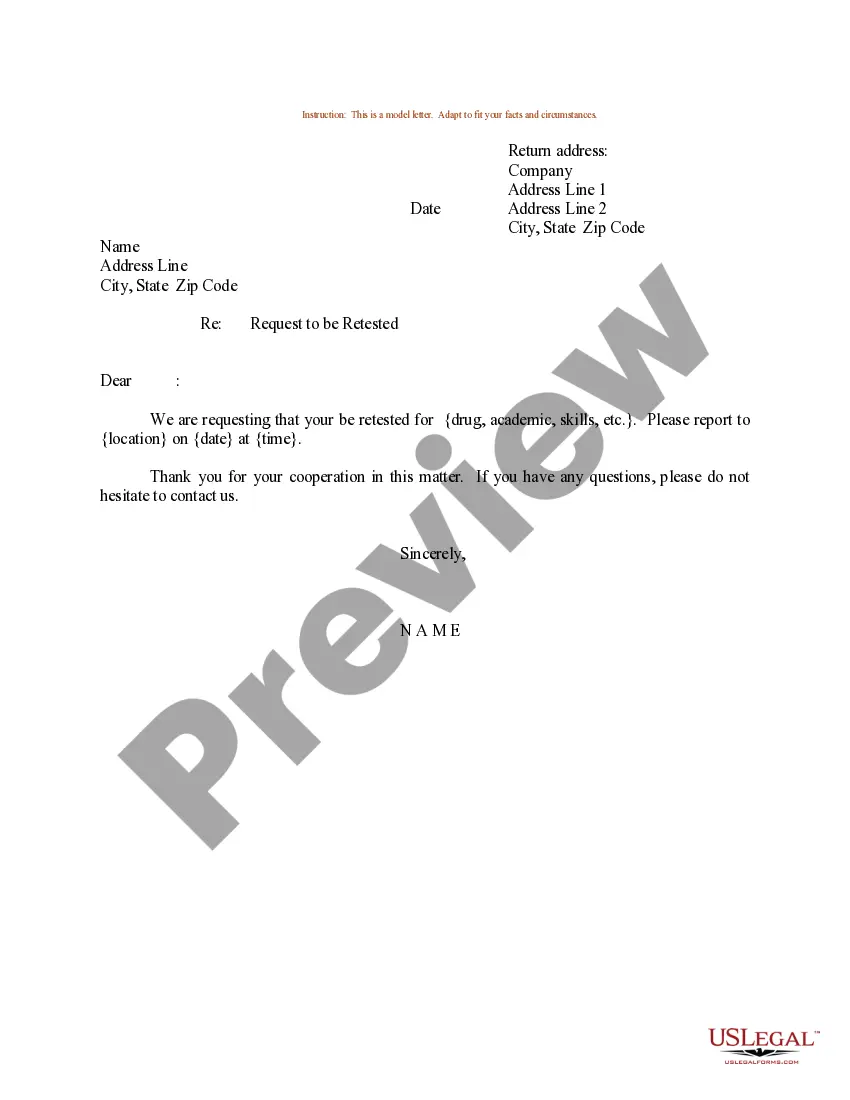
South Dakota Sample Letter for Request to be Retested
Description
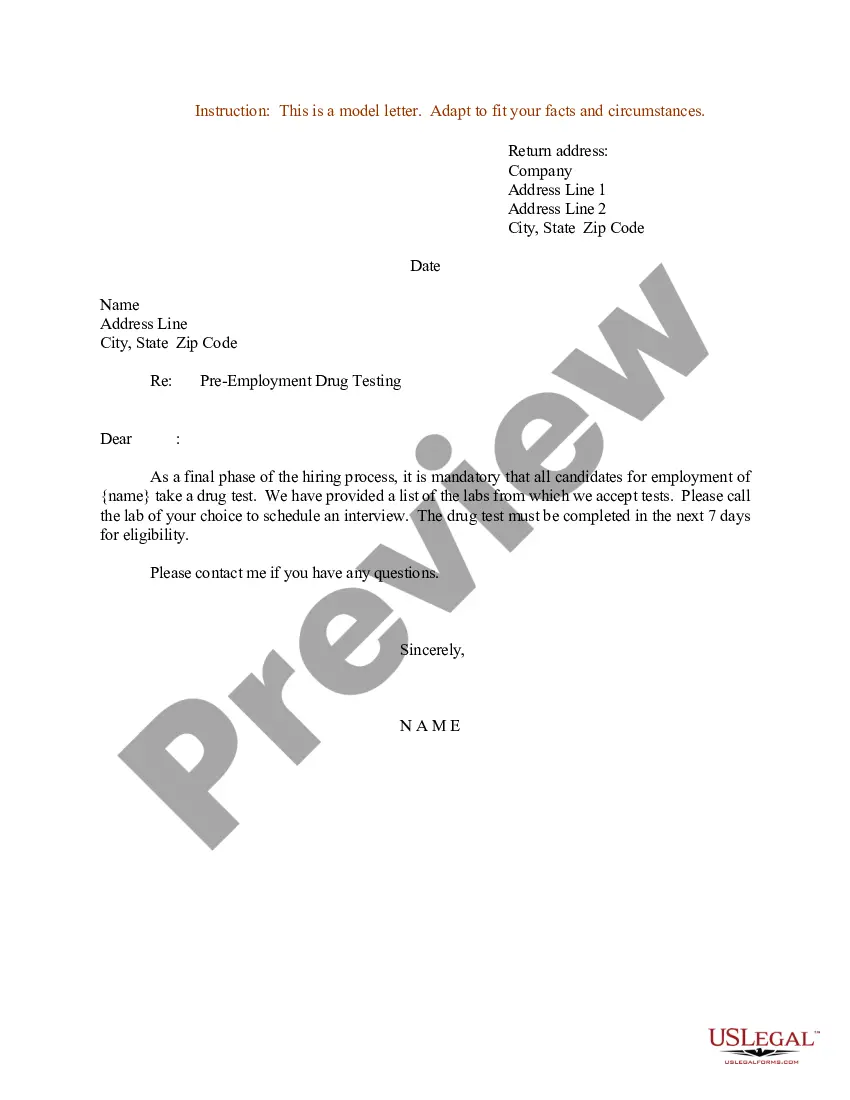
Get your form ready online
Our built-in tools help you complete, sign, share, and store your documents in one place.
Make edits, fill in missing information, and update formatting in US Legal Forms—just like you would in MS Word.
Download a copy, print it, send it by email, or mail it via USPS—whatever works best for your next step.
Sign and collect signatures with our SignNow integration. Send to multiple recipients, set reminders, and more. Go Premium to unlock E-Sign.
If this form requires notarization, complete it online through a secure video call—no need to meet a notary in person or wait for an appointment.
We protect your documents and personal data by following strict security and privacy standards.

Make edits, fill in missing information, and update formatting in US Legal Forms—just like you would in MS Word.

Download a copy, print it, send it by email, or mail it via USPS—whatever works best for your next step.

Sign and collect signatures with our SignNow integration. Send to multiple recipients, set reminders, and more. Go Premium to unlock E-Sign.

If this form requires notarization, complete it online through a secure video call—no need to meet a notary in person or wait for an appointment.

We protect your documents and personal data by following strict security and privacy standards.
Looking for another form?

How to fill out Sample Letter For Request To Be Retested?
If you seek extensive, obtain, or print legal document templates, utilize US Legal Forms, the largest collection of legal forms available online.
Make use of the site's simple and effective search to locate the documents required.
A diverse array of templates for business and personal purposes are organized by categories and states, or keywords.
Step 4. Once you have identified the form you want, click the Download now button. Choose the pricing plan you prefer and enter your details to register for the account.
Step 5. Process the transaction. You may use your credit card or PayPal account to complete the transaction.
- Use US Legal Forms to get the South Dakota Sample Letter for Request to be Retested with just a few clicks.
- If you are already a US Legal Forms customer, Log In to your account and click the Download button to obtain the South Dakota Sample Letter for Request to be Retested.
- You can also access forms you previously acquired in the My documents tab of your account.
- If you're using US Legal Forms for the first time, follow the instructions below.
- Step 1. Ensure you have selected the form for the correct city/state.
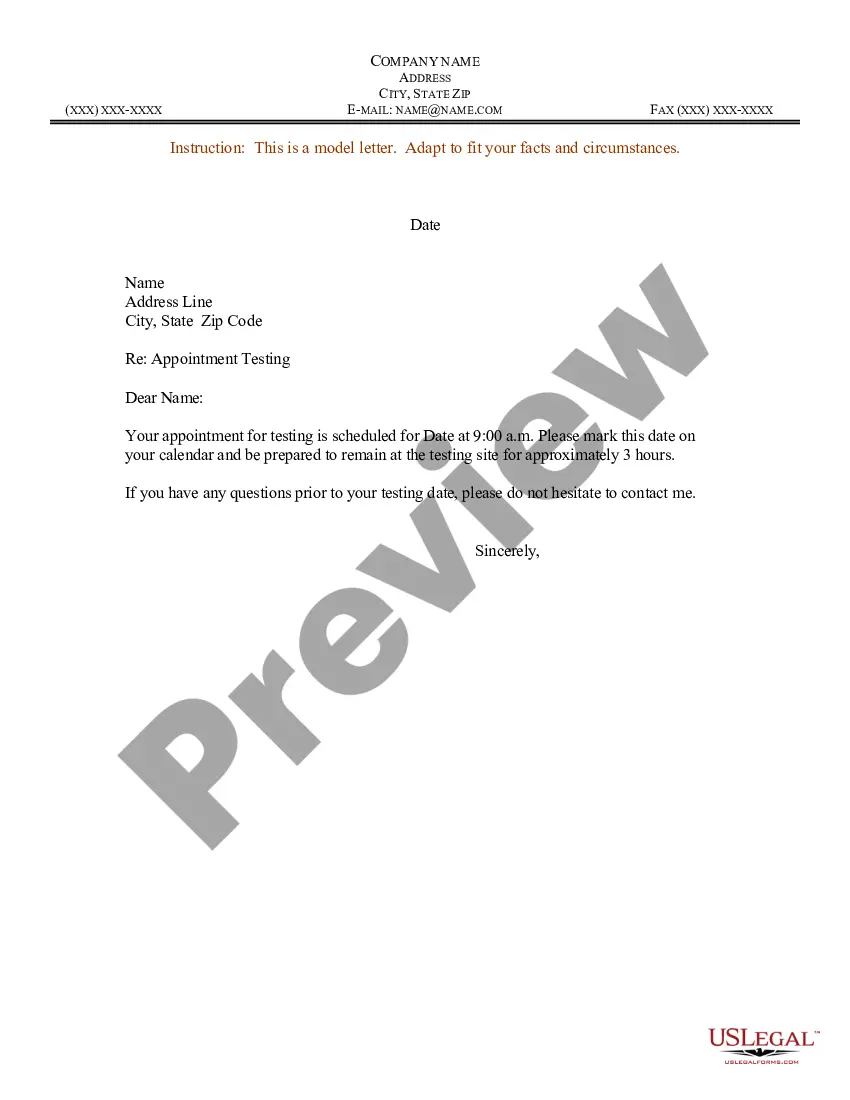
- Step 2. Use the Preview option to review the content of the form. Remember to read the description.
- Step 3. If you are not satisfied with the form, utilize the Search field at the top of the screen to find other variations of the legal form template.
Form popularity
FAQ
Write Your Letter Step-by-StepWrite Your Letter Step-by-Step. Request the change.Clearly state the updated information.Refer to any enclosed documents that may be necessary to support the change.Thank the reader and, if you wish, ask for written confirmation of the change.
To write a letter of request, start by greeting the recipient with Dear, followed by the person's last name and title, or To Whom It May Concern. Then, briefly explain who you are and why you're writing in the 1st paragraph. Next, provide additional context and details about your request in the 2nd paragraph.
A letter of request is a letter in which one person asks another person or group of people to grant a specific demand or respond to an inquiry or appeal. Request letters should be brief, polite and to the point.
A letter of request is written like a business letter as it is a formal letter. The letter should have your name, position, title, address and contact information. The letter should address the recipient clearly and properly. Stay polite and to the point.
Consider the following steps for how to write an email requesting something:Organize your request.Write an approachable subject line.Begin with a formal salutation.Express your request.Include benefits for the recipient.Conclude with a call to action.Focus on the recipient.Include additional documents.More items...?
Before you write a request letter, one should know to whom the letter is addressed....Here is the simple format of the request letter:Date.Recipient Name, designation and address.Subject.Salutation (Dear Sir/Mam, Mr./Mrs./Ms.)Body of the letter.Gratitude.Closing the letter (Your's Sincerely)Your Name and Signature.
How do you write a formal letter of request?Write contact details and date.Open with a professional greeting.State your purpose for writing.Summarise your reason for writing.Explain your request in more detail.Conclude with thanks and a call to action.Close your letter.Note any enclosures.20-Aug-2021
To write a letter of request, start by greeting the recipient with Dear, followed by the person's last name and title, or To Whom It May Concern. Then, briefly explain who you are and why you're writing in the 1st paragraph. Next, provide additional context and details about your request in the 2nd paragraph.
I regret to say that I made a mistake in an important document which is to be submitted on date (Date). This letter is to state that I have corrected the error from (Mention error made) to (Correction).