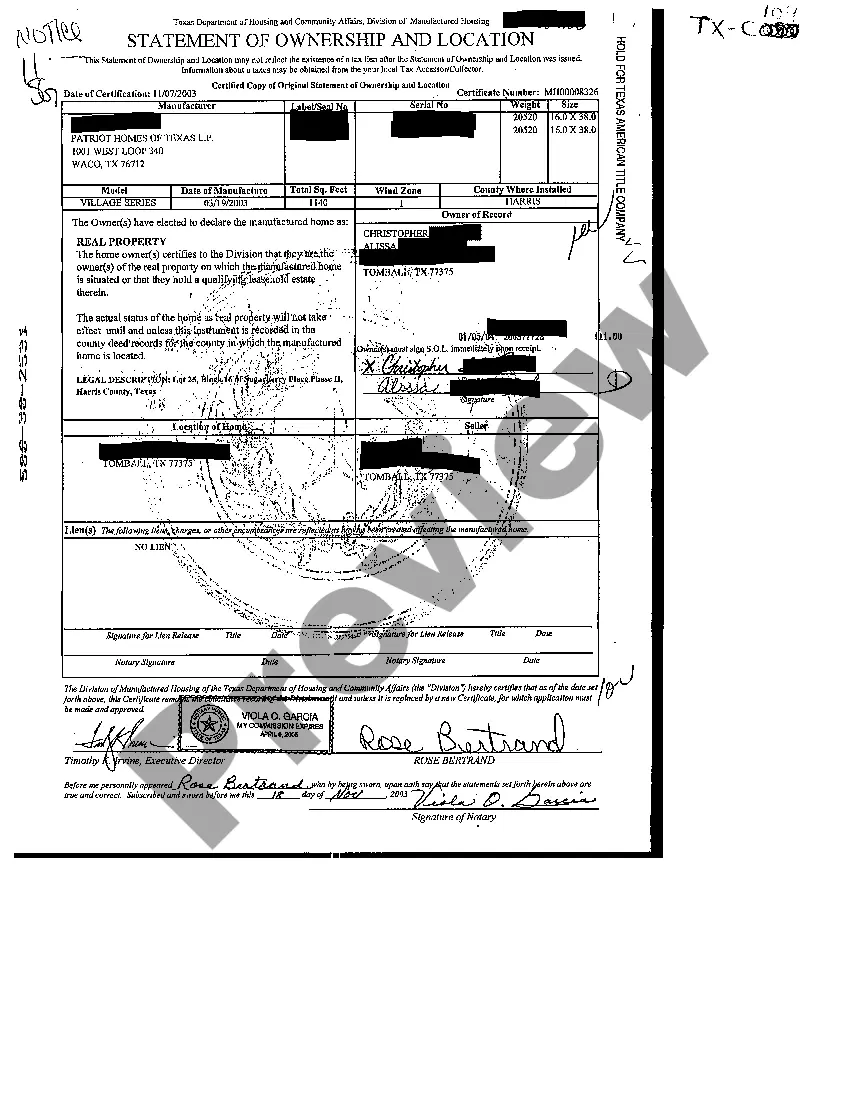
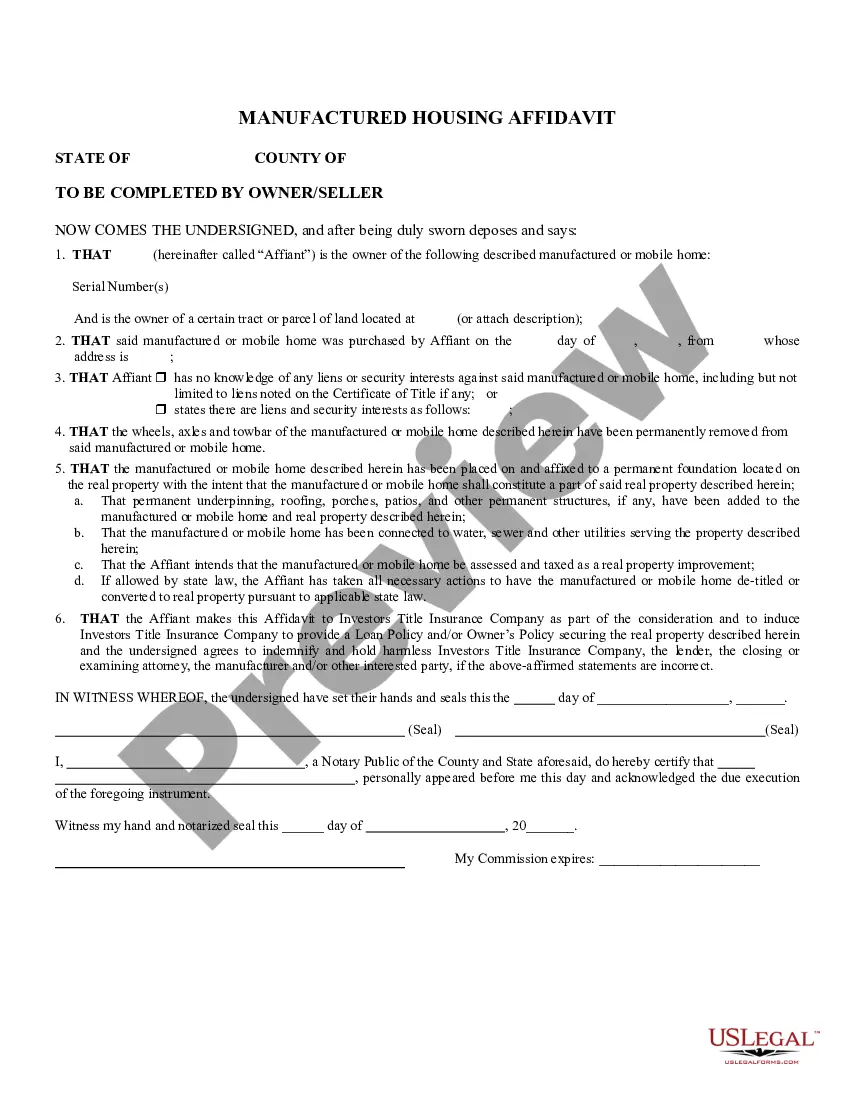
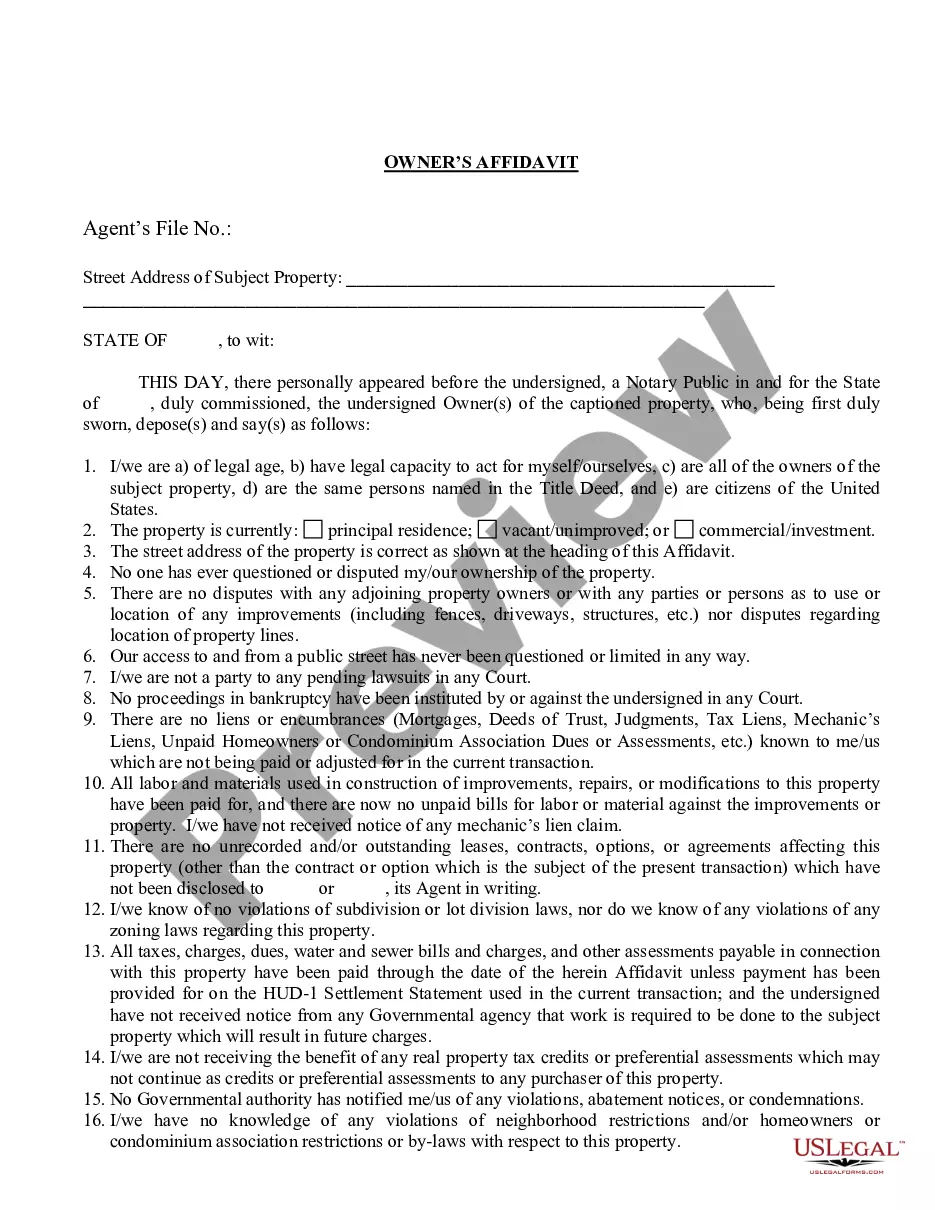
Texas Statement of Ownership and Location
Description

Key Concepts & Definitions
Statement of Ownership and Location (SOL): A legal document that verifies the ownership and location of a manufactured home. It is crucial in the identification of the home for tax and regulation purposes.
Manufactured Home: A type of housing that is pre-assembled in factories and later transported to specific sites. These homes are subject to specific regulations and taxes that differ from traditional homes.
Step-by-Step Guide to Managing Your Manufactured Home Documentation
- Verify Property Tax Status: Contact your local community affairs office to confirm your property tax obligations.
- Apply for SOL: Use the online application assistance from the Texas Department of Housing or your local Manufactured Housing Division.
- Check for Delinquent Tax Payments: Ensure all mobile home taxes and manufactured home fees are up-to-date to avoid penalties.
- Transfer of Real Property: If transferring a home, ensure real property transfer documentation is filed with local housing community resources.
Risk Analysis of Inaccurate or Missing SOL
- Increased Legal Risks: Failure to properly document ownership can lead to disputes over property rights.
- Financial Penalties: Delays or inaccuracies in tax payments may result in penalties or increased interest rates on delinquent taxes.
- Complications in Selling or Transferring the Home: Without proper SOL, executing real property transfers can become complicated and legally challenging.
How to fill out Texas Statement Of Ownership And Location?
Access to quality Texas Statement of Ownership and Location samples online with US Legal Forms. Avoid days of wasted time looking the internet and dropped money on files that aren’t updated. US Legal Forms offers you a solution to just that. Get above 85,000 state-specific authorized and tax forms that you could download and submit in clicks in the Forms library.
To receive the sample, log in to your account and click on Download button. The document is going to be saved in two places: on the device and in the My Forms folder.
For those who don’t have a subscription yet, look at our how-guide listed below to make getting started simpler:
- Verify that the Texas Statement of Ownership and Location you’re looking at is suitable for your state.
- See the sample making use of the Preview function and browse its description.
- Go to the subscription page by simply clicking Buy Now.
- Choose the subscription plan to go on to sign up.
- Pay by card or PayPal to finish creating an account.
- Choose a favored file format to download the document (.pdf or .docx).
Now you can open up the Texas Statement of Ownership and Location example and fill it out online or print it and do it yourself. Consider mailing the papers to your legal counsel to make sure everything is filled in properly. If you make a error, print out and complete sample again (once you’ve made an account every document you download is reusable). Make your US Legal Forms account now and get access to far more templates.