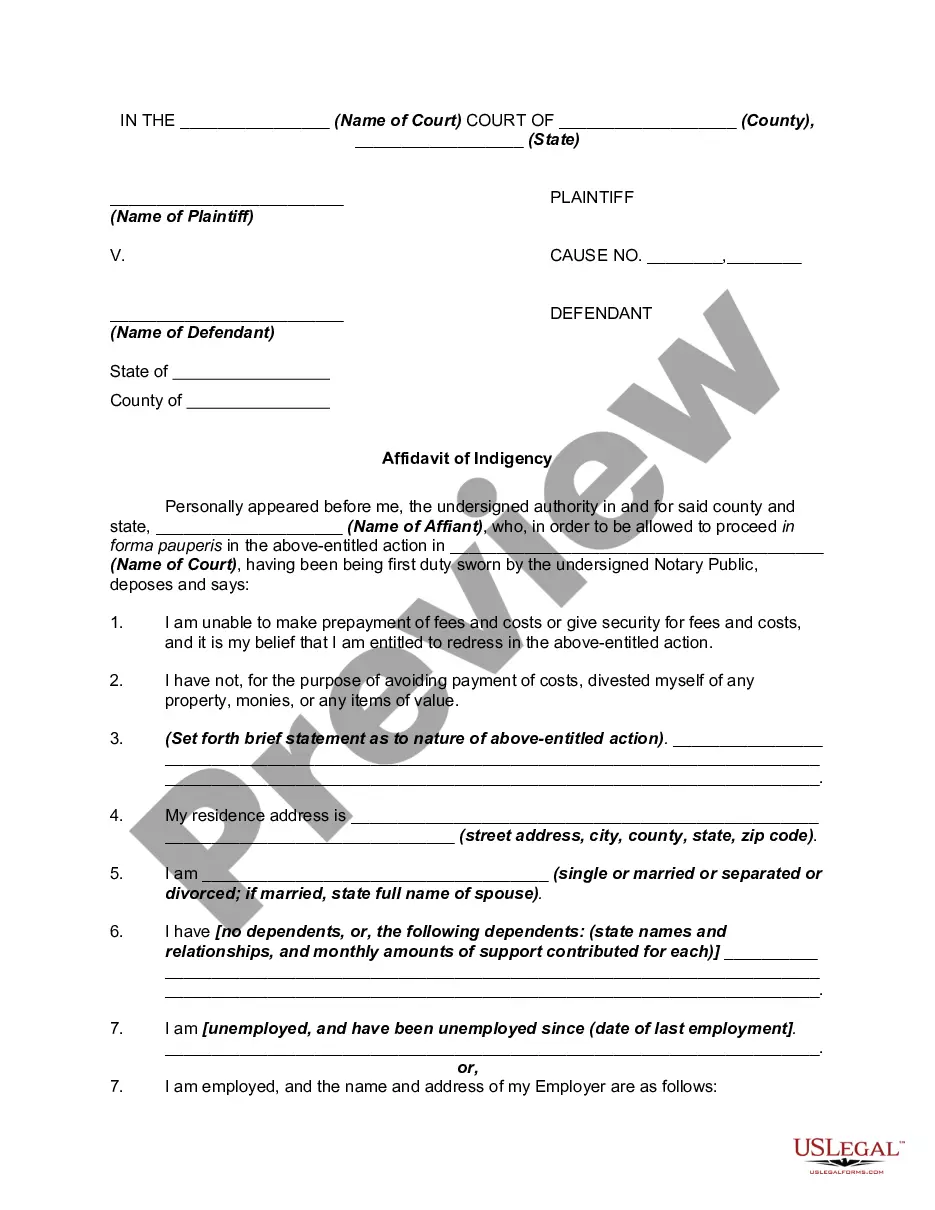
Texas Employer New Hire Reporting
Description
Get your form ready online
Our built-in tools help you complete, sign, share, and store your documents in one place.
Make edits, fill in missing information, and update formatting in US Legal Forms—just like you would in MS Word.
Download a copy, print it, send it by email, or mail it via USPS—whatever works best for your next step.
Sign and collect signatures with our SignNow integration. Send to multiple recipients, set reminders, and more. Go Premium to unlock E-Sign.
If this form requires notarization, complete it online through a secure video call—no need to meet a notary in person or wait for an appointment.
We protect your documents and personal data by following strict security and privacy standards.
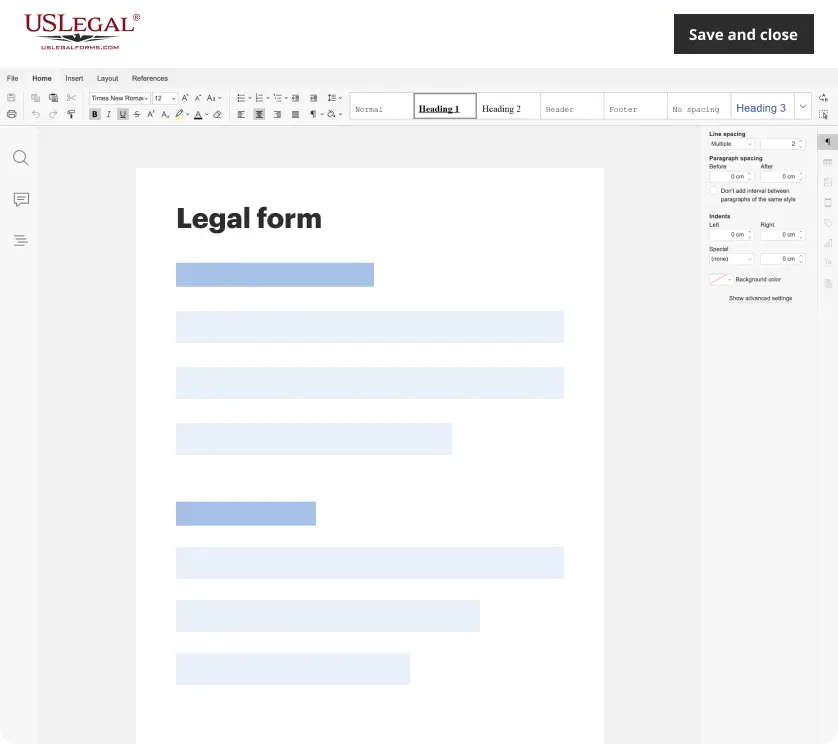
Make edits, fill in missing information, and update formatting in US Legal Forms—just like you would in MS Word.
Download a copy, print it, send it by email, or mail it via USPS—whatever works best for your next step.
Sign and collect signatures with our SignNow integration. Send to multiple recipients, set reminders, and more. Go Premium to unlock E-Sign.

If this form requires notarization, complete it online through a secure video call—no need to meet a notary in person or wait for an appointment.
We protect your documents and personal data by following strict security and privacy standards.
Looking for another form?
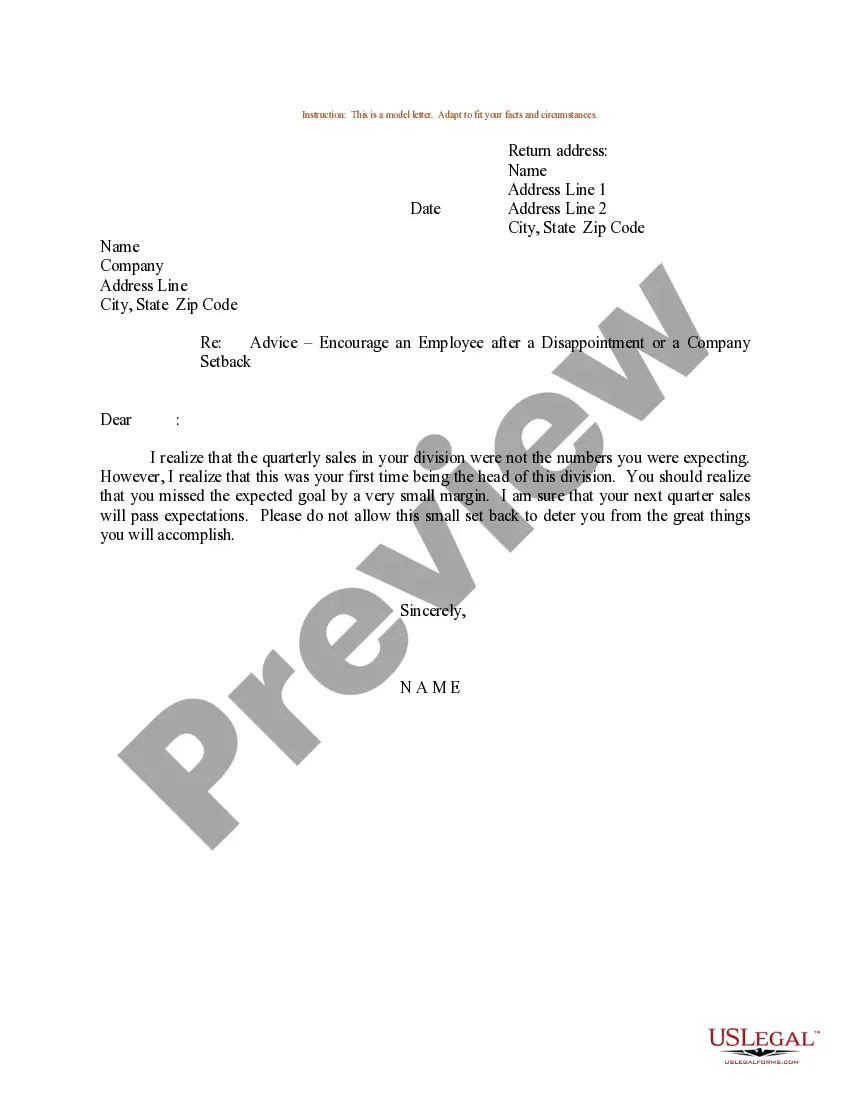
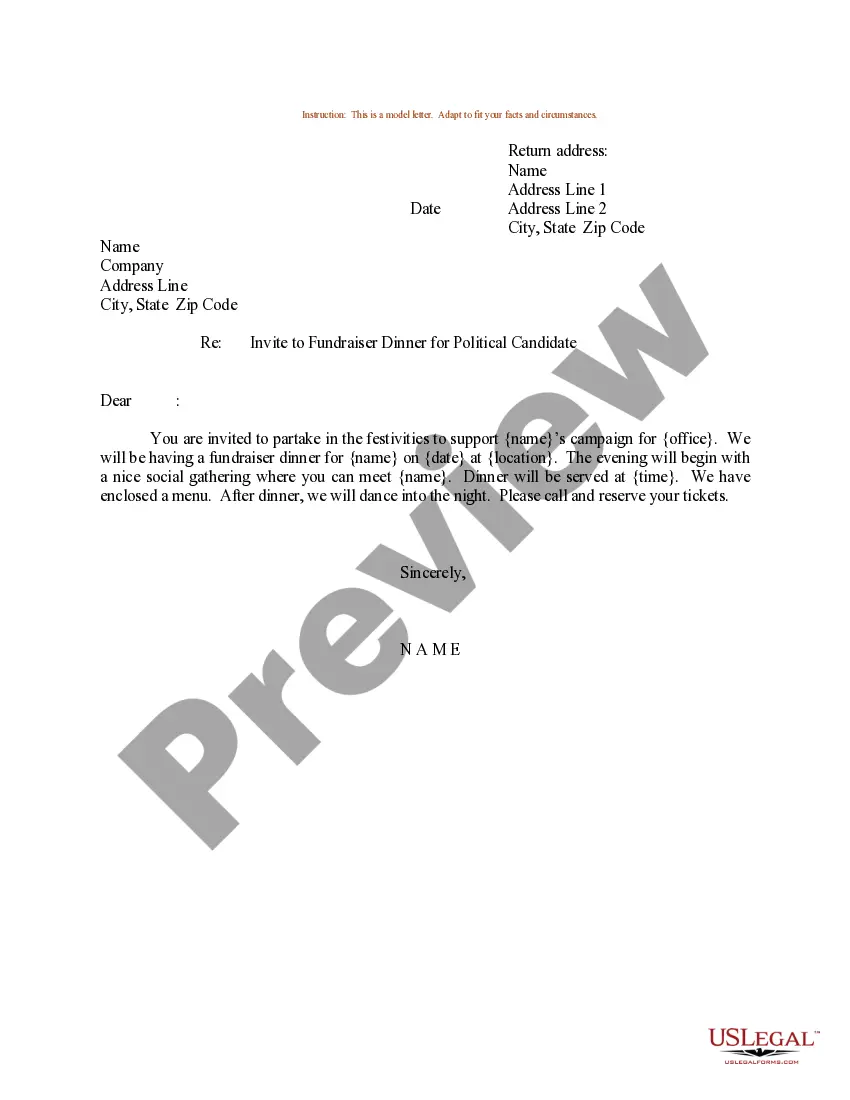
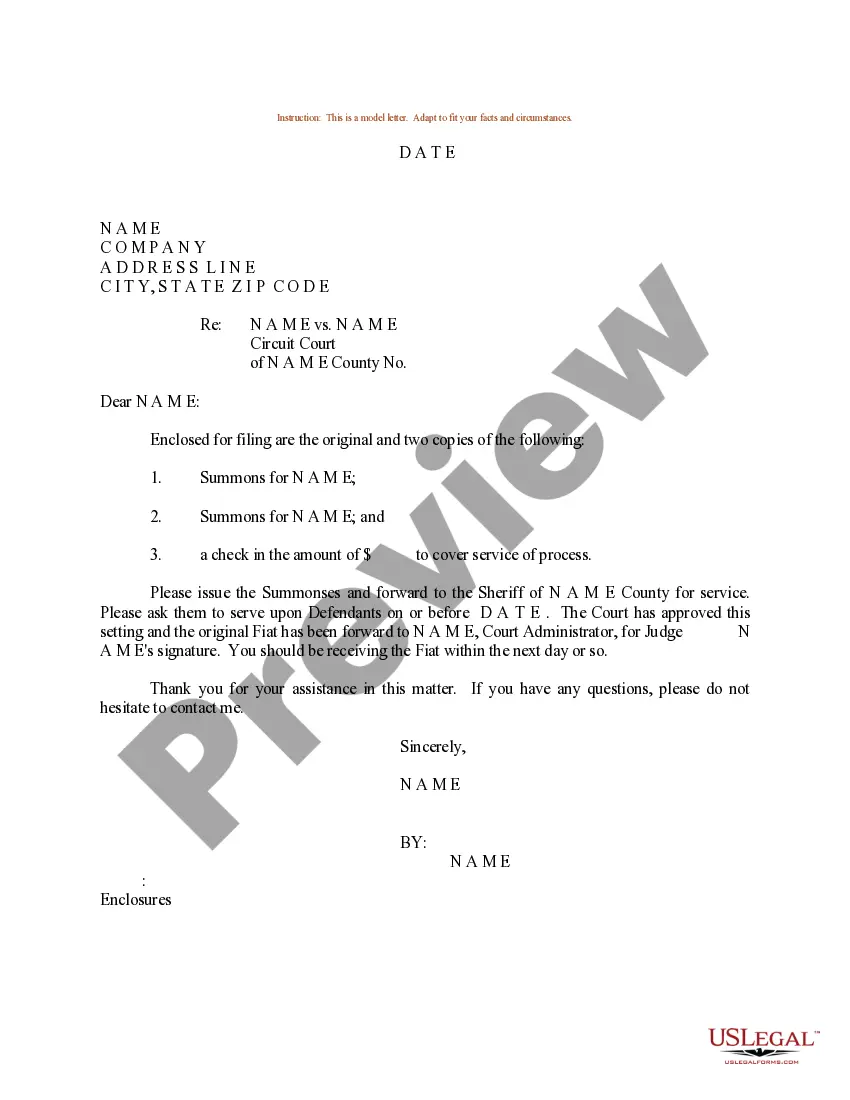
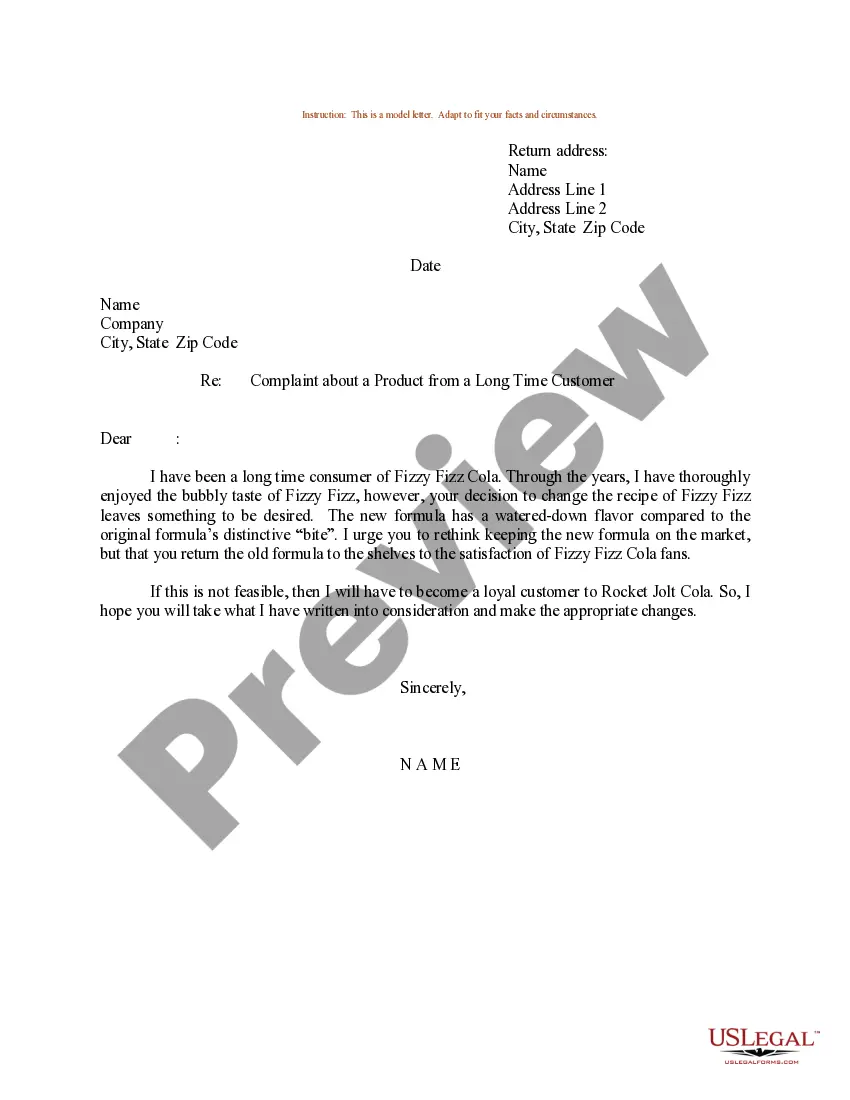
How to fill out Texas Employer New Hire Reporting?
If you’re searching for a way to properly complete the Texas Employer New Hire Reporting without hiring a legal representative, then you’re just in the right place. US Legal Forms has proven itself as the most extensive and reliable library of formal templates for every personal and business scenario. Every piece of documentation you find on our online service is designed in accordance with nationwide and state laws, so you can be certain that your documents are in order.
Adhere to these simple guidelines on how to acquire the ready-to-use Texas Employer New Hire Reporting:
- Ensure the document you see on the page corresponds with your legal situation and state laws by examining its text description or looking through the Preview mode.
- Type in the document title in the Search tab on the top of the page and choose your state from the list to locate another template in case of any inconsistencies.
- Repeat with the content verification and click Buy now when you are confident with the paperwork compliance with all the requirements.
- Log in to your account and click Download. Sign up for the service and opt for the subscription plan if you still don’t have one.
- Use your credit card or the PayPal option to pay for your US Legal Forms subscription. The document will be available to download right after.
- Decide in what format you want to get your Texas Employer New Hire Reporting and download it by clicking the appropriate button.
- Import your template to an online editor to complete and sign it quickly or print it out to prepare your hard copy manually.
Another great advantage of US Legal Forms is that you never lose the paperwork you acquired - you can pick any of your downloaded templates in the My Forms tab of your profile whenever you need it.
Form popularity
FAQ
Here's a list of the new hire forms in Texas that your employee will need to sign. The official offer letter.An Employee Personal Data Form.A W2 Tax Form. The I-9 Form, which proves their right to work in the United States.A Direct Deposit Authorization Form. A Federal W-4 Form.
If one of your employers cannot withhold enough of your earnings to completely pay your required child support, a second employer may withhold the remaining amount, but the total withheld should not exceed the amount stated in your withholding order.
If you are making more money now than you were when the child support order was established or last modified, the court may increase the amount of child support you are ordered to pay.
Make sure to report the income from your new job in the Financial Information section and specify whether your income has increased or decreased. It will take approximately 30 days for a representative from the Child Support Division to contact both parents about the request.
Texas Employer New Hire Reporting Form. ENHR Operations Center, P.O. Box 149224. Austin, TX 78714-9224. Phone: 1-800-850-6442 Fax: 1-800-732-5015. Online: .employer.texasattorneygeneral.gov.
To report a new job to child support in Texas, detail your income changes in a Review for Modification. Next, work with the assigned Child Support Review Specialist to create a new child support order that reflects your employment change. A judge will either approve or deny the alterations to the child support order.
You must report all newly hired or rehired employees who live or work in any state. A good rule of thumb is that if the employee is required to fill out a W-4 form, you must report hiring that employee.
Losing your job or earning less income doesn't mean your child support obligation automatically changes or goes away. But you can request that your case be reviewed by the Office of the Attorney General (OAG). If your circumstances have changed, you may be eligible for a payment modification.