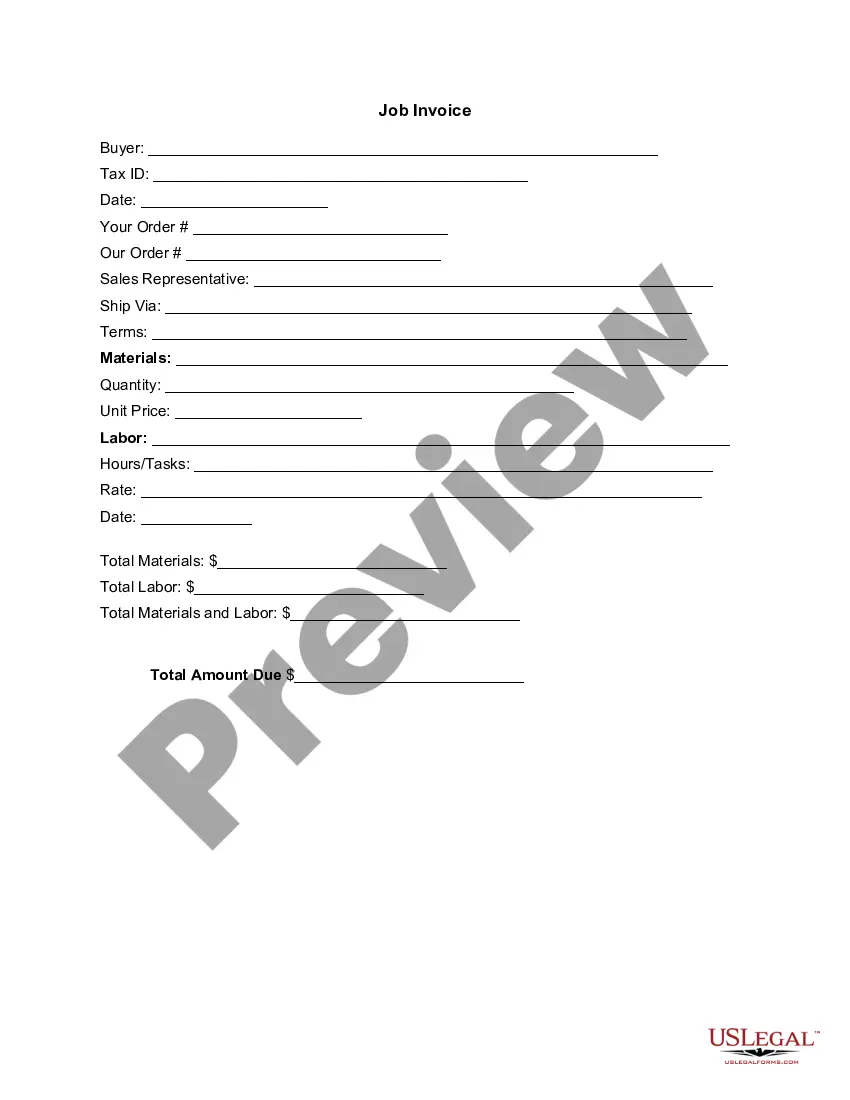
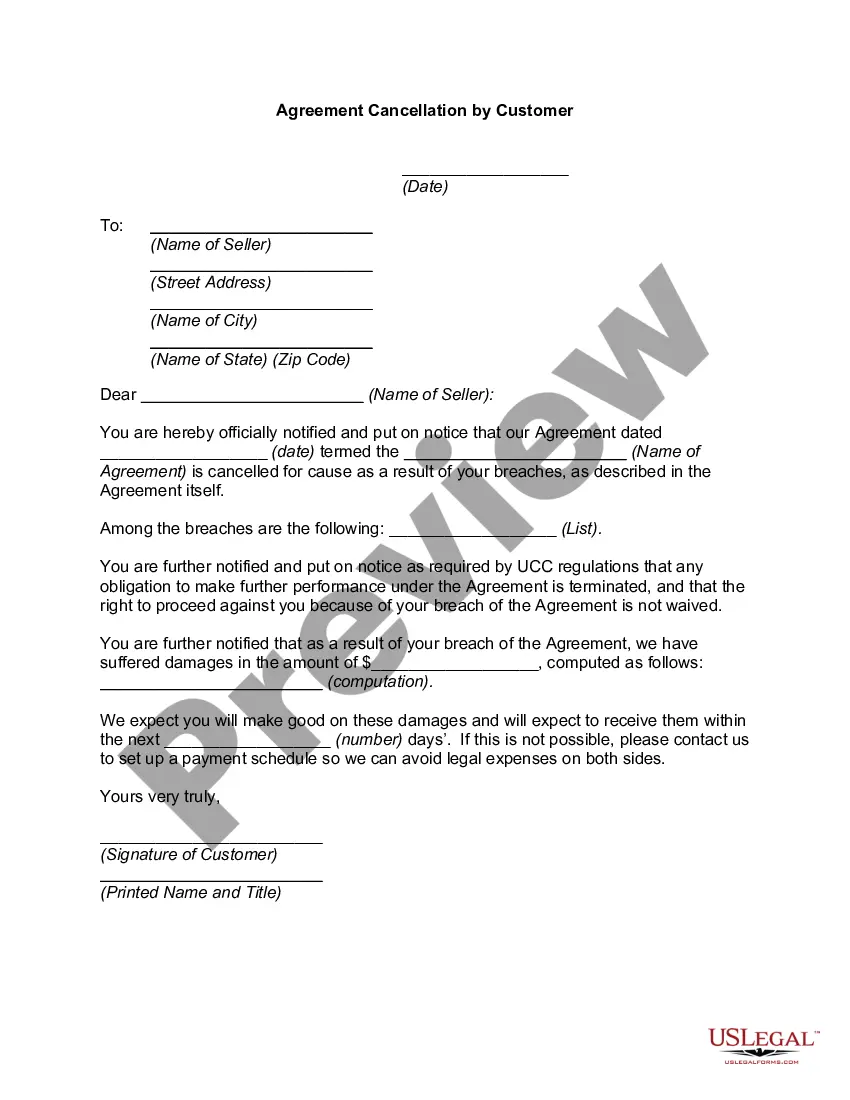
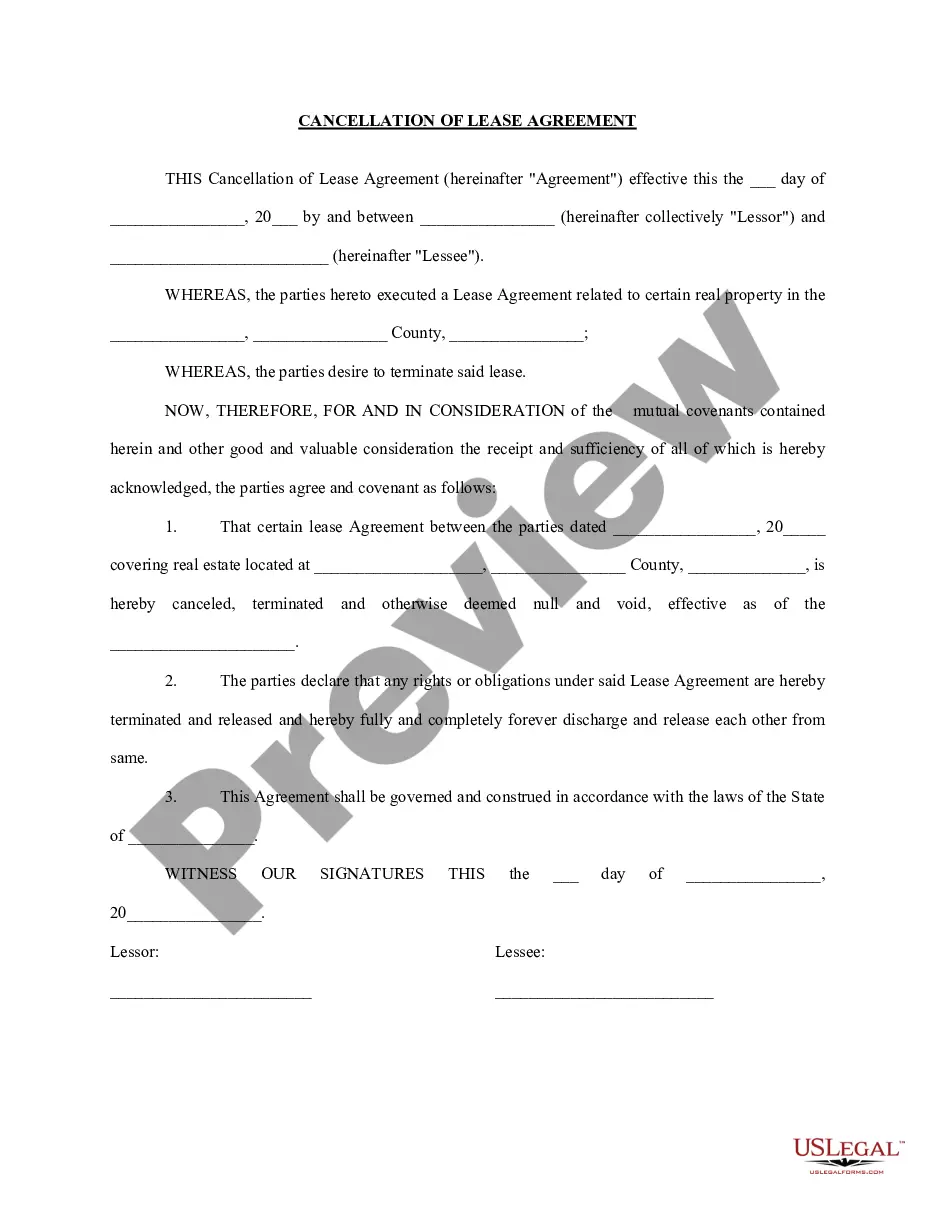
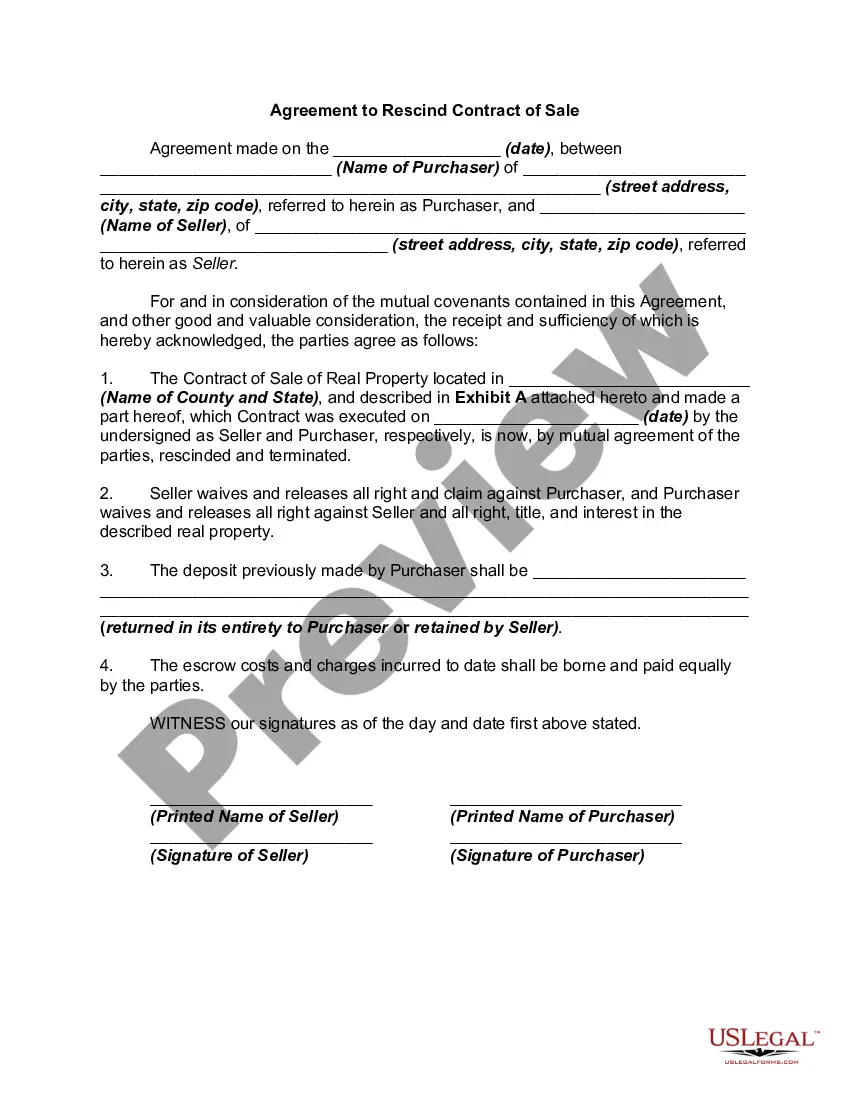
Texas Agreement Cancellation by Customer
Description
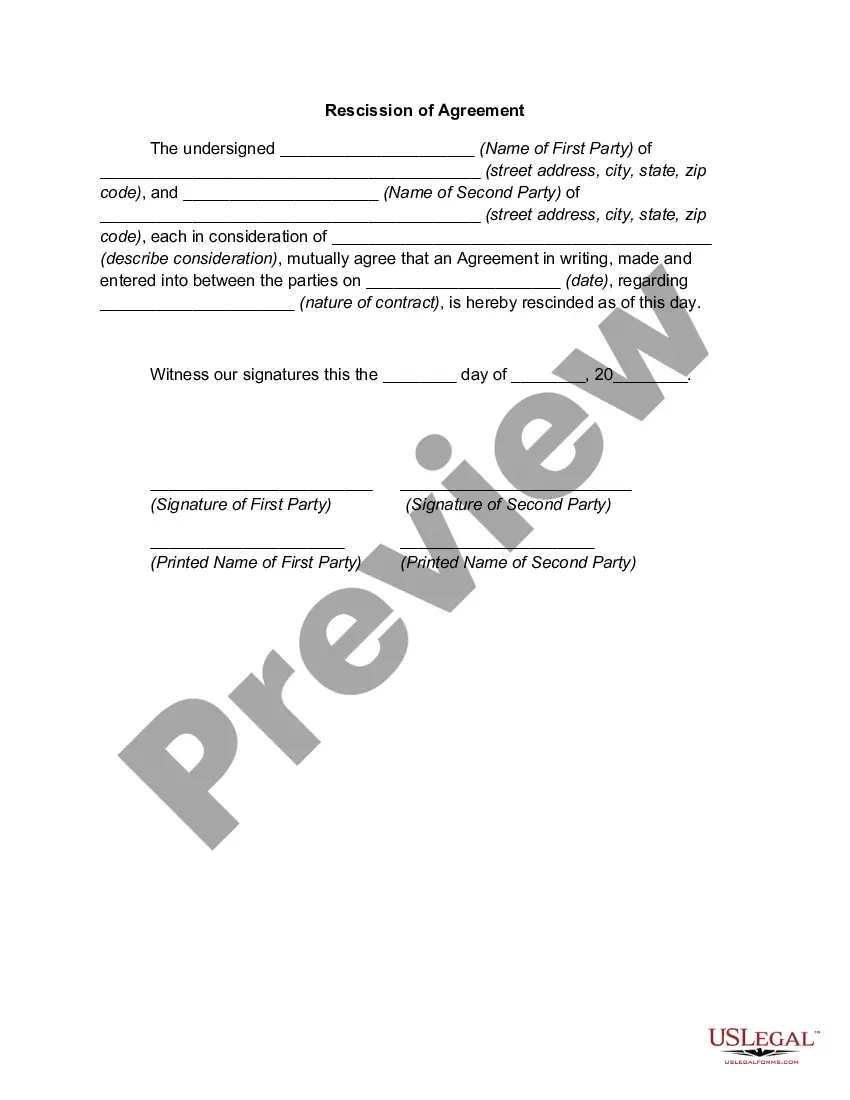
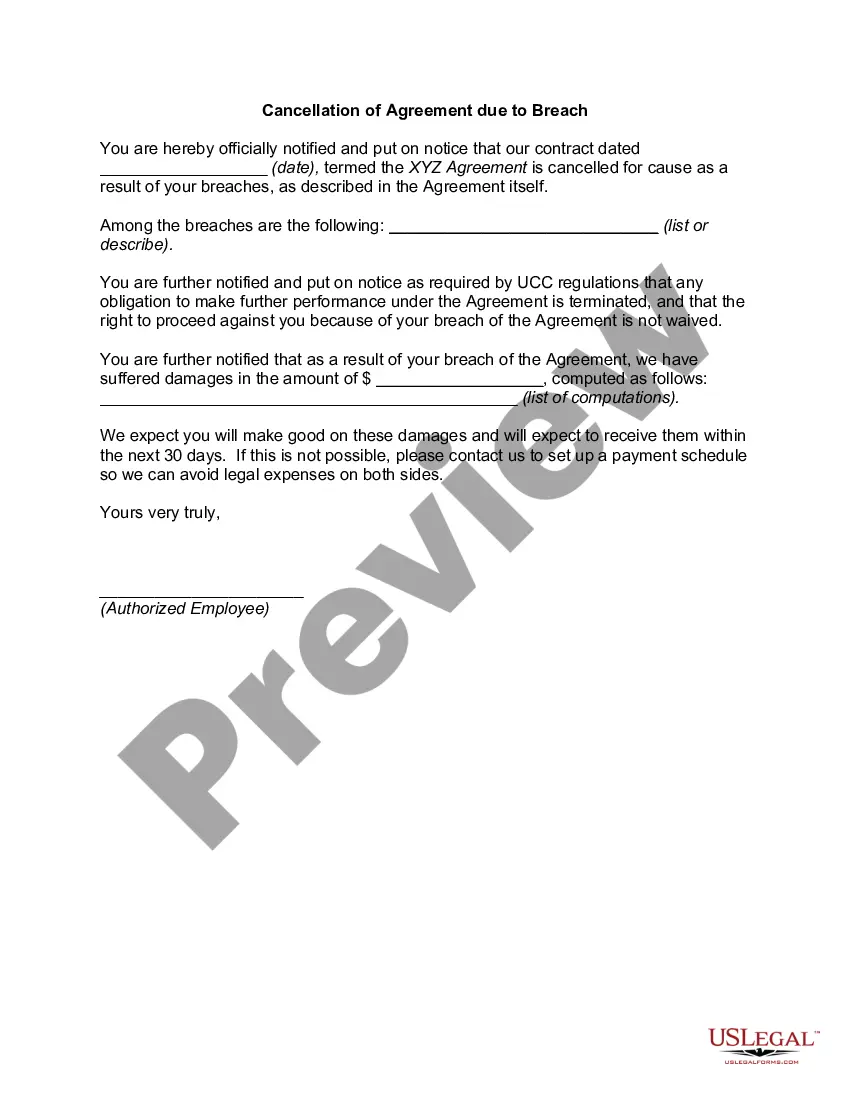
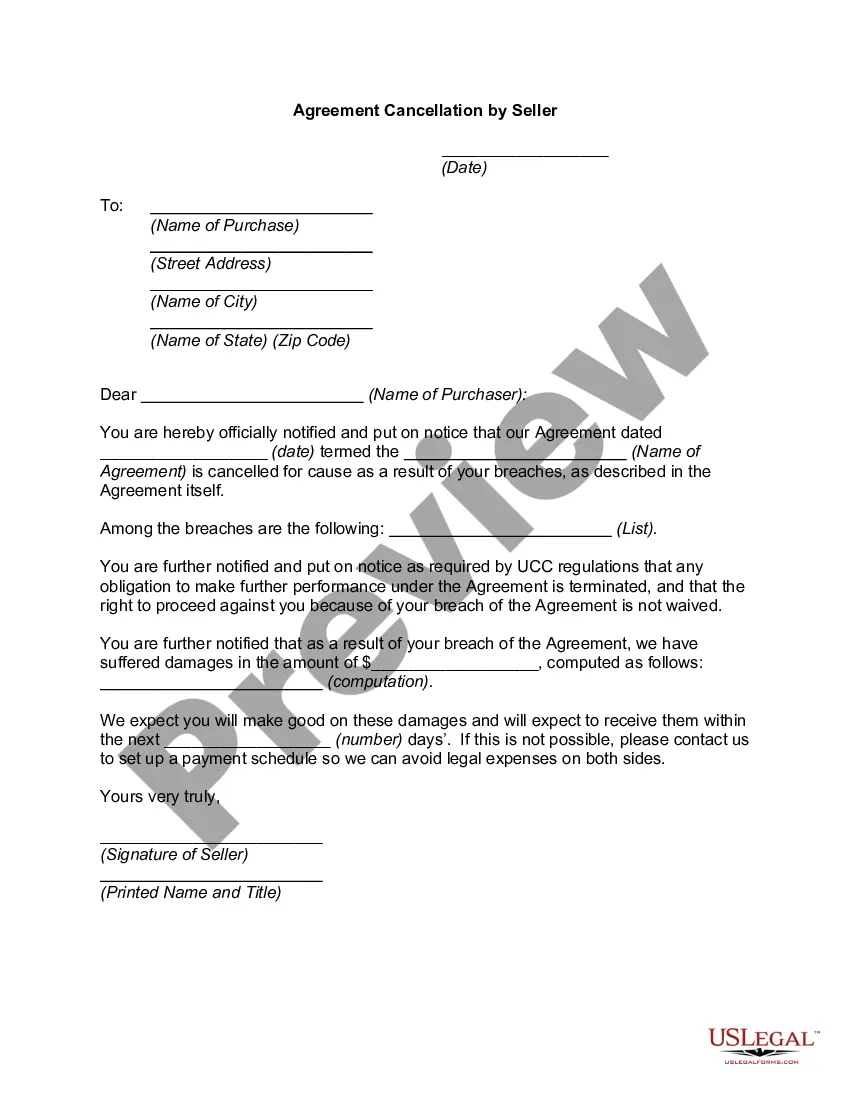
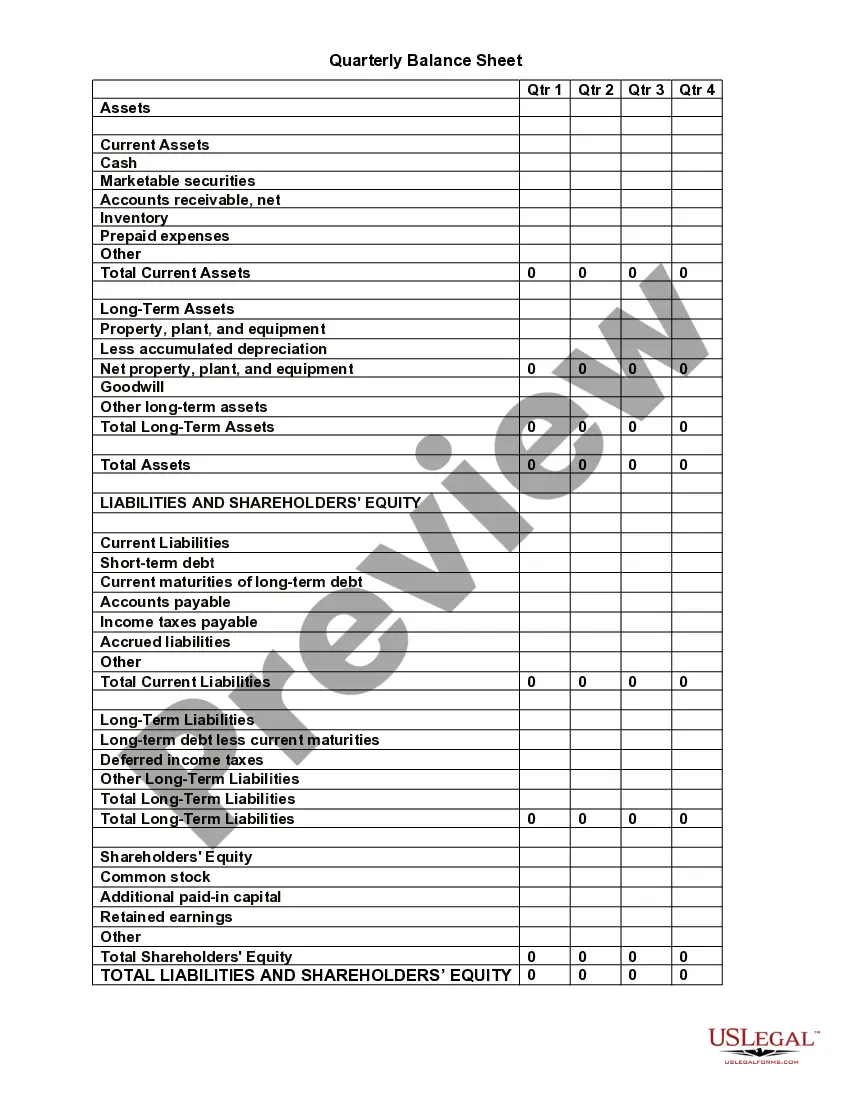
Get your form ready online
Our built-in tools help you complete, sign, share, and store your documents in one place.
Make edits, fill in missing information, and update formatting in US Legal Forms—just like you would in MS Word.
Download a copy, print it, send it by email, or mail it via USPS—whatever works best for your next step.
Sign and collect signatures with our SignNow integration. Send to multiple recipients, set reminders, and more. Go Premium to unlock E-Sign.
If this form requires notarization, complete it online through a secure video call—no need to meet a notary in person or wait for an appointment.
We protect your documents and personal data by following strict security and privacy standards.

Make edits, fill in missing information, and update formatting in US Legal Forms—just like you would in MS Word.

Download a copy, print it, send it by email, or mail it via USPS—whatever works best for your next step.

Sign and collect signatures with our SignNow integration. Send to multiple recipients, set reminders, and more. Go Premium to unlock E-Sign.

If this form requires notarization, complete it online through a secure video call—no need to meet a notary in person or wait for an appointment.

We protect your documents and personal data by following strict security and privacy standards.
Looking for another form?

How to fill out Agreement Cancellation By Customer?
If you desire to finalize, acquire, or produce authentic document templates, utilize US Legal Forms, the largest collection of legal forms available online.
Employ the site's straightforward and user-friendly search to find the documents you need.
A range of templates for business and personal purposes are organized by categories and states, or keywords.
Step 4. Once you have identified the form you need, click the Get Now option. Choose the pricing plan you prefer and enter your details to register for an account.
Step 5. Complete the payment process. You can use your credit card or PayPal account to finish the transaction.
- Utilize US Legal Forms to obtain the Texas Agreement Termination by Customer in just a few clicks.
- If you are already a US Legal Forms client, sign in to your account and click the Download option to get the Texas Agreement Termination by Customer.
- You can also access forms you previously downloaded from the My documents tab in your account.
- If you are using US Legal Forms for the first time, follow the instructions below.
- Step 1. Ensure you have selected the form for the correct region/state.
- Step 2. Use the Preview option to review the form’s content. Don’t forget to read the description.
- Step 3. If you are not satisfied with the form, use the Search box at the top of the screen to find other variations of the legal form design.
Form popularity
FAQ
The General Rule: Contracts Are Effective When Signed Unless a contract contains a specific rescission clause that grants the right for a party to cancel the contract within a certain amount of time, a party cannot back out of a contract once they have agreed and signed it.
There is a federal law (and similar laws in every state) allowing consumers to cancel contracts made with a door-to-door salesperson within three days of signing. The three-day period is called a "cooling off" period.
Updated November 2, 2020: The 72-hour contract law allows consumers the right to cancel a contract during what is referred to as a "cooling off" period. The timeframe for canceling is usually 72 hours, which means a consumer has until midnight after the third day the contract is signed.
Many states, like California, grant consumers a statutory "cooling off" period, typically three to five days, during which a consumer can cancel a contract for any reason by sending the seller a written cancellation notice.
A statutory right to cancel a contract or return a purchase because you change your mind is not the norm in Texas. State law grants a right to cancel also called a right of rescission or a cooling off period in only a few specific instances.
Under Texas law, the door-to-door seller must advise you orally and in writing that you have a right to cancel the sale within three days.
Be Firm. No matter the reason, you need to let your client know that breaking the contract will not work for your company.Pick Up The Phone.Come Up With A Plan To Fix Their Issues.Remind Them Of The Terms Of Your Agreement.Don't Get Emotional.Consider Restructuring Or Changing The Agreement.
Federal and state consumer laws allow people to cancel certain contracts or sales of goods for any reason, such as buyer's remorse, or for no reason at all. The Federal Trade Commission (FTC) requires sellers of goods in certain circumstances to allow consumers a cooling off period.