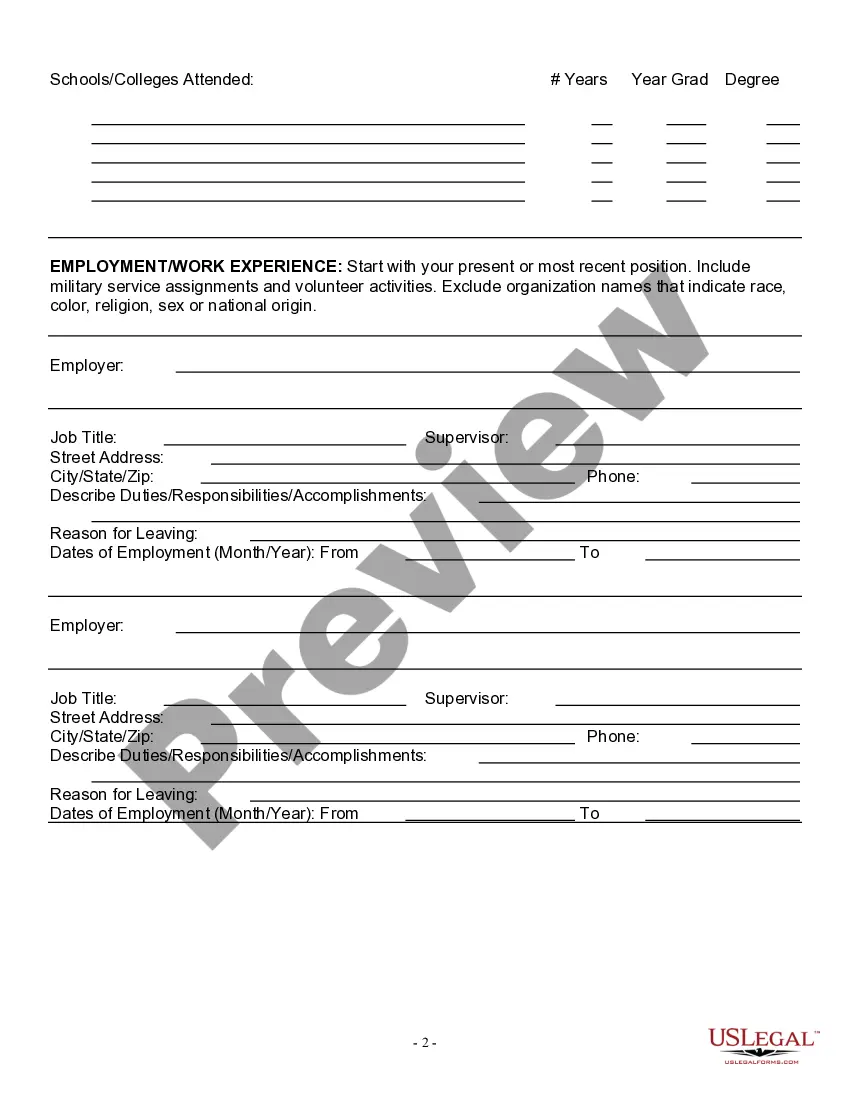
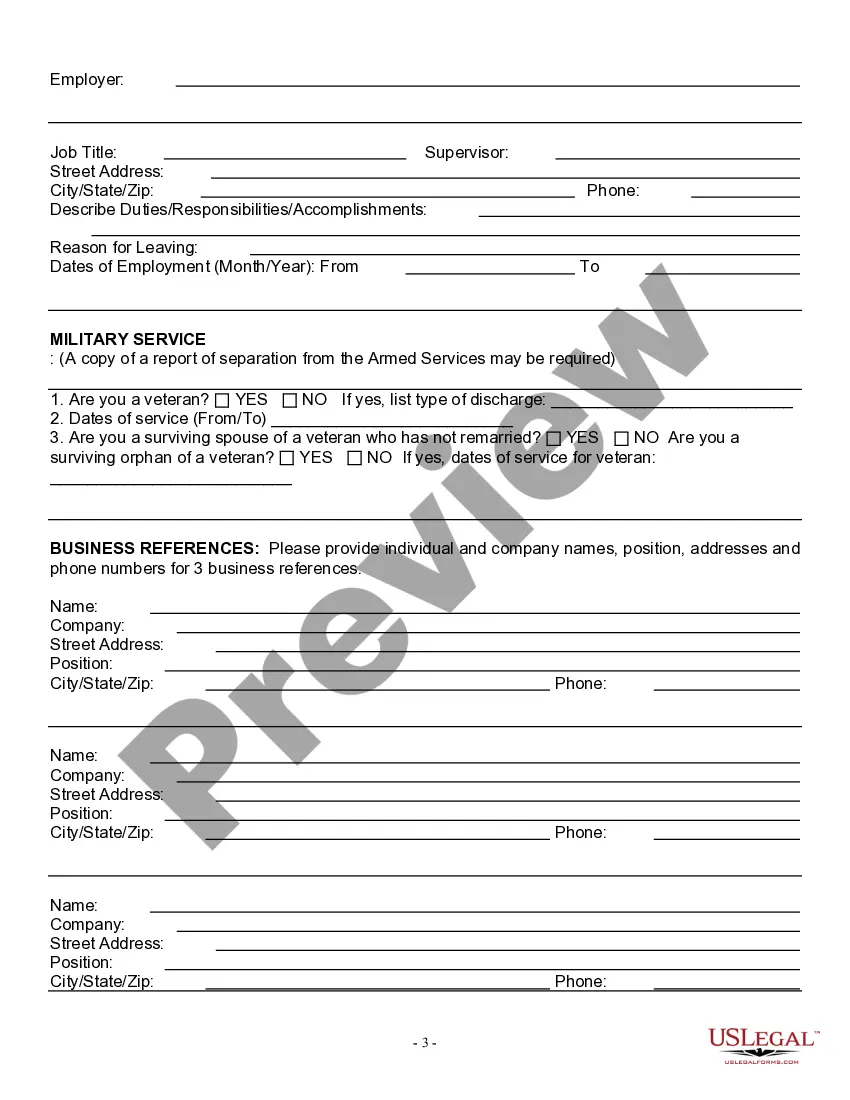
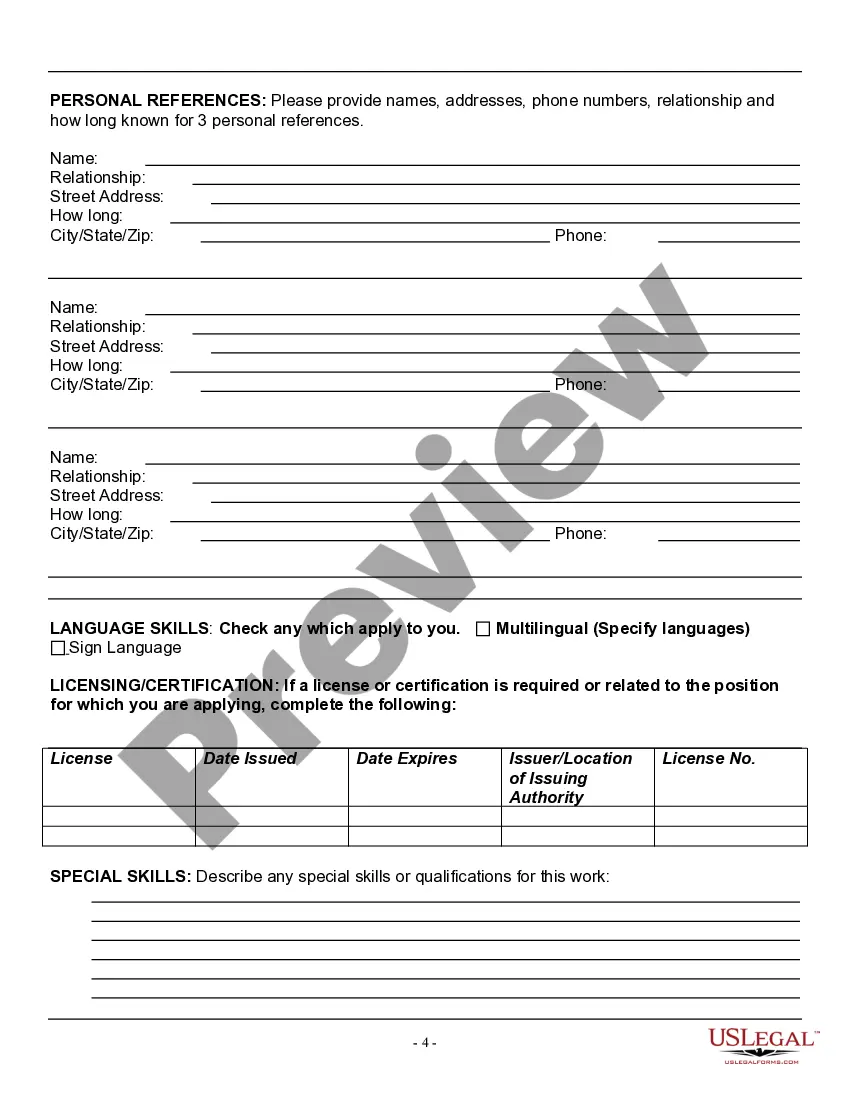
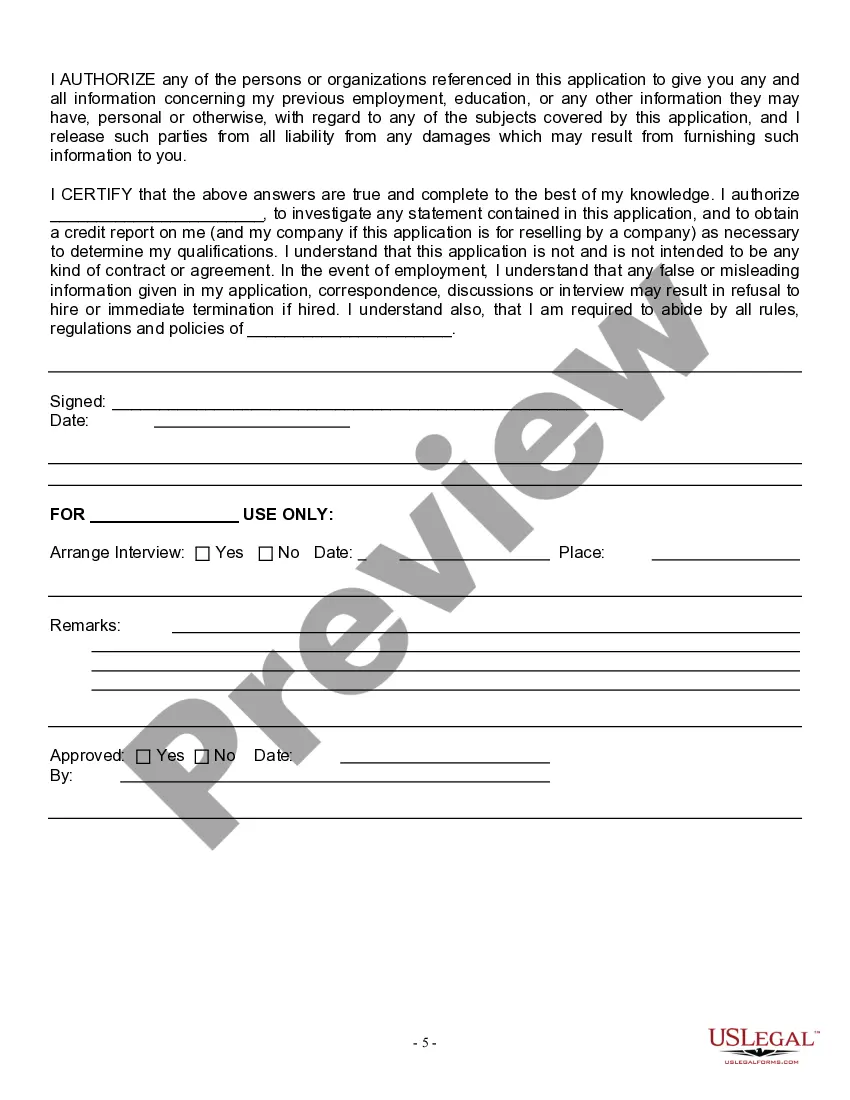
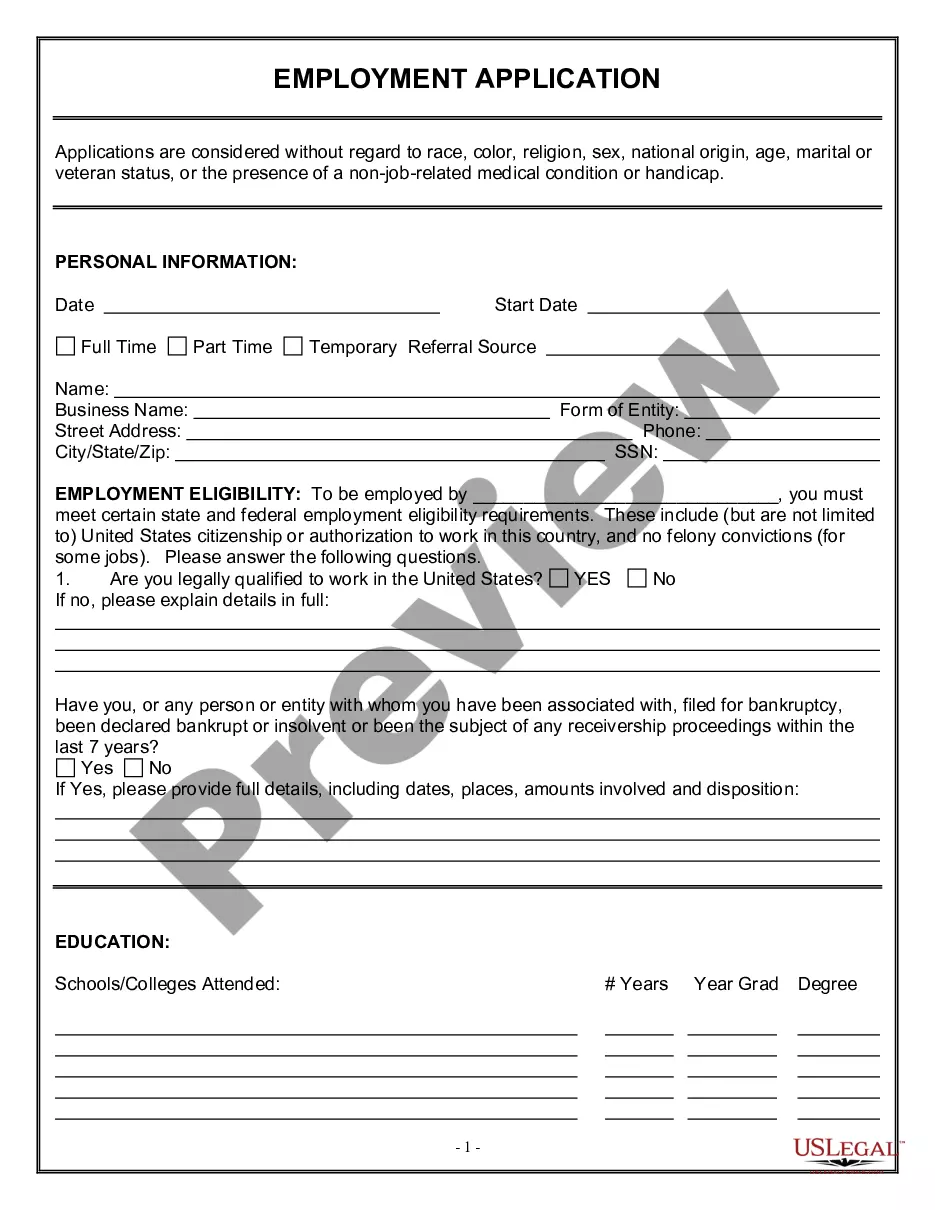
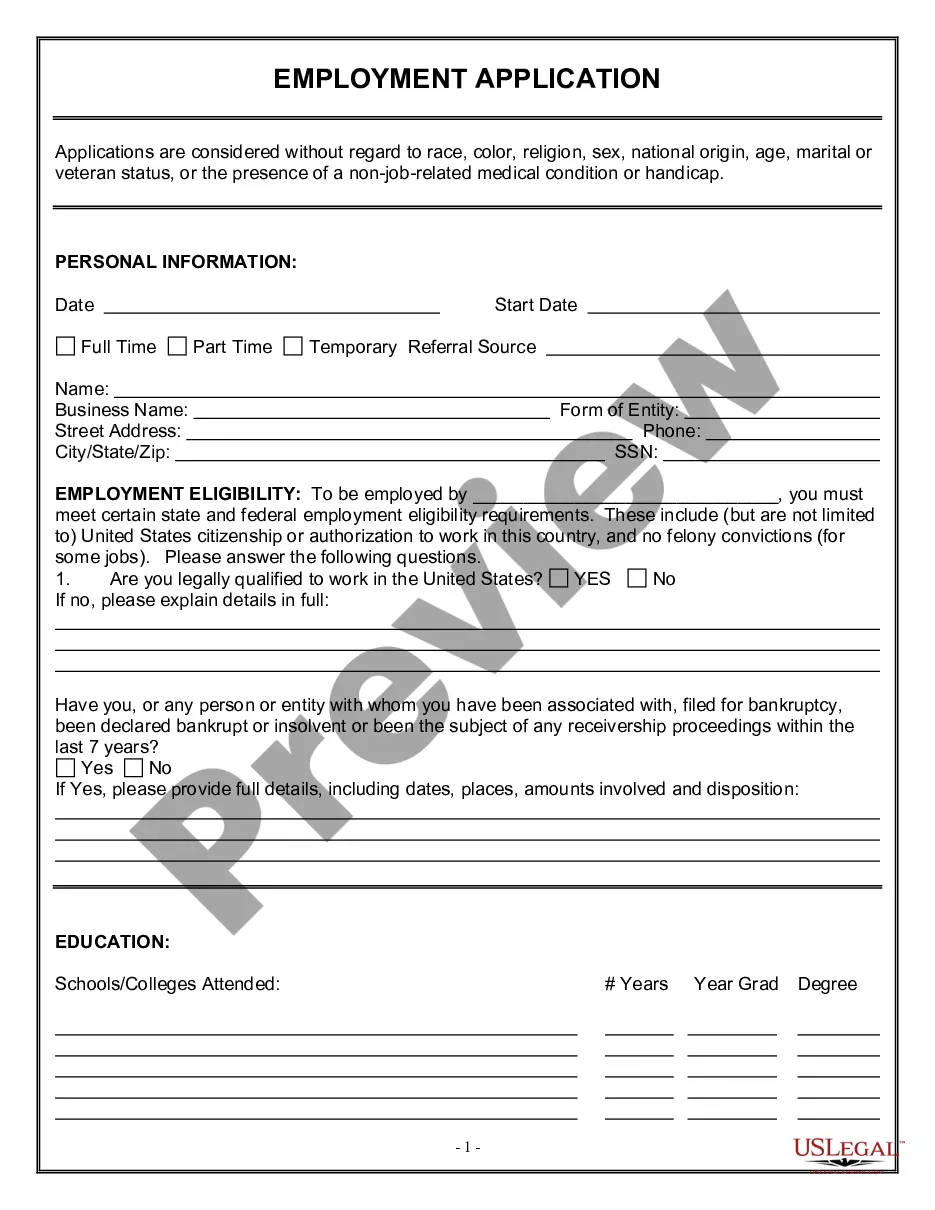
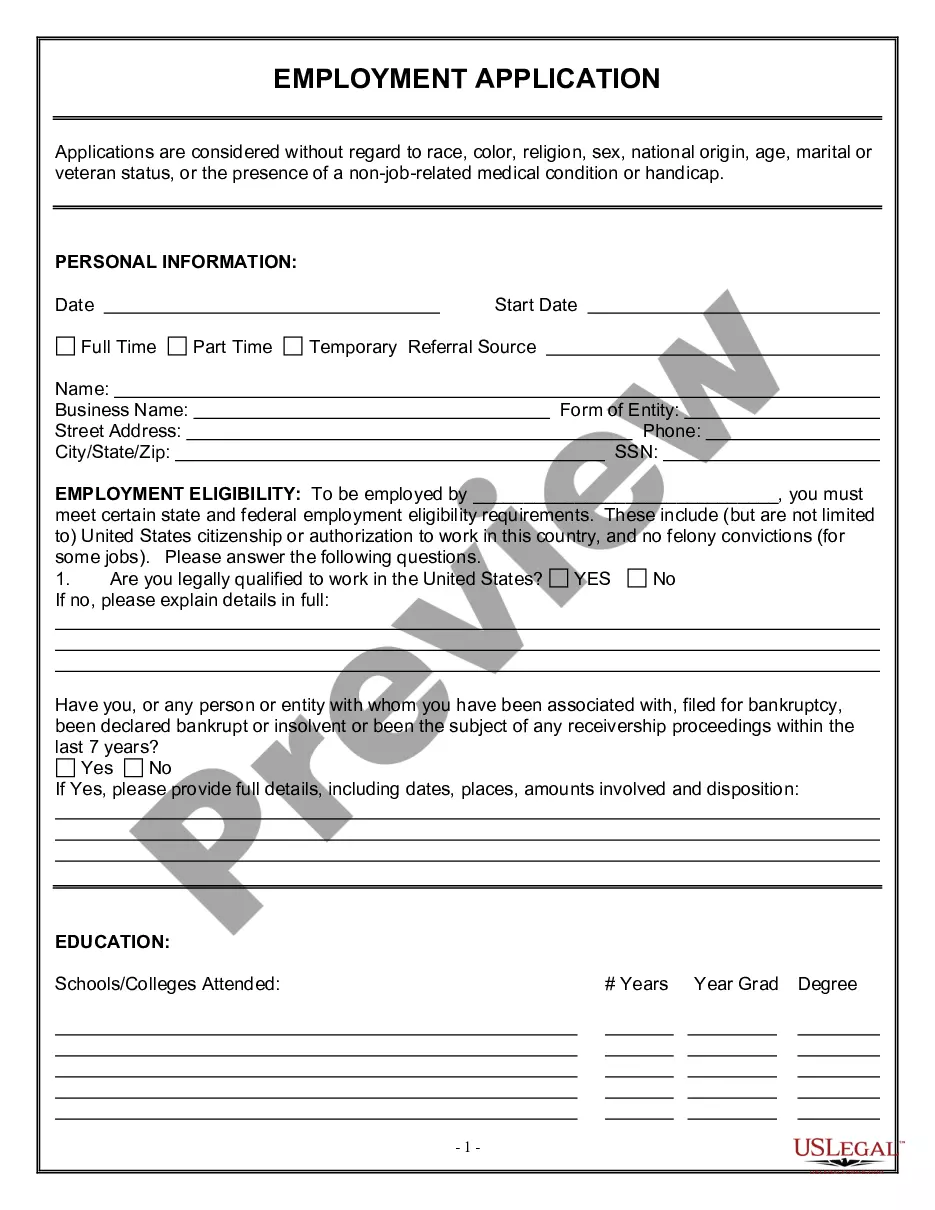
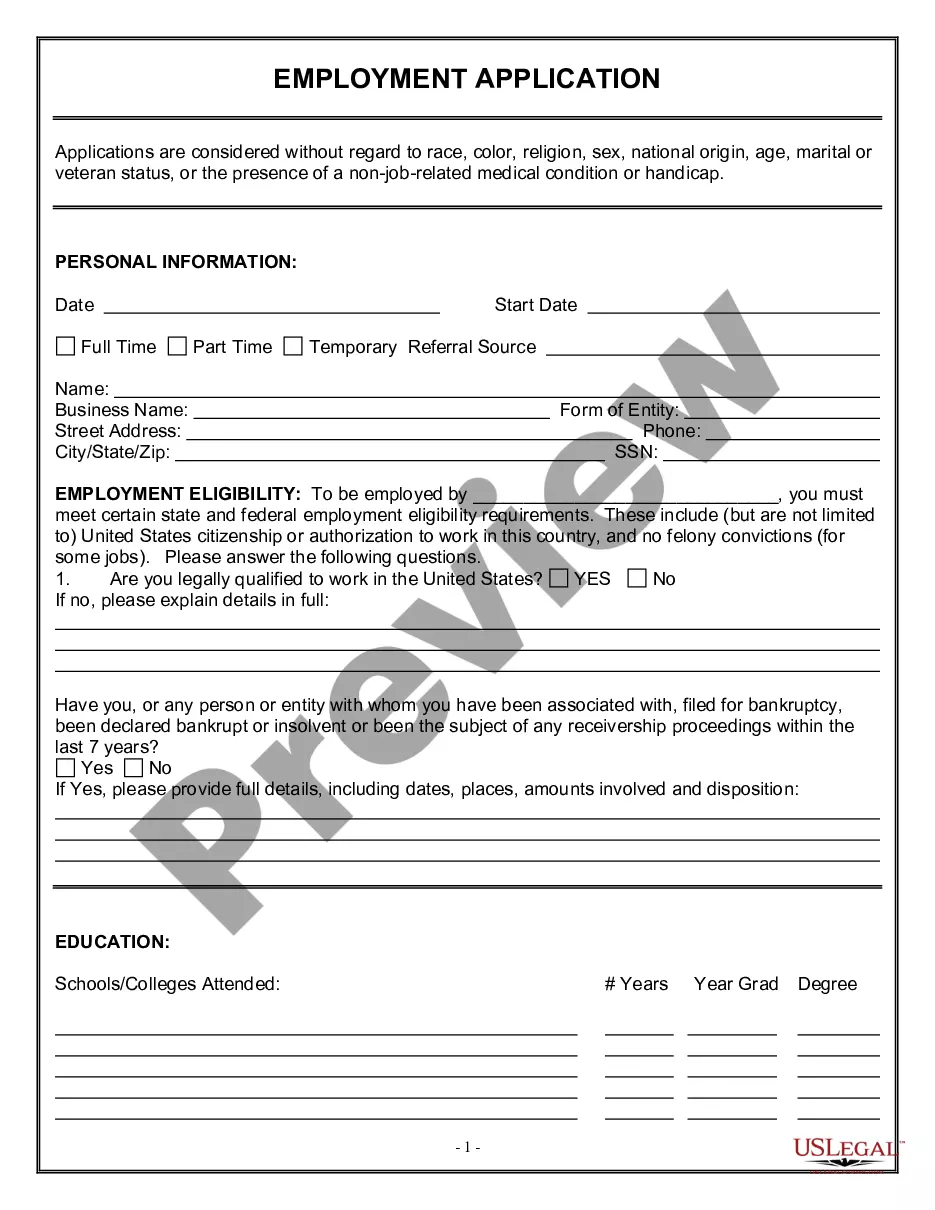
Employment Application for Dental Office

Does this form need to be notarized?
In most cases, this form does not require notarization. However, some jurisdictions or signing circumstances might. US Legal Forms offers online notarization powered by Notarize, accessible 24/7 for a quick, remote process.
Get your form ready online
Our built-in tools help you complete, sign, share, and store your documents in one place.
Make edits, fill in missing information, and update formatting in US Legal Forms—just like you would in MS Word.
Download a copy, print it, send it by email, or mail it via USPS—whatever works best for your next step.
Sign and collect signatures with our SignNow integration. Send to multiple recipients, set reminders, and more. Go Premium to unlock E-Sign.
If this form requires notarization, complete it online through a secure video call—no need to meet a notary in person or wait for an appointment.
We protect your documents and personal data by following strict security and privacy standards.

Make edits, fill in missing information, and update formatting in US Legal Forms—just like you would in MS Word.

Download a copy, print it, send it by email, or mail it via USPS—whatever works best for your next step.

Sign and collect signatures with our SignNow integration. Send to multiple recipients, set reminders, and more. Go Premium to unlock E-Sign.

If this form requires notarization, complete it online through a secure video call—no need to meet a notary in person or wait for an appointment.

We protect your documents and personal data by following strict security and privacy standards.
Looking for another form?
Form popularity
FAQ
Do not copy your resume. A cover letter is a sales pitch. Tailor each application letter to the job. Be professional. Carefully proofread. Follow business letter format. Decide whether to send a hard copy or email. Employer Contact Information (if you have it) Salutation.
Name. Job title. Company. Address, phone, email.
Certifications and licenses. Training or continuing education. Skills. Special awards or commendations. Publications. Testimonials from clients. Job performance reviews. Hobbies.
Before you start. Provide your personal details. Provide your education history. Provide your work history. Explain work history gaps. Show your skills match the job. How to choose references. After you complete your form.
There are ideally 5 different roles and job titles that are required to operate a dental practice: reception, back, billing, treatment coordinator and office managers. This is in addition to hygienists and dentists.
An application form will usually include sections on personal information, education, work experience and employment history, as well as competency-based questions and a personal statement. Application forms are usually completed and submitted online, although paper versions may be accepted in some cases.
Application Forms: What you need to knowApplication forms play an important role in the hiring process. They introduce an applicant to a company, and at the same time, they give an employer initial information about an applicant. The form should be easy to read and should only ask questions that are job-related.
Be Prepared. Make sure you know the correct names, dates, places and other information you will need. Ask If You May Take A Blank Application Home. Read The Form. Be Neat. Answer All Questions Completely And Correctly. Be Positive. Be Clear. Alert References Beforehand.
What Are Supporting Documents? Supporting documentation for a job application can include a resume, a cover letter, educational transcripts, writing samples, Veterans' Preference documents, portfolios, certifications, a reference list, letters of recommendation, and other documentation as specified in the job posting.