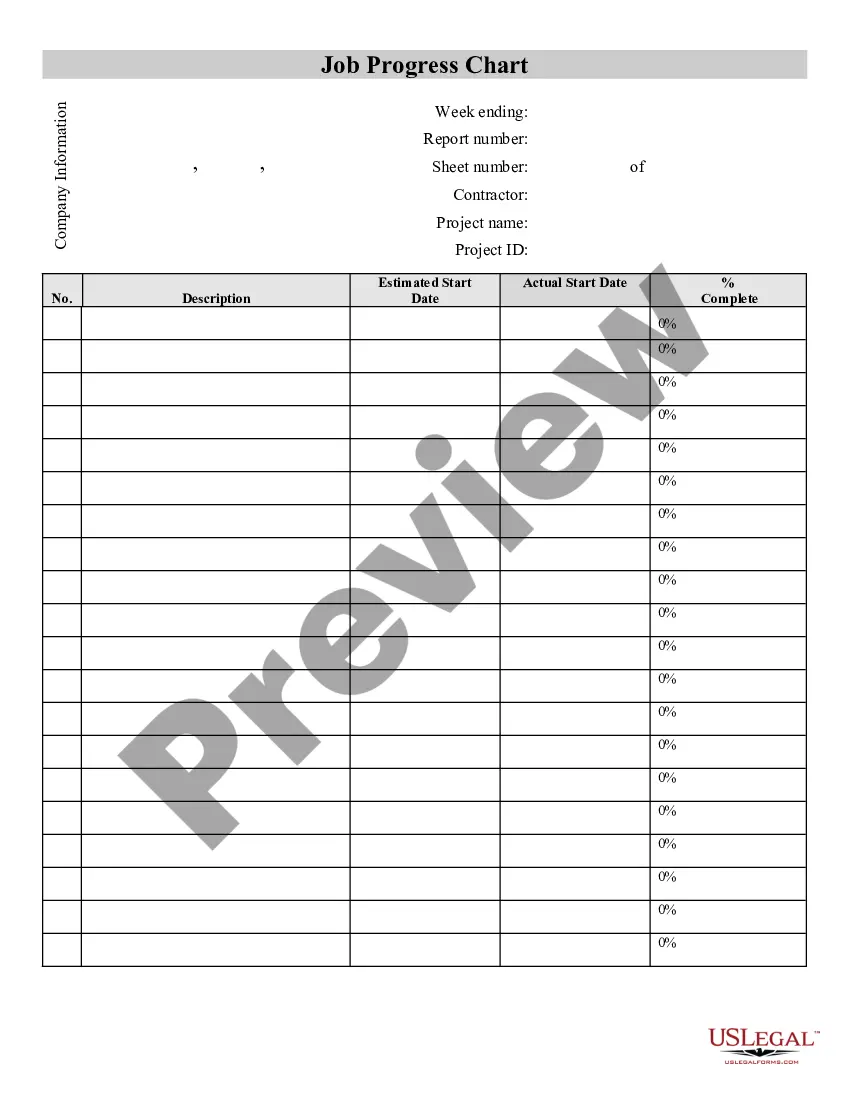
Contractor's Job Progress Sheet
Understanding this form
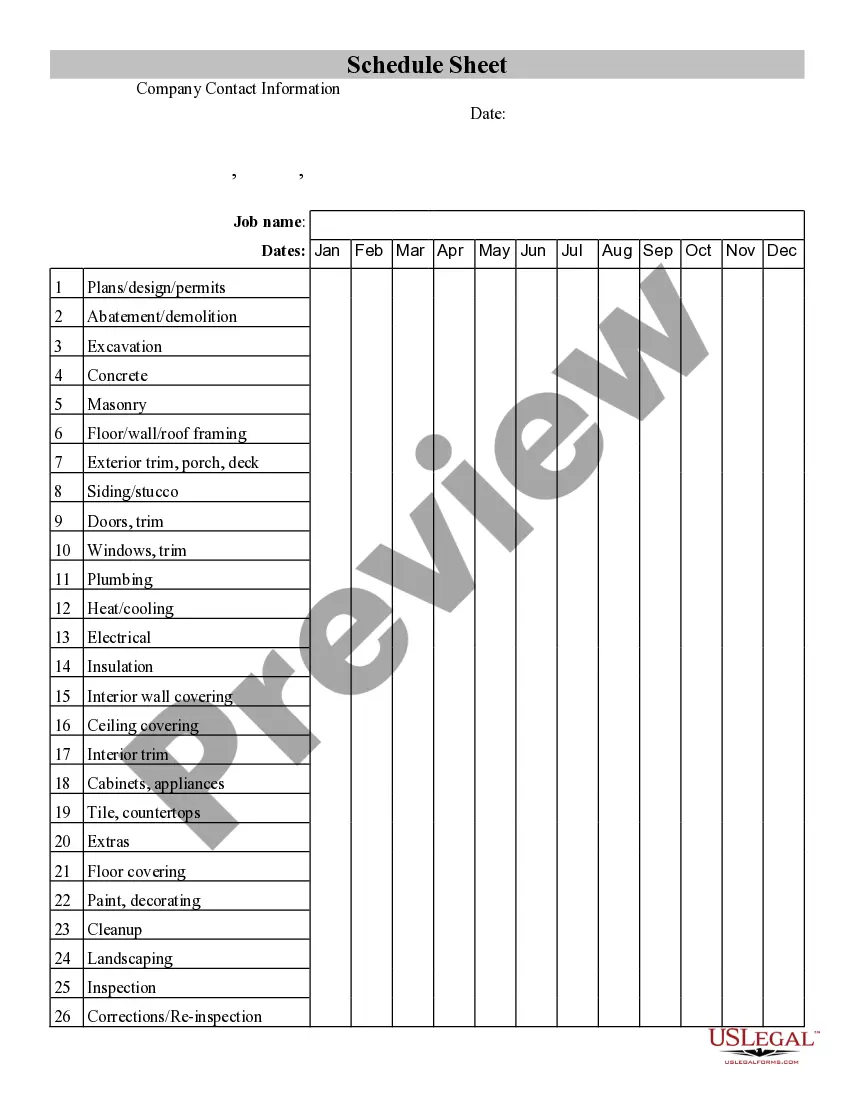
The Contractor's Job Progress Sheet is a fillable form designed to assist contractors in tracking the progress of their projects. This form enables contractors to document the percentage of completion for each phase, as well as the estimated start and completion dates. Unlike other project management tools, this sheet provides a straightforward, organized way to keep records specific to job progress, making it easy to monitor ongoing work clearly and efficiently.
Form components explained
- Field for project name and identification.
- Sections to record completion percentages for each project phase.
- Spaces for the estimated start and completion dates.
- Areas for notes regarding project updates or changes.
- Signature section for contractor verification.
Common use cases
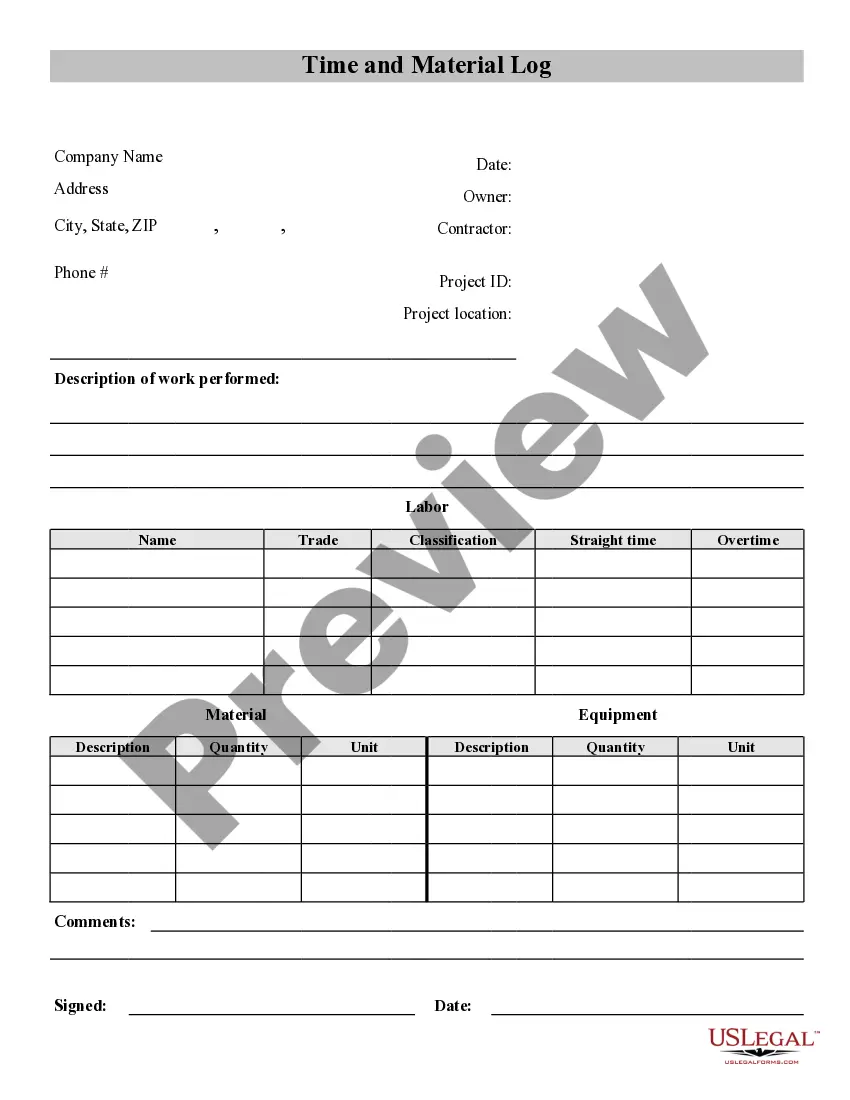
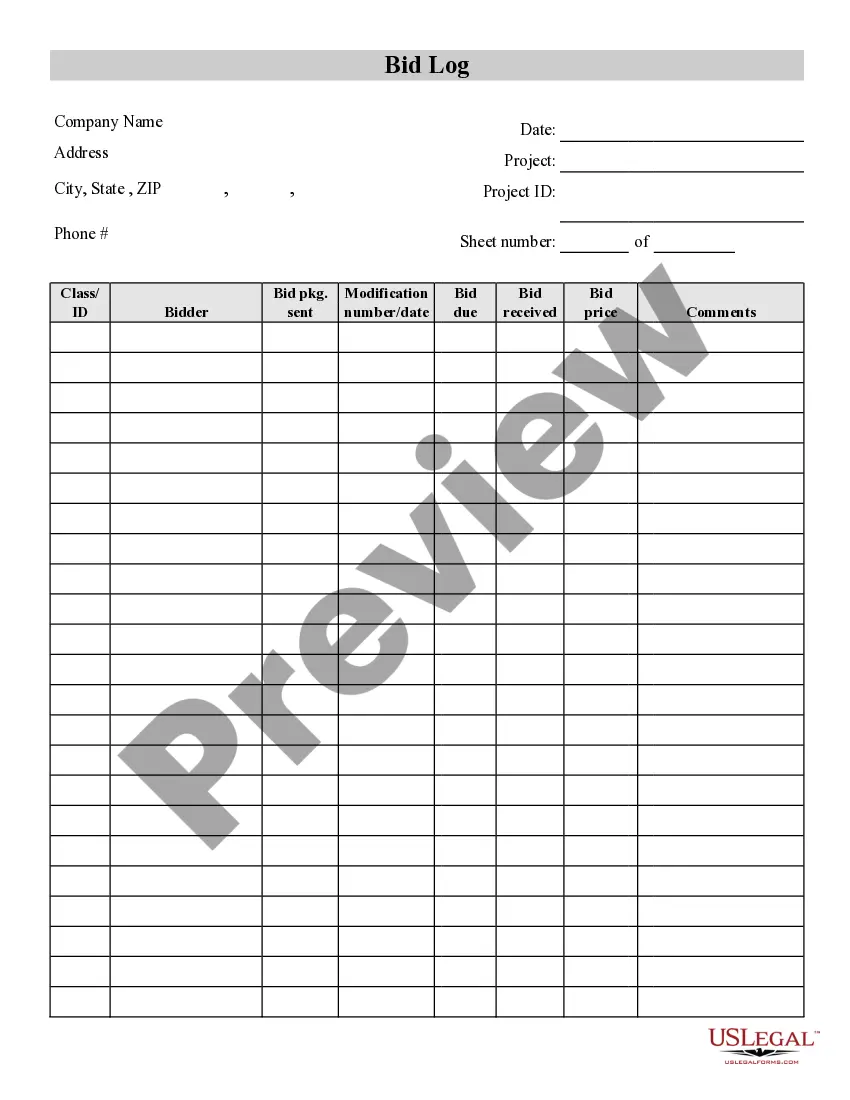
This form is useful when a contractor needs to keep an accurate record of how a project is progressing. It is particularly beneficial during the following scenarios: when starting a new job, during site visits to assess progress, when preparing for client meetings, or when updating stakeholders on project status. Using this sheet helps to maintain transparency and accountability throughout the project lifecycle.
Who can use this document
- Contractors managing multiple projects.
- Subcontractors wanting to track specific tasks within larger projects.
- Construction project managers overseeing job sites.
- Freelancers in fields requiring project tracking and documentation.
- Any individual or business responsible for managing construction or renovation work.
Instructions for completing this form
- Enter the project name and identification at the top of the form.
- Record the percentage of completion for each phase of the project.
- Specify the estimated start and completion dates for each phase.
- Add any relevant notes regarding the progress or changes to the project.
- Review the completed sections and sign where indicated to confirm accuracy.
Does this form need to be notarized?
This form does not typically require notarization unless specified by local law. It is advisable to check any local requirements before finalizing the document, ensuring compliance with any specific regulations that may apply.
Get your form ready online
Our built-in tools help you complete, sign, share, and store your documents in one place.
Make edits, fill in missing information, and update formatting in US Legal Forms—just like you would in MS Word.
Download a copy, print it, send it by email, or mail it via USPS—whatever works best for your next step.
Sign and collect signatures with our SignNow integration. Send to multiple recipients, set reminders, and more. Go Premium to unlock E-Sign.
If this form requires notarization, complete it online through a secure video call—no need to meet a notary in person or wait for an appointment.
We protect your documents and personal data by following strict security and privacy standards.

Make edits, fill in missing information, and update formatting in US Legal Forms—just like you would in MS Word.

Download a copy, print it, send it by email, or mail it via USPS—whatever works best for your next step.

Sign and collect signatures with our SignNow integration. Send to multiple recipients, set reminders, and more. Go Premium to unlock E-Sign.

If this form requires notarization, complete it online through a secure video call—no need to meet a notary in person or wait for an appointment.

We protect your documents and personal data by following strict security and privacy standards.
Typical mistakes to avoid
- Not updating the percentage of completion regularly.
- Leaving out important notes on project changes.
- Failing to sign the form after completion.
- Using vague language instead of specific details in notes.
Why use this form online
- Immediate access to a professionally drafted form.
- Easy customization to meet specific project needs.
- Secure and reliable storage of completed forms.
- Ability to download and print multiple copies as needed.
Legal use & context
- This form provides a clear record of project progress that may be necessary for legal or contractual obligations.
- It can serve as evidence in disputes regarding project completion or delays.
- Proper completion can ensure better compliance with contracts and project specifications.
Quick recap
- The Contractor's Job Progress Sheet aids in efficiently tracking project progress.
- Completing this form helps maintain transparency between contractors and clients.
- Regular updates enhance accountability in project management.
- Use the form to ensure all relevant details about the project phases are captured accurately.
Looking for another form?
Form popularity
FAQ
Automate your reporting process. Use digital tools that are built for construction. Standardise your systems and processes.
The work-in-progress schedule (or WIP report) essentially shows contractors whether active jobs are overbilled or underbilled. That difference will boil down to who's actually funding the project. The goal is typically for project cash to come from your customer, through overbillings (or, billings in excess of costs).
The WIP is calculated by multiplying the percent completed costs by the contract amount. After that number is calculated, it is then compared to the amount the contractor has billed thus far. For example, a contractor has a job worth $250,000 with an estimated budget of $200,000. The cost incurred to date is $40,000.
The WIP adjustment is a way to calculate how much you have overbilled or underbilled on the job. Knowing this, you can accurately calculate the amount of gross profit or loss that exists at that point in time. There's no need to wait until the end of a project to find out how well or how poorly you did.
The term work-in-progress (WIP) is a production and supply-chain management term describing partially finished goods awaiting completion.WIP is a component of the inventory asset account on the balance sheet. These costs are subsequently transferred to the finished goods account and eventually to the cost of sales.
Make sure to add a header. Start with a brief outline of the accomplishments made during the day. The next section must be about planned tasks. The final section should contain issues and comments about these issues.
Make sure to add a header. Start with a brief outline of the accomplishments made during the day. The next section must be about planned tasks. The final section should contain issues and comments about these issues. Spellcheck and proof your report.
The Construction Work-In-Process (WIP) Is A Strategic Tool, Not Simply A Compliance Schedule.
Cover Page. Job Details. Weather Conditions. Work Accomplished. Material Quantities. Material Deliveries. Potential Delaying Events. Safety.