Photo Release Form for Social Media
About this form
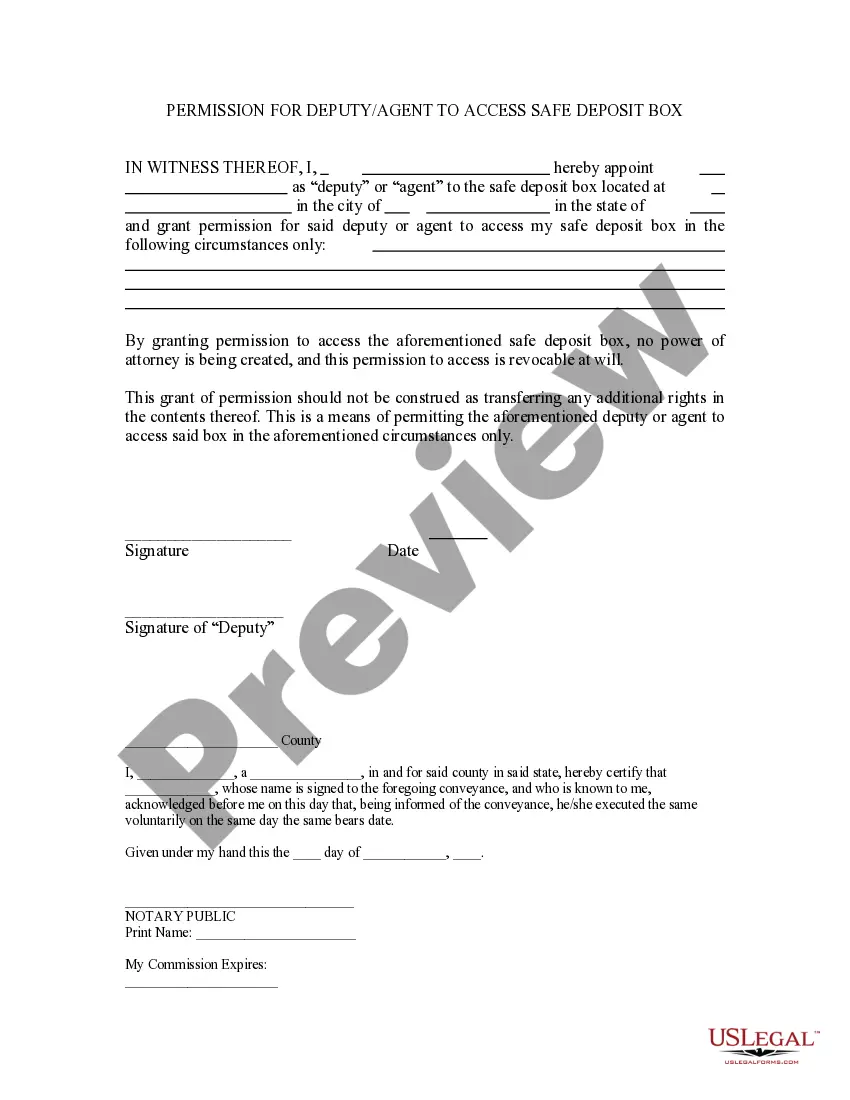
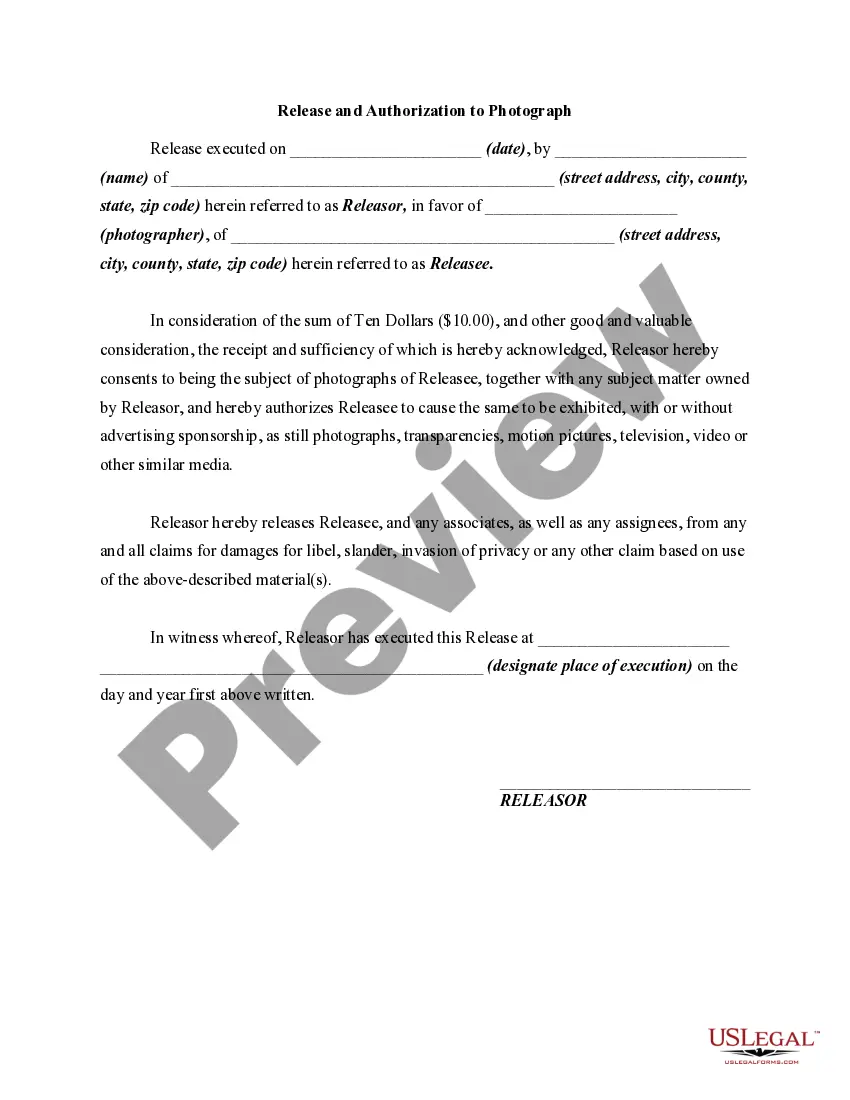
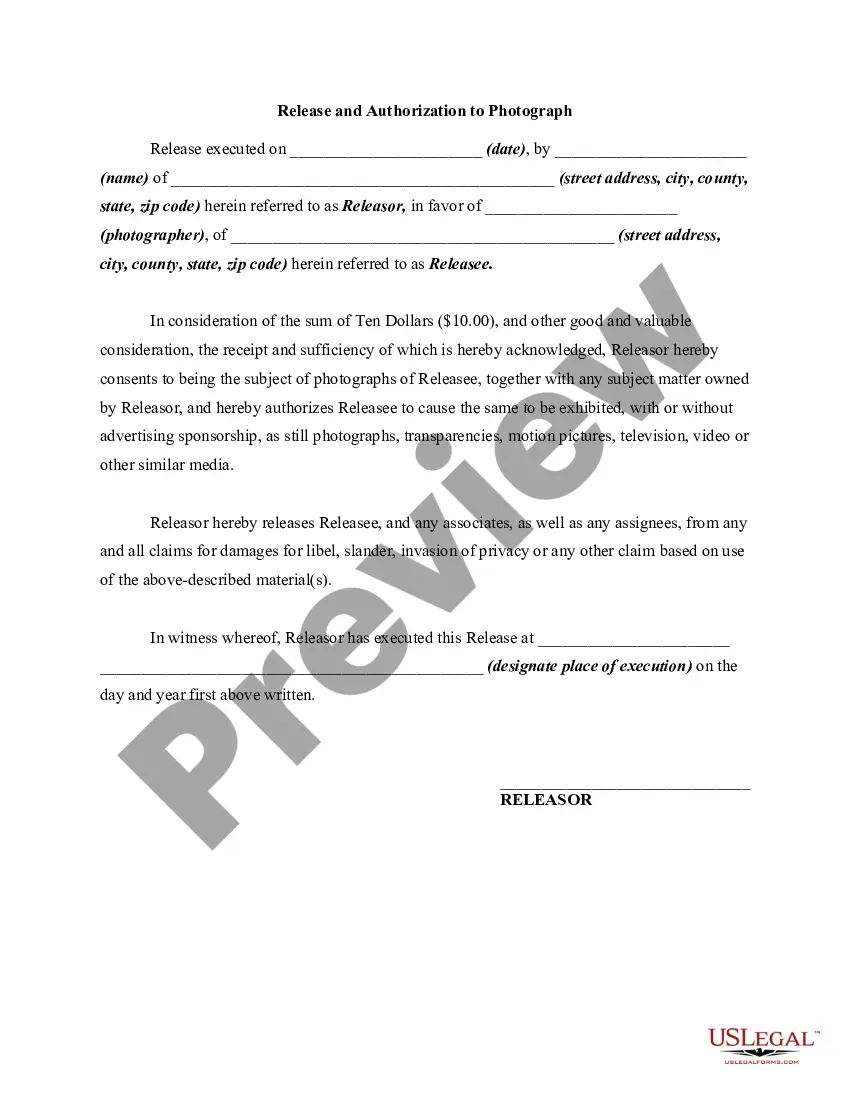
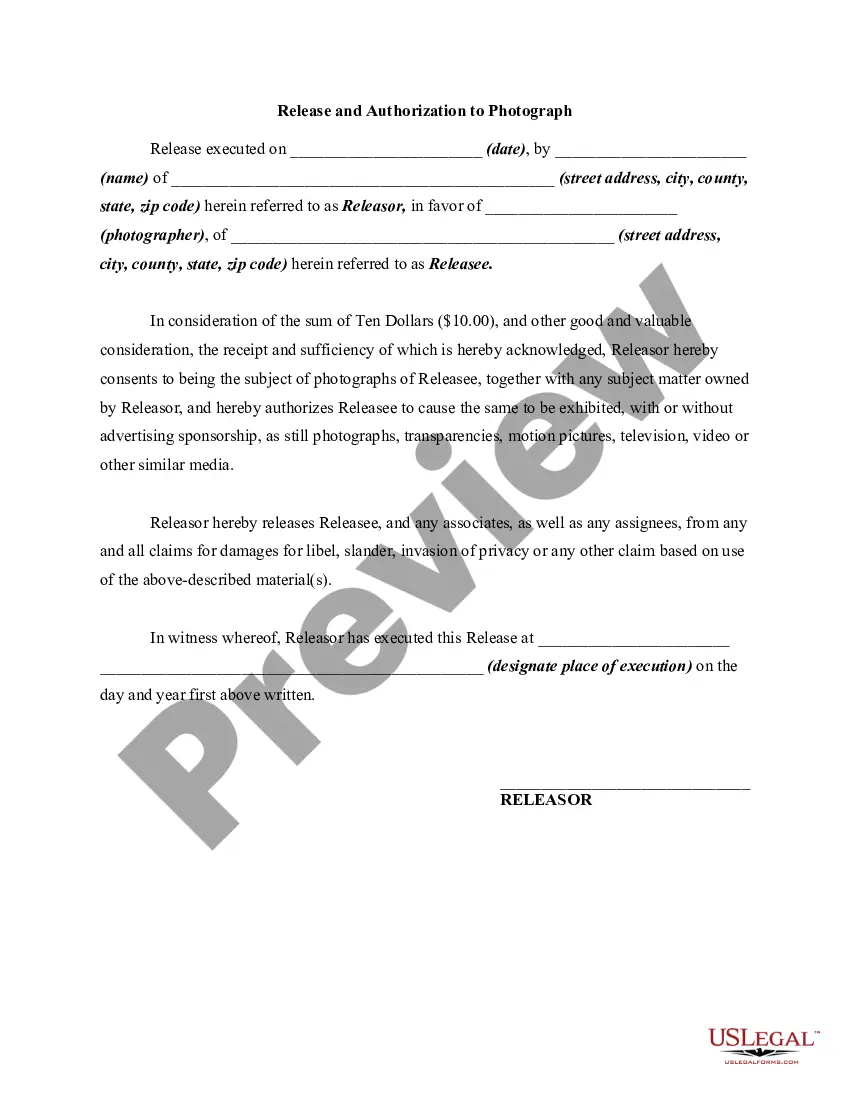
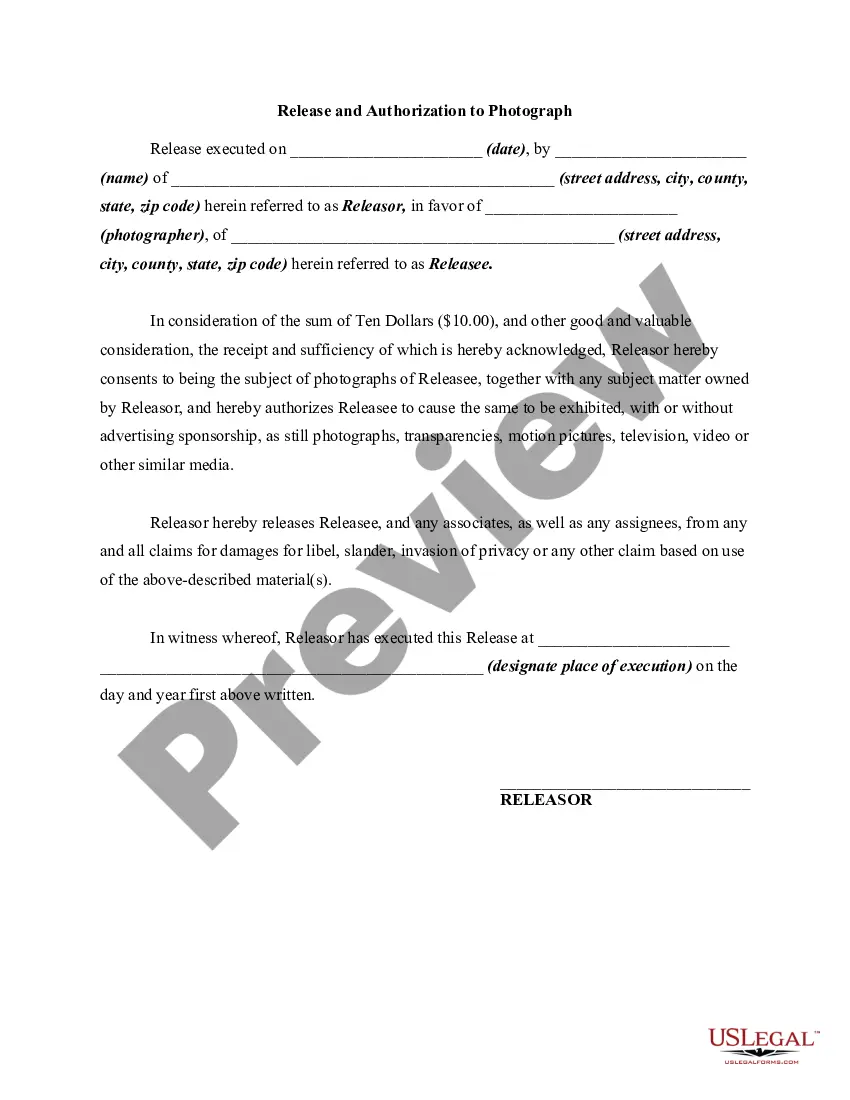
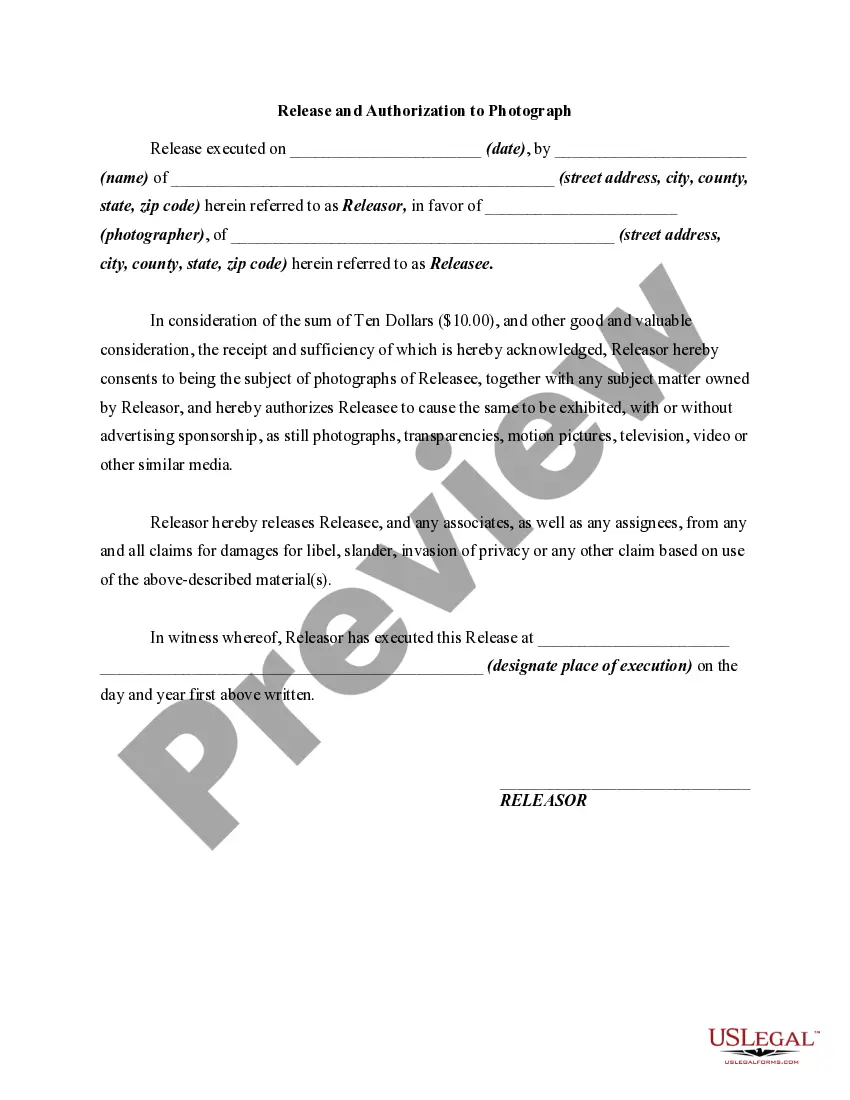
The Photo Release Form for Social Media is a legal document that grants permission to a photographer to take and use photographs of the subject for various media purposes, including social media, advertisements, and publications. This form differs from similar releases by specifically focusing on the use of images in digital and social media channels. It helps protect both the photographer and the subject by clearly outlining the terms of use for the photographs taken.
Key components of this form
- Release Details: Identifies the releasor (subject) and releasee (photographer) along with their addresses.
- Consent Clause: Provides consent for the use of photographs across various media formats.
- Release of Liability: Releases the photographer from claims related to the use of the images.
- Consideration Amount: Acknowledges a nominal fee for the release, which can be a standard practice in these agreements.
- Execution Details: Includes the date and location where the form is signed, ensuring clarity on when the authorization occurs.
When to use this form
This form should be used when a photographer wants to capture images of individuals for social media or other promotional uses. It is particularly useful in situations such as photo shoots for personal branding, event photography, or when images will be shared online to promote a business or product. Using this form ensures that all parties understand the permissions granted and helps prevent any potential disputes regarding the use of the images.
Intended users of this form
- Photographers seeking permission to use images of their subjects for marketing purposes.
- Individuals who wish to document their participation in an event and agree to the use of their likeness in promotional materials.
- Businesses or organizations needing to capture and use images for advertising or social media content.
Instructions for completing this form
- Identify the parties involved: Fill in the names and addresses of both the releasor and releasee.
- Enter the date of execution: Specify when the release is being signed.
- Complete the consent clause: Clearly state the types of media in which the photographs may be used.
- Provide consideration: Acknowledge any payment or consideration received for the release.
- Sign and date the form: The releasor must sign the form at the designated location to validate the release.
Does this document require notarization?
This form does not typically require notarization unless specified by local law. However, having it notarized can help further validate the agreement and protect against potential disputes in the future.
Get your form ready online
Our built-in tools help you complete, sign, share, and store your documents in one place.
Make edits, fill in missing information, and update formatting in US Legal Forms—just like you would in MS Word.
Download a copy, print it, send it by email, or mail it via USPS—whatever works best for your next step.
Sign and collect signatures with our SignNow integration. Send to multiple recipients, set reminders, and more. Go Premium to unlock E-Sign.
If this form requires notarization, complete it online through a secure video call—no need to meet a notary in person or wait for an appointment.
We protect your documents and personal data by following strict security and privacy standards.

Make edits, fill in missing information, and update formatting in US Legal Forms—just like you would in MS Word.

Download a copy, print it, send it by email, or mail it via USPS—whatever works best for your next step.

Sign and collect signatures with our SignNow integration. Send to multiple recipients, set reminders, and more. Go Premium to unlock E-Sign.

If this form requires notarization, complete it online through a secure video call—no need to meet a notary in person or wait for an appointment.

We protect your documents and personal data by following strict security and privacy standards.
Common mistakes
- Failing to include both parties' full names and addresses.
- Not specifying the types of media for which the images can be used.
- Omitting the date of execution, which can lead to confusion about when the release was granted.
- Not signing the form, which makes it legally unenforceable.
Advantages of online completion
- Convenient access to the form for immediate download and use, saving time.
- Editability allows users to customize the form to their specific needs quickly.
- Reliability, as the form is drafted by licensed attorneys, ensuring legal compliance.
Looking for another form?
Form popularity
FAQ
Identify the releasor. Describe the photo, image, likeness, or video. Address any payment the model receives for the release. Address royalties. Address whether the model has the ability to revoke their authorization. The parties sign and date the release.
Any photos you've taken in public -- which is considered any place where people have no reasonable expectation of privacy -- can be uploaded to Facebook without getting permission first. Not needing permission, however, doesn't mean you shouldn't ask for permission first.
An image release form is required when the image will be used for commercial purposes. A simple way to determine if the usage is commercial is to ask yourself if the image is generating money; creating sales; or promoting a product, event, or idea. If so, you definitely need a picture release form.
A release is permission given by the person/people visible in the photo or the owners of property, brand or artwork that has been photographed. You may need to have a photo release form signed to be able to sell a photo, depending on the type of license your photo gets sold with.
An image release form is required when the image will be used for commercial purposes. A simple way to determine if the usage is commercial is to ask yourself if the image is generating money; creating sales; or promoting a product, event, or idea. If so, you definitely need a picture release form.
Requirements for Publishing Images Anyone is allowed to take photos of anyone or anything in a public space. If the photo is for personal enjoyment, nothing else is required you don't need a model release form or permission.
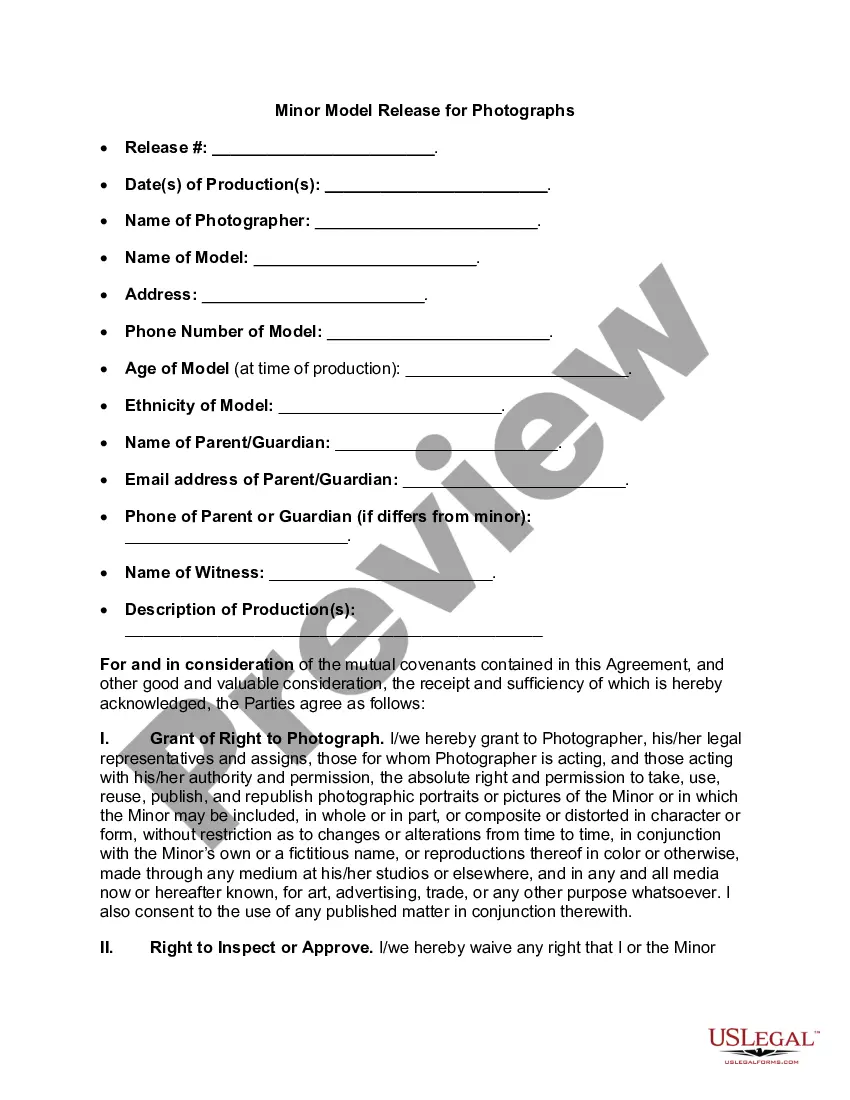
Most forms include the following general information: Name of Photographer or Releasee. Name of Model or Releasor. Address and phone number.
If you want to use an image that isn't yours you must obtain permission to use itwhether through a license or the creator directly.When someone shares an image on a public account, that doesn't make it public domain. They still own the copyright. But there are some unique ways copyright can be shared on social media.