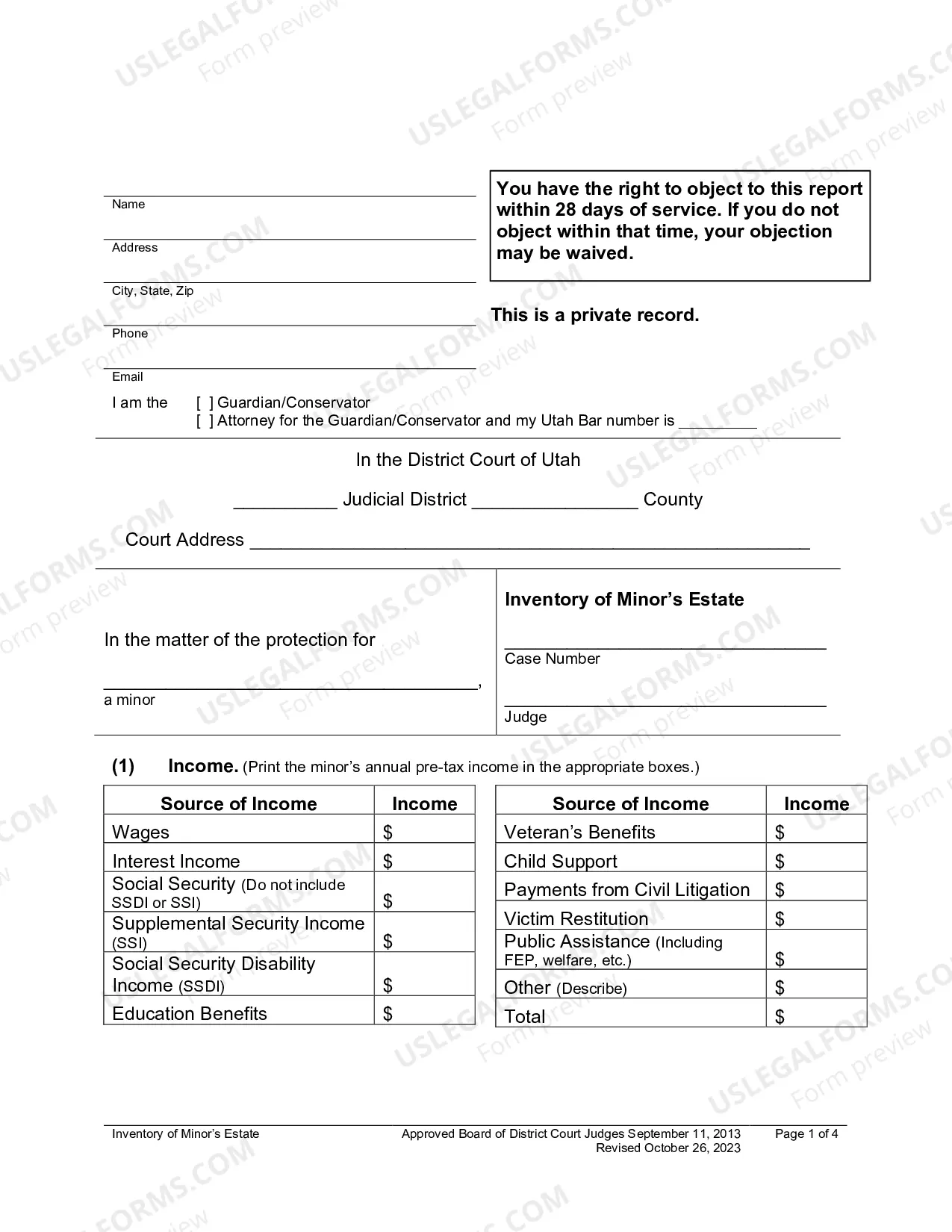
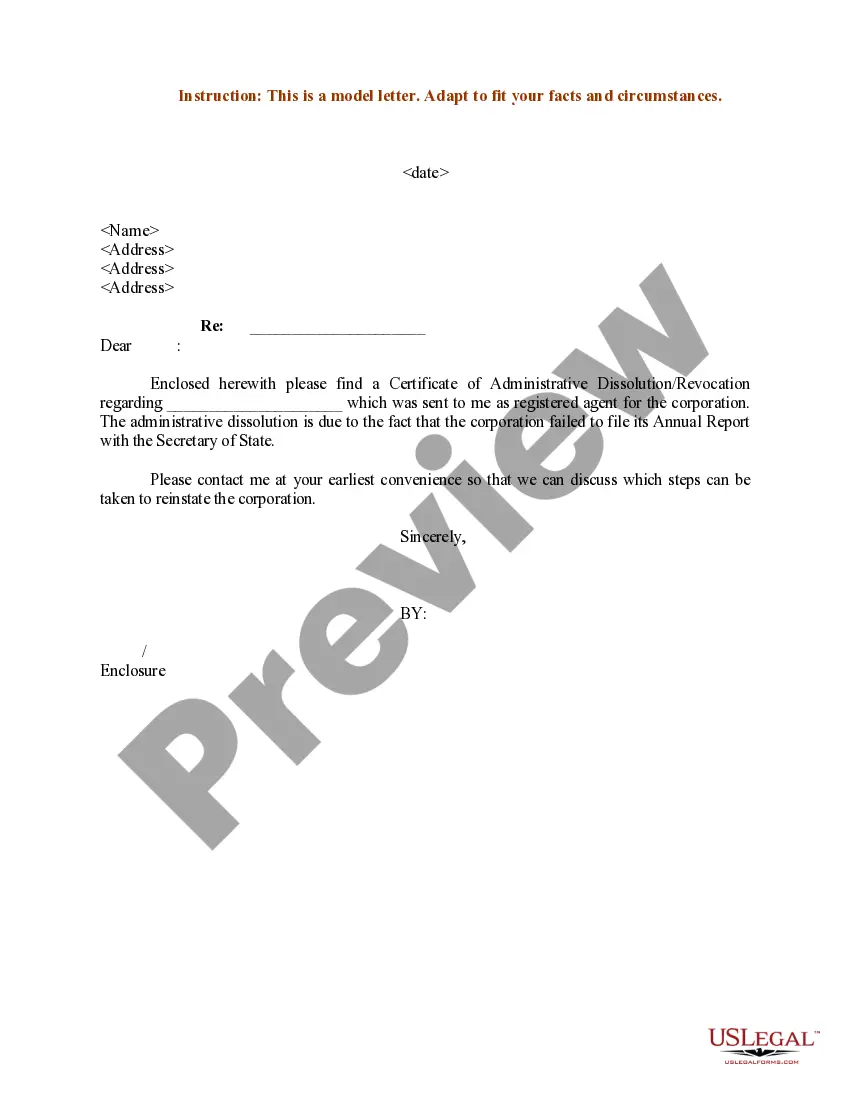
Sample Letter for Certificate of Administrative Dissolution - Revocation
Understanding this form
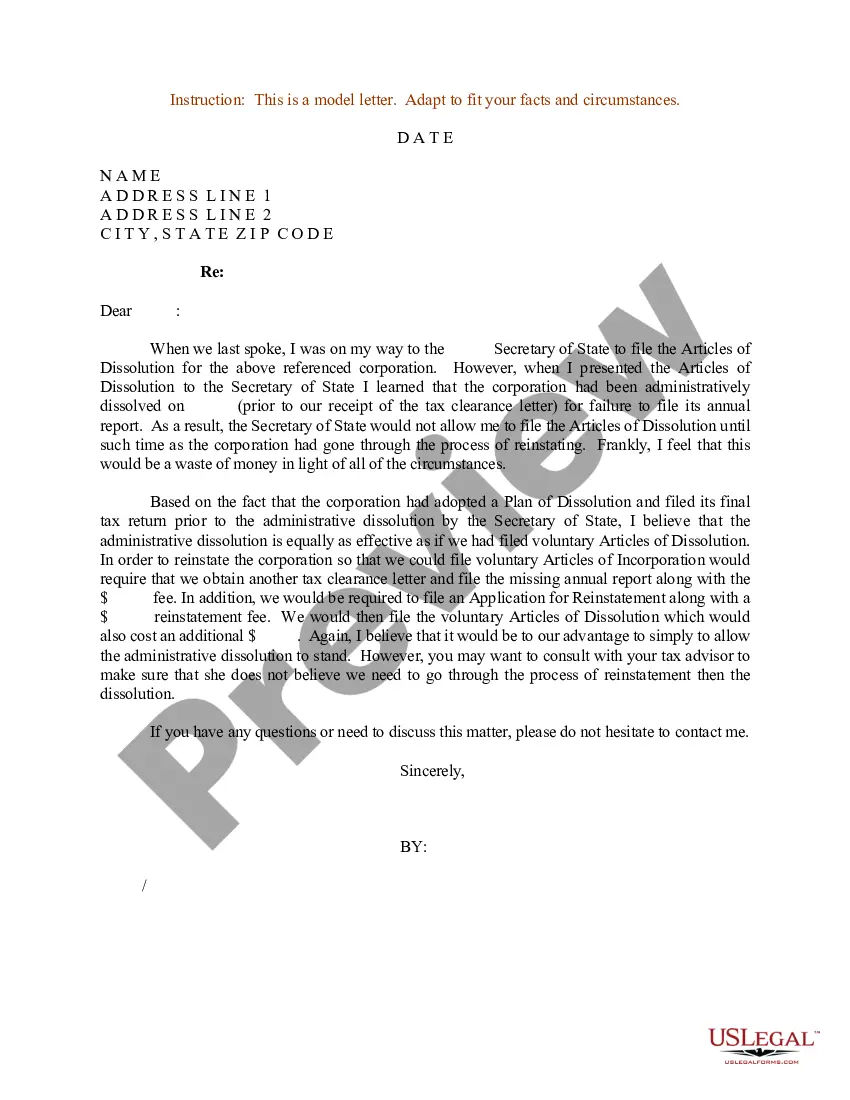
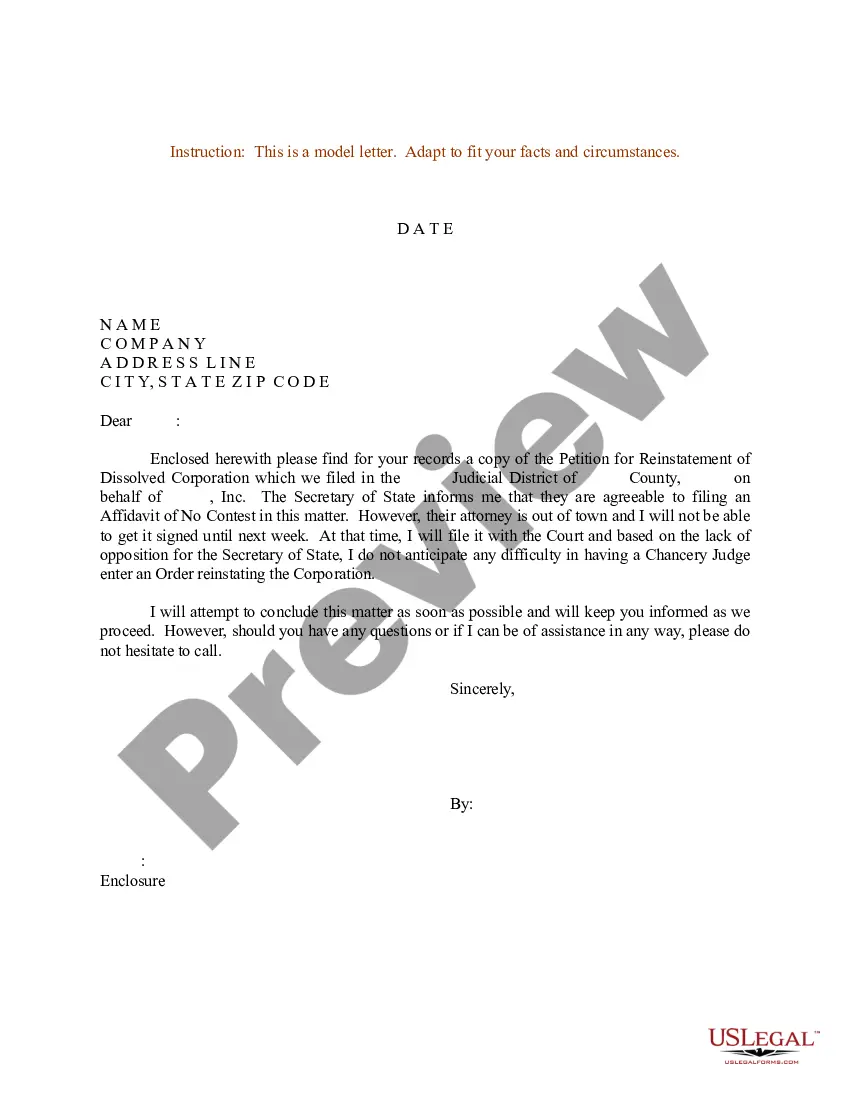
The Sample Letter for Certificate of Administrative Dissolution - Revocation is a legal document used to formally inform state authorities of the intention to revoke a prior certificate of administrative dissolution. This letter differs from similar forms by focusing specifically on the revocation process, providing a structured approach to ensure compliance with legal protocols. By using this form, individuals can effectively communicate their intent to reinstate a business entity that was previously dissolved.
Form components explained
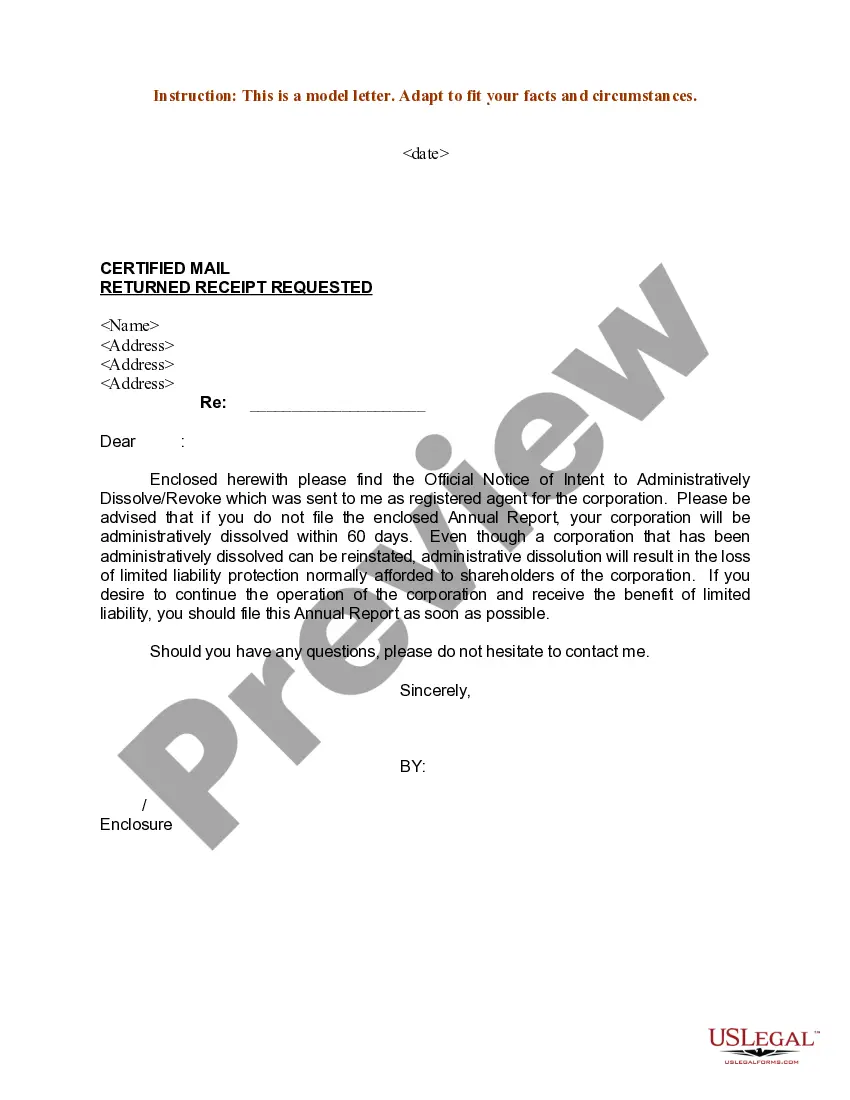
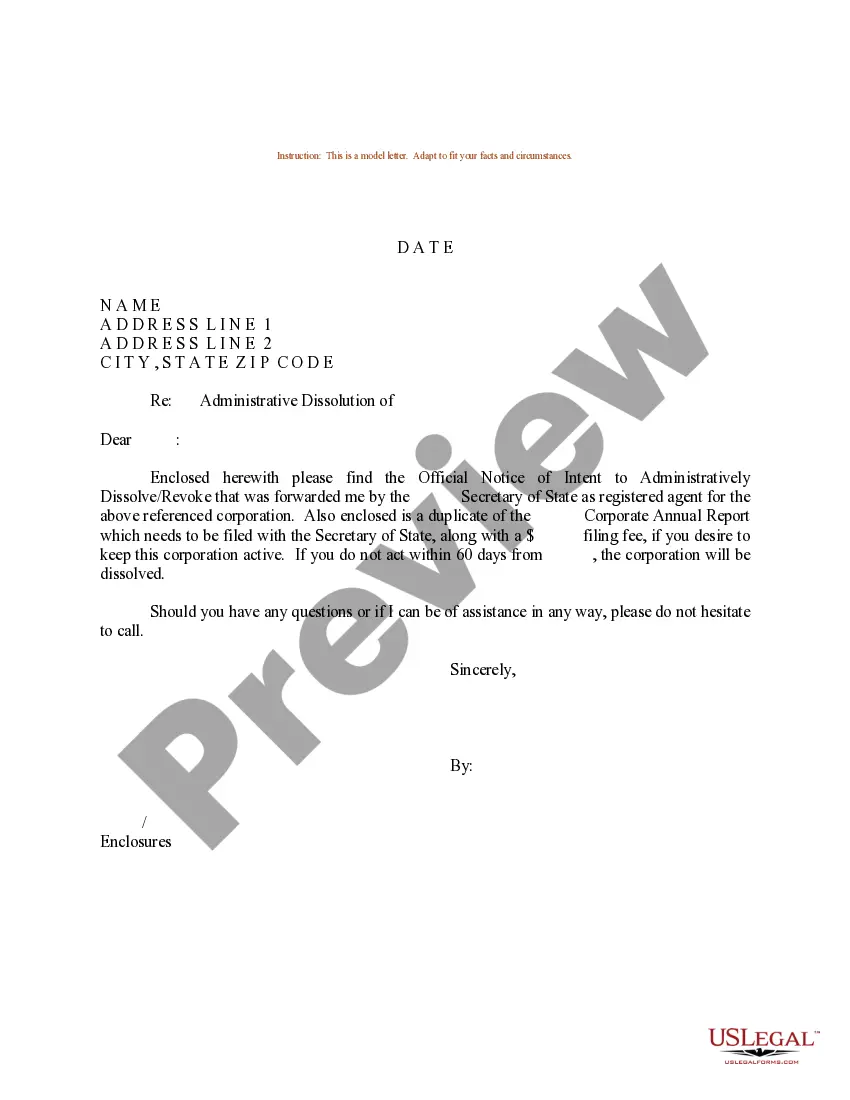
- Date of the letter
- Recipient name and address
- Subject line indicating the purpose of the letter
Situations where this form applies
This form is used when a business owner decides to reverse an administrative dissolution that has occurred. Scenarios can include realizing the business can still meet its obligations or when compliance issues have been resolved that led to the dissolution in the first place. This official correspondence is necessary to initiate the recovery process of the business's legal status.
Who can use this document
- Business owners who have previously dissolved their entity.
- Partners or shareholders of a company seeking to reinstate their business.
- Attorneys assisting clients with administrative matters pertaining to dissolved entities.
How to prepare this document
- Identify the date of the letter.
- Provide the name and address of the recipient who will receive the letter.
- Clearly state the subject of the letter to indicate the revocation of the certificate.
Does this form need to be notarized?
Notarization is generally not required for this form. However, certain states or situations might demand it. You can complete notarization online through US Legal Forms, powered by Notarize, using a verified video call available anytime.
Get your form ready online
Our built-in tools help you complete, sign, share, and store your documents in one place.
Make edits, fill in missing information, and update formatting in US Legal Forms—just like you would in MS Word.
Download a copy, print it, send it by email, or mail it via USPS—whatever works best for your next step.
Sign and collect signatures with our SignNow integration. Send to multiple recipients, set reminders, and more. Go Premium to unlock E-Sign.
If this form requires notarization, complete it online through a secure video call—no need to meet a notary in person or wait for an appointment.
We protect your documents and personal data by following strict security and privacy standards.

Make edits, fill in missing information, and update formatting in US Legal Forms—just like you would in MS Word.

Download a copy, print it, send it by email, or mail it via USPS—whatever works best for your next step.

Sign and collect signatures with our SignNow integration. Send to multiple recipients, set reminders, and more. Go Premium to unlock E-Sign.

If this form requires notarization, complete it online through a secure video call—no need to meet a notary in person or wait for an appointment.

We protect your documents and personal data by following strict security and privacy standards.
Avoid these common issues
- Not including the correct recipient name and address, which may delay processing.
- Failing to specify the subject area of the revocation clearly.
- Omitting the date, making the letter effectively incomplete.
Benefits of completing this form online
- Convenience of downloading the form at your preferred time.
- Editability allows customization to suit specific needs quickly.
- Reliability, as forms are created by licensed attorneys to ensure legality.
Looking for another form?

Form popularity
FAQ
The Sample Letter for Certificate of Administrative Dissolution - Revocation is a formal notice to state authorities that a previously dissolved business intends to revoke its administrative dissolution and seek reinstatement. It provides a structured framework for the revocation process, including date, recipient, and a subject line that clearly states the purpose.
Administrative dissolution is when a state agency formally dissolves a business for noncompliance or failure to meet reporting requirements. This form addresses revocation of that dissolution, guiding the communication needed to request reinstatement. It emphasizes informing authorities that the entity seeks to correct issues and restore its legal status.
Generally, reinstatement involves notifying the state agency of the intent to revive the business and following the agency's procedures. For this form, prepare a revocation letter that clearly states the desire to undo the dissolution and initiate reinstatement, include the date, recipient, and a concise subject line, and submit per the agency’s guidelines.
This Sample Letter provides a template for writing a dissolution-related notice that focuses on revocation. When using it, include the date, the recipient’s name and address, and a subject line that states the purpose. The letter should clearly communicate the intent to revoke the dissolution and seek reinstatement.
Dissolution is the formal closing of a business's legal existence by state action or consent. For example, an entity that fails to file required reports may be administratively dissolved. This form supports reversing that status by providing a documented revocation request to reinstate the business.
This form is specifically a Sample Letter for Certificate of Administrative Dissolution - Revocation, not a general reinstatement letter or a dissolution filing. It targets the revocation of a previously issued administrative dissolution and provides a focused framework (date, recipient, subject) to initiate reinstatement.