Computer Use and Internet Policy for Employees of Business
What this document covers
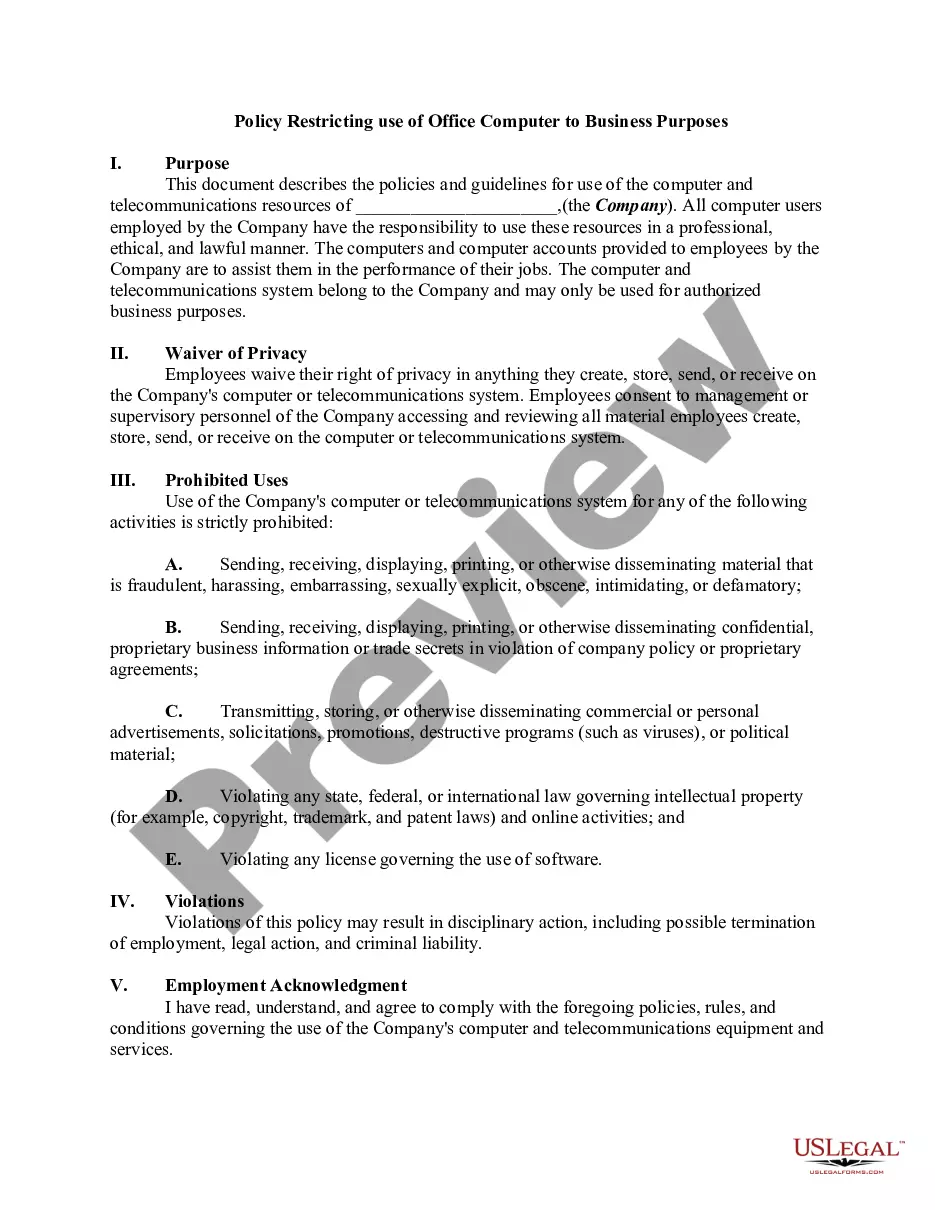
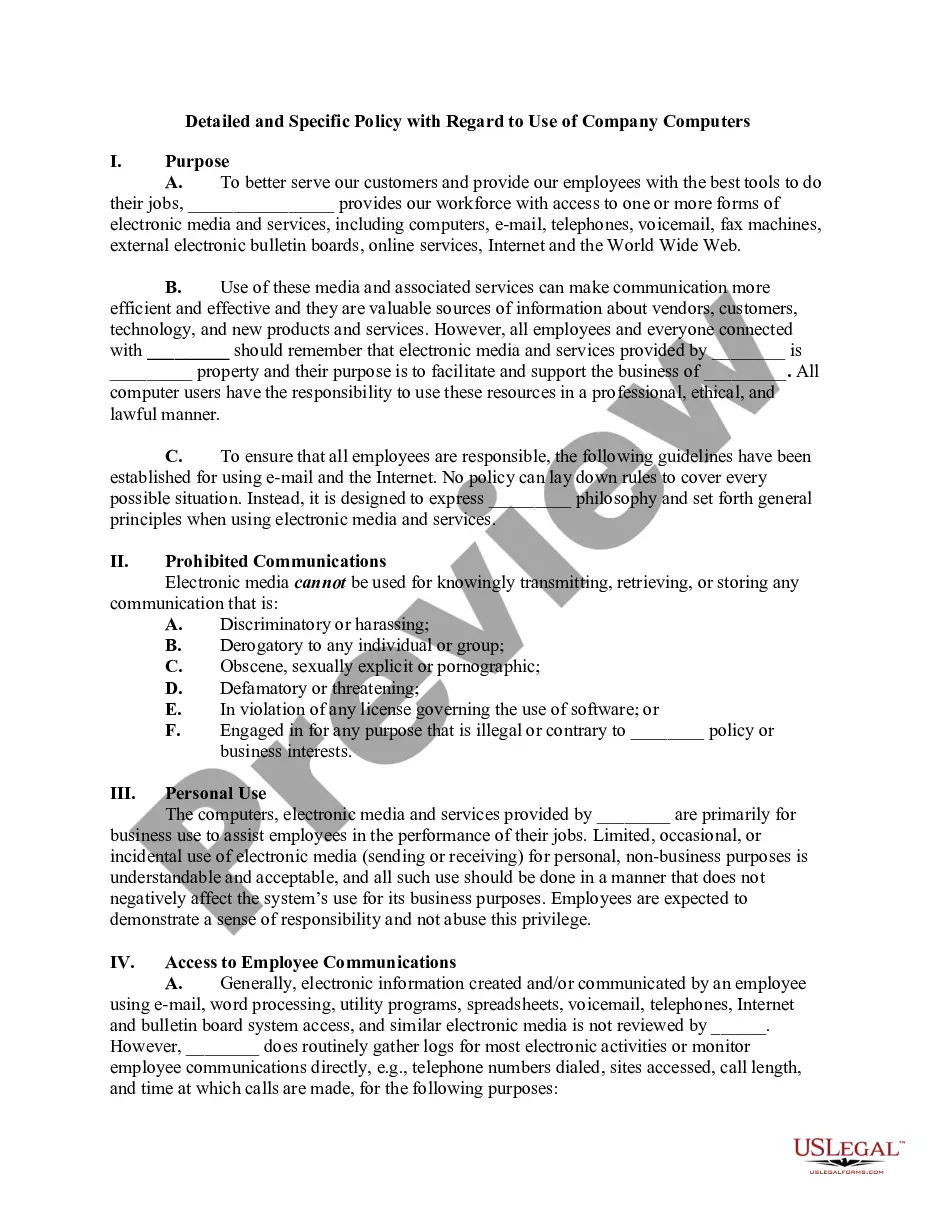
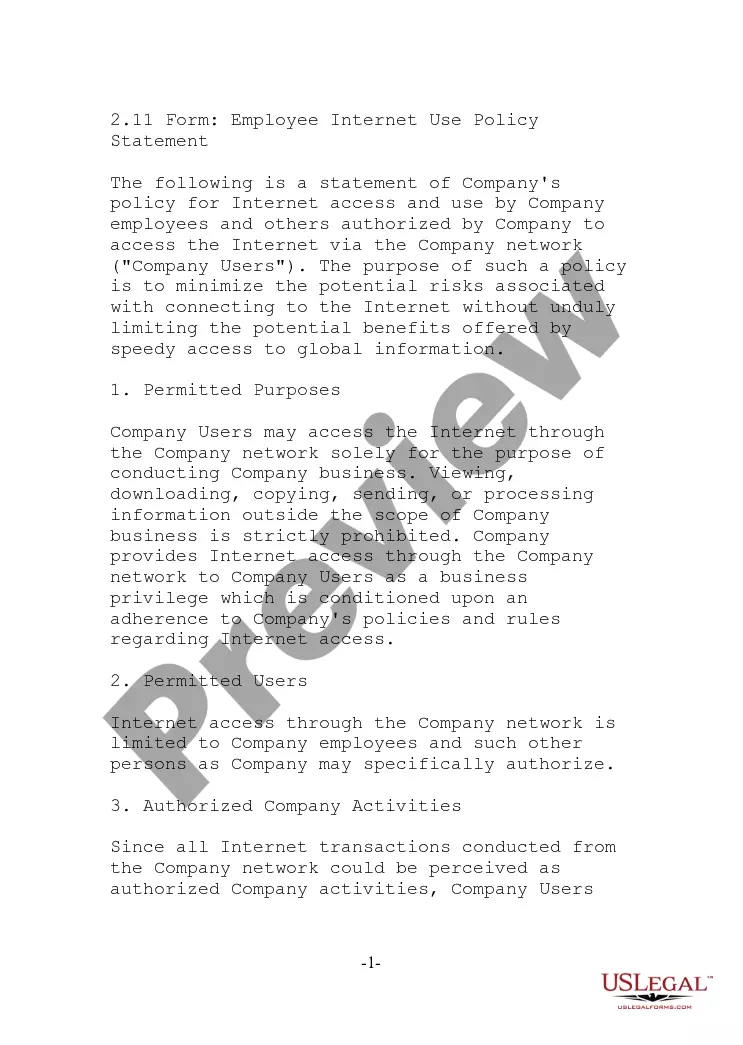
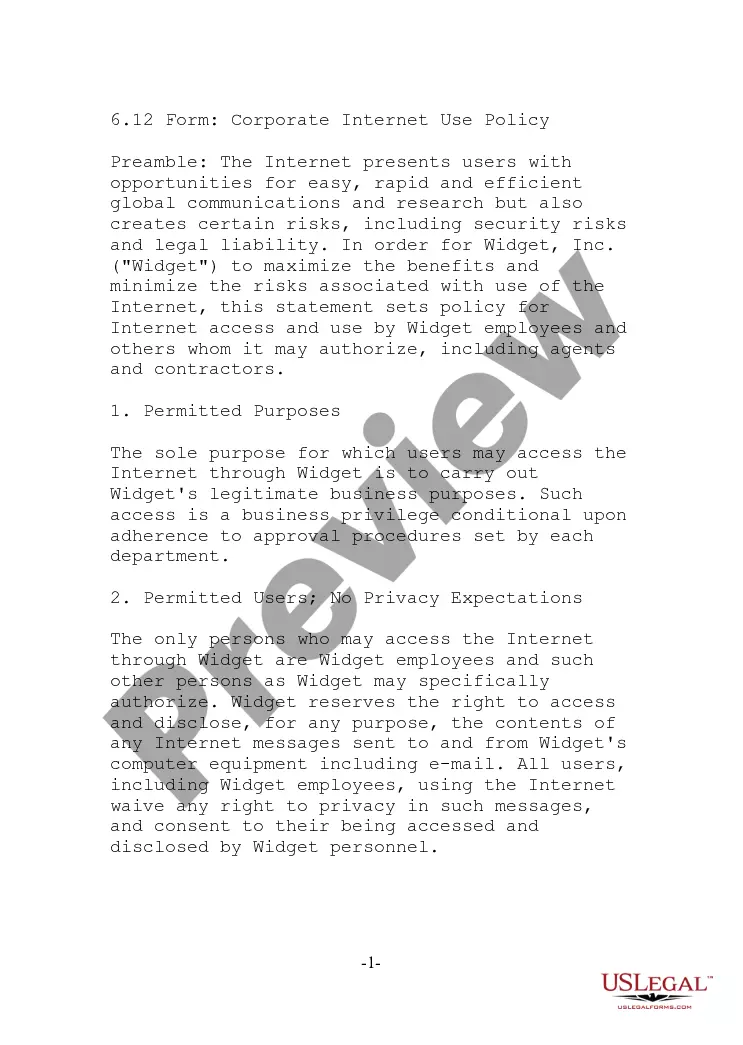
This form is a Computer Use and Internet Policy for Employees of a Business. It outlines guidelines for proper use of company computers and internet resources, ensuring a secure and efficient workplace. This policy differs from similar forms by emphasizing employee consent to privacy waivers and detailing strict prohibitions against misuse.
What’s included in this form
- Waiver of privacy: Employees consent to company management reviewing materials created or stored on company devices.
- Prohibited uses: Lists activities that are strictly forbidden, such as sending inappropriate material or violating intellectual property laws.
- Consequences of violations: Outlines potential disciplinary actions for breaches of the policy.
- Acknowledgment section: A section for employees to sign, confirming they understand and will comply with the policy.

Common use cases
This form should be used when establishing a Computer Use and Internet Policy in a business environment. It is essential when hiring new employees, updating existing policies, or ensuring compliance with legal standards regarding internet and computer usage in the workplace.
Who this form is for
- Business owners who want to implement a structured internet and computer usage policy.
- Human resources professionals responsible for onboarding and employee management.
- Managers seeking to protect the organization from potential legal issues related to computer use.
Completing this form step by step
- Fill in the name of the company at the top of the document.
- Review the waiver of privacy clause and ensure it accurately reflects company policy.
- Clearly outline and detail the prohibited uses of company equipment.
- Specify the consequences of violating the policy.
- Have each employee read and sign the acknowledgment section to confirm understanding and compliance.
Does this form need to be notarized?
This form does not typically require notarization to be legally valid. However, some jurisdictions or document types may still require it. US Legal Forms provides secure online notarization powered by Notarize, available 24/7 for added convenience.
Get your form ready online
Our built-in tools help you complete, sign, share, and store your documents in one place.
Make edits, fill in missing information, and update formatting in US Legal Forms—just like you would in MS Word.
Download a copy, print it, send it by email, or mail it via USPS—whatever works best for your next step.
Sign and collect signatures with our SignNow integration. Send to multiple recipients, set reminders, and more. Go Premium to unlock E-Sign.
If this form requires notarization, complete it online through a secure video call—no need to meet a notary in person or wait for an appointment.
We protect your documents and personal data by following strict security and privacy standards.

Make edits, fill in missing information, and update formatting in US Legal Forms—just like you would in MS Word.

Download a copy, print it, send it by email, or mail it via USPS—whatever works best for your next step.

Sign and collect signatures with our SignNow integration. Send to multiple recipients, set reminders, and more. Go Premium to unlock E-Sign.

If this form requires notarization, complete it online through a secure video call—no need to meet a notary in person or wait for an appointment.

We protect your documents and personal data by following strict security and privacy standards.
Mistakes to watch out for
- Failing to update the policy as technology and laws change.
- Not obtaining employee signatures on the acknowledgment section.
- Using vague language that may lead to misunderstandings about policy enforcement.
Benefits of using this form online
- Easy access to updated policy templates, ensuring compliance with current laws.
- Ability to download and customize the form to fit specific business needs.
- Convenient storage of documentation for employee acknowledgment and reference.
Legal use & context
- The policy helps protect the company legally by ensuring that employees acknowledge their understanding of acceptable use.
- It establishes a clear framework for disciplinary action if the policy is violated, thereby protecting the business's interests.
- Inadequate or outdated policies can expose the company to legal risks, including data breaches or liability issues.
Looking for another form?
Form popularity
FAQ
An Acceptable Use Policy is a series of rules that define what end users may or may not do with their technology. Usually, this policy requires some kind of acknowledgment that the rules are well understood, including potential consequences of violation, before issuing any kind of log into the system.
An effective internet and email policy that helps employees understand what is expected of them regarding how they use their devices for work is a must for employers and employees.Adapt it to suit the needs of your culture and the environment you want to provide employees at work.
Observing Personal Information Monitoring company electronic and digital devices, including phones and computers, is legal in all states. However, monitoring these devices without employee knowledge can create an ethical dilemma for you as a business owner because of the personal information you may hear or see.
An internet usage policy is a document used by employers to communicate the acceptable use of technology in the workplace. The document provides rules and guidelines surrounding the organization's expectations of their employees when using the internet and other company-provided devices.
An acceptable use policy (AUP) is a document stipulating constraints and practices that a user must agree to for access to a corporate network or the Internet.Not attempting to break the security of any computer network or user. Not posting commercial messages to Usenet groups without prior permission.
A computer usage policy is a document that provides employees with guidelines on how to appropriately use company equipment and the internet on your work computer network.
Your Rights Social Networking & Computer Privacy. Generally, employers have the right to monitor their employees use of the Internet (including visiting social networking sites, checking e-mails, and instant messaging) on computers owned by the employer, during employees on-duty hours.
An employer can require you to use your own computer at work, and offer you no compensation, though for a variety of reasons it is difficult to find an organization with this kind of strict policy.For example, they might provide laptops and other devices if an employee does not want to bring his or her own.
An acceptable use policy (AUP) is a document stipulating constraints and practices that a user must agree to for access to a corporate network or the Internet. Many businesses and educational facilities require that employees or students sign an acceptable use policy before being granted a network ID.