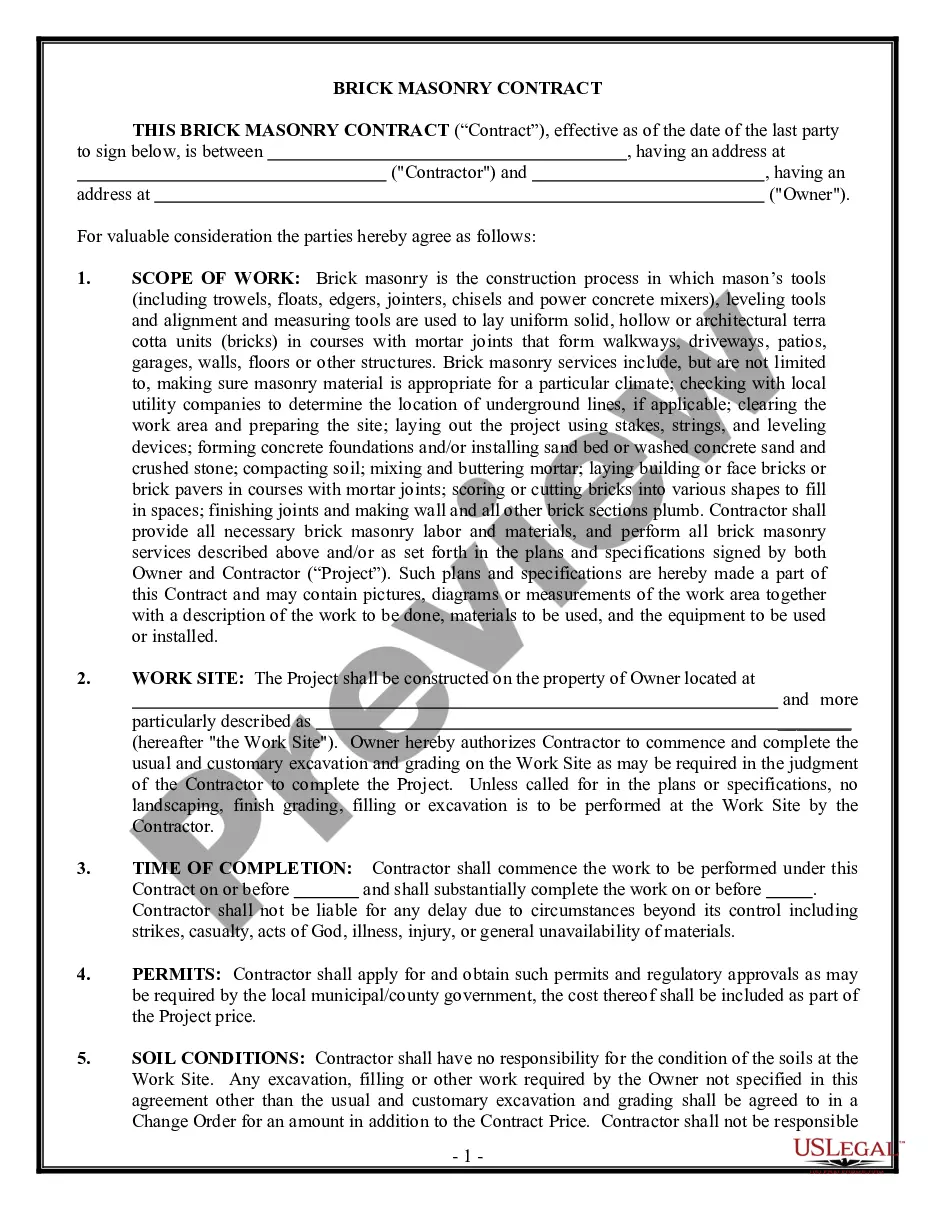
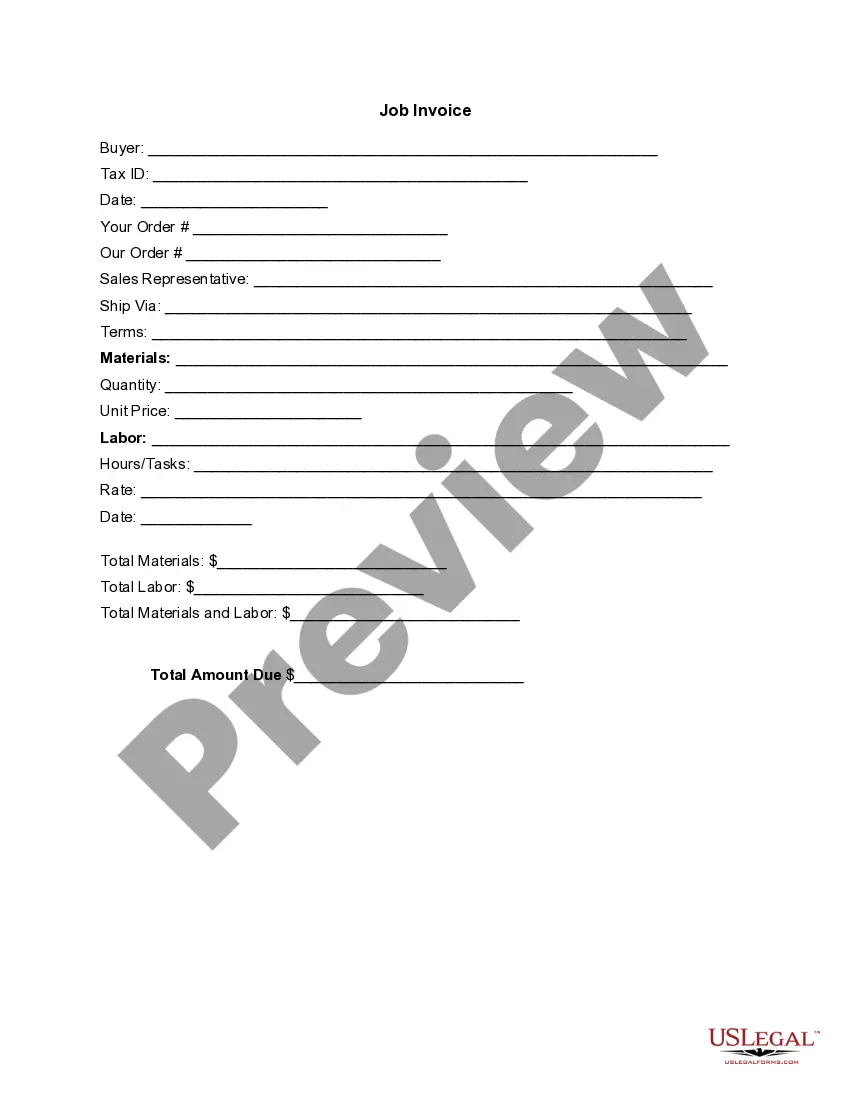
Invoice Template for Cook
What is this form?
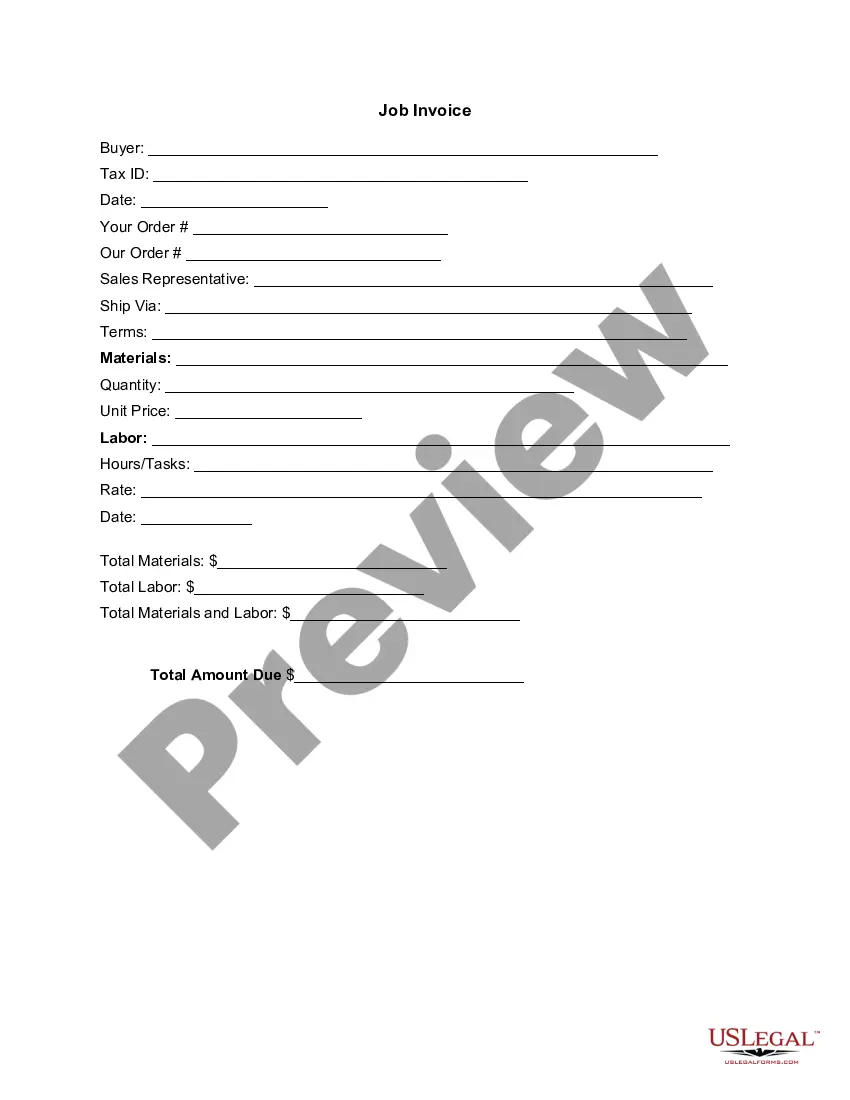
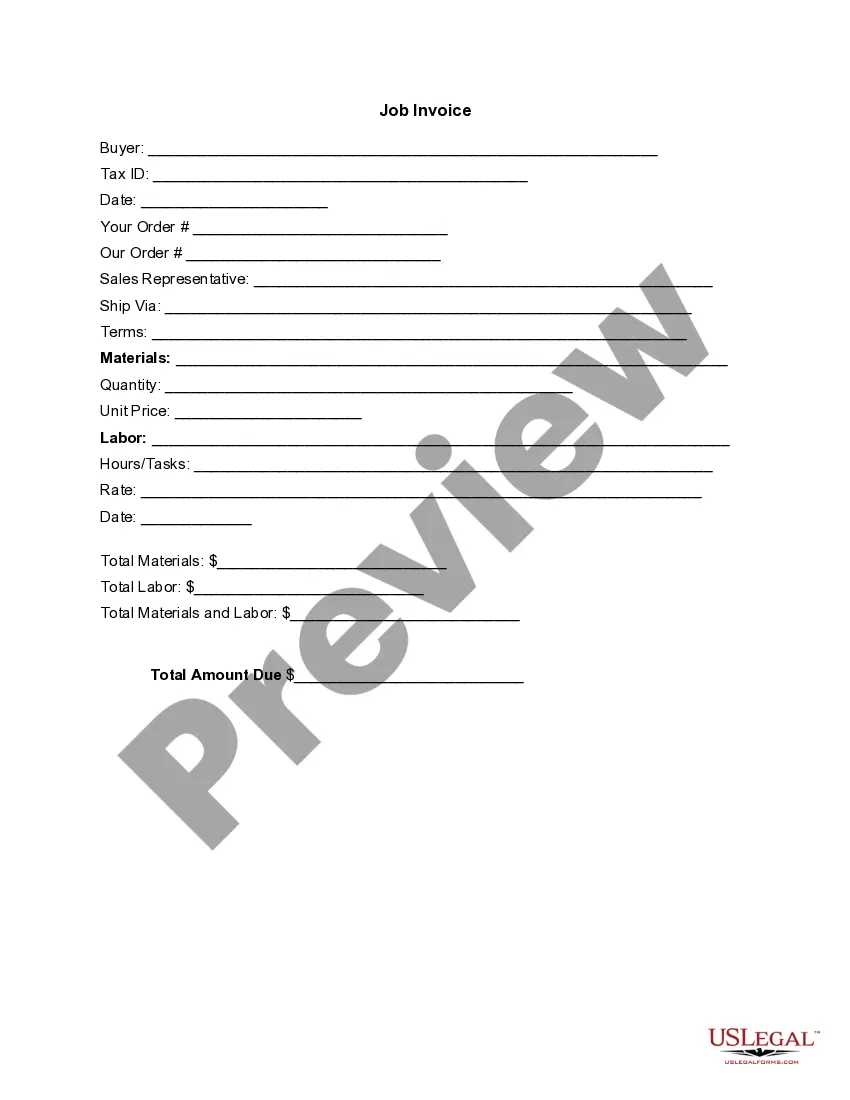
The Invoice Template for Cook is a crucial document used by service providers to itemize goods and labor costs associated with cooking services. This form details the work done, including materials and hours worked, and serves as a formal request for payment. Unlike simple receipts, this template provides a comprehensive breakdown that enhances clarity and professionalism in billing.
What’s included in this form
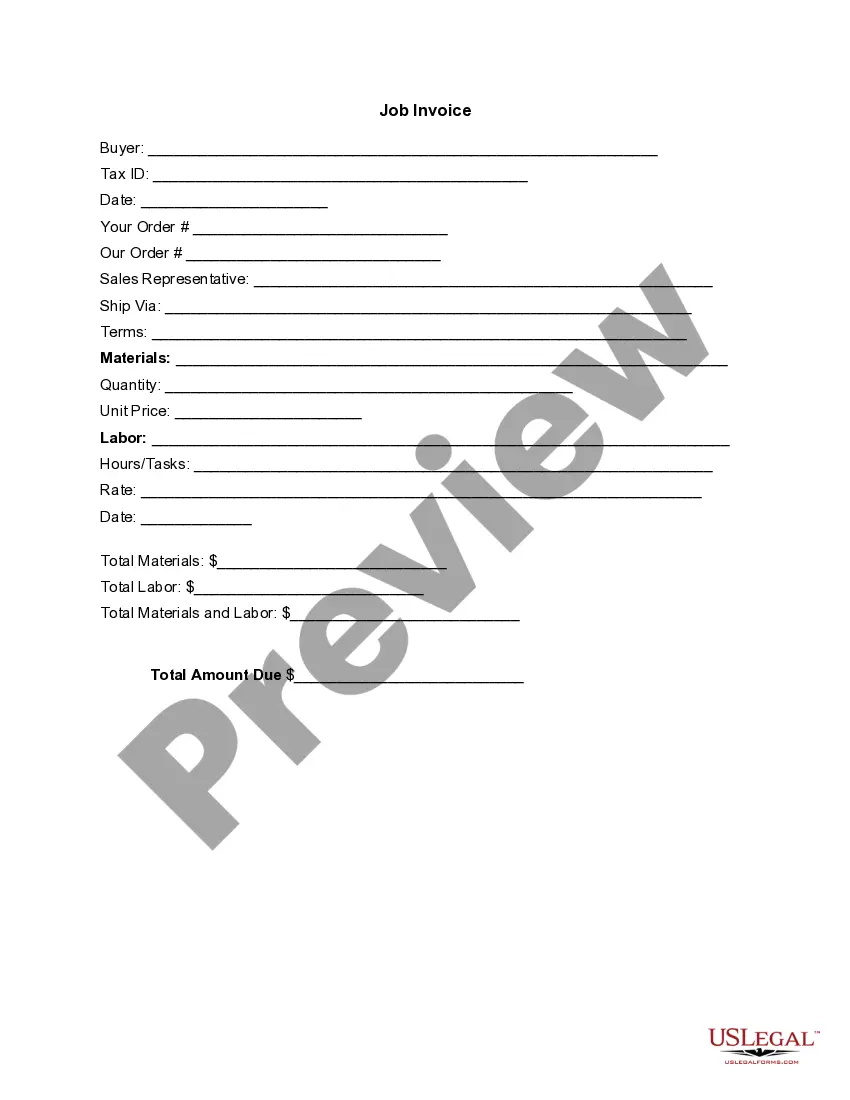
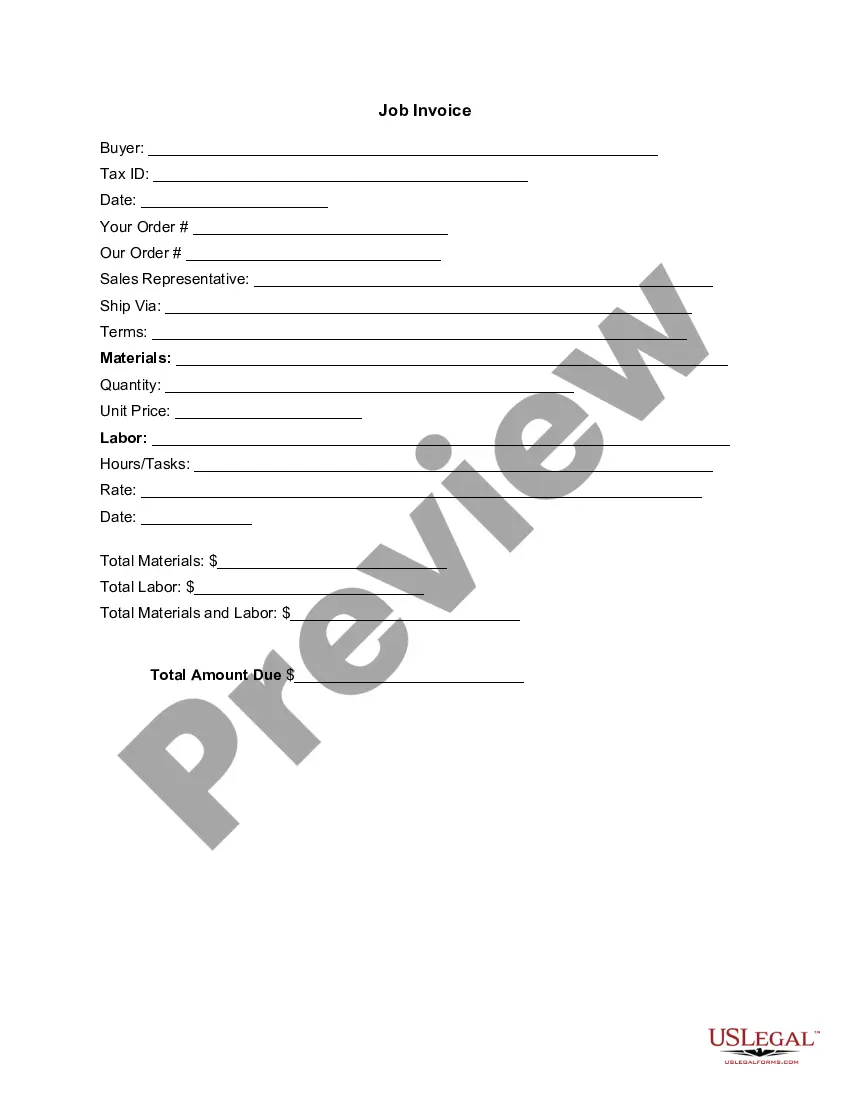
- Buyer information: Space to input the buyer's name and tax ID
- Date: The date when the invoice is issued
- Order details: Sections for listing the customer's order and the service provided
- Sales representative: Area for the name of the sales representative managing the transaction
- Materials and labor section: Breakdown of materials used, quantity, unit price, labor hours, and tasks performed
- Total amount due: Final billing total inclusive of all charges

Common use cases
This form is essential when a cook or catering service provides meals or food preparation services to clients. Use this invoice template when billing clients after completing a cooking project, whether itâs for private events, catering, or other culinary services. It ensures that all costs are transparent and properly documented, facilitating smoother payment transactions.
Who can use this document
- Professional cooks and chefs
- Catering businesses
- Freelance cooks providing services to clients
- Individuals involved in food preparation for events or private clients
Instructions for completing this form
- Identify the buyer by entering their name and tax ID number at the top of the invoice.
- Fill in the date of the invoice issue and any relevant order details.
- Specify the sales representativeâs name, if applicable.
- List the materials used in the cooking service, including quantity and unit prices.
- Document the labor performed, including hours worked and the tasks completed.
- Calculate the total amount due by adding the total materials and total labor costs.
Does this document require notarization?
This form does not typically require notarization unless specified by local law.
Get your form ready online
Our built-in tools help you complete, sign, share, and store your documents in one place.
Make edits, fill in missing information, and update formatting in US Legal Forms—just like you would in MS Word.
Download a copy, print it, send it by email, or mail it via USPS—whatever works best for your next step.
Sign and collect signatures with our SignNow integration. Send to multiple recipients, set reminders, and more. Go Premium to unlock E-Sign.
If this form requires notarization, complete it online through a secure video call—no need to meet a notary in person or wait for an appointment.
We protect your documents and personal data by following strict security and privacy standards.

Make edits, fill in missing information, and update formatting in US Legal Forms—just like you would in MS Word.

Download a copy, print it, send it by email, or mail it via USPS—whatever works best for your next step.

Sign and collect signatures with our SignNow integration. Send to multiple recipients, set reminders, and more. Go Premium to unlock E-Sign.

If this form requires notarization, complete it online through a secure video call—no need to meet a notary in person or wait for an appointment.

We protect your documents and personal data by following strict security and privacy standards.
Mistakes to watch out for
- Not including all relevant details about the services provided.
- Failing to accurately calculate the total amount due.
- Omitting buyer information, such as the name or tax ID.
- Not keeping a copy for your records after sending the invoice.
Benefits of completing this form online
- Convenience of downloading and editing your invoice anytime.
- Ensures accuracy by providing a structured format for detailed entries.
- Professional presentation that enhances the service providerâs credibility.
Legal use & context
- Invoicing provides a legal record of transactions between service providers and clients.
- Proper completion of an invoice can help resolve disputes regarding payments.
What to keep in mind
- The Invoice Template for Cook is essential for billing in culinary services.
- Ensure all information is accurately filled to prevent issues with payment.
- Using this form online enhances the convenience and professionalism of your billing process.
Looking for another form?
Form popularity
FAQ
Ensure that your invoice / credit note is legible, especially if handwritten (our preference is for typewritten). In addition, ensure that it is not: printed on dark paper. printed in a colour of ink that is difficult to scan, such as purple.
Download the basic Simple Invoice Template in PDF, Word or Excel format. Open the new invoice doc in Word or Excel. Add your business information and branding, including your business name and logo. Customize the fields in the template to create your invoice. Name your invoice. Save
Include Contact Information. Add the Invoice Date. Establish a Simple Invoice Numbering System. List Your Services. Add Your Payment Terms. Include the Amount Due and the Payment Due Date.
Download the basic Simple Invoice Template in PDF, Word or Excel format. Open the new invoice doc in Word or Excel. Add your business information and branding, including your business name and logo. Customize the fields in the template to create your invoice. Name your invoice. Save
Anyone can write an invoice to anyone else, The fact that the individuals are not registered with HMRC as self employed does not mean they are not a sole trader.
As long as you are the only owner, your business starts when your business activities start. In the United States of America, you are automatically a sole proprietor and are therefore free to invoice clients as necessary. This article also includes information about: What Should Your First Invoice Include?
The name of the client, their company, their billing address, and their phone number should be among the first things listed on your catering invoice. Under details, be sure to list the event date, invoice number, and the customer identification.
Download the Square Invoices app on your iOS or Android device. Create your free Square account or sign in with your existing Square account. Tap the '+' sign on the navigation bar and select 'Invoice'.When your clients receive the invoice in their email, they can pay you securely online.