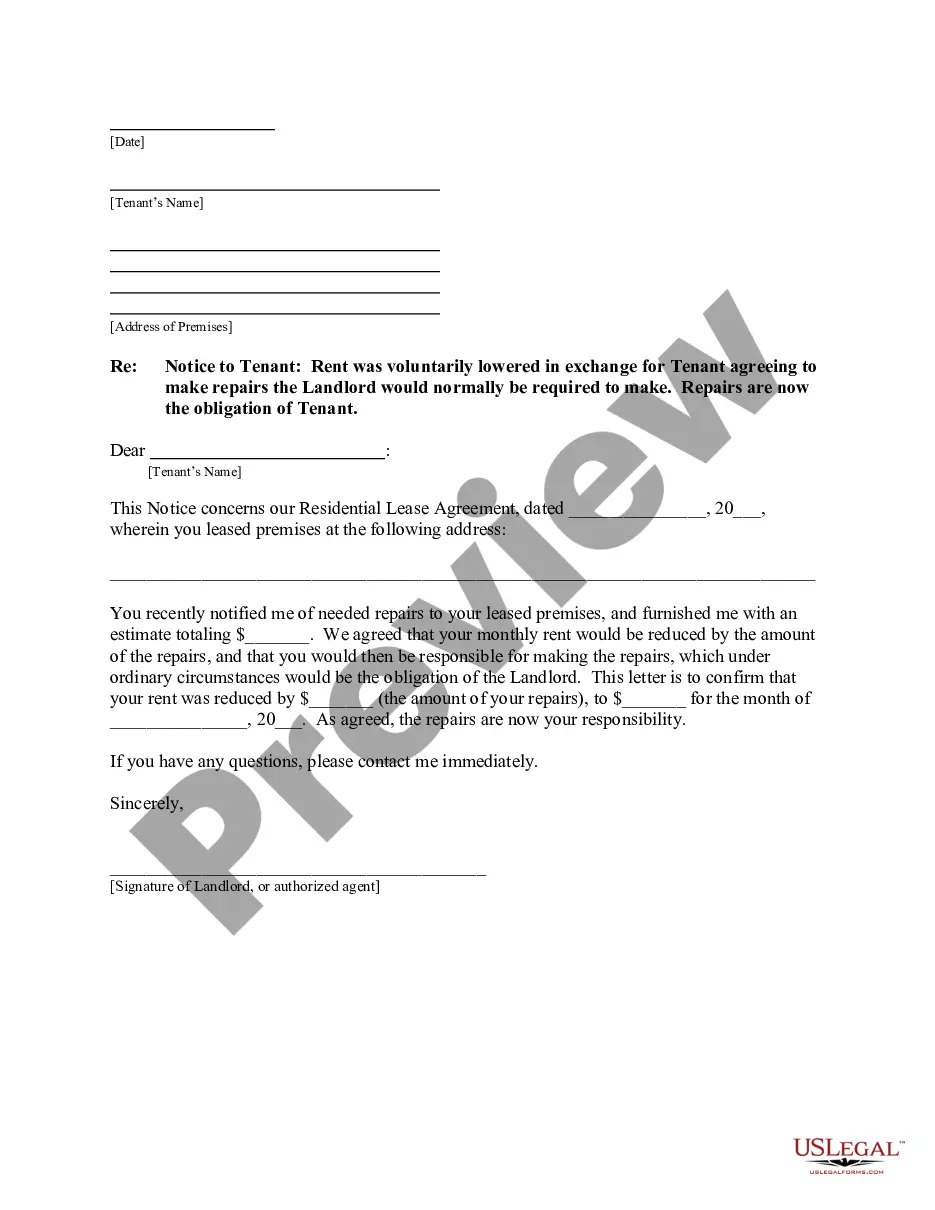
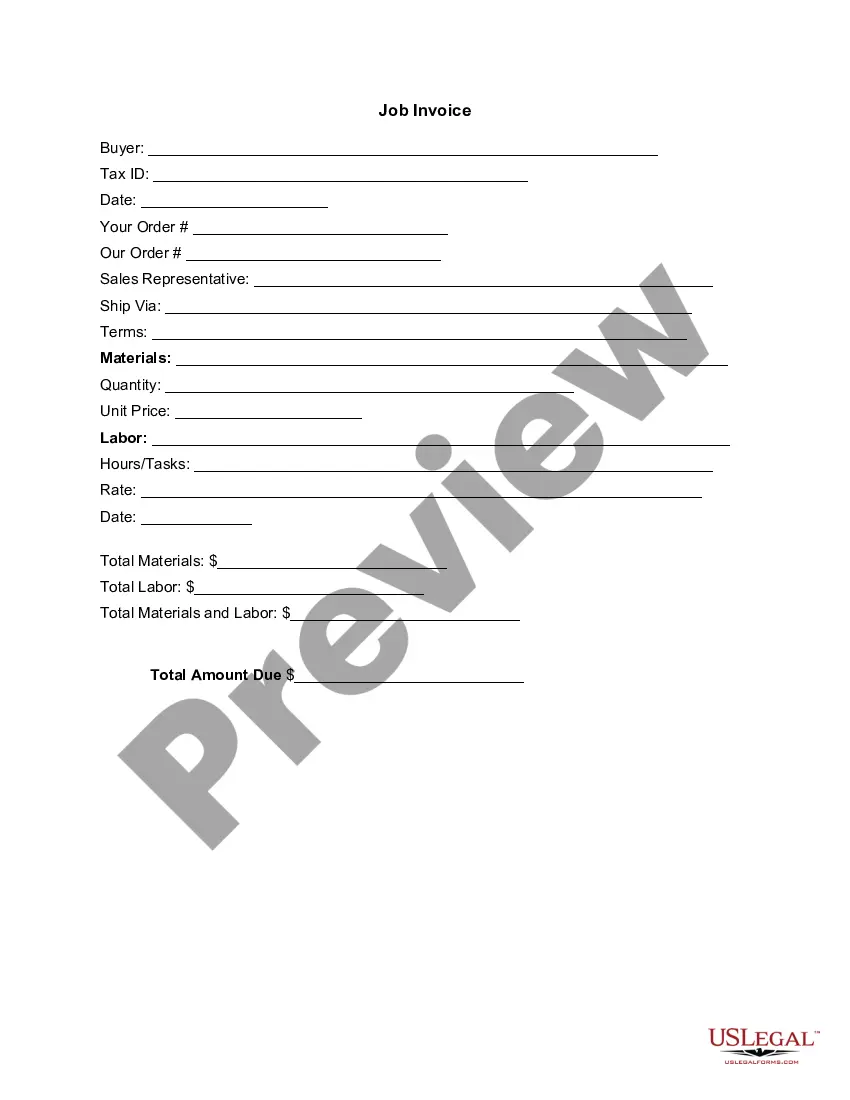
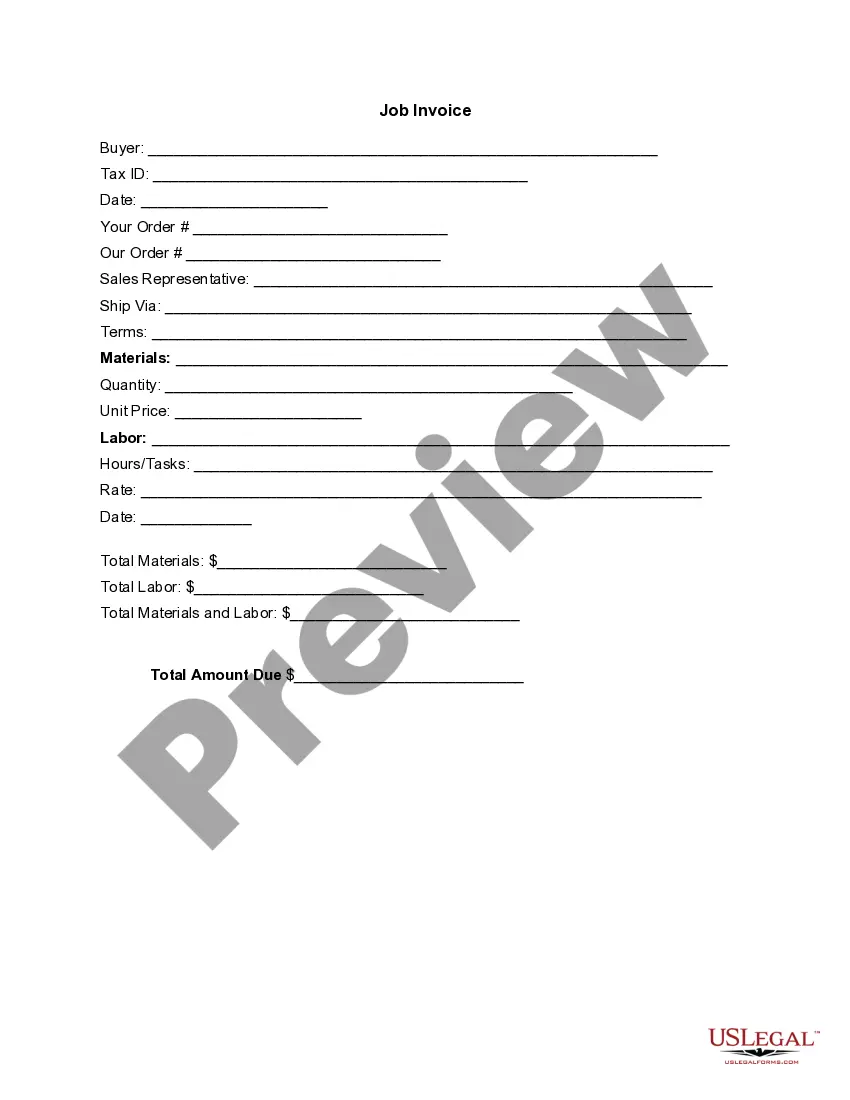
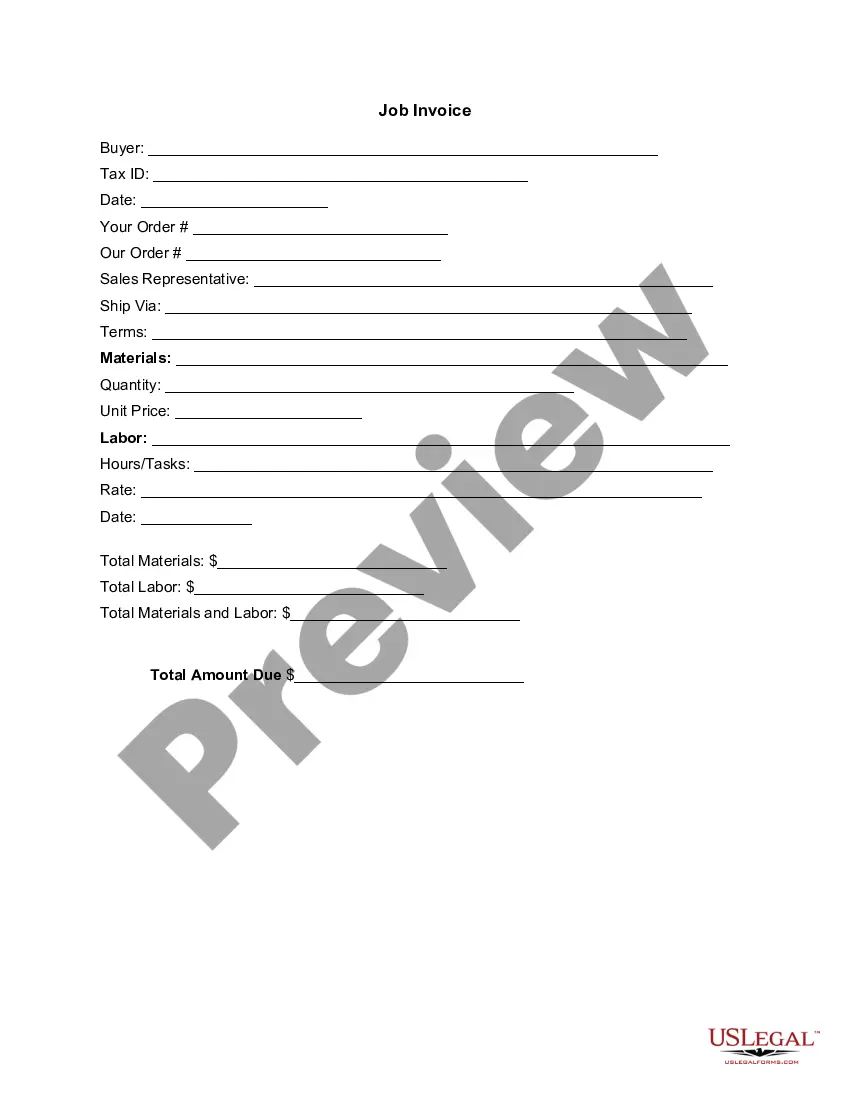
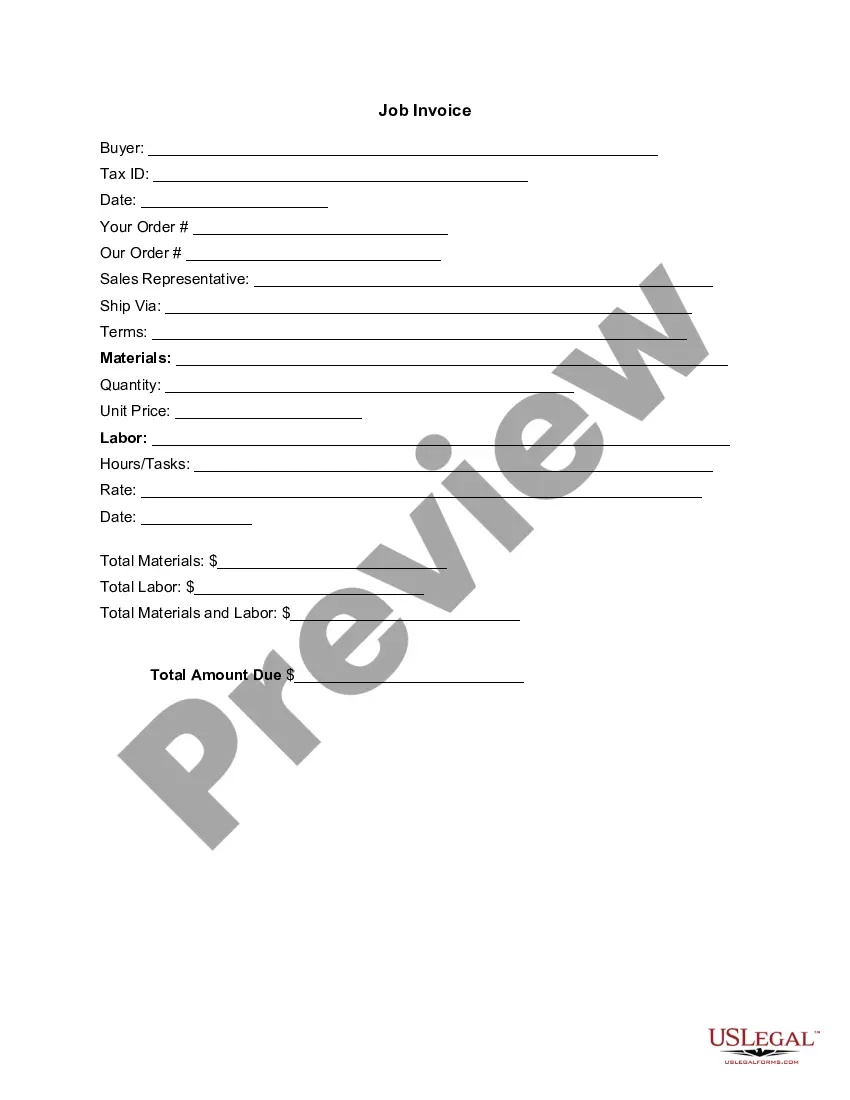
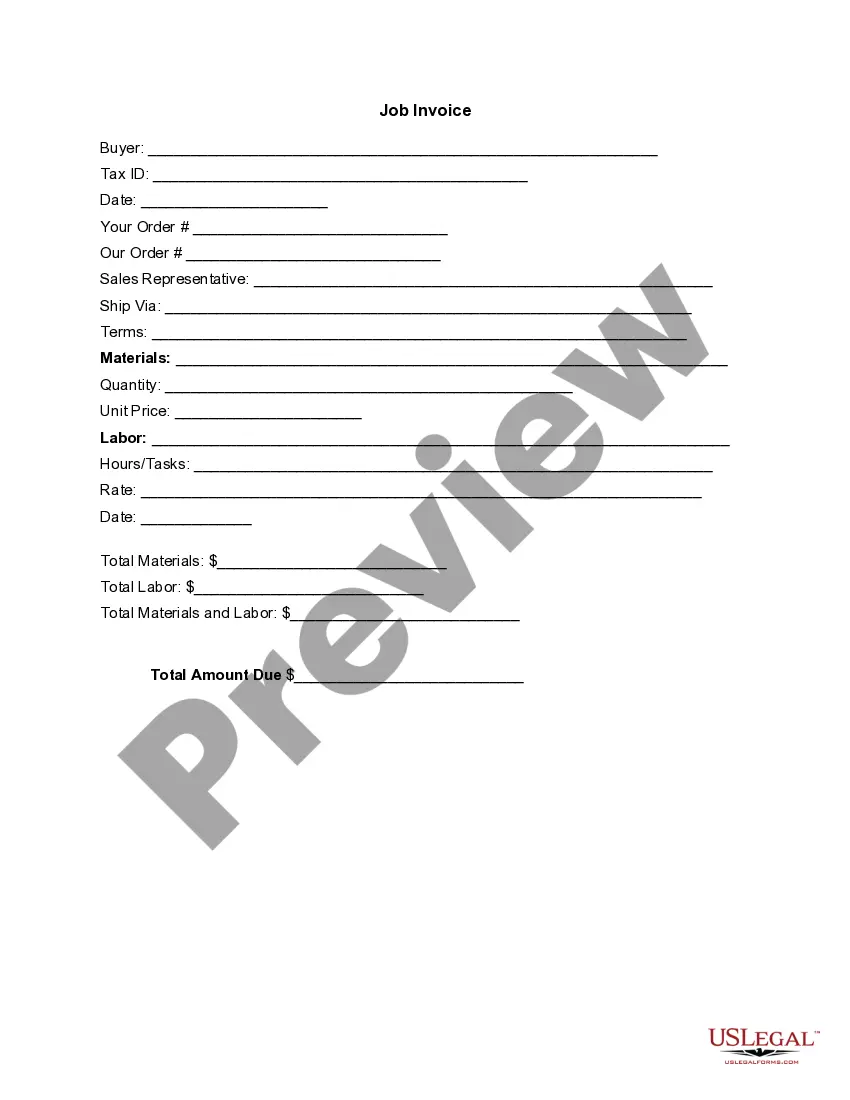
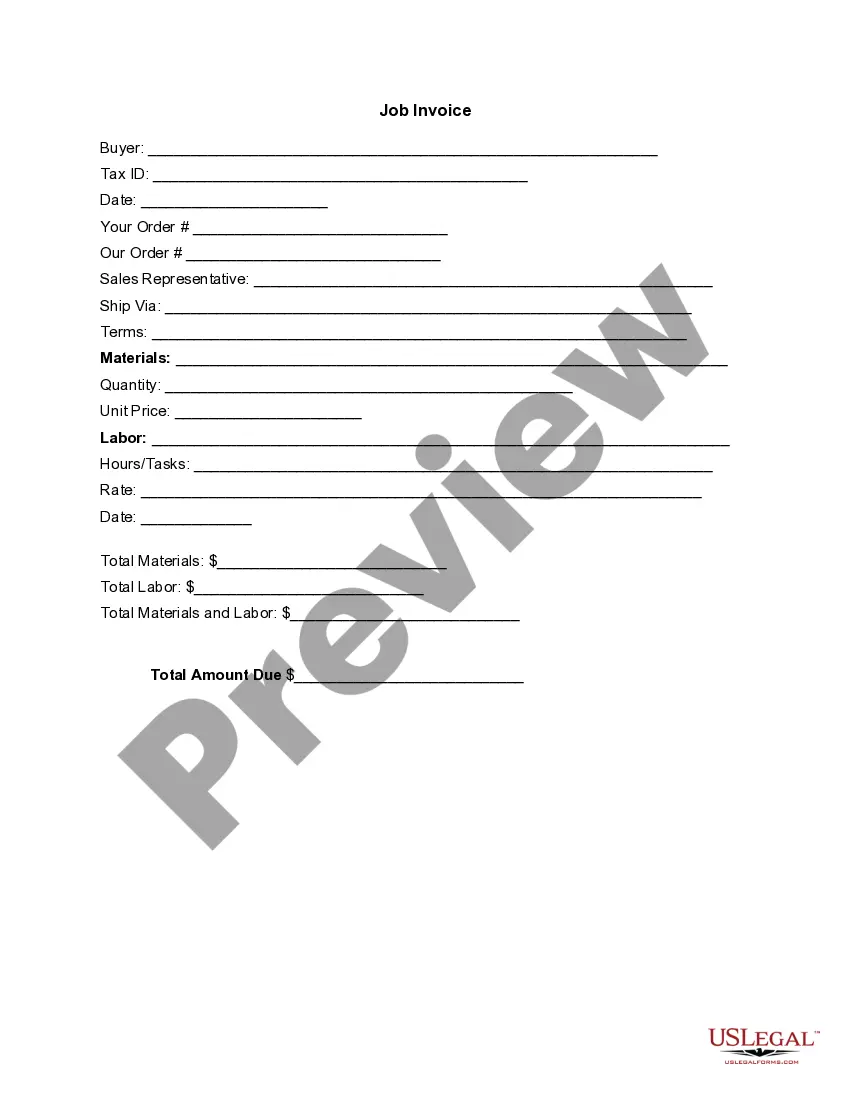
Invoice Template for Veterinarian

Notarization requirements for this form
Notarization is generally not required for this form. However, certain states or situations might demand it. You can complete notarization online through US Legal Forms, powered by Notarize, using a verified video call available anytime.
Get your form ready online
Our built-in tools help you complete, sign, share, and store your documents in one place.
Make edits, fill in missing information, and update formatting in US Legal Forms—just like you would in MS Word.
Download a copy, print it, send it by email, or mail it via USPS—whatever works best for your next step.
Sign and collect signatures with our SignNow integration. Send to multiple recipients, set reminders, and more. Go Premium to unlock E-Sign.
If this form requires notarization, complete it online through a secure video call—no need to meet a notary in person or wait for an appointment.
We protect your documents and personal data by following strict security and privacy standards.

Make edits, fill in missing information, and update formatting in US Legal Forms—just like you would in MS Word.

Download a copy, print it, send it by email, or mail it via USPS—whatever works best for your next step.

Sign and collect signatures with our SignNow integration. Send to multiple recipients, set reminders, and more. Go Premium to unlock E-Sign.

If this form requires notarization, complete it online through a secure video call—no need to meet a notary in person or wait for an appointment.

We protect your documents and personal data by following strict security and privacy standards.
Looking for another form?
Form popularity
FAQ
PayPal (Web, iOS, Android) for creating invoices on mobile devices. Square (Web, iOS, Android) for accepting in-person and online payments. Wave (Web, iOS, Android) for invoicing and accounting for small businesses. Zoho Invoice (Web, iOS, Android) for invoice workflows.
Make your invoice look professional. The first step is to put your invoice together. Clearly mark your invoice. Add company name and information. Write a description of the goods or services you're charging for. Don't forget the dates. Add up the money owed. Mention payment terms.
Include Contact Information. Add the Invoice Date. Establish a Simple Invoice Numbering System. List Your Services. Add Your Payment Terms. Include the Amount Due and the Payment Due Date.
Download the basic Simple Invoice Template in PDF, Word or Excel format. Open the new invoice doc in Word or Excel. Add your business information and branding, including your business name and logo. Customize the fields in the template to create your invoice. Name your invoice. Save
Make it personal, add your logo and branding to it. Make it clear at the top that it is an 'invoice, bill or statement' Include your company information. Include your company's contact information. Include date of invoice and payment terms e.g 5 days, 10 days, 30 days. State what you are invoicing for and the price. Add VAT.
Use an invoice template. Instead of creating an invoice from scratch, you will find it more practical to download an invoice template and customize it as per your needs. Customize the template. Keep it for future use. Purchase Order & Work Order List. The Formula in the template.
Download the Square Invoices app on your iOS or Android device. Create your free Square account or sign in with your existing Square account. Tap the '+' sign on the navigation bar and select 'Invoice'.When your clients receive the invoice in their email, they can pay you securely online.