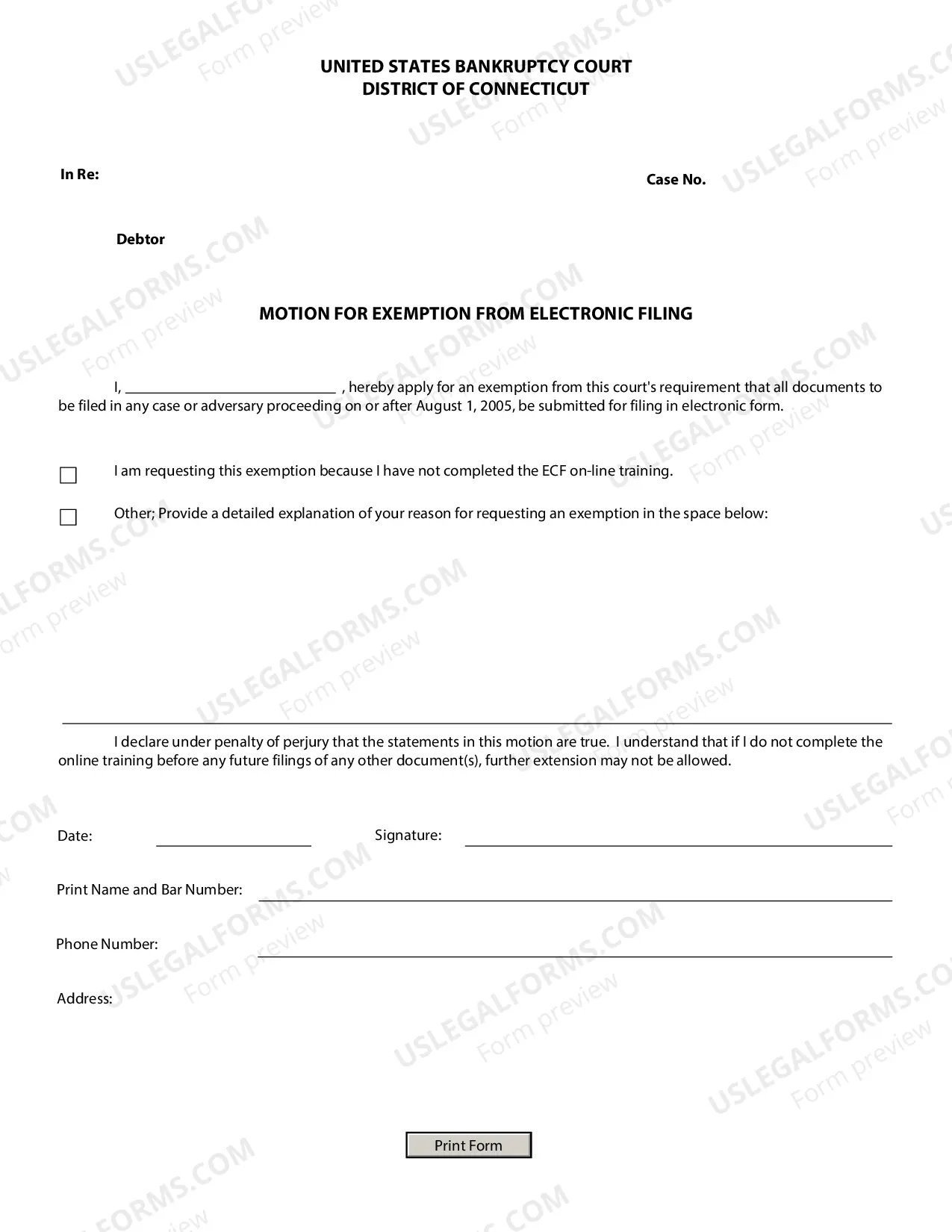
Compliance Checklist For Company Websites
Overview of this form
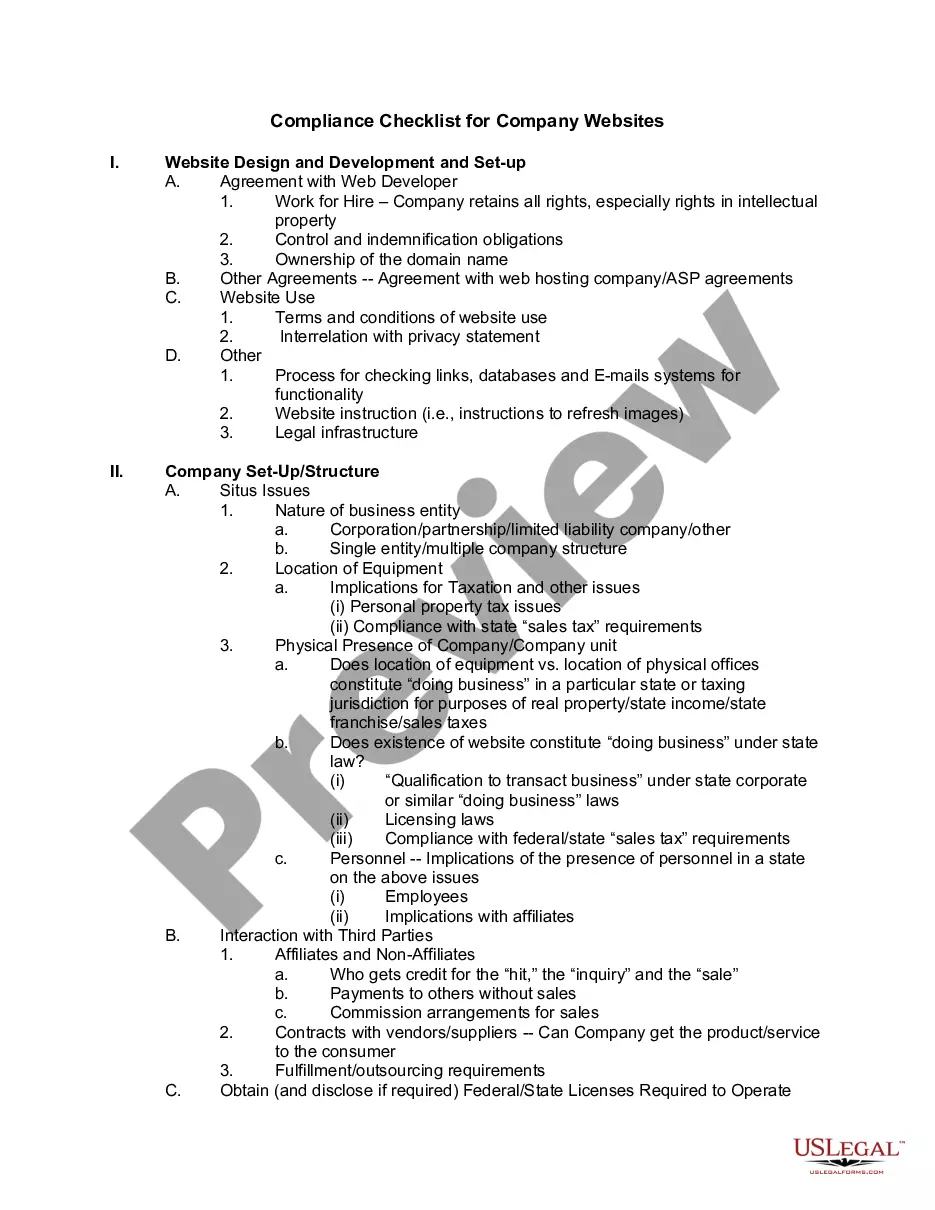
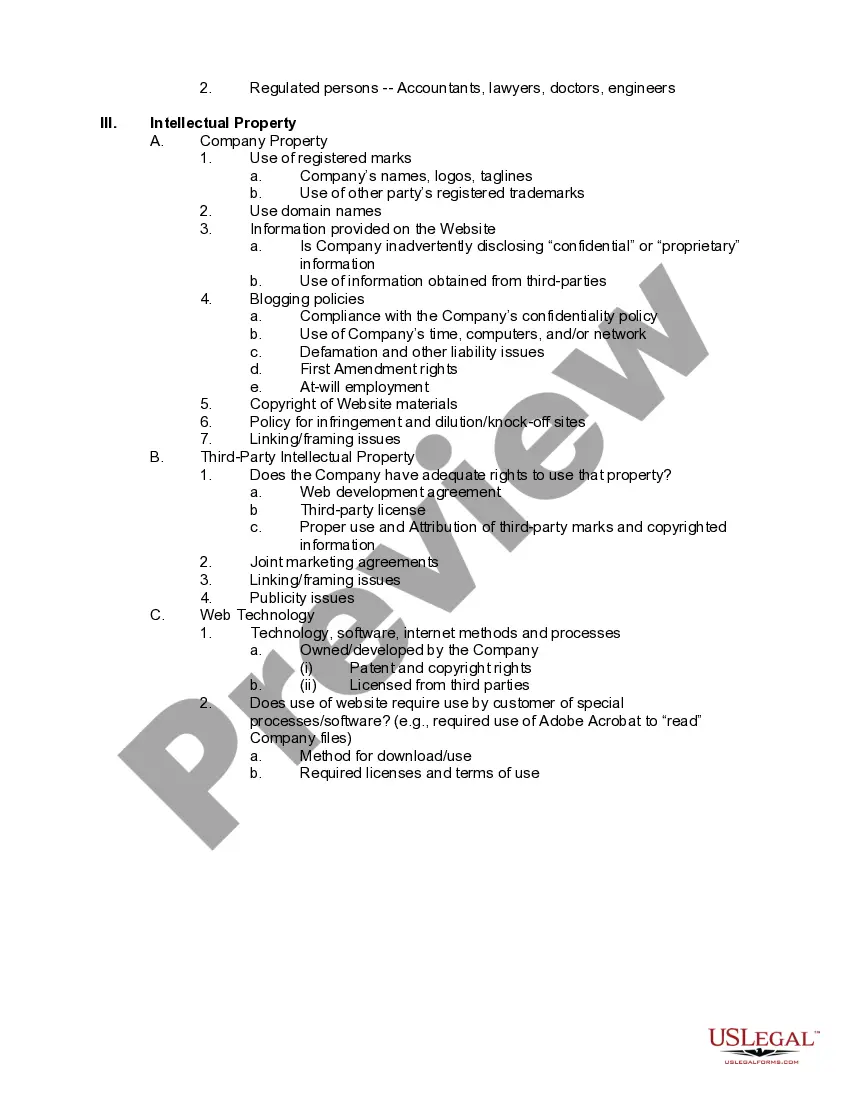
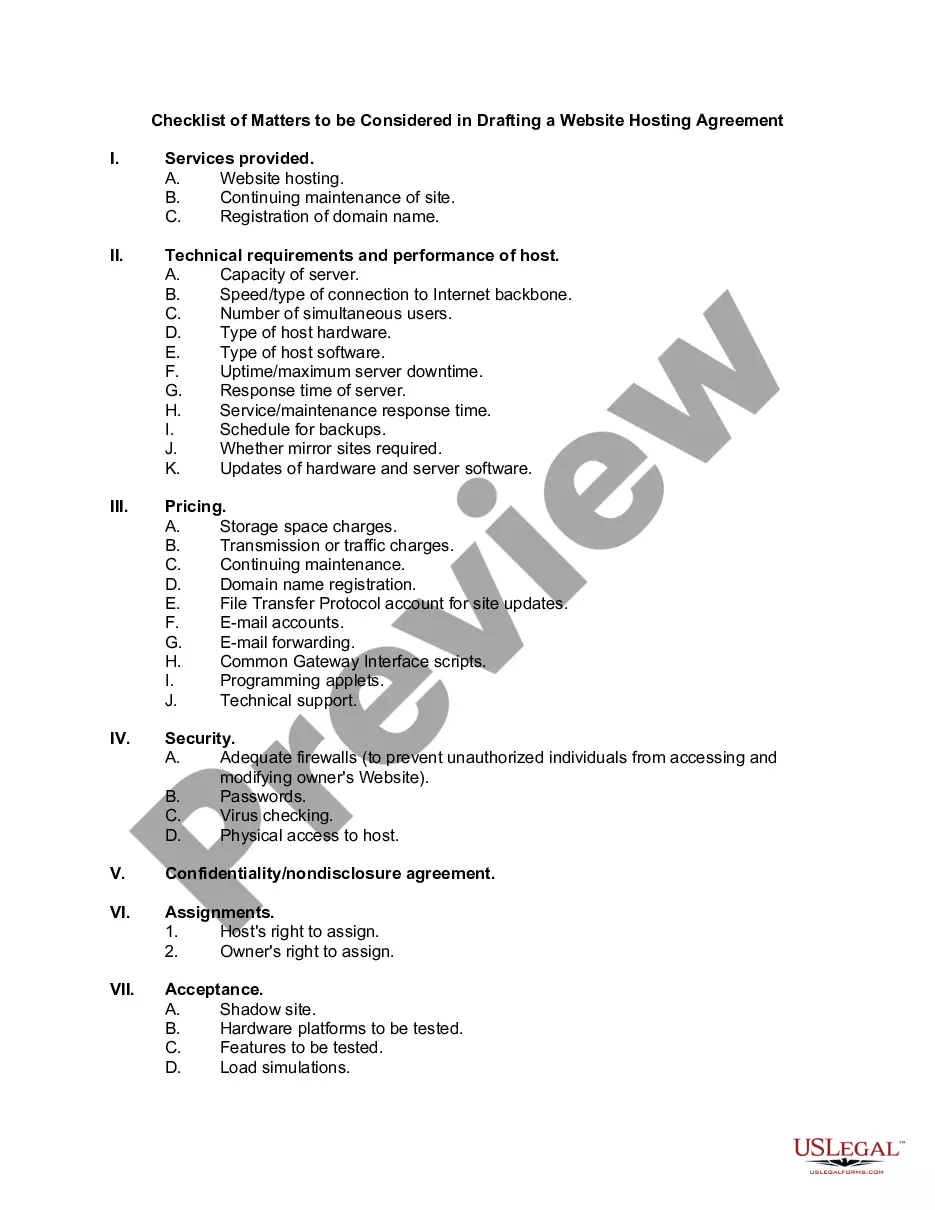
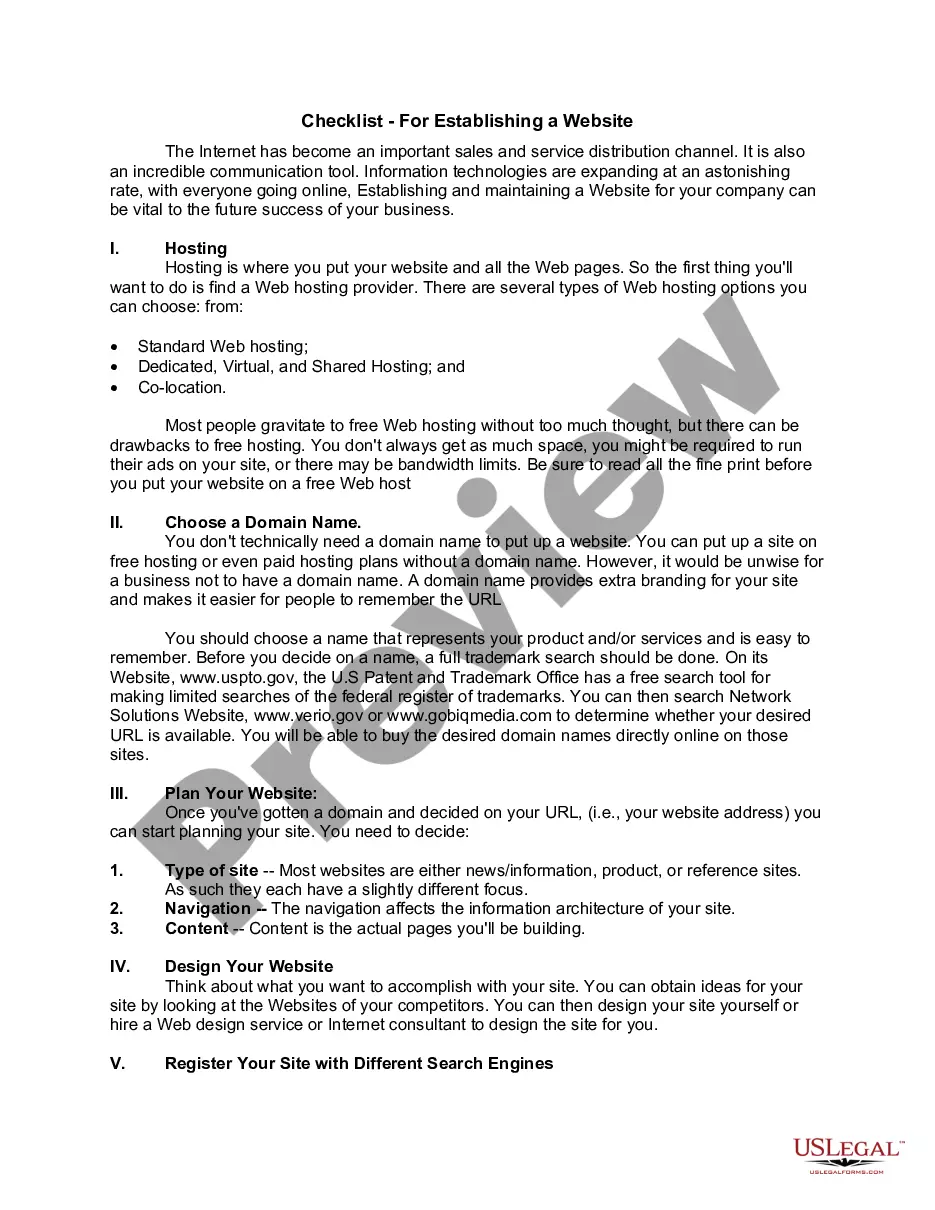
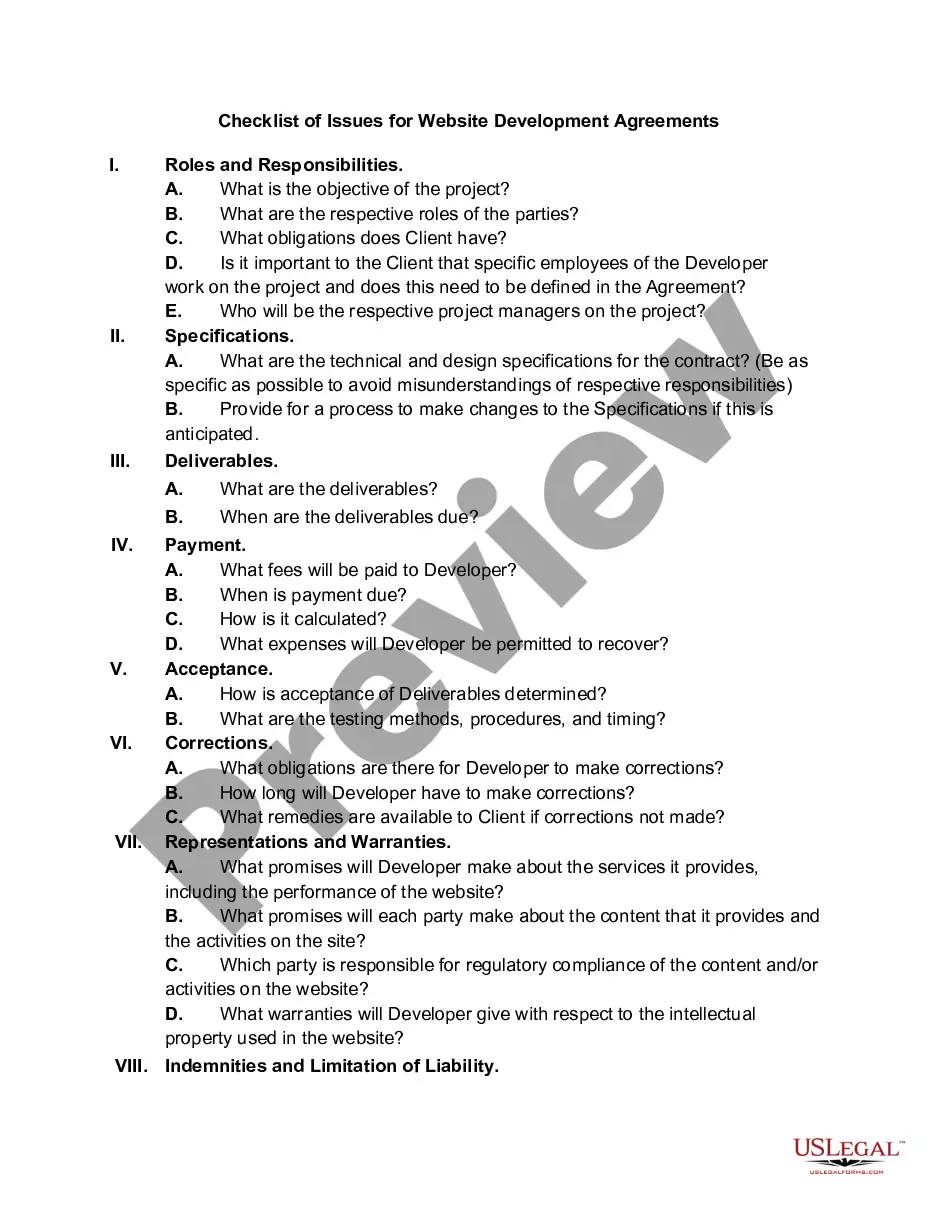
The Compliance Checklist for Company Websites is a comprehensive guide designed to assist website developers and company personnel in navigating various legal compliance issues related to online presence. This checklist covers critical areas such as intellectual property, website design agreements, and local regulatory requirements, ensuring that businesses can operate their websites legally and effectively. Unlike similar forms, this checklist focuses specifically on compliance for online activities, making it an essential tool for any company with a digital footprint.
Main sections of this form
- Website design agreements and ownership rights
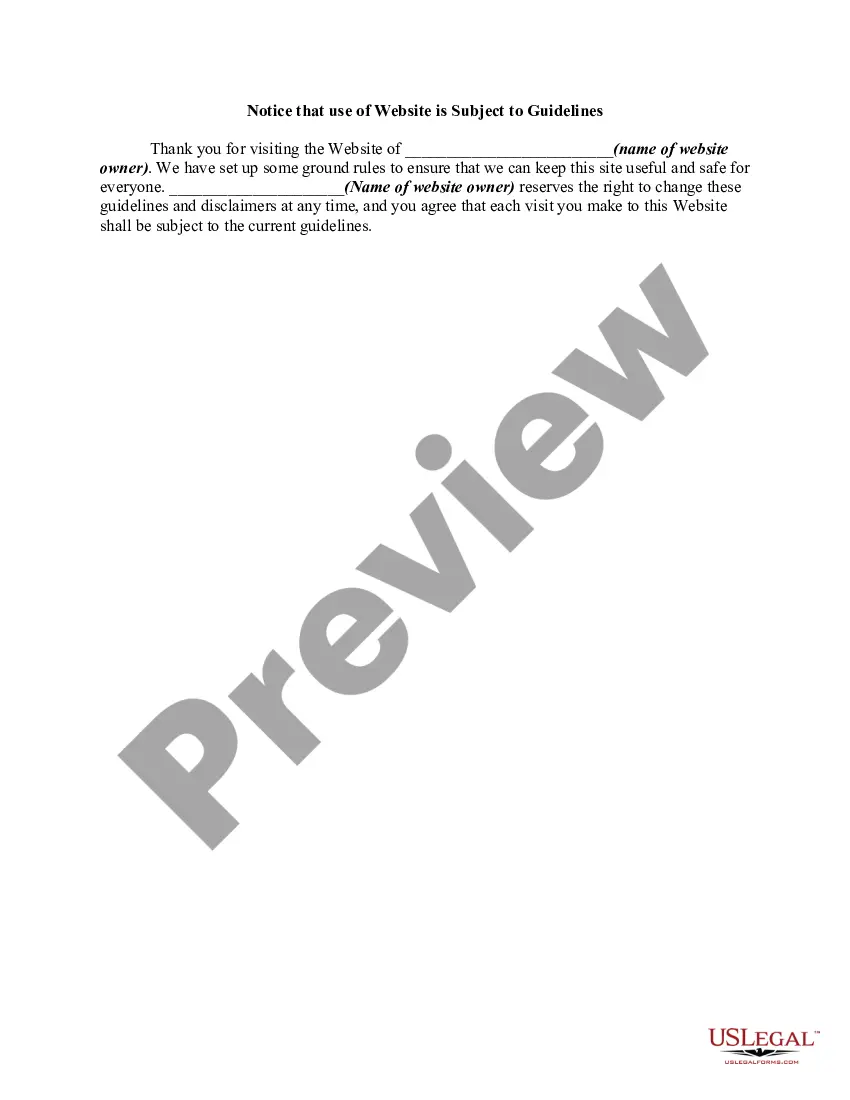
- Terms and conditions for website use
- Intellectual property guidelines for company and third-party assets
- Regulations regarding physical presence and doing business
- Disclosure requirements for licenses and permits

When to use this document
This checklist is essential for use during website development, when establishing a new online platform, or when reviewing an existing website for compliance. It helps companies ensure they meet legal obligations, mitigate risks, and protect intellectual property when engaging with customers online.
Who needs this form
- Website developers
- Business owners planning to launch or maintain a website
- Compliance officers and legal advisors
- Marketing professionals involved in online operations
How to prepare this document
- Review the checklist sections to understand your current obligations.
- Gather necessary documents related to website agreements and licensing.
- Identify all intellectual property associated with the website.
- Ensure compliance with both federal and state regulations regarding online businesses.
- Regularly update the checklist to address changes in laws or business practices.
Notarization guidance
This form does not typically require notarization unless specified by local law. Users should confirm any specific notarization requirements relevant to their state or industry.
Get your form ready online
Our built-in tools help you complete, sign, share, and store your documents in one place.
Make edits, fill in missing information, and update formatting in US Legal Forms—just like you would in MS Word.
Download a copy, print it, send it by email, or mail it via USPS—whatever works best for your next step.
Sign and collect signatures with our SignNow integration. Send to multiple recipients, set reminders, and more. Go Premium to unlock E-Sign.
If this form requires notarization, complete it online through a secure video call—no need to meet a notary in person or wait for an appointment.
We protect your documents and personal data by following strict security and privacy standards.

Make edits, fill in missing information, and update formatting in US Legal Forms—just like you would in MS Word.

Download a copy, print it, send it by email, or mail it via USPS—whatever works best for your next step.

Sign and collect signatures with our SignNow integration. Send to multiple recipients, set reminders, and more. Go Premium to unlock E-Sign.

If this form requires notarization, complete it online through a secure video call—no need to meet a notary in person or wait for an appointment.

We protect your documents and personal data by following strict security and privacy standards.
Mistakes to watch out for
- Neglecting to review agreements with web developers regarding intellectual property rights.
- Failing to update terms and conditions as laws change.
- Overlooking the need for state-specific compliance regarding online operations.
- Not disclosing required licenses and permits associated with specific industries.
Benefits of completing this form online
- Immediate access to a comprehensive compliance guide.
- Ease of editing to suit specific company needs.
- Reliable advice based on the latest legal standards.
Legal use & context
- The checklist serves as a guide but does not replace detailed legal advice.
- Compliance is essential to avoid penalties that may arise from legal oversights.
- This form can help create a solid foundation for establishing a website that meets legal requirements.
Main things to remember
- The checklist assists in identifying and addressing legal compliance issues for company websites.
- It covers vital areas including agreements, intellectual property, and state laws.
- Regular reviews and updates are crucial to maintaining compliance.
Looking for another form?
Form popularity
FAQ
Do all websites have to be ADA compliant? Technically, the Americans with Disabilities Act (ADA) Title III, which concerns public businesses, does not specifically address websites. Local and state government websites must be accessible under Title II of the ADA and Section 508 of the Rehabilitation Act.
Do all websites have to be ADA compliant? Technically, the Americans with Disabilities Act (ADA) Title III, which concerns public businesses, does not specifically address websites. Local and state government websites must be accessible under Title II of the ADA and Section 508 of the Rehabilitation Act.
What is ADA Compliance? The Department of Justice (DOJ) published the Americans with Disabilities Act (ADA) Standards for Accessible Design in September 2010. These standards state that all electronic and information technology must be accessible to people with disabilities.
You can also check your website for ADA compliance with a manual audit. A manual audit involves evaluating every page of your site for accessibility, using the Web Content Accessibility Guidelines (WCAG). WCAG encompasses a massive checklist, but it's the basis for ADA compliance.
You can also check your website for ADA compliance with a manual audit. A manual audit involves evaluating every page of your site for accessibility, using the Web Content Accessibility Guidelines (WCAG). WCAG encompasses a massive checklist, but it's the basis for ADA compliance.
What does an ADA-compliant website look like, exactly? There are no clear ADA regulations that spell out exactly what compliant web content is, but businesses that fall under ADA Title I or ADA Title III are required to develop a website that offers "reasonable accessibility" to people with disabilities.
Web compliance the state of observing and following all accessibility laws and regulations that apply to your website should be an overall goal for your organization.
The Americans with Disabilities Act (ADA) requires certain businesses to make accommodations for people with disabilities. Web content should be accessible to blind users, deaf users and those who must navigate by voice, screen readers or other assistive technologies.
ADA compliance refers to the Americans with Disabilities Act Standards for Accessible Design, which states that all electronic and information technology (like websites) must be accessible to people with disabilities.