Employee Evaluation Form for Soldier
Overview of this form
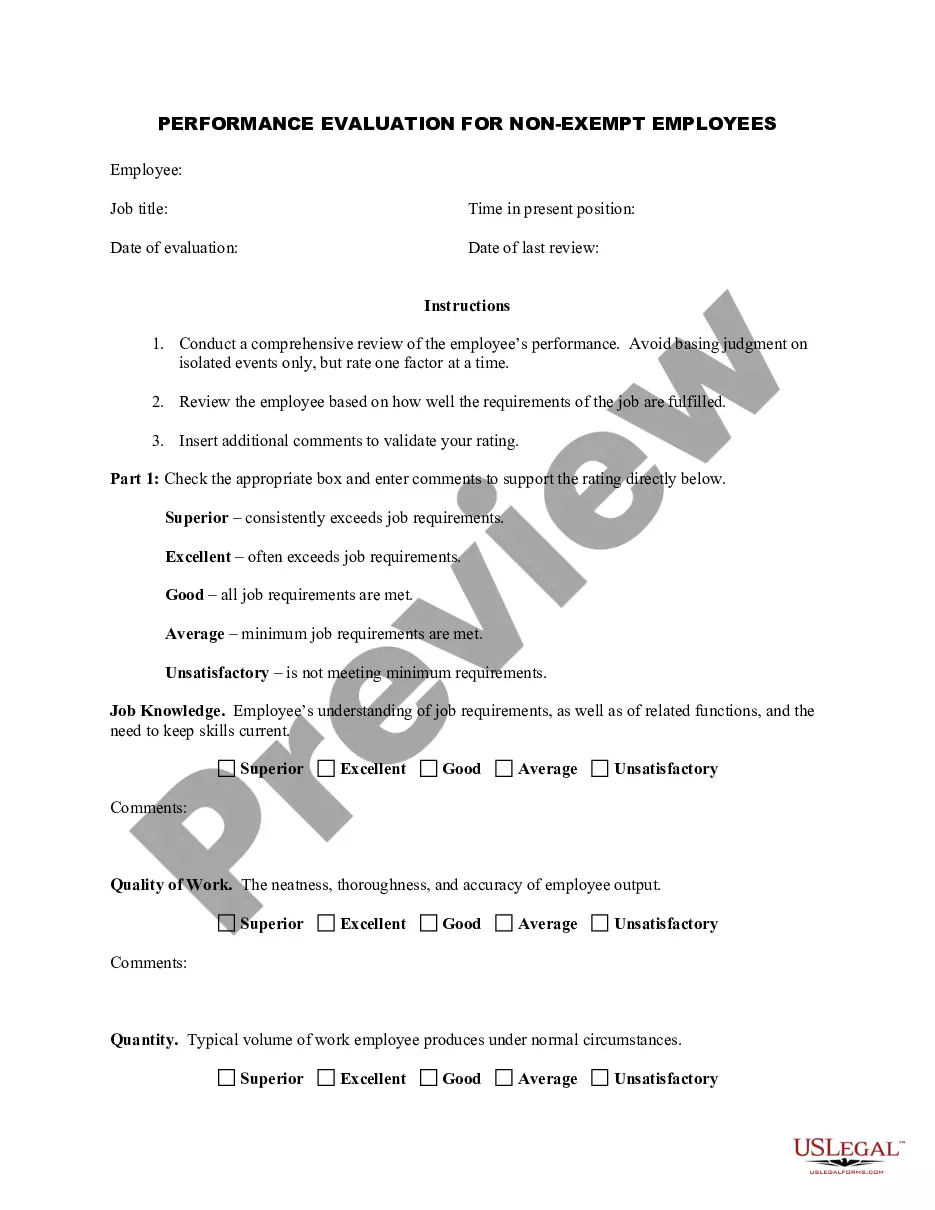
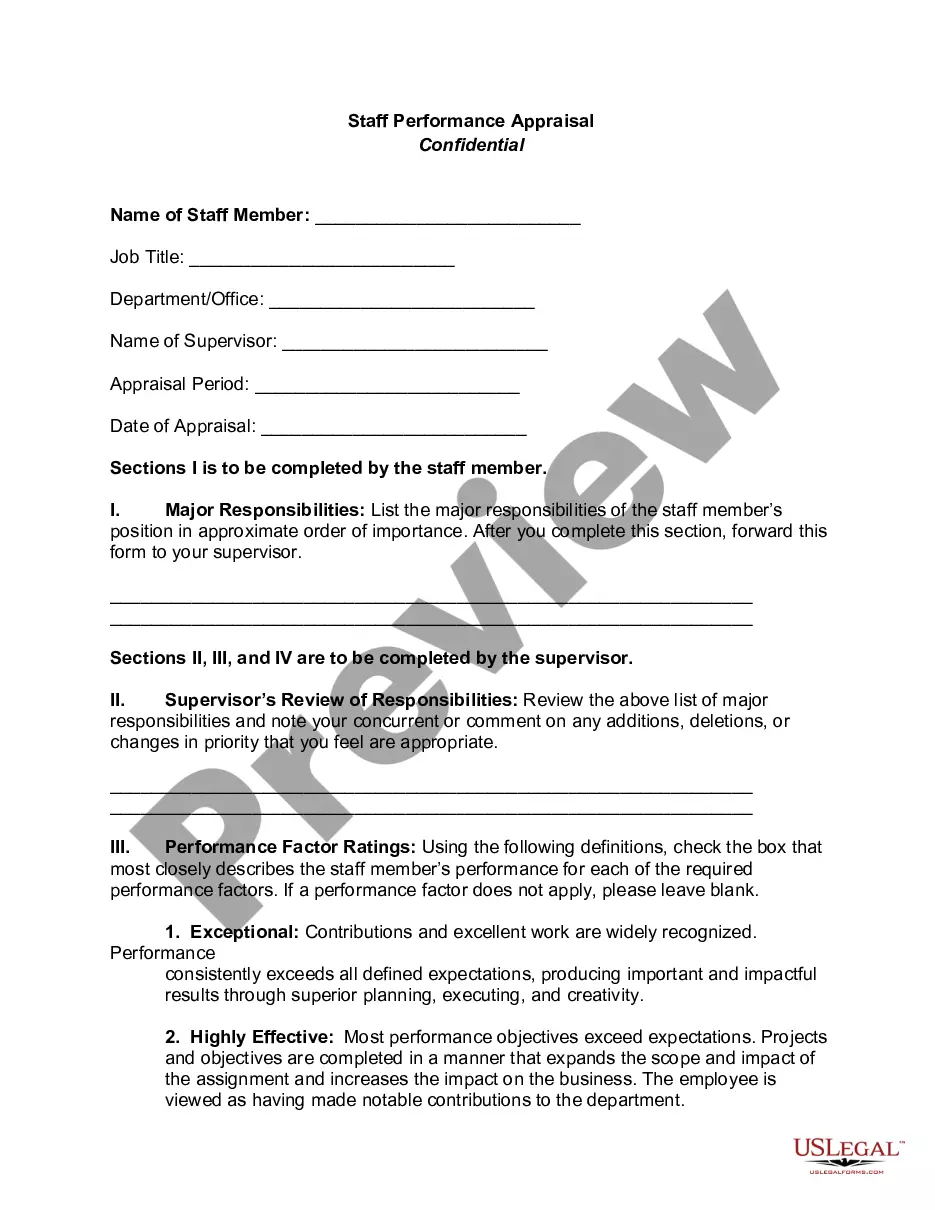
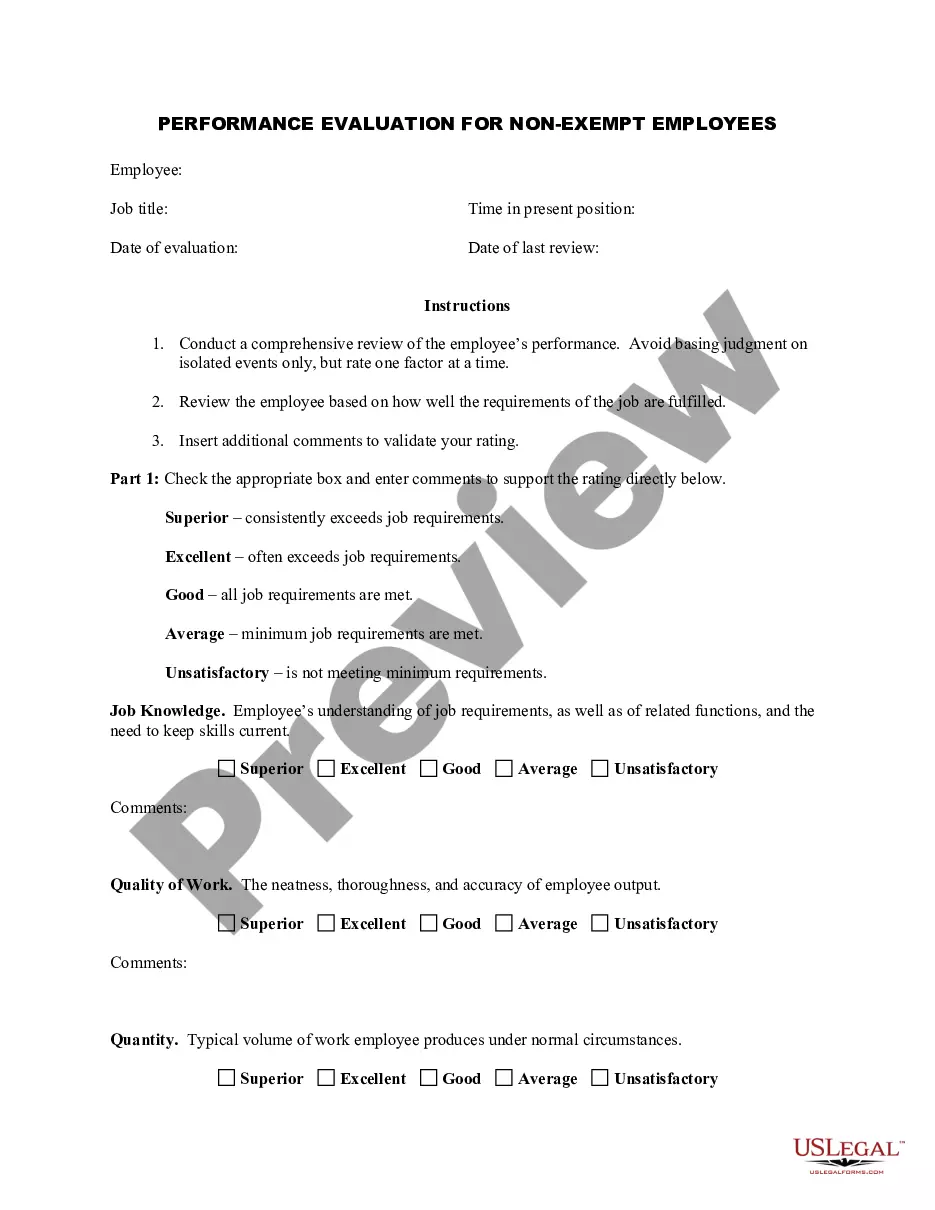
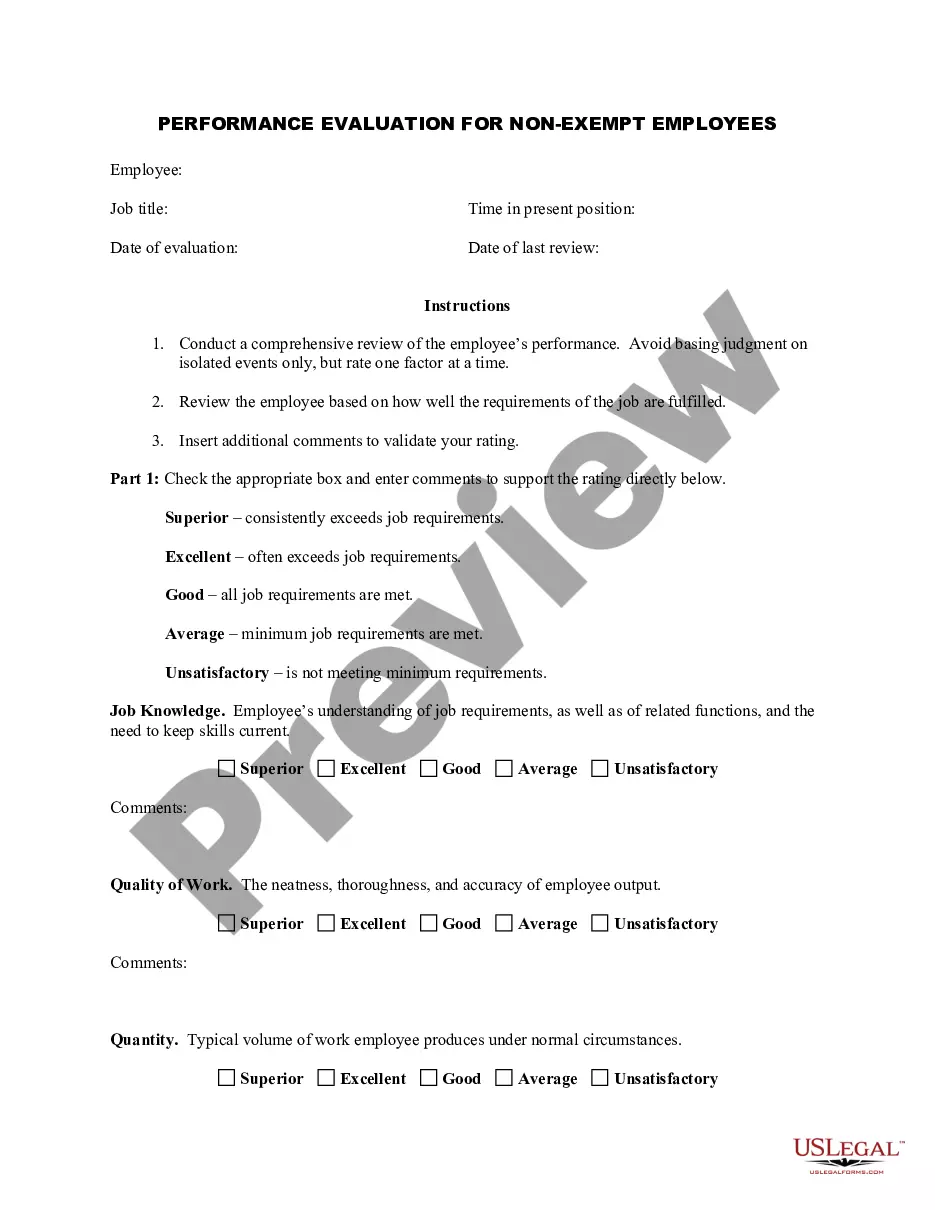
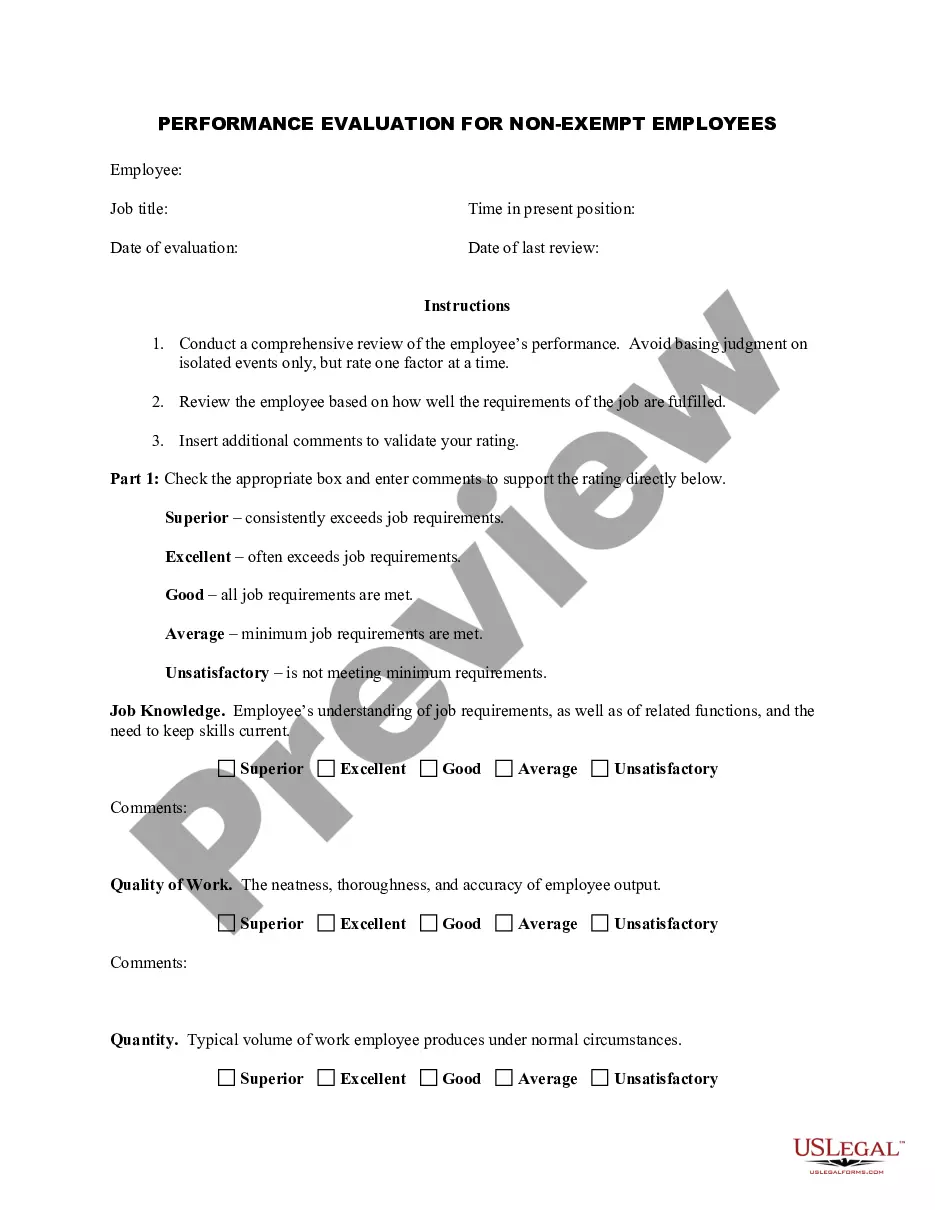
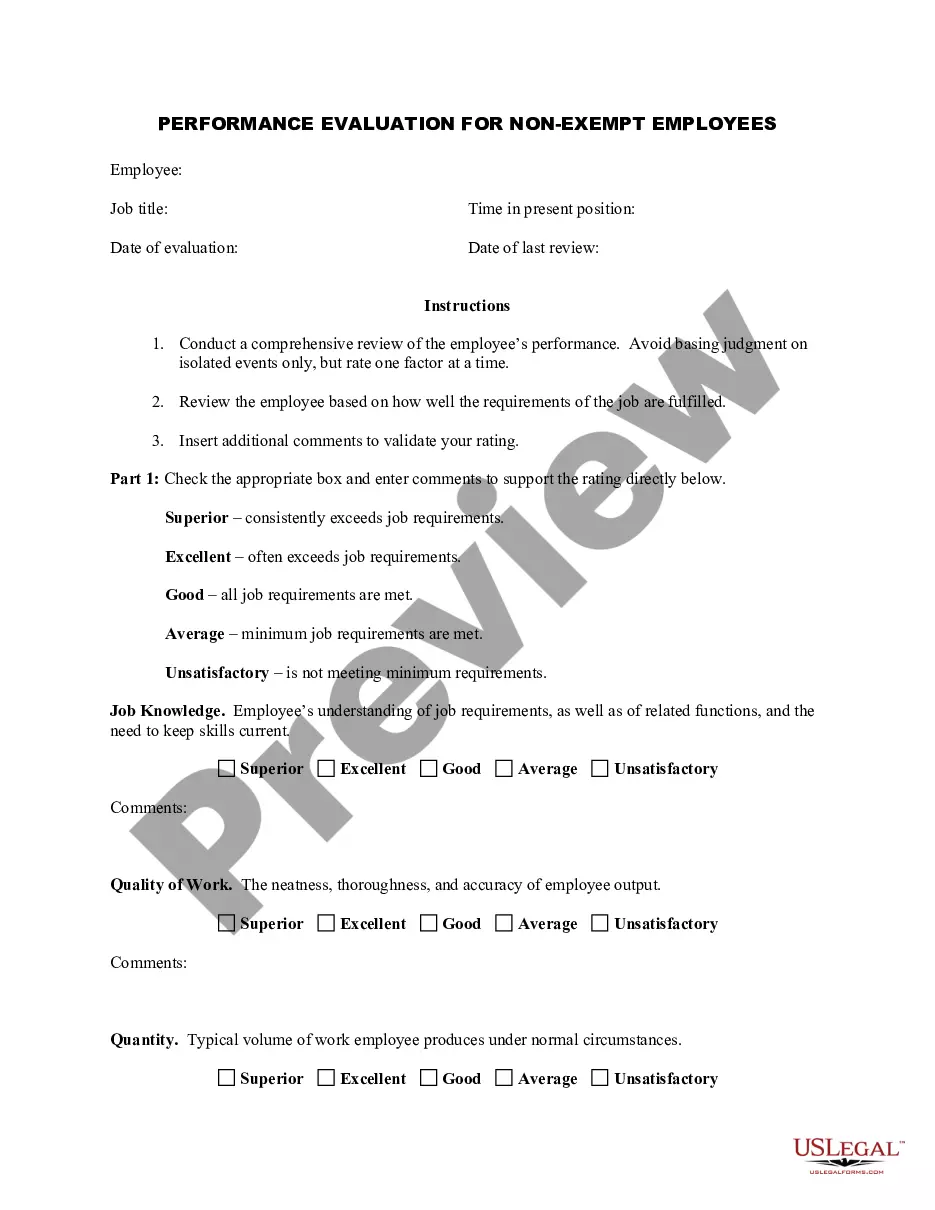
The Employee Evaluation Form for Soldier is a performance review document tailored specifically for non-exempt employees in military settings. This form assists in evaluating the employee's job performance based on how effectively they fulfill their job requirements. It provides a structured approach to assess various performance aspects, distinguishing it from generic employee evaluation forms.
Key parts of this document
- Job title: Specifies the employee's position.
- Date of evaluation: Records when the evaluation is conducted.
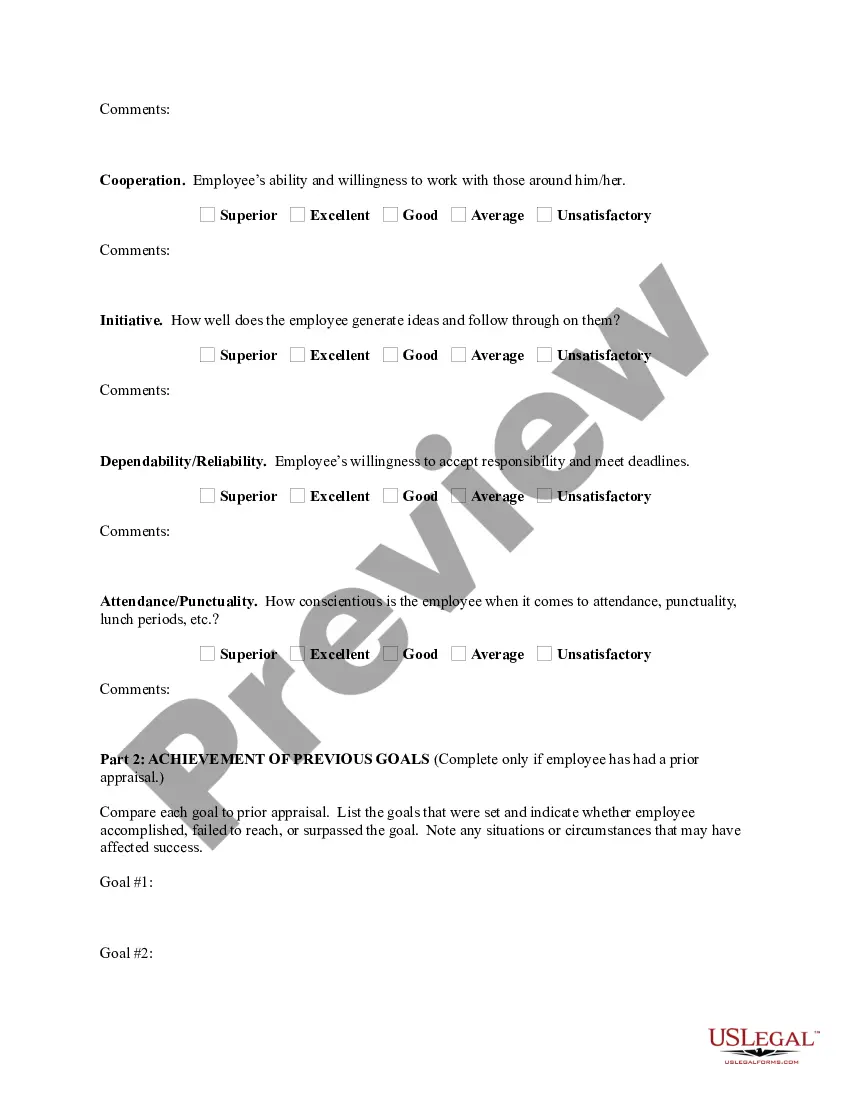
- Performance categories: Areas such as job knowledge, quality of work, and cooperation with colleagues.
- Rating scale: A scale that includes categories such as superior, excellent, and unsatisfactory.
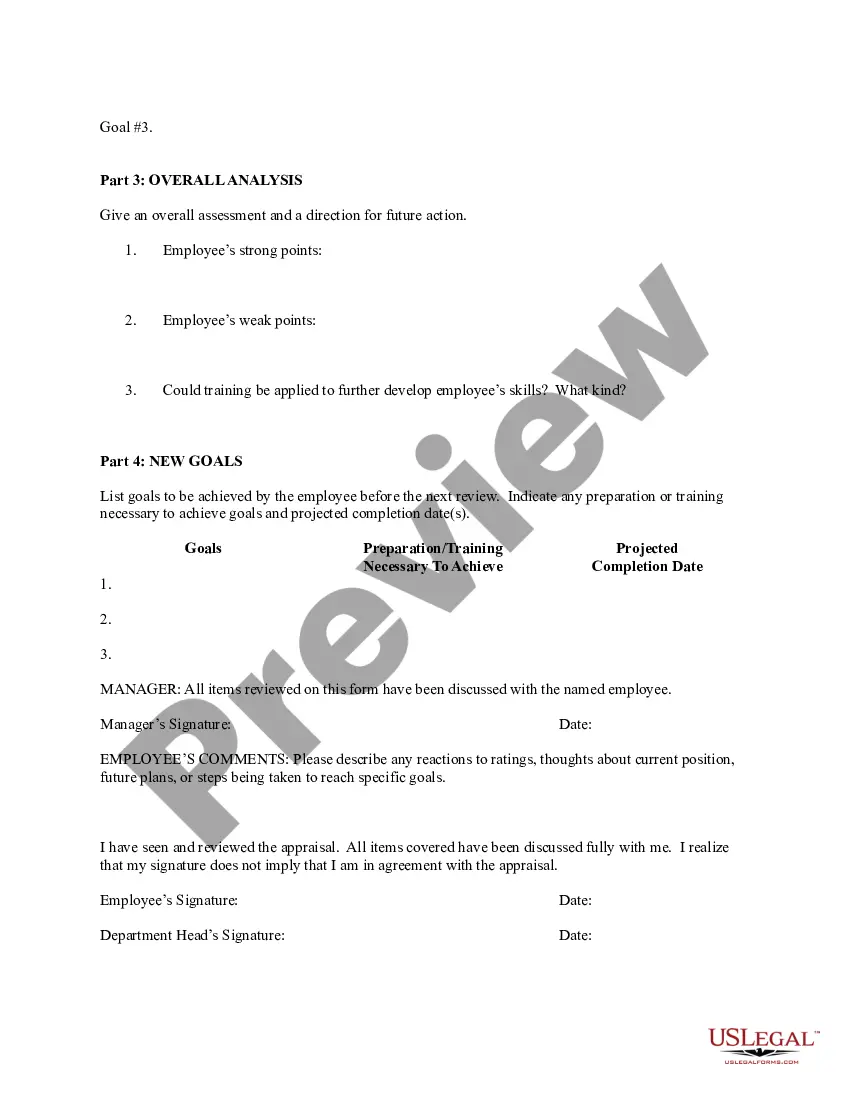
- Goals achievement section: Reviews previously set goals and assesses the employee's success in achieving them.
- Overall analysis: An area for a comprehensive conclusion on the employeeâs performance with future recommendations.
When this form is needed
This form is essential for military supervisors and managers who need to conduct formal performance reviews of their non-exempt employees. It is used during periodic evaluations and can also be implemented for special assessments, such as for promotions, training needs, or when addressing performance issues.
Intended users of this form
- Military supervisors and managers responsible for employee evaluations.
- Human resources personnel involved in performance assessments.
- Department heads seeking to provide structured feedback to their team members.
Instructions for completing this form
- Identify the employee's job title and ensure the date of evaluation is filled in.
- Rate the employee on various performance categories using the provided scale.
- Provide specific comments to validate each rating, focusing on strengths and areas for improvement.
- Review past goals and indicate whether they were achieved, not met, or surpassed.
- Complete the overall analysis summarizing the findings and setting future goals.
- Ensure both manager and employee sign and date the evaluation to acknowledge the review process.
Is notarization required?
This form does not typically require notarization unless specified by local law. It serves as an internal document between supervisors and employees for performance evaluations.
Get your form ready online
Our built-in tools help you complete, sign, share, and store your documents in one place.
Make edits, fill in missing information, and update formatting in US Legal Forms—just like you would in MS Word.
Download a copy, print it, send it by email, or mail it via USPS—whatever works best for your next step.
Sign and collect signatures with our SignNow integration. Send to multiple recipients, set reminders, and more. Go Premium to unlock E-Sign.
If this form requires notarization, complete it online through a secure video call—no need to meet a notary in person or wait for an appointment.
We protect your documents and personal data by following strict security and privacy standards.

Make edits, fill in missing information, and update formatting in US Legal Forms—just like you would in MS Word.

Download a copy, print it, send it by email, or mail it via USPS—whatever works best for your next step.

Sign and collect signatures with our SignNow integration. Send to multiple recipients, set reminders, and more. Go Premium to unlock E-Sign.

If this form requires notarization, complete it online through a secure video call—no need to meet a notary in person or wait for an appointment.

We protect your documents and personal data by following strict security and privacy standards.
Common mistakes
- Failing to provide specific examples to justify performance ratings.
- Relying solely on recent performance instead of considering the entire review period.
- Not ensuring both parties sign the form, which is crucial for acknowledgment.
- Neglecting to set clear and measurable future goals.
Advantages of online completion
- Convenient access 24/7 from any device, allowing for flexible completion.
- Editability ensures that multiple drafts can be made without starting from scratch.
- Reliable storage and record-keeping for future reference and follow-up evaluations.
Looking for another form?
Form popularity
FAQ
Once you have collected all the information and completed the training modules, select Create NCOER Support Form tab. Enter DOD ID # (back of CAC card or as identified on Attachment 2) OR enter the SSN after clicking the SSN box. The profile screen will appear. Fill in or Import your data from your CAC.
An NCOER (DA Form 2166-8) is a form used to document a person's performance for a specific length of time --usually a year. Everyone in the Army has their performance rated and recorded this way and, if you're a supervisor, you'll be responsible for writing NCOERs for the people you report on.
NCOER: The Rated Soldier's rank and date of rank can be changed once the Rater's overall assessment box check is UNLOCKED. To unlock the overall assessment, signatures must be removed and the Rater must select UNLOCK on step 6 of 6 within the Rater's section.
Evaluation Entry System (EES) is the Army's forms system for Army Officer Evaluation Reports (OERs) and NonCommissioned Officer Evaluation Reports (NCOERs).
Download: DA Pam 623-3 This pamphlet prescribes the policy and tasks for the Army's Evaluation Reporting System, including Officer, Noncommissioned Officer, and academic evaluation reports focused on the assessment of performance and potential.
54 Page 3 3 Accessing the Evaluation Entry System (EES) Users must use the https://evaluations.hrc.army.mil/ web address to access EES. Users will select their Digital Certificate and select OK. After users select the appropriate CAC card certificate, the web address will take users to the Terms of Use page.
A 2/2 is a good rating. In fact, NCOs who used to give out 1/1s were doing Soldiers a disservice.A Soldier should show a gradual improvement over time.
NCOER Support Form Indicates if the soldier has met the Structured Self-Development and NCO Education System requirements for promotion to the next higher grade. 2022 Includes the rated soldier's performance goals and expectations.
Enter the title of the task and its 10-digit number in the applicable box. The number of each performance measure should be entered into Column A. Enter the name of each performance measure that corresponds with the number in Column A in Column B.